
Sometimes the best thing you can do for your growth as a designer is to stop waiting for the perfect idea, or the perfect time to start.
Open the file. Make the first draft. Learn the skill. Post the work.
Progress comes from creating, not overthinking.
What's one design project you're starting this week? We will be reading them in the comments. 👇
#designlearning #graphicdesign #designcommunity #creatives
1
2
57

May 14
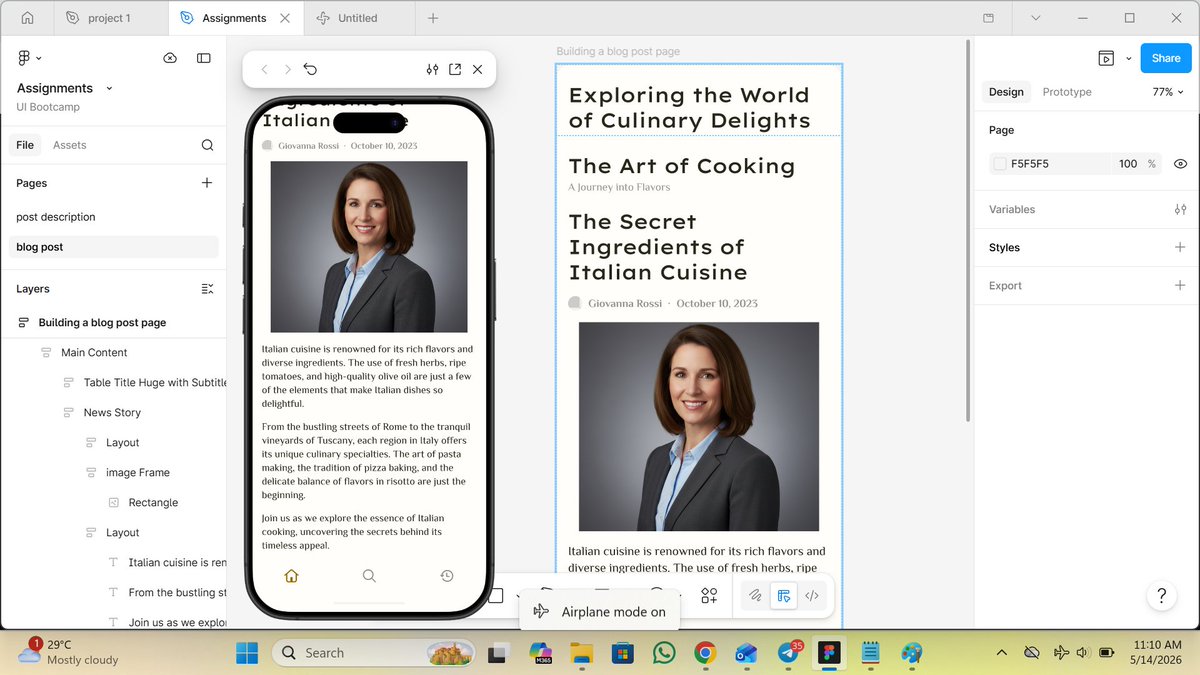
Hey guys, am happy to share my very first project task from the "UI Bootcamp Mastery Class!" 🚀
A huge thank you to @Aarondioo sir for such an incredible learning experience!
#DesignLearning #Figma #DesignCommunity #ProductDesign #FrontendDevelopment #CreativeJourney
2
1
4
88

Apr 26
Quick question for designers 👇
What’s the BEST way to get better at UI/UX faster?
• Recreate designs?
• Watch tutorials?
• Build from scratch?
I’m trying to level up fast.
#UIUX #DesignLearning
4
6
17
265

Day 23/30 of my UI/UX Challenge 🚀
Today I learned about microinteractions the small but powerful details that shape how users feel when using a product.
#M4ACELearningchallenge
#Learninginpublic
#UIUX #UXDesign #ProductDesign #DesignLearning #30DaysChallenge

2
3
35

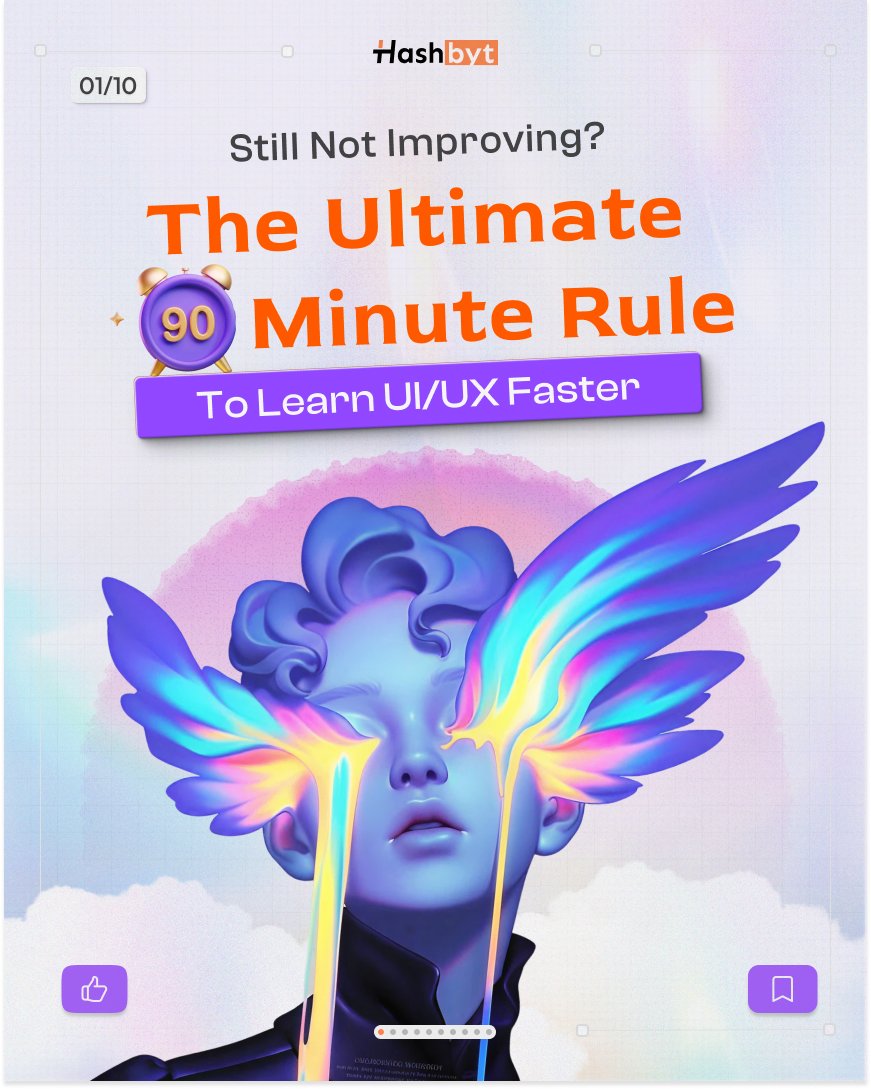
You’re not bad at UI/UX.
You’re just learning the wrong way.
Here’s the 90-minute rule that changes everything 👇
#UIUX #DesignLearning #ProductDesign
1
1
4
35
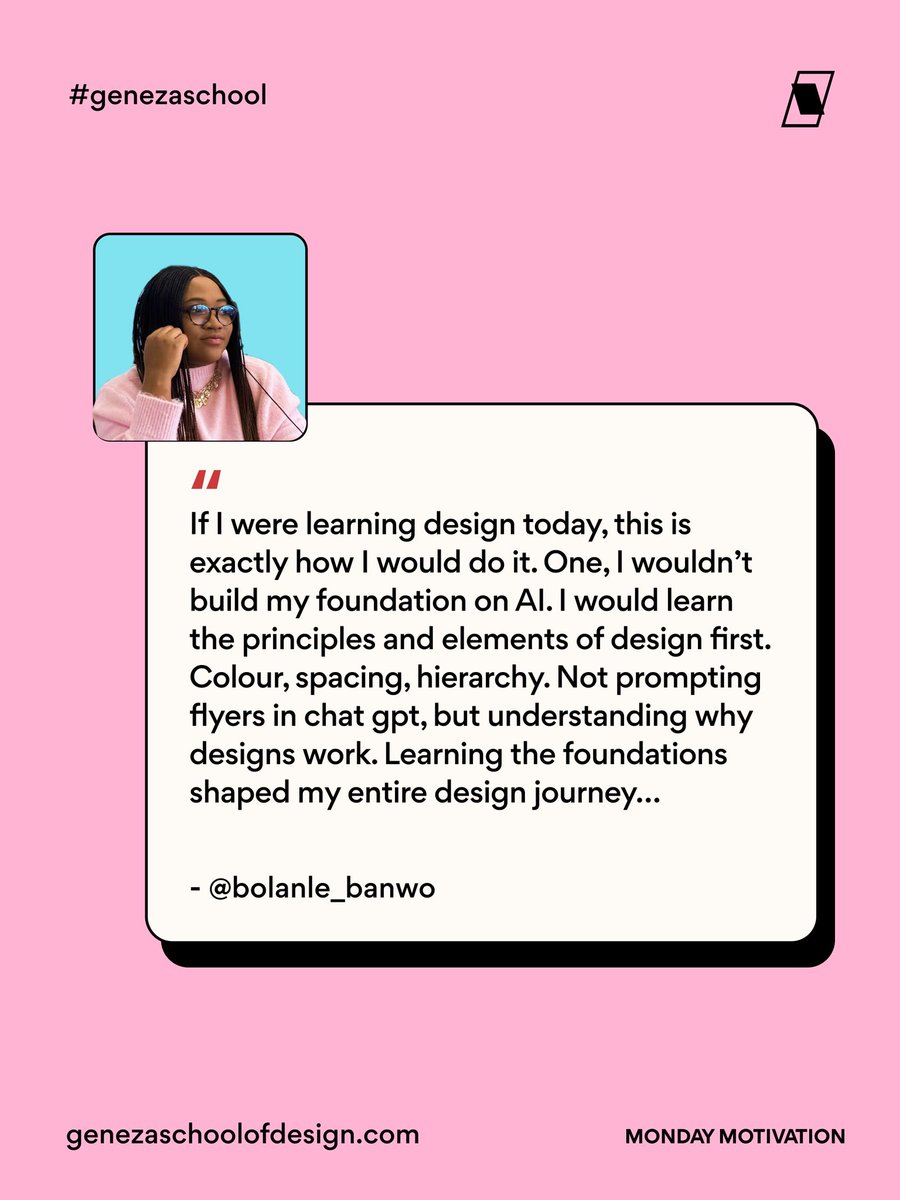
Many designers are excited about new tools, especially AI tools.
But this reminder brings the focus back to the fundamentals that make design work in the first place.
Before the tools, there’s the thinking. Understanding colour, spacing, balance, and how a viewer’s eye moves across a design.
Those lessons may feel slow at first, but they shape the way you approach every project afterward.
Thank you @BolanleBanwo for this priceless reminder. Wishing you a beautiful and productive week ahead! 🚀
#designfundamentals #designprinciples #graphicdesigntips #designlearning #designjourney
1
7
103

Mar 14
𝐃𝐚𝐲 𝟏𝟒 𝐨𝐟 𝐫𝐞-𝐥𝐞𝐚𝐫𝐧𝐢𝐧𝐠 𝐟𝐫𝐚𝐦𝐞𝐫 𝐮𝐧𝐭𝐢𝐥 𝐢 𝐠𝐞𝐭 𝐦𝐲 𝐟𝐢𝐫𝐬𝐭 𝐠𝐢𝐠
Today I experimented with a horizontal smooth scroll animation.
The goal was to make content move naturally as users navigate across sections, instead of feeling abrupt or static.
What I learned:
• Smooth horizontal movement helps guide attention
• Transitions make the interface feel more fluid
• Small motion details improve the overall experience
Animations are not just for aesthetics. They help users understand where they are and where they are going.
Still learning.
Still refining.
#UIDesign #UXDesign #MicroInteractions #DesignLearning #BuildInPublic #ProductDesign
Mar 13

𝗗𝗮𝘆 𝟭𝟯 𝗼𝗳 𝗿𝗲-𝗹𝗲𝗮𝗿𝗻𝗶𝗻𝗴 𝗳𝗿𝗮𝗺𝗲𝗿 𝘂𝗻𝘁𝗶𝗹 𝗶 𝗴𝗲𝘁 𝗺𝘆 𝗳𝗶𝗿𝘀𝘁 𝗴𝗶𝗴
In order to get more grounded in framer, I focused on optimization for different screens. A website might look perfect on desktop, but the real test is how it behaves on tablet and mobile.
So today was about refining:
• Breakpoints
• Spacing adjustments
• Section behavior across screens
• Text readability on smaller devices
• Keeping animations smooth across layouts
Because great websites aren’t just designed for one screen. They’re designed for every screen.
Still building. Still improving.
#BuildInPublic #Framer #NoCode #WebDesign #ResponsiveDesign #UIDesign #UXDesign #ProductDesign #DesignSystems #DigitalDesign #TechCreators #DesignJourney #CreativeGrowth #StartupDesign
2
5
93
Design is evolving fast.
If you build digital products, studying UX patterns is essential.
Save this thread for your next product review.
#UXDesign #ProductDesign #DesignLearning
4
39

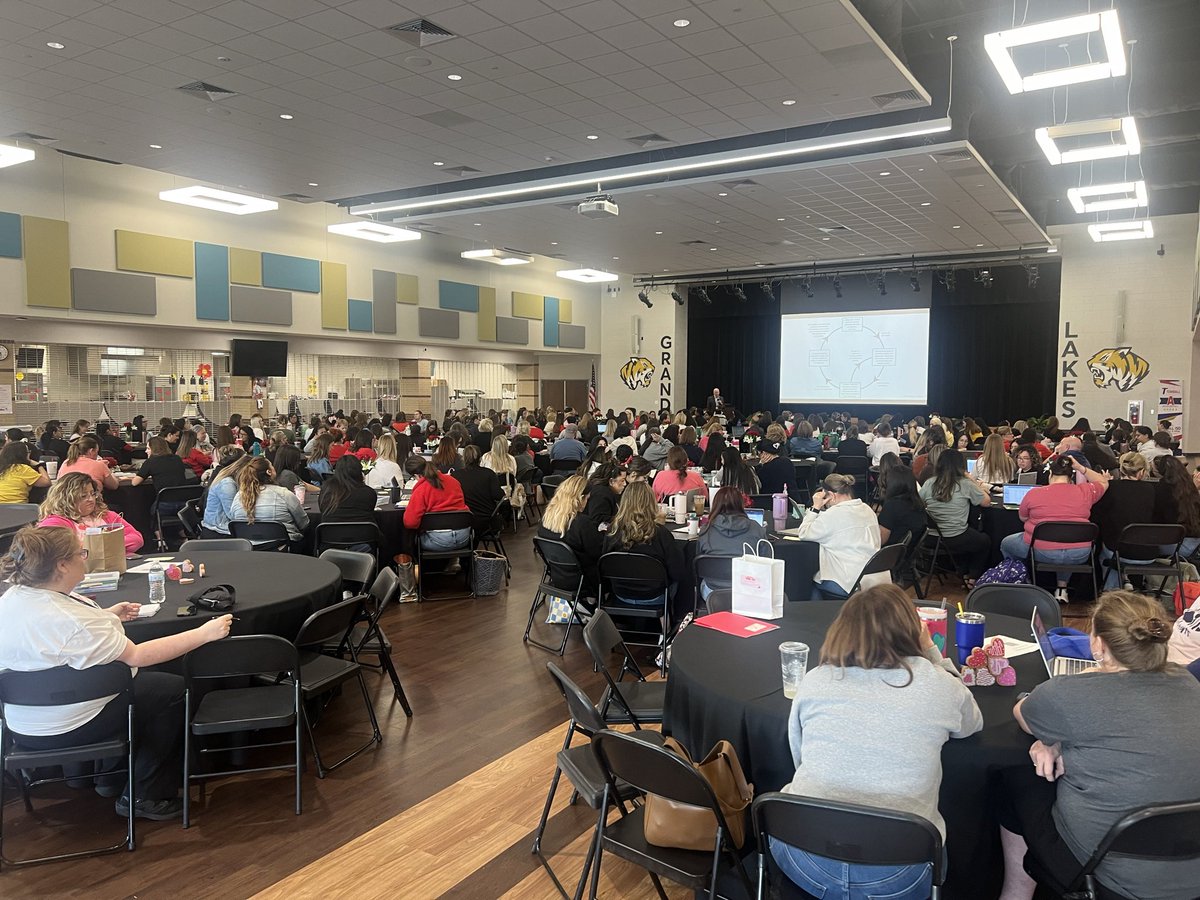
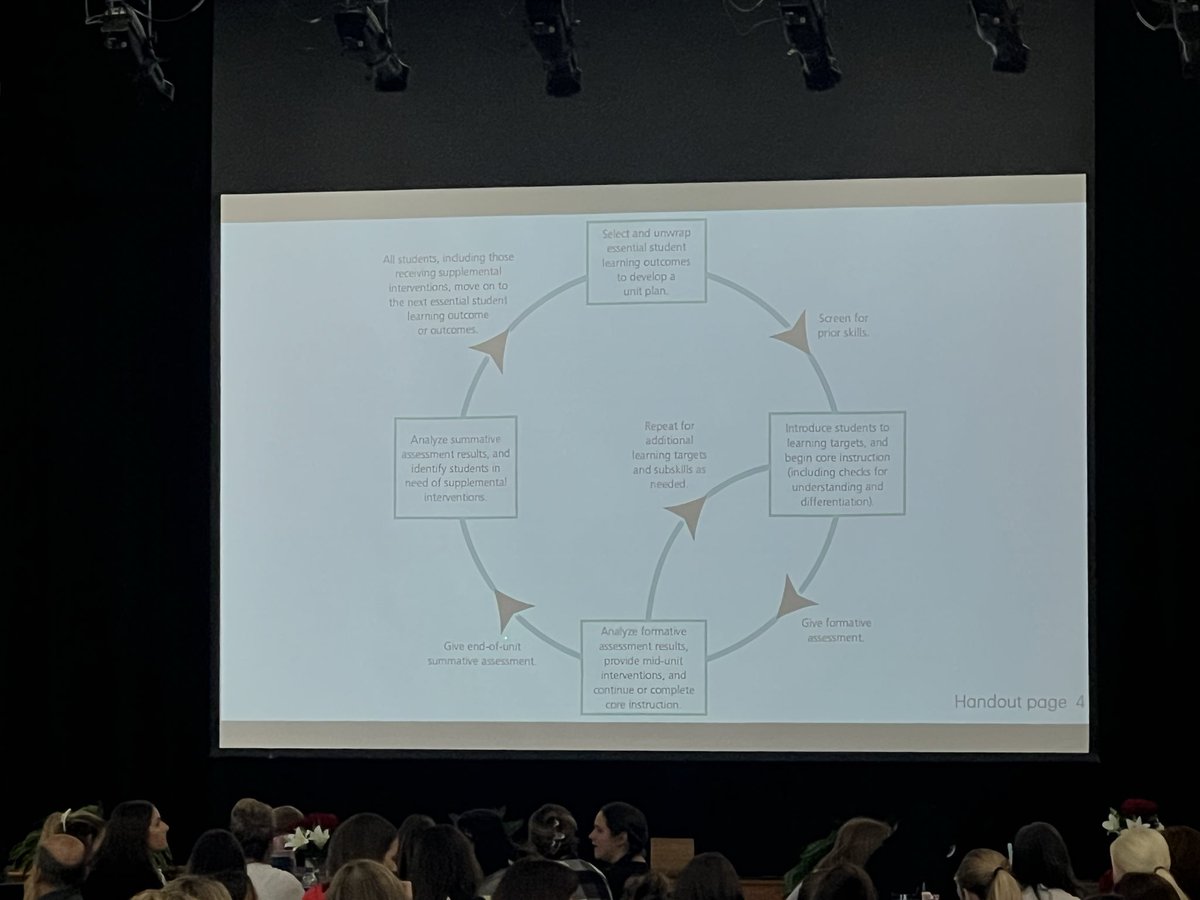
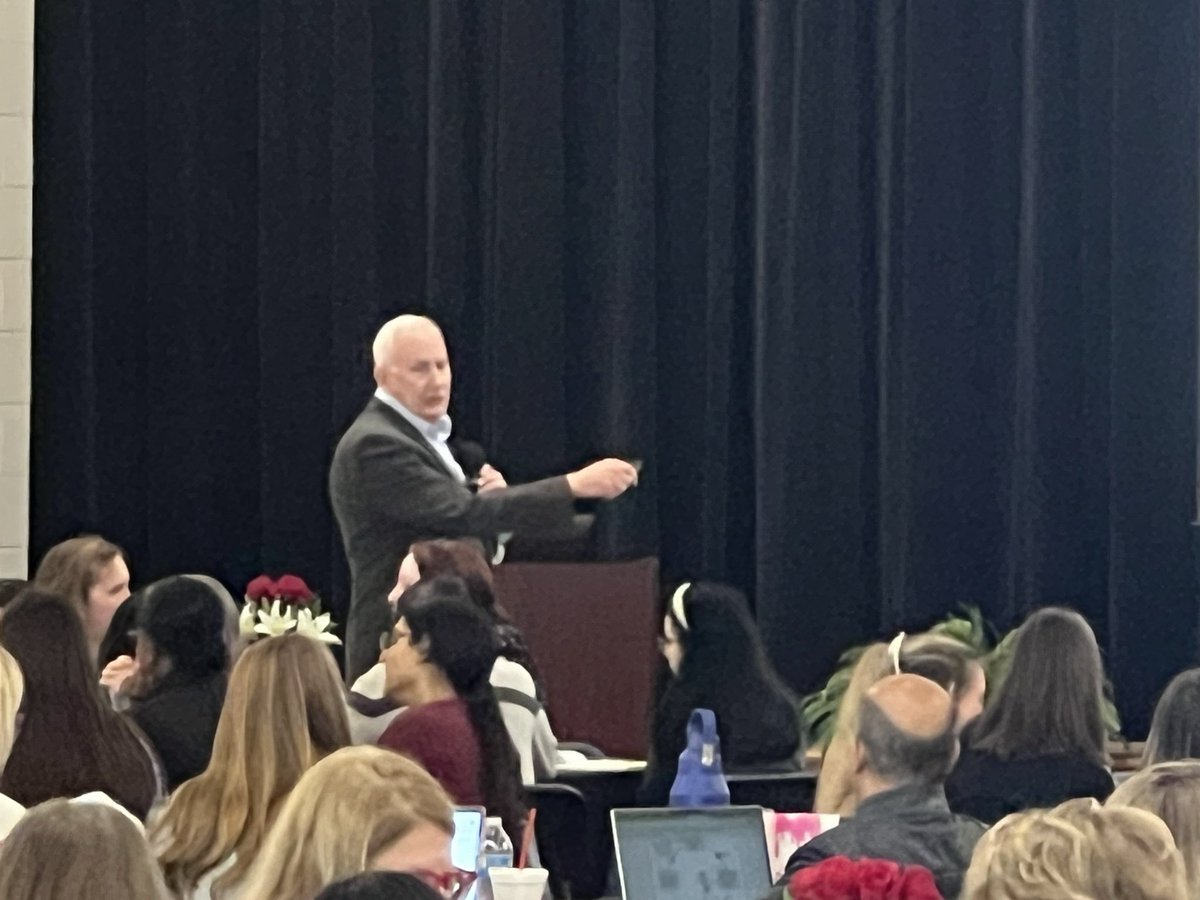
“Where are we now, and where will we go from here?” @SolutionTree What a GREAT start to our @TomballISD district-wide PLC day!! #DesignLearning #AllIn
2
10
377

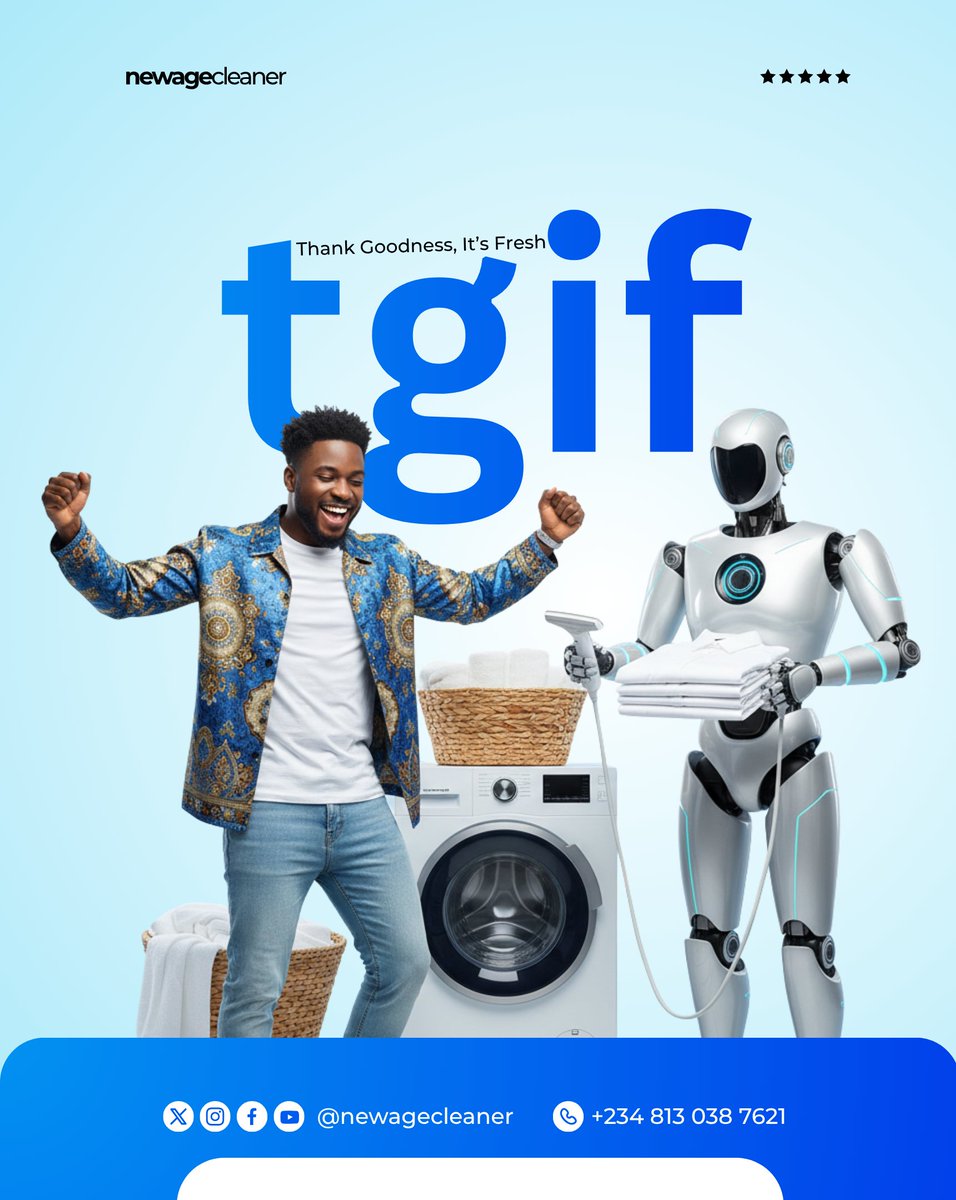
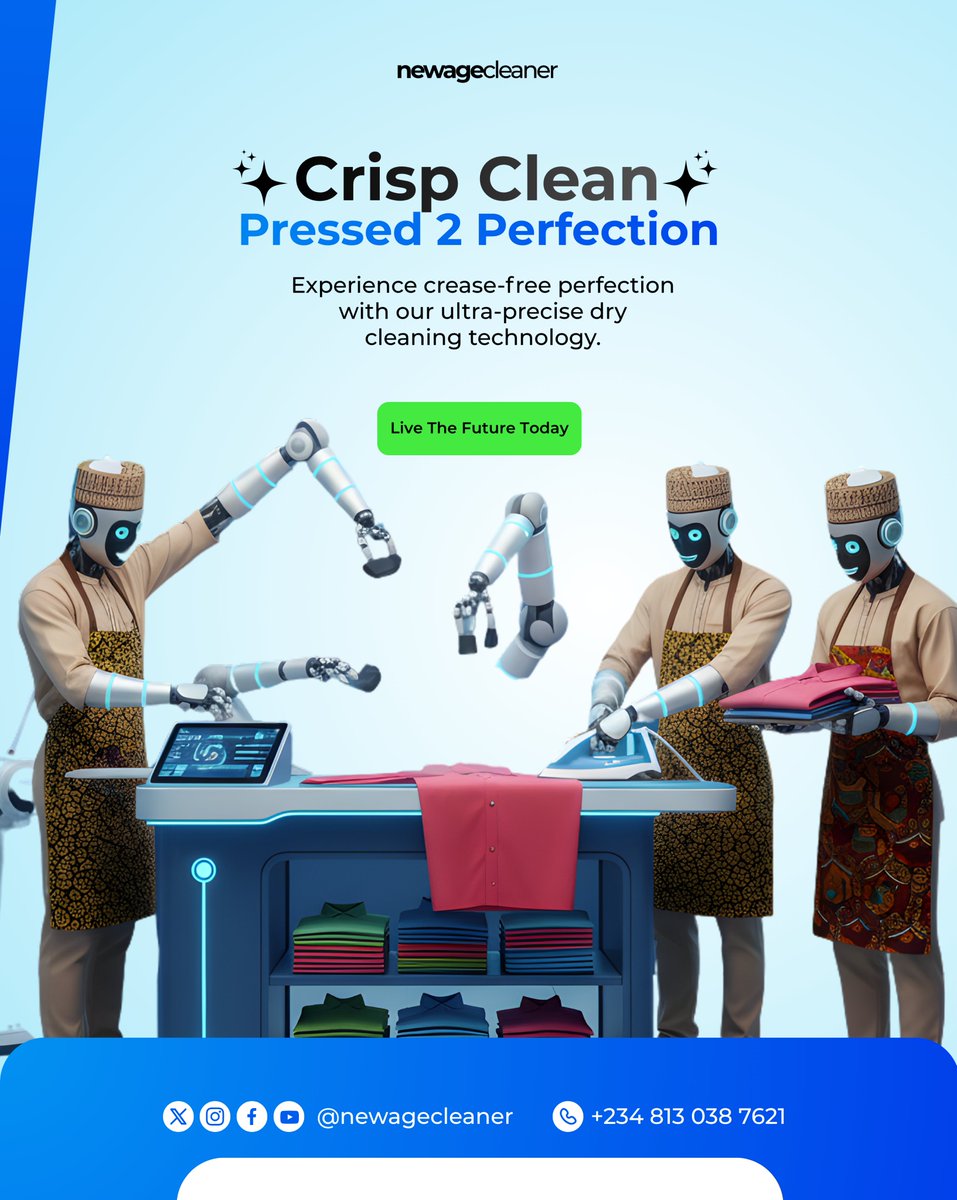
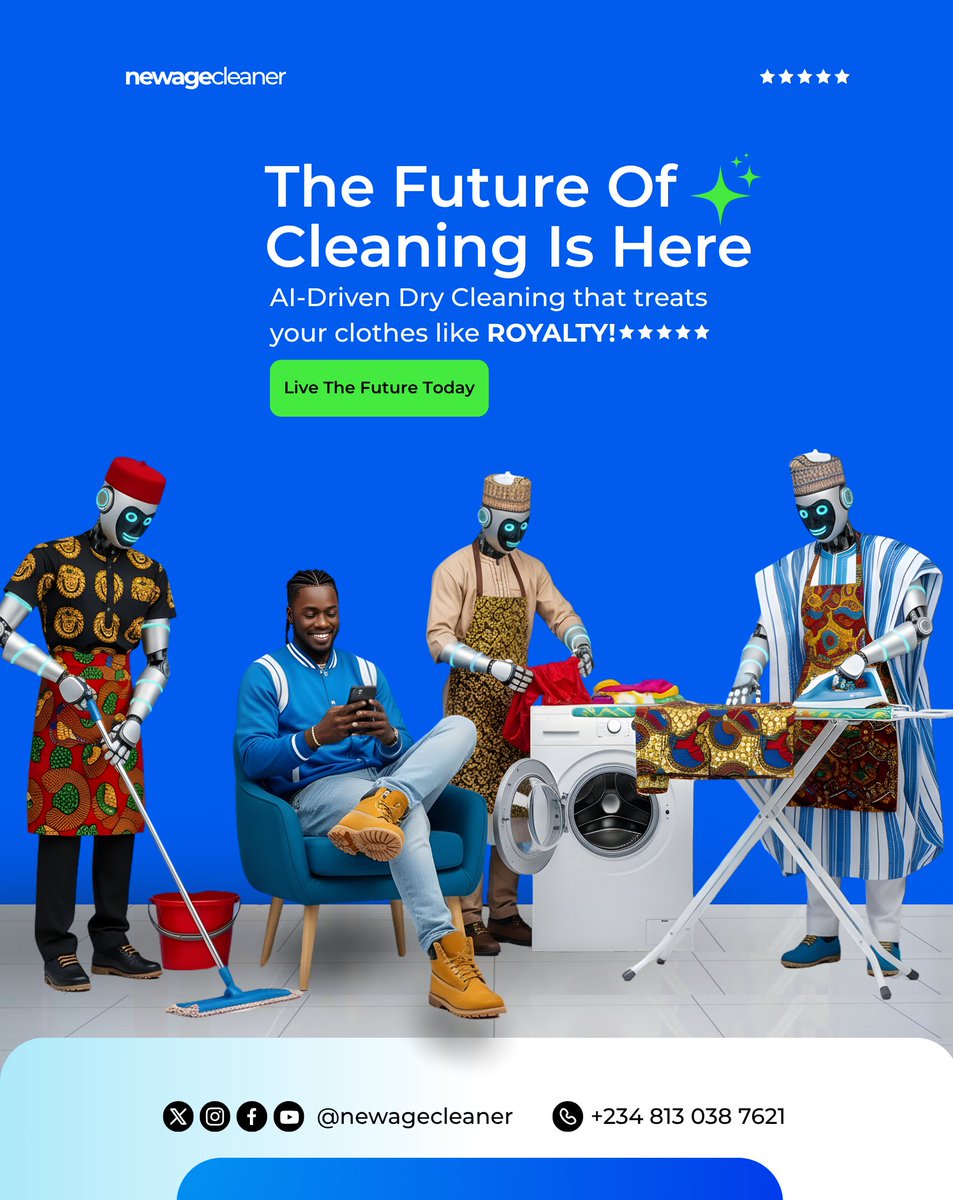
Hello X.
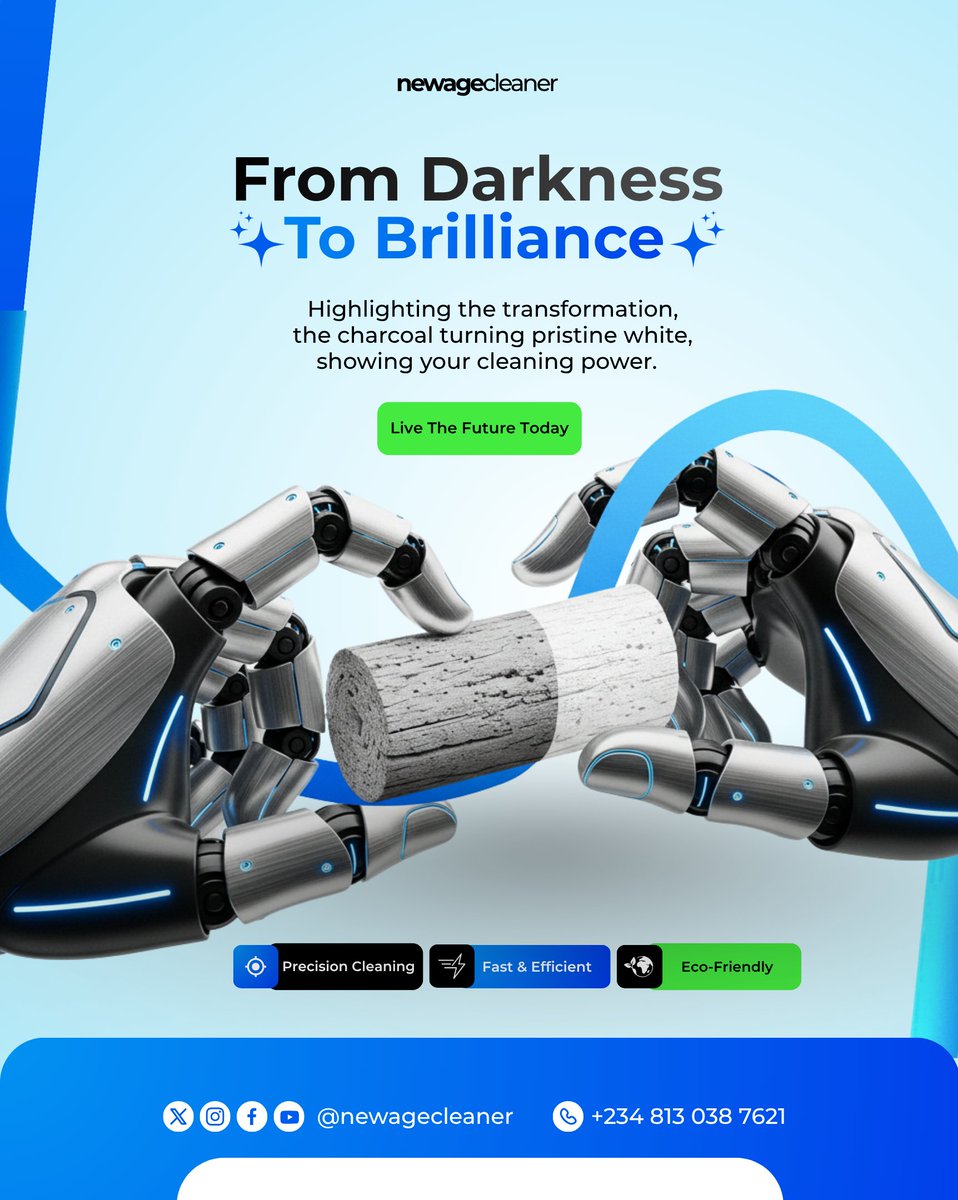
I replicated this design as part of my learning process.
Not copying but studying.
Sometimes you rebuild great work just to understand the thinking behind it, the tiny decisions people don’t notice.
That’s how growth happens.
Kindly Repost.
#DesignLearning #Designs
1
2
7
110
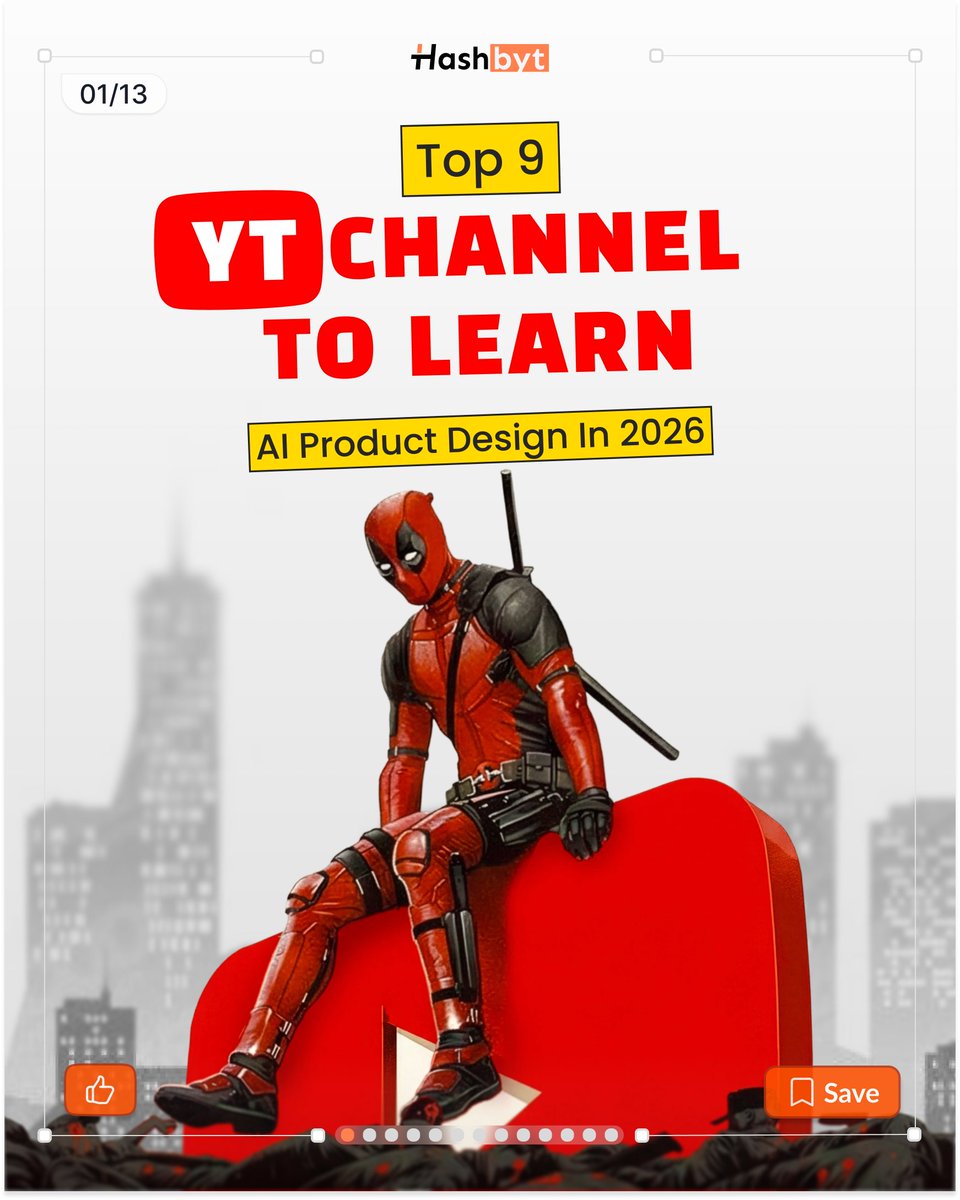
Designing AI products in 2026 isn’t about tools.
It’s about clarity, trust, and execution.
Here are 9 YouTube channels that actually help you grow.
#ProductDesign #DesignLearning
2
1
7
41

Feb 6
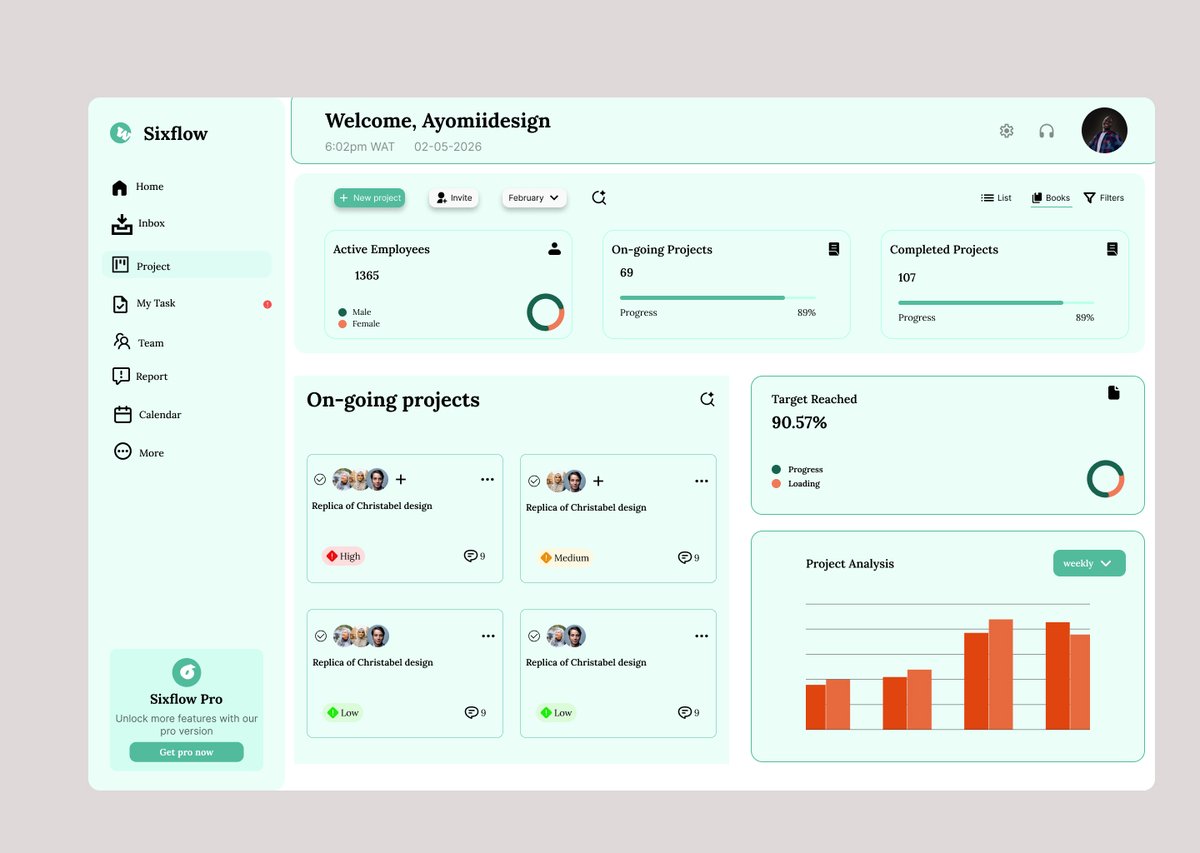
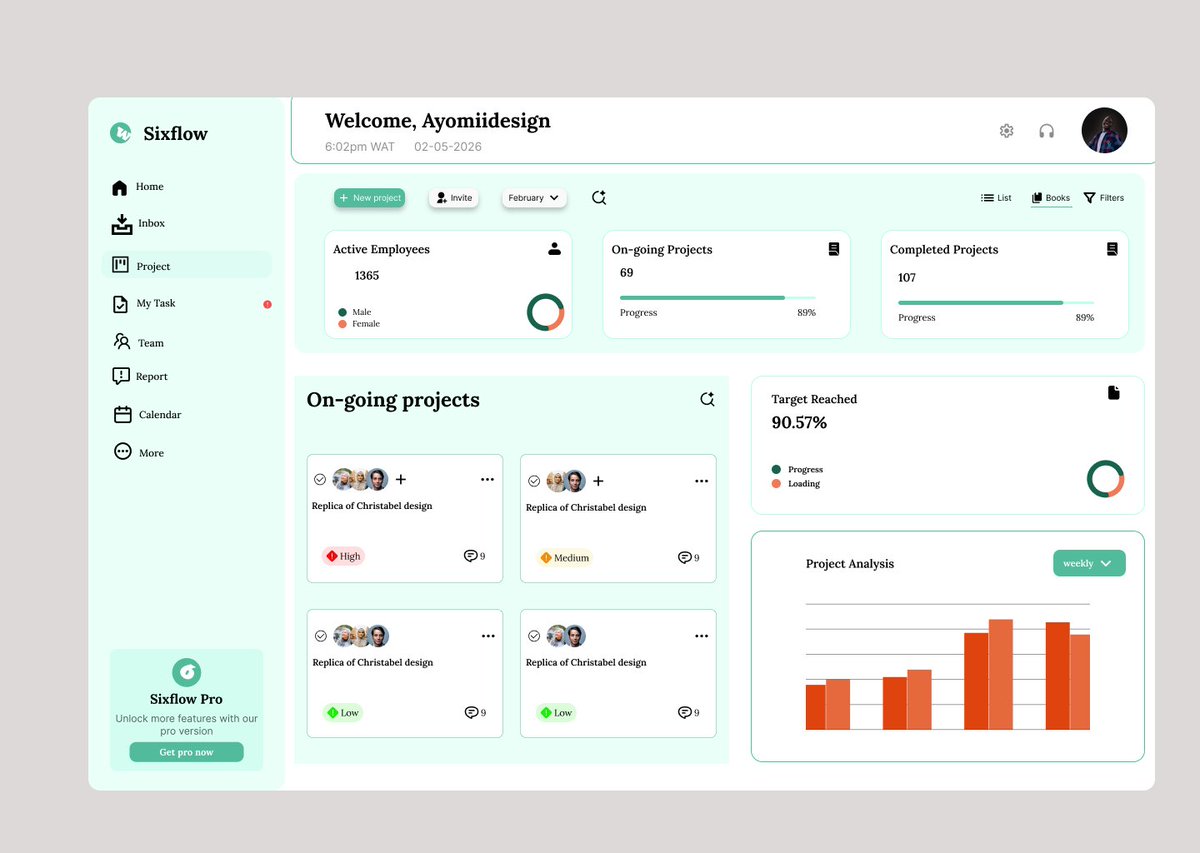
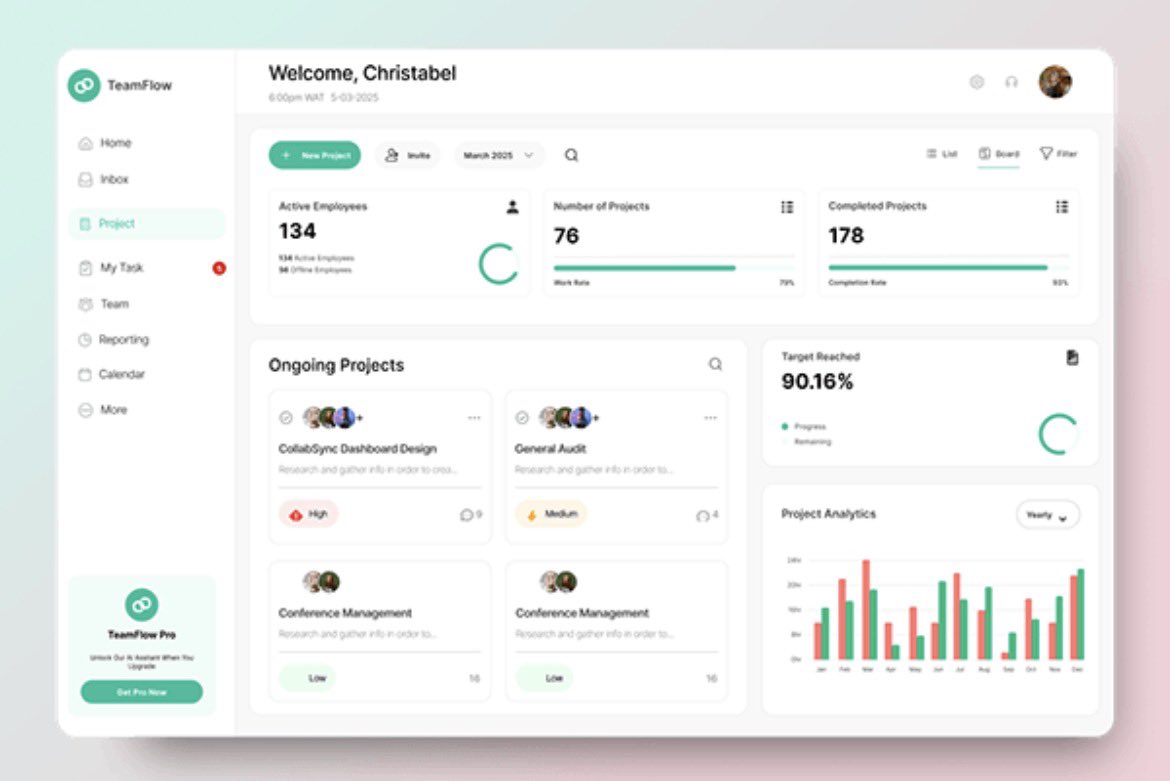
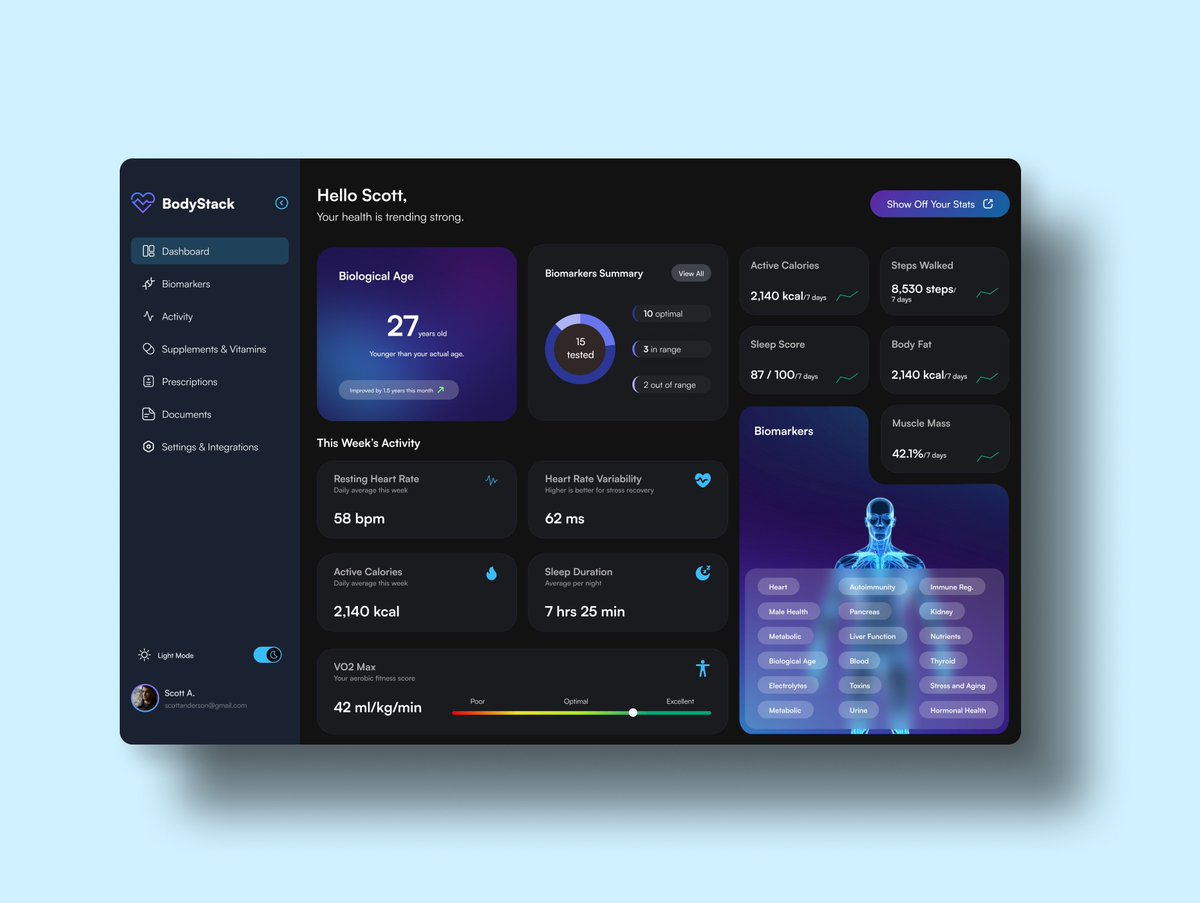
Hey @ChristyGodswil so I decided to spend some time replicating your dashboard design to level up my UI skills.
I played around with two color variations for the data widgets one that’s more cohesive and one with higher contrast. Which one do you think works better for the user?
#UIUX #DesignLearning #Sixflow

3
6
462

Jan 27
Practicing with Adobe Illustrator's Shape Builder tool by creating this parrot. Learning how to combine and edit shapes to build vector illustrations.
#AdobeIllustrator #VectorArt #GraphicDesign #IllustratorPractice #DesignLearning
3
72
Jan 27
Practicing with Adobe Illustrator's Shape Builder tool by creating this parrot. Learning how to combine and edit shapes to build vector illustrations.
#AdobeIllustrator #VectorArt #GraphicDesign #IllustratorPractice #DesignLearning

3
56

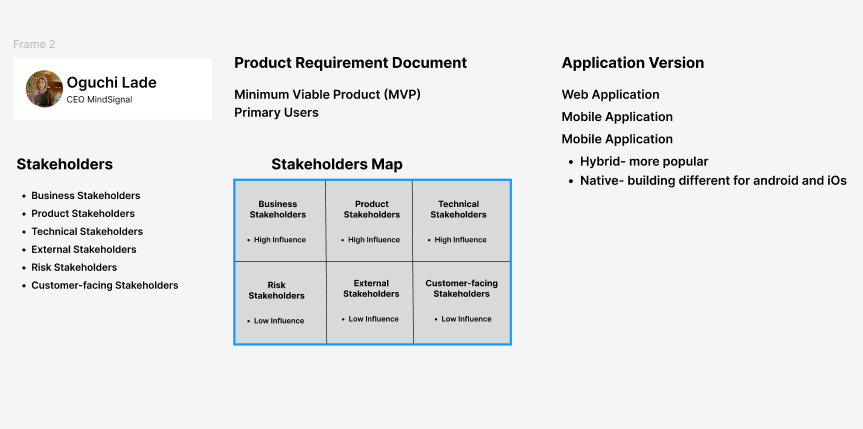
Day 30 at @devanddesignhq focused on Antigravity, extensions and improving workflow in product design.
We explored live previews, stakeholder roles and the importance of feedback in building ready to use products.
#DesignLearning #UIDesign #ProductDesign
5
54

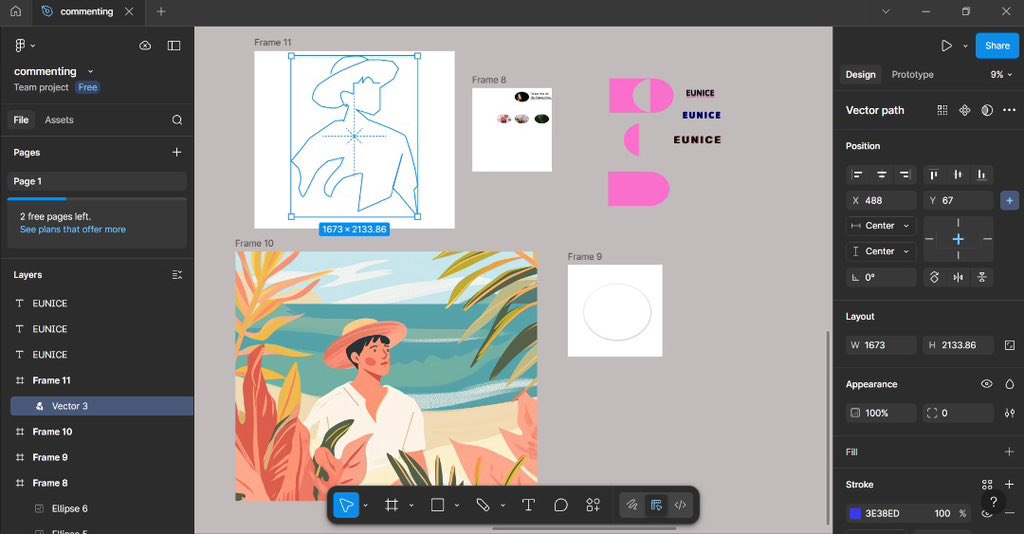
Level unlocked in today's beginner UI/UX lesson! 🚀 I covered:
1. Masking & Clipping
2. Plugins & Boolean Groups
3. Alignment & Effects
4. Mastering the Pen Tool
#DesignLearning #UIUXDesign #DesignBasics
4
62
31 Dec 2025
My First Mobile App design. ( still in progress )
Chop well is a food(Burger) delivery app..
I am not perfect yet, but I am better than I was yesterday.
#UIUXDesign #ProductDesign #UXDesign #UIDesign #Figma #DesignLearning
1
108

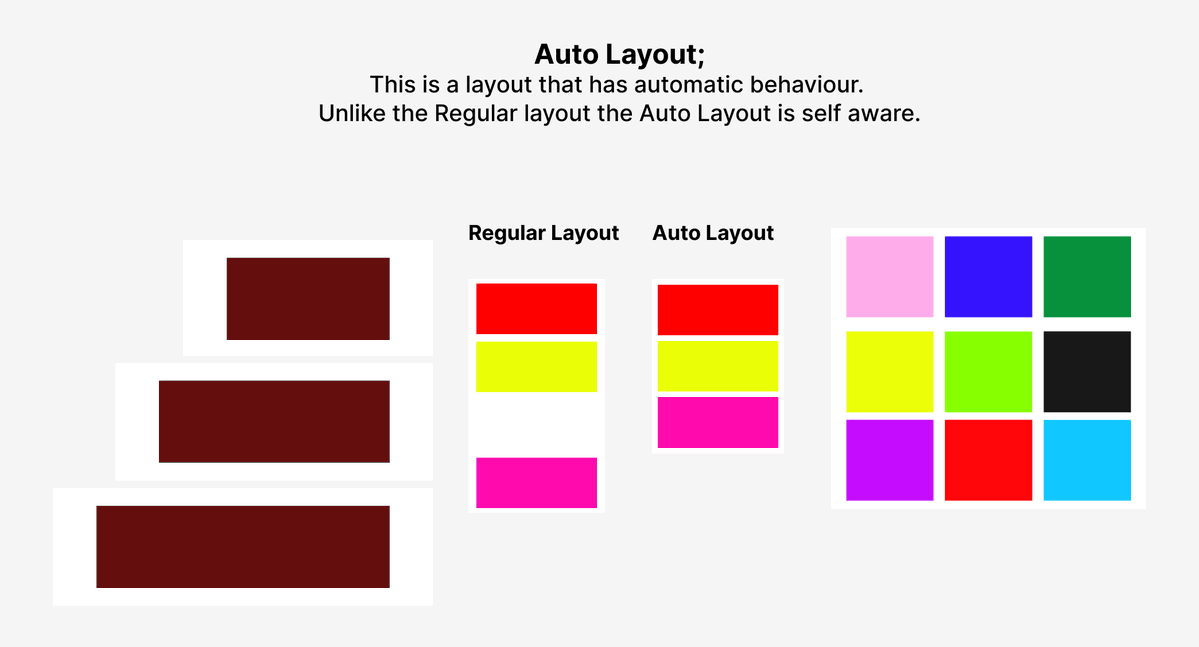
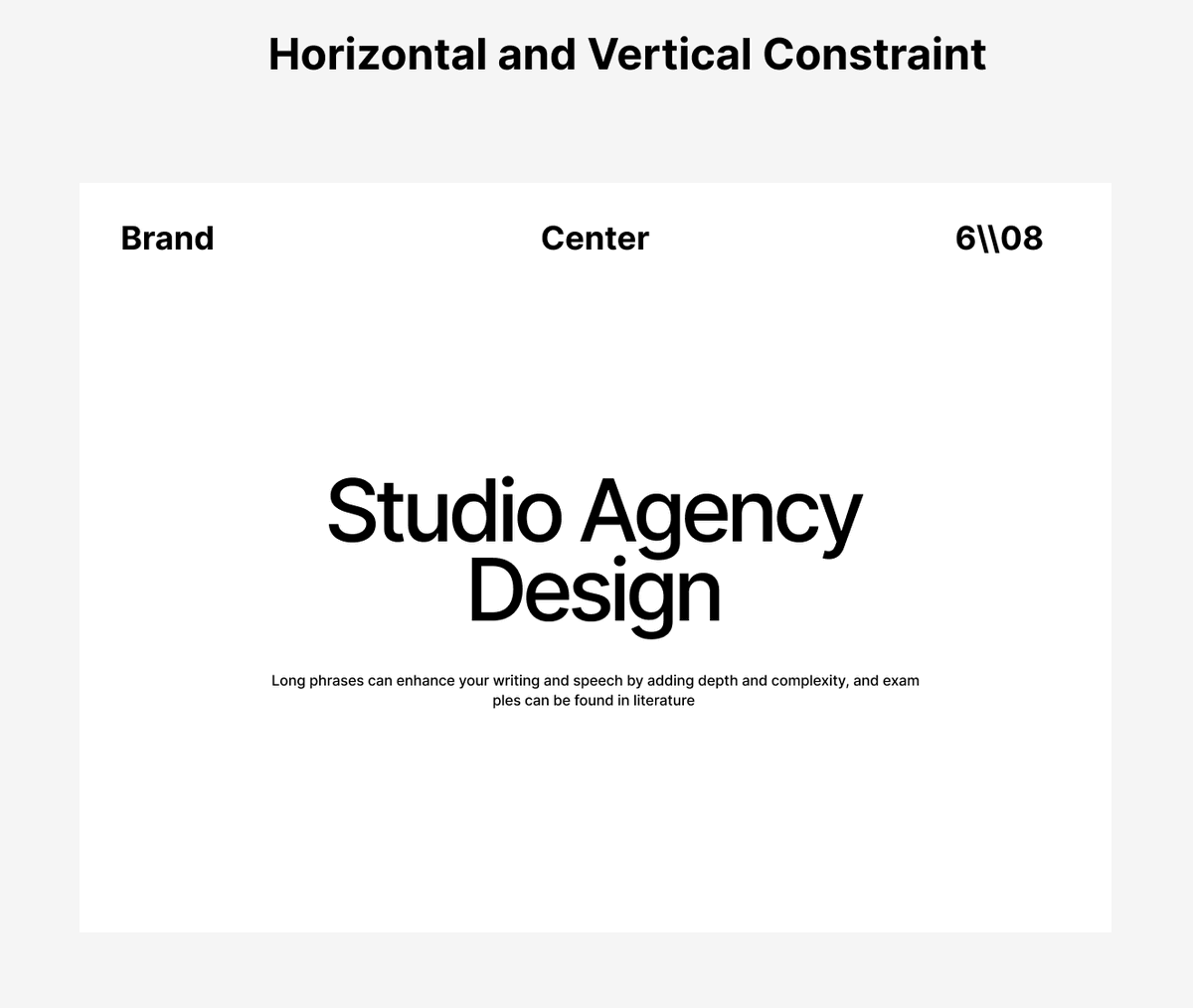
Day 14 - UI/UX
We focused on how to identify an Auto Layout, how it behaves from a regular layout, and how to create one.
We also dove into Horizontal & Vertical Constraints and how they keep elements fixed or stretching when a frame resizes.
#UIUX #Figma #DesignLearning
3
7
115

16 Dec 2025
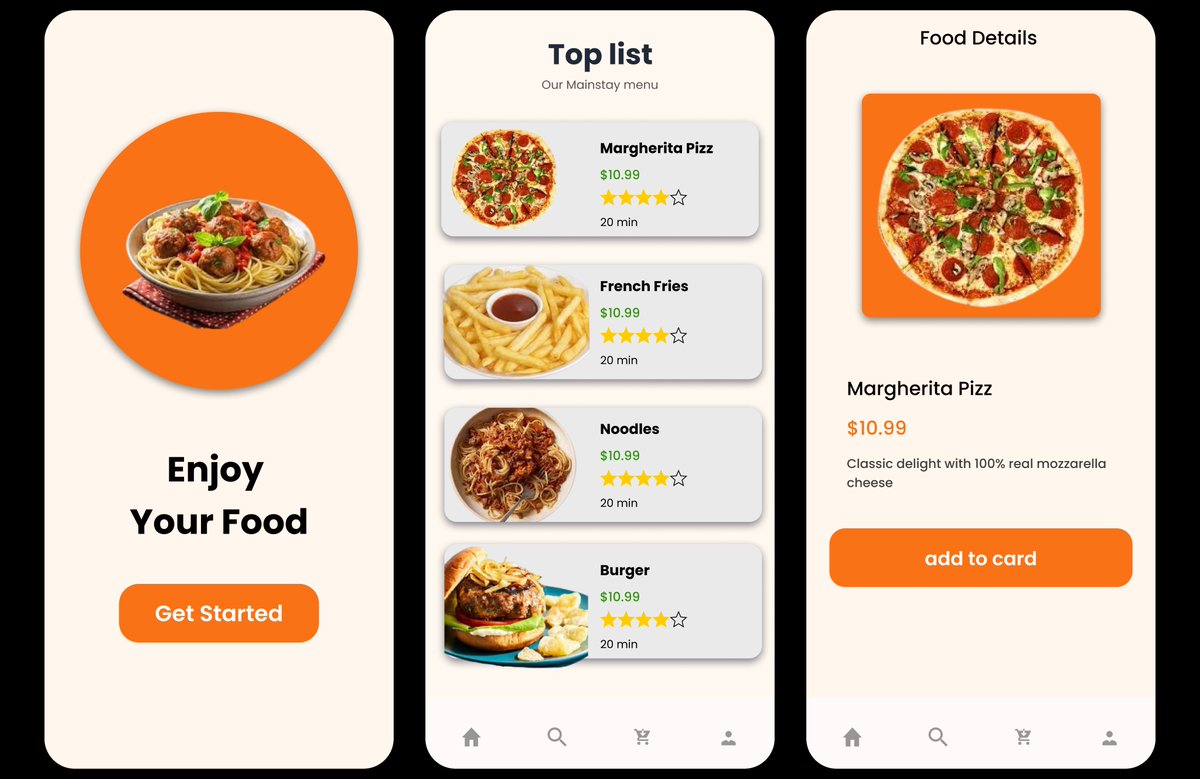
Learning UI/UX
Shared my food app design made in Figma.
Open to feedback
#UIUXDesign #Figma #DesignLearning
3
10
225

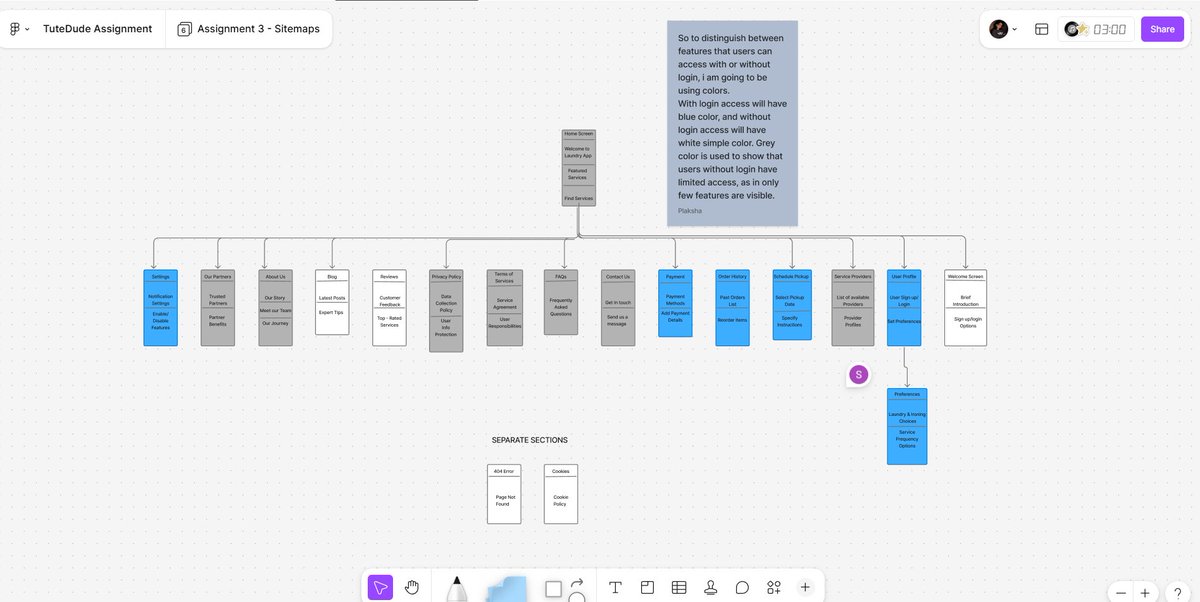
Day 42/70 - Design Challenge
Today’s a win.
After tons of feedback, revisions, and rethinking the entire structure, my sitemap assignment is finally completed and approved 🎉
I didn’t even know we had to show screens accessible without login, learned a lot about states, access levels, and how to visually communicate them.
This one took WORK
…but it’s done.
On to the next ✨
#70DaysOfDesign #UXDesign #Sitemaps #InformationArchitecture #DesignLearning
2
61