


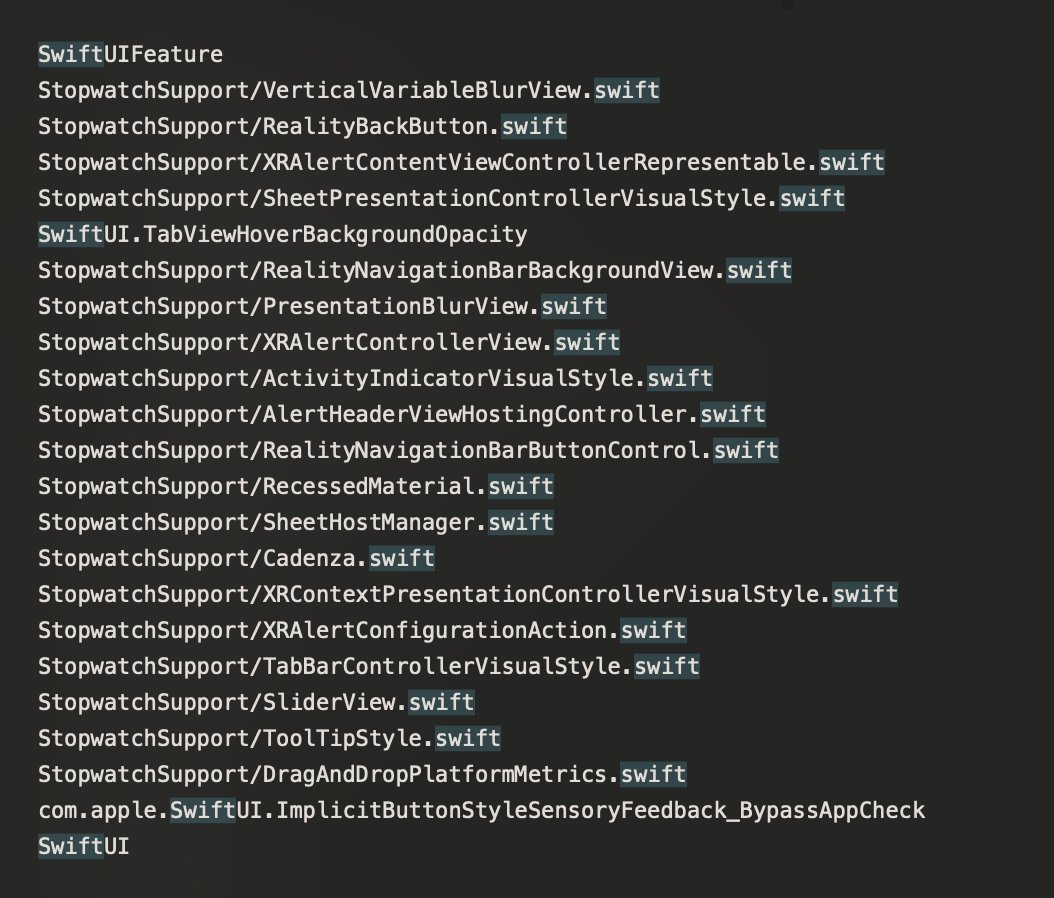
ALT Relative .swift source code paths in StopwatchSupport, which look very similar naming-wise to DesignLibrary.
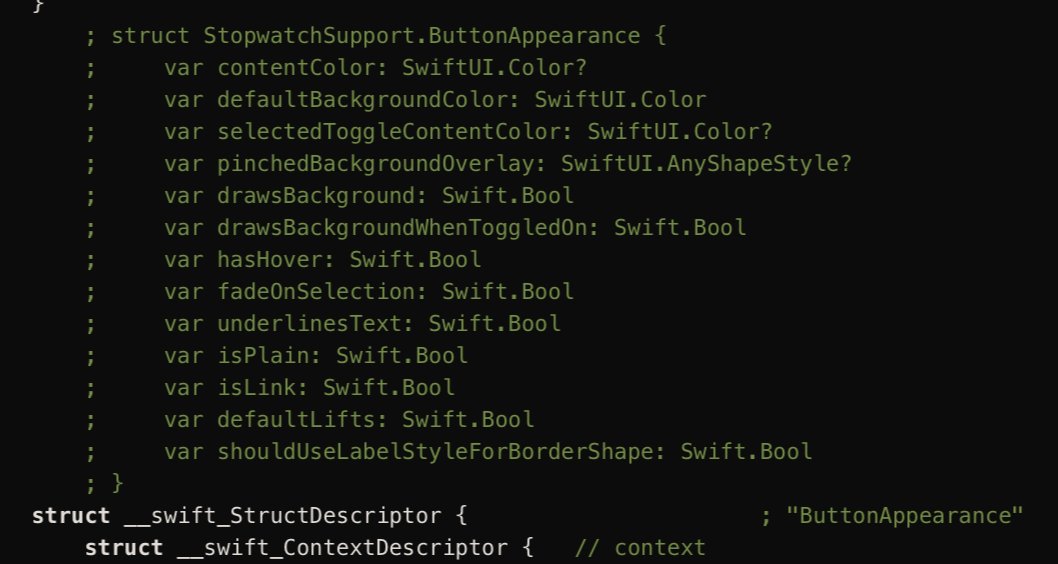
ALT The struct for StopwatchSupport.ButtonAppearance, as result of decompilation. These also make use of SwiftUI types.
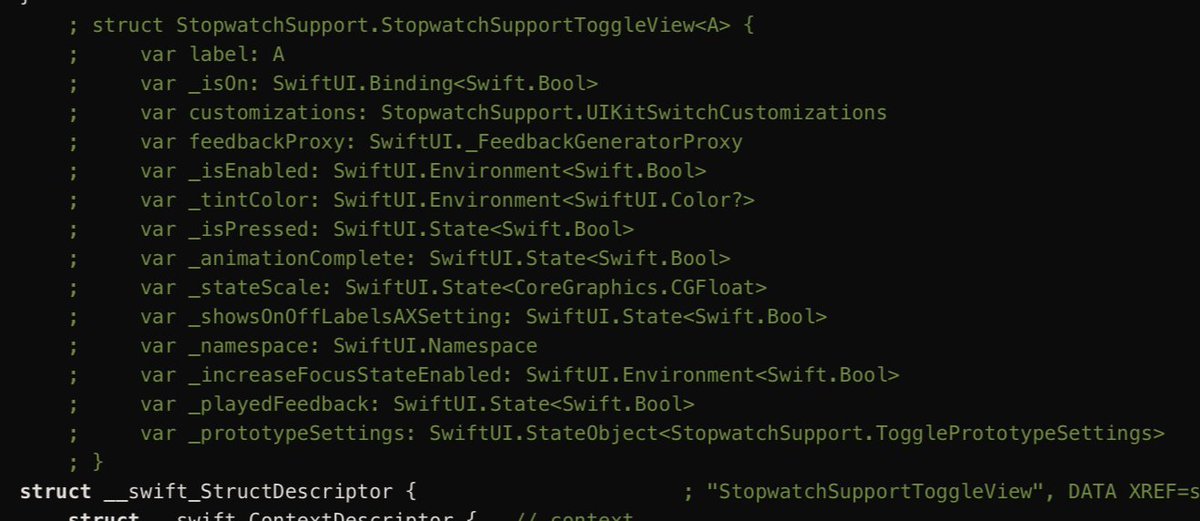
ALT The struct for StopwatchSupport.StopwatchSupportToggleView. This might be a SwiftUI View struct.
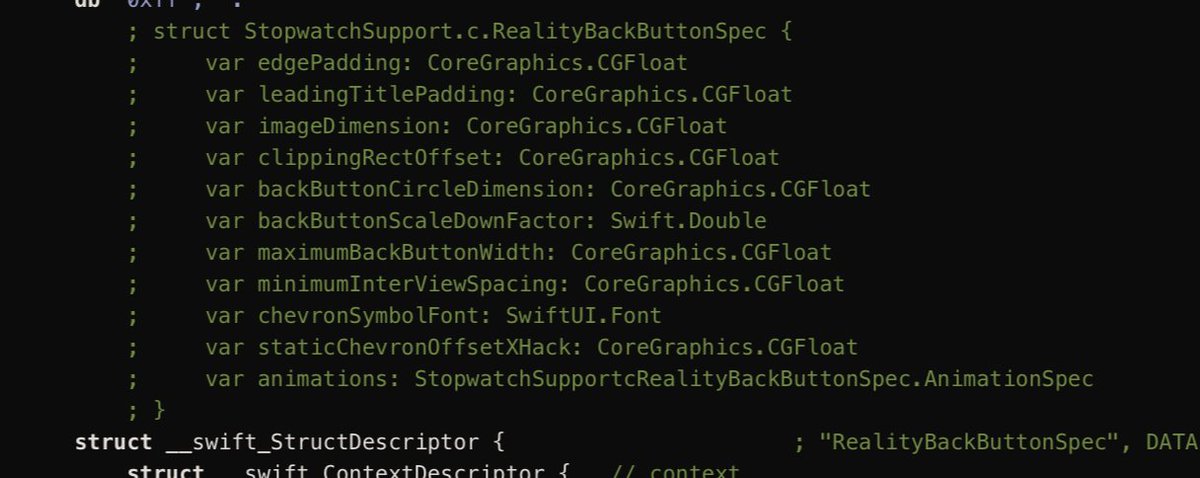
ALT The struct for StopwatchSupport.RealityBackButtonSpec. Despite being a spec (implying use with UIKit as well), it still makes use of SwiftUI.Font
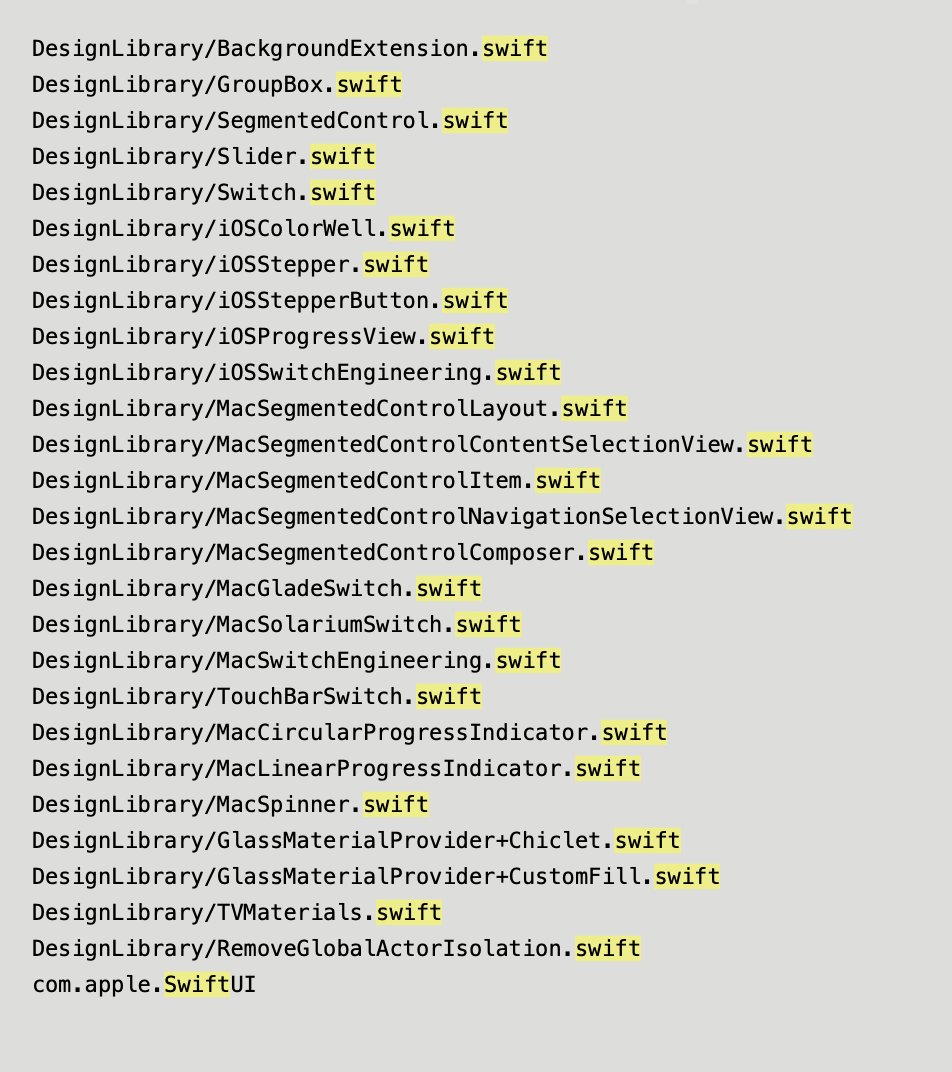
ALT A list of string references within DesignLibrary.framework's binary to .swift files, with names of various controls, such as Slider and Switch.
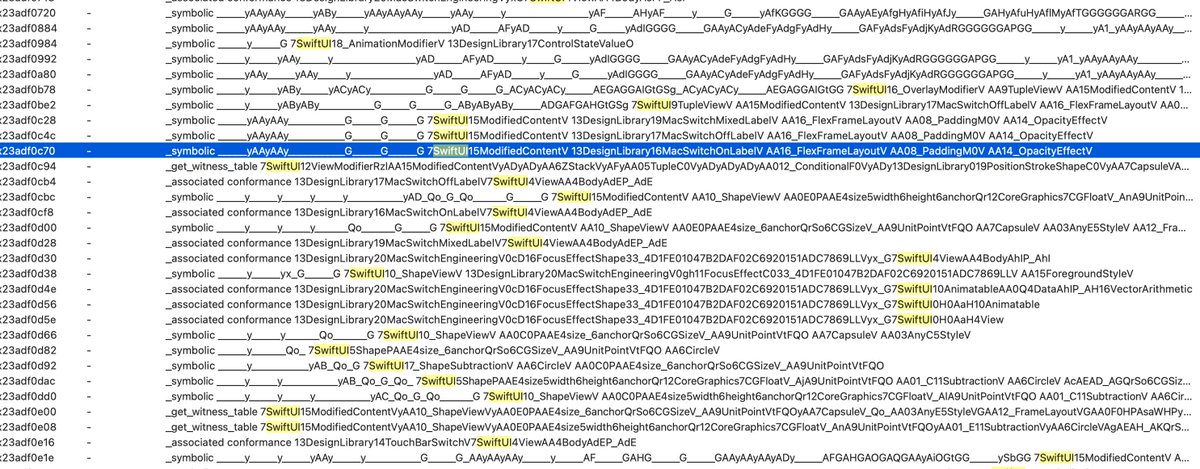
ALT A snippet of the list of exports of DesignLibrary.framework A bunch of symbols referencing controls have Swift/SwiftUI naming conventions.
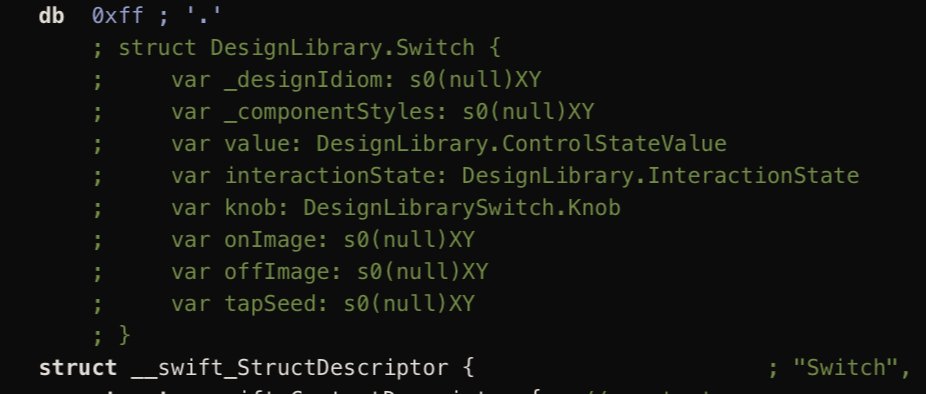
ALT The struct for DesignLibrary.Switch, as result of decompilation.
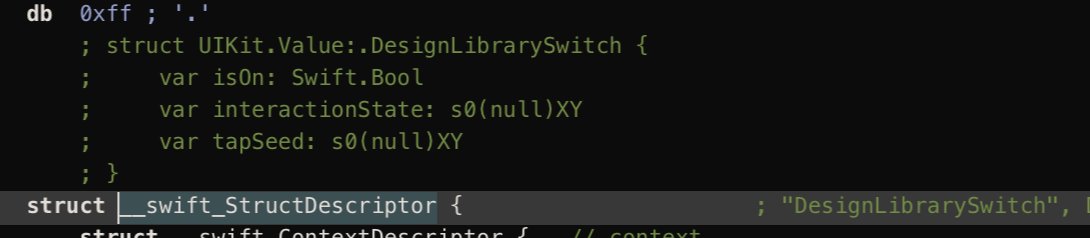
ALT The struct for UIKit.Value:.DesignLibrarySwitch, as result of decompilation. This seems to be a proxy struct to DesignLibrary's Switch struct (?)
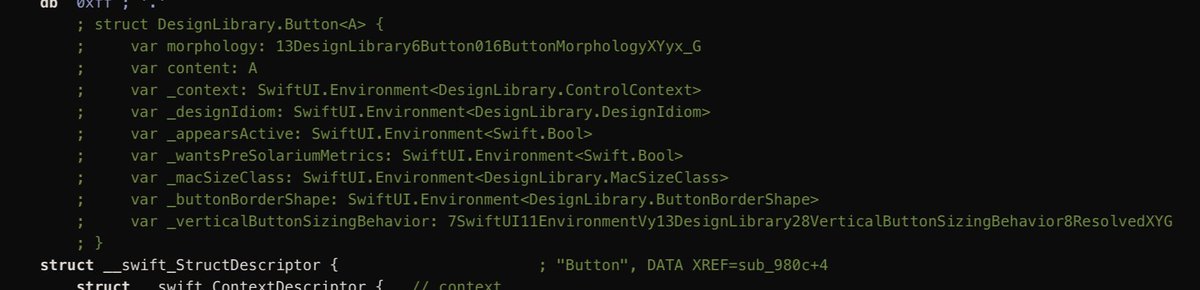
ALT struct for DesignLibrary.Button<A> This looks like it could be a SwiftUI View struct.

ALT struct DesignLibrary.SwitchSpecs This looks more like general specifications for a switch control, but it still makes use of SwiftUI types, such as SwiftUI.Color, SwiftUI.Animation and SwiftUI.Environment.