
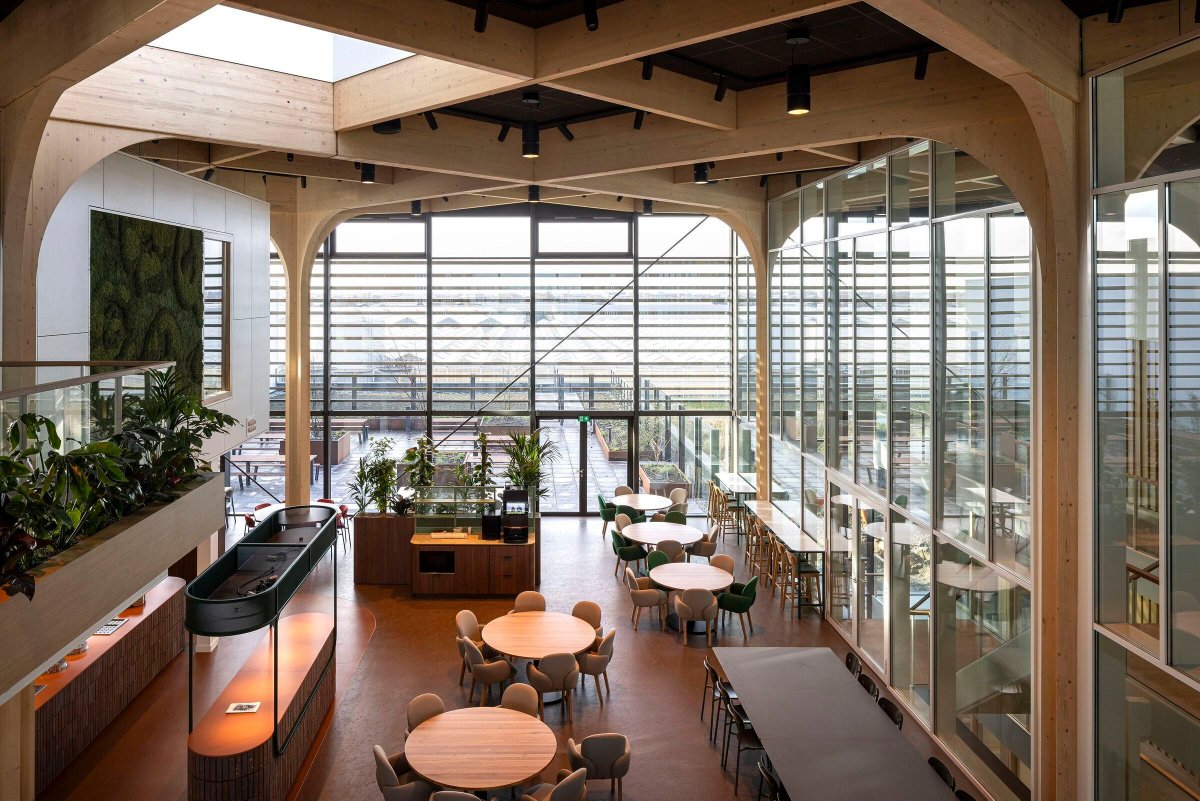
Ce. architects & designers craft a visitor centre where Rijk Zwaan’s story becomes spatial and tactile.
archello.com/project/rijk-zw…
#MaterialDrivenExperience #ArchitecturalStorytelling #DesignMethodology
9
614

26 Mar 2024
PLANNING PITFALLS: No matter the realm, from military to medicine, industry to retail—in all areas of endeavor, planning teams assemble to innovate, diagnose, or detail the synchronization of resources and actions over time. BUT so much can (and will!) go wrong with the process guaranteeing suboptimal results unless you’re cognizant of the perils and take active steps to pre-neutralize them.
Join the conversation this upcoming Thursday 2000 hrs/ 8pm EST.
As always, the Space will share a graphical mental model from Bill’s upcoming book, Locked-In Leadership.
**** Would love to hear insights, comments, and field questions for the show in the comments below before showtime: what have YOU experienced? ****
Smash the “reminder” button on the Space calendar event so you can participate live . . . or listen to the recording afterwards if the timing is inconvenient.
#leadership #planning #innovation #designmethodology

1
3
1,314

17 Nov 2023
As design systems become more popular, the need for a structured approach to building them increases. Atomic design is a methodology that can be used to create design systems that are organized, structured, and scalable.
What is Atomic Design?
Atomic design is a methodology that breaks design down into its smallest components or atoms. These atoms combine to create molecules, organisms, templates, and pages. The atomic design creates a more structured and scalable system by breaking the design down into its smallest components.
How to Build a Design System by Atomic Design?
1. Define Your Atoms
The first step in creating a design system by atomic design is to define your atoms. Atoms are the smallest components of your design system, such as buttons, icons, and typography. By defining your atoms, you establish a foundation for your design system.
2. Combine Atoms into Molecules
Once you have defined your atoms, the next step is to combine them into molecules. Molecules are groups of atoms that work together to perform a specific task, such as a search bar or a navigation menu.
For example, if you have defined an atom for a button and an atom for an icon, you can combine these atoms to create a molecule for a button with an icon. This molecule can then be used repeatedly throughout your design system.
3. Create Organisms
Organisms are groups of molecules that work together to create a more complex component, such as a header or a footer. You create a more structured and scalable system by breaking down a design into its smallest components and then grouping them into molecules and organisms.
For example, you can group molecules for a logo, navigation, and search bar to create an organism for a header. This organism can then be used repeatedly throughout your design system.
4. Define Templates
Templates are the next step in building a design system. Templates are the basic structure of a page, such as a homepage or a product page. You create a consistent layout across your website or application by defining templates.
For example, you can define a template for a product page that includes organisms for a header, product details, and a footer. This template can be used repeatedly throughout your design system for all product pages.
5. Create Pages
Pages are the final step in building a design system. Pages are the specific instances of your templates, such as a homepage or a product page. Creating pages ensures your design system is consistent across all your pages.
For example, you can create a page for a specific product that uses the product page template. This page will have the same layout and design as all other product pages on your website or application.
#AtomicDesign #DesignSystems #UXDesign #UIDesign #WebDevelopment #UserExperience #UserInterface
#DigitalDesign #ProductDesign #FrontEndDevelopment #ScalableDesign #DesignThinking #CreativeDesign #WebDesignTrends #DesignMethodology
15 Mar 2023

إليك المقال الجديد على نشرتي الدورية: كيفية إنشاء نظام تصميم باستخدام atomic design "التصميم الذري"؟ linkedin.com/pulse/Ù%8… via @LinkedIn
2
170

15 Sep 2023
Optimizing Shift-Left Physical Verification Flows with Calibre semiwiki.com/eda/siemens-eda… #Calibre #DesignMethodology #PhysicalVerification #ShiftLeft #SiemensEDA
4
391

1
2
83

16 May 2023
📢📢 NEW: interested in how #designmethodology is applied in the #publicsector? ✏️📖🖋️
Check out... "Design of services or designing for service? The application of design methodology in public service settings" by @KirstyStrokosch & @StephenOsborne1.
doi.org/10.1332/030557321X16…
2
9
34
4,971

6 Jan 2022
Part of me wonders if design thinking might one day be as significant to human history as the scientific method has been.
Curious what others think of this possibility…
#designthinking #designmethodology #design #scientificmethod
1
1
2

At Mphasis #EngineeringIsInOurDNA & we combine our technological prowess with Blink’s evidence-driven #designmethodology to reimagine our existing offerings & provide hyper-personalized experiences to our clients. Learn more here: mphs.co/-experience-design-
#ExperienceDesign

3
5

Did you see this open #PhD position at the Chair of #DesignMethodology at @goetheuni ? Take your chance! 👉ow.ly/3pVT50HfaKk #PhDGermany #ComputerScience
1
7
Pusuing a career in #DesignMethodology ? Look at this open #PhD position at @goetheuni - Take your chance! 👉ow.ly/JNZw50HfaJJ #PhDGermany #ComputerScience
2
8

24 Aug 2021
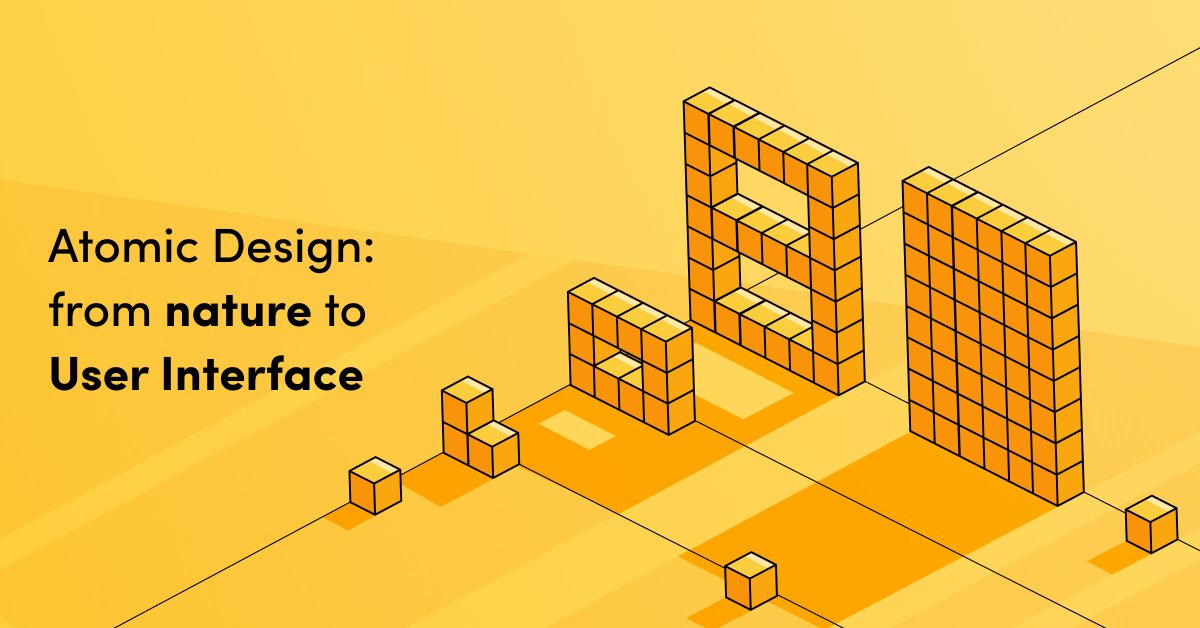
A new article by Radek, our UX/UI designer, is live on our website!
Learn about Atomic Design ⚛️ - a methodology introduced by @brad_frost, and discover how it can help your business grow. 🌱
gorrion.io/blog/atomic-desig…
#AtomicDesign #designmethodology #UI #uidesign
2
5

30 Jul 2021
We say it with experience. With '#Empathy' as our core value, we're able to bring technology innovation, employee efficiency, and customer satisfaction.
#DesignThinkingProcess #DesignThinking #innovation #efficiency #satisfaction #designmethodology
1
2

25 May 2021
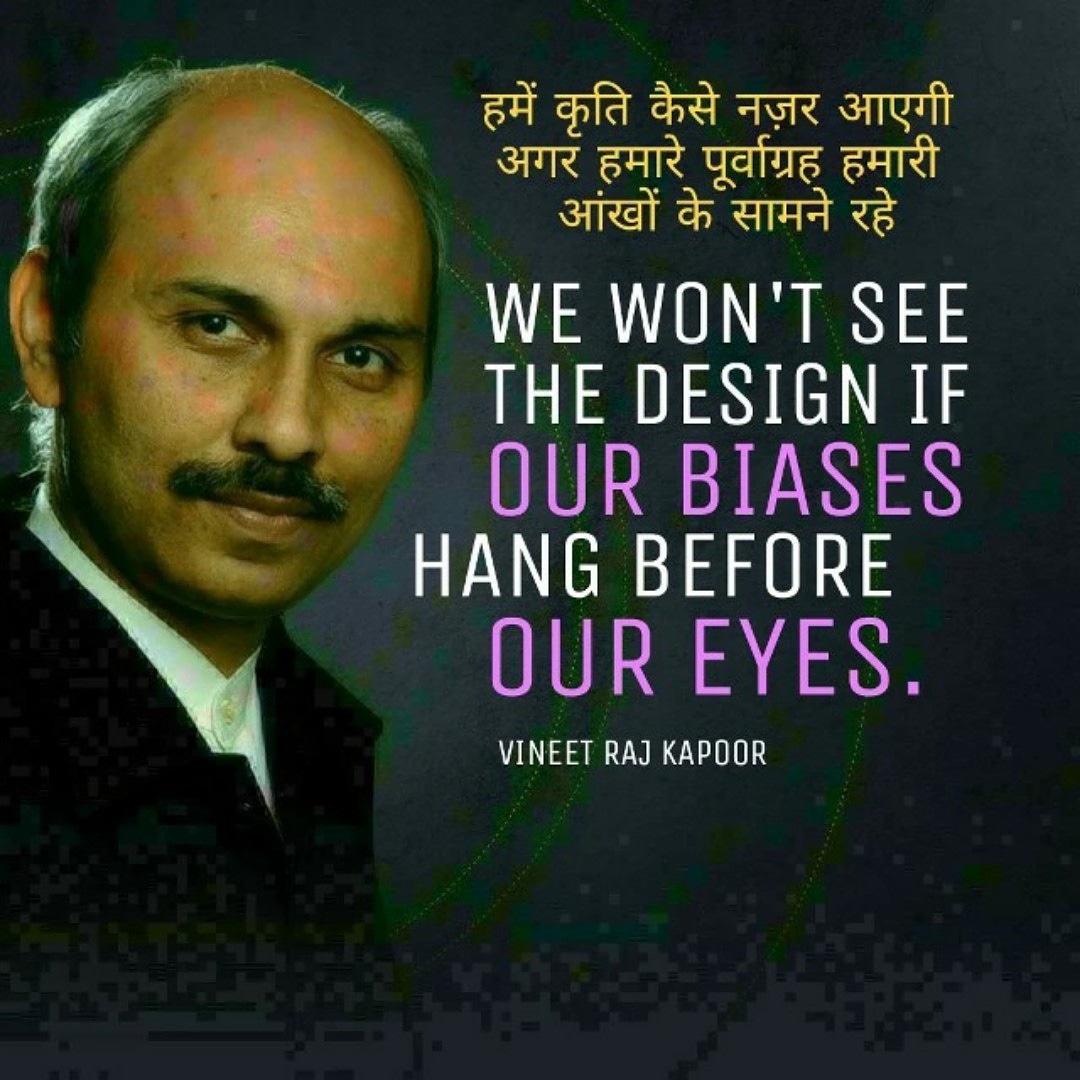
Designs are everywhere. You only have to develop your sight #uxdesign #productdesign #designtheory #designer #cx #ux #visualdesign #uxresearch #design #bias #experience #hindiquote #hindiquotes #designmethodology #हिंदी #hindiquotes #designthinking #designthinker #mindsetcoach
1
4
10 May 2021
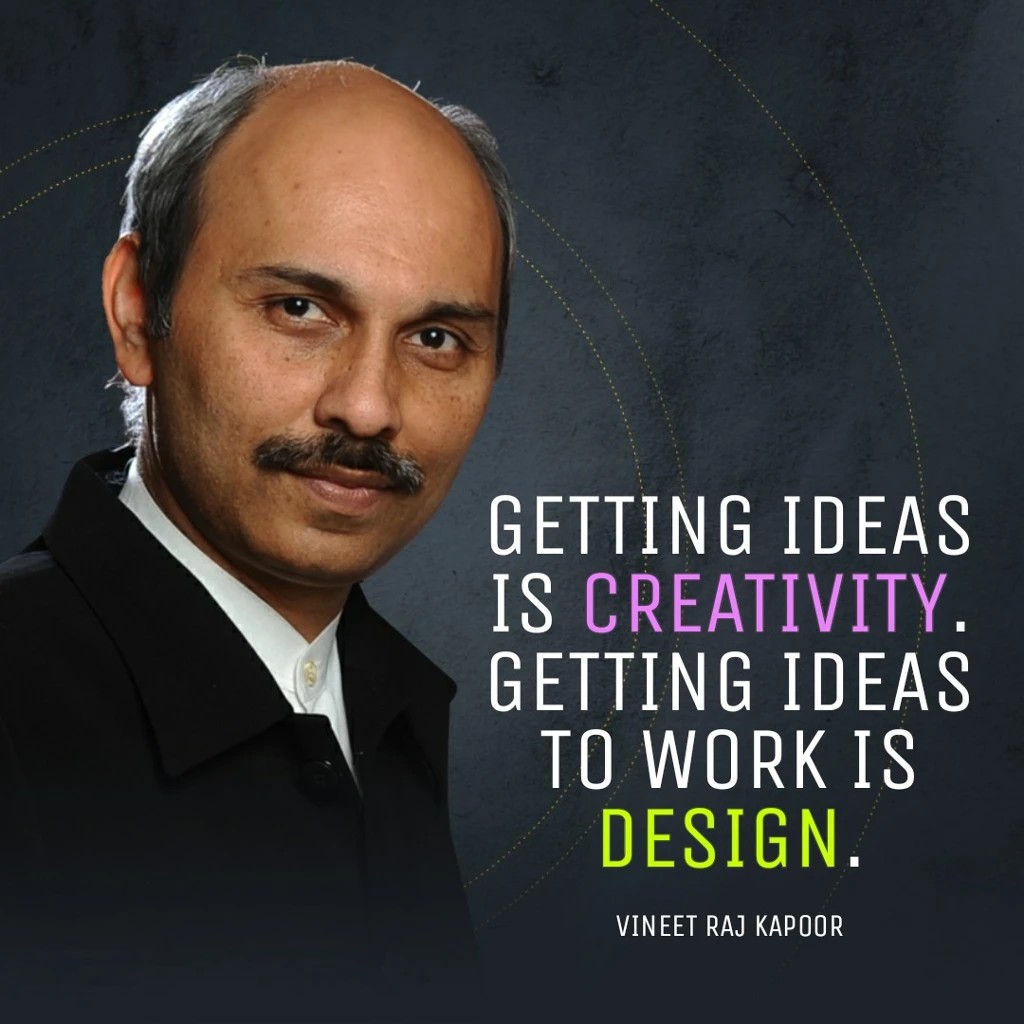
GETTING IDEAS IS CREATIVITY
GETTING IDEAS TO WORK IS DESIGN
#designmethodology
#designer #designinspiration #designideas #designeveryday #uiuxdesigns #graphicdesign #designspiration #ideas #creativity #designquotes #ideaquotes #creativityquotes #designthinking #designthinker
2
5
1 Apr 2021
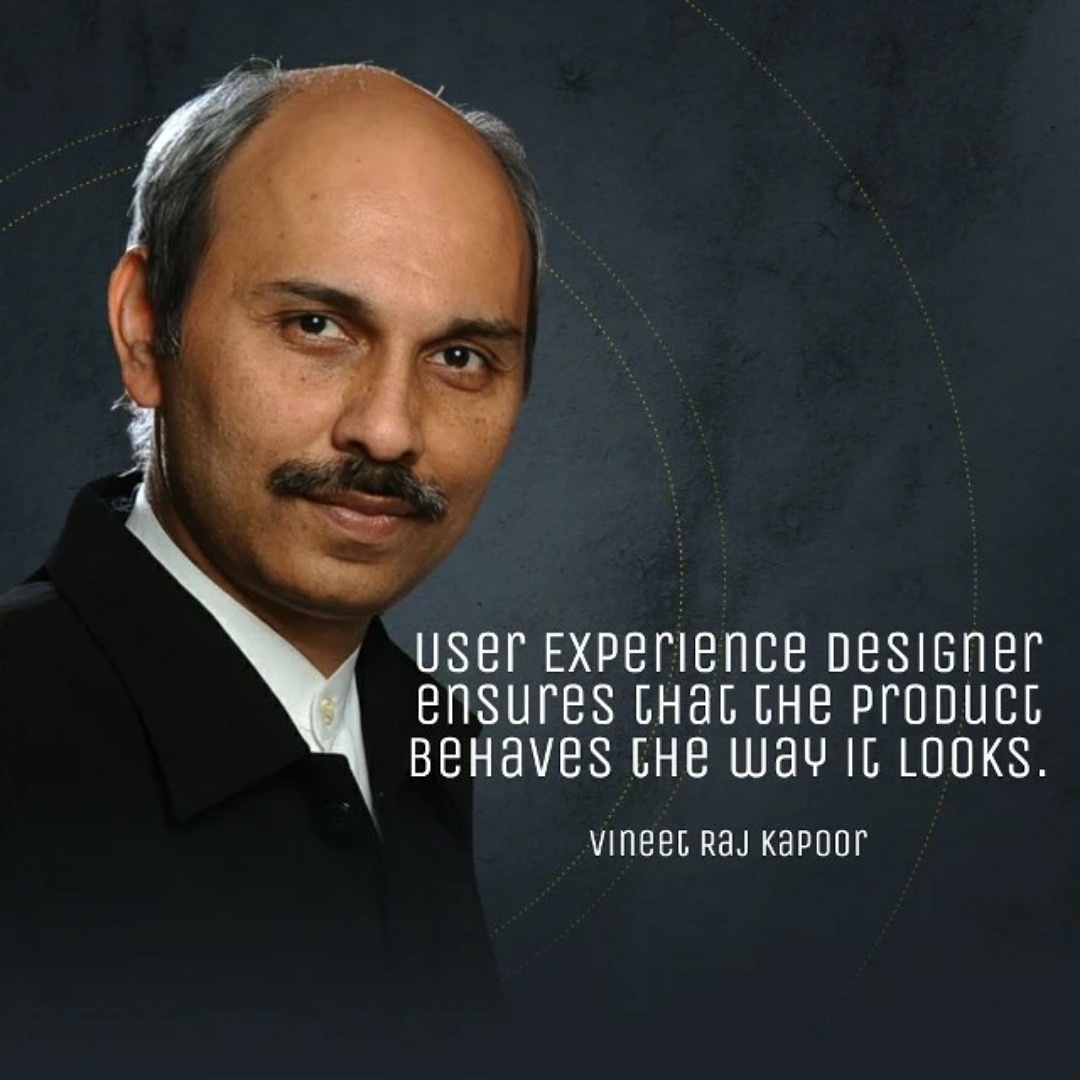
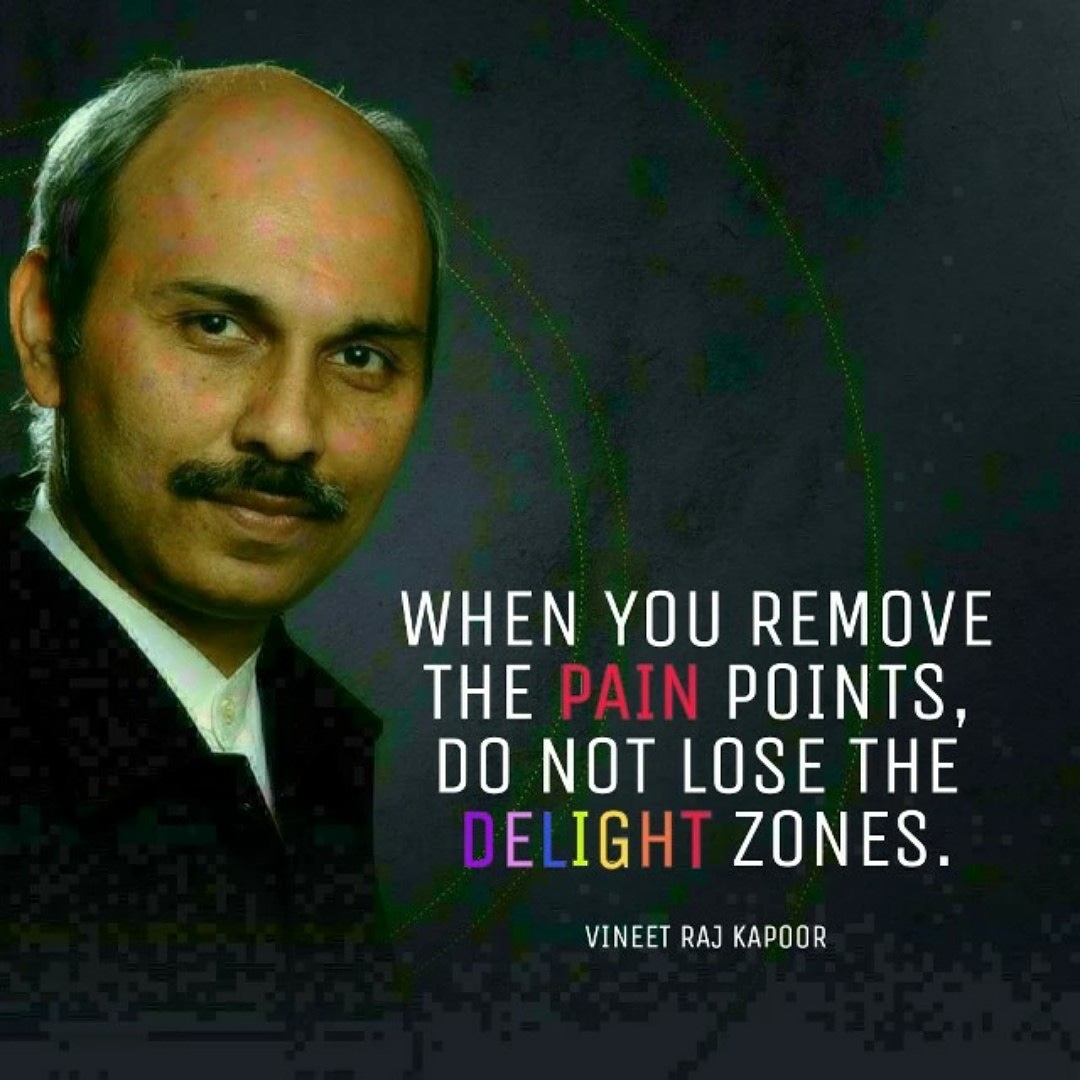
Do not throw the baby with the bathwater
#delight #painpoints #designmethodology #designthinking #uiux #criticalthinking #designprocess #designquotes #delightzones #designthinkingquote #designprocess #designprinciples #uxdesign #uidesign #uiuxdesign #userexperience #uxdesignquote
2
2

18 Mar 2021
NPD: Actually, yes I have ideas. I feel so relieved, my process is messy.
Me: No designers with or without a design degree will follow a method as a recipe. Design methodologies are approaches, mindsets.
#designMethodology #designThinking
1
10
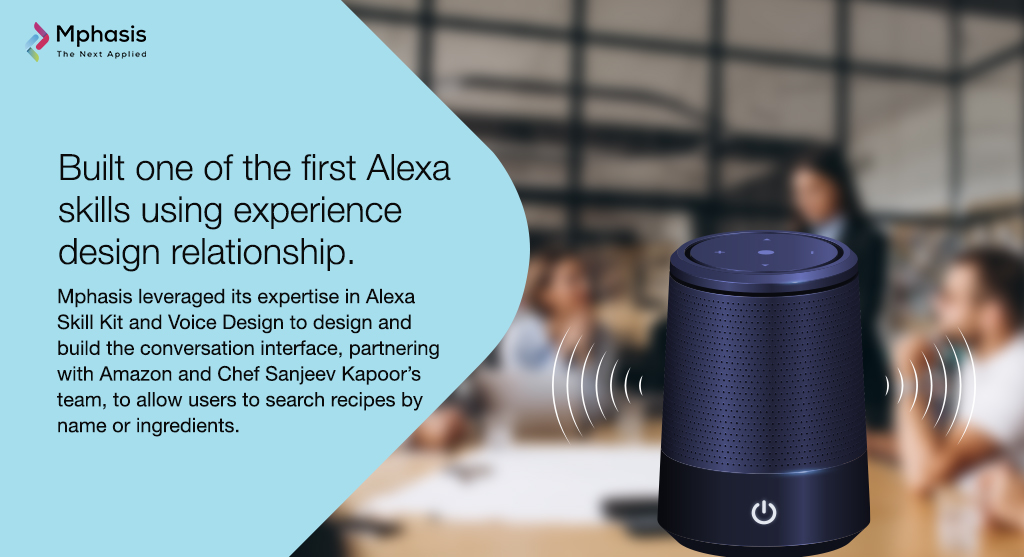
Our digital and #AI expertise helps users search for a recipe by ingredients or name, experience enhanced #CustomerExperience (CE) through #DesignMethodology and listen to the cooking steps through Voice Design. Learn to #StayAhead now with Mphasis: mphs.co/alexa-skills
1
2
5

17 Nov 2020
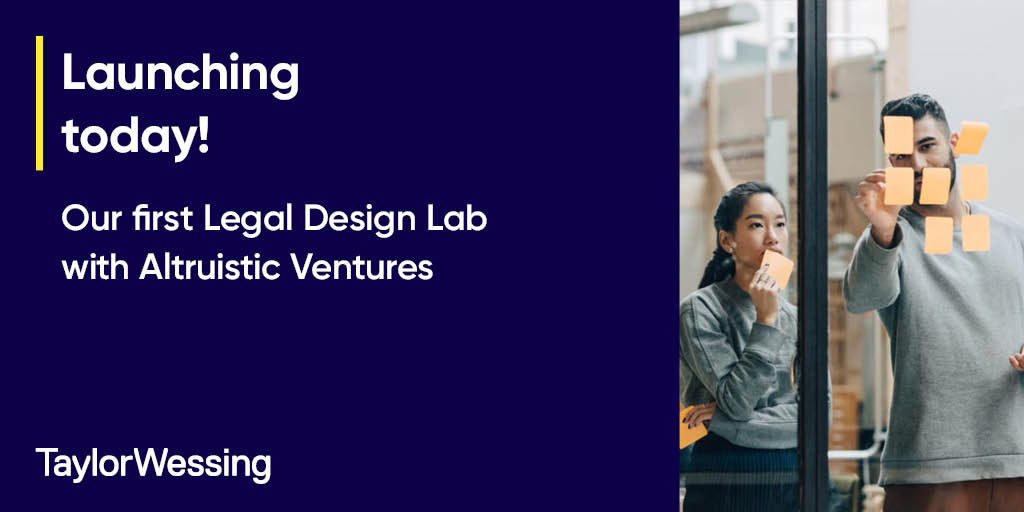
Wishing our in-house and client delegates taking part in our first Legal Design Lab with @AltVLaw an innovative and inspiring day! #DesignMethodology helps us reframe a client's legal issue, find its underlying cause and deliver a long-term remedy. #innovation
4

14 Jul 2020
How do we start a project and steer it through to a final solution? First up in our Virtual #StudentLecture Series, National Director of Design, Jim Williams, outlines how Little's #DesignMethodology guides our creative problem-solving #process. vimeo.com/showcase/7302414/v…

1
2