
13 Oct 2024
I was excited about two new preview features of @Azure Document Intelligence:
1. Batch analysis, and
2. Cropped images for figures in markdown.
Unfortunately, the design is sloppy and the implementation buggy, and especially together they are basically unusable.
Let's start with 2. Besides polling for the analyze results, you need to do a separate GET {endpoint}/documentintelligence/documentModels/{modelId}/analyzeResults/{resultId}/figures/{figureId}?api-version=2024-07-31-preview to get the images. However, the resultId is transmitted in the very first regular poll, and so you have to extract it from that and remember it. If you don't have the resultId, there is no way to get to the images.
Instead of putting a figure id in DocumentFigure, it would be more convenient to put a link to the image, or even a data url.
Now on to 2, batching. For that you need to poll for an AnalyzeBatchResultOperation that for all the succeeded documents has a resultUrl that inks to the analyzed document result. However, there is no way to get the cropped images for these documents since the resultId for polling the AnalyzeBatchResultOperation is not the resultId for the documents.
The docs have several bugs, in one place they say status is succeeded, skipped, or failed; somewhere else it says notStarted, running, completed, or failed, and in yet another place it says canceled, completed, failed, notStarted, running, succeeded.
The docs mention for azureBlobFileListSource that this is a (jsonl) "Azure Blob Storage file list specifying the batch documents". But nowhere it is specified how the entries look like. Resorting to "how would I implement this", I guessed { "file": "...filename..." } and I was lucky this worked.
Encoding is always tricky. And with batch analysis if you have a source file name that has spaces, like foo bar, it becomes foo bar in the result. But is you specify foo bar in any of the urls or file names in the request body, it cannot match that with foo bar in blob store. I would guess that "weird" file names is that most obvious thing to test for.
Lastly, the analyzed files xxx.ocr.json resulting from batch analysis are plain json files, but their content type in blob storage is application/octet-stream, which adds extra friction to download them.
Oh, and since I run/test outside of Azure, I needed to create SAS tokens, and the documentation for that is a whole other rant.
/cc @AzureSupport
5
2,754

11 May 2023
🔹 Were you waiting for the second part? You can read it here ⬇️
documentdatabase.org/databas…
#DocumentDatabase #DatabaseManagement #DocumentModels #RelationalToDocument
2
5
814

9 Nov 2016
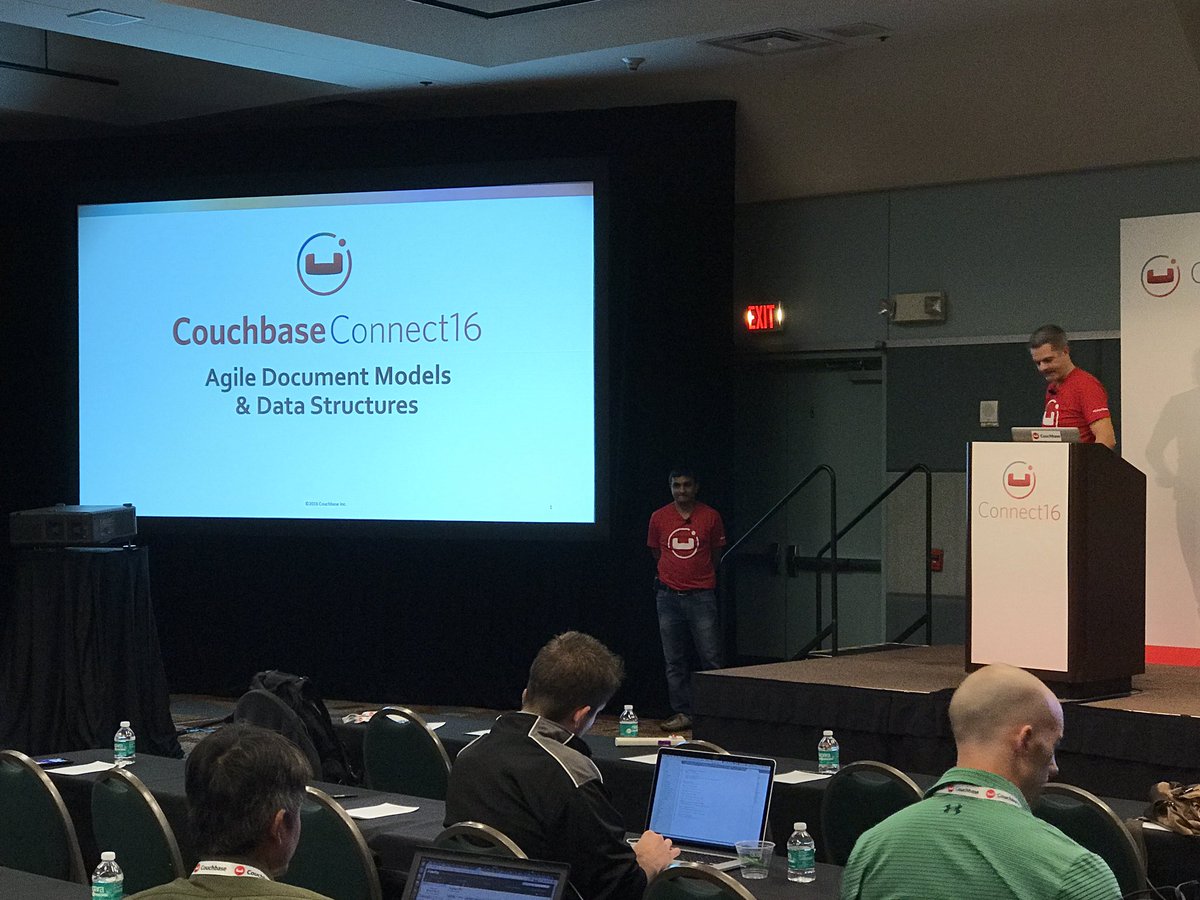
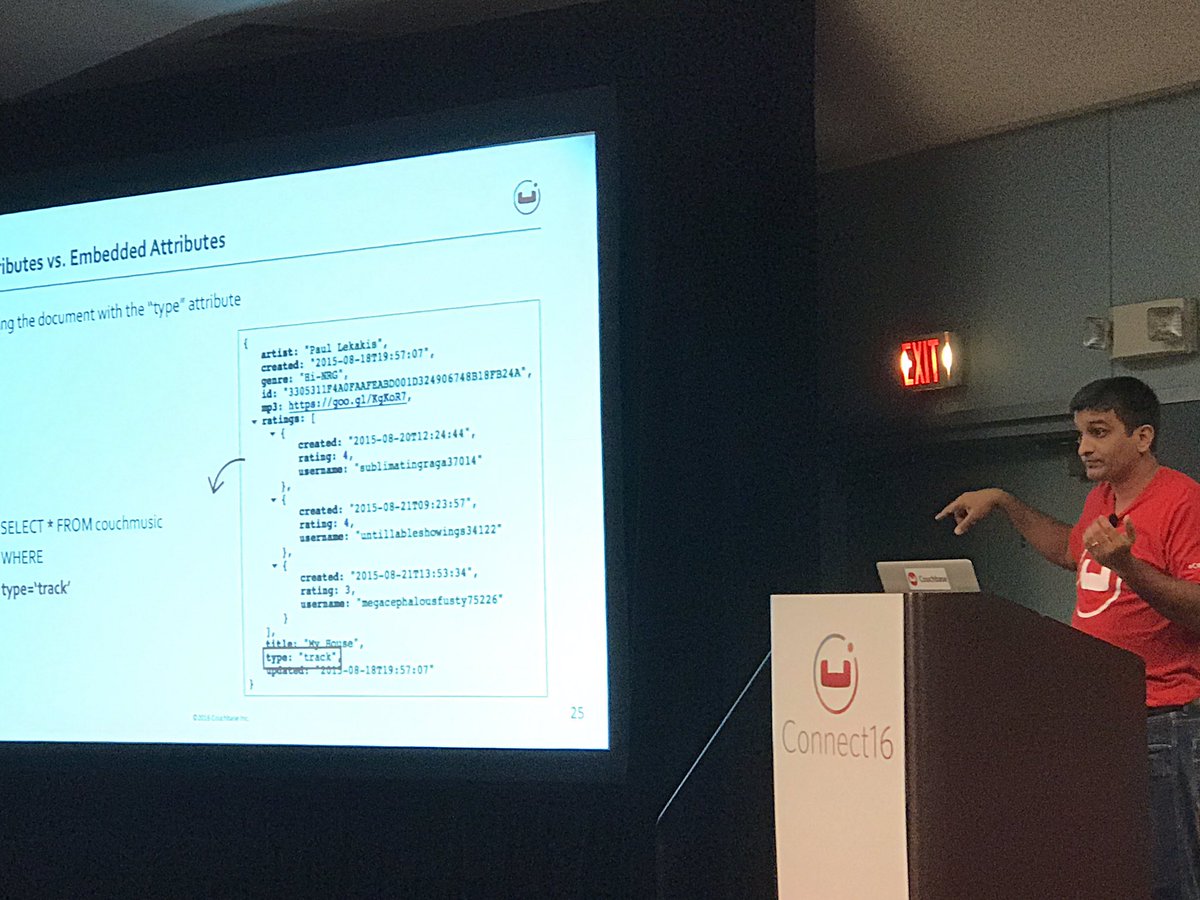
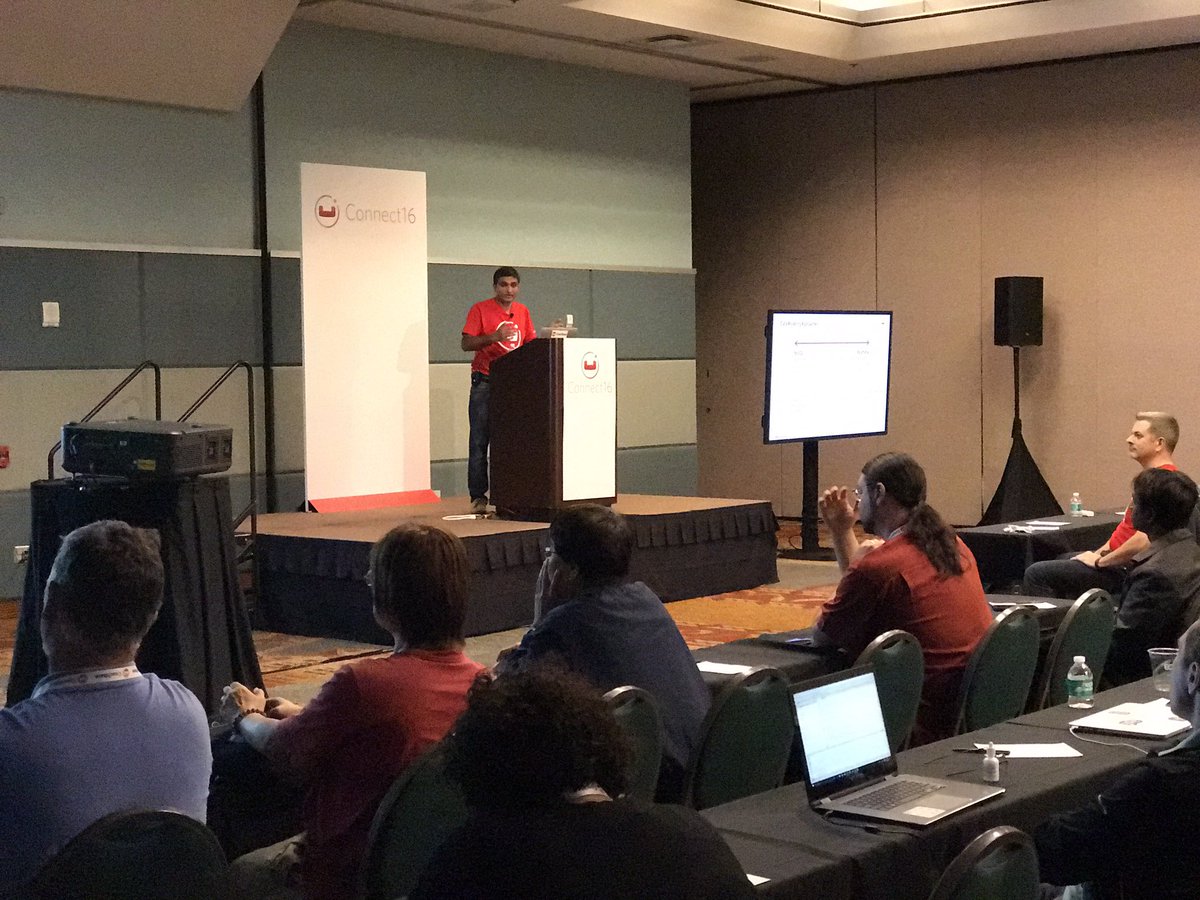
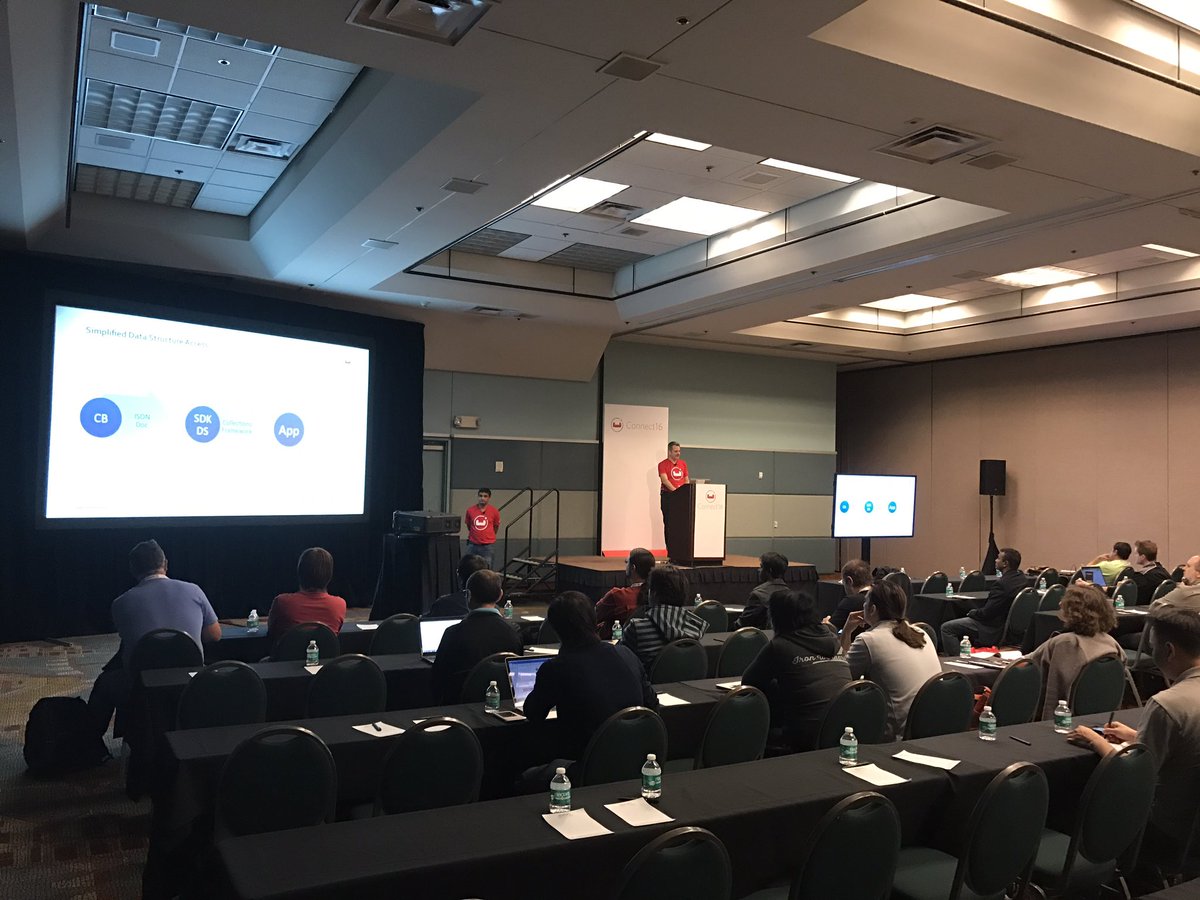
#Agile #DocumentModels & #DataStructure Session #Couchbase #connect16 Development Track- @1tylermitchell @javapsyche Full House #nosql #N1QL
2
3