
Apr 16
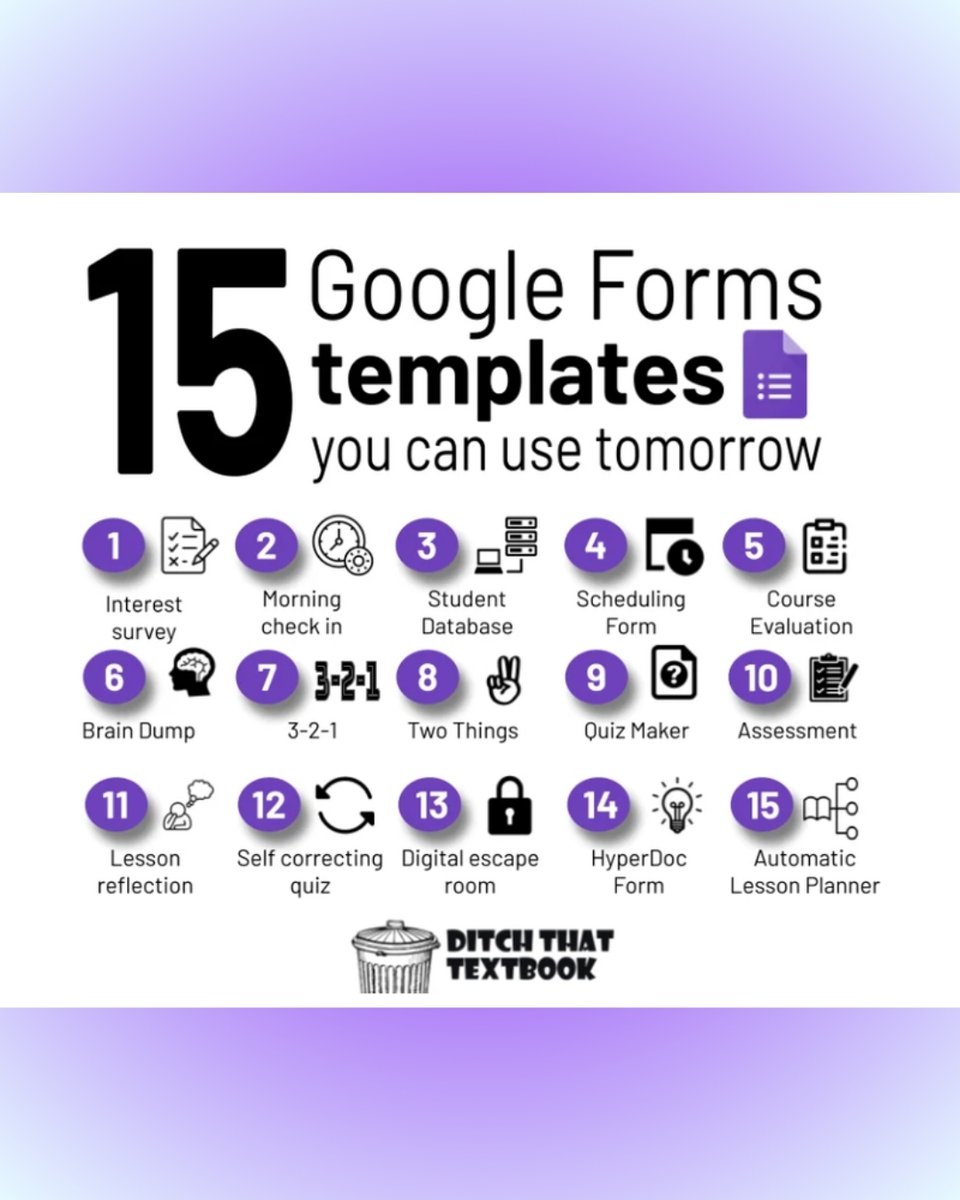
We love finding new ways to use familiar tools, and Google Forms is the perfect example. Beyond standard assessments, it can be used for things like morning check-ins, retrieval practice "brain dumps," and even digital escape rooms. This guide includes 15 customizable Google Forms templates ready for you to adapt for your classroom: ditch.link/googleformtemplat…
#DitchThatTextbook #EdTechTips #GoogleClassroom
6
17
1,032
Apr 15
If you’re looking for ways to streamline lesson planning or provide personalized student support, these AI-powered resources can help. Each tool is designed to solve specific classroom challenges, like generating study guides from PDFs or providing real-time reading feedback.
#EdTechTips #DigitalLiteracy #DitchThatTextbook
1
8
14
1,527

Keep your labs secure AND your students curious! 🔒📖
Join Mr. Kimbugwe Ian this Tuesday for the #EachOneTeachOne series as we discuss malware prevention in school computer labs without blocking student research.
🗓 Tuesday, April 14, 2026
🕗 8:00 PM E.A.T
🆔 882 8609 7054 (Pass: ITAU)
#ICTTeachersUG #CyberSecurity #EdTechTips #ITAU

4
7
134

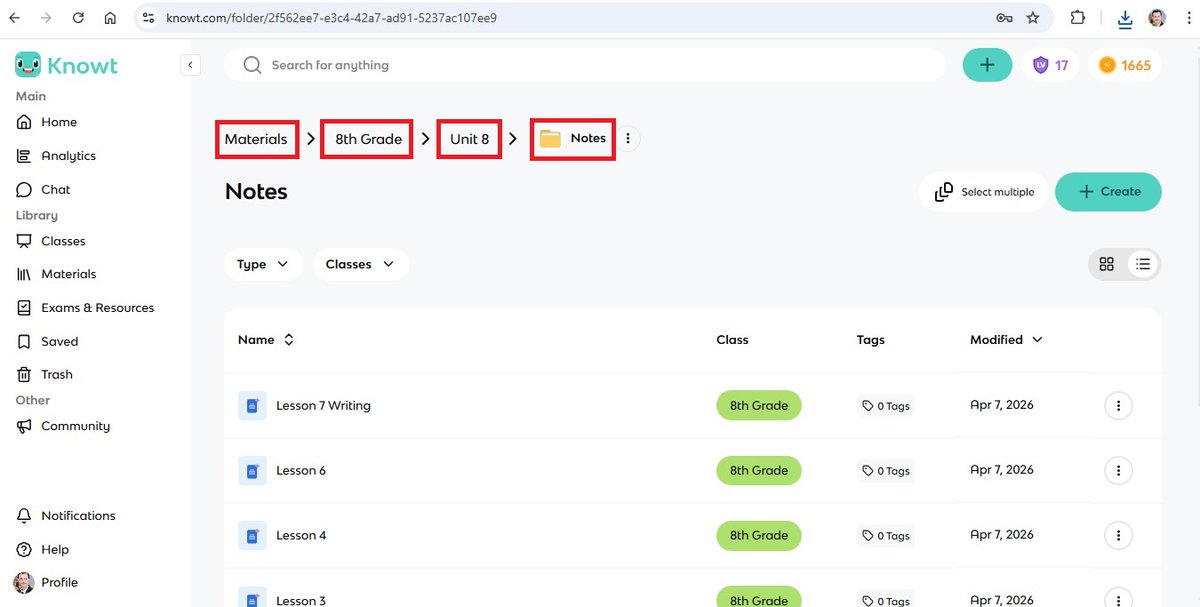
Knowt Tip for smarter studying & teaching!
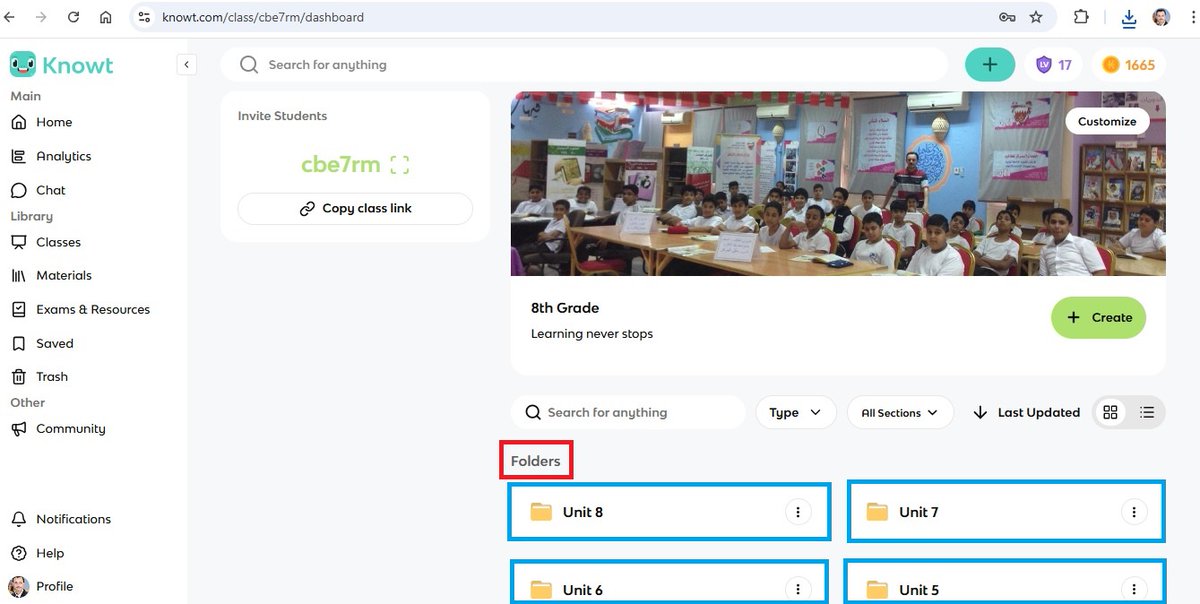
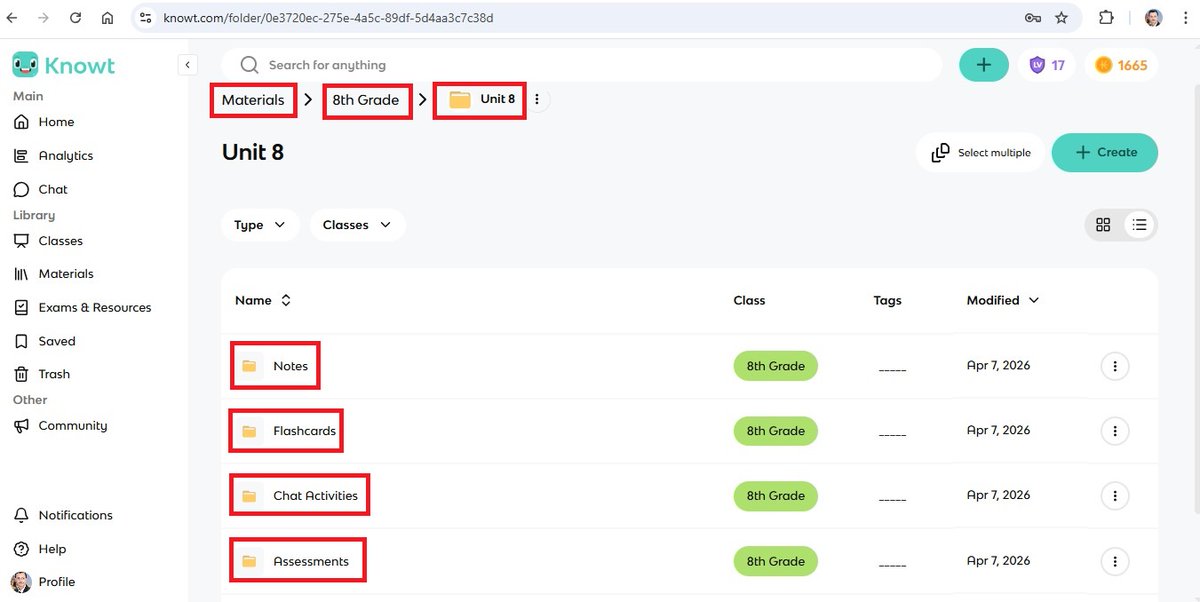
Want to stay organized and make learning more effective on Knowt? Start by arranging your content using "Folders" & folders within folders!
Start creating your "Folders" and have a BIG learning impact!
#Knowt #EdTechTips #TheAmazingTrio
1
3
5
182
Mar 11
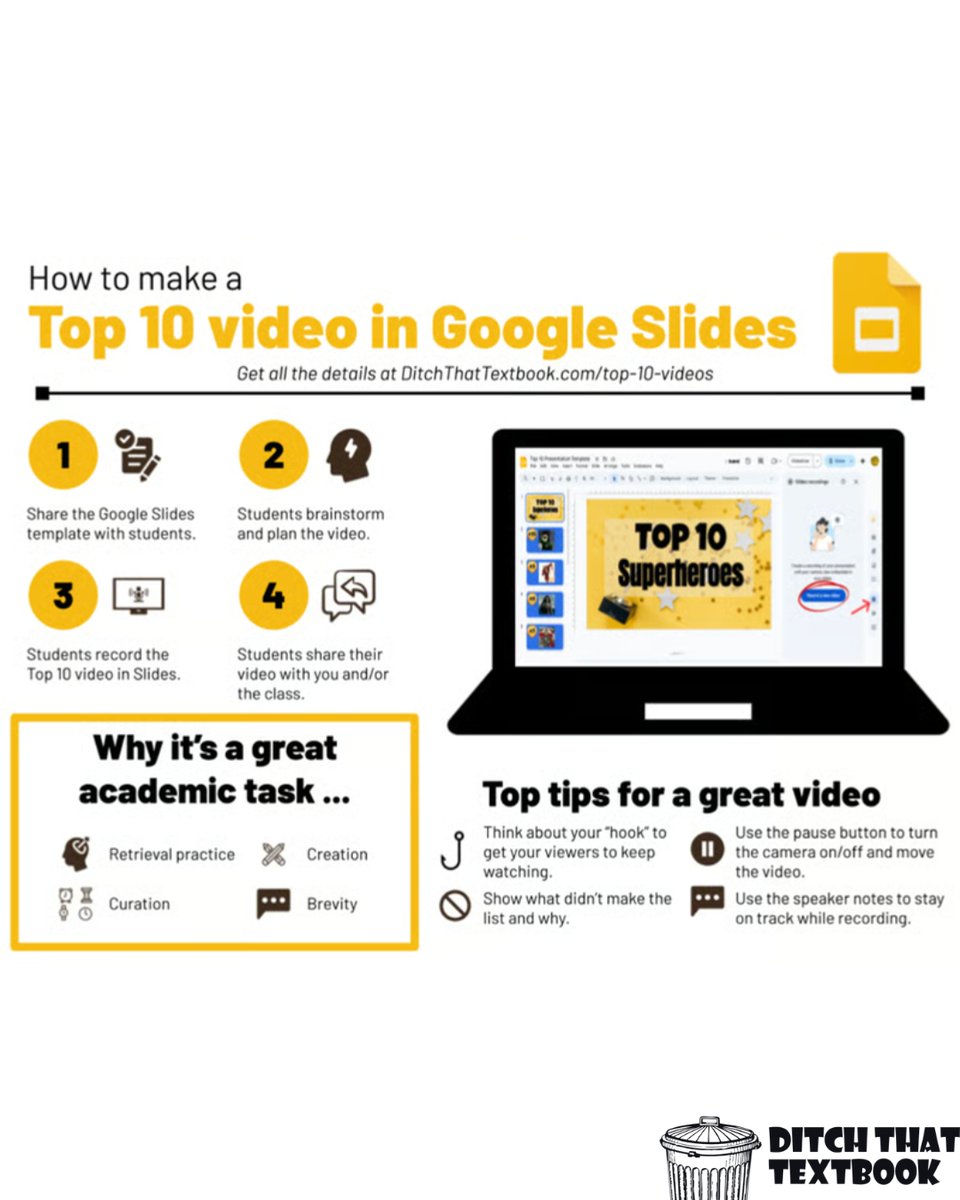
Creating a YouTube-style "Top 10" forces students to evaluate information and justify their rankings, turning a simple list into a deep thinking exercise. Whether they use Canva or the new recording feature in Google Slides, students become creators who can explain their logic in a format they already love.
You can read more here: ditch.link/Top10video
#StudentEngagement #DitchThatTextbook #EdTechTips
1
4
13
879
Mar 4
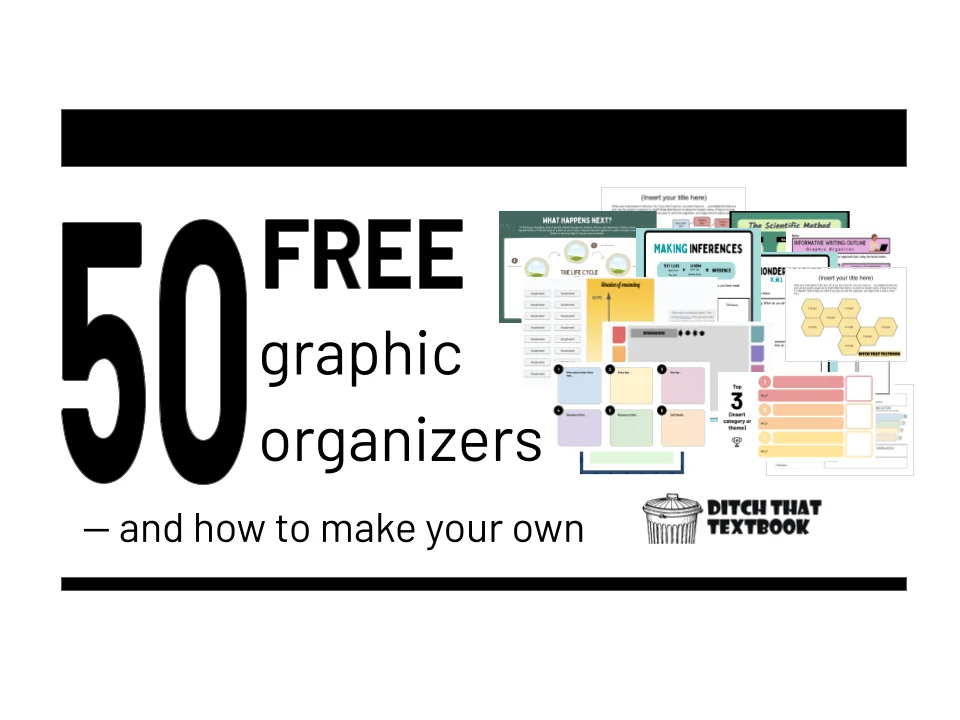
50 FREE graphic organizers for your class!
📝 From Venn diagrams to mind maps, these Google Slides & PowerPoint templates are ready for you to File > Make a copy.
f.mtr.cool/jnwekruzkc
#GoogleSlides #EdTechTips #FreeTemplates #PowerPoint
5
13
909
Jan 29
Remember when we thought we had to be experts to get anything out of ChatGPT? Nowadays, it’s less about "engineering" and more about clear communication. The best part? Teaching students how to prompt is actually just teaching them how to communicate better.
Join my newsletter to learn more: ditch.link/join
#AIEducation #TeacherTips #FutureOfLearning #EdTechTips
2
1
23
2,126

Jan 19
Great e-learning isn’t just content—it’s experience 🎓 Simple UX, bite-sized lessons & clear progress keep learners engaged.
#ELearning #EdTechTips#WebDevelopment
3
35

Jan 16
🚨 New Google Forms update! 🚨
You can now auto-close forms by setting a date/time or a response limit. No more manual shutting forms down! 🙌
Perfect for sign-ups, surveys, and deadlines. Thanks, @Google! 💡#edtech #edtechtips #educoach #techcoach #GoogleForEducation
1
9
200

26 Aug 2025
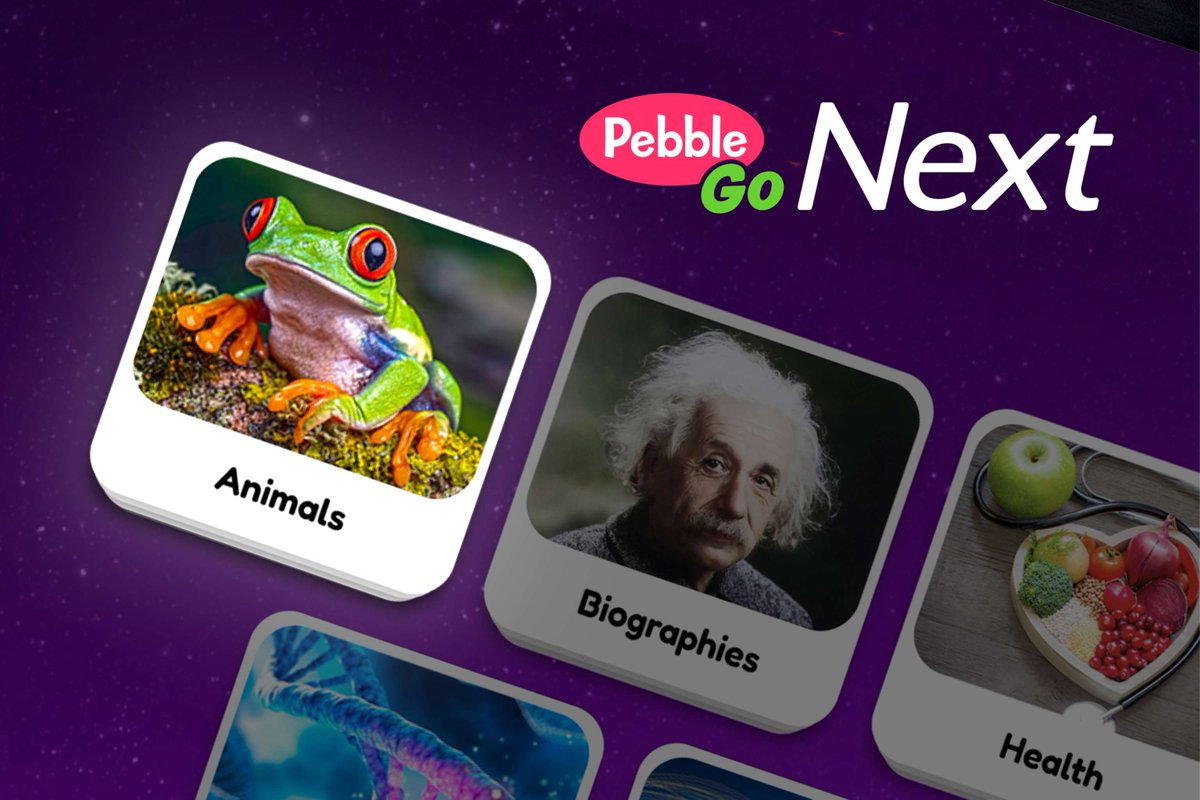
Looking for new ways to boost literacy in your school? The new PebbleGo Next Animals module is here and perfect for grades 3-5, and we’ve got 5 creative classroom ideas to get you started!
Get Inspired: ow.ly/lN1I50WM2zs
#PebbleGoNext #TeacherTips #EdTechTips #Elementary
1
2
104

19 Aug 2025
Need help from your instructor in Academy LMS?
1️⃣ Open your course
2️⃣ Visit Q&A
3️⃣ Submit your question
Get quick answers and keep learning!
➡️ Try Academy LMS: academylms.net/
#AcademyLMS #OnlineLearning #EdTechTips
2
23

6 Aug 2025
I didn't even cover power ups 💪 try it out yourself! Log into schoolAI, then select "unlock early access" in the top right. @GetSchoolAI
P.S. I did make those noises myself in the first few seconds 💁♀️
#edtech #edtechtips #makelearningfun #withSchoolAI
2
8
544

23 Jun 2025
Look who’s here and ready to help with the big launch announcement from @quizizz tomorrow! 🥳
#tlchat #futurereadylibs #edchat #edtech #istelive25 #futureready #education #edtechtips
14
633
18 Jun 2025
Summer’s here—but self-awareness skills don’t take a break! Check out our blog: 6 Easy Ways to Build SEL Skills with K–2 Kids ow.ly/knQ350WbOnz #PebbleGo #SEL #SummerLearning #K2Education #SocialEmotionalLearning #EdTechTips
32

17 Jun 2025
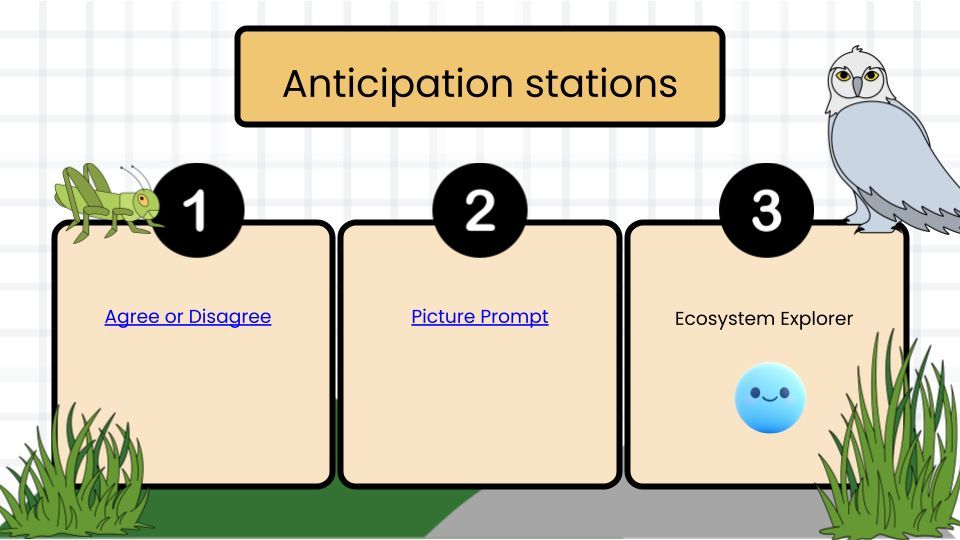
🌿 Set the stage for inquiry with anticipation stations!
1️⃣ Agree or Disagree
2️⃣ Picture Prompt
3️⃣ Ecosystem Explorer @GetSchoolAI
#AnticipationStations #ScienceChat #StudentCentered #EdTechTips
youtube.com/watch?v=iNiwd4oZ…
2
15
2,542

Did you know? #Teachers are using #AI to save hours every week by automating tasks like grading, lesson planning, and feedback—more time for real #teaching! 🎧 🎙️ podcasts.apple.com/us/podcas…
#TeacherTimeSaver #AIforEducators #EdTechTips
4
3
64
5 Jun 2025
Bring PebbleGo Next Spanish to life! Check out "5 Fun Ways to Use PebbleGo Next Spanish" for K–5 ideas! 🇪🇸
Read more: ow.ly/IA6I50W47rC
#PebbleGo #DualLanguage #SpanishResources #K5Learning #EdTechTips #BilingualEducation
1
58

🎬 Seesaw Shake Up is HERE!
Ready to boost your readers & rethink your Seesaw game? 💡💜
This episode’s got:
✨ A deep dive into Reading Fluency Assessment
✨ Quick tips to make Seesaw work smarter
✨ Fresh ideas to inspire joyful learning
👉 Watch now: bit.ly/43HKlvd
#SeesawShakeUp #Seesaw #JoyfulLearning #ReadingFluency #SmartTeaching #EdTechTips
1
4
983

🚨 Canvas LMS Tip!
I needed a color-coded table for my Canvas LMS page, so I asked ChatGPT! 💡 A quick prompt gave me Canvas-ready HTML to paste in the editor — BOOM — perfect table! 🤩
👇🏾 Check out the prompt below 👇🏾
#EdTechTips #AIinEducation
@Canvas_by_Inst @OpenAI
2
2
136
