

Filter
Exclude
Time range
-
Near
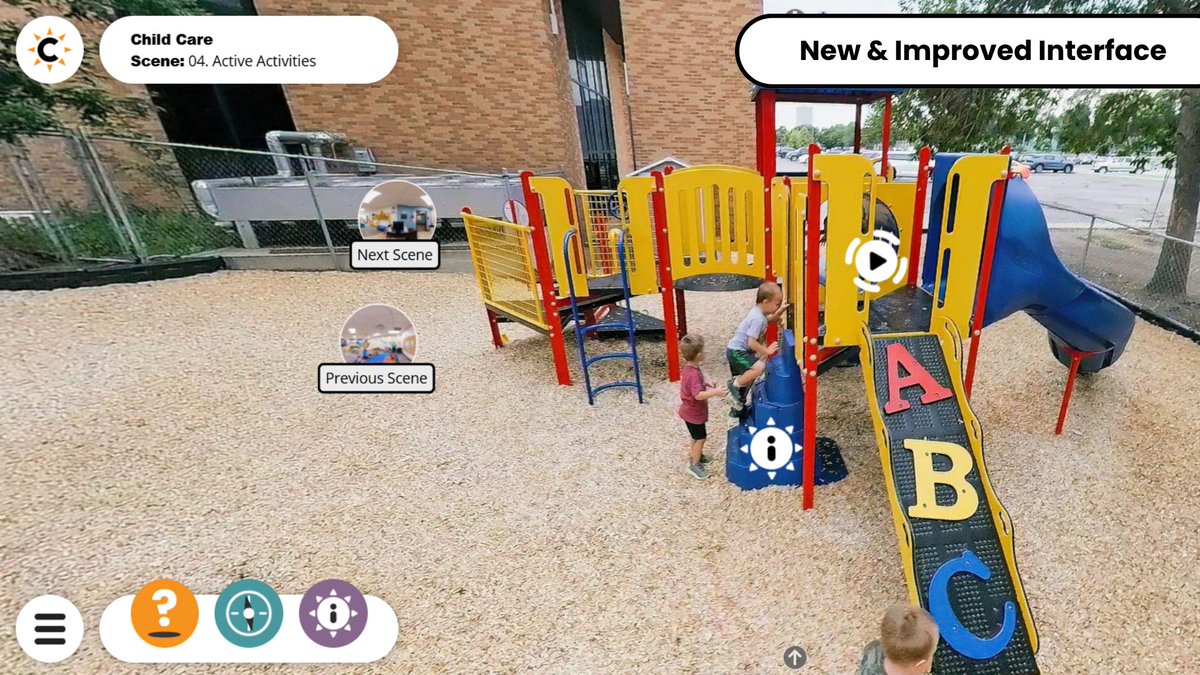
Pardon our dust, we're making CareerViewXR even better! 🧹🚧 Over the summer months, we're upgrading each web-based #FieldTrip to our new, more #accessible interface. Learn more: careerviewxr.bemorecolorful.… #Accessibility #KeyboardNavigation #ImmersiveMedia #XR #VR #Education
1
2
5
22 Sep 2025
🗣️ Boost Accessibility in Windows 11! Turn Narrator’s Scan Mode on/off to navigate apps & webpages using just your keyboard. Perfect for low-vision users or keyboard lovers! Learn more: ninjaone.com/blog/how-to-tur… #Windows11 #Accessibility #Narrator #TechTips #KeyboardNavigation
2
50
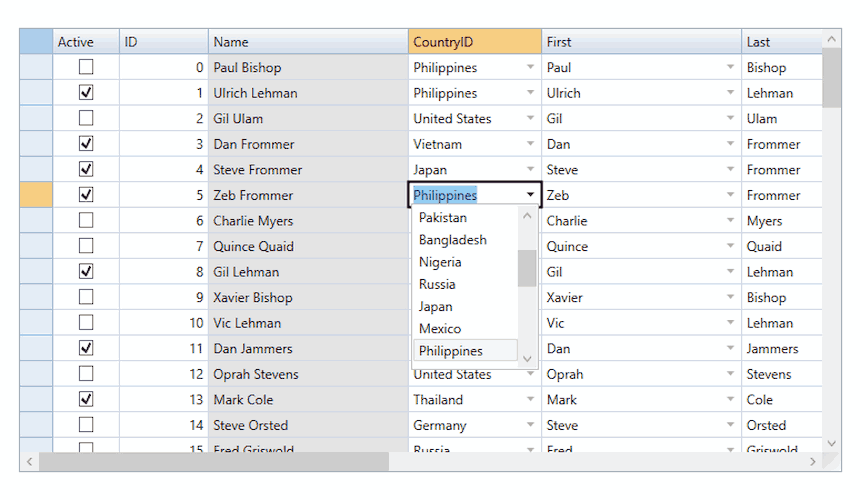
With ComponentOne FlexGrid, cell editing isn't just a checkbox feature—it’s a productivity booster. Support for in-place editing, custom editors, data validation, and seamless keyboard navigation makes handling even the most complex datasets easy. Developers working on modern .NET data apps rely on FlexGrid to reduce UI bugs and accelerate release cycles. The result? Peace of mind. Satisfaction. And more time to focus on what matters—shipping features that users love. Start building smarter today: bit.ly/44tdJXY #dotnet #csharp #datagrid #cellediting #datavalidation #keyboardnavigation #developers #coding #webdevelopment #softwaredevelopers
2
43
12 Sep 2024
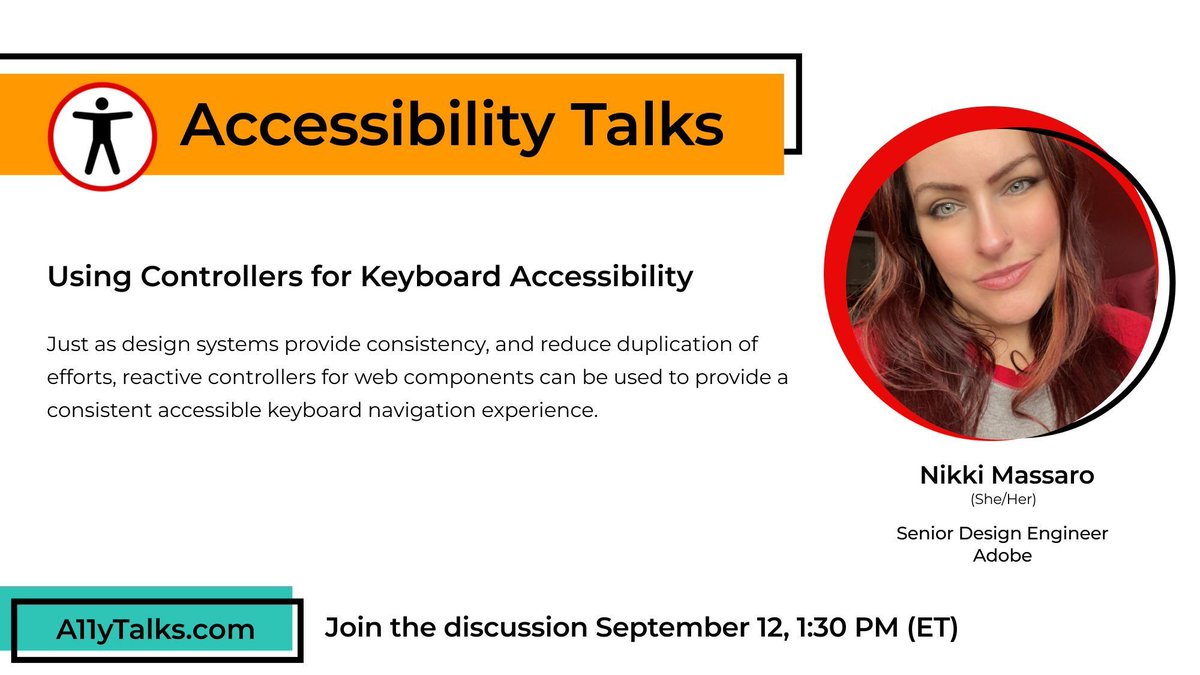
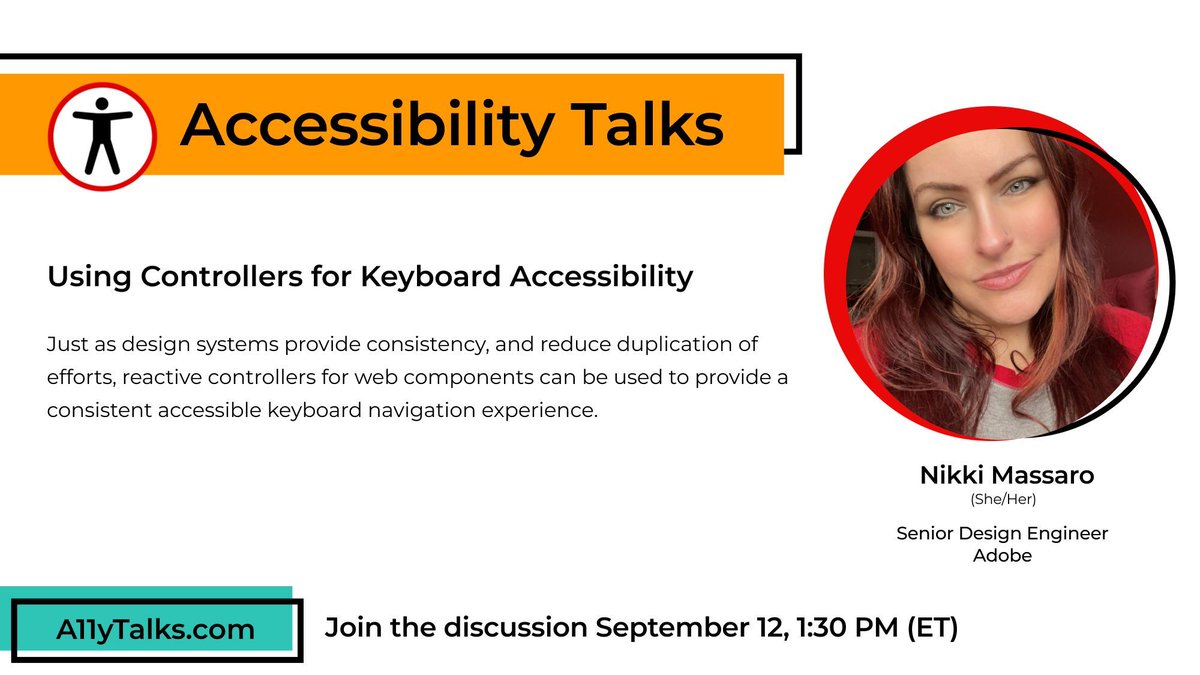
IN ONE HOUR: “Using Controllers for Keyboard Accessibility” with Nikki Massaro, Senior Design Engineer at Adobe. a11ytalks.com/posts/2024-sep #A11y #Accessibility #A11yTalks #InclusiveDesign #UXDesign #KeyboardNavigation
2
2
166
11 Sep 2024
Join us tomorrow at 1:30pm ET for “Using Controllers for Keyboard Accessibility” with Nikki Massaro, Senior Design Engineer at Adobe. a11ytalks.com/posts/2024-sep #A11y #Accessibility #A11yTalks #InclusiveDesign #UXDesign #KeyboardNavigation
1
5
172
5 Sep 2024
Coming in September: “Using Controllers for Keyboard Accessibility” with Nikki Massaro, Senior Design Engineer at Adobe. Mark your calendars: September 12 at 1:30pm ET a11ytalks.com/posts/2024-sep #A11y #Accessibility #A11yTalks #InclusiveDesign #UXDesign #KeyboardNavigation
6
8
858
Salesforce Marketing Cloud Update! Marketing Cloud App Launcher and Calendar now offer screen reader and keyboard navigation support, making navigation easier for all users. #MarketingCloud #UserExperience #Navigation #ScreenReader #KeyboardNavigation #DigitalMarketing #RHG
42
Finally! Took you long enough @canva! Now let’s work on the #KeyboardNavigation and accurate #ScreenReader access. ( should have thought about that when you first designed the product but….progress is progress) #EdChat #EdTech
19 Mar 2023
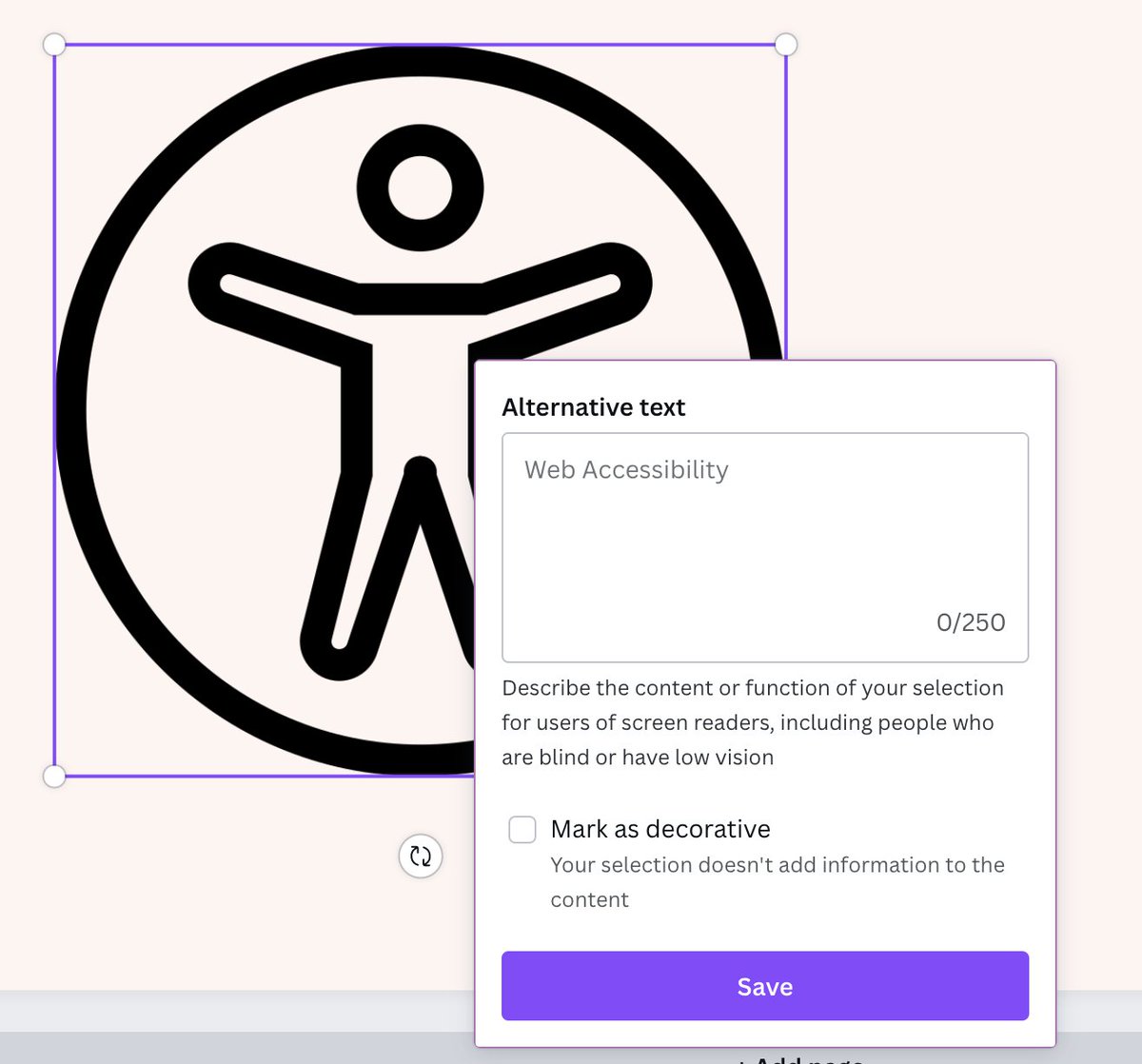
Stoked to see that @canva has options for alternative text for the elements! Thanks, @mrbillywatts, for letting me know about my long-wished-for function! For elements in Canva, there is alternative text, but you can add to what they have or mark it as decorative! #BeAnA11yA11y
1
5
659
I love #EdTech tools but I am getting really tired of click and drag interfaces that don’t work with #KeyboardNavigation. Not everyone can use mouse. This is web development 101. This isn’t something “extra”, it is the bare minimum you can do so people can access your content.
1
1
9
644
Sigh a great tool but @nearpod would be alot more impactful if it worked with #KeyboardNavigation, and #ScreenReaders…you know basic #A11y 101. But alas, @nearpod continues to remain quiet on this. #EdTech #EdChat
1
1
4
635
Summary: @KamiApp needs to: -correct screenreader and keyboard navigation: consult with actual #ScreenReader and #KeyboardNavigation users to improve the experience -add the ability to add alt-text -add ability to correct auto captions -update VPAT/post timeline for improvement.
2
102
The inputs( the instructor interface) however both need work for #Accessibility particularly for #KeyboardNavigation and #ScreenReader use.
2
Hey @WhiteboardChat here's how you fared for #Accessibility from the instructor interface after my review. Lots of good improvements. Keep working on that #KeyboardNavigation. #Accessibility is not a one time fix but an ongoing process. drive.google.com/file/d/11BN… 😀#EdChat #EdTech

1
2
Hey @wakelet, been a bit since I last checked in. Any progress on those #Accessibility issues( namely #KeyBoardNavigation and #ScreenReader Navigation) that I mentioned before? From my tests, it looks like nothing has changed.🙁 #EdTech
1
2
Of these tools, @BookCreatorApp , @Flipgrid, @voicethread rate high for #Accessibility including #ScreenReader and #KeyboardNavigation. @wakelet scores well too but screen reader and keyboard navigation need work.
2
It is one of my favorite tools. @wakelet I really want to be able to share your tool during virtual events/presentations but you need to address the #ScreenReader and #KeyboardNavigation issues first. Any timeline when you will address the issues? #A11y #EdChat #EdTech
2
2
Did you know that the video outputs from @KapwingApp and @editwithtype are #Accessible? Now, both platforms need to work on adding #KeyboardNavigation and #ScreenReader use to their editing interface, as both rely on mouse use to edit videos. #EdChat #EdTech #AtChat
1
2
6
30 Nov 2020
Reduce eye strain & improve #SharePoint page navigation with the first #Accessibility Tool for #SharePoint. Each user can customize its cursor size & color or opt for #KeyboardNavigation. Learn more about the features: 👉 ow.ly/eDtB50Cquch #peoplefirst #office365
1
3
This should make a tremendous difference for web #accessibility & help set a goal for other CMS to aspire to. If you are interested in making your sites more usable by more people, #KeyboardNavigation is increasingly important. Focusing on #Ally can bring you positive benefits.
3 Aug 2019
#accessibility: #WordPress theme review team is requiring all themes to implement keyboard navigation in five weeks time, around the third of september 2019 🎉💙🍾 Details: make.wordpress.org/themes/20…
2
4