Apr 25
Built KeyBot to solve a simple problem: most people don’t know what keyboard to buy
3 questions.
One clear recommendation.
Now testing the only thing that matters:
Do users trust it enough to buy?
findkeyboard.com
#musician #keyboardplayer #music
2
21

11 Dec 2025
1
60
147
3,414

28 Nov 2025
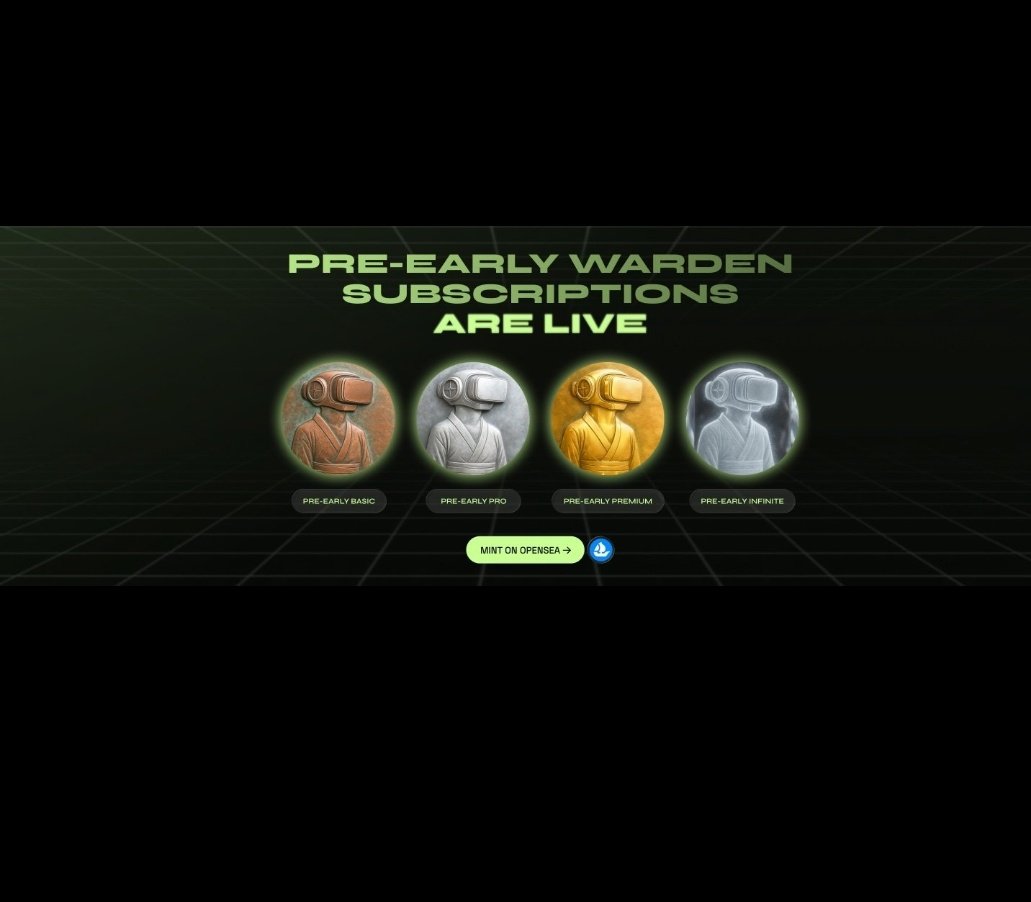
GN Warden fam😴
@wardenprotocol, everything is as simple as 1 click or 1 word.
From KeyBot to Betflix, from Studio to Portfolio Agent, every action is as simple as chatting
The mainnet is live.
The ecosystem is up and running.
And $WARD TGE is about to explode.
The market is changing. Users want an easy - high-performance experience.
Warden is not only catching the trend, but also leading the wave of on-chain AI.
$WARD is coming.
The ecosystem is ready.
The agent economy starts here.
@wardenprotocol
1
2
724


9 Nov 2025
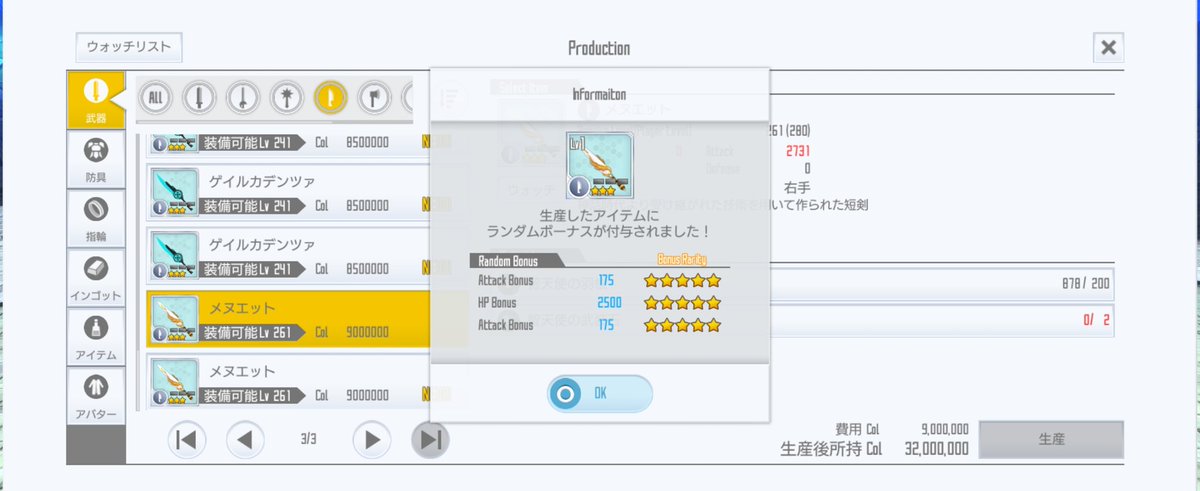
「無理だよ」「ままれさんには無理」「勝てない」「諦めよう」「今回強いし来年頑張ろう」「希少完凸してから出直してきて」「PSもあげて来年頑張って」
って言ってたのはどこの keybot さんですか?
1
3
324


16 Sep 2025
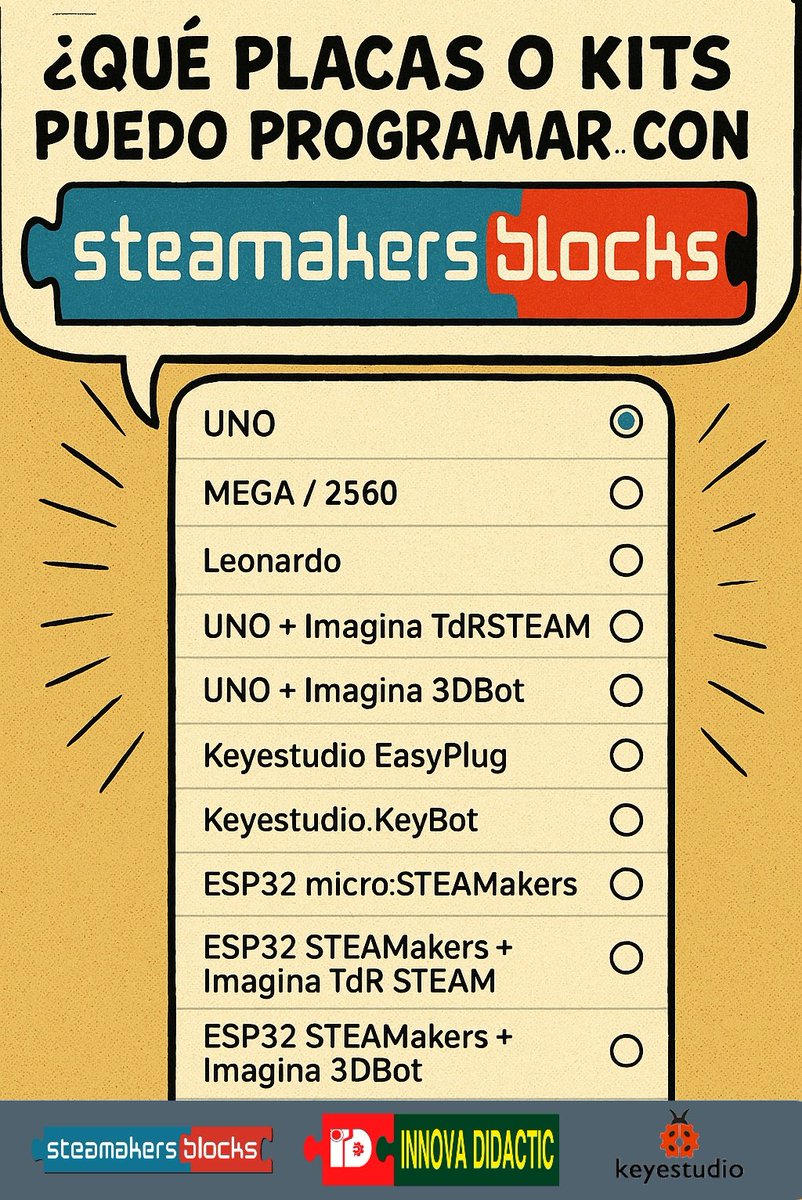
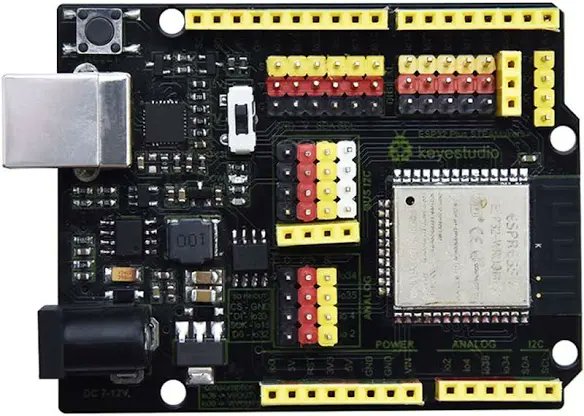
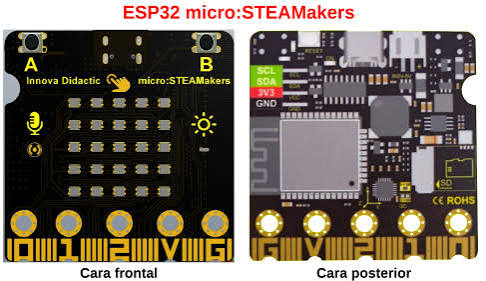
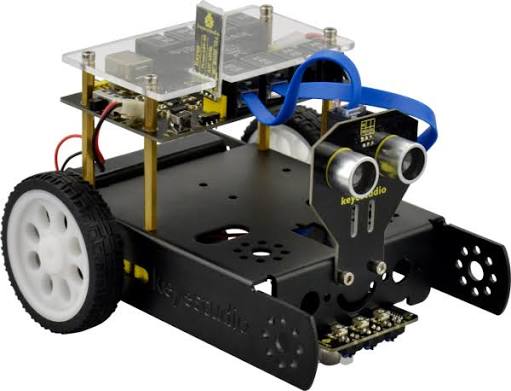
Todo esto de innovadidactic.com y mucho más... 🤖lo podemos programar con steamakersblocks.com 🤩🎓🚀
#esp32 #steamakers #microsteamakers #uno #keybot #3dbot #iot #roboticaeducativa
6
9
875

26 Aug 2025
Day 9 of @StevenBartlett's 90 Day Challenge 😎
#NoOrdinarySTUDIO: A Small Studio with BIG IDEAS
I need make preparations for "NoOrdinarySTREAM" going live on @kick asap; so that I can share this journey - and build a COMMUNITY - at the earliest stage possible.
This is going to include: General "housekeeping", PC upgrades, hardware set up, and software set up & setups (details below).
The STUDIO will also be the hub for post-production of DJI Drone and Osmo Action footage for:
- @NoOrdinaryDIARY (YT and 𝕏)
- @NoOrdinaryNEWS (YT and 𝕏)
- @NoOrdinarySEAFARER (YT) @NoOrdinarySEA (𝕏)
This update for YOU is also gonna be a little checklist for ME 👍😎👌 #TwoBirds
-----
Firstly; the room that I plan to use as the STUDIO is currently a bedroom. This needs to change. It'll still be a bedroom; but I'm downsizing the bed to make more space for a desk and other furniture. Over time it'll start looking like a "typical" - albeit #NoOrdinary - streaming studio.
After a bit of spring cleaning and furniture rearrangement, I'll start stripping down the PC to prepare it for the upgrades.
[Shall I stream/record the upgrades process on my mobile phone - will anyone be interested?] [This might be a good test of the DJI Mic Mini with the phone?]
PC hardware upgrades and set-up tasks include:
1) @AMDRyzen CPU (from a 1700 to a 5700X)
2) @CORSAIR RAM Kit (from 16GB to 128GB)
3) @Nvidia GPU (from an @ASUS_ROG RX 580 to a Gigabyte RTX 3060)
4) Remove failed HDD(s) (at least one) - [I must
remember to count the available SATA Power and Data Cables before ordering any replacement drives - likely a few @Seagate BarraCuda 8TBs]
5) Install the new USB-C Kit (USB 3.2 Motherboard Header to USB-C PCI Bracket Back Panel)
6) Reorganise USB devices and connections [Map connections in the "PC" XLS][Take a picture of the existing setup tab - i.e. Note BIOS Flashback and Keybot ports]
7) Cable management (internal external)
8) Set up PC desk space (use @IKEAUK table for now)
With the PC hardware upgrades and basic desk setup complete, we will need to look at software. Software set up will include:
1) Upgrade PC to @Windows 11
2) Update peripheral drivers (e.g. @Logitech Webcams)
3) Installation of STUDIO STREAMING software:
- @StreamWithMeld (Meld Studio)
- OBS [Do I even need this to go live with Meld?] [Investigate options: @OBSProject, @Streamlabs, @StreamYardApp, any others?]
- Any @Logitech webcam software or @DJIGlobal software or drivers etc.
Start TEST STREAMING on KICK at:
kick.com/NoOrdinarySTREAM
STREAM Tests will include:
- Basic Meld Studio settings
- Audio [DJI Mic Mini vs @ASUS Cerberus Gaming Headset] [e.g. Will there be any "feedback" issues with the DJI Mic Mini if my speaker audio is coming from the @JBLaudio Soundbar?]
- Game STREAM: This isn't part of the existing CONTENT plan - but hey; why not? The upgraded PC, although originally specced for video editing and post-production, looks capable of running modern PC games. I quite like the look of @DuneAwakening*, so might have a go at streaming that?
* "Remember: Walk without rhythm and we won't attract the worm" (Paul Atreides).
SUMMARY
So there's lots to do and, from experience, things like PC upgrades don't always go to plan. I may be AFK for a while as a result. Sooner or later, however; I'll be back.
-----
Special Thanks:
Thank you to @Grok and @SuperGrok for assisting with component selection and upgrade tips.
Thank you to Rob the Maritimer (youtube.com/@RobtheMaritimer) for the motivation. P.S. Someone tell Rob to get on 𝕏.
Thank you to @StevenBartlett for the inspiration.
And...
Thank YOU for YOUR ATTENTION to this matter.
👍😎👌
Stay tuned. #NoOrdinary
1
6
406

8 May 2025
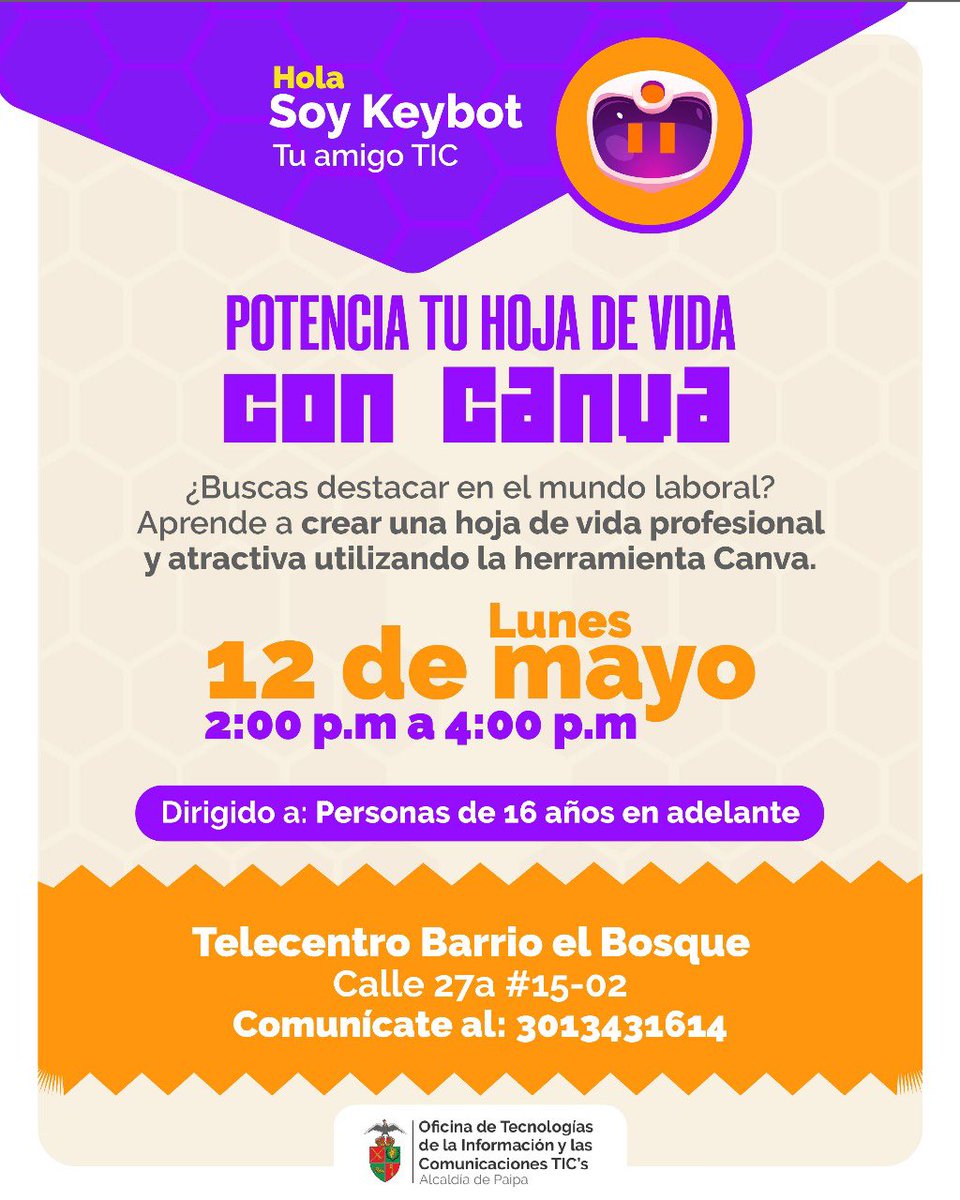
🎯 ¿Quieres destacar en el mundo laboral?
¡Lleva tu hoja de vida al siguiente nivel con Canva! 💼✨
📌 ¡No te pierdas la oportunidad de aprender con Keybot! 🧡
#GermánCamachoAlcalde
#PaipaNosMueve
#TocTocTic
2
67


25 Mar 2025
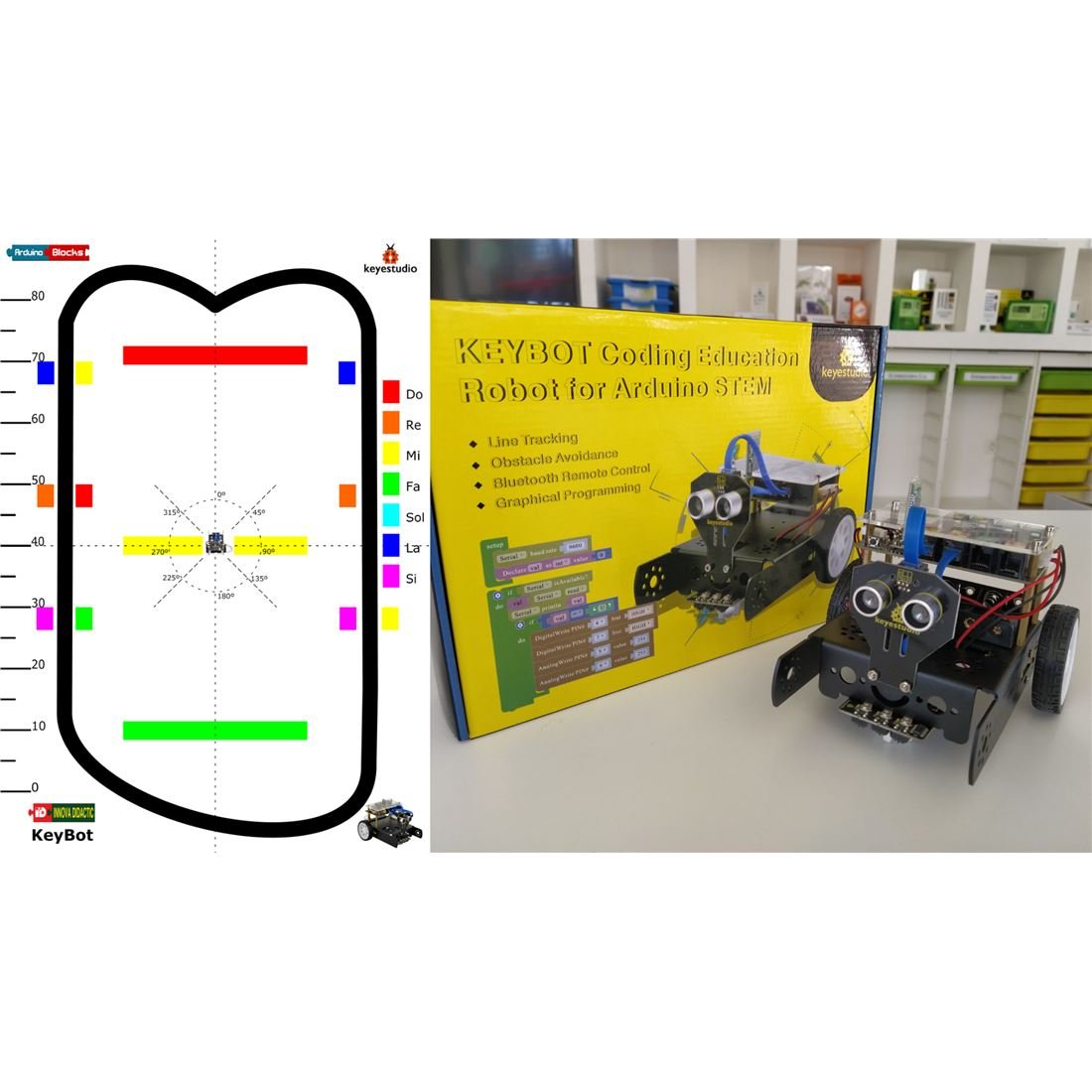
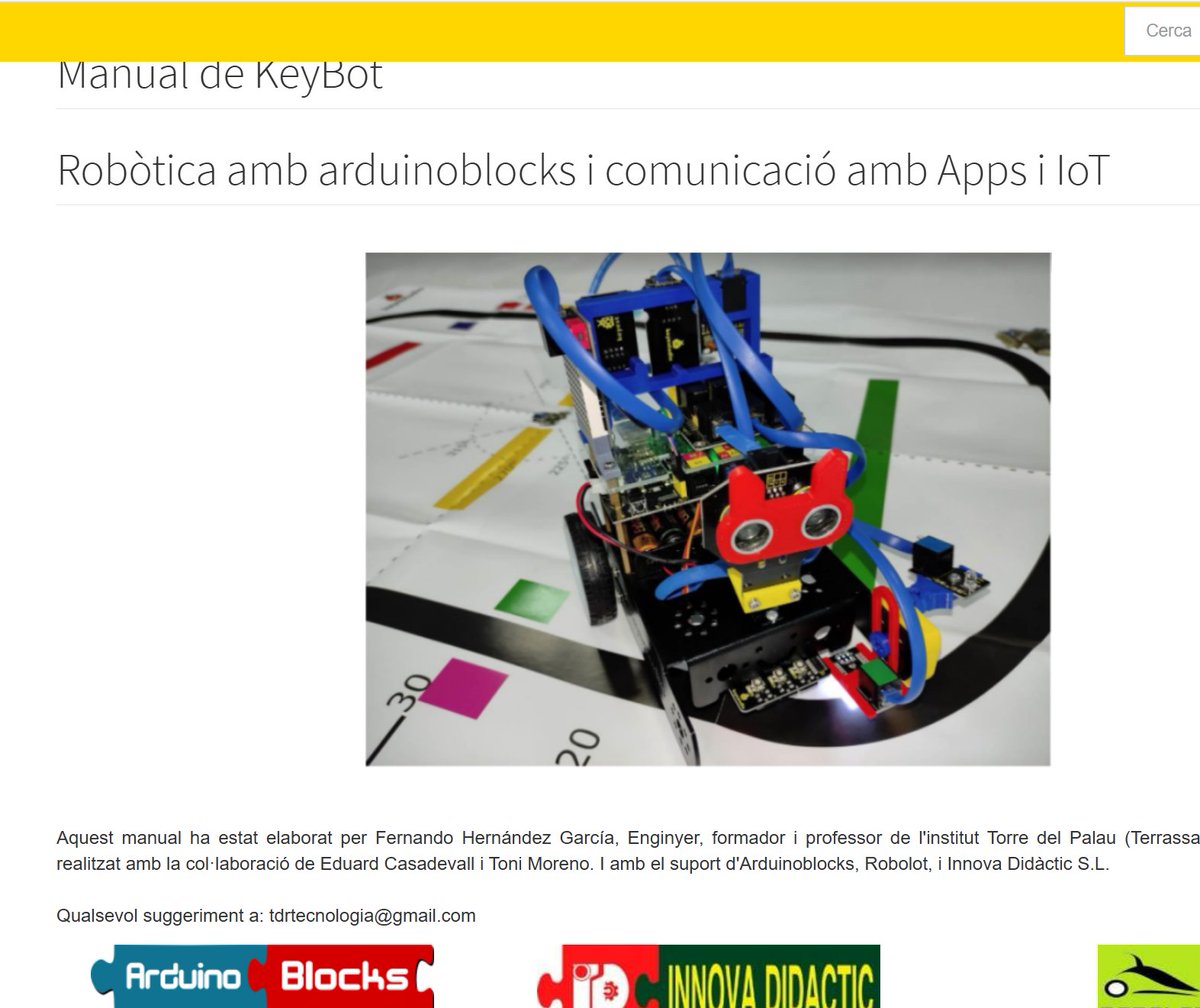
El #KeyBot de @KeyestudioRobot sembla un #mbot2 però:
1. Es programa amb @arduinoblocks la plataforma més utilitzada al país per arduino i ESP32.
2. Conté amplia informació en català i castellà amb propostes didàctiques pensades per docents d' @educaciocat.
3. Moolt més econòmic
8
15
594

8 Jan 2025
#Keybot the #Quant #algorithm flips bearish at $SPX 5955 as more choppy slop occurs. Watch #banks, #copper and #volatility. keybotthequant.blogspot.com/…
2
33
24 Dec 2024
#Keybot the #Quant #algo flips to the long side at $SPX 5961. Watch #volatility and #banks. keybotthequant.blogspot.com/…
3
37
16 Nov 2024
#Keybot flips to the short side at $SPX 5899 on Friday morning. Watch #volatility #utilities #copper #commodities and #chips. keybotthequant.blogspot.com/…
2
43
24 Oct 2024
#Keybot the #Quant #algorithm flips short at $SPX 5799. Watch #copper and #chips keybotthequant.blogspot.com/…
2
25
8 Oct 2024
#Keybot the #Quant #algo flips bullish at $SPX 5755 but stay alert for a potential whipsaw. keybotthequant.blogspot.com/…
2
27

21 Sep 2024
The project was no different from a scam and Keybot was a trap by the project's investors to remove more than half of the users
Otherwise, it would be ridiculous and unfair to call someone who even used one of the bot's keys for testing a cheater
1
4
175