
28 Jun 2025
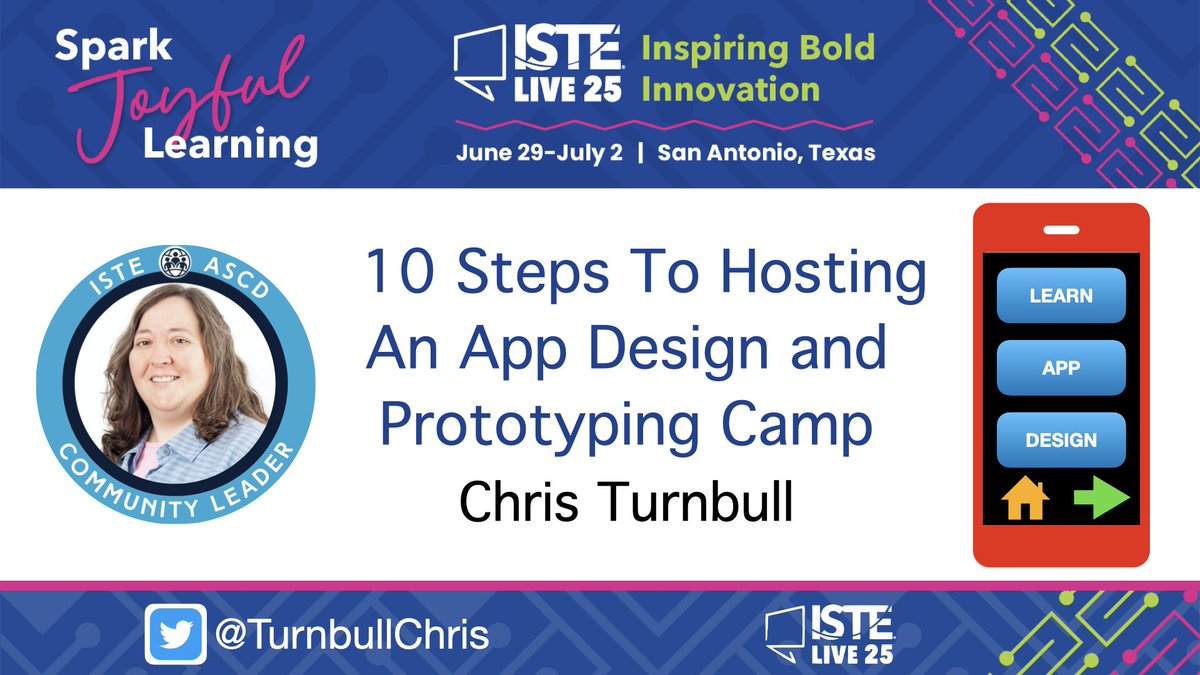
Looking forward to presenting 10 Steps To Hosting an App Design & Prototype Camp today at #ISTELive25
@ISTEofficial @AppleEDU #EveryoneCanCode #LearningWithApple #AppleEDUchat #CSforAll @weteachcs @csteachersorg @ISTEcommunity #ASCDISTEchat
1
4
94

11 Apr 2025
📝💡April is #NationalPoetryMonth! By using #Keynote, learners can create their own Digital #BlackoutPoetry. Try it out & download the file from @AppleEDU's Forum.
#EveryoneCanCreate #LearningWithApple #EdTech #LangArt #AppleLearningCoach #AppleEDUChat
education.apple.com/resource…
1
4
92
21 Oct 2024
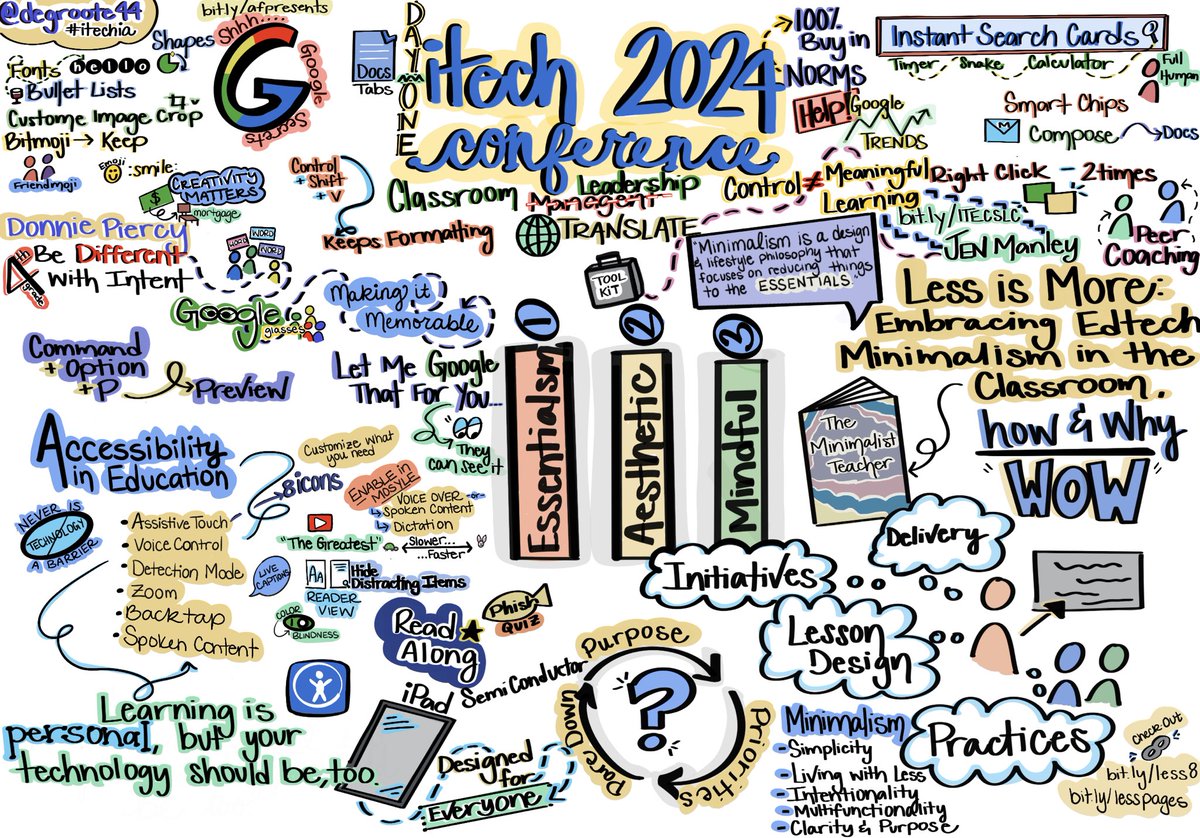
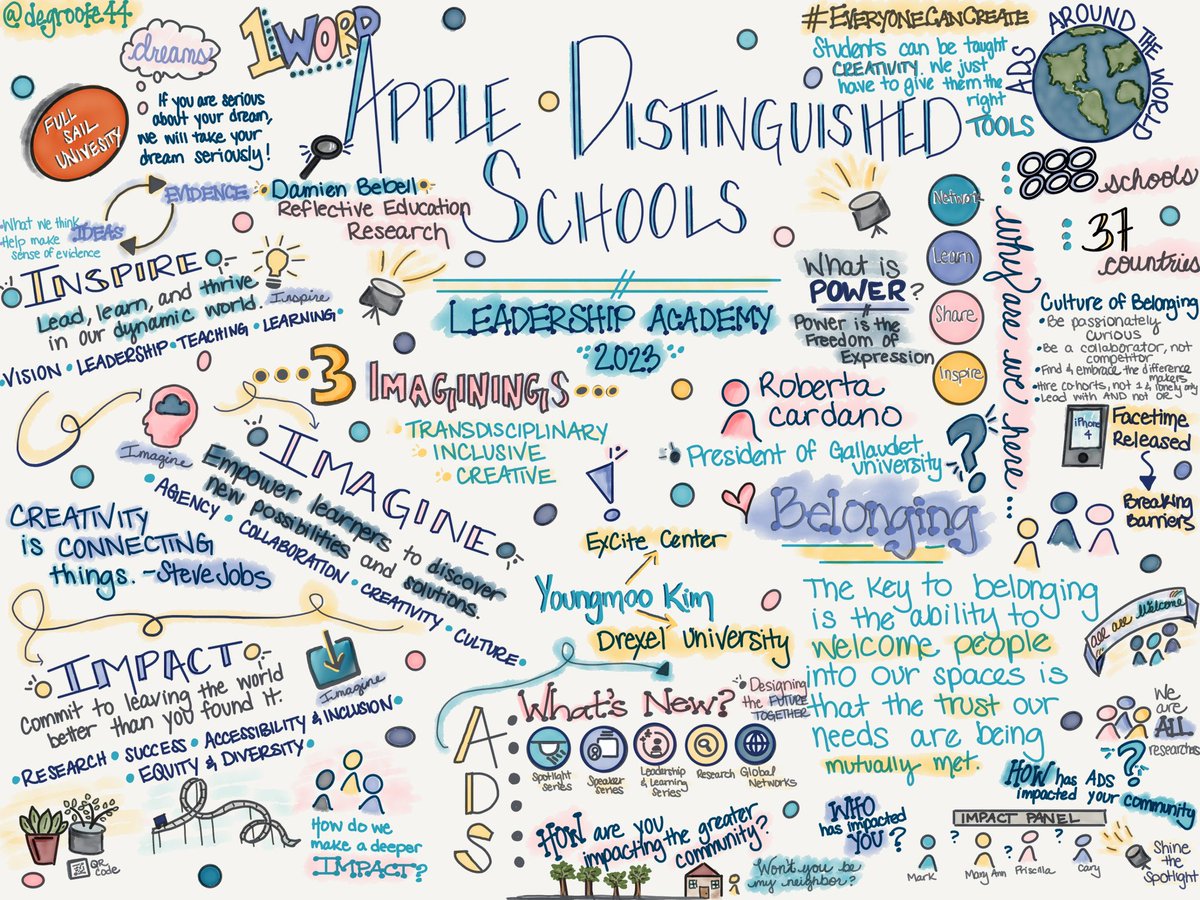
Always appreciate the learning I walk away with from conferences. Great tips, ideas, & deeper learning at #iTechIA today! Sharing my #SketchNote of my takeaways.
#EdTech #EveryoneCanCreate #Accessibility #LearningWithApple @GoogleEDU @AppleEDU @bmkeducation
2
4
6
767

24 Jun 2024
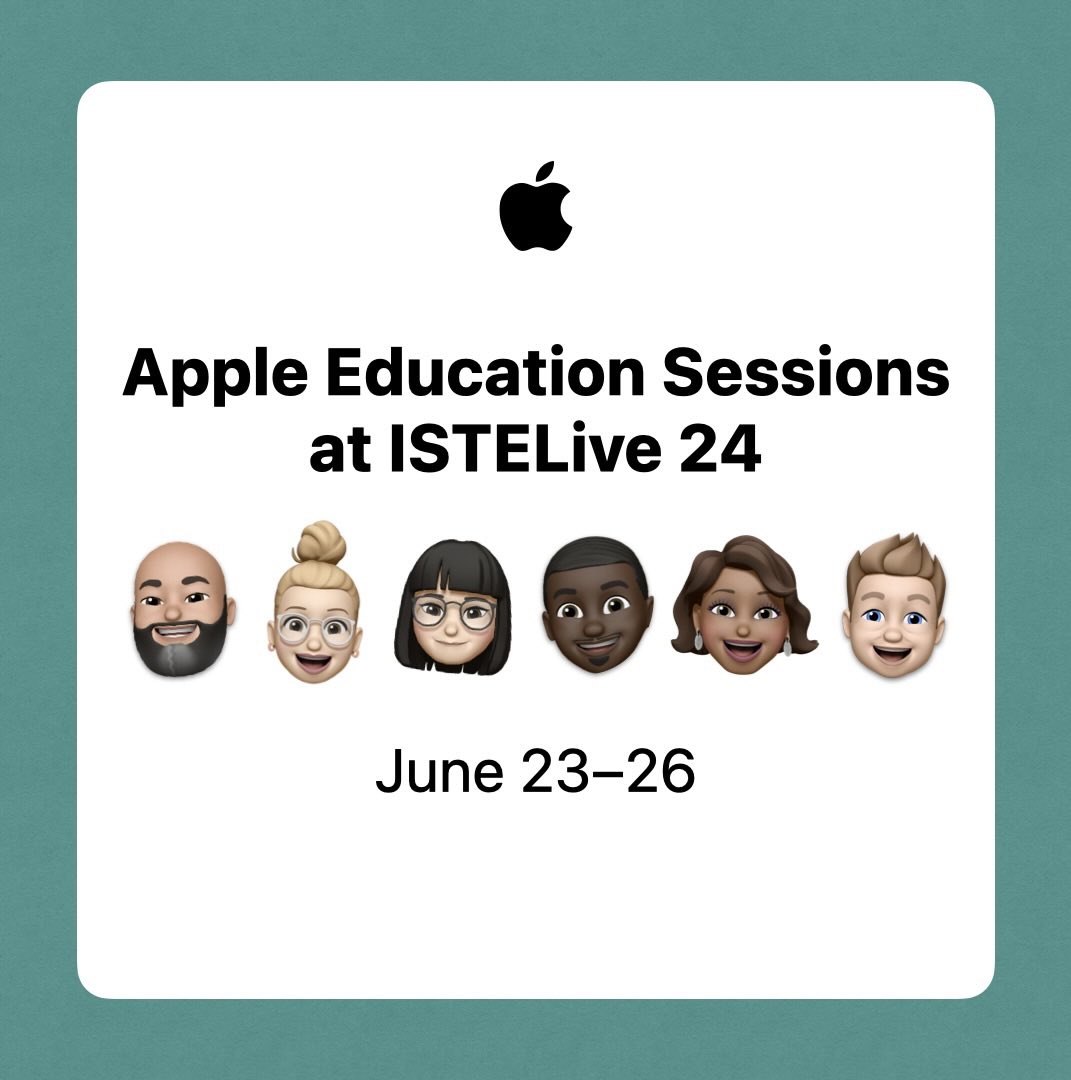
Are you at #ISTELive? Join me and others from @AppleEDU in the Bluebird Ballroom Room 2D to learn more about leveraging Apple technology in education. #LearningWithApple
apple.co/iste2024
3
24
573
26 Apr 2024
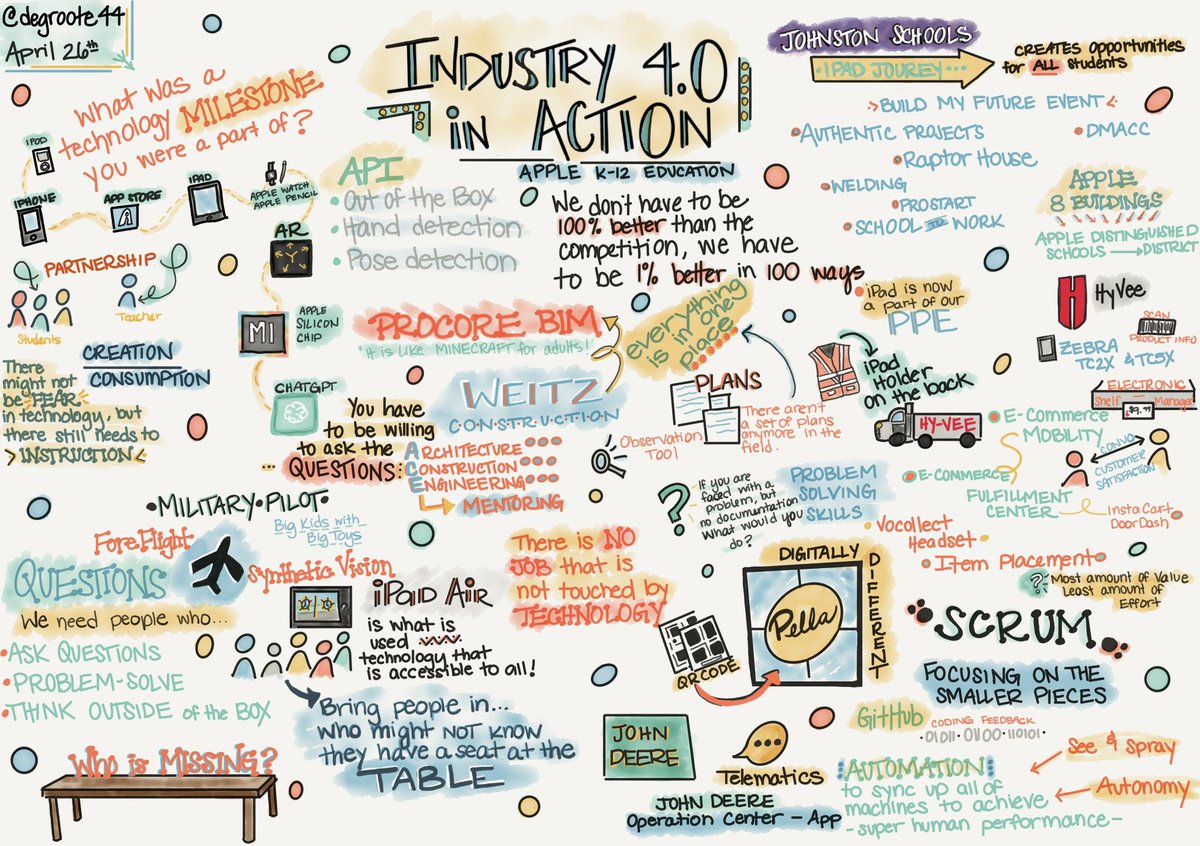
Fantastic experience learning how #iPad & @Apple has had an #impact on the #industry w/ local business & their hopes for future employees!
💭 ProblemSolving, Creativity, Ask Questions, & more.
#EdTech #LearningWithApple #EveryoneCanCreate #EveryoneCanCode #AppleEduChat @AppleEDU
1
1
10
1,246
25 Apr 2024
💭Effective thinkers make their thinking, visible.
I shared a #VisibleThinking resource @AppleEDU Forum using #Keynote #LiveVideo to capture Ss thought process. education.apple.com/resource…
#EdTech #EveryoneCanCreate #LearningWithApple #AppleTeacher #AppleEduChat #AppleLearningCoach
4
9
748
23 Apr 2024
Dissection days are always one of the BEST day in #Science! Check out my resource in @AppleEDU Forum for #OwlPellet #Dissection. Ss use #Keynote to identify bones & guide learning.
#middlesci #EveryoneCanCreate #LearningWithApple #EdTech #SciEd #iPad
education.apple.com/resource…
1
1
531
13 Apr 2024
Check out these ready to use student #BookClub Journals using #Keynote in the @AppleEDU Forum.
education.apple.com/resource…
#LearningWithApple #AppleTeacher #EveryoneCanCreate #AppleLearningCoach #Literacy #ELA
3
168
21 Mar 2024
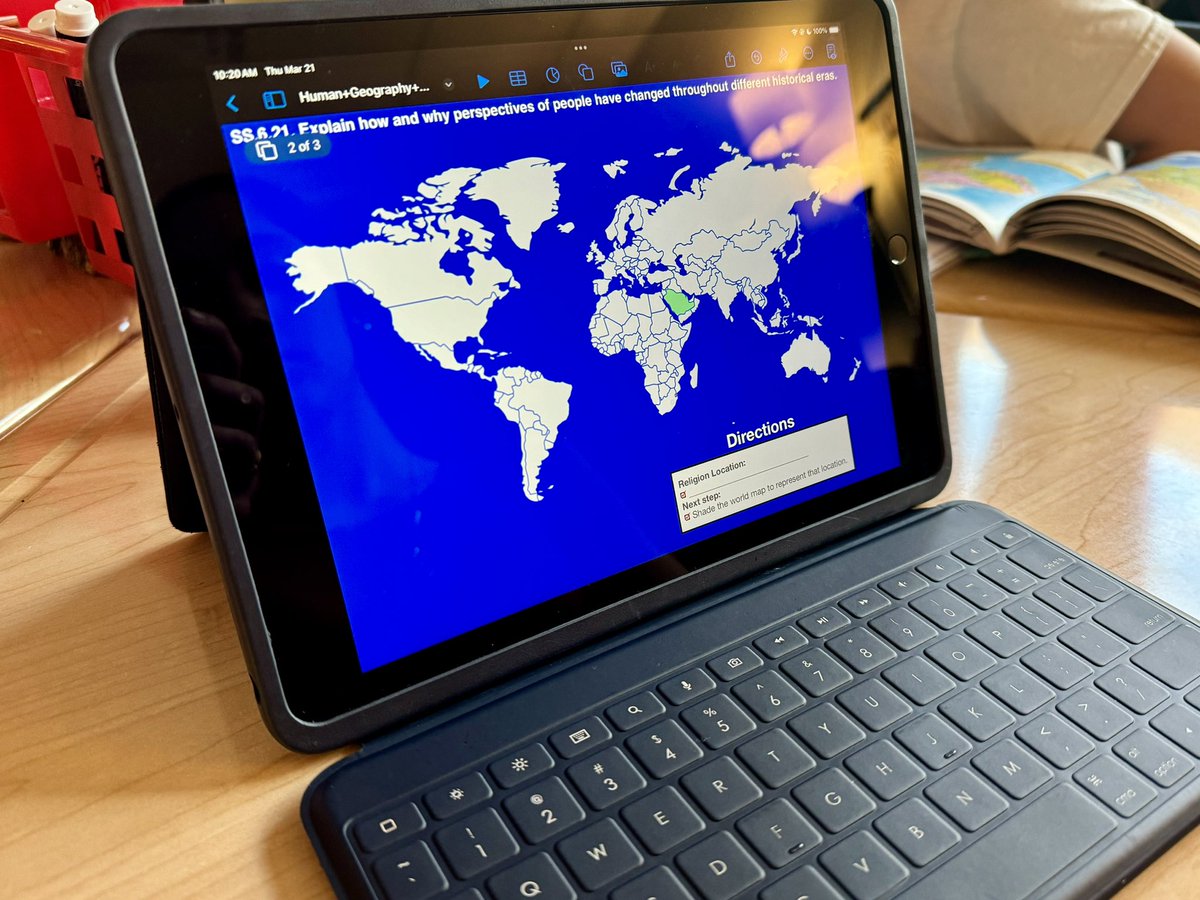
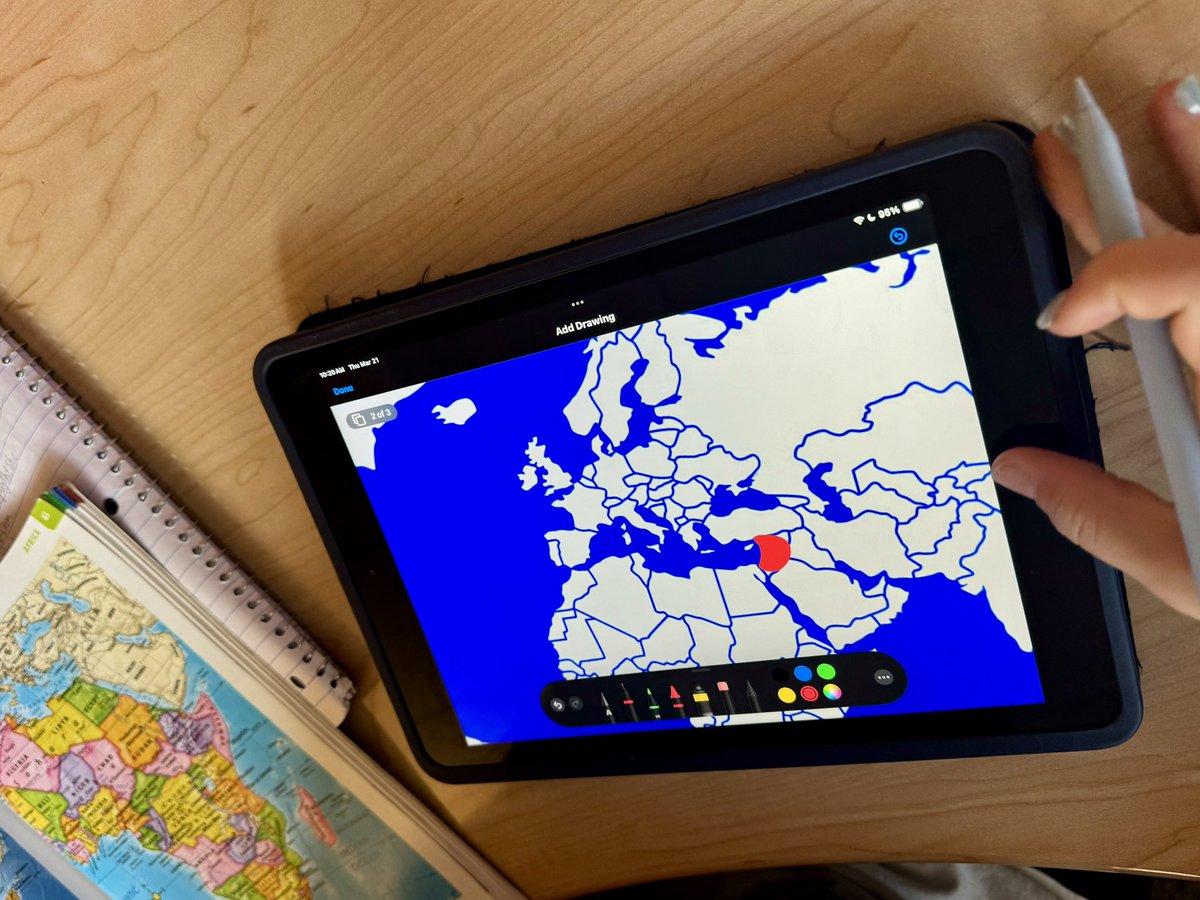
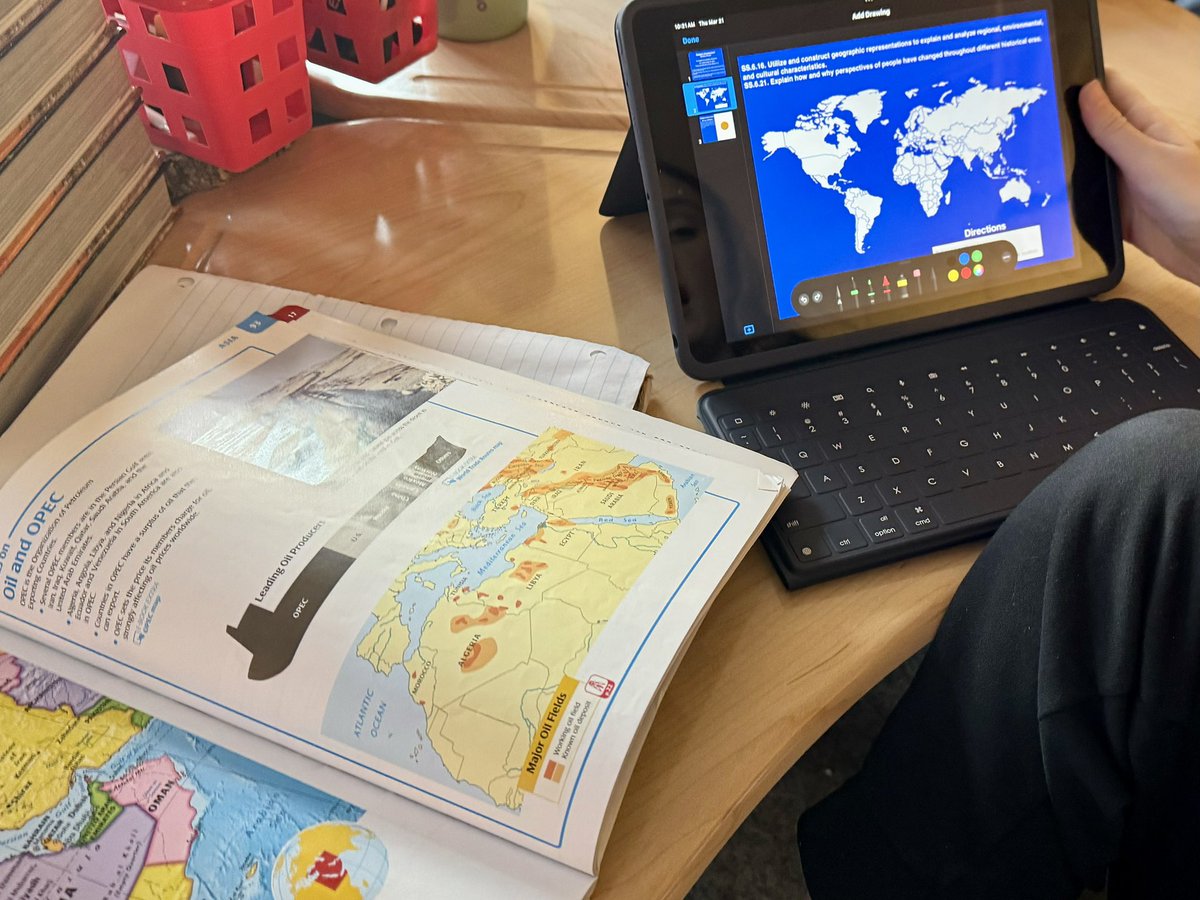
Such a fun morning in a 6th #SocialStudies class exploring religion & its spread overtime. We used #Keynote to add in drawings & #MagicMove to make the learning visible!
#EveryoneCanCreate #LearningWithApple #AppleEDUChat #EdTech
7
208
17 Mar 2024
☑️ it out - Sharing a resource I made for #Newcomer #ESOL Ss aligning with #ELA Argument standard on @AppleEDU's Forum.
#EveryoneCanCreate #EdTech #LearningWithApple #AppleEDUChat #ELL #Differentiated #Keynote
education.apple.com/resource…
2
150
21 Feb 2024
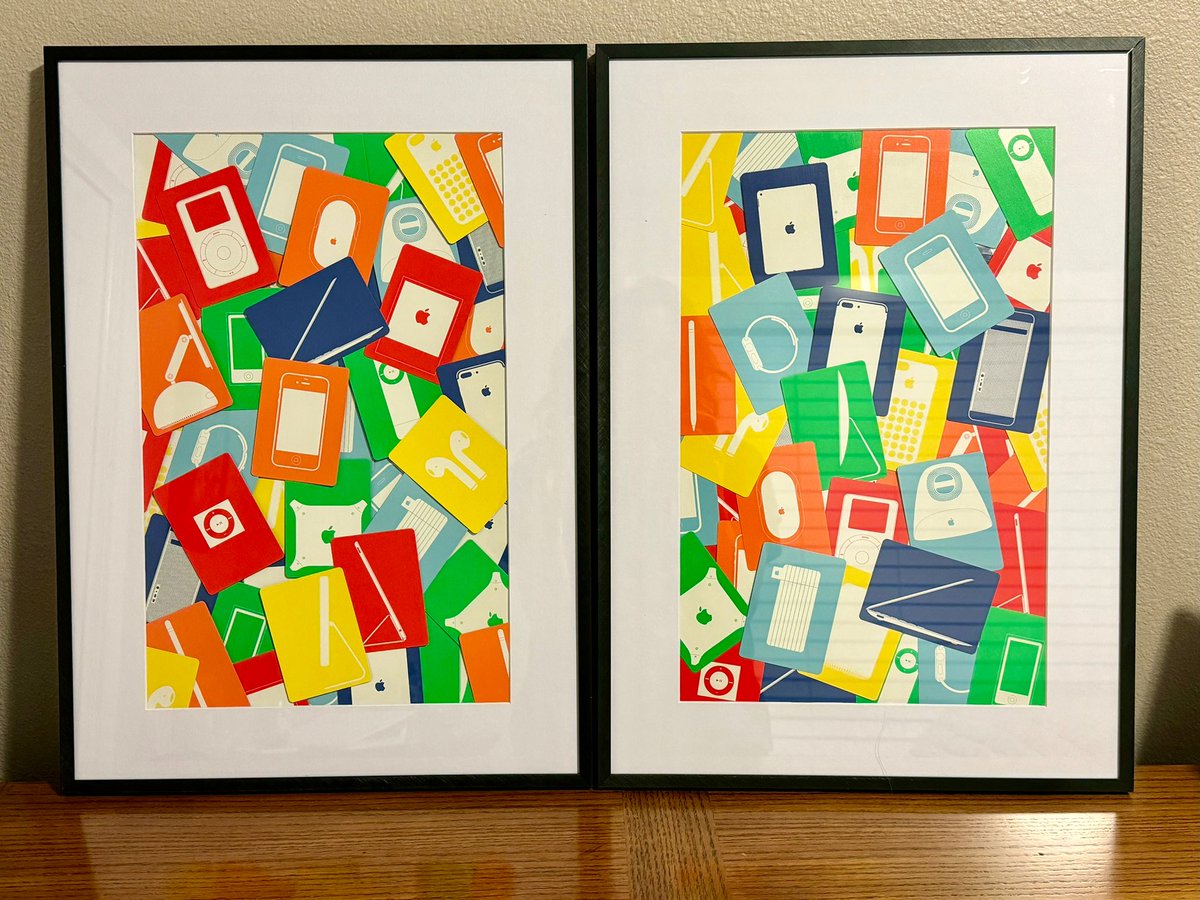
Sometimes we need to embrace the journey we have been on, the mess, the chaos, but also the beauty. I absolutely love how my frames turned out. 🤩 🥰#ThinkDifferent
#EveryoneCanCreate #ApplePark #AppleMemoryCards #LearningWithApple #AppleEDUChat #AppleTeacher #TodayatApple
7
314
26 Jan 2024
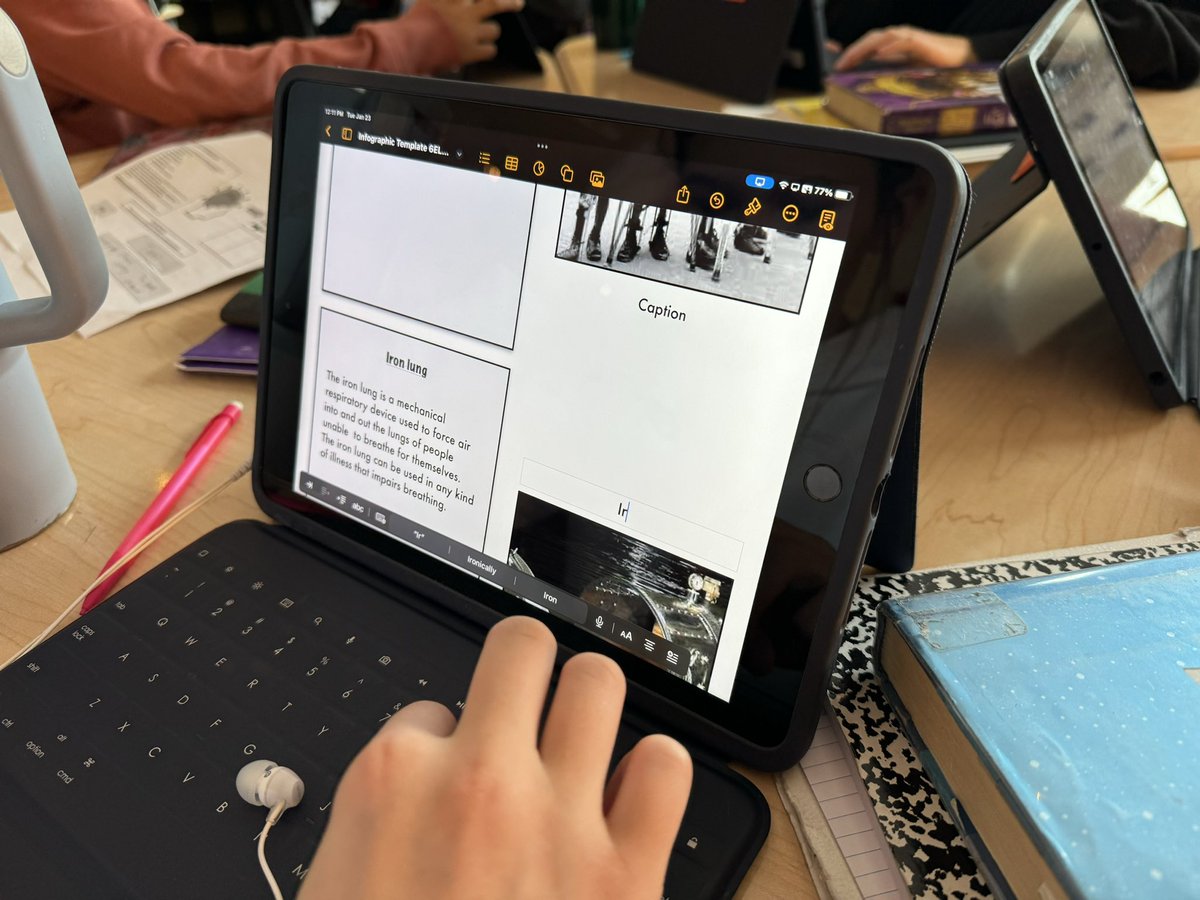
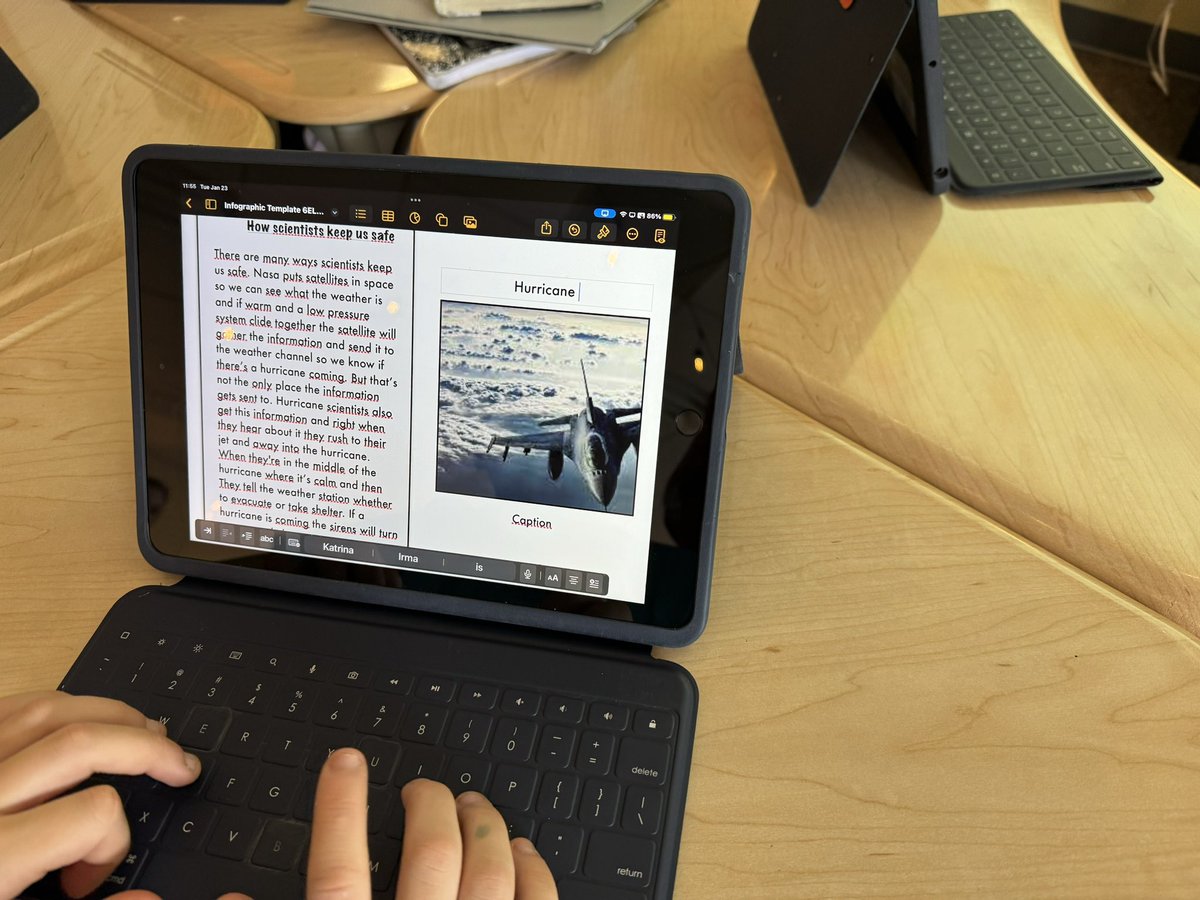
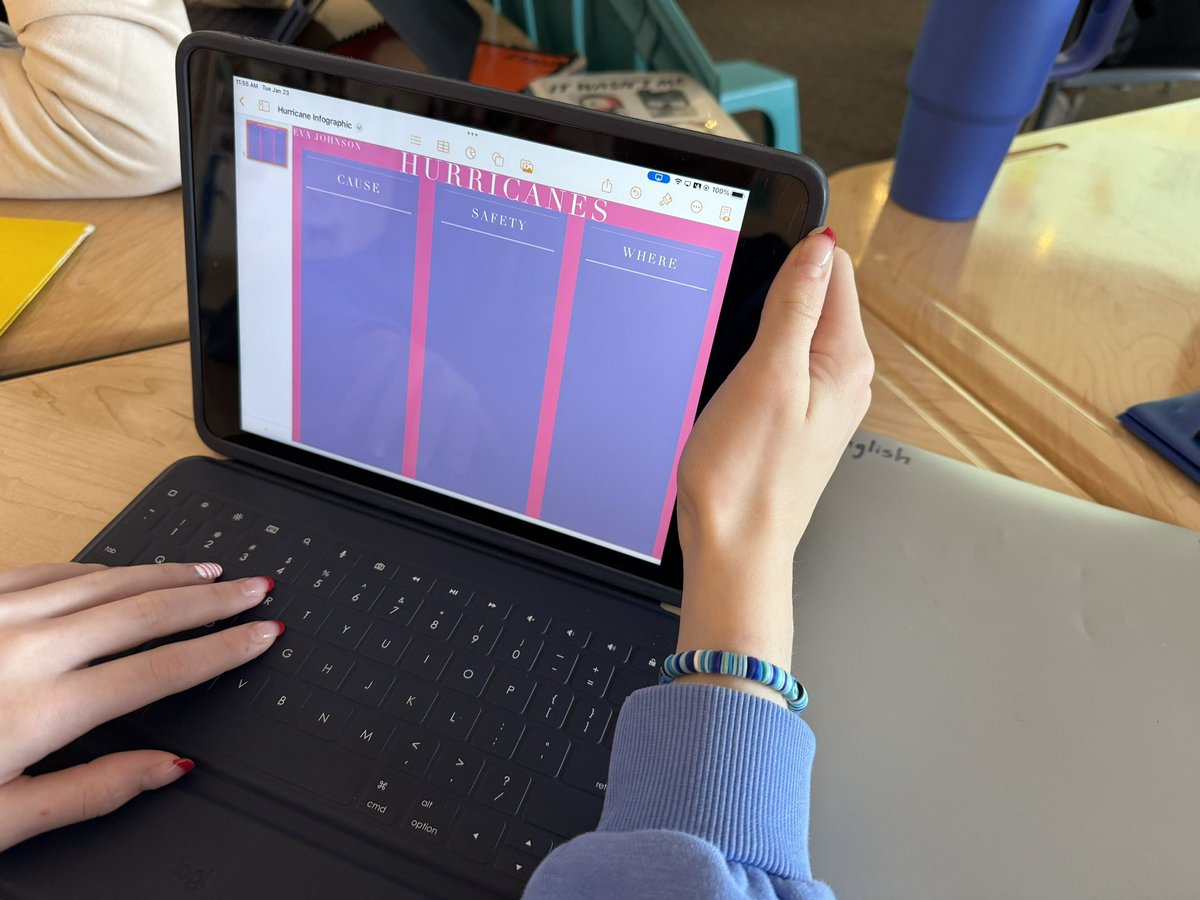
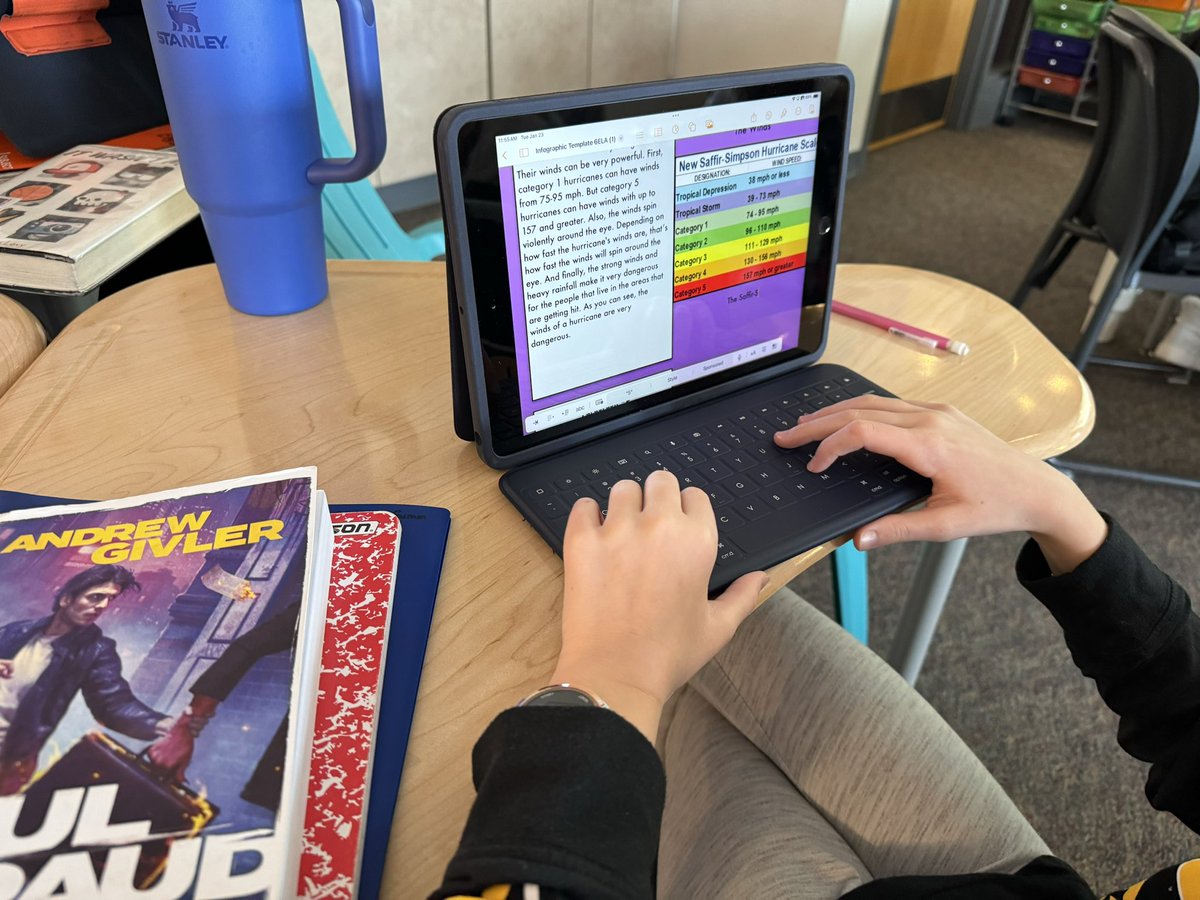
This week Ss in 6 #ELA worked on creating an #infographic by using #Pages. Love how they could choose to create their own or use a template shared via #Classroom from the teacher. 🤩
#EveryoneCanCreate #AppleEDUChat #LearningWithApple #AppleTeacher #LangArts
3
154

6 Dec 2023
Day 3 of #12DaysOfCreativity - Animated Card (kind of also the eraser reveal effect!) in Keynote using illustrated text generated with #AI in #AdobeFirefly.
#EveryoneCanCreate #AppleTeacher #LearningWithApple #AppleEDUChat
1
1
19
1,056
5 Dec 2023
I cheated for day 2 of #12DaysOfCreativity - combined the Volumes 3/4 activities by grabbing screenshots of a 3D model of a top after small rotations and created a stop-motion style GIF in #Keynote with different speeds.
#EveryoneCanCreate #LearningWithApple #AppleEDUChat
1
1
14
853
4 Dec 2023
Kicking off Day One of the #12DaysofCreativity with a "Cross Stitch" made in #Numbers (Volume #3) - love this activity!
#EveryoneCanCreate #LearningWithApple #AppleEDUChat
1
1
24
1,747
2 Dec 2023
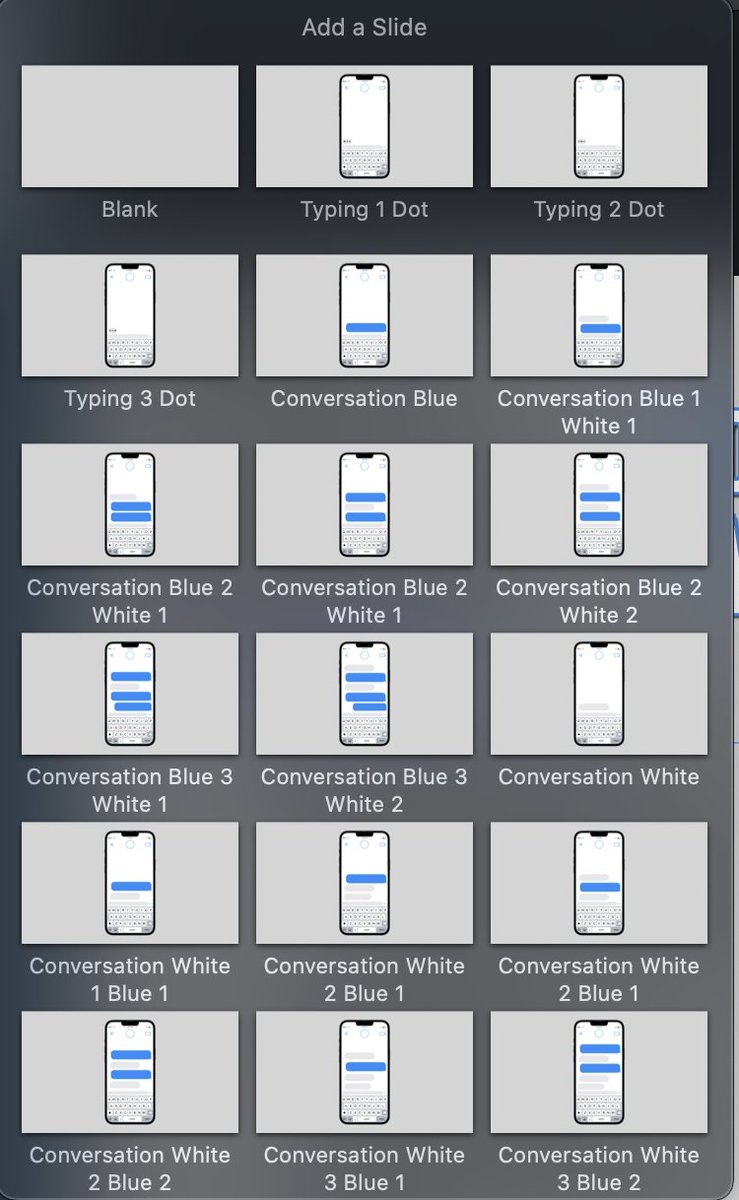
I shared an update in the @AppleEDU #Forum with a #Keynote Template for my Cell Phone Messages activity! It has all of the different slide options within the theme & directions for animation.
education.apple.com/resource…
#EveryoneCanCreate #EdTech #LearningWithApple #AppleEDUChat
21 Nov 2023

Check out this resource in the @AppleEDU Forum I made for part of an activity in #LangArts. Create digital dialogue (#Messages) using #Keynote! Adjust text, character, etc. to fit your class's needs.
#EveryoneCanCreate #LearningWithApple #AppleEDUChat
education.apple.com/resource…
1
14
3,133
1 Dec 2023
#12DaysofCreativity is always one of the FAV resources each year! Excited to dig in this year. 🤩
#EveryoneCanCreate #LearningWithApple #AppleEDUChat
1 Dec 2023

❄️It's the most wonderful time of the year! The 5th annual #12DaysofCreativity starts today - grab your workbook in the #AppleEducationCommunity and join us for the first project on Monday. We can't wait to see your "Greatest Hits"! #EveryoneCanCreate
education.apple.com/resource…

1
2
404
21 Nov 2023
Check out this resource in the @AppleEDU Forum I made for part of an activity in #LangArts. Create digital dialogue (#Messages) using #Keynote! Adjust text, character, etc. to fit your class's needs.
#EveryoneCanCreate #LearningWithApple #AppleEDUChat
education.apple.com/resource…
2
7
14
5,069
10 Nov 2023
The learning, energy, & inspiration from #AppleDistinguishedSchools this week has been fantastic! 🎉 The #impact of the ADS community for our learners will create many opportunities to #inspire, #imagine & beyond! #EveryoneCanCreate #AppleEduChat #LearningWithApple @AppleEDU
4
4
26
4,021
9 Nov 2023
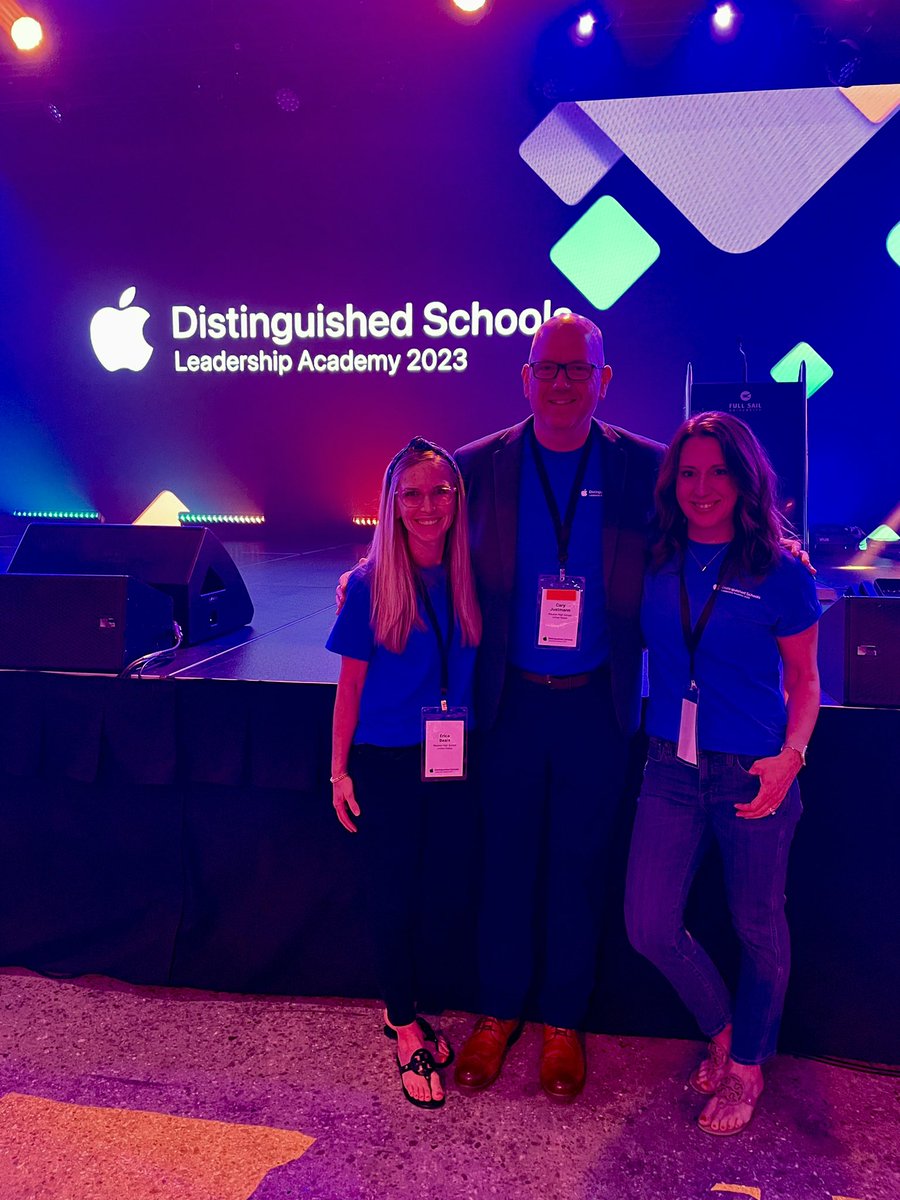
#AppleDistinguishedSchools official kickoff this morning at @FullSail! The energy, inspiration, and celebration in this room is like no other. 🎉🤩
#LearningWithApple #AppleEDU #EveryoneCanCreate
1
1
13
865