

#JobAlert
Title: C# Automation Developers
Experience: 8 yrs Proven experience in C# application development along with Selenium automation testing.
Education: BE/B.Tech/M.E/M.Tech/MCA
Required Skills:
Core Programming: Strong proficiency in C# and the .NET ecosystem.
Automation Tools: Extensive hands-on experience with Selenium WebDriver and testing frameworks like NUnit, xUnit, or MSTest.
API & Database: Proven ability to test web services and relational databases (SQL Server, PostgreSQL, etc.).
Design Patterns: Knowledge of the Page Object Model (POM) and other clean-code patterns for automation.
Title: Ruby on Rails (ROR) Developers and Senior Developers
Experience: 5 yrs Proven experience in web application development
Education: BE/B.Tech/M.E/M.Tech/MCA
Skills: Ruby, Python, PHP, along with JavaScript, HTML, and CSS.
Contact
@gtr2601 for referral
12
20
3,188

Mar 25
𝗖# 𝗶𝗻 𝗩𝗦 𝗖𝗼𝗱𝗲 𝗮𝗹𝘄𝗮𝘆𝘀 𝗳𝗲𝗹𝘁 𝗯𝗿𝗼𝗸𝗲𝗻.
In March, this finally changed 👇
What's the problem with C# in VS Code?
You open your .NET solution in VS Code, Cursor, or another lightweight editor.
You get basic syntax highlighting. Some IntelliSense. Maybe a few squiggly lines.
But real productivity? That's been missing.
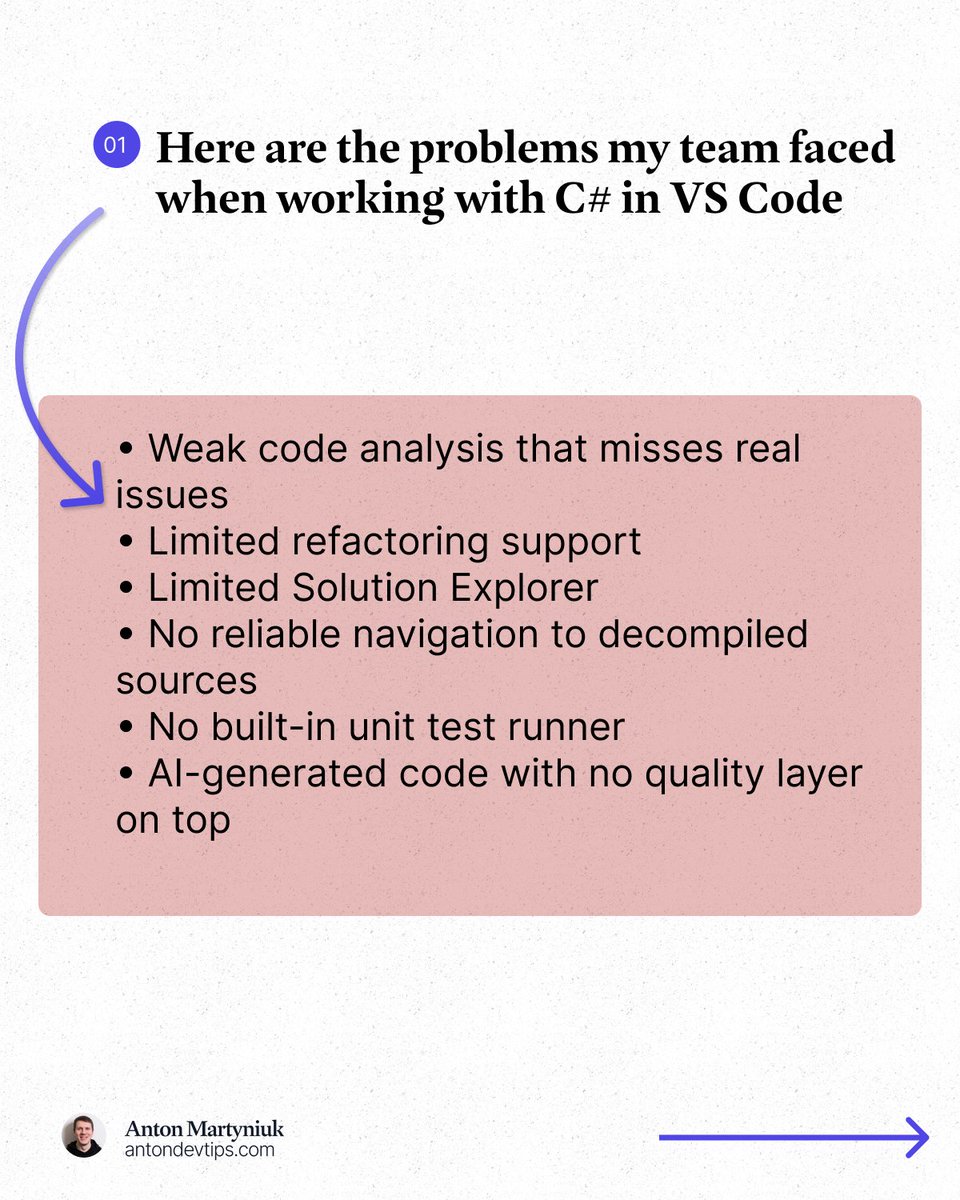
Here is what I kept running into:
• Weak code analysis that misses real issues
• Limited refactoring support
• Limited Solution Explorer
• No reliable navigation to decompiled sources
• No built-in unit test runner
• AI-generated code with no quality layer on top
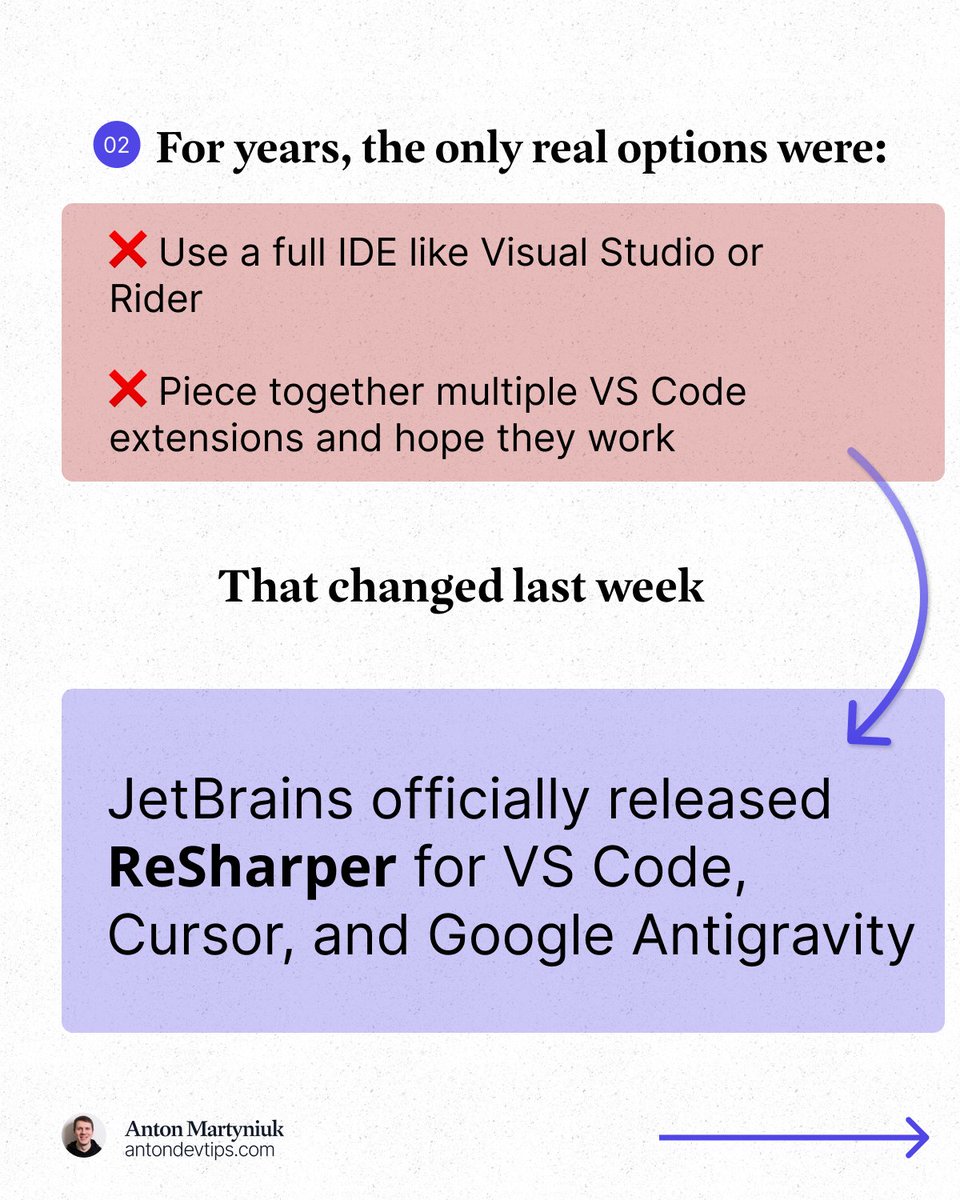
For years, the only real options were:
❌ Use a full IDE like Visual Studio or Rider
❌ Piece together multiple VS Code extensions and hope they work
This changed in March.
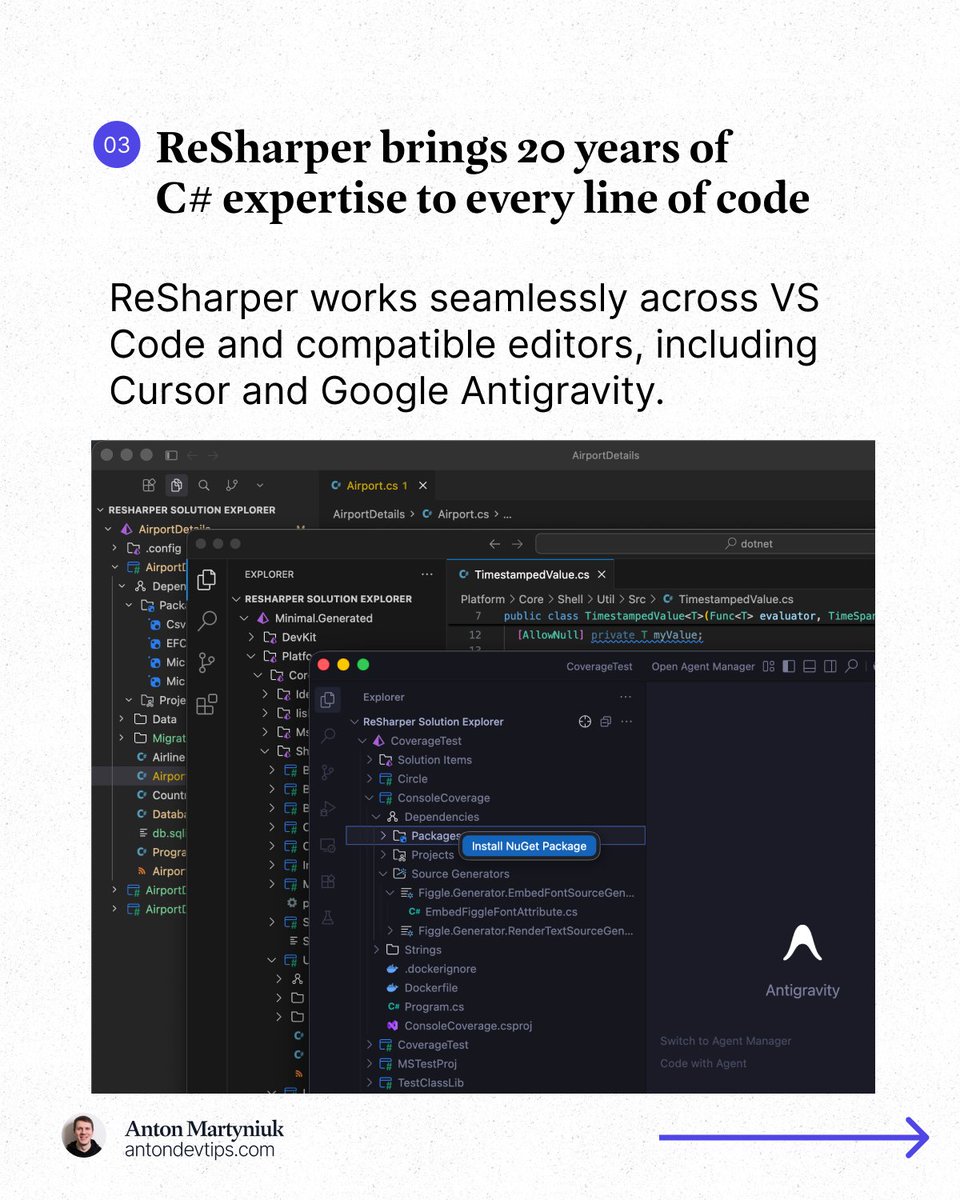
JetBrains officially released 𝗥𝗲𝗦𝗵𝗮𝗿𝗽𝗲𝗿 for VS Code, Cursor, and Google Antigravity: jetbrains.com/resharper/?pro…
This is the same ReSharper engine that millions of developers have trusted in Visual Studio for 20 years, now running in VS Code, Cursor, and Google Antigravity.
𝗔𝗻𝗱 𝗵𝗲𝗿𝗲'𝘀 𝘁𝗵𝗲 𝗯𝗲𝘀𝘁 𝗽𝗮𝗿𝘁: 𝗶𝘁'𝘀 𝗙𝗥𝗘𝗘 𝗳𝗼𝗿 𝗻𝗼𝗻-𝗰𝗼𝗺𝗺𝗲𝗿𝗰𝗶𝗮𝗹 𝘂𝘀𝗲, 𝘀𝘁𝘂𝗱𝘆𝗶𝗻𝗴, 𝗮𝗻𝗱 𝗵𝗼𝗯𝗯𝘆 𝗽𝗿𝗼𝗷𝗲𝗰𝘁𝘀.
Here is what made a real difference for me:
1️⃣ Professional-grade code analysis
↳ Real-time inspections and quick-fixes for C#, Razor, Blazor, and XAML. It catches issues that basic extensions completely miss.
2️⃣ Smart coding assistance
↳ Context-aware completion, auto-imports, live templates, and inline documentation that go way beyond what a standard editor offers.
3️⃣ Solution Explorer inside VS Code
↳ A central hub for managing files, folders, NuGet packages, and projects across your entire solution. Just like in Rider or Visual Studio.
4️⃣ Refactoring you can trust
↳ Rename works across your whole solution while safely handling conflicts and references. No more search-and-replace guessing.
5️⃣ Fast navigation to any source
↳ Jump to symbols, usages, files, and types. When source code is not available, ReSharper decompiles assemblies and takes you directly to the declaration.
6️⃣ Built-in unit testing
↳ Run and manage tests for NUnit, xUnit .net, and MSTest directly in your editor with easy navigation to failing tests.
The next major area of focus for ReSharper for VS Code is debugging support.
JetBrains is actively working on support for launching debugging sessions and attaching to processes in .NET and .NET Framework applications.
👉 You can install ReSharper in the Extensions view of your editor (VS Code, Cursor, and Google Antigravity)
——
Many thanks to @jetbrains for sponsoring this post
14
29
125
9,013
You can now run and manage C# unit tests in @code and other compatible editors.
The new ReSharper extension includes a built-in unit test runner for NUnit, xUnit.net, and MSTest. Browse tests, run them selectively, and navigate directly from failed results back to the source code.
Learn more about what ReSharper has to offer: jetbrains.com/resharper/?pro…
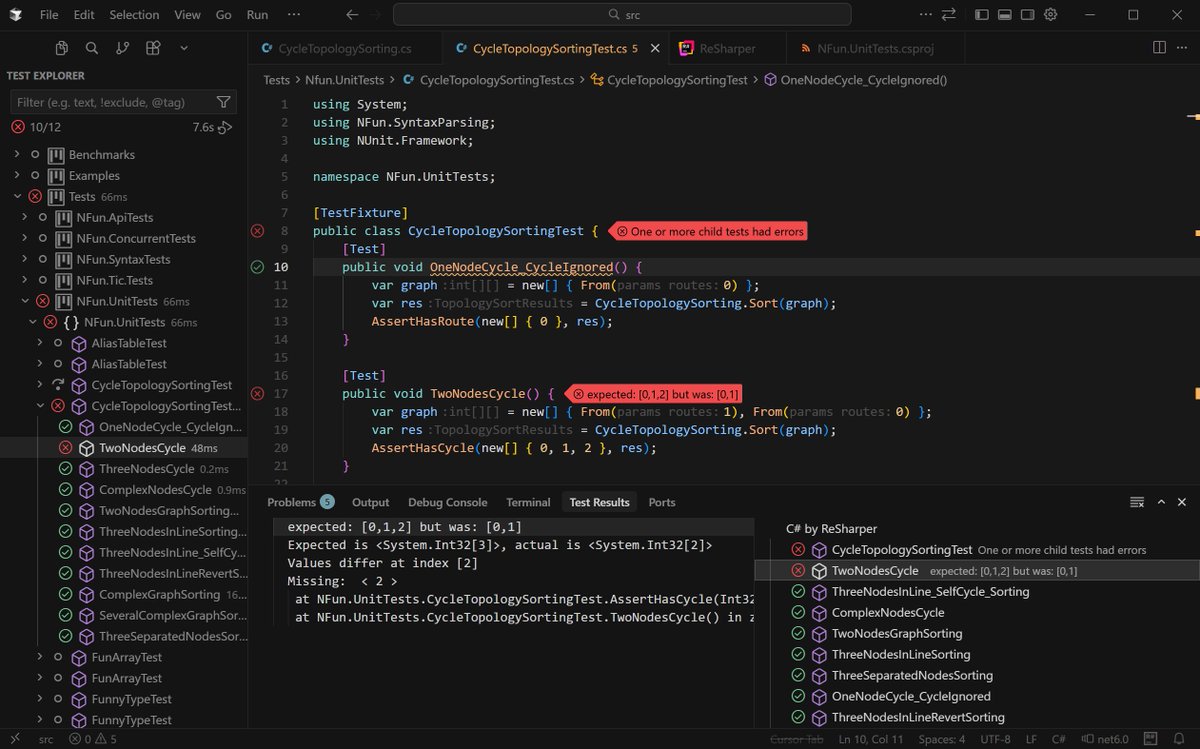
ALT Unit testing in ReSharper inside Visual Studio Code.
1
3
31
3,601

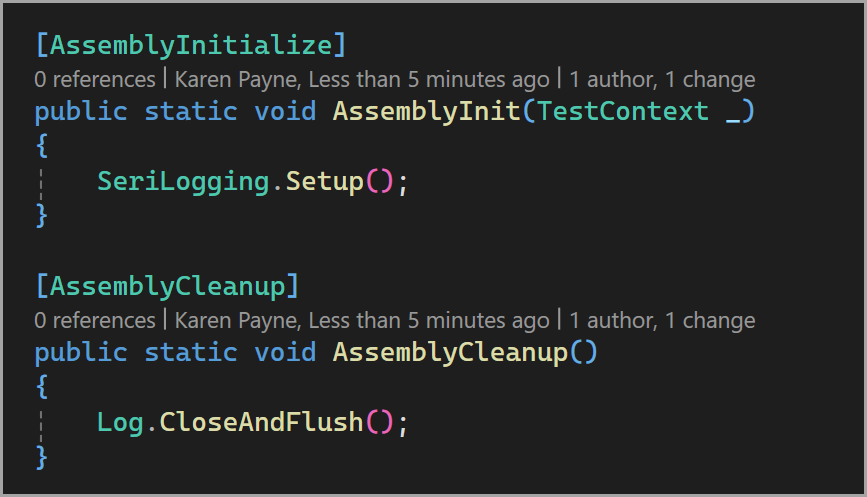
A client wanted to log issues in MSTest test methods using SeriLog.
- SeriLogging.Setup(); configure logging to daily file
21
1,158

Feb 20
リグレッションテストをちゃんとやるならMVC分離した上でJUnitとかMSTestとかの自動試験環境を整備しなければ担当者の負担がデカすぎて死だぞ。
やってるとこ見たこと無いけどね。
大体適当。
Feb 20

本日の朝ミーティングの会話内容です。
(上司:上/担当者:担A、担B)
上「修正したの?」
担A「はいしました」
上「どこを?」
担A「バグ部分です」
上「テストは?」
担A「やりました」
上「どこを?」
担A「バグ部分です」
上「エビがなさそうだよ?」
担A「いりますか?」
上「いるでしょ💢」
担A「つけます」
上「他のところってテストしました?」
担A「いいえ」
上「なんでやらないの?」
担A「修正してないからです」
上「リグレッションテストやるでしょ普通💢」
担A「やります」
上「では次の人」
担B「はい」
上「こちらのバグ調査終わりましたか?」
担B「終わりました」
上「原因は?」
担B「これこれこうだと思います」
上「思いますってなに、ログとか見たの?」
担B「いいえ」
上「いや、普通見るでしょ💢」
担B「みます」
上「お願いします」
担B「はい」
現場からは以上です。
1
3
342

Feb 19
Master The Basics of MSTest Like a PRO In Under 15 minutes!
For centuries one testing framework has dominated the donet scene... but is it all over for xUnit?!
In this video, we'll explore MSTest and how some of the great Microsoft Testing Platform capabilities have made their way in.
Is it enough to get you to move from xUnit?!
Watch it here:
youtube.com/watch?v=lxedalYA…
2
166

🚀 Transform your .NET testing!
The new Microsoft.Testing.Platform offers faster execution, Native AOT support, and self-contained test executables—an alternative to VSTest with more flexibility. Works with MSTest, (cont) msft.it/l/6018QBbAn
5
49
5,453

Honeywell is hiring #Freshers for #Software Engineer 1.
Location: #Banglore
Eligibility:
- Bachelor’s degree in Computer Science/Engineering or equivalent practical experience.
- 0–2 years of software development experience (internships and projects count).
- Programming: Solid grasp of C# and .NET (preferably ASP.NET Core, Web API, MVC), asynchronous programming, and object-oriented design.
- Databases: Comfort with SQL—writing queries, joins, indexes; understanding normalization and performance basics.
- Cloud Fundamentals: Exposure to any major cloud (Azure/AWS/GCP); understanding of app hosting, identity/secrets, and CI/CD concepts.
- Testing & Quality: Ability to write unit tests (MSTest/xUnit/NUnit), use mocking frameworks (e.g., Moq), and follow code review standards.
- Security & Reliability: Awareness of OWASP Top 10, authentication/authorization (OAuth2/OIDC), and basic monitoring/logging.
- Collaboration: Clear communication, willingness to learn, and comfort working in agile teams using Git.
Link: ibqbjb.fa.ocs.oraclecloud.co…
#Honeywell #hiring #Banglorejobs #India #SoftwareEngineering #Software #SoftwareDevelopment

1
2
177
Unit tests made simple! GitHub Copilot Testing for .NET in Visual Studio Insiders auto-generates tests for your code—fast, type-safe, and integrated. Supports MSTest, xUnit, NUnit.
👉 Learn more, msft.it/6018tbL20
#dotNET #Testing
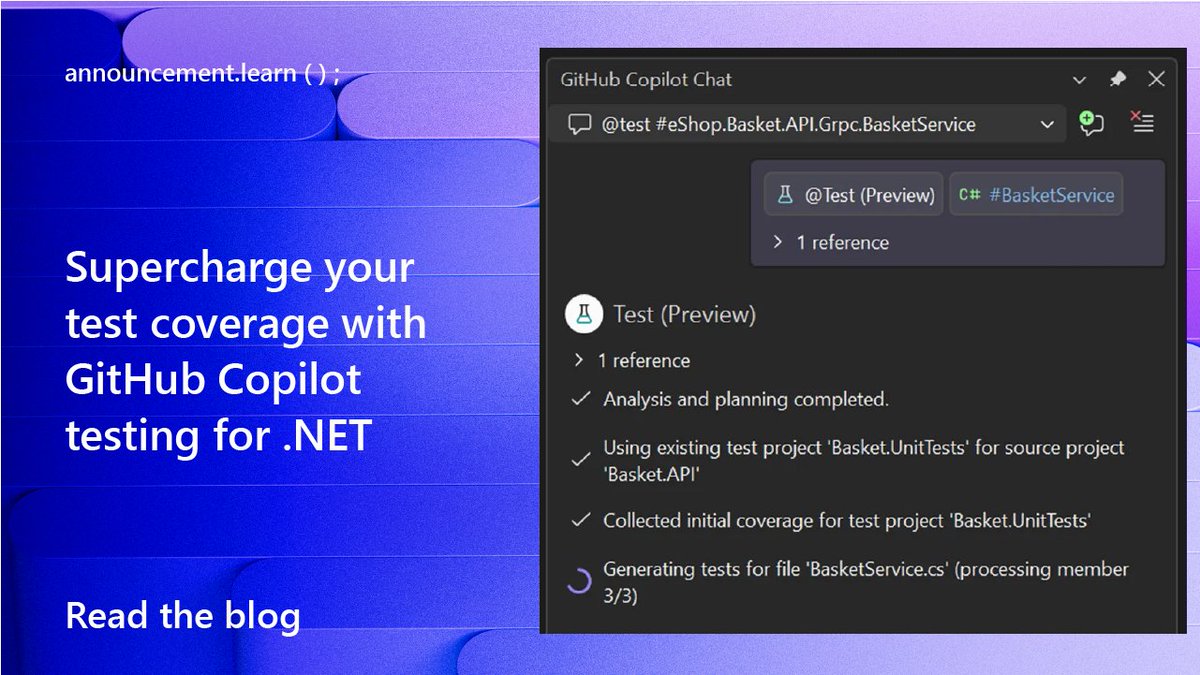
ALT screen capture of Copilot testing for .net text reads: announcement.learn Supercharge Your Test Coverage with GitHub Copilot Testing for .NET Read the blog
13
83
7,242

All the talks from #dotnet conf 2025 are available on youtube, if you feel like learning this weekend (or next week). Among them the one on dotnet test, mstest and microsoft.testing.platform, from yours truly!
youtube.com/watch?v=QWi_bvQc…
1
3
361

21 Nov 2025
🛠 ReSharper 2025.3.0.2 is out!
This update brings stability and quality improvements, including:
✅ No more deprecated API warnings in Visual Studio 2026
✅ Fixed MSTest v4 test duplication
✅ Reliable namespace imports & C# analysis stability
More details 👉 blog.jetbrains.com/dotnet/20…
21
1,439
These are the newest things in dotnet test, Microsoft.Testing.Platform and MSTest.
Install .NET 10 today to enjoy them!
#dotnet
youtu.be/QWi_bvQc4fc?si=jKlq…
5
12
5,914

29 Aug 2025
NCrunch v5.17 has just been released. This includes an important fix for NUnit v4.4, where exceptions weren't being reported due to a subtle change in NUnit. Also includes some compatibility improvements for MSTest.
5
5
270

22 Jul 2025
We just released another preview of MSTest v4 and Microsoft.Testing.Platform v2!
If you didn't try it yet, please give it a try and give us early feedback at github.com/microsoft/testfx repository.
2
7
249

22 Jul 2025
How to test your #IdentityServer?
In this post, we'll show how to setup and run automated tests with your favorite test framework. #mstest #xunit #nunit #dotnet #security
duende.link/a4rs979
3
238

30 May 2025
I've used a lot of test frameworks (NUnit, XUnit, MSTest) and testing packages (Moq, FluentAssertions, TestContainers, etc) in the past. But recently I've just returned to the basics: MSTest, my own assertion helpers, and TestContainers.
I'm continuing my push to minimize external dependencies.
2
1
15
1,057
Elevate AI quality with msft.it/6018SbHH2.Evaluation in .NET! Assess responses for clarity and ethics using Azure AI Foundry. Seamlessly integrate with MSTest, craft interactive reports, and enhance CI/CD for smarter apps! 🌟 Learn more. msft.it/6014SbHHC
#dotNET

ALT Microsoft.Extensions.AI.Evaluation.Safety spot art. text reads: Evaluating content safety in your .NET AI applications
1
3
29
6,679
21 May 2025
Master The Basics of MSTest Like a PRO In Under 15 minutes!
For centuries one testing framework has dominated the donet scene... but is it all over for xUnit?!
In this video, we'll explore MSTest and how some of the great Microsoft Testing Platform capabilities have made their way in.
Is it enough to get you to move from xUnit?!
Watch it here:
youtube.com/watch?v=lxedalYA…
2
257

17 May 2025
Happy to see all the additions and improvements @YoussefV1313 is bringing to MSTest!
Give it a try and let us know what you think!
16 May 2025

Ever wanted combinatorial support in MSTest?
Here it is now: github.com/Youssef1313/Combi…, available as a NuGet package: nuget.org/packages/Combinato… !
You can now write extensive tests without too many `DataRow`s!
#MSTest #dotnet #unittesting #csharp
2
88