
13 Dec 2022
#PyCharmTip
PyCharm regularly checks for remote changes but doesn't automatically fetch them. Thankfully, there's an easy way to fetch the changes without applying them to your code. Let Paul show you how: jb.gg/rvuucr
#Git #branches
4
17
2 Dec 2022
#PyCharmTip
Working in a development team often involves resolving conflicts... conflicting Git commits, to be more precise.
Avoid the hassle and let PyCharm warn you about overlapping commits before you push your changes!
Find more tips like this: jb.gg/ngqi5u
5
21
11 Nov 2022
#PyCharmTip
🙄 Trying to reconstruct changes you made to your code a day ago? PyCharm can help! 🔮 See and work with the changes right in the editor. Spoiler: no trip through #VCS involved! Here’s how 👉 jb.gg/63qksl
1
5
20
28 Oct 2022
#PyCharmTip Partial Commit
Struggling to understand the changes from yet another very large commit? Next time, use a partial commit to split them into several commits. Don’t forget to share this video with your team 😉
Here is a tip from @paulweveritt 👉 bit.ly/2DhTzma
2
12
21 Oct 2022
#PyCharmTip: Amend Commit
Want to edit a #commit you just submitted? Just amend it with the changes you need! ✨
Check out the new tip from @paulweveritt to save you time (and a commit)!
🔖 jb.gg/4n66ri
1
10
14 Oct 2022
#PyCharmTip
Recover from editing disasters with Local History (and @Paulweveritt)
Want to recover the whole file? Follow the link to the PyCharm Guide!
jb.gg/pbtk0f
6
15
7 Oct 2022
#PyCharmTip Reword Commit message
Fix misspelled commit messages before you push them and keep your repo safe.
@Paulweveritt has prepared more details on the topic, including shortcuts, terminal commands, and more – check out the PyCharm Guide!
jetbrains.com/pycharm/guide/…
1
1
15
28 Sep 2022
#PyCharmTip: Undo Commit
Ever done a git commit too soon? If you haven't pushed, PyCharm makes it easy to undo the commit and keep the changes.
jetbrains.com/pycharm/guide/…
2
4
25


16 Jul 2020
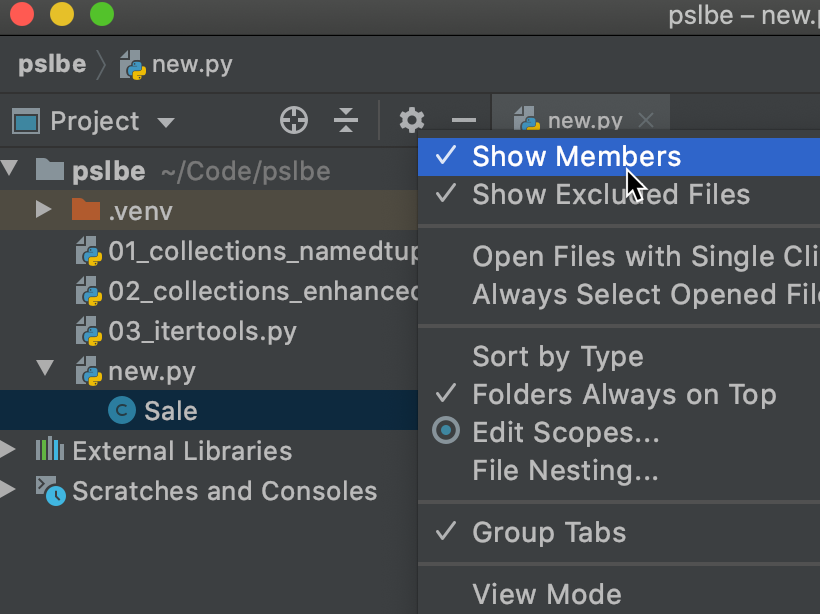
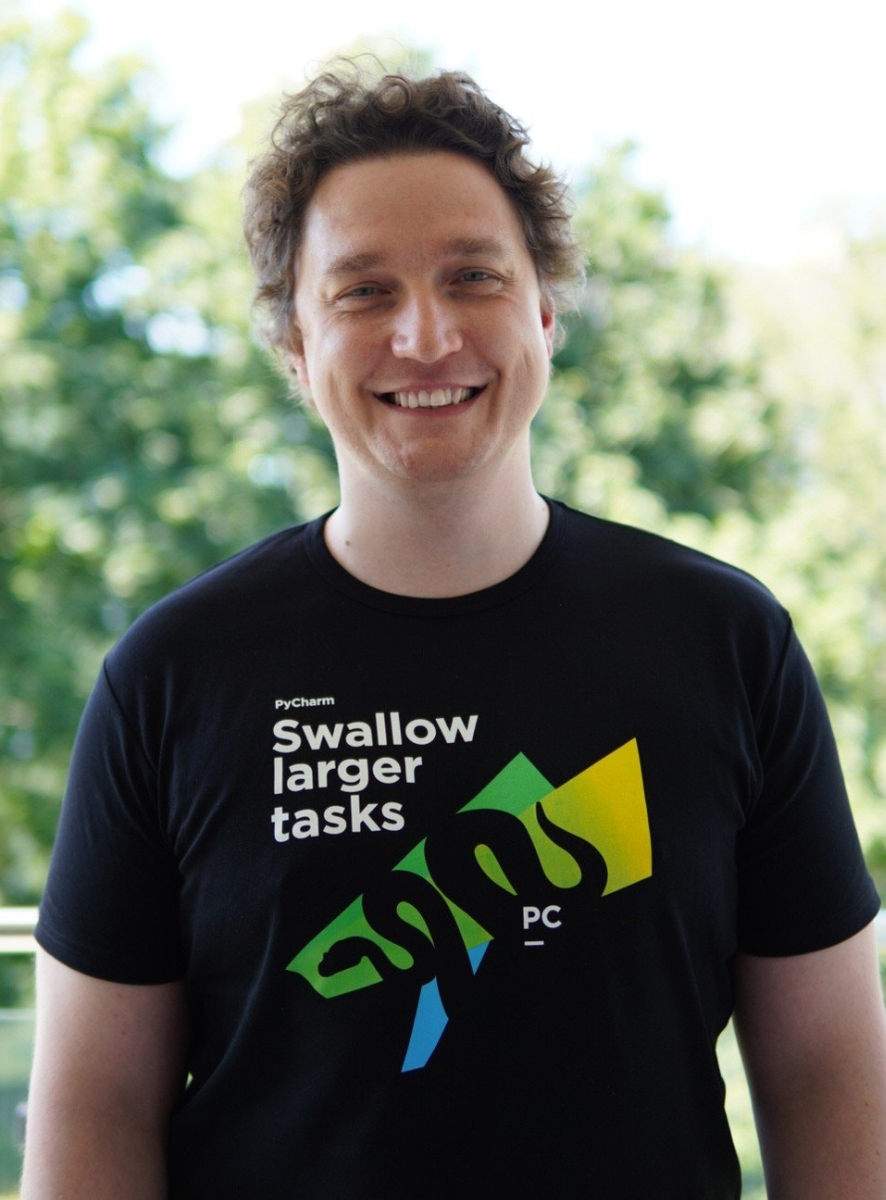
My Pycharm t-shirt is here. It's so awesome 🤩 Thank you @pycharm @gamesbrainiac! #PyCharmTip #refactorAllTheThings
1
11

2 Jul 2020
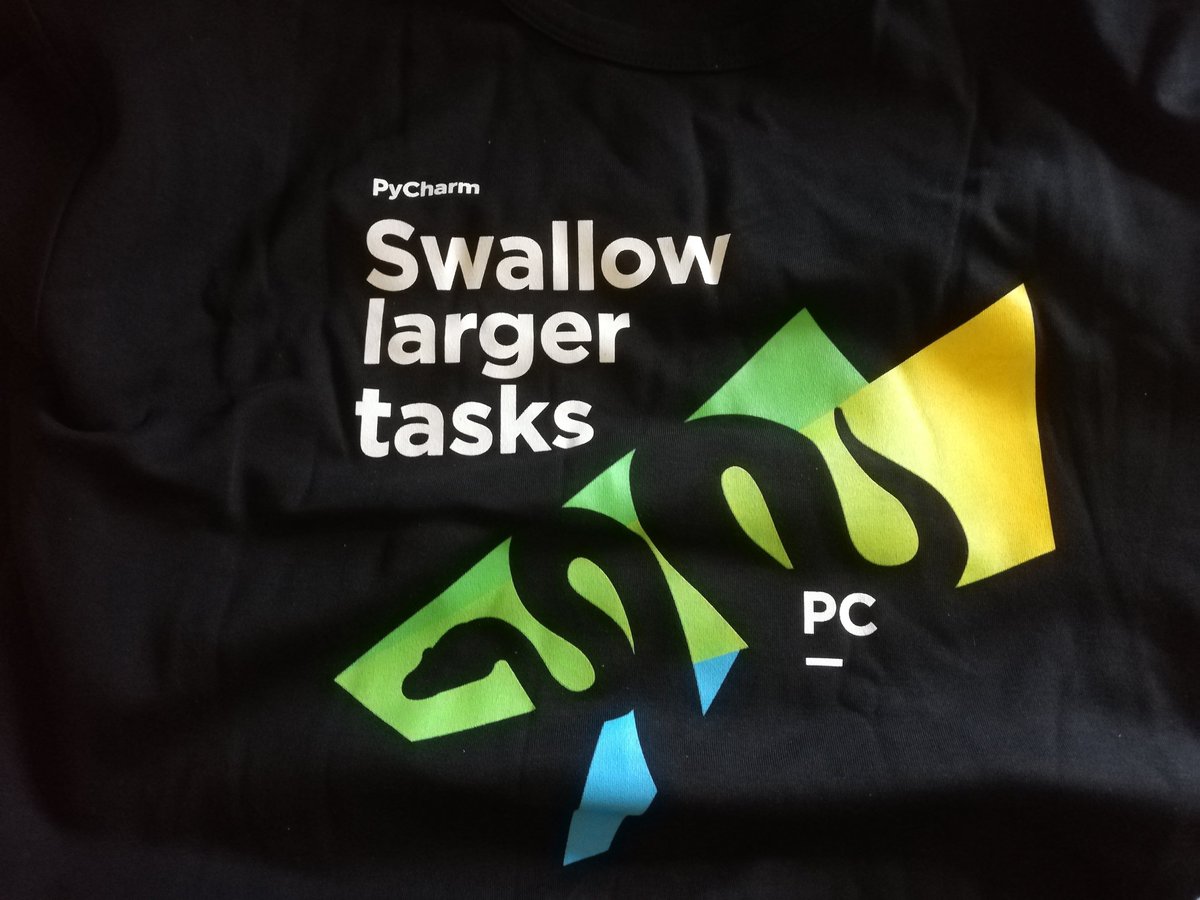
👌 Just received T-Shirt for winning in #PyCharmTip contest.
🔥 Can't wait to wear it.
👍 Thanks @pycharm and @gamesbrainiac
1
2
9

8 Jun 2020
Wow :) #PyCharmTip keep use setting virtualenv in New environment before your create project , and type code. this Tip can use easy if you can application deploy to hosting :)
1
3
5 Jun 2020
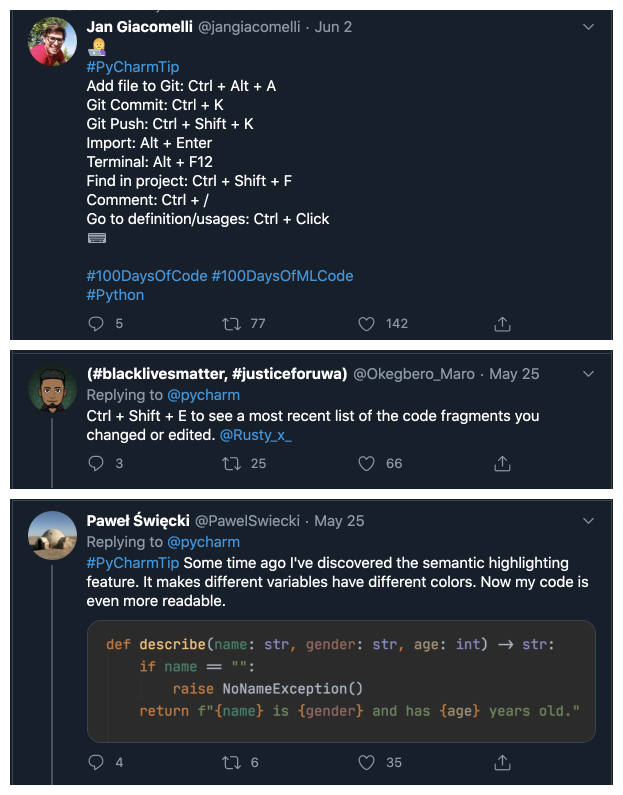
The #PyCharmTip challenge has its winners! Congratulations @jangiacomelli, @Okegbero_Maro, and @PawelSwiecki for your outstanding tips! @gamesbrainiac will be in touch with you guys soon for more details!
3
6
37

4 Jun 2020
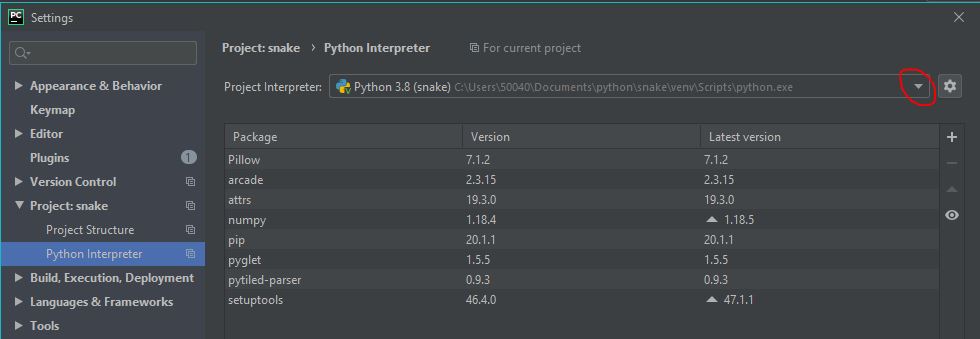
@pycharm ask you if you want to create a #python virtual environment when you create a project, but do you know that you can create a new one at any moment ? Just go in Settings (Ctrl Alt S) > Project > Python Interpreter !
#PyCharmTip
1
4
2

4 Jun 2020
#PyCharmTip
Use the magic key combo CTRL ALT L to reformat all your indentations and empty lines making your code look sexy and organised.
Or use it when you've selected code to only reformat the selected code.
:D
1
3
11
4 Jun 2020
In case you missed it, we are giving away a T-shirt to the most retweeted and most liked #PyCharmTip tweets! Got something to share? Enter, and win! It's until tomorrow!

11
37

3 Jun 2020
Next Method ALT ↓
Preivous Method ALT ↑
Rename SHIFT F6
safe delete SHIFT Delete
#PyCharmTip
3
3 Jun 2020
🐍You work on a big file and want to check the name of the method or class you are working on? Try this shortcut: Alt Q. The definition above will be displayed in a little pop-up, and you can press it multiple time to see the higher definition.
#PyCharmTip
2
2
4
3 Jun 2020
#PyCharmTip
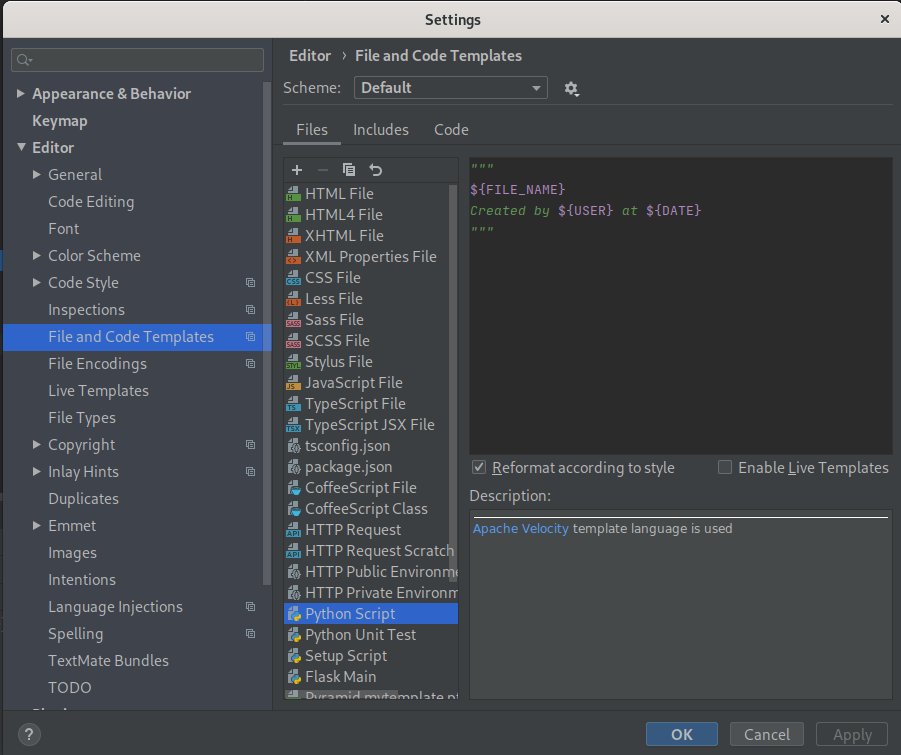
In Settings>"File and Code Templates", you can create templates for new files. It will be added at the file creation, depending of the language.
Here is mine :
1
2
3