
6 Nov 2024
🚀Jumpstart your @Raspberry_Pi AI journey from basics to real-world deployment with our course - now available on GitHub! bit.ly/3YQKhYF
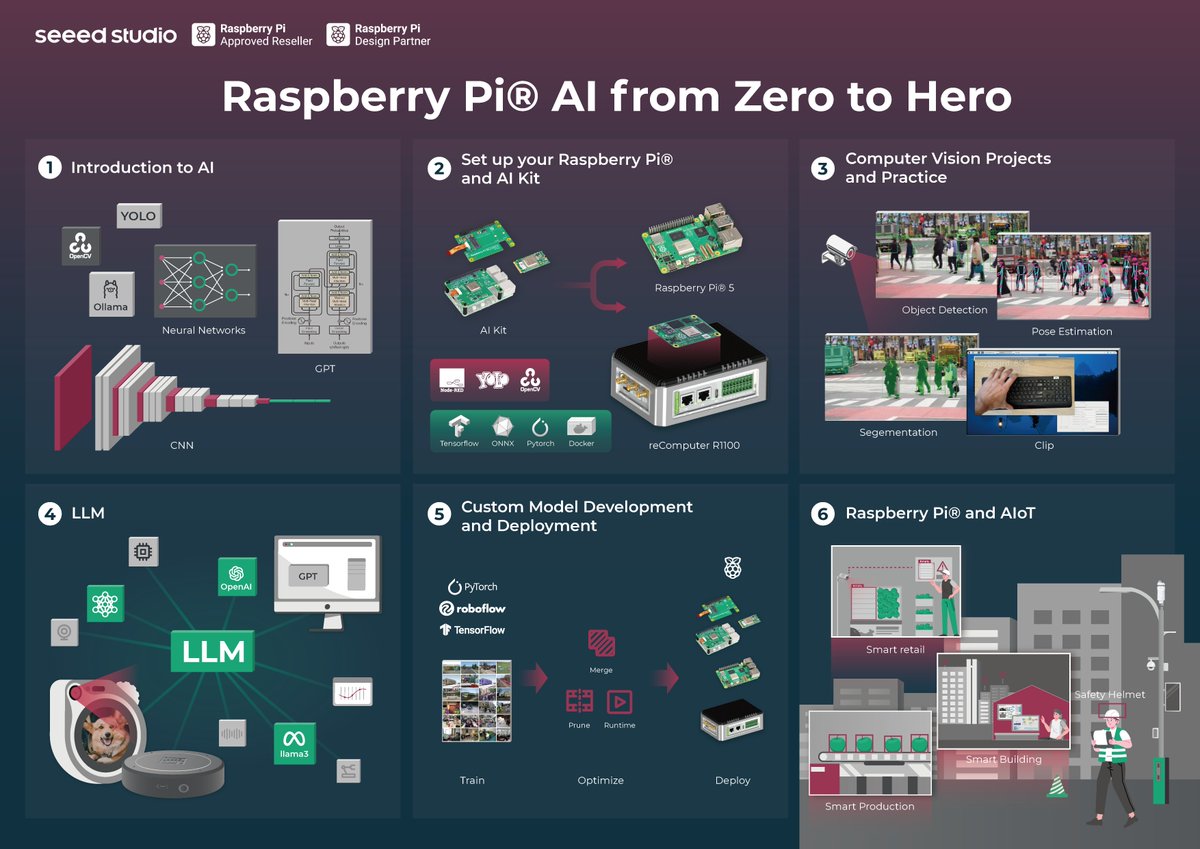
It is designed into 6 chapters. Chapters 1 & 2 will cover the basics of #AI and how to set up a #Pi environment for AI applications—that's what has been discussed a lot in the community! Then we can advance to the hands-on part in Chapter 3 to consolidate what we have learned via exploring specific tasks like #objectdetection, #poseestimation, and #segmentation.
In Chapter 4, we run some small language models on Raspberry Pi to explore its CPU potential. But the real magic happens when you create your own AI models from scratch in Chapter 5! Train with your data, get it running on Pi, and watch your innovations come to life. It's meaningful for us to bring Raspberry Pi AI to real-world deployment.
Born from countless community discussions and real developer needs, this course is"𝐂𝐨𝐦𝐦𝐮𝐧𝐢𝐭𝐲-𝐝𝐫𝐢𝐯𝐞𝐧, 𝐂𝐨𝐦𝐦𝐮𝐧𝐢𝐭𝐲-𝐬𝐞𝐫𝐯𝐢𝐧𝐠". We're seeking developers, makers, and anyone doing cool stuff with Pi AI. Come join us by contributing to Chapter 6. Let's learn and build together!
Essential tools needed:
📷 Software Stack: @ultralytics, @TensorFlow, @PyTorch, @ollama, #NodeRed, @opencvlibrary, @Hailo_ai, #Frigate
💻 Hardware Options:
• reComputer R Series (#CM4-based) - bit.ly/3Uy0pMp
• Hailo AI Kit (13/26 TOPS NPU)
#raspberrypiai #piai #AI #MachineLearning #computervision #edgeai #HailoRT #YOLO #mobilenet #resnet
9
29
2,518

30 Sep 2024
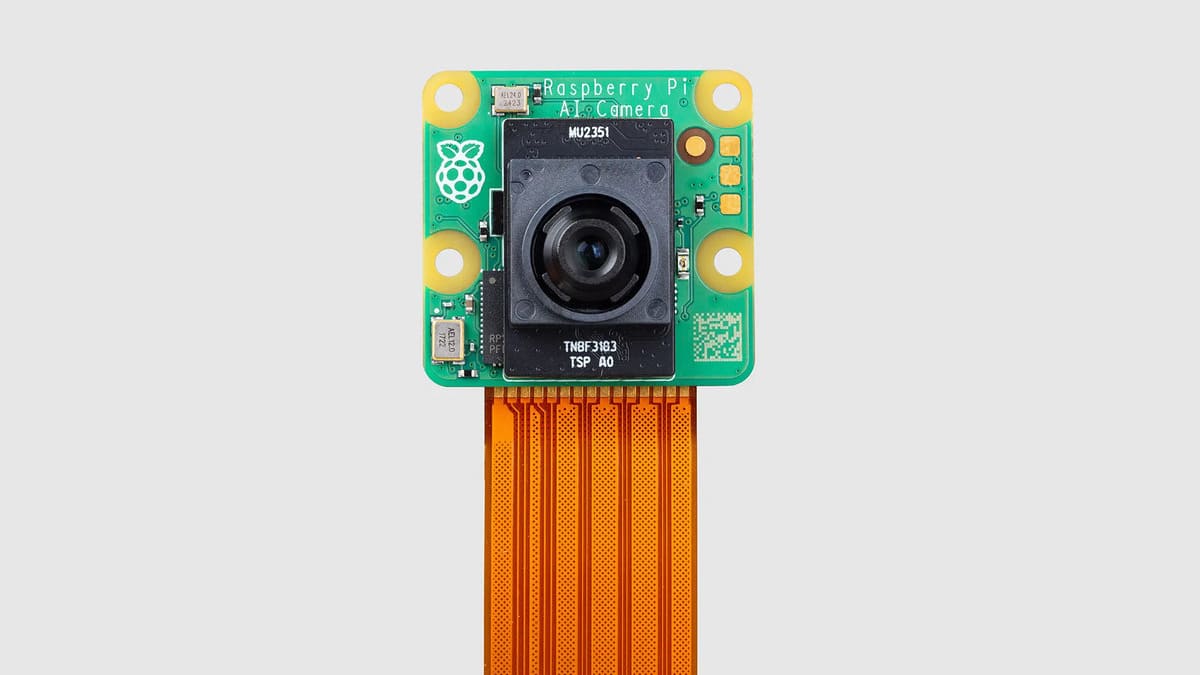
Raspberry Pi AI smart camera: nuova frontiera per l'edge AI
#AIsmartCamera #Domotica #EdgeAI #IMX500 #IntelligenzaArtificiale #Notizie #RaspberryPi #RaspberryPi5 #RaspberryPiAI #RaspberryPiAICamera #Sicurezza #Sony #Sviluppatori #TechNews #Tecnologia
ceotech.it/raspberry-pi-ai-s…
3
3
119
29 Aug 2024
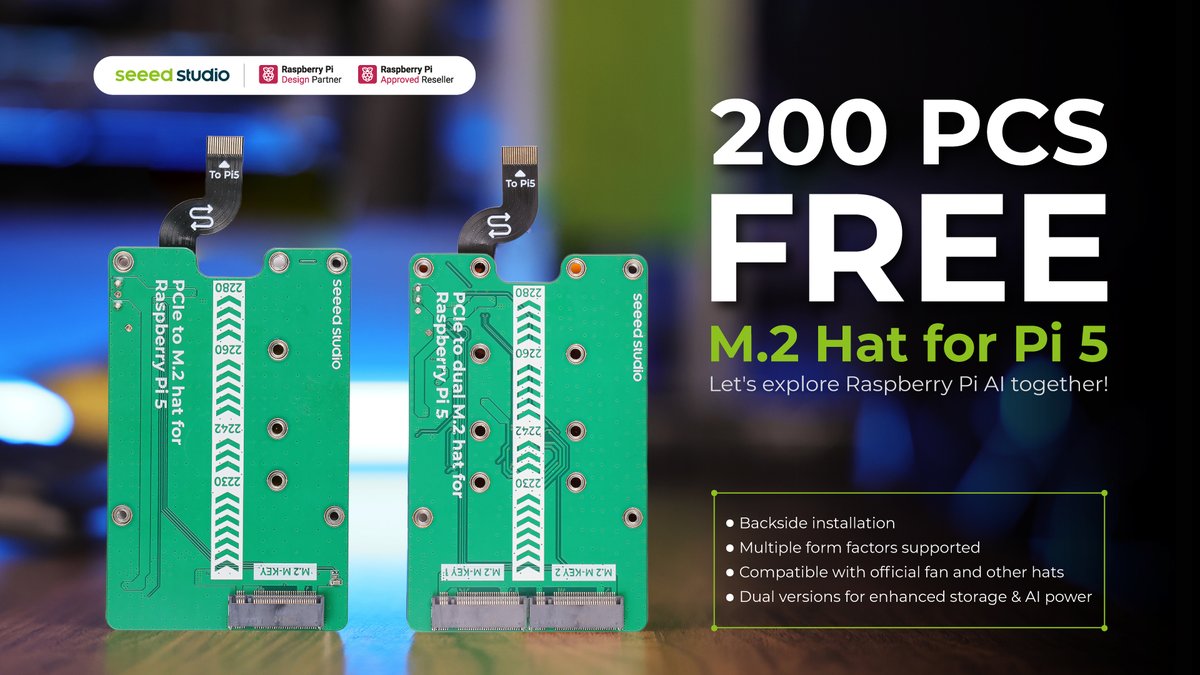
🎉 𝐖𝐞 𝐀𝐫𝐞 𝐆𝐢𝐯𝐢𝐧𝐠 𝐀𝐰𝐚𝐲 𝟐𝟎𝟎 𝐏𝐂𝐒 𝐌.𝟐 𝐇𝐚𝐭 𝐟𝐨𝐫 𝐑𝐚𝐬𝐩𝐛𝐞𝐫𝐫𝐲 𝐏𝐢 𝟓! Today, we released two versions of M.2 Hat for Raspberry Pi 5! To support the Raspberry Pi community and gather valuable feedback for product improvement. We're initiating a giveaway of 200 units!
😎Are you ready to join this fun game? Starting from Sep 2, 2024, for 4 consecutive days, you can have a chance to grab a barely free M.2 hat. Entry is straightforward - in this game, speed is key! Find out more details here! bit.ly/3WZcDxQ
#raspberrypiai #aiwithraspberrypi #airaspberrypi #raspberrypiandai #raspberrypiforai #raspberrypiaiprojects #raspberrypi5 #raspberrypi5aiprojects #AI #pi
2
9
3,754
18 Jul 2024
👀 What's the potential to be unlocked when you switch PCIe 2.0 to PCIe 3.0 of @Raspberry_Pi 5? In this video, we run @ultralytics #YOLOv8 Pose Estimation model on Raspberry Pi 5 with Raspberry Pi #AI Kit to show you the difference in fps, temperature, and power consumption. 👉 Check detailed wiki: bit.ly/46cfQ1b
#AI #poseestimation #raspberrypi #edgeai #iiot #iot #raspberrypiai #edgeiot #edgecomputing
1
14
1,799