


Jun 10
You need a password manager. Download Roboform (others are available)
27

While I also prefer her roboform,it's still understand that in a group with girls she appears in this form,so the group merch will only feature human form🥺
But I hope we'll see at least something with her realform😭or they're afraid the Chinese won't buy because it's not human🥲
15


May 27
Burning man is coming up and you can do coolest thing. We can help Roboform the panels! New installation for giga Austin after BM…

3
3
44
2,606

Three new upgrades just landed in the RoboForm mobile browser on iOS and Android:
→ Built-in ad blocker
→ Reader Mode with Listen to Page
→ Private Mode
Find out more: blog.roboform.com/2026/05/26…
4
219

May 25
🎁 FREE 12 Months of RoboForm Premium!*
(No Credit Card Needed)
🔐 *What You Get:*
🔑 Password Generator & Auto-Save — Create strong, unique passwords for every site. RoboForm captures and stores them automatically.
⚡ One-Click Login & Form Filling — No more typing. Log in to websites and fill out forms instantly with a single click.
🛡️ Breach Alert Scanner — Get notified if any of your passwords appear in a known data breach.
🤝 Secure Sharing — Share passwords safely with trusted contacts without exposing sensitive data.
📝 *How to Claim:*
1️⃣ Click the promo link 👉 roboform.com/lp?frm=offer-ga
2️⃣ Enter your email and click Redeem
3️⃣ Follow the steps to activate your Premium subscription
4️⃣ Done! Enjoy 12 months of Premium for free 🎉
⚠️ Offer ends May 31, 2026 — *Only for new Premium activations.*
4
31
3,531

May 21
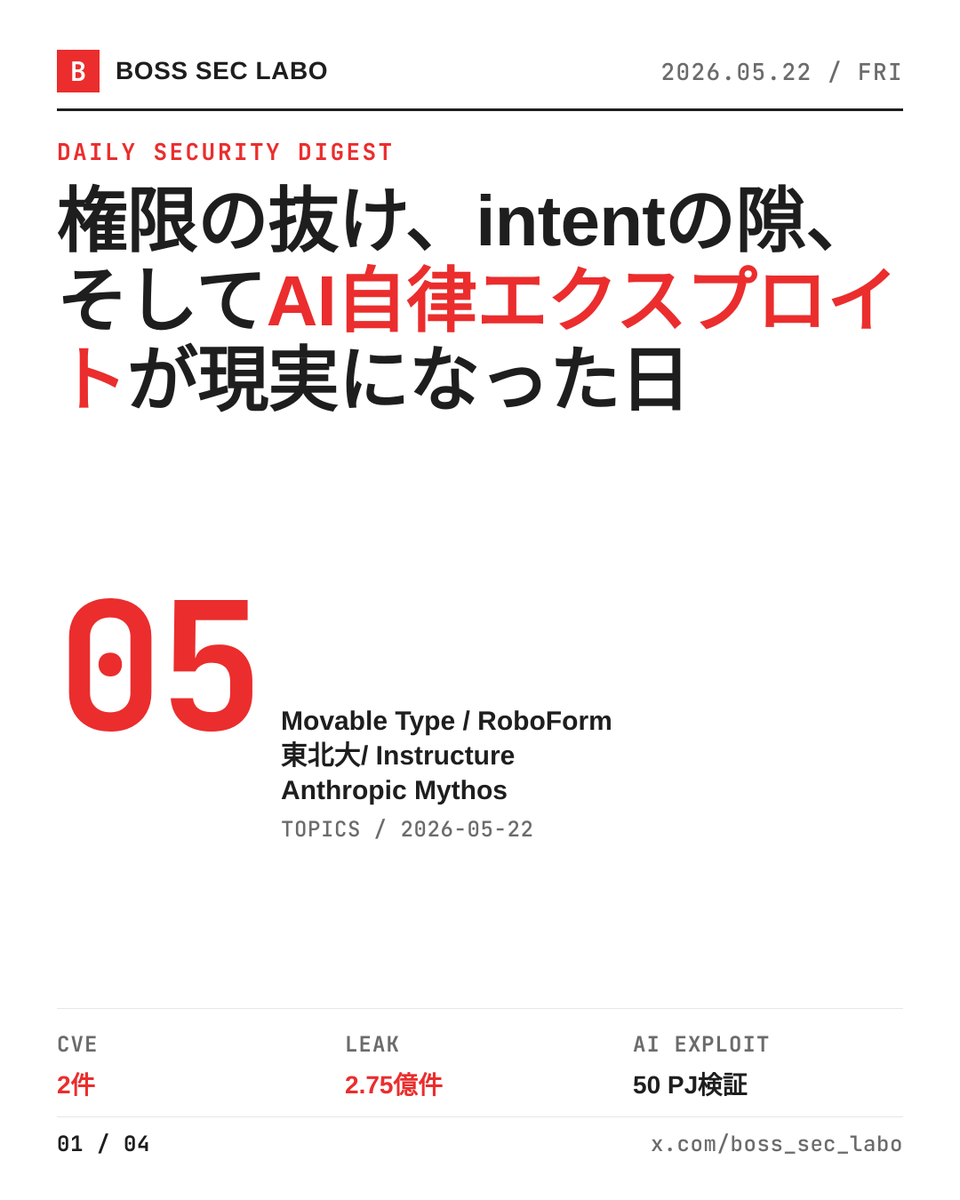
権限チェックの抜け、intentの検証漏れ、教員PC1台からNASまでの侵入、そしてAIが自分で脆弱性を見つけ始めた日。今日のニュースは『小さな前提の抜け』が連鎖で破滅に化ける話だ。
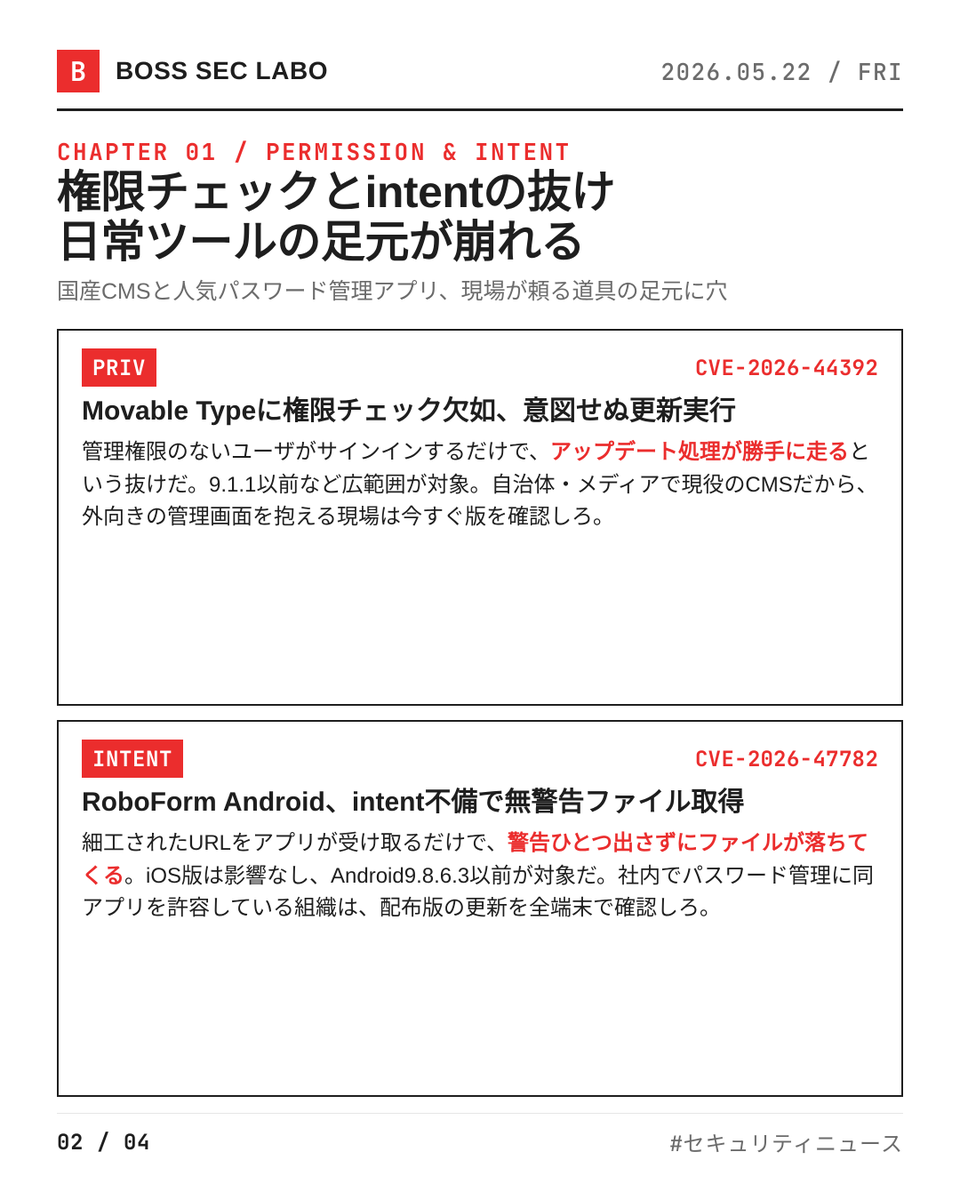
・Movable Type CVE-2026-44392、権限チェック欠如で意図せぬアップデートが走る
・RoboForm Android CVE-2026-47782、intent検証不備で無警告ファイル取得
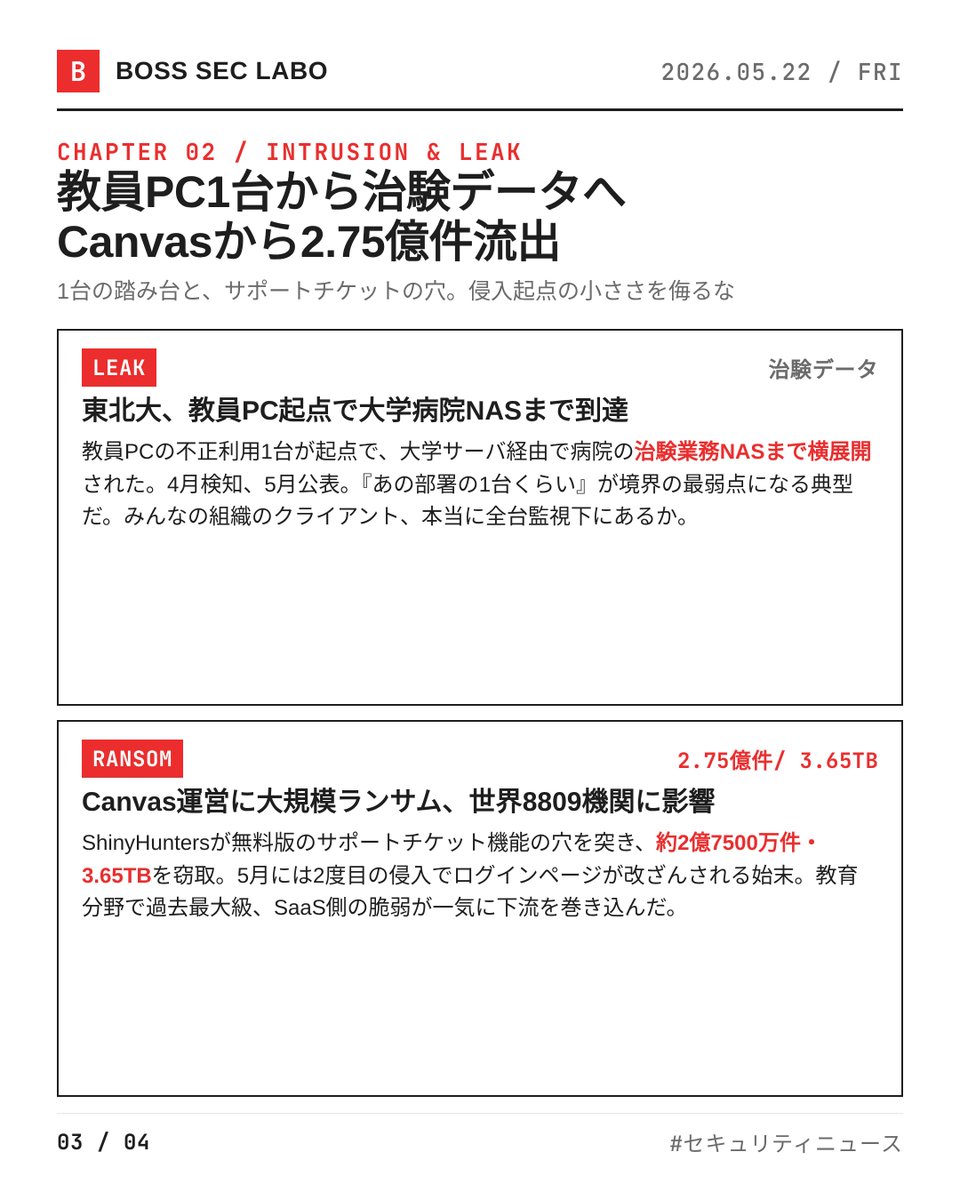
・東北大学、教員PC起点で大学病院NASまで侵入、治験データ漏えいの恐れ
・Instructure Canvas、ShinyHuntersに2億7500万件流出、教育分野で過去最大
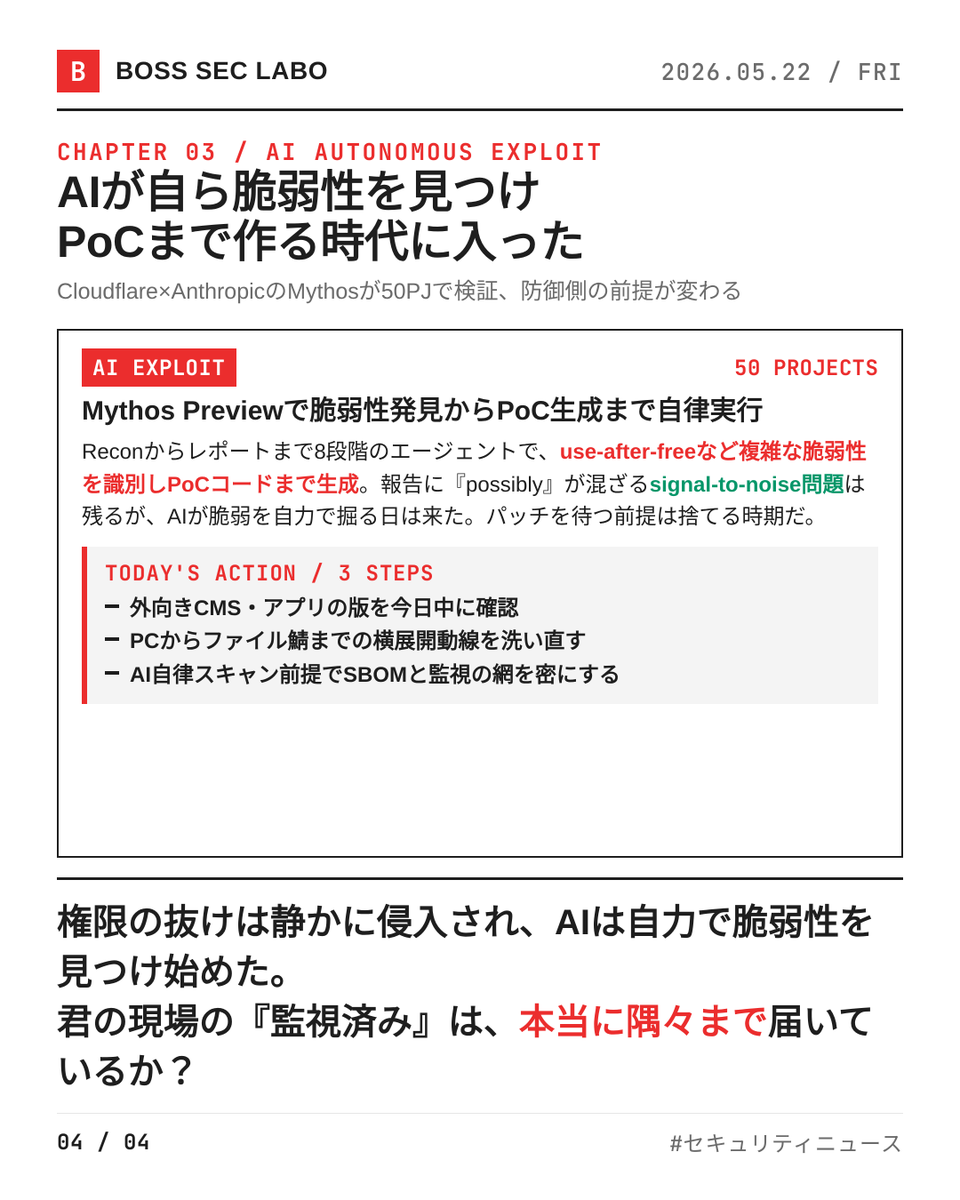
・Cloudflare、AnthropicのMythosで脆弱性発見からPoC生成まで自律実行を検証
AIが自分で脆弱性を見つけてPoCまで作る時代だ。みんなの現場は、まだ『パッチが出てから動く』そのままで通用するか?権限の境界、もう一度引き直す時期じゃないか?
7
379

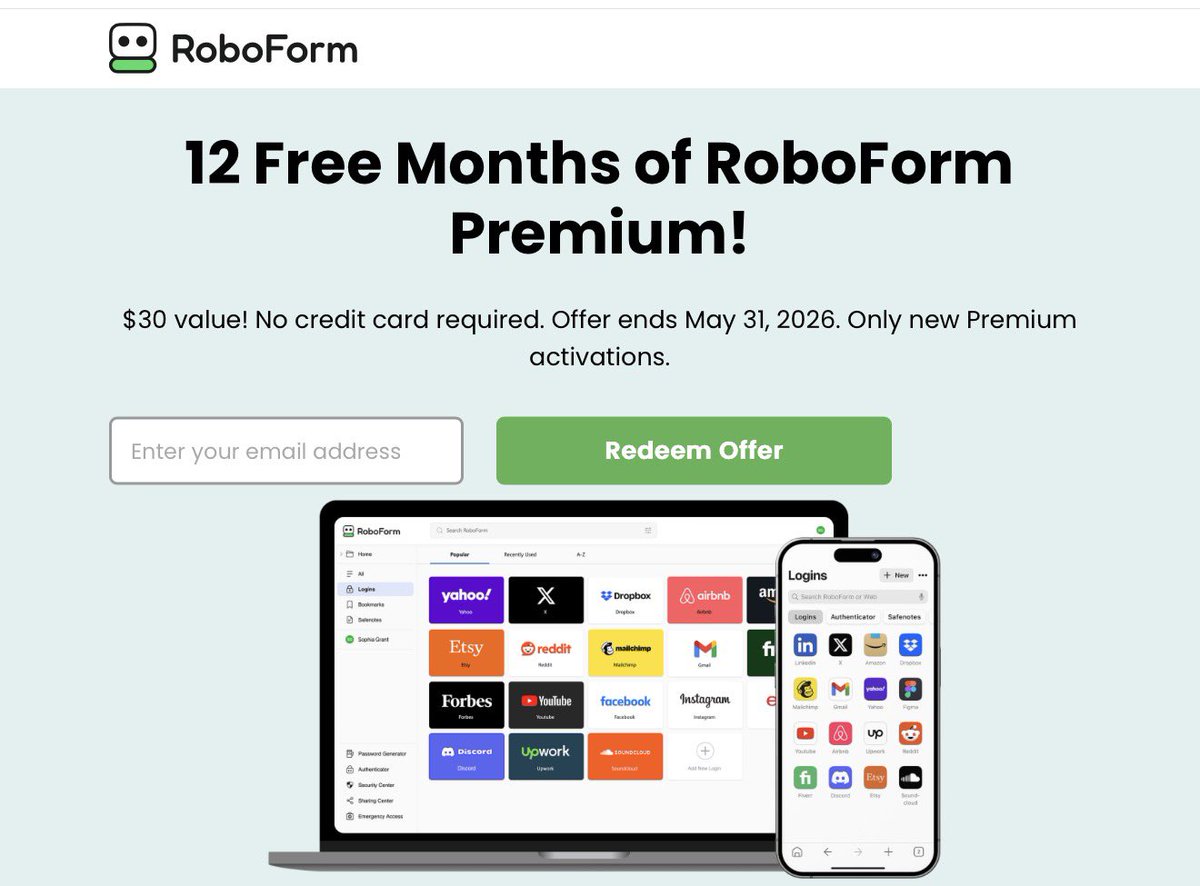
12 Free Months Of Roboform Still Available!

👀 Receive 12 Months Free Of Premium Access via Roboform
🔗 - link.lordofsavings.com/3Pn38…
2
2
4,731


May 12
Here is the Robofrom Password Manager giveaway.
reddit.com/r/TechImpact/comm…
#roboform #passwordmanager #security

2
2
82

RoboForm is affordable, excels at core password management tasks, and includes lots of helpful tips, making it an excellent password manager for newbies. pcmag.com/reviews/roboform?t…
785


.@NCSC's latest advice is to use #passkeys everywhere you can and rely on a #passwordManager elsewhere. Chris Hosking @SentinelOne goes further and suggests passkeys remove entire classes of attack.
dailymail.com/news/article-1…
It sounds like great advice and it's technically accurate in many respects, but the gap between theoretical security standards and real-world implementation is significant.
Passkeys are unlikely to see world-wide adoption for many, many years to come; with large companies & government upgrade cycles measured in years.
In theory, that's fine... just use a password manager where passkeys aren't available.
But, it's more nuanced than that and the devil's in the detail.
The vast majority of password managers, particularly in a desktop context, shim the navigator.credentials call and don't just place themselves inside the trust chain, they entirely replace it.
When time permits, I'm about to write up a detailed #security review of #Roboform - which until very recently, contained many critical security flaws, including the ability to silently obtain signed passkey challenges via XSS.
Granted, that's a worst-case scenario... but the issue remains even if the password manager is "secure".
The trust a relying party places in passkeys is far greater than #passwords... but the majority of password managers nullify passkey safeguards.
1. Origin binding
The origin binding aspect is nearly always nullified completely, or severely downgraded. The point of enforcement is no longer the browser, but in Javascript inside an extension.
2. User consent/interaction
FIDO-compliant tokens require both user presence & user interaction. In the native flow, the browser shows a system-level UI prompt that no javascript can supress/access, spoof or dismiss.
Once the navigator.credentials call is shimmed, again, this protection is nearly always nullified or downgraded; replaced with a javascript popup accessible in contexts beyond the current domain. They can fake user consent & presence - and often do.
3. Attestation
After shimming, it's an entirely false attestation... the very premise of passkeys. Private keys are often reduced to JSON objects, accessible across contexts. Their security collapses to the security of the password manager itself.
Many simply fake their AAGUID. Roboform, for example, pretends to be a Microsoft Authenticator for Android. Even if a relying party blacklists untrusted AAGUIDs, the ability to spoof them means any trust placed upon tokens signed by them is misplaced.
The entire AAGUID model is trust-based anyway, to an extent.
4. Phishing resistance
Passkeys are phishing resistant by design, because the browser binds the credential to the relying party's origin.
After shimming, origin checks are handled by javascript inside the extension and are regularly broken. Again, the security of the passkey collapses to the security level of the password manager. Even if it's entirely "secure", the assertion is false. The attestation suggests AAL2 (or 3) but in reality, it's AAL<1.
5. Credential isolation
The native flow isolates credentials across relying parties, such that total failure should only ever affect one origin.
After shimming, the extension has access to all passkeys at once, regardless of the current domain. Any XSS in the site/extension potentially exposes every single passkey assertion - all at once.
The same is true of a password manager with passwords, but it's a regression from the isolation guarantees passkeys are supposed to provide.
6. Replay protection
In the native flow, the browser generates clientDataJSON including the challenge, which the authenticator signs over.
Once shimmed, the entire ceremony is handled in code. If the relying party or extension doesn't implement session-bound challenges, the bearer token could be replayed/stolen.
7. Credential exporting
Private key material is supposed to be stored in a secure enclave or equivalent - such that key material cannot be exfiltrated under any circumstances.
Password managers typically do not leverage these trusted environments, instead using JSON or similar to persist and disseminate key material across devices.
That's (arguably) fine for AAL1/AAL2 requirements, but materially fails for AAL3. Crucially, it fails silently to the relying party.
In summary, using a password manager to manage passkeys nearly always degrades or entirely nullifies the benefits of passkeys themselves, all while making you & the site feel safer.
That might be an acceptable risk to you, but do not assume passkeys remove entire classes of attack. Implementation/deployment matters.
3
5
13
3,030
RoboForm is inexpensive and beginner-friendly, while Enpass offers diverse storage and security settings. After putting both password managers through their paces, I can tell you which app is the best bet for you. pcmag.com/comparisons/enpass…
2
712

Apr 20
unsure if @roboform has something similar to an api or sdk one can integrate with apps/agents?
1
2
3
171
From pricing to features, I break down how 1Password and RoboForm stack up for beginners, families, power users, and businesses to help you decide which password manager is right for you. pcmag.com/comparisons/1passw…
2
715

Apr 17
My strategy
1. Roboform (randomly generated passwords, random usernames, check if breach)
2. split tunnel vpn
3. Data broker scrubber
4. Never post any IRL photos of myself or anything identifying in a background/etc on anon accounts, irl things are completely separate/privated
2
5
389