
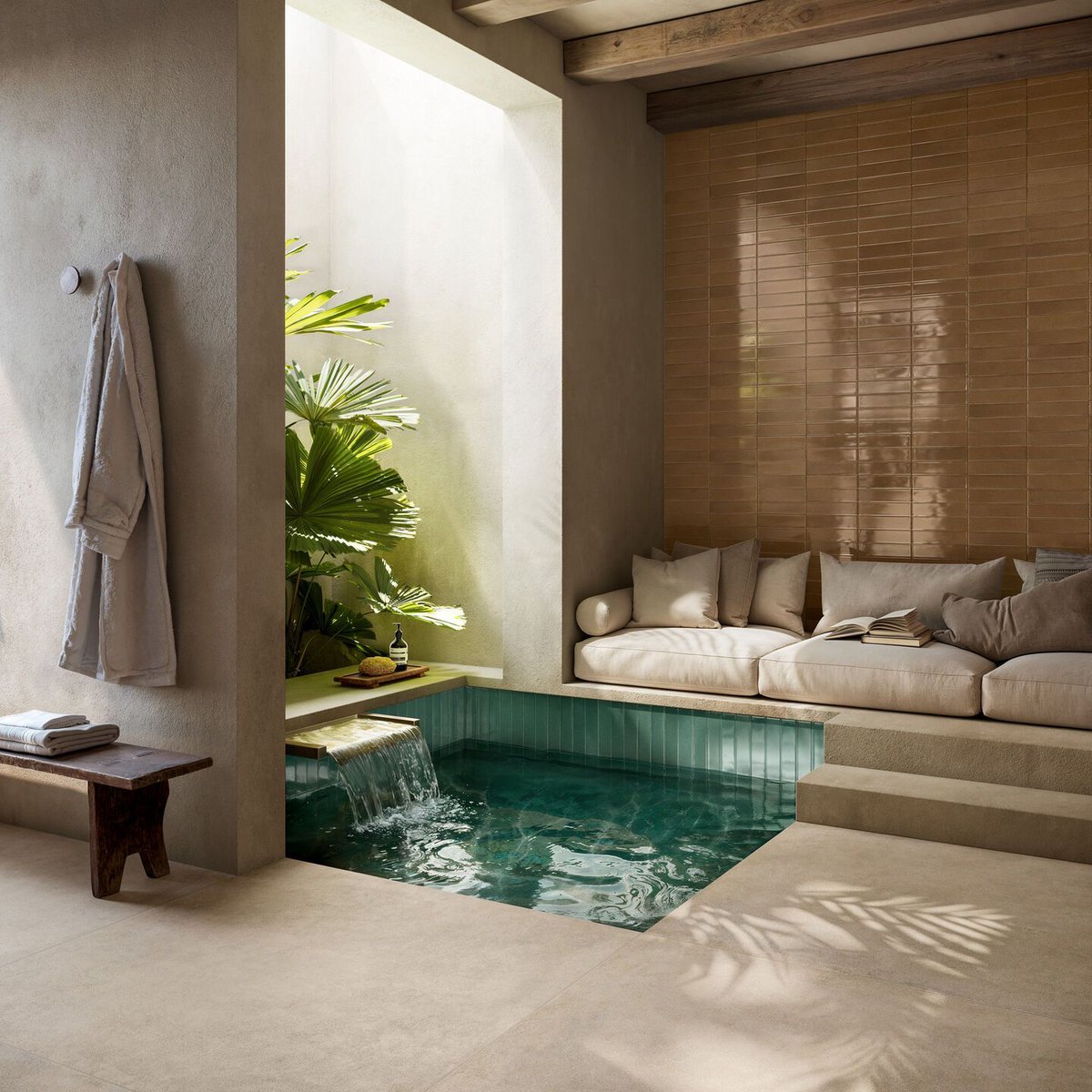
Drawing from mid-century ceramic traditions, Mid by Ragno combines glossy porcelain stoneware with speckled glass-grit textures.
archello.com/product/mid-glo…
#PorcelainStoneware #SurfaceTexture #CeramicDesign
1
3
613


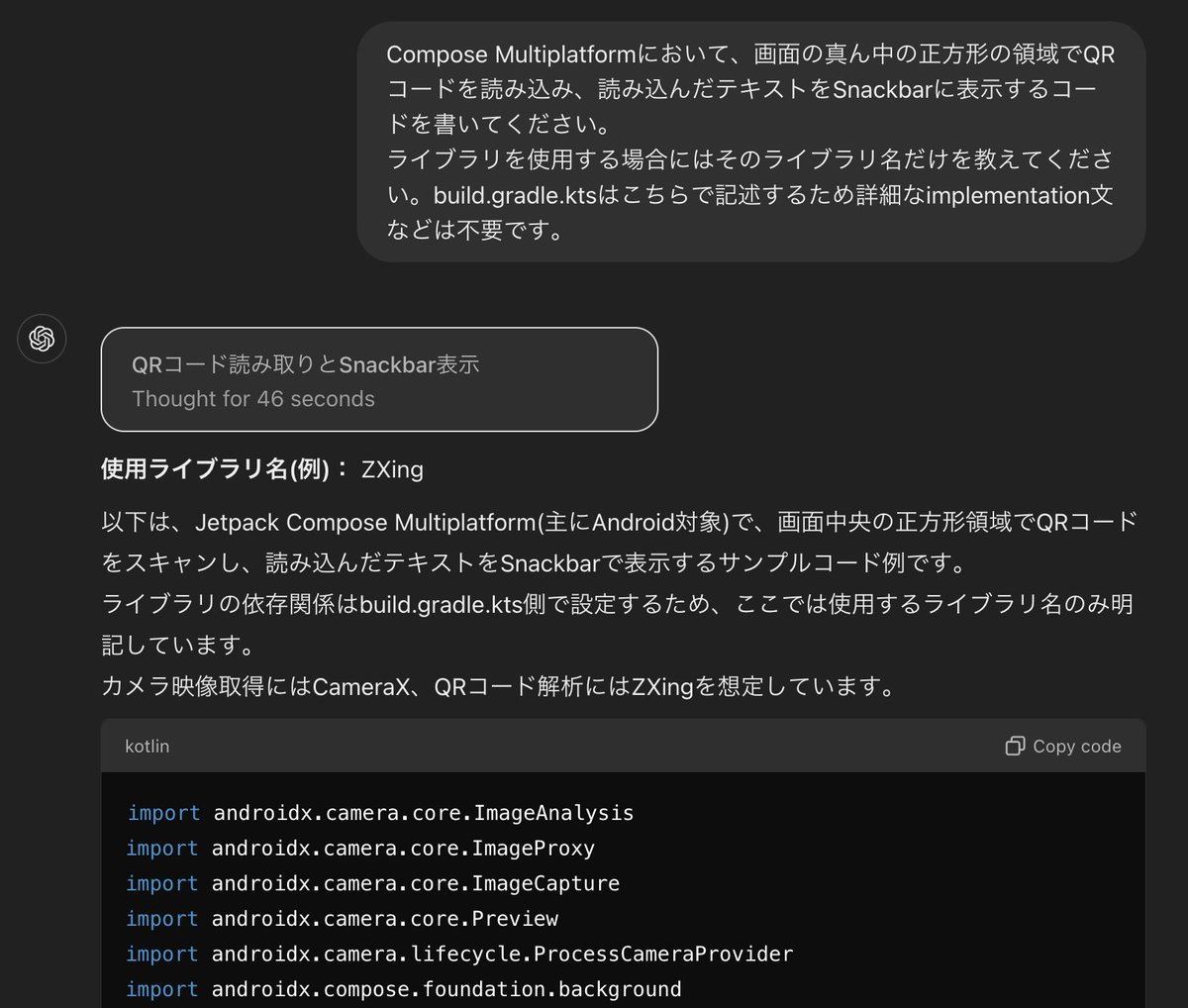
**使用ライブラリ名(例):** ZXing
以下は、Jetpack Compose Multiplatform(主にAndroid対象)で、画面中央の正方形領域でQRコードをスキャンし、読み込んだテキストをSnackbarで表示するサンプルコード例です。
ライブラリの依存関係はbuild.gradle.kts側で設定するため、ここでは使用するライブラリ名のみ明記しています。
カメラ映像取得にはCameraX、QRコード解析にはZXingを想定しています。
```kotlin
import androidx.camera.core.ImageAnalysis
import androidx.camera.core.ImageProxy
import androidx.camera.core.ImageCapture
import androidx.camera.core.Preview
import androidx.camera.lifecycle.ProcessCameraProvider
import androidx.compose.foundation.background
import androidx.compose.foundation.layout.*
import androidx.compose.foundation.shape.RoundedCornerShape
import androidx.compose.material3.*
import androidx.compose.runtime.*
import androidx.compose.ui.Alignment
import androidx.compose.ui.ExperimentalComposeUiApi
import androidx.compose.ui.Modifier
import androidx.compose.ui.draw.clipToBounds
import androidx.compose.ui.graphics.Color
import androidx.compose.ui.platform.LocalLifecycleOwner
import androidx.compose.ui.unit.dp
import androidx.compose.ui.viewinterop.AndroidView
import androidx.core.content.ContextCompat
import com.google.zxing.MultiFormatReader
import com.google.zxing.BinaryBitmap
import com.google.zxing.LuminanceSource
import com.google.zxing.common.HybridBinarizer
import kotlinx.coroutines.delay
@OptIn(ExperimentalMaterial3Api::class, ExperimentalComposeUiApi::class)
@Composable
fun QrCodeReaderScreen() {
val lifecycleOwner = LocalLifecycleOwner.current
val cameraProviderFuture = remember {
ProcessCameraProvider.getInstance(LocalContext.current)
}
var scannedText by remember { mutableStateOf<String?>(null) }
val snackbarHostState = remember { SnackbarHostState() }
LaunchedEffect(scannedText) {
scannedText?.let { text ->
snackbarHostState.showSnackbar("Scanned: $text")
// スキャン後、表示を少し待って再スキャン可能な状態へ戻す例
delay(2000)
scannedText = null
}
}
// カメラ準備ができたらPreviewとImageAnalysisをセットアップ
LaunchedEffect(cameraProviderFuture) {
val cameraProvider = cameraProviderFuture.get()
val preview = Preview.Builder().build()
val imageAnalysis = ImageAnalysis.Builder()
.setBackpressureStrategy(ImageAnalysis.STRATEGY_KEEP_ONLY_LATEST)
.build().also {
it.setAnalyzer(ContextCompat.getMainExecutor(LocalContext.current)) { imageProxy ->
val result = analyzeImage(imageProxy)
if (result != null && scannedText == null) {
scannedText = result
}
imageProxy.close()
}
}
val cameraSelector = androidx.camera.core.CameraSelector.DEFAULT_BACK_CAMERA
cameraProvider.unbindAll()
cameraProvider.bindToLifecycle(lifecycleOwner, cameraSelector, preview, imageAnalysis)
// Preview用のSurface
preview.setSurfaceProvider { request ->
val surfaceTexture = android.graphics.SurfaceTexture(0).apply {
detachFromGLContext()
}
val surface = android.view.Surface(surfaceTexture)
request.provideSurface(surface, ContextCompat.getMainExecutor(LocalContext.current)) {
surface.release()
surfaceTexture.release()
}
}
}
Scaffold(
snackbarHost = { SnackbarHost(snackbarHostState) }
) { paddingValues ->
Box(modifier = Modifier.fillMaxSize().padding(paddingValues)) {
// カメラプレビュー表示用のView
AndroidView(
modifier = Modifier.fillMaxSize(),
factory = { context ->
android.view.TextureView(context).apply {
// CameraXのPreview用SurfaceProviderは上記で設定済みのため実際の表示処理はここでは省略。
// 実際にはCameraX PreviewViewを用いることを推奨(AndroidViewでPreviewViewを表示)。
}
}
)
// 中央に正方形の枠をオーバーレイ
Box(
modifier = Modifier
.align(Alignment.Center)
.size(200.dp)
.clipToBounds()
.background(Color.Transparent)
.border(width = 2.dp, color = Color.White, shape = RoundedCornerShape(4.dp))
)
}
}
}
/**
* ImageProxyからQRコードを解析
*/
fun analyzeImage(imageProxy: ImageProxy): String? {
val buffer = imageProxy.planes[0].buffer
val bytes = ByteArray(buffer.remaining())
buffer.get(bytes)
// 画像の向きやColorFormatに合わせたLuminanceSourceの作成が必要
val source: LuminanceSource = object : LuminanceSource(imageProxy.width, imageProxy.height) {
override fun getMatrix(): ByteArray = bytes
override fun getRow(y: Int, row: ByteArray?): ByteArray {
val start = y * width
return bytes.copyOfRange(start, start width)
}
}
val bitmap = BinaryBitmap(HybridBinarizer(source))
return try {
val result = MultiFormatReader().decode(bitmap)
result.text
} catch (e: Exception) {
null
}
}
```
**ポイント:**
- 上記コード例はあくまで概念的なサンプルであり、実際に動作させるにはCameraXのPreviewViewの導入やSurfaceProviderの正しい設定、ImageProxyのカラー変換処理等が必要になる場合があります。
- 「ZXing」ライブラリを使用することでQRコードのデコードを行っています。
- スキャン結果をSnackbarで表示し、2秒後に再スキャンできるようにクリアしています。
- 正方形領域は単に中央に白枠を配置しているだけで、実際の解析範囲を限定したい場合はImageAnalysis処理側でクロップなどの加工が必要です。
1
5
16,450

26 Aug 2024
I've tried multiple ways but am running into the same issue, everything works except updateTexImage() on the surfaceTexture.
I see that you also made a shader for an oes texture, probably trying to go the other direction ( creating the texture in the activity and using CreateExternalTexture in unity ).
1
3
30
22 Aug 2024
I haven't tried it myself but it should be possible to use the Unity texture as a SurfaceTexture and have the MediaProjector use it directly instead of copying the data
medium.com/xrpractices/exter…
1
3
91

Pattern apa? Saya cuma code Android pakai SDK dia.
Kalau yg dimaksud kaya “pattern”. Saya ga pernah mikir. Apa itu MVC, MVVM, MVP dkk.
Saya cuma mau kamera stream ke EGLImage via SurfaceTexture yg nantinya akan diproses via shader.
tanyaaja.in/p/lynxluna/0M3gk…
1
17
2,493

10 Jan 2024
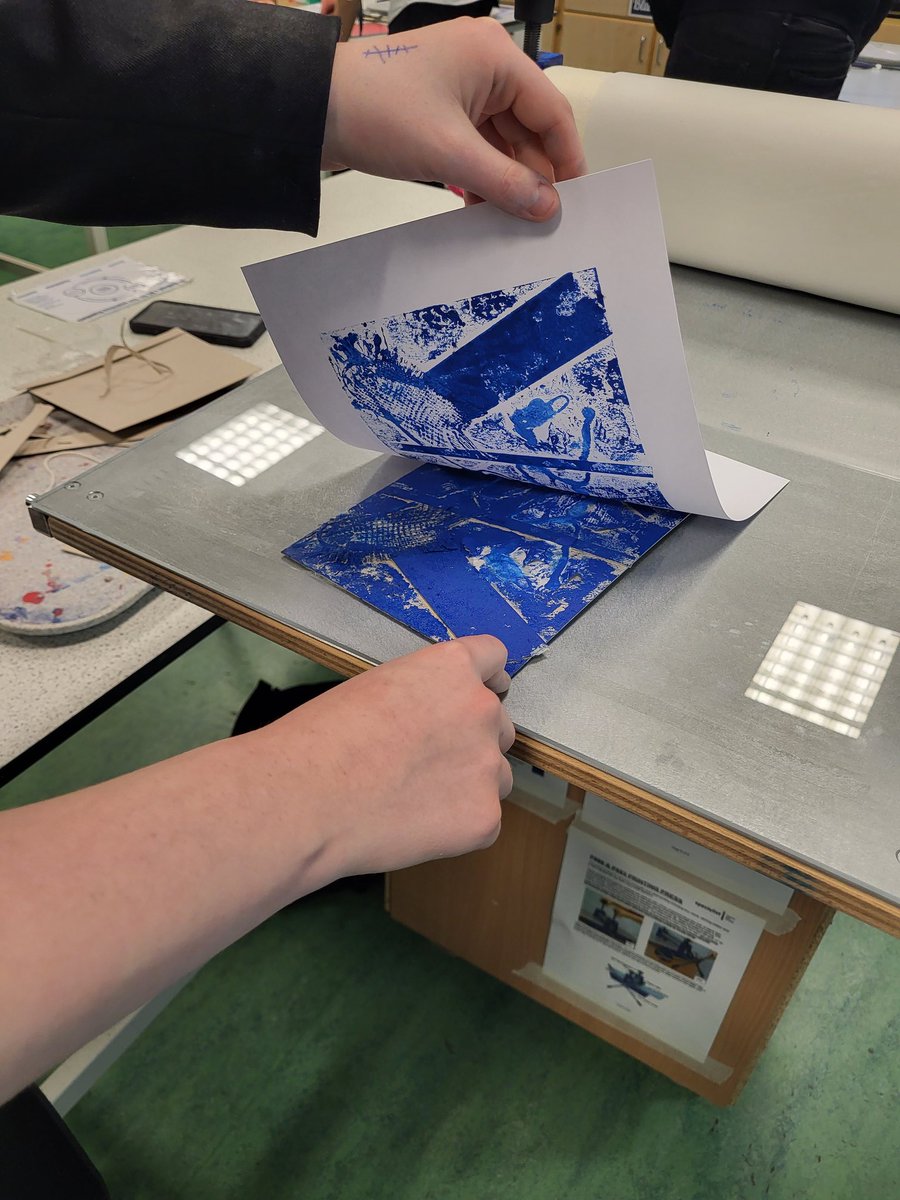
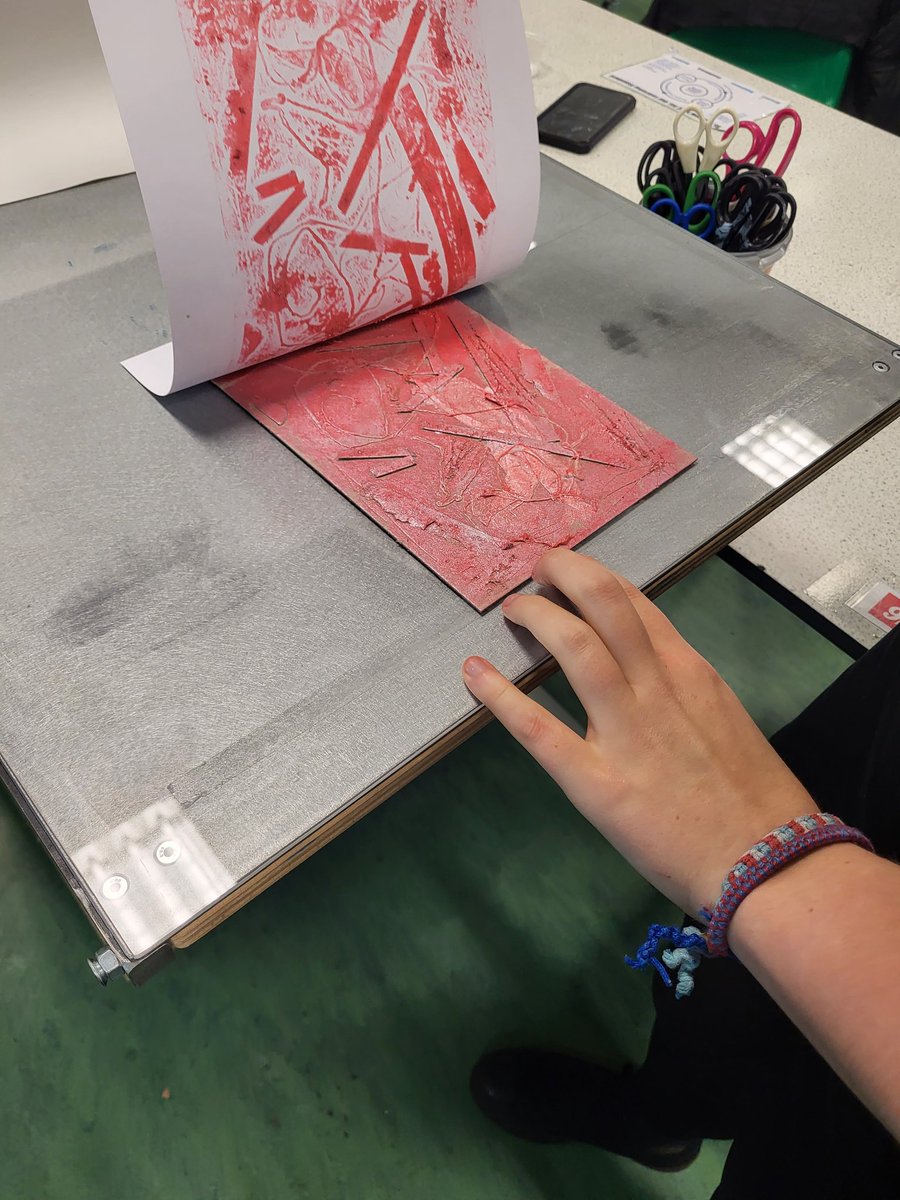
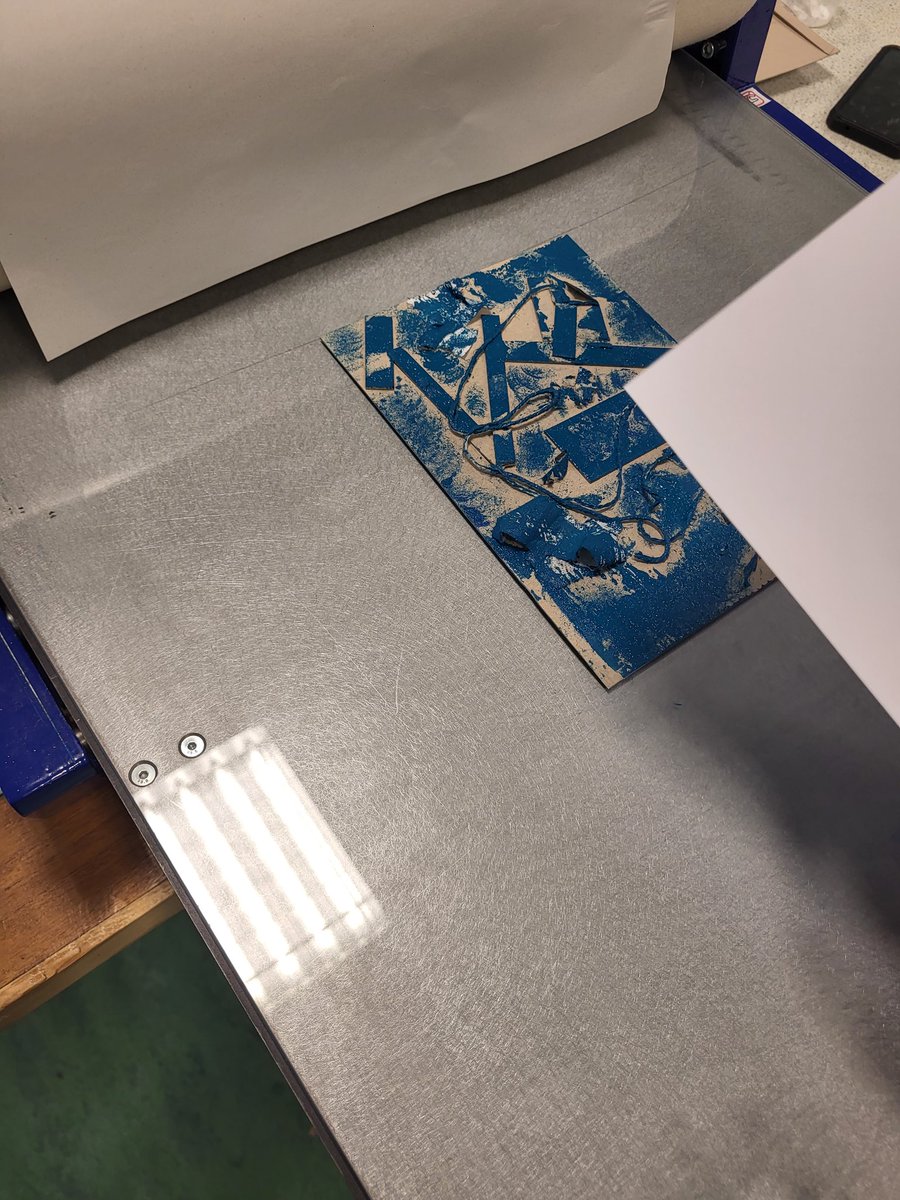
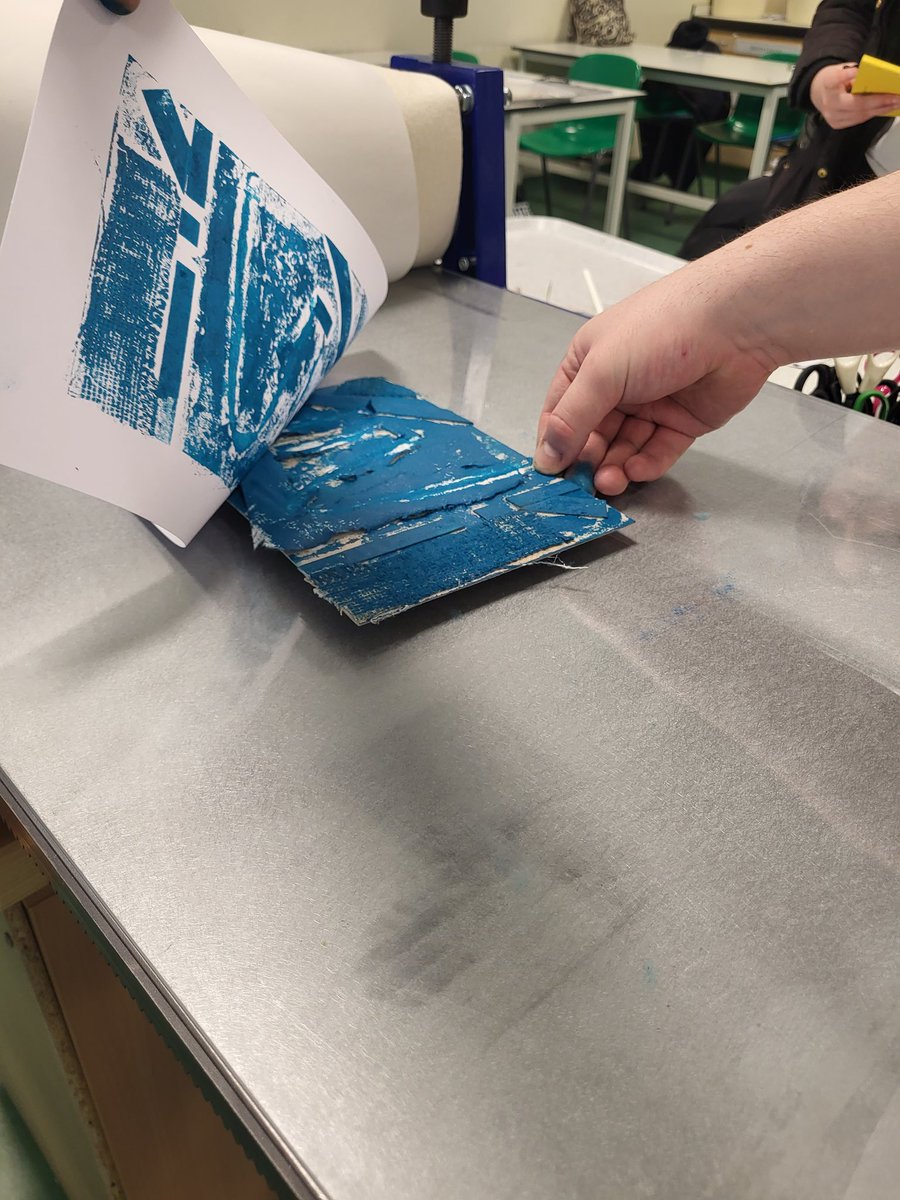
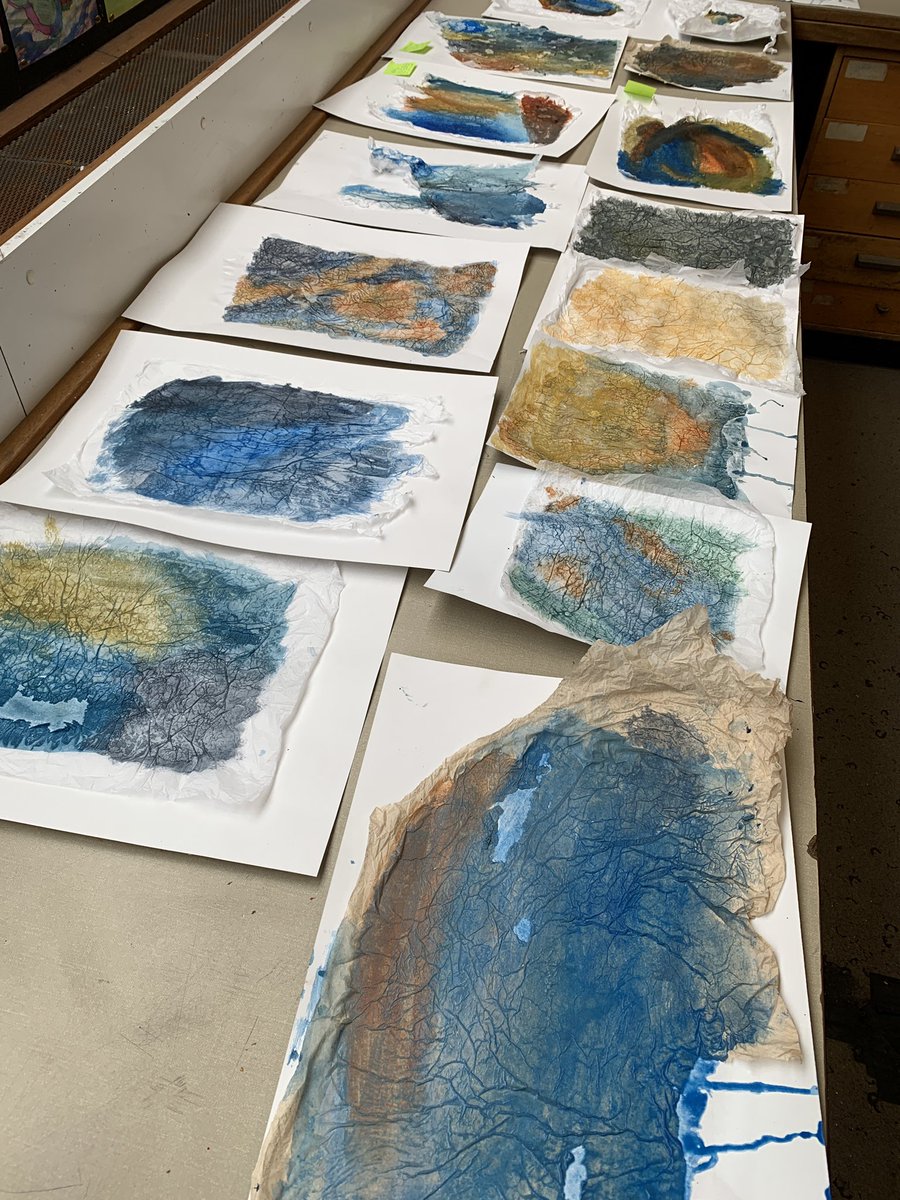
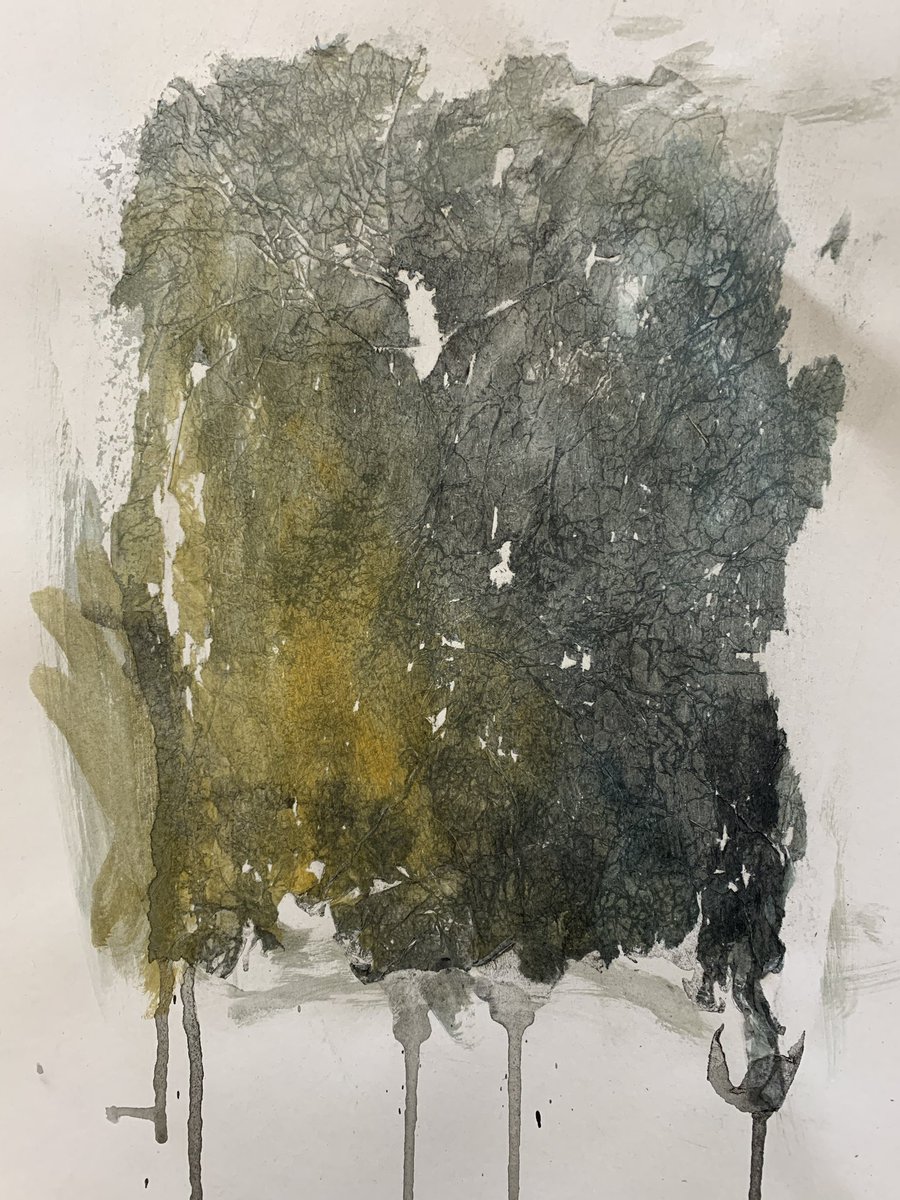
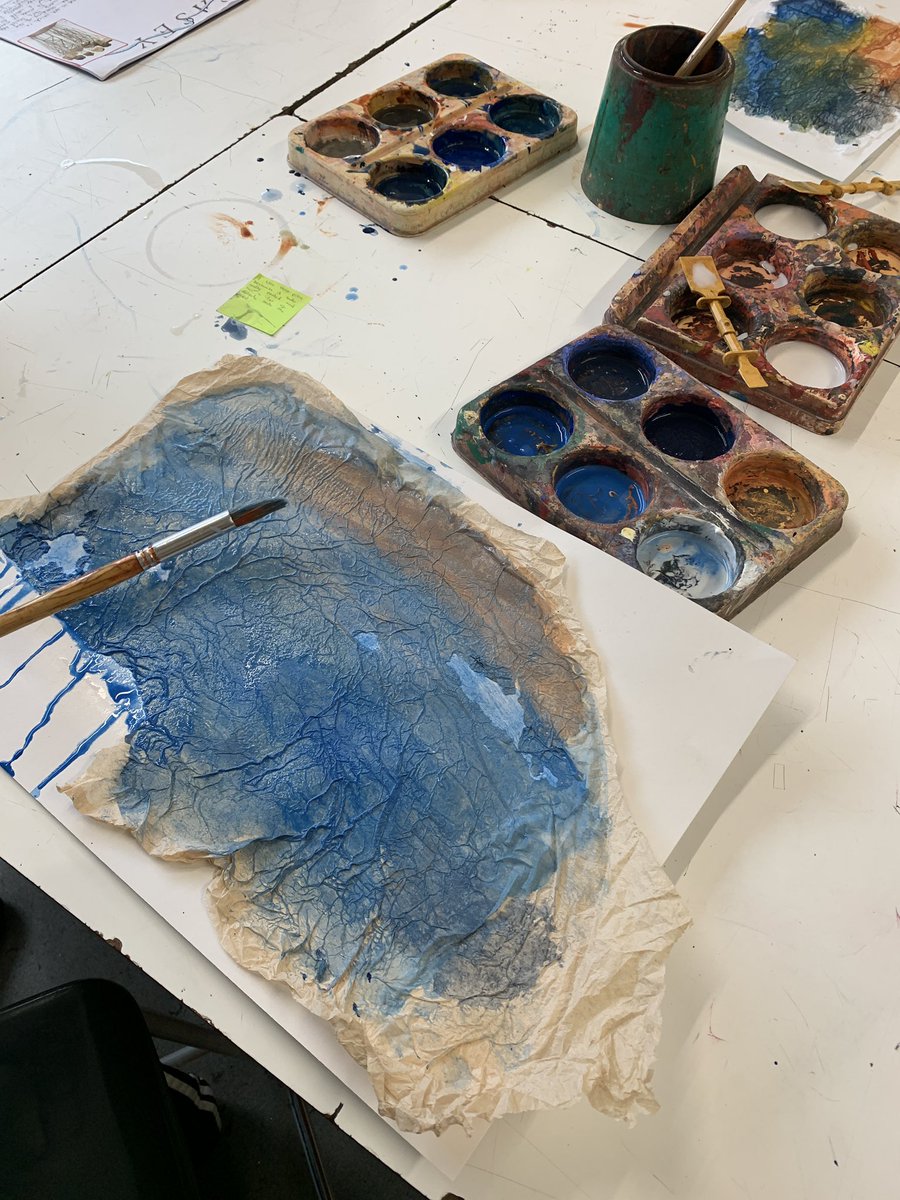
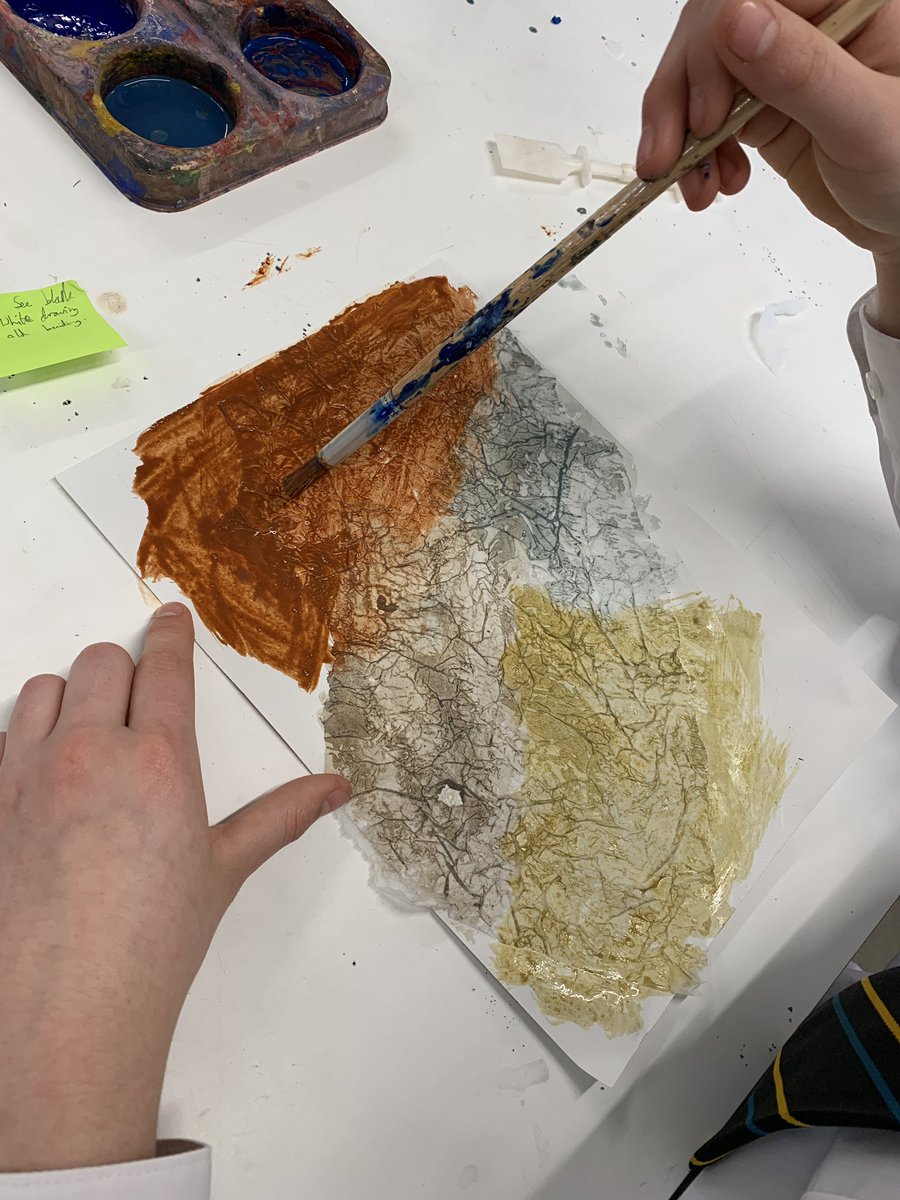
Collagraph Printing on our beautiful printing press tonight at Portfolio Class 🎨 Some excellent results from our young people looking to broaden their skills and add to their portfolios for uni/ college applications. #surfacetexture @StAndrewsRCHS
1
4
518

13 Sep 2023
TextureViews on Android appear to have quite a slow first-time-to-frame by default. In the latest RN Skia release we now use the new SurfaceTexture constructor directly.
3
5
84
7,165

26 Aug 2023
We're celebrating the life of ceramic artist Adela Powell all this month with a focus on her Legacy Collection, offering a wonderful balance of vessel forms and organic surfaces that depict her love of nature, the landscape and the sea.
#ceramics #landandsea #surfacetexture
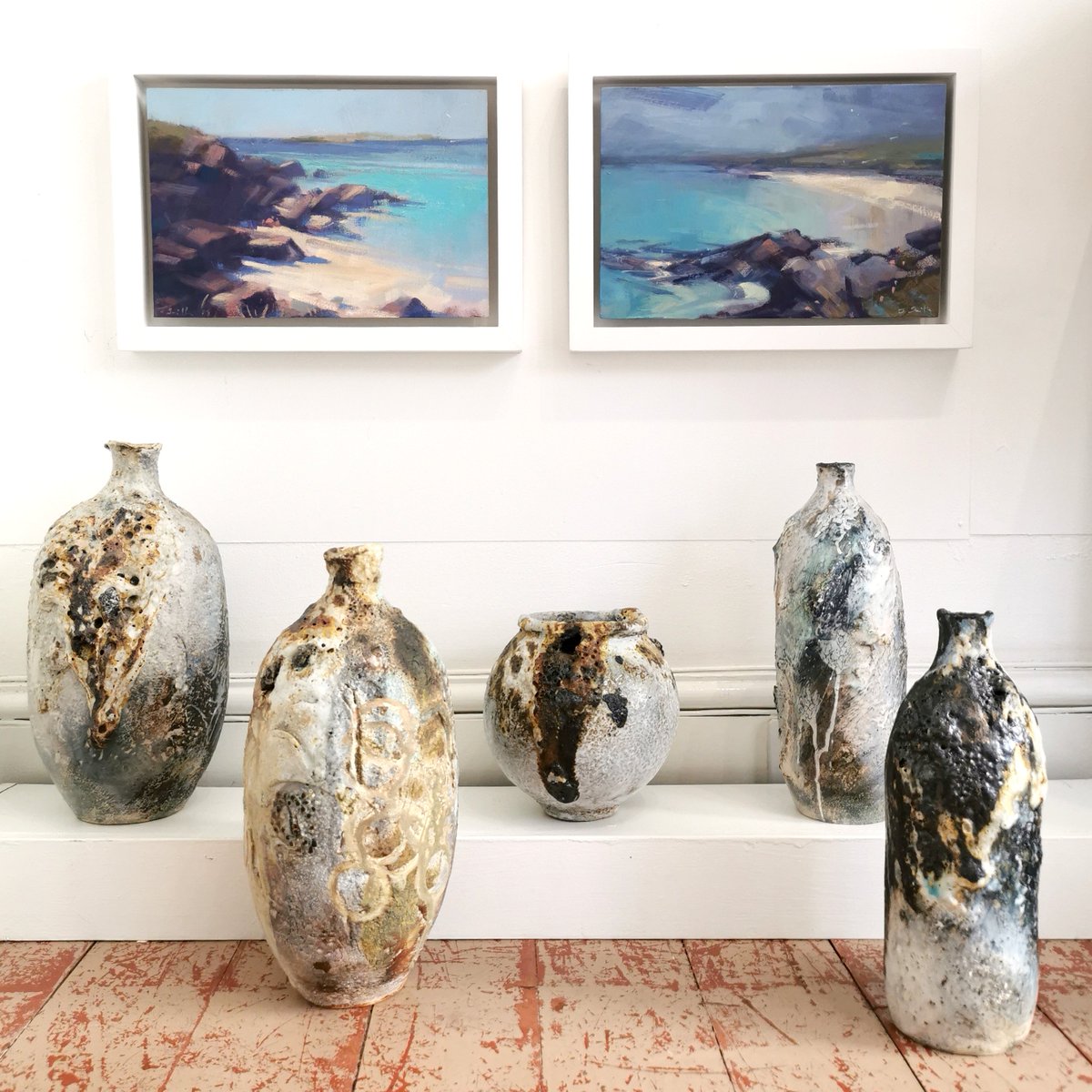
ALT Adela Powell Ceramic Vessels and Jonathan Smith Oil Paintings from Isle of Lewis, Hebrides, all at Kellie Miller Arts Gallery, Brighton
3
48

22 Aug 2023
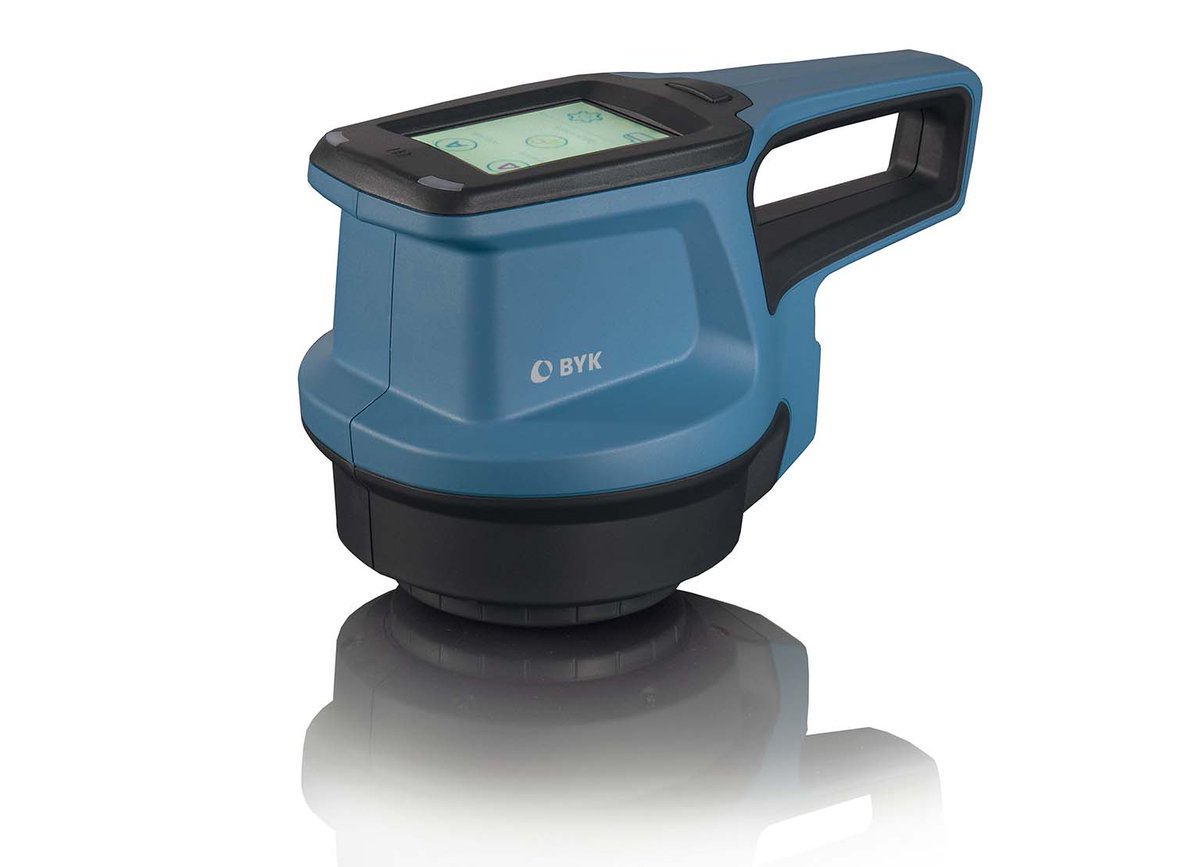
Never without power! The spectro2profiler uses a smart battery pack for up to 1000 readings. Your PC can charge the instrument simultaneously when you transfer data
byk-instruments.com/en/video…
#BYK #bykgardner #surfacetexture
21

16 Mar 2023
Check out Sheer Curtain on Society6: society6.com/product/spring8…
#curtain #sheer #drapery #wallpaper #wallart #interior #wallart #textileart #textiledesign #furniture #officedesign #butique #storeshop #home #sofa #surfacetexture #texturedesign
1
49

2 Mar 2023
Y9 are experimenting with textured surfaces in response to the artist Ian Murphy - INSPIRE - next step is to sand the surface and draw! #gcseart #artistresponse #newtechniques #experimentinginart #experimentalart #textures #surfacetexture #inspired @HowdenSchool
2
792

1 Nov 2022
Rendering in Skia in C on Android via Webassembly from Wastime -> Java SurfaceTexture -> Dart Flutter. A real mess but it's graphical Webassembly on mobile!
3

29 Oct 2022
Press release! #DMTA #microwear #surfaceTexture #dietreconstruction #crocodylian #paleodiet k.u-tokyo.ac.jp/en/informati…
2
5

26 Oct 2022
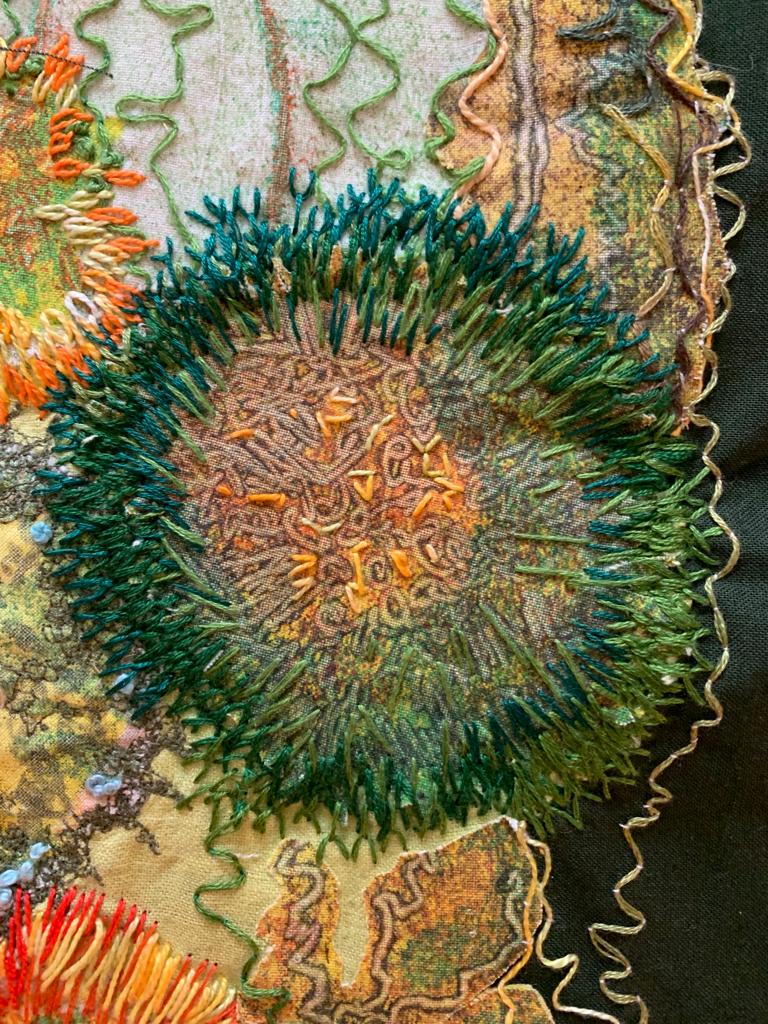
Layers of texture being built up by Carousel artist Marilyn Williams in her latest piece on our theme of Through the Surface.
#texture #surfacetexture #throughthesurface #handembroidery #handstitch #embroidery #embroideryart #textileart #fiberart
1
2

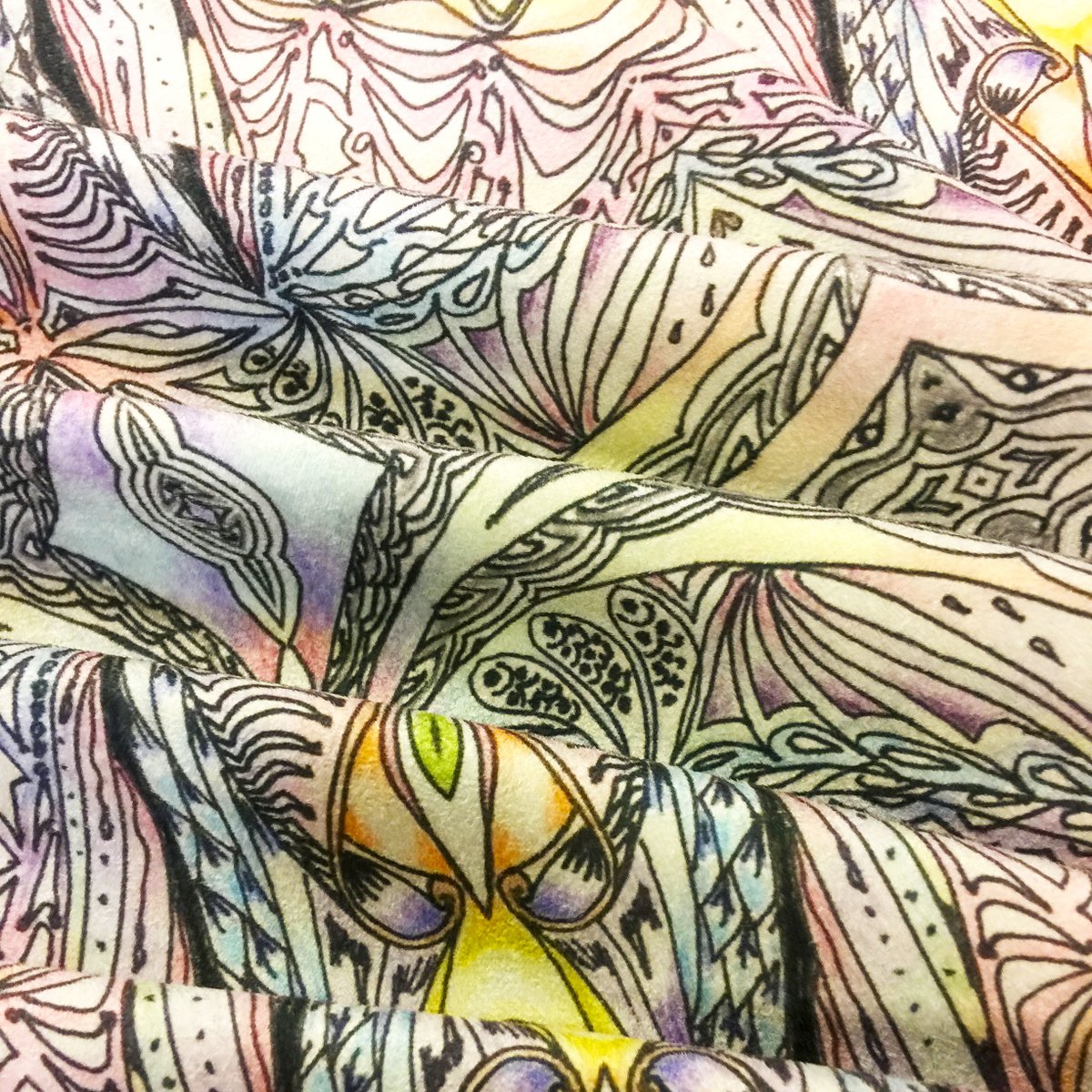
✨ The ombré colours add a contemporary touch to this sophisticated line art design. Printed on our Faux Suede 150gsm, the outcome is truly unique. Thank you Pamula for letting us share a photo. 💛
#lineart #ombré #surfacetexture #printdesignforfabric
2

11 Jul 2022
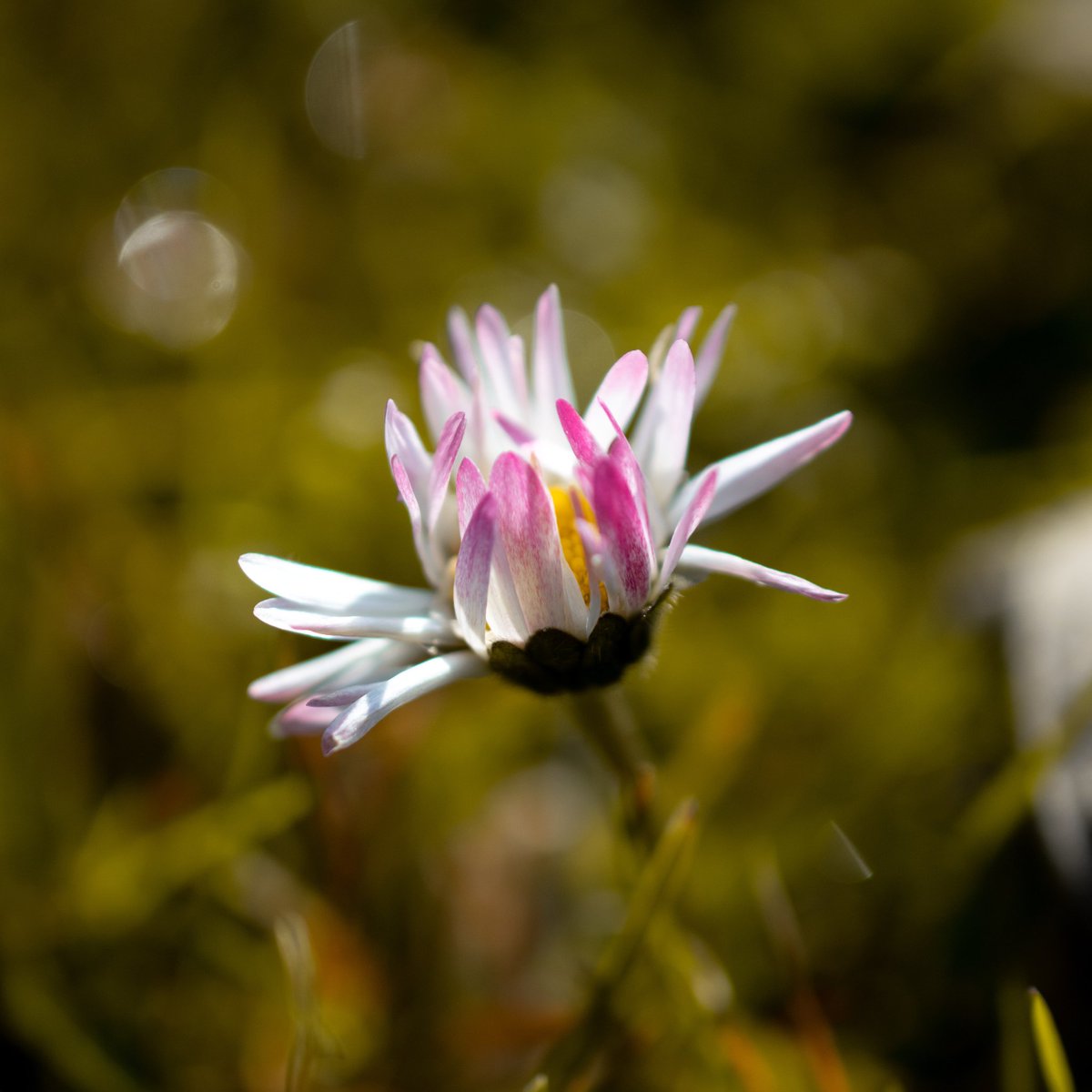
'Broken beauty' - 📷📸
#photo #photography #nature #photooftheday #flowers #flower #outdoorphotography #otherworldly #macrophotography #macro #closeup #closeupphotography #surfacetexture #sdremthix #heatwave
2
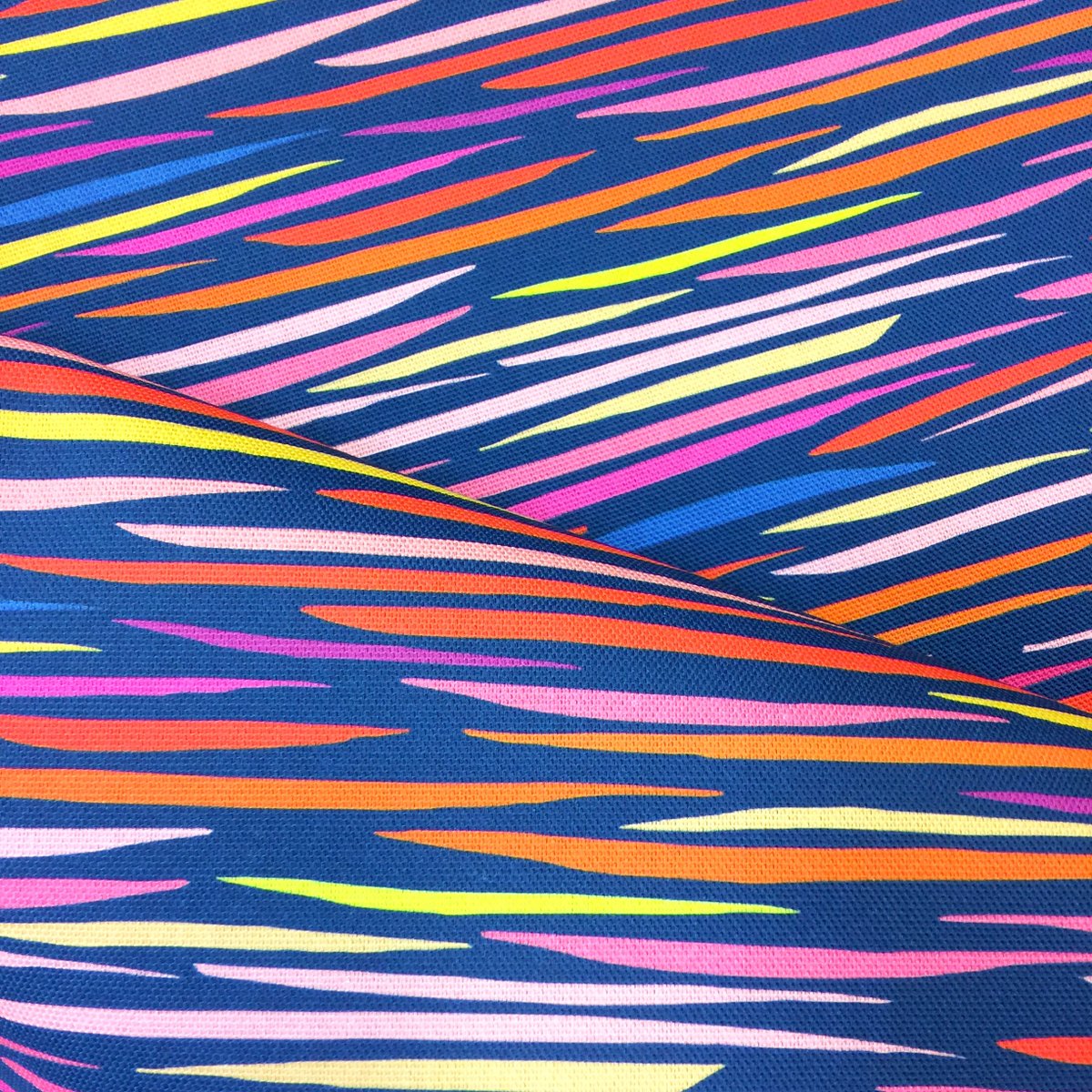
🔸 This vibrant stripe pattern has created a truly eye-catching effect on our Half Panama 230gsm. The range of complementary colours have printed perfectly on this fabric. Thank you Andy for letting us share a photo. 🔹
#stripepattern #abstractprint #nonprint #surfacetexture
1
1
13 Jun 2022
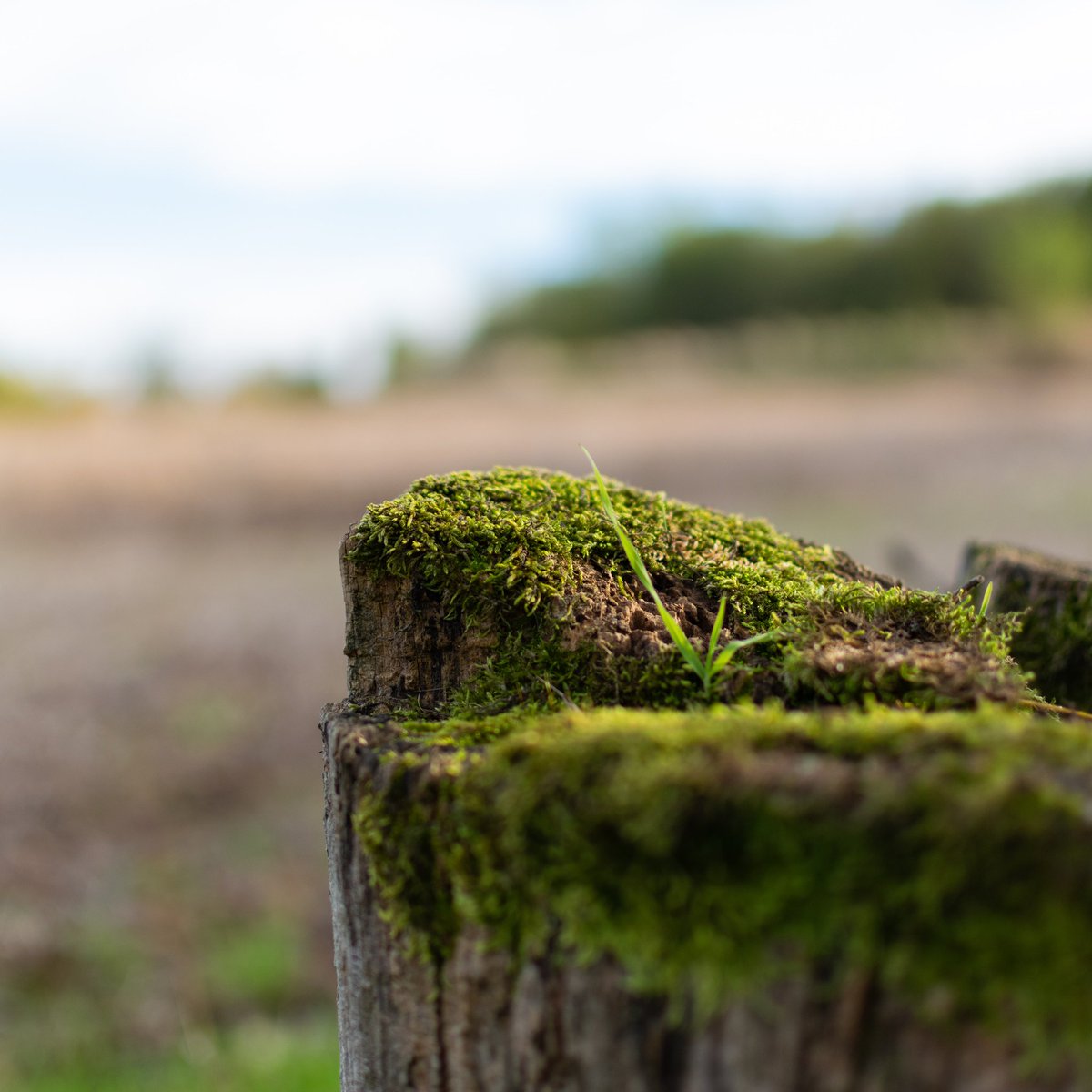
'Life finds a way' - 📷📸#photooftheday #naturelovers #naturephotography #srbijauslikama #livingeurope #nikon #macrophotography #macro #closeup #closeupphotography #lifefindsaway #jurassicworld #surfacetexture #sdremthix
5

26 May 2022
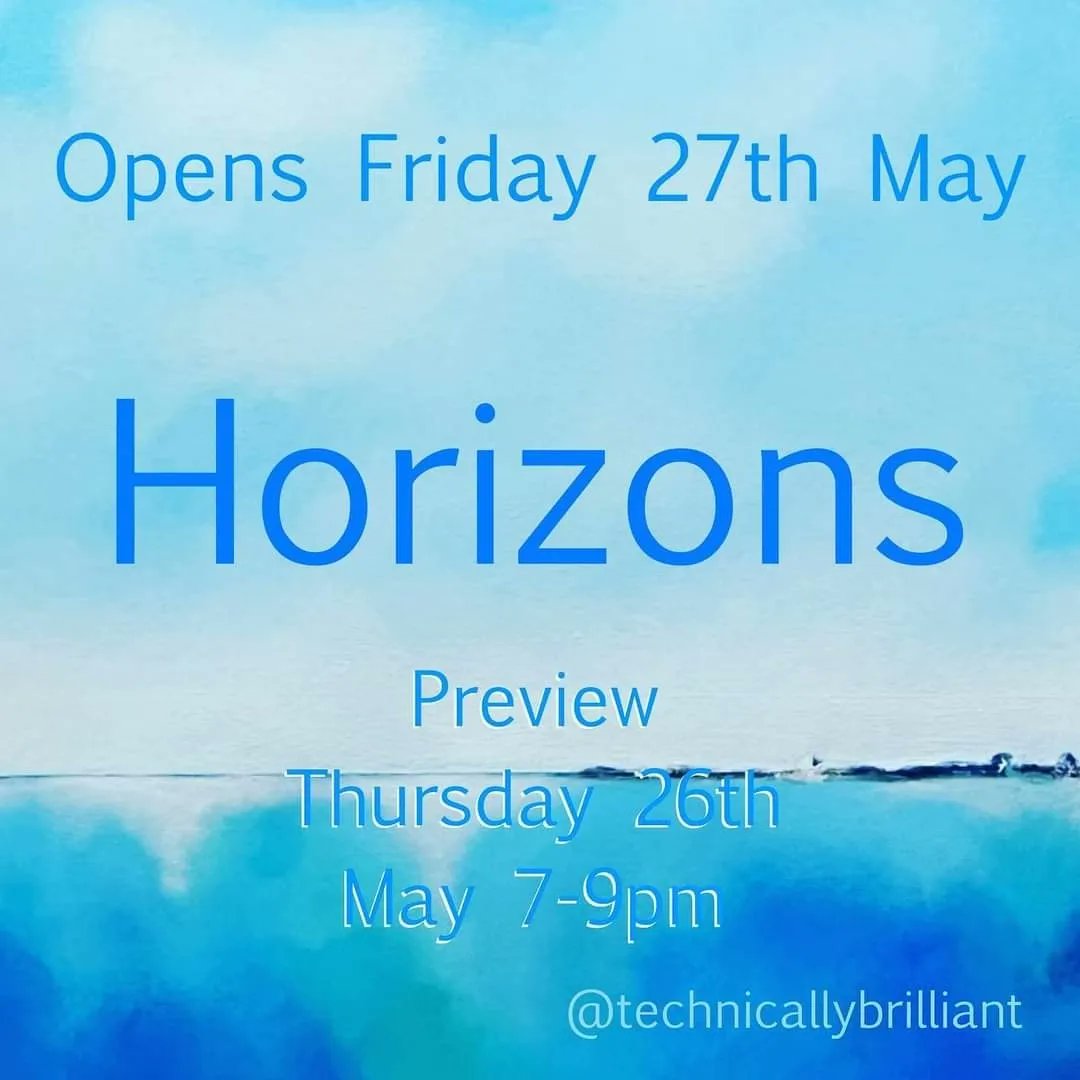
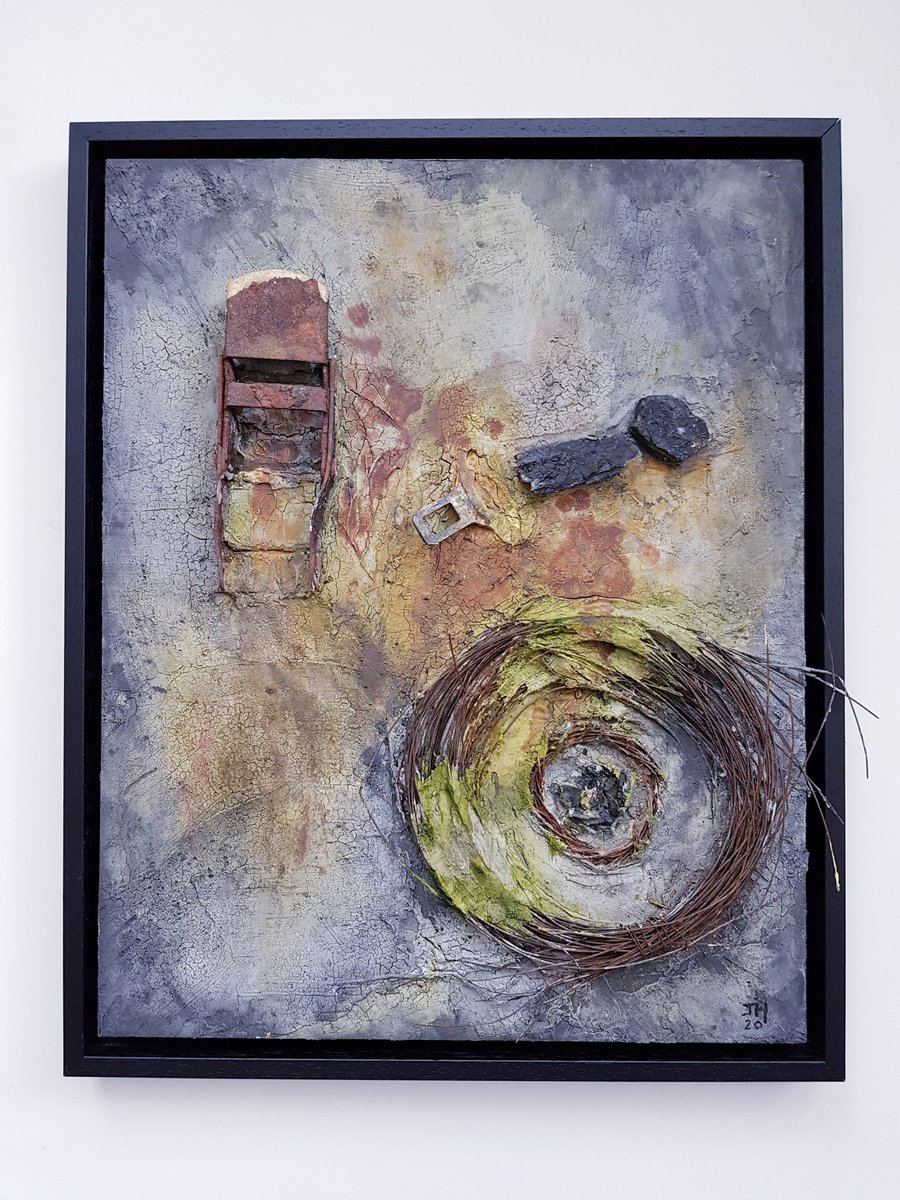
Delighted to announce my piece 'Burnt Out' has been accepted into the new @technicallybri4 exhibition 'Horizons'.
PV tonight 7pm - 9pm
#artexhibition #mixedmedia #painting #surfacetexture
2
2
7