
Mar 26
🚀⚡ LEVEL UP YOUR NETWORK, BUILD YOUR OWN FREE PRIVATE VPN 🧠🌐
Creating a free V2Ray configuration without a server using Cloudflare 💡
🚀 Step 0: Prerequisites
✔ Create a Cloudflare account
👉 dash.cloudflare.com
✔ Have a domain (even a free or test one works)
---
🧱 Step 1: Enable Zero Trust
Log in to Cloudflare
From the menu, go to:
Zero Trust
If it’s your first time:
Create a Team Name
---
🌉 Step 2: Create a Tunnel
Go to:
Access → Tunnels
Click:
Create Tunnel
Select:
Cloudflared
Give it a name (for example):
Kavian-tunnel
---
💻 Step 3: Install cloudflared
Download from:
developers.cloudflare.com/cl…
Then run:
🪟 Windows
cloudflared.exe login
🐧 Linux
sudo apt install cloudflared
🍎 macOS
brew install cloudflared
---
🔐 Step 4: Log in to Cloudflare
cloudflared tunnel login
🔹 A browser window will open → select your domain
---
🧪 Step 5: Create Tunnel via CLI
cloudflared tunnel create my-tunnel
📌 Output includes:
. Tunnel ID
. A JSON credentials file saved locally
---
🌍 Step 6: Connect Domain to Tunnel
cloudflared tunnel route dns my-tunnel vpn.yourdomain.com
📌 Example:
vpn.kavian.xyz
---
⚙️ Step 7: Create Config File
Create a file:
nano config.yml
Paste:
tunnel: YOUR_TUNNEL_ID
credentials-file: /root/.cloudflared/YOUR_JSON_FILE.json
ingress:
- hostname: vpn.yourdomain.com
service: http://localhost:8080
- service: http_status:404
---
🔌 Step 8: Run the Tunnel
cloudflared tunnel run my-tunnel
Your tunnel is now active ✅
---
⚡ Step 9: Run V2Ray (Local Server)
Now you need to run a local server (e.g., Xray)
Install Xray:
bash <(curl -Ls github.com/XTLS/Xray-install…)
Create Xray Config:
nano /usr/local/etc/xray/config.json
Example config:
{
"inbounds": [
{
"port": 8080,
"protocol": "vless",
"settings": {
"clients": [
{
"id": "UUID-GENERATE-HERE"
}
],
"decryption": "none"
},
"streamSettings": {
"network": "ws"
}
}
],
"outbounds": [
{
"protocol": "freedom"
}
]
}
---
🆔 Step 10: Generate UUID
cat /proc/sys/kernel/random/uuid
Replace it inside your config
▶️ Run Xray
systemctl start xray
systemctl enable xray
---
🔗 Step 11: Create VLESS Link
Format:
vless://UUID@vpn.yourdomain.com:443?type=ws&security=tls&host=vpn.yourdomain.com&path=/#CF
📌 Example:
vless://123e4567-e89b-12d3-a456-426614174000@vpn.kavian.xyz:443?type=ws&security=tls&host=vpn.kavian.xyz&path=/#CF
---
📱 Step 12: Use in Apps
Android:
V2RayNG
iOS:
Shadowrocket
Windows:
V2RayN
👉 Import the link → connect
---
🧠 Important Notes (Very Important!)
✔ The port in Xray (8080) must match the Tunnel config
✔ Your domain must be proxied by Cloudflare (orange cloud ☁️)
✔ TLS is automatically handled by Cloudflare
⚠️ Common Issues:
❌ Not connecting:
* Wrong DNS
*Tunnel not running
❌ Slow speed:
*Cloudflare region
*Your internet connection
🔥 FINAL REALIZATION:
You didn’t just “set up a VPN”…
You learned:
🧠 Infrastructure
🔐 Privacy control
⚡ Self-reliance
💭 KAV MESSAGE
Most people use tools…
Few understand them.
Awareness = Power ⚡
And now… you’re not just a user anymore.
#CyberSecurity #PrivacyMatters #Cloudflare #VPNSetup #Web3Security #TechAwareness #DigitalFreedom

7
5
14
608

Mar 18
🔐 Secure Your Travel Internet: Set Up VPN Server (Brume 3) VPN Client (Beryl 7) in Minutes
Whether you're new to VPNs or just getting started with GL.iNet devices, this video will help you build a safe and reliable VPN tunnel with ease.
🎥 Watch Now: link.gl-inet.com/post260318b
#GLiNet #Brume3 #Beryl7 #VPN #TravelRouter #WireGuard #OpenVPN #NetworkSecurity #HomeNetwork #RemoteAccess #SecureConnection #WiFi7 #TechTutorial #Networking
#VPNSetup #RouterSetup #DigitalNomad #WorkFromAnywhere #ITSetup #InternetSecurity
1
5
1,001
4 Aug 2025
🙌 Big thanks to Smart Home Circle for sharing a full guide on our GL.iNet WiFi 7 Travel Router – Slate 7 (GL-BE3600)!
🛠️ Learn how to configure Slate 7 for:
🔐 VPN Server
🌐 OpenVPN & WireGuard
💾 Portable NAS setup
...and more!
🚀 Whether you're a digital nomad or a privacy enthusiast, this video has you covered.
🎥 Watch the full guide now:link.gl-inet.com/post250804a
#GLiNet #Slate7 #BE3600 #WiFi7Router #SmartHomeCircle #VPNSetup #OpenVPN #WireGuard #PortableNAS #TechTutorial #TravelRouter #StayConnected #RouterGuide #SmartTech
1
8
891

24 Jul 2025
L2TP VPN SERVERS
l2tp-vpn-servers-msn.vercel.…
#L2TP #L2TPVPN #VPNProtocol #L2TPTutorial #VPNSetup #VPNGuide #L2TPConfiguration #SecureVPN #L2TPSecurity #L2TPConnection #VPN #VPNLife #SecureConnection #OnlinePrivacy #InternetSecurity #VPNService #SafeBrowsing #AnonymousBrowsing
2
1
3
140

4 Jul 2025
Secure Remote Access with OpenVPN - Now Easier with Self-Generated Certificates on Vigor2136ax
With DrayTek Vigor2136ax (DrayOS 5.3.0 and above), setting up OpenVPN with your own certificate authority is now just a few clicks away - no need for external tools or certificate files.
Key Highlights:
Generate OpenVPN certificates directly on the router
Export ready-to-use configuration files for all major platforms
Works with Windows, macOS, iOS, Android, Linux, and DrayTek's Smart VPN Client
How it works:
📍Enable OpenVPN
Go to VPN > General Setup > OpenVPN, enable the service, choose TCP/UDP, and set your desired ports.
📍Generate Certificates
Let the router act as a Certificate Authority - no need for external setup!
📍Create Teleworker Profiles
Set up usernames, passwords, and assign LAN access rights.
📍Export Config Files
Use the Teleworkers Configuration Generator to download a .zip file containing the .ovpn profile.
Client Connection Made Easy
✔Windows: Use OpenVPN GUI or DrayTek Smart VPN Client
✔macOS: Use Tunnelblick
✔iOS & Android: Use OpenVPN Connect
✔Linux: Connect via terminal with openvpn - config
Step-by-step guide: draytek.com/support/knowledg…
Boost your remote work strategy with a secure and simplified OpenVPN deployment - all thanks to DrayTek.
#DrayTek #Vigor2136ax #OpenVPN #RemoteAccess #VPNSetup #NetworkSecurity #DrayOS5 #TeleworkerVPN #ITInfrastructure #Cybersecurity
2
2
114

23 May 2025
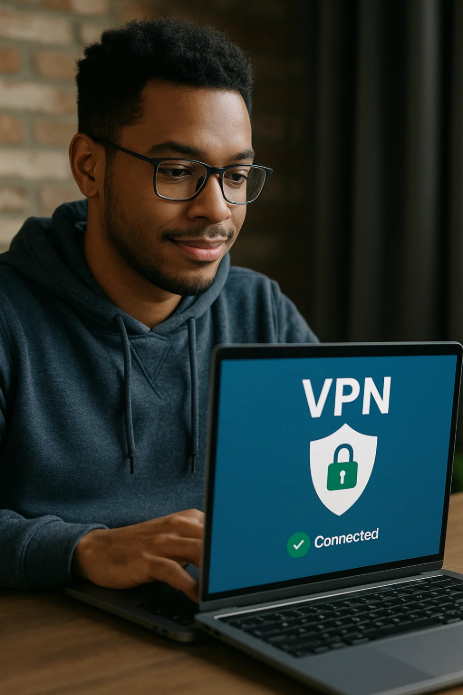
🚨 Azure Admins: Stop wasting time on VPN configs.
This guide is your VPN cheat code — fast, secure, no guesswork.
👉 tinyurl.com/mvp5fva6
#AzureAdmins #CloudHacks #VPNSetup #Azure #VPN #friday
8
20
1,200
23 May 2025
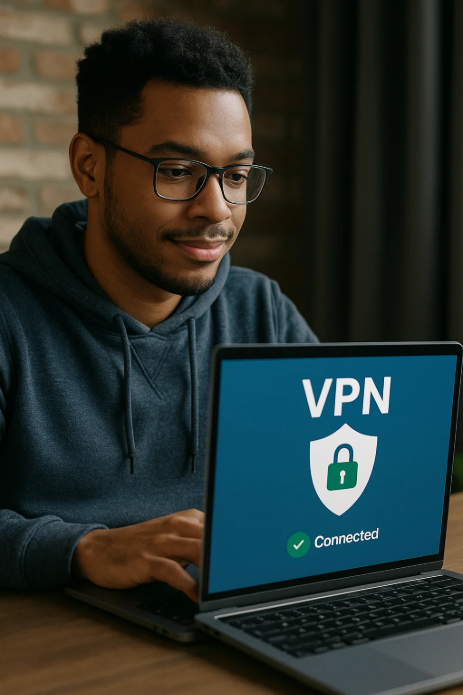
🚀 Azure Admins: Set up a Site-to-Site VPN effortlessly.
This guide walks you through every step.
🔗 tinyurl.com/mvp5fva6
#Azure #VPNSetup #CloudSecurity #VPN #Cloud #Friday #admin
1
8
23
677

28 Oct 2024
Unlocking Simple WireGuard VPN Setup for Home Assistant
#WireGuard #VPNSetup #HomeAssistant #NetworkConfiguration #TechTutorial #Cybersecurity #DigitalPrivacy #HomeAutomation #SmartHome #SecureConnection
4
806
28 Aug 2024
🚀 We’re excited to announce a new partnership with RemoteToHome Consulting (RTH) to bring you a more personalized technical support experience for your GL.iNet router’s VPN setup! 🎉 🔗 For more details, check out our blog: link.gl-inet.com/RemoteToHom…
#VPNsetup #RemoteToHome #GLiNet

5
603

16 Dec 2019
Using a free one called VPNsetup (chrome extension) which is doing the job nicely 👍
2

24 Aug 2019
dear non UK clikkies. watch on a laptop, use vpnsetup (completely free), add to chrome as extension, use UK as location, enjoy BBC iPlayer and the stream
2
16

How to Setup a VPN on Android?
Claim your internet privacy: buff.ly/2JLoJrJ
#SundayTech #VPN #AndroidVPN #AndroidApps #VPNSetup #SafeInternet #SafeBrowsing #InternetPrivacy #NativeApps #AppStore #Android #StemjarNetworking #Stemjar

2

15 Apr 2016

2
13 Apr 2016
2