
9 Nov 2024
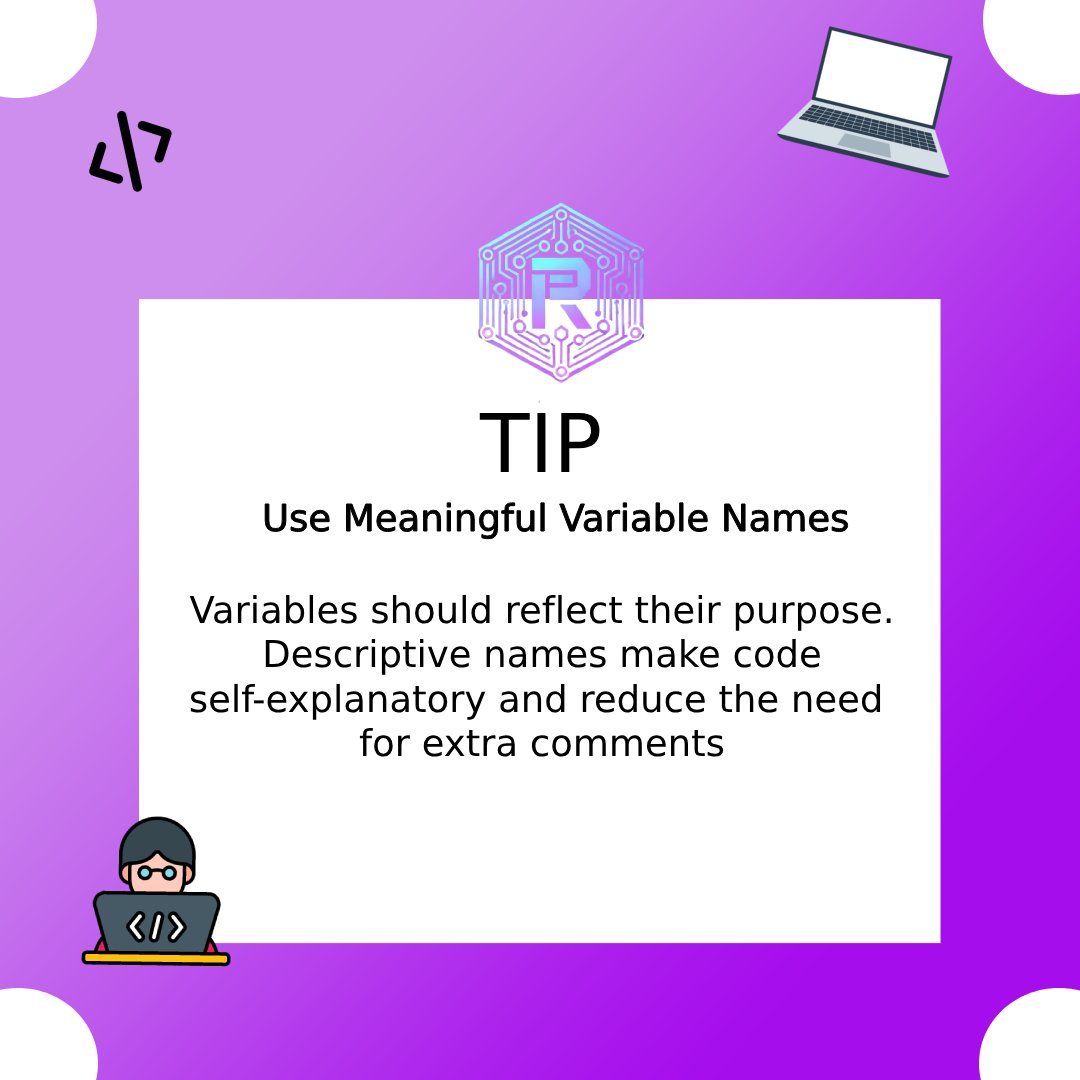
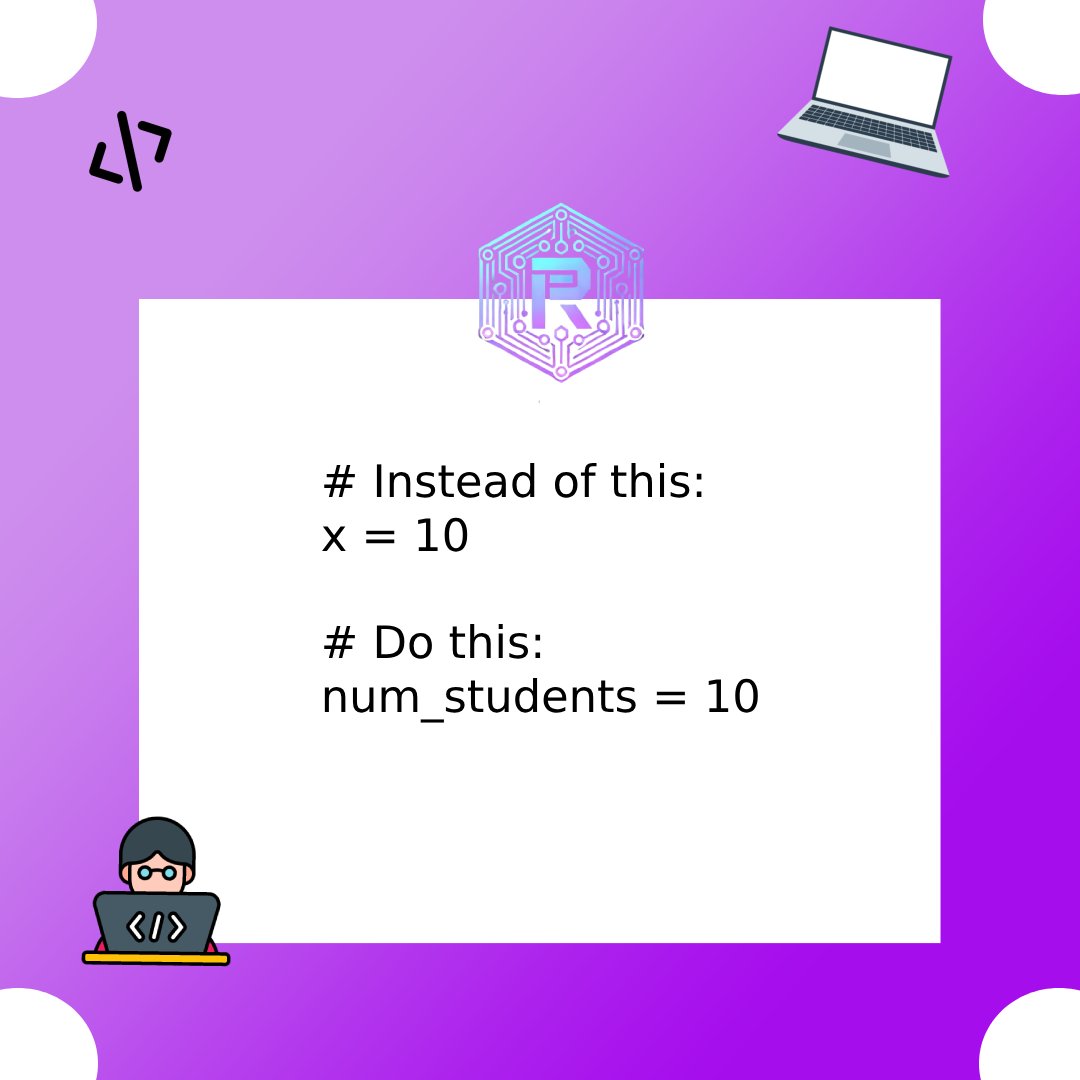
Your variables deserve names that make sense!
.
.
.
#NameItRight #RatnaMaceTips #CodeReadability #GoodPractices #RatnaMaceIT #VariableNames #ratnamaceitsolutions
1
3
19


19 Oct 2023
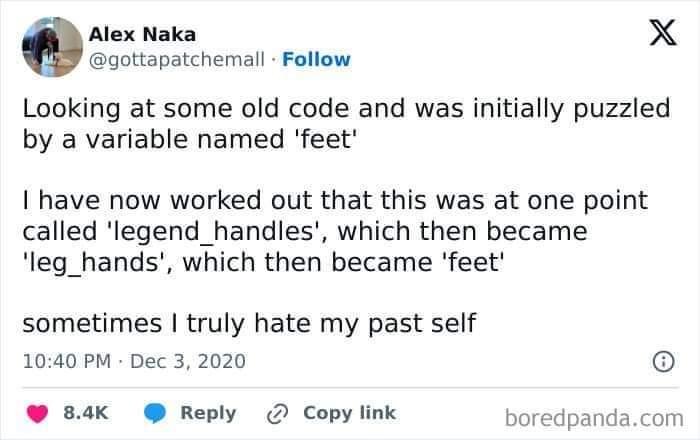
Guy that inconsistently uses variableNames and variable_names (it's me, I'm guy)
1
5
469

25 Jul 2023
いまだに行列をtable化するときtable(M)とやっちまう。
array2table(M)だね。
変数名を指定するには
array2table(M,'VariableNames',string配列 or cell配列)
7
619

24 Jul 2023
It's easy to make logic, but hard to think of variableNames!!!
2
6
220
6 Feb 2023
1 csvをexcelで開く (文字化けなし)
2 csvをreadtableで読みこむ (文字化けなし)
3 読み込んだデータを加工してwritetableでcsvに書き出す。
4 MATLAB上でcsvをダブルクリックして中身を表示 (文字化けなし)
5 MATLABの外部で開く (VariableNamesが文字化け)
なんで?
2
6
964

18 Sep 2022
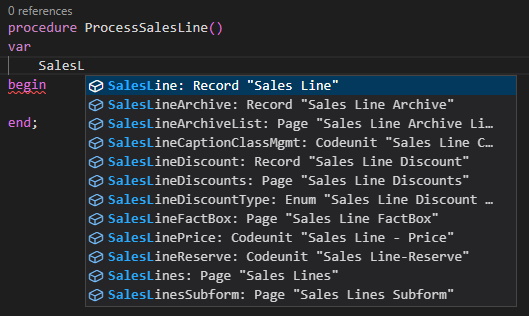
A new version of "AZ AL Dev Tools" is ready. You can try the new variable name and type completion by enabling it in the settings. Just set
"alOutline.completionProviders" to ["VariableNamesWithType","VariableDataTypes"] or ["VariableNames","VariableDataTypes"] #msdyn365bc
6
33
120

12 Jul 2022
自分は日本語変数名使いたいと思った時は
v=(1:10)’ の時、
T=table(v,’VariableNames’,{‘計測値’})
みたいに変数名を指定して、
T.(‘計測値’)
ってかんじで無理やり使ってます笑
4
15 Jun 2022
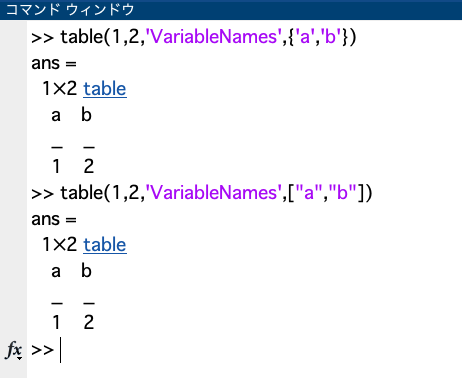
table型変数のVariableNamesはcell配列で指定すると思い込んでいたが、string配列でもいけるのか。
4
5 May 2022
テーブルtblにあらたに列を追加するには
tbl.追加列名=追加データ
だけで出来ることをすっかり忘れていた。
tbl=[tbl, table(追加データ, 'VariableNames',{追加列名})]
としていた自分を恥じた。
5

10 Jan 2022
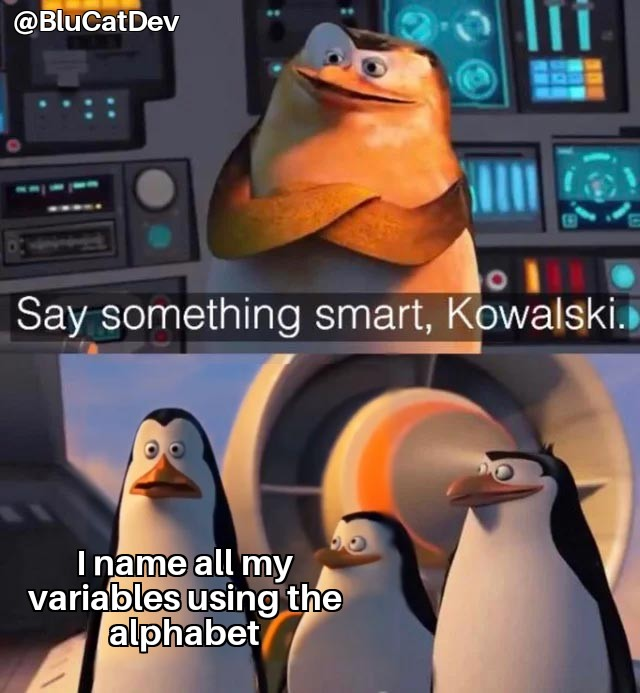
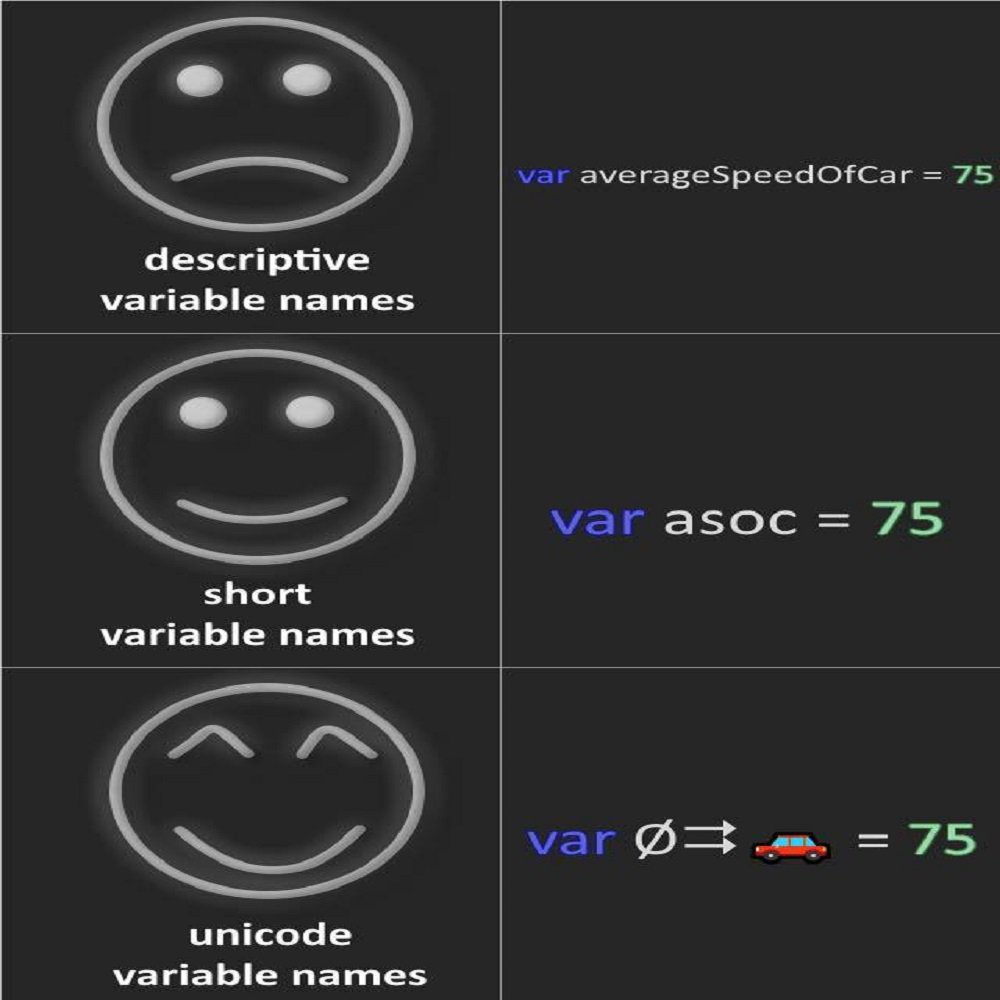
Technically it's true... but there is so much room for interpretation! Giving variables meaningful names helps write and manage code.
Reply with the best or worst variable names you've seen.
#mememonday #variables #programming #camelcase #alphabet #variablenames #cleancode
1
2

2 Dec 2021
easyToUnderstand variableNames && functionNames, adequate amount of indentation, necessary abstractions, following popular practices, simpleOneLinerComments(!important)
1
2

idk if this works but
1. check if you're running on the main coding
2. check if you're running on the right project
3. be sure to compile first before running
4. check small mistake like ( ; , variablenames capital letters, etc)
:>
3

28 Apr 2021
Our big ones are on more substantive topics, like VariableNames vs variable_names, "quotes" vs 'quotes', and of course, emacs vs vi!

28 Mar 2021
Do you know how you have to choose VariableNames? Check our latest post - link in bio 🐍
#100DaysOfCode #Programming
1
25 Mar 2021
What’s allowed for Variablenames? Check our latest post - Link in bio! 🐍
#100DaysOfCode #Programming
2
1

16 Apr 2020
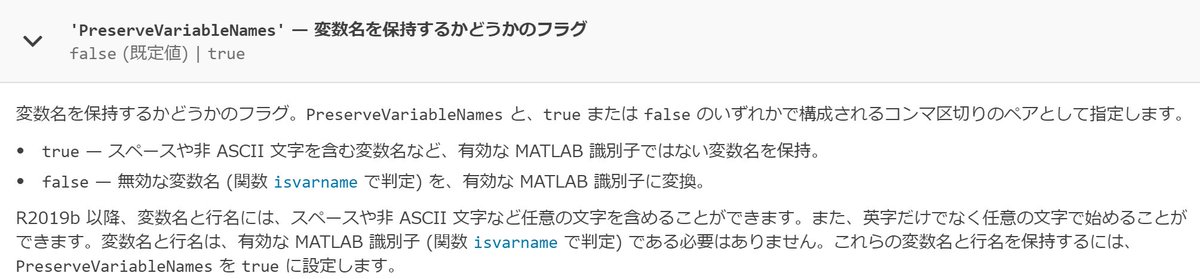
仕事でMATLABのデータストア使いたくなったのだけど、変数名VariableNamesに日本語が使えない…?と思ったけどめっちゃ調べたら2019bから使えるようになってた。エンコードをShift_JIS→UTF-8にしとかないけない点が罠。
jp.mathworks.com/help/matlab…
9

10 May 2019
2

14 Jun 2016
1

18 Sep 2015
ad·dend
a number that is added to another.
#MultipliersLessUsedCousin
#VariableNames
#VariableVocabulary
#Varcabulary
#Varcab
#GameDev
2
1