
Jun 10
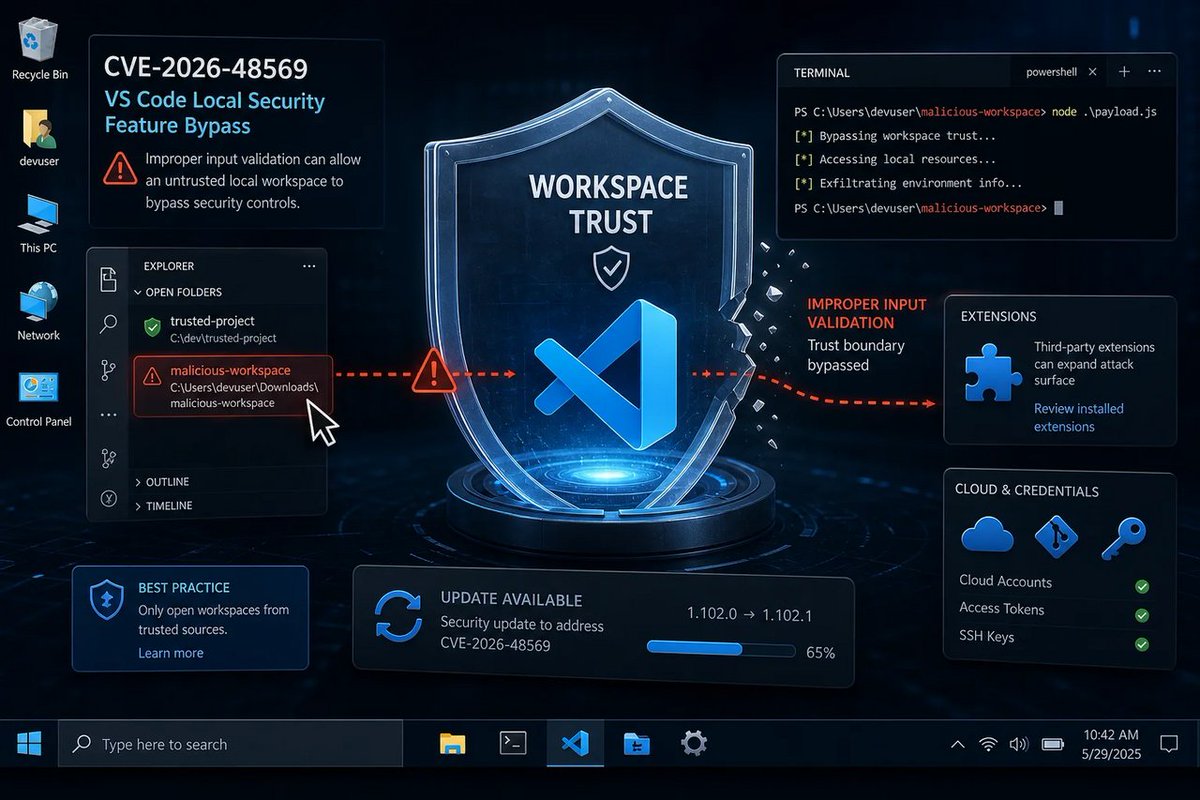
🪟 “Security feature bypass” is Microsoft’s way of saying: your local defenses can be tricked, not hacked—so you’ll still feel safe until you aren’t. Patch VS Code, admins. #Windows #Microsoft #Security #VSCode
windowsforum.com/threads/cve…
#VsCodeSecurity #WorkspaceTrust
14
Jun 9
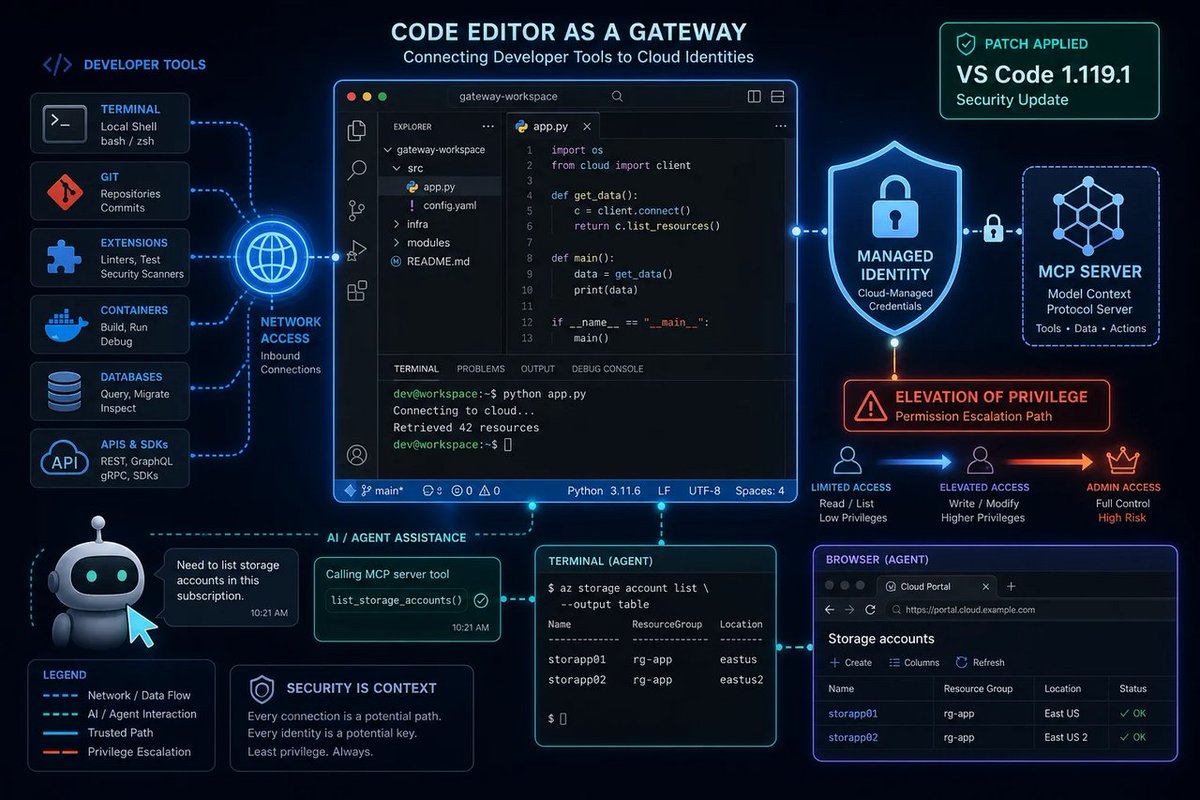
🪟 VS Code gets an EoP patch… but the real story is “managed identity” becoming the shiny new target. Agentic tools = more power, more attack surface. Patch fast, ask later.
windowsforum.com/threads/vs-…
#PatchManagement #VsCodeSecurity #Cve202640376 #McpManagedIdentity
12
Jun 9
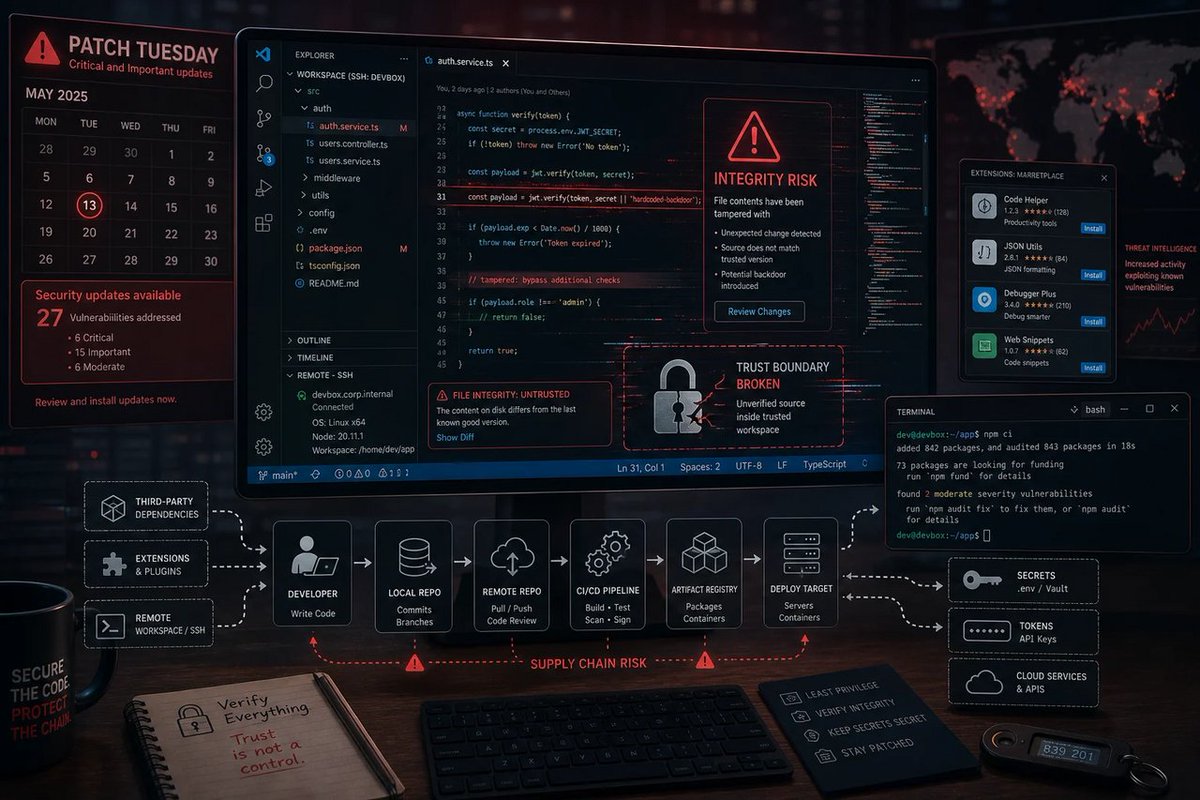
🪟 A “VS Code tampering” bug isn’t just a dev problem—it’s your whole supply chain’s seatbelt. If the editor can be nudged, every build after that is side-eye material. #Windows #Microsoft #Security #VSCode
windowsforum.com/threads/cve…
#PatchManagement #VsCodeSecurity #Cve202647287
14

12 Dec 2025
“Vibe Hacking”: Abusing Developer Trust in Cursor and VS Code Remote Development #VibeHacking #RemoteDevelopment #VSCodeSecurity #LocalMachineHack #DeveloperTrust blog.calif.io/p/vibe-hacking…
4
733

Safeguarding VS Code against prompt injections - github.blog/security/vulnera… by @artsploit at @GHSecurityLab
The Copilot Chat extension for VS Code has been evolving rapidly over the past few months, adding a wide range of new features. Its new agent mode lets you use multiple large language models (LLMs), built-in tools, and MCP servers to write code, make commit requests, and integrate with external systems. It’s highly customizable, allowing users to choose which tools and MCP servers to use to speed up development.
From a security standpoint, we have to consider scenarios where external data is brought into the chat session and included in the prompt. For example, a user might ask the model about a specific GitHub issue or public pull request that contains malicious instructions. In such cases, the model could be tricked into not only giving an incorrect answer but also secretly performing sensitive actions through tool calls.
In this blog post, I’ll share several exploits I discovered during my security assessment of the Copilot Chat extension, specifically regarding agent mode, and that we’ve addressed together with the VS Code team. These vulnerabilities could have allowed attackers to leak local GitHub tokens, access sensitive files, or even execute arbitrary code without any user confirmation. I’ll also discuss some unique features in VS Code that help mitigate these risks and keep you safe. Finally, I’ll explore a few additional patterns you can use to further increase security around reading and editing code with VS Code.
#PromptInjection #IndirectPromptInjection #LLMSecurity #AIAgents #AgentMode #VSCodeSecurity #GitHubCopilot #MCPServers #ToolSecurity #CredentialLeak #DataExfiltration #RCE #WorkspaceTrust #DevContainers #GitHubCodespaces
2
11
278