
May 14
Every agent needs its own computer: my conversation with @ivanburazin, CEO of @daytonaio, about sandboxes and the emerging agent stack.
00:00 Intro
02:13 What is an AI agent sandbox?
03:17 Security risks of running agents locally
05:17 Stateful vs. stateless hyperscalers
07:04 The history of cloud IDEs and the end of localhost
09:45 Do all AI agents need a sandbox?
12:26 Sandbox use cases: RL evals & background agents
14:10 Unpacking the emerging AI Agent Stack
16:20 The unsolved problem of agent memory and learning
19:37 Where sandboxes fit in the agent harness
21:35 OpenAI, Anthropic, and agent SDKs
23:06 Ivan's founder journey: From CodeAnywhere to Daytona
26:59 GTM strategies and building developer communities
33:48 Why customer support is your best GTM strategy
35:34 Leveraging Twitter during the AI super cycle
40:50 The technical anatomy of a sandbox
41:53 Why fast spin-up speeds maximize GPU efficiency
46:09 Firecracker, QEMU, and isolation primitives
49:58 Why sandbox snapshots and state forking matter
51:40 Why Daytona built a custom scheduler from scratch
55:24 The challenge of long-running stateful sandboxes
58:10 The build your own sandbox trap
1:01:03 Why AI agents might trigger a global CPU shortage
1:02:46 The future of the AI Agent Stack
18
27
68
11,880

Mar 29
Here’s How to Code on a Free Remote Laptop Using Just Your Phone – No Physical Laptop Needed!
Did you know you can run powerful AI agents like Gemini CLI, Claude Code, and many others without owning a laptop? You can do everything from your phone using the Web IDE app. Here’s how:
1.Create a free cloud server: Sign up for a free AWS account. You can choose a Linux, Windows, or Mac server. This server acts like a remote laptop in the cloud.
2.Connect to Web IDE: Once your server is ready, you’ll have an IP address and a PEM key. Use these to connect your cloud server to the Web IDE app.
3.Install AI agents via the terminal: Inside the Web IDE app, open the SSH terminal and install your favorite AI agents. In my example, I use Claude Code, but you can install Gemini CLI or any other AI tools the same way. Authenticate, log in, and your server is ready to code.
4.Install GitHub CLI via the terminal: While in the terminal, install the GitHub CLI on the server. This allows you to push and manage your code directly from the cloud.
5.Sync your projects: After coding, use the installed GitHub CLI to push your work from the server to GitHub. You can then clone repositories back to your phone or any other device.
6.Optional – run websites or apps: Since the server is fully functional, you can also host websites, test apps, or run other cloud-based projects, all without needing your own physical computer.
This setup gives you a full coding environment in your pocket, letting you learn, develop AI projects, or manage web apps without buying expensive hardware.
I’m still testing and fixing the terminal so, the update isn’t live yet.
#WebIDE #RemoteCoding #CloudLaptop #CodeFromPhone #AIProgramming #ClaudeCode #GeminiCLI #LearnToCode #MobileCoding #GitHubCLI #CloudDevelopment #NoLaptopNeeded #CodeAnywhere #ProgrammingOnTheGo #TechTips
1
3
184


Mar 27
Thanks to @Codeanywhere this won’t be happening
Mar 25

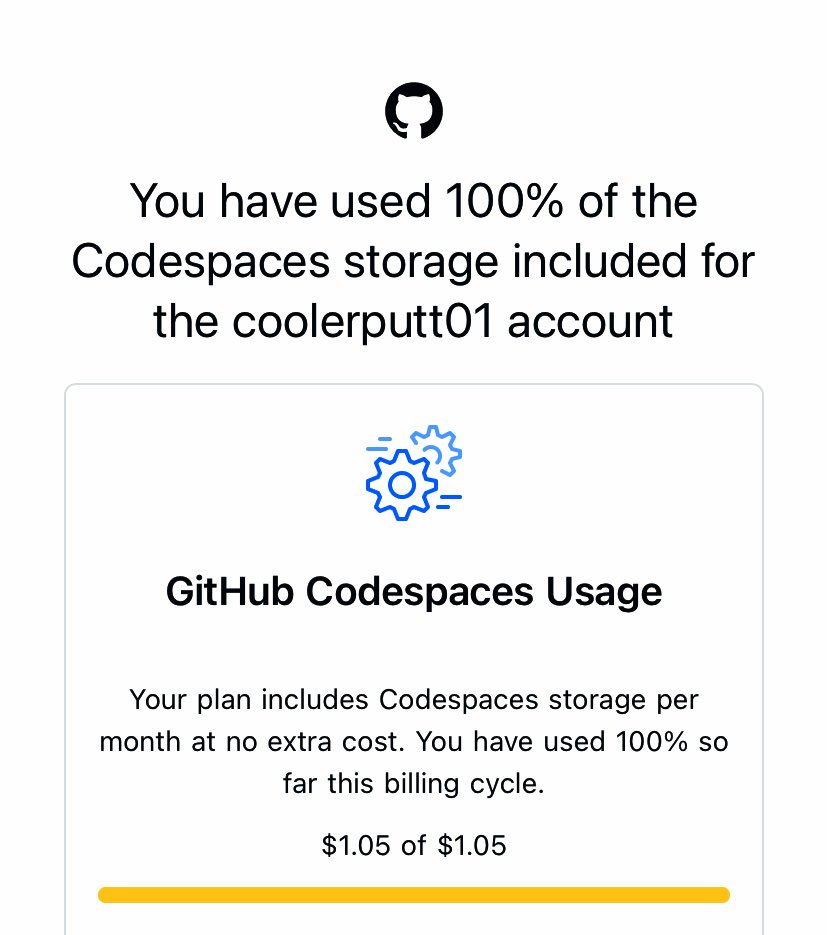
I’d be back to building soon (my game, pixiModel and my POS) unfortunately my web projects are on hold till next month since my codespaces free usage limit for this month has been met
😭painful stuff fr
2
5
189

Mar 13
I used a hand-me-down family Mac Mini throughout elementary school and middle school to learn Scratch and Objective-C and JavaScript.
In high school I was issued a Chromebook which I used to hack around on Cloud9, CodeAnywhere, Khan Academy, CodePen, Replit, RunKit, and a number of obscurely-named FTP clients and code editor apps downloaded from the Chrome Web Store (until a friend taught me how to dual-boot a Linux distro).
A few summers later as a rising high school junior, I used the proceeds I saved up from math tutoring and teaching computer programming workshops to buy a shiny new MacBook Air. It served me well throughout college, until one fateful day in 2021 during “Zoom university” when the SSD decided to quit working.
Everyone’s career starts somewhere, even if all you have is an absolute potato of a computer.

1
3
298

Mar 8
MacBook gang rise up! Nothing beats coding from a café, plane, or bed at 2am. Pure freedom 🔥 #MacBookDev #CodeAnywhere
1
1
16
1,937

Codeanywhere was by far ahead of its time.
We saw the same with Enzyme, we built one of the first AI website builders, just 2 years too early.
Funny part was the people saying “ohh it’s only for landing pages” are now the biggest lovable users.
The market simply wasn’t ready // even a 2-year gap matters, let alone 15 years
1
4
170

true. and early always looks annoying before it looks visionary.
for context: i was invited into @codeanywhere early as an ai advisor and spent ~3 years in the trenches with ivan the team (yes, the giant bmc/value-prop sheets in the coding cave everyone made fun of 😄). before anyone was brave enough to call it a pivot, we did the unglamorous work, challenging the narrative, sketching prototypes, pressure-testing positioning. that process helped crystallize what eventually became @daytonaio.
then, ~6–9 months before the ai pivot was “obvious,” i kept pushing us toward ai-native execution: sandboxes and runtimes for agents. over christmas break we built prototypes to de-risk the bet, make it tangible, and then worked to shape the narrative around “run ai code.”
after that, the team did the brutal part ivan describes, committing fully and rebuilding fast.
proud of what this team pulled off. proud of daytona. excited to see it keep compounding.
Feb 12

A lot of people say things like "you're so lucky to be riding the wave of ai adoption"
Meanwhile, we started 3 years ago, had to fire all our existing customers, make a hard pivot, and rebuild everything from scratch 8 months back
1
7
353

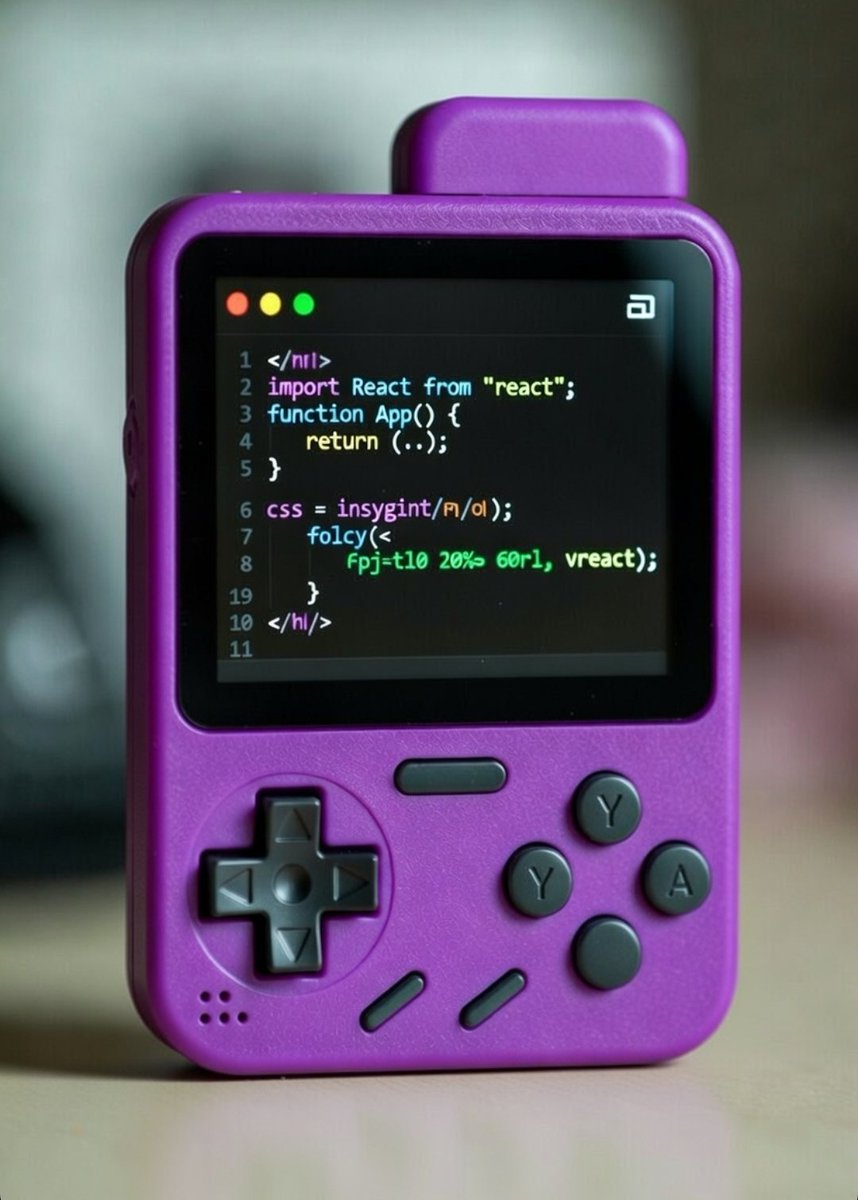
Who says you need a massive monitor, ergonomic chair, and a quiet desk to get stuff done? 😂
Snag a pocket-sized retro beast, sprinkle in some localStorage wizardry, and code wherever the vibe takes you, even in car rides, coffee shops, or couch chaos.🛋️
Coding shouldn't feel like a grind... sometimes it straight-up feels like playtime. 🧩🎮
#Coding #WebDev #ReactJS #RetroGaming #CodeAnywhere
15
29
38
805


29 Dec 2025
@Codeanywhere
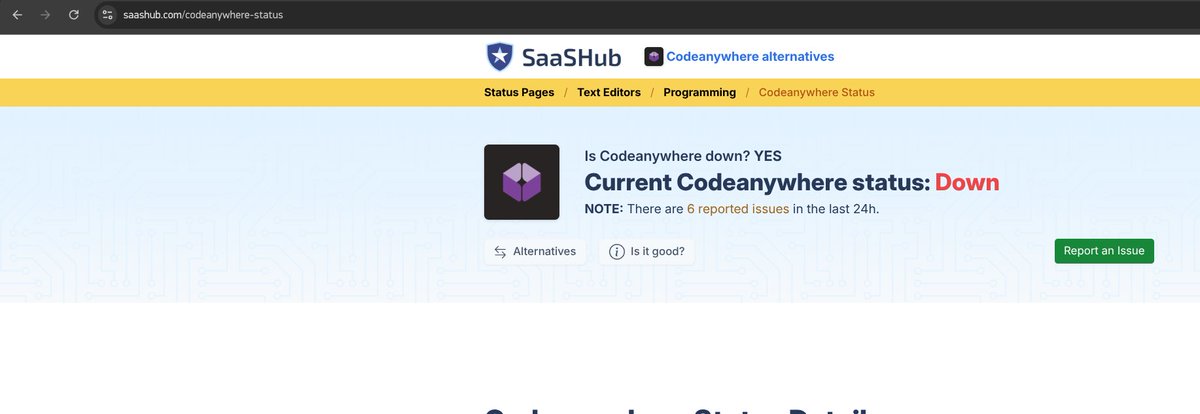
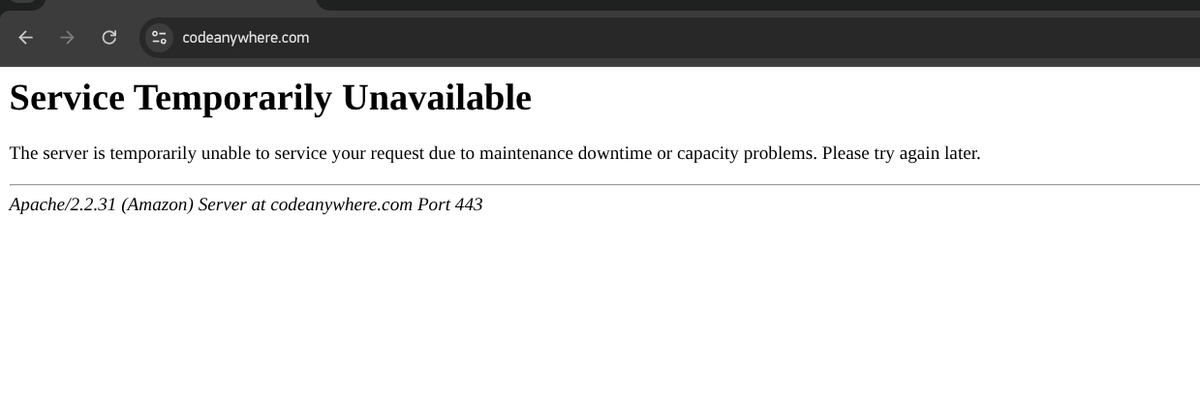
Do you have problems with your servers or is it a problem on my side?
2
2
105

23 Dec 2025
@ivanburazin is a G.
Had coding in the cloud before AI, can't imagine how crazy it would be if codeanywhere was started in 2019 instead of 2009
1
2
1,300


4 Aug 2025
@Codeanywhere hey, you have changed completely to a new version and you don't any anyone to assist / support with workspaces?
1
2
73

13 May 2025
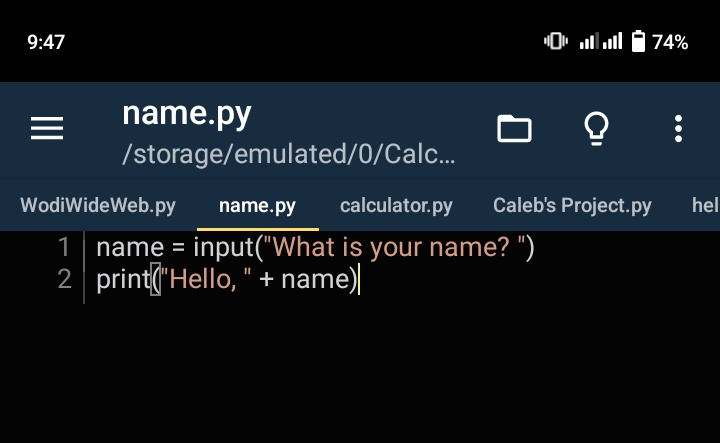
Learning Python on Pydroid 3 with just my Android phone (5/12). No laptop, no excuses—just grit & curiosity. Tools don’t limit a hungry learner. Keep pushing, y’all! 💪📱 #Python #CodeAnywhere @calchiwo
4
54

12 May 2025
11MayDay4
Today I:
-Talked to YC founder as user to provide feedback
-Refactored to achieve rigorous code compliance
-Did UI design on 4o-> Windsurf, blown away >> v0/Lovable(Tried these)
-Listened to @t_blom's inspirational vibe coding exp
-Setup remote desktop to #CodeAnywhere
10 May 2025

Day 3
Today 1:
- Planned how to get to SF! :)
- Partook in a local uni ->YC webinar that was dead 💀
- Understood agentic orchestration concretely
- Started open-source project
- Extensive vibe coding studying - new feature!
- Figured trademark legalities...
Sleep ETA 10:45pm
3
89

28 Apr 2025
If you want to code together online, there are some great tools out there like Visual Studio Live Share, CodeTogether, CodeSandbox Live, and Codeanywhere that let you collaborate in real time-think Google Docs but for code.
These platforms support features like live editing, chat, debugging, and even cross-IDE compatibility, so you and your friends or team can work on the same codebase from anywhere without much hassle.
1
31