
May 12
🔥 Into The Box 2026 was HUGE! Here are our top 10 announcements from the conference 👇
1️⃣ MatchBox: A Rust-powered VM for BoxLang targeting WASM, ESP32, native binaries & JavaScript
2️⃣ BoxLang Starter Plan: Commercial licensing premium modules for just $749/year
3️⃣ ColdBox 8.1 & cbMCP: AI Routing, MCP with 40 tools, virtual threading & BoxLang Prime
4️⃣ BX-CLI — A pure BoxLang-powered CommandBox with zero Lucee dependency
5️⃣ Multi-Runtime Power – BoxLang now runs everywhere: AWS Lambda, Google Cloud, Spring Boot, and even Desktop! 🌐
6️⃣ bx-ai v3.1 — 15 providers, class agents, RAG, audio, MCP, parallel pipelines, Image Modality Previews
7️⃣ TestBox 7 – Featuring "TestBox RUN," a new streaming test IDE with visual stack traces and VSCode integration.
8️⃣ Florida International University Partnership — 100 students contributing to BoxLang runtimes every semester
9️⃣ CBGenesis – A new BoxLang-native path to jumpstart apps with built-in security, admin dashboards, and SSO. 🚀
🔟 Production Success – From the SBA to financial systems managing $4.1B in assets, BoxLang is proving its power in the wild. 🏆
Full recap 👉 ortussolutions.com/blog/ever…
1
2
87

May 11
Into The Box 2026 was more than a conference recap.
It was a clear signal of where the CFML and BoxLang ecosystem is heading next.
We’ve published a complete overview of everything announced at ITB 2026, including:
-BoxLang’s momentum since 1.0
-Real customer modernization stories from government, travel, finance, and enterprise systems
-BoxLang AI and agentic development updates
-ColdBox 8 and native BoxLang support
-Modern application templates
-CommandBox, BX-CLI, TestBox, CBWire, ContentBox, and ecosystem updates
-Our @FIU partnership to help train the next generation of BoxLang developers
The core message is simple:
Modernization does not have to start with throwing everything away.
For organizations with years of ColdFusion, Lucee, and CFML investment, BoxLang offers a practical path forward: preserve what works, modernize what matters, and prepare your applications for cloud, AI, and the next decade of development.
Read the full recap here:
ortussolutions.com/blog/ever…
#BoxLang #CFML #ColdFusion #Lucee #ColdBox #OrtusSolutions #IntoTheBox2026 #SoftwareModernization #Java #AI #DevOps
2
3
50
May 11
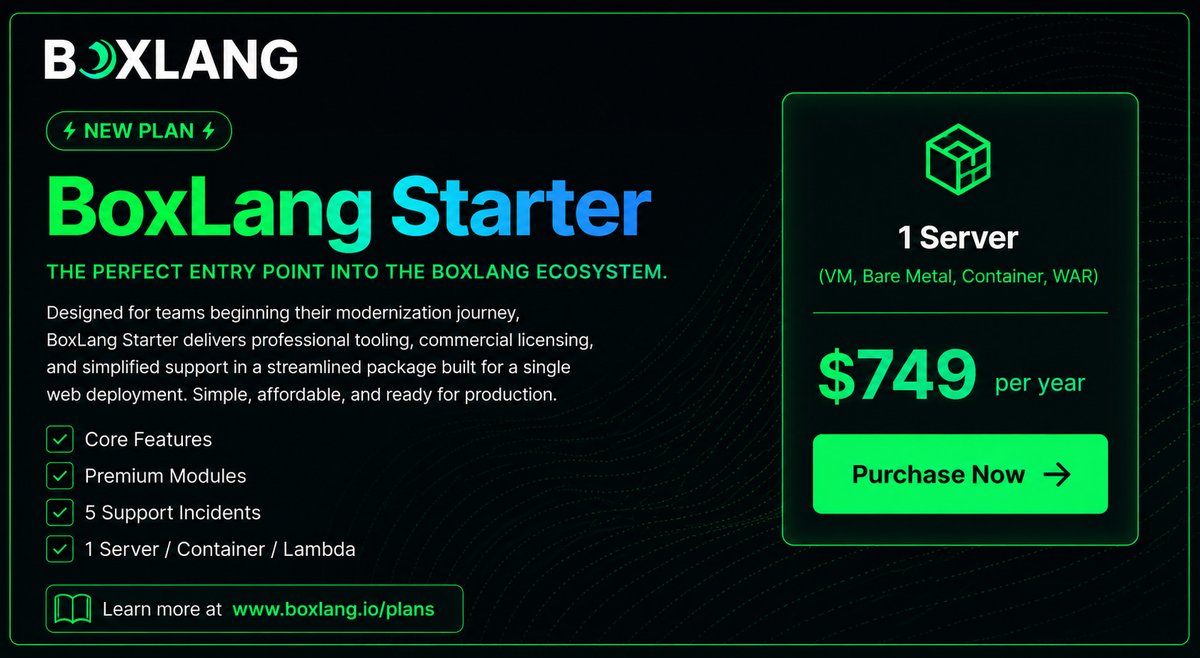
🎉 Introducing the BoxLang Starter Plan — commercial licensing, premium tooling, and real support for a single deployment. 🚀
✅ All Core BoxLang Features
✅ Full Premium Modules library (AI, PDF, Redis, LDAP, CSV, & more)
✅ 5 support incidents / year with language engineers
✅ 1 server, container, or Lambda deployment of your choice
✅ CommandBox PRO included
✅ CFML transpiler feature scanner formatter included
The fastest path from evaluation to production. 💚
👉 ortussolutions.com/blog/intr…
4
85

Apr 21
Even the smallest CFer can change the course of the future. Into the Box 2026 is happening April 29 - May 1 in Washington DC and if you're a #ColdFusion developer, this event is worth the journey. The fellowship is assembling.
Theme this year is Modernization in Motion - and honestly that's exactly where the CF world is right now. Not sitting still, not going backward. Moving.
Topics on the agenda include AI, APIs, WebAssembly, microservices, cloud-native apps, real-time UIs, security, and DevOps. Speakers include Brad Wood, Luis Majano, Charlie Arehart, Gavin Pickin, and a full crew of Ortus Solutions engineers plus community folks from orgs like University of Virginia, Serco, and Western National Group.
The Ortus ecosystem - BoxLang, ColdBox, CommandBox, TestBox and about 20 other "box" tools - is front and center. If you've been wondering whether to modernize your CF apps or how to get started, this is where you get real answers from people who've actually done it.
I've been going to CF conferences since... well, let's just say it was a different age of the world. Into the Box consistently delivers the kind of hallway conversations and hands-on sessions that actually move the needle when you get home. Not all those who wander into legacy CF codebases are lost - but a map helps.
Thanks Alex Ventura, Annette Liskey, Bill Reese, Brad Wood @bdw429s, Charlie Arehart @carehart, Curt Gratz @gratzc, Dan Card @DanJCard, Eric Peterson @_elpete, George “Gavin” Pickin @gpickin, George Murphy @murpg, Grant Copley, Guust Nieuwenhuis @Lagaffe, Jacob Beers, Jaime Ramirez , Javier Quintero @xavikintero, Jon Clausen @jclausen, Kevin Wright, Luis Majano @lmajano, Michael Rigsby, Scott Steinbeck @uniquetrio2000, Uma Ghotikar @umaghotikar for speaking at ITB 2026!
Who's going?

2
5
239


Apr 10
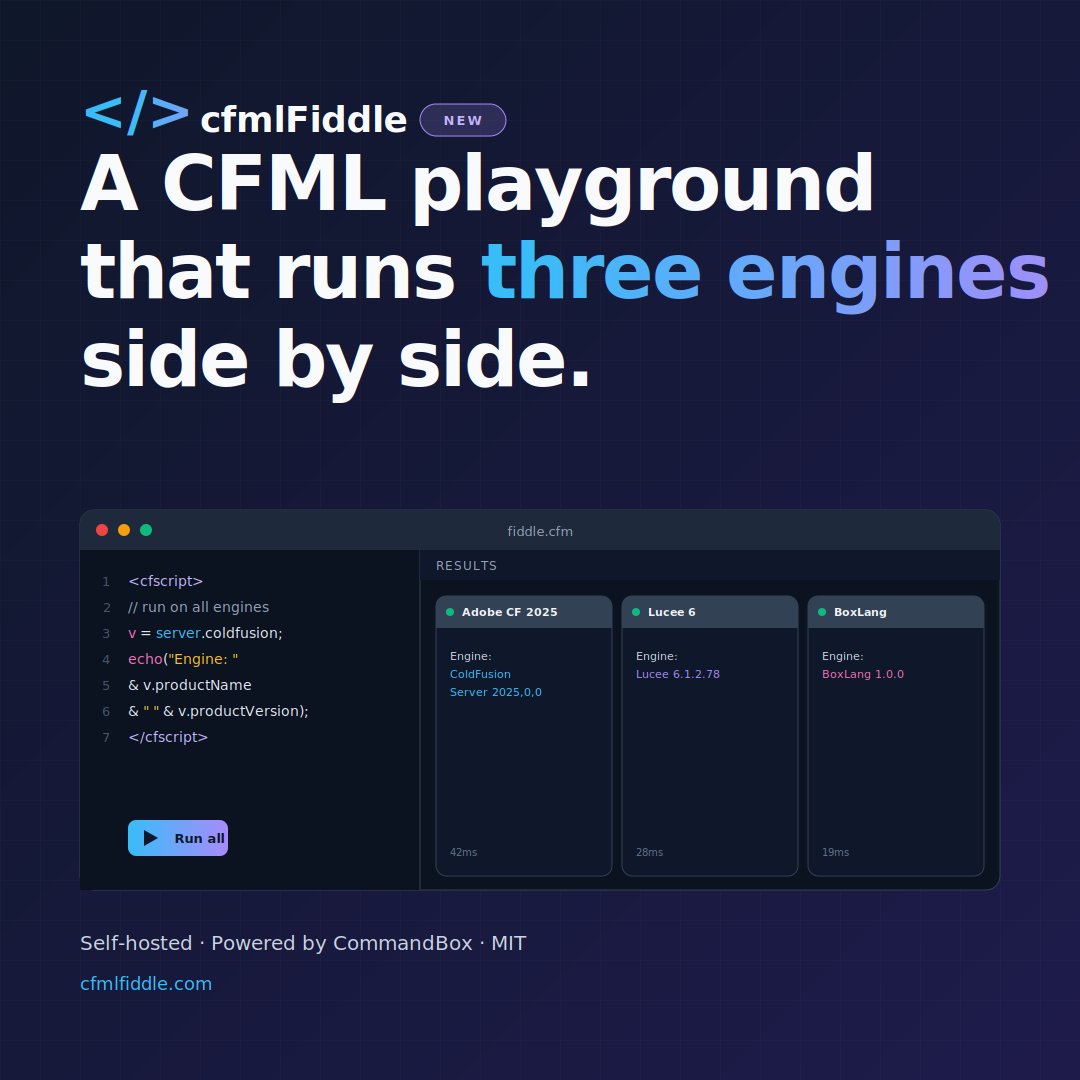
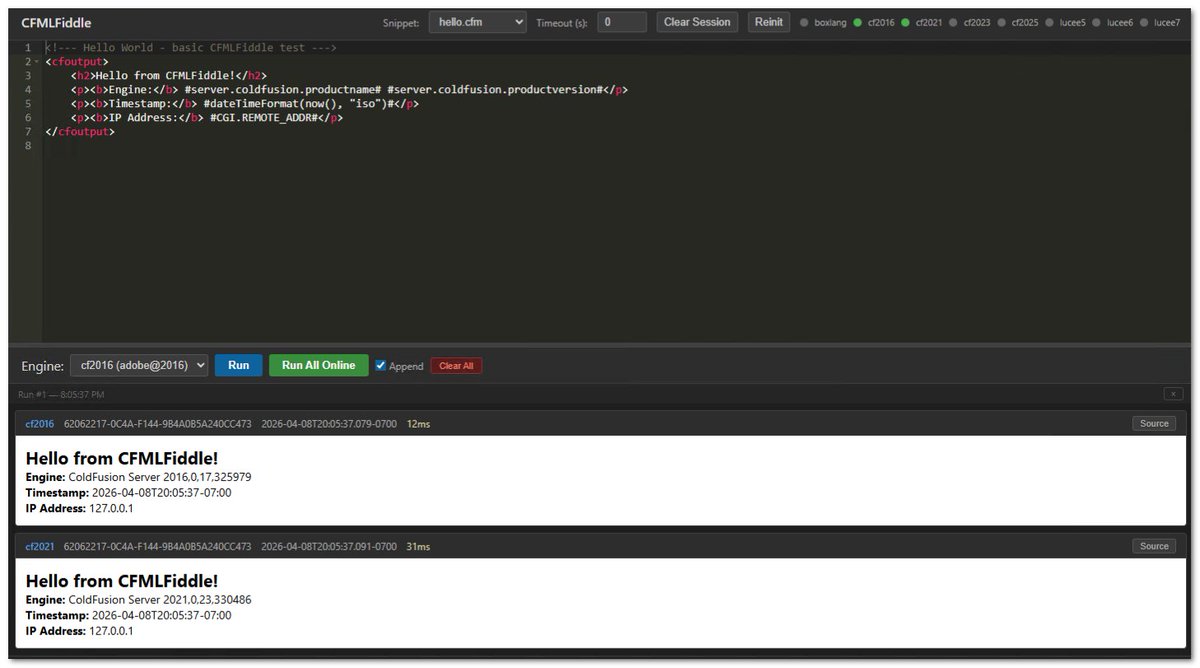
I was using #ColdFusion to determine if other CommandBox servers were online. (This is for my CFMLFiddle project.)
An API request to check 8 hosts using #cfml cfHttp() was taking ~12 seconds. Switching the process to use java․net․Socket․connect() reduced it down to 41-97 ms.
3
63

CommandBox 6.3.0 is released with lock file support, better BoxLang compat, library updates, and more.
ortussolutions.com/blog/comm…
#ColdFusion #CFML #CLI #BoxLang
2
6
175
12 Nov 2025
Now that I'm performing some cross-platform #CFML testing using #CommandBox (& @TryCF), I can determine when #ColdFusion bugs are fixed.
For example, it wasn't until ColdFusion 2023 that the CFHTTP function accepted boolean TRUE/FALSE for GETASBINARY (vs only strings YES/NO)
2
58
13 Oct 2025
ColdFusion Development Tools: Practical Ways to Boost Efficiency & Security
Ever find yourself muttering, “There must be an easier way to do this?” With ColdFusion, there usually is. CF ships with a toolkit that solves real developer headaches so you spend more time building features and less time wrestling boilerplate. It’s like having a sensible wizard at your side: fewer fireworks, more results.
👉 At TeraTech, we’ve spent decades helping teams modernize, secure, and optimize ColdFusion applications. If you want guidance on choosing the right tools or a partner to help carry the load, reach out to us here.
1) CFML & CFScript: Built for speed
Let's not forget the most important CF "tool" - modern ColdFusion Markup Language (CFML). It is designed for rapid application development. Common web tasks require fewer moving parts thanks to built-in tags, functions, and services. Prefer a JavaScript-like syntax? CFScript sits right beside CFML so teams can work in the style they know best. You end up with faster proofs of concept, quicker iterations, and less glue code, all without sacrificing readability.
If you have not looked at the new features in CFML recently, you might be surprised by all the new cool coding things that you can do now in CF! From async array/struct/query functions, iterators, IIFEs, REST/spread operators, and JWTs, to null coalescing (??), compound assignment ( =), multiple exception handling, trailing commas, bitwise ops in QoQ, and even final static methods for CFCs.
2) Security tools: Build safe from the start
Adobe’s ColdFusion Builder extension for Visual Studio Code includes a Security Analyzer that flags common issues in your editor, helping you fix problems before they hit prod. Keep your servers patched with Adobe’s security updates as table stakes.
Need extra armor at the gate? Foundeo Inc.'s well-known trio helps cover code, traffic, and servers:
* Fixinator: scans CFML and suggests fixes.
* FuseGuard: a CFML web application firewall (WAF) to block and log malicious requests.
* HackMyCF: a hosted server scanner for missing patches and misconfigurations. It’s your “you shall not pass” layer. Just a little more practical and not as theatrical.
3) Performance monitoring: Keep watch, stay fast
Even the strongest apps stumble without visibility into code issues. Performance monitoring tools give you the “palantír” view, seeing what’s happening inside your ColdFusion server so you can catch bottlenecks before they become outages.
Adobe Performance Monitoring Toolset (PMT): bundled with Adobe ColdFusion Enterprise, PMT tracks server health, slow requests, memory usage, and database queries in real time. It’s especially useful for spotting trends that can quietly degrade performance over time.
FusionReactor: the go-to third-party monitoring solution for CFML shops. FusionReactor provides deep insights into request traces, thread activity, JVM performance, and error diagnostics. It also offers crash protection and alerting, so you know when trouble starts brewing (and can fix it before users notice).
With either tool, your team gains visibility and control, less time guessing what’s wrong, more time keeping performance sharp.
4) ColdFusion Components (CFCs): Organize, reuse, maintain
CFCs let you encapsulate related data and behavior (think classes/objects for CFML). That means cleaner boundaries, easier reuse, and simpler maintenance. Build once, call often. Your future self (and teammates) will thank you.
5) Containerization: Consistency by default
The old bug reply: “works on my machine” era is over. Docker gives you reproducible CF environments across dev, staging, and prod.
* Adobe publishes official ColdFusion Docker images for standardized deployments.
* Ortus Solutions offers CommandBox-based images that spin up ACF, BoxLang or Lucee quickly with sensible conventions and package management. Docker is the container platform; CommandBox is the CFML CLI/server/runtime. Together they’re “one stack to rule them all” (and to share across the team).
6) IDEs: Where you work, everything in one place
The most popular IDE for CFers is the free Microsoft VS Code. It has loads of extensions, including a bunch for CF. There are free CF extensions and the more beefy paid CF Builder from Adobe.
Important update: Adobe ended the standalone ColdFusion Builder on October 1, 2024. The officially supported route is the ColdFusion Builder extension for Visual Studio Code, which delivers editing, debugging, data-source tools, and the Security Analyzer in one workflow.
There are also CFML tooling for the popular IDEs Sublime Text and IntelliJ IDEA.
Bottom line: ColdFusion’s modern toolchain covers the spectrum, including language ergonomics, security, architecture, deployment, and day-to-day developer experience. Pick the pieces that match your reality and you’ll ship faster, with fewer surprises and tighter security. Even if you’re not chasing epic quests, it’s nice when your tools quietly carry you there.
🌟 Onward!
Next month is Cyber Security Awareness Month, so the CF Alive Newsletter will spend all of October maniacally focused on security like Gollum doting over the One Ring. It’ll be fun… and safe.
P.S. If your CF app crashes more often than a Nazgûl at the Prancing Pony pub, it might be time for backup. Send us a message or DM us: TeraTech’s ColdFusion team is ready to help.

2
66
ICYMI CommandBox has a sweet feature to hit one or more URLs to warm up the server after starting. You can even configure CommandBox to queue, block, or allow incoming traffic until the warmup URLs have returned. THis can be used as a startup healthcheck, warming up caches, or even hitting another service as a webhook! commandbox.ortusbooks.com/em… #CFML #ColdFusion #CLI
1
3
150

8 Sep 2025
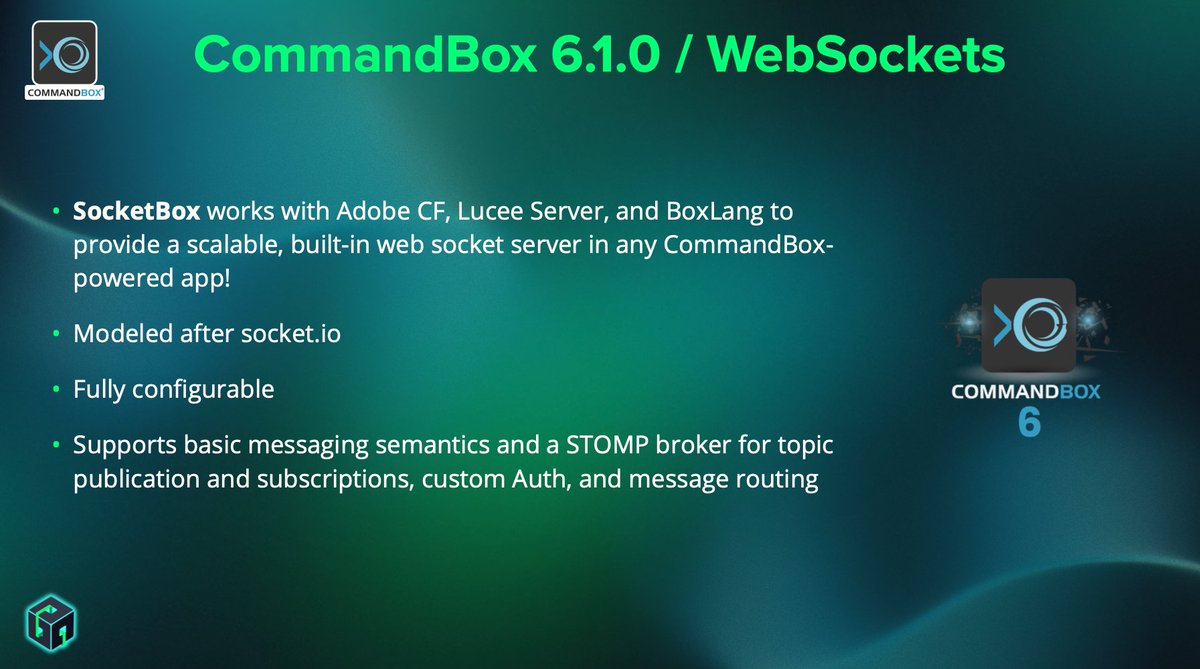
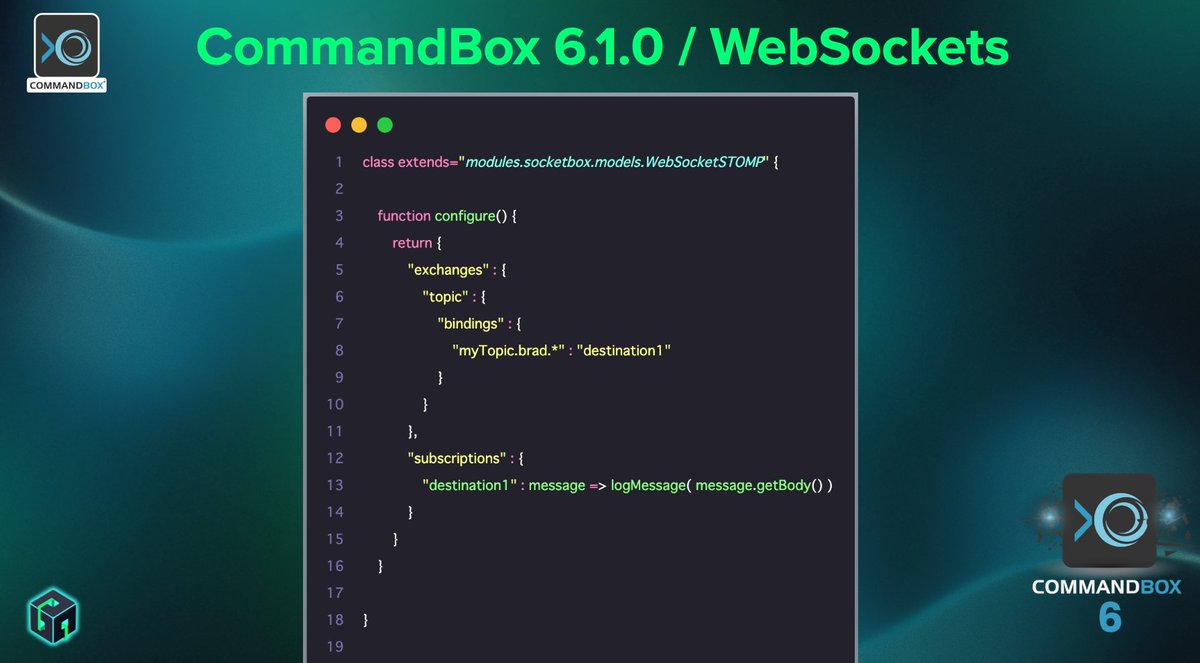
✨ Introducing SocketBox, a brand-new WebSocket library for CFML and BoxLang.
Easily handle real-time communication with built-in support in CommandBox and BoxLang MiniServer, plus a CF module for sending and receiving messages.
Learn more: ortussolutions.com/blog/intr…
#SocketBox
2
3
107
4 Sep 2025
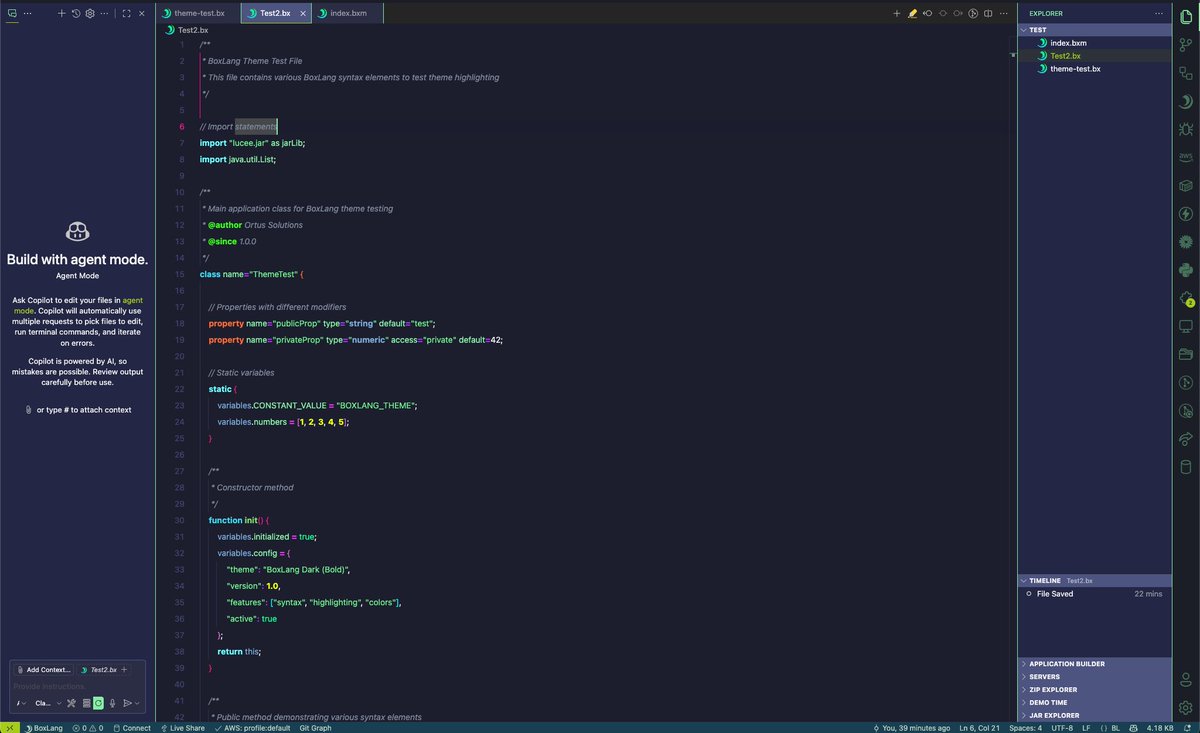
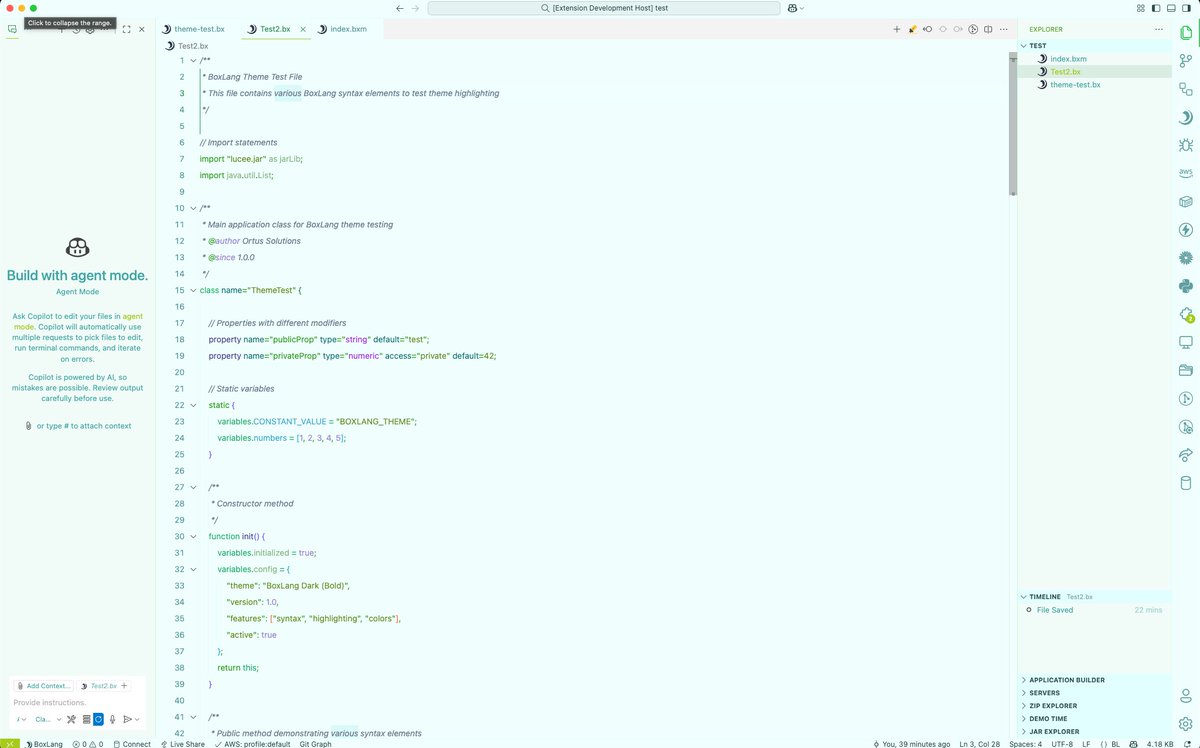
🚀 NEW: BoxLang Developer Pack for VS Code is here!
ortussolutions.com/blog/intr…
✅ Complete language support IntelliSense
✅ TestBox integration
✅ CommandBox CLI tools
✅ Beautiful Dark/Light themes
✅ Open VSX or VSCode Marketplace
Everything you need for BoxLang or CFML dev in one click!
#BoxLang #VSCode #Cursor #Windsurf #Developer #JVM #CFML
1
1
3
190
2 Sep 2025
📢 Deploy BoxLang with CommandBox on Windows Server 2019
Learn how to set up CommandBox on Windows Server 2019 and run CFML applications with BoxLang. Step-by-step guidance for developers looking to modernize their CFML apps and leverage BoxLang’s power on Windows.
🔗 Watch here: learn.boxlang.io/series/BoxL…
#BoxLang #CommandBox #CFML #WindowsServer2019 #CloudDevelopment #OrtusSolutions
1
3
57
25 Aug 2025
Deploy the BoxLang MiniServer on Red Hat and Ubuntu with ease!
From launching and configuring your cloud servers to leveraging automation with CommandBox, our step-by-step guides walk you through setting up a secure, reliable, and scalable environment.
✅ Quickly connect with SSH
✅ Streamline your workflow
✅ Manage your BoxLang apps directly in the cloud
👉 Start building today with CommandBox on Ubuntu & Red Hat!
learn.boxlang.io/series/BoxL…
#BoxLang #CommandBox #Cloud #Ubuntu #RedHat #DevOps #Automation
1
2
57
10 Jul 2025
🚀 Ready to supercharge your CFML development workflow?
Discover the power of CommandBox: Our CLI, package manager, and server engine that’s transforming how modern CFML apps are built and deployed. Whether you're starting from scratch or managing enterprise-grade projects, CommandBox gives you speed, automation, and full control. ⚡
Watch now and see why modern developers are making the switch.
Learn more at: ortussolutions.com/products/…
#CFML #CommandBox #ModernDev #OrtusSolutions #DevTools #ColdBox
1
4
83
10 Jul 2025
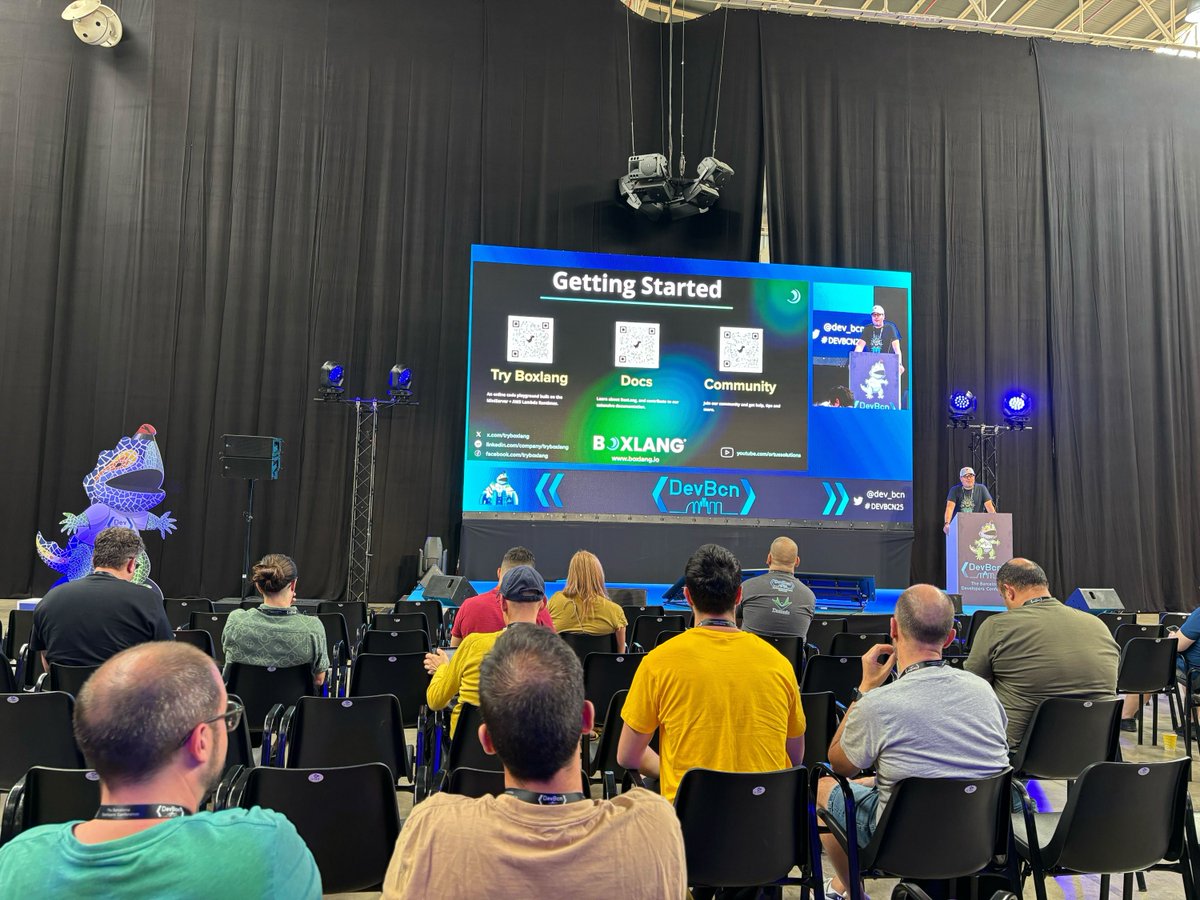
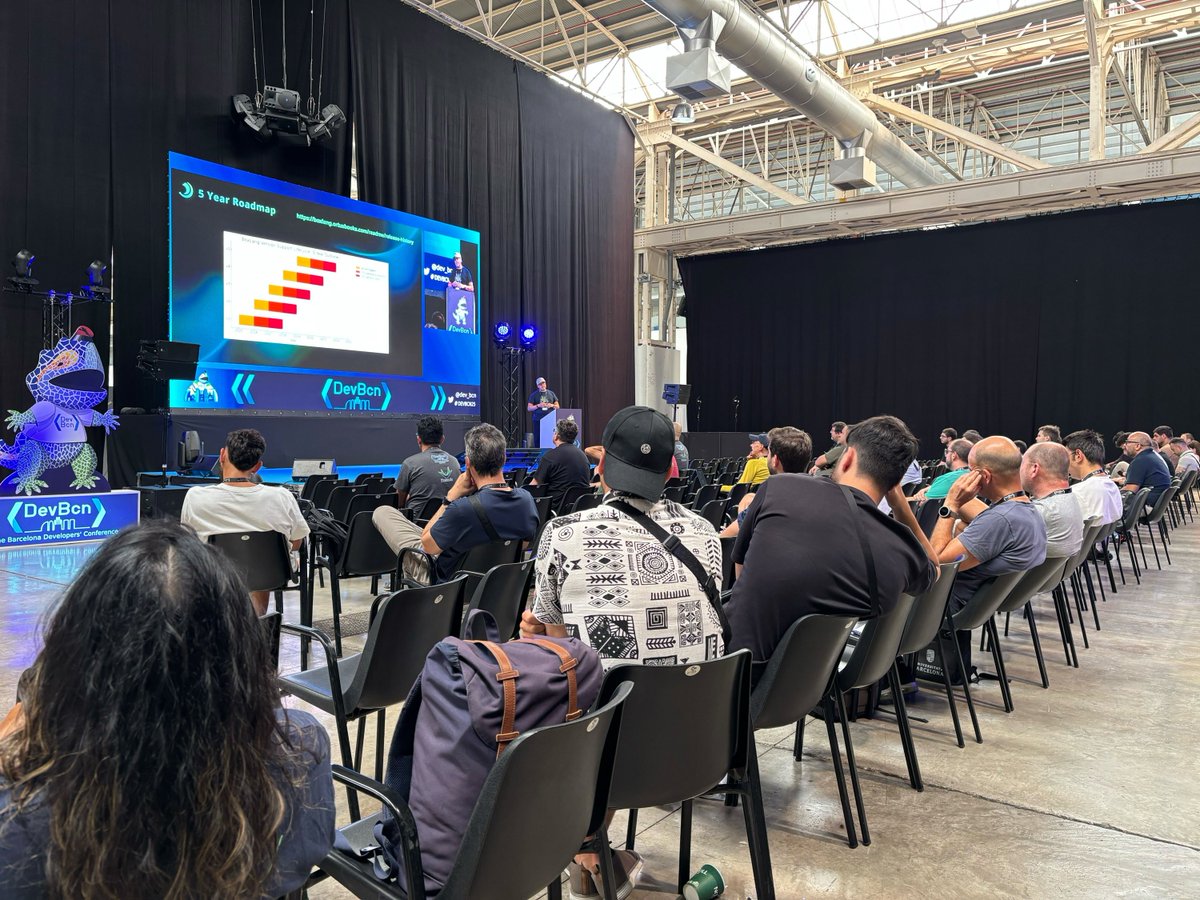
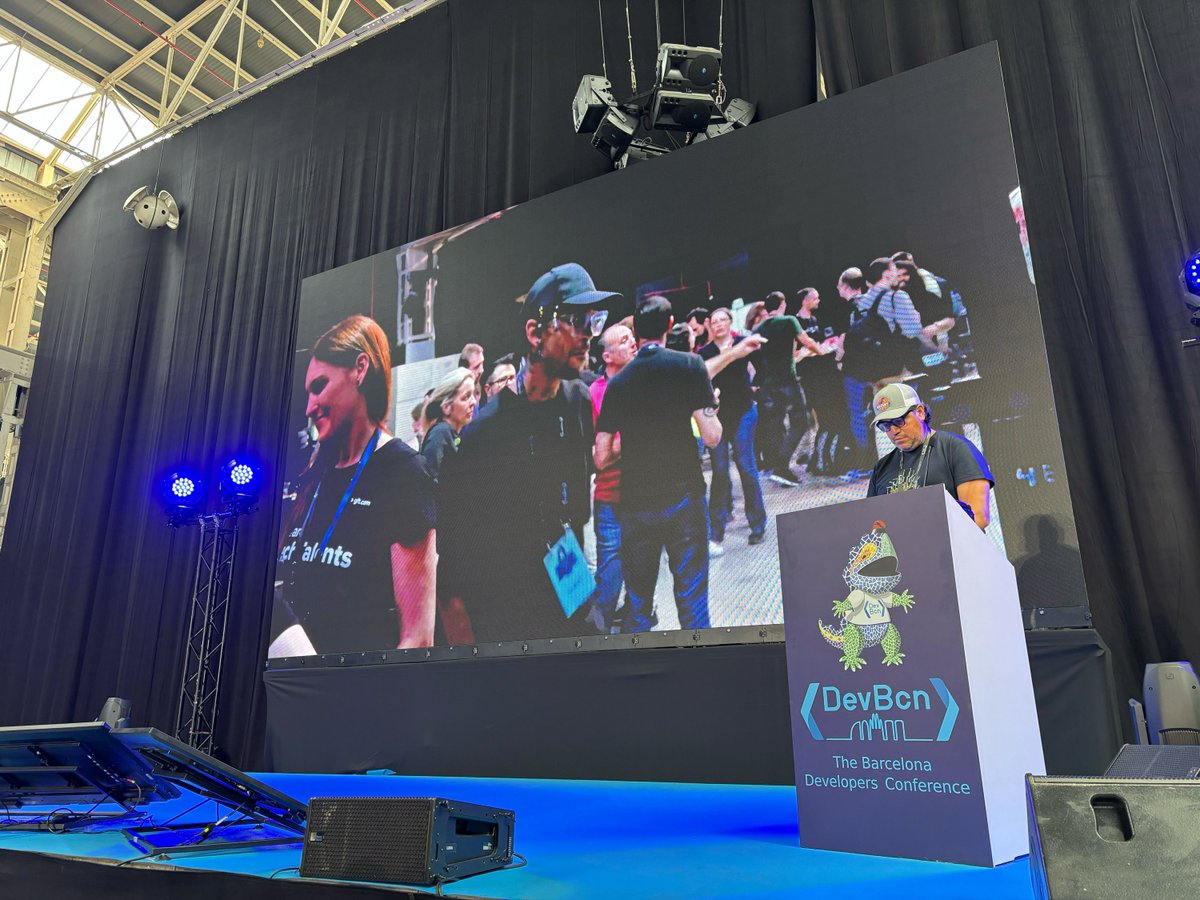
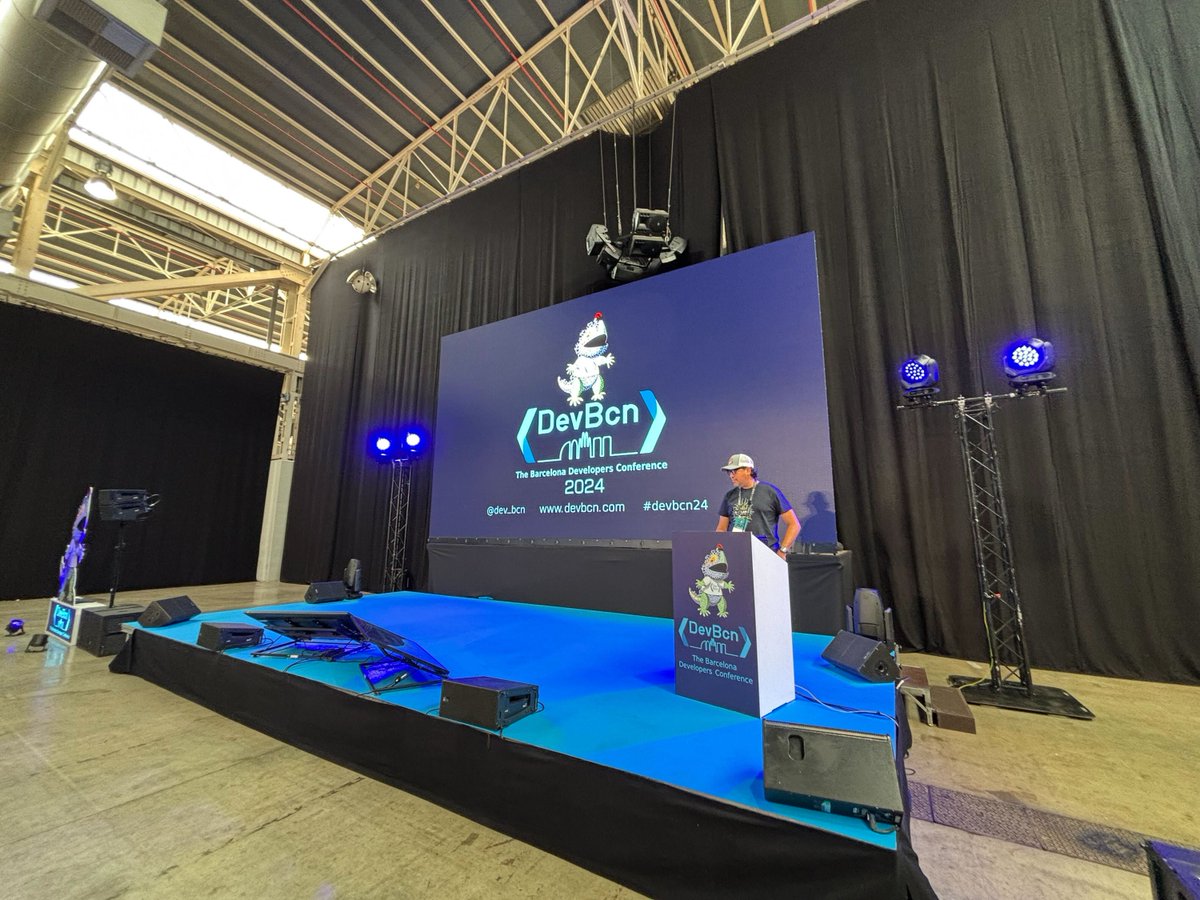
We just wrapped up an amazing session at #DevBCN 2025 in Barcelona, where our CEO, @lmajano, presented “BoxLang: A New Dynamic JVM Language.”
As part of our mission to empower developers and build modern web applications, we're spreading the word about BoxLang worldwide. From innovation to interoperability, BoxLang is pushing the boundaries of what's possible on the JVM.
Learn more about BoxLang and how to get started quick and easily at: boxlang.io#BoxLang
#JVM #ModernDevelopment #OrtusSolutions #JavaDevelopers #DynamicLanguages #WebDevelopment #Serverless #ColdBox #CommandBox #BarcelonaTech
1
5
48
9 Jul 2025
In this video, Bill Reese shows you how to get started with BoxLang using CommandBox—the go-to CLI for thousands of ColdFusion developers! Whether you're a seasoned CFML developer or just getting started with BoxLang, this step-by-step guide will help you build a modern, modular, and portable app in no time! 🚀 💥
Start learning now at BoxLang Academy for FREE: academy.boxlang.io/
or watch on Youtube at: youtu.be/srg1Jc1OoGU
You’ll learn how to:
• Install the BoxLang VS Code extension
• Set up BoxLang CommandBox on your system
• Configure server.json, box.json, cfconfig.json
• Add modules via ForgeBox
• Handle errors use debug scripts
• Run ColdFusion and BoxLang side-by-side
• Enable URL rewrites for cleaner routing
#BoxLang #ColdFusion #CommandBox #ColdBox #Web #App #Programming #Software
3
4
161
22 May 2025
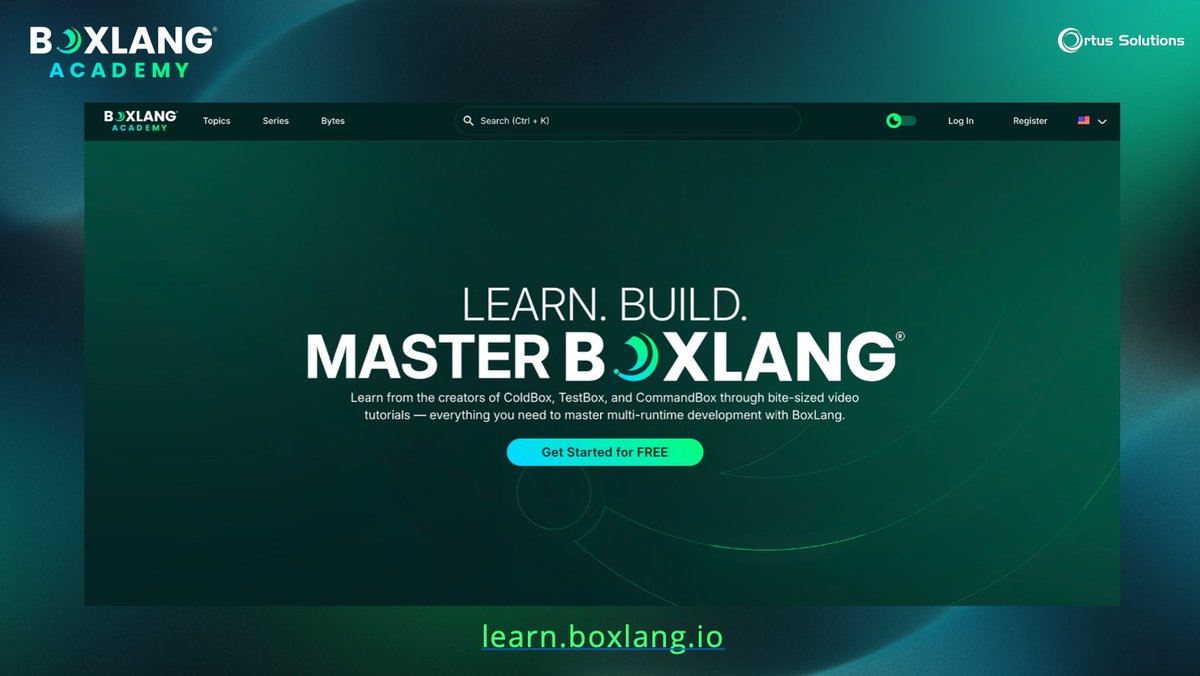
🚀 Learn BoxLang from the source!
Introducing BoxLang Academy — your official hub for mastering BoxLang, created by the team behind ColdBox, CommandBox & more.
Start now: academy.boxlang.io
More info: ortussolutions.com/blog/intr…
#BoxLang #CFML #JVM #LearnToCode #LearnToCode
1
4
96
2 May 2025
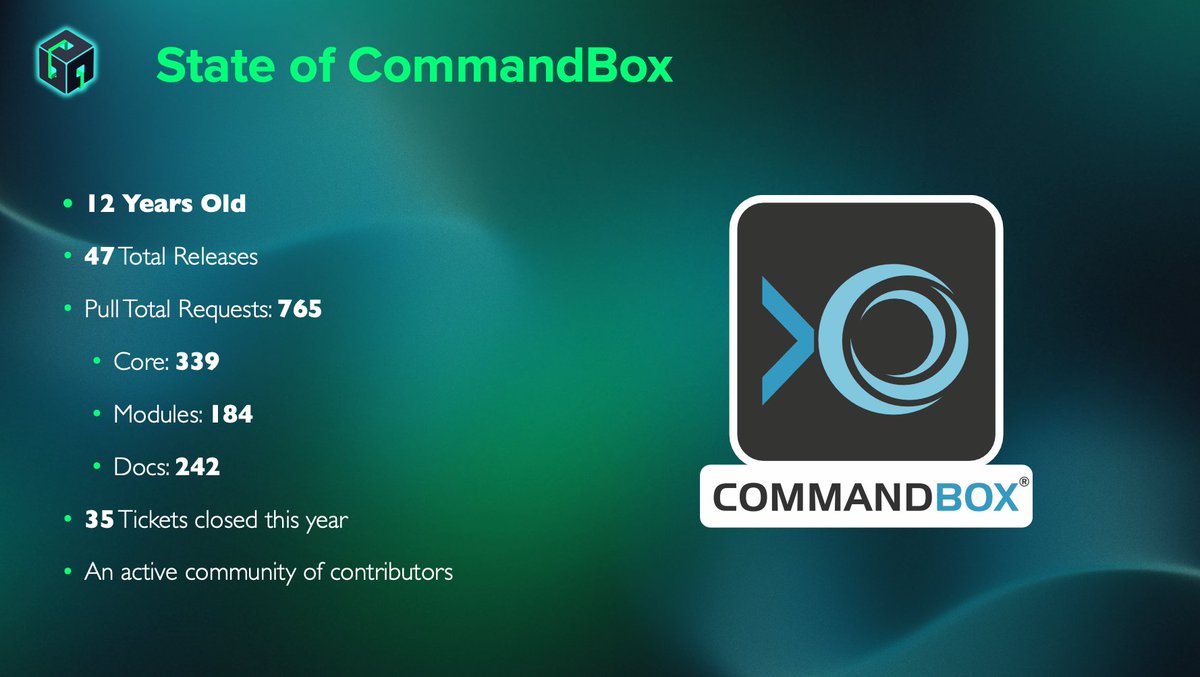
🚀 Tons of CommandBox Updates!
✅ Native WebSocket support for any CFML engine BoxLang
✅ Warmup URLs, Jakarta support, and much more
✅ The journey to make CommandBox BoxLang-native is officially underway! 💥
boxlang.io
ortussolutions.com/products/…
Get ready for the next evolution → #CommandBox #BoxLang #CFML #bpm #webdev

2
4
111
21 Apr 2025
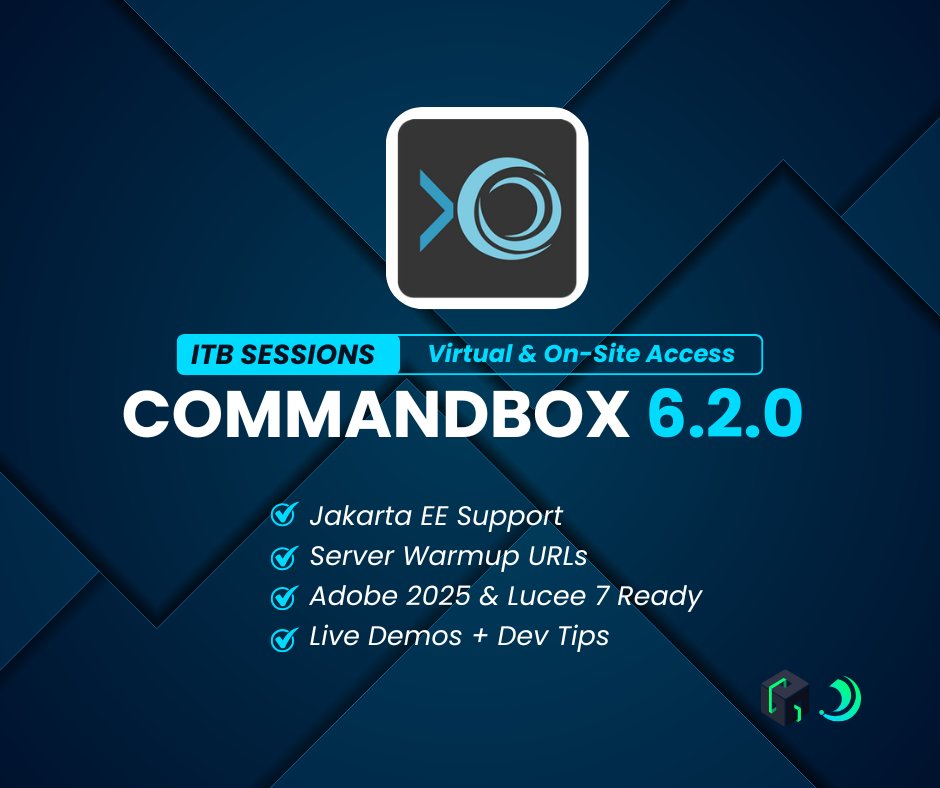
🚨 Supercharge Your CLI Workflow with CommandBox 6.2.0 at Into the Box 2025! Learn more about #CommandBox 6.2 and our ITB Sessions at: ortussolutions.com/blog/must…
Just 1 week left for ITB 2025, with CommandBox 6.2.0, your CLI is faster, smarter, and more powerful than ever. Into the Box is where you’ll learn how to implement those tools—whether you’re building CI pipelines, spinning up Docker containers, or scaling your local development stack. 💥
👉 Join us virtually and get full on-demand access after the event or watch live at itb_virtual_2025.eventbrite.…
#CFML #ColdFusion #BoxLang #Java #JavaScript #Web #App #CommandBoxPro #Adobe #Lucee #AdobeColdFusion #Conference
1
3
51