Mar 16
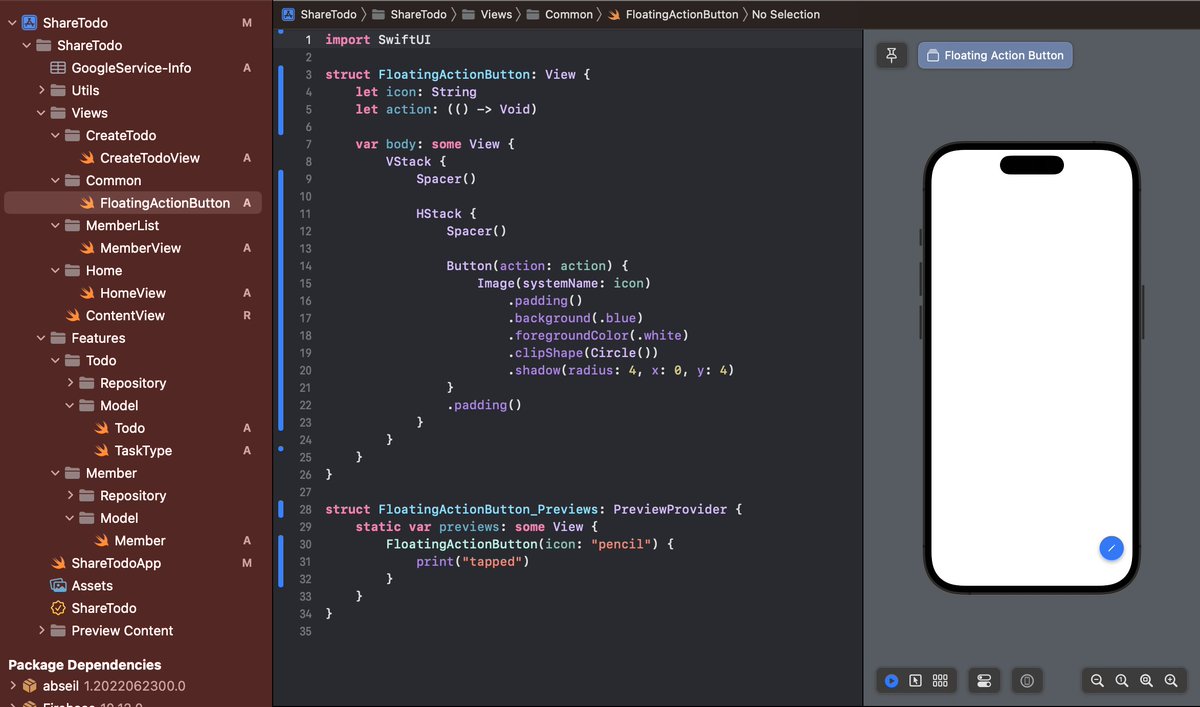
Buttons are core of user interaction in mobile apps.
In Flutter, different button types represent different levels of actions:
ElevatedButton
TextButton
OutlinedButton
IconButton
FloatingActionButton
Understanding when to use each one helps build better UI.
#Flutter #FlutterDev
2
17

Jan 19
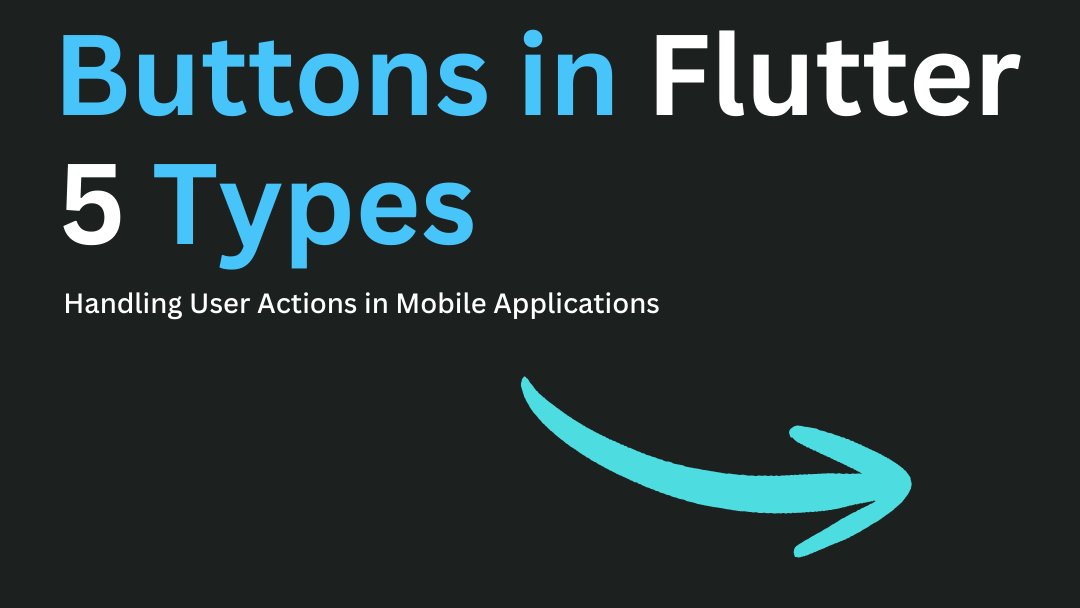
Tutorial #19: Basic Side Effects - LaunchedEffect for Snackbar
UI often needs to react to state changes with one-off events, like showing a message. This is a side effect. Use LaunchedEffect and Scaffold's snackbarHostState.
```kotlin
@Composable
fun SnackbarDemo() {
val scaffoldState = rememberScaffoldState()
var clickCount by remember { mutableStateOf(0) }
Scaffold(
scaffoldState = scaffoldState,
floatingActionButton = {
FloatingActionButton(onClick = { clickCount }) {
Icon(Icons.Default.Add, "Add")
}
}
) { padding ->
Box(
modifier = Modifier
.fillMaxSize()
.padding(padding),
contentAlignment = Alignment.Center
) {
Button(onClick = {
// Trigger snackbar on button click
scope.launch {
scaffoldState.snackbarHostState.showSnackbar(
"Clicked $clickCount times!"
)
}
}) {
Text("Show Message")
}
}
}
}
```
Crucial: Side effects like showing a snackbar should be launched from a coroutine scope, which LaunchedEffect or rememberCoroutineScope provides. #Android#UI #UX #JetpackCompose #SideEffects #ComposeTutorial
3
18
Jan 15
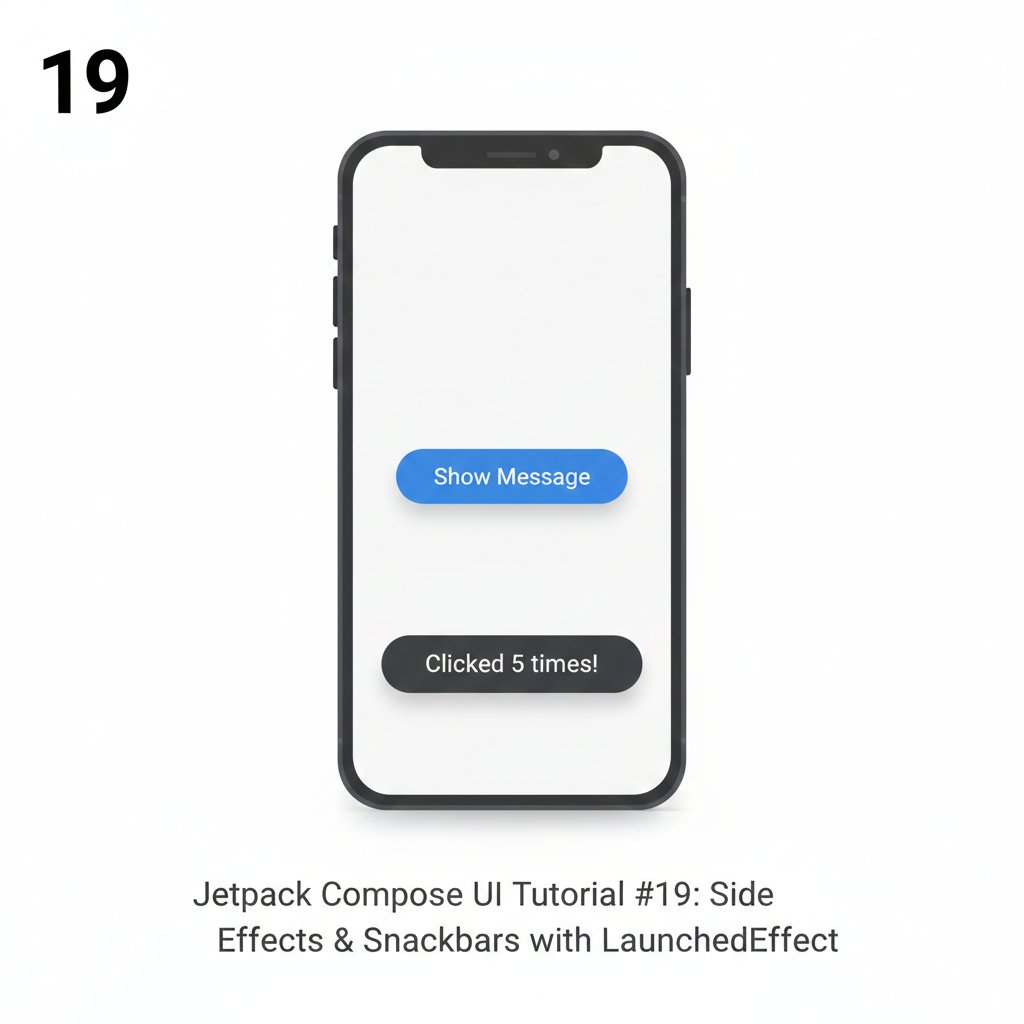
Is your Jetpack Compose app lagging during scrolls? The culprit might be your State management. 🧵👇
When you have a state that changes frequently (like a scroll position or a timer) and you use it to calculate a new value, Compose might be doing way more work than necessary.
📉 The Problem: Excessive Recomposition
If you calculate a boolean like val showButton = listState.firstVisibleItemIndex > 0 directly in your Composable, that line will trigger a recomposition every single time the user scrolls even one pixel. Your UI thread will be fighting for its life!
✅ The Solution: derivedStateOf
By wrapping that logic in derivedStateOf, you tell Compose: "Only notify me when the result of this calculation changes, not when the input changes."
The "Mint" Tip: Think of derivedStateOf as a buffer. In the example below, the button only recomposes once (when the index hits 1) instead of hundreds of times during the scroll.
// ❌ BAD: Recomposes on every pixel scrolled
val showButton = listState.firstVisibleItemIndex > 0
// ✅ GOOD: Only recomposes when the Boolean actually flips
val showButton by remember {
derivedStateOf {
listState.firstVisibleItemIndex > 0
}
}
if (showButton) {
FloatingActionButton(onClick = { /* Scroll to top */ })
}
🚀 Why this matters:
Battery Life: Less CPU work = longer battery for your users.
Jank-Free UI: Keeps your animations at a buttery-smooth 120Hz.
Scalability: Essential for complex screens with many moving parts.
Have you checked your Layout Inspector lately to see how many recompositions your scroll logic is triggering? Let's discuss in the comments! 👇
#JetpackCompose #AndroidDev #Kotlin #CleanCode #AndroidPerformance #MobileDevelopment
1
2
59

25 Nov 2025
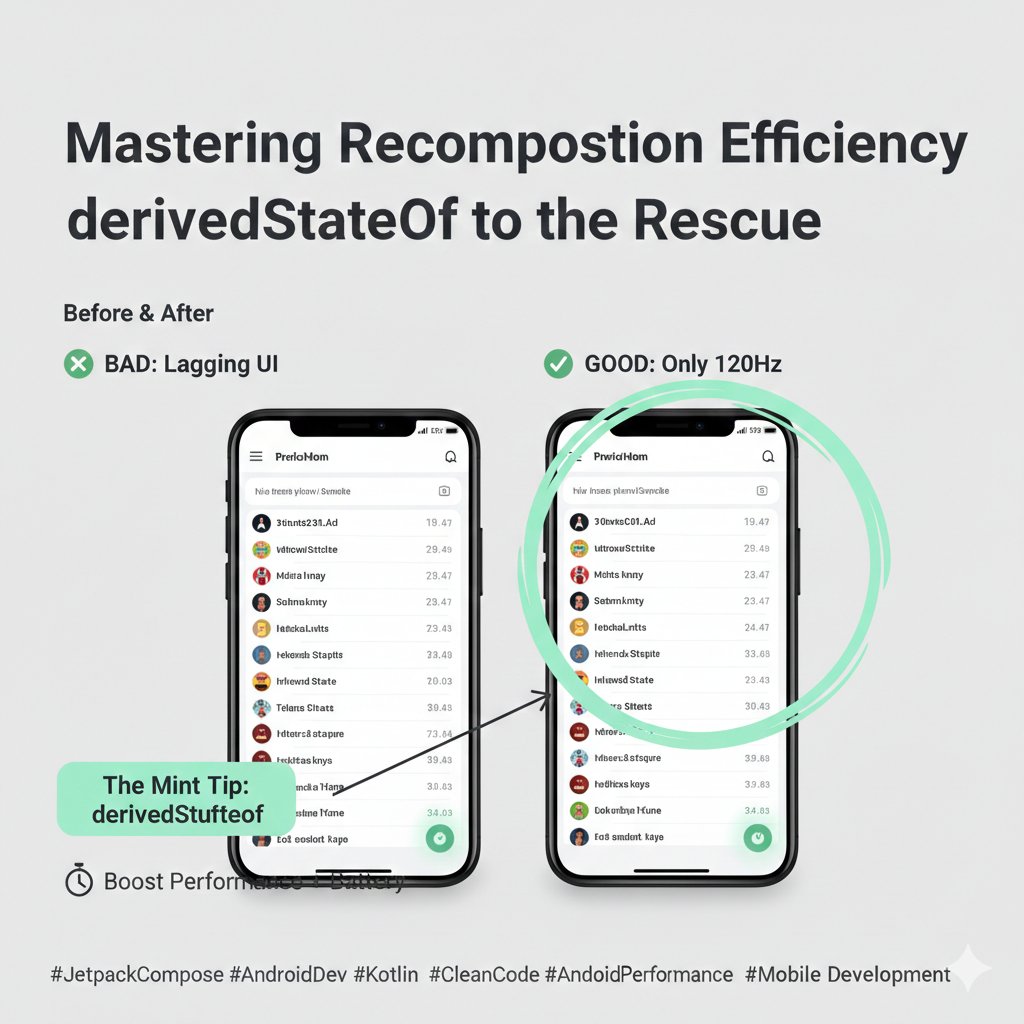
FloatingActionButton, it’s 12 thousand lines of code but it works well enough
52
7,064

24 Nov 2025
What I learned this morning 👇
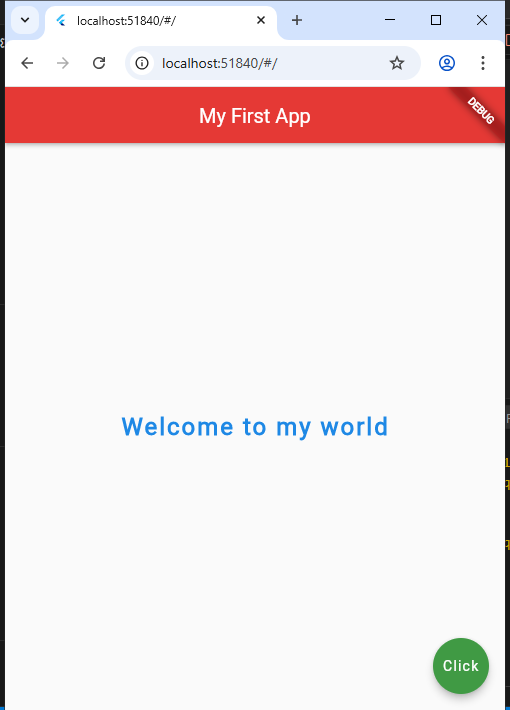
Built my first basic Flutter UI using MaterialApp, Scaffold, AppBar, centered text, and a FloatingActionButton.
Seeing “Welcome to my world” display on screen feels like real progress 🚀📱
#Flutter #MobileDev #LearningJourney
2
1
6
155

6 Sep 2025
Riverpod yra Flutter bibliotekos paketas, skirtas tvarkyti programos būseną (state management), kuris leidžia lengvai ir saugiai valdyti duomenis tarp skirtingų vaizdų bei komponentų.
Paprasčiausiam pavyzdžiui, pradžioje į savo pubspec.yaml įtrauk riverpod paketą, tada main faile:
import 'package:flutter/material.dart';
import 'package:flutter_riverpod/flutter_riverpod.dart';
final counterProvider = StateProvider<int>((ref) => 0);
void main() {
runApp(ProviderScope(child: MyApp()));
}
class MyApp extends StatelessWidget {
@override
Widget build(BuildContext context) {
return MaterialApp(
home: CounterPage(),
);
}
}
class CounterPage extends ConsumerWidget {
@override
Widget build(BuildContext context, WidgetRef ref) {
final counter = ref.watch(counterProvider);
return Scaffold(
appBar: AppBar(title: Text('Riverpod Counter')),
body: Center(child: Text('Counter: $counter')),
floatingActionButton: FloatingActionButton(
onPressed: () => ref.read(counterProvider.notifier).state ,
child: Icon(Icons.add),
),
);
}
}
Šiame pavyzdyje naudojamas paprastas skaitliukas, o visa būsena valdoma per Riverpod provider'į.
90

27 May 2025
Material 3 Expressiveについて、Google Designの公式ブログに記事があった。
design.google/library/expres…
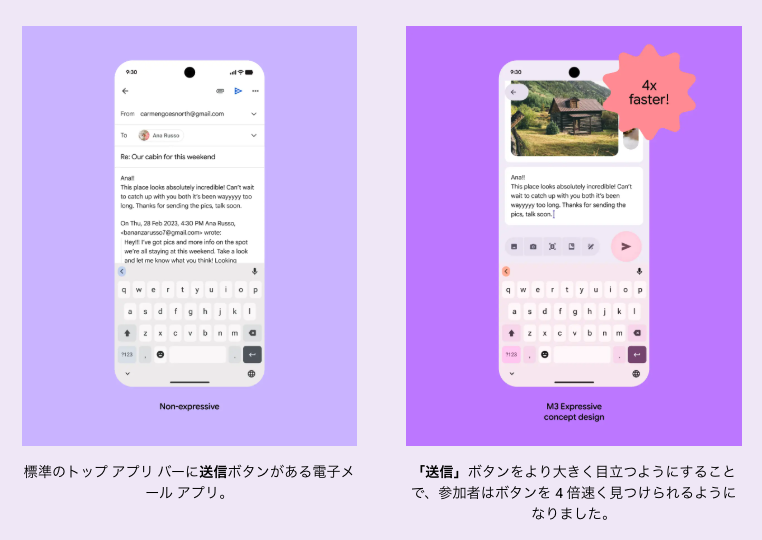
Material 3の視覚的な表現の幅を広げることで、感情を刺激し、機能を伝えるという狙い。
新しいツールバーとFloatingActionButtonの組み合わせの使用例。
1
28
3,081

23 Sep 2024
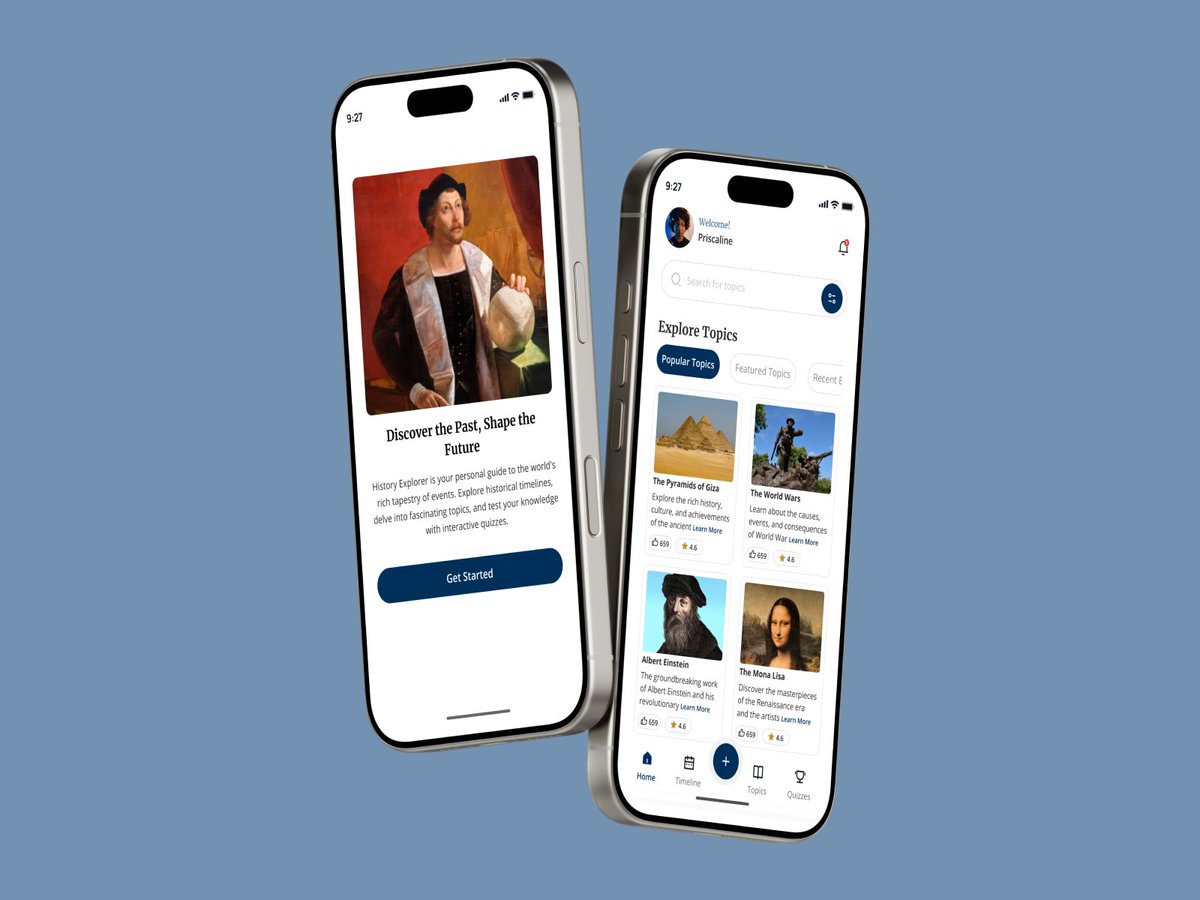
Day 2 of my Interaction Design Challenge: A Floating Action button.
Challenge: Designing a floating button which allows users access to essential areas of the application.
#UIUX #appdesign #Interactiondesign #historyapp #floatingactionbutton #UXDesign
12
306

8 Jun 2024
3. SwiftUI paketimi geliştirdim.
FABUI, SwiftUI kullanarak özelleştirilebilir Floating Action Button'lar (FAB) oluşturmanıza olanak tanıyan bir Swift paketidir.
#SwiftUI #iOS #Swift #FloatingActionButton
github.com/fatihdurmaz/FABUI
1
15
7,130

2 Jun 2024
#LSPPDay2 :
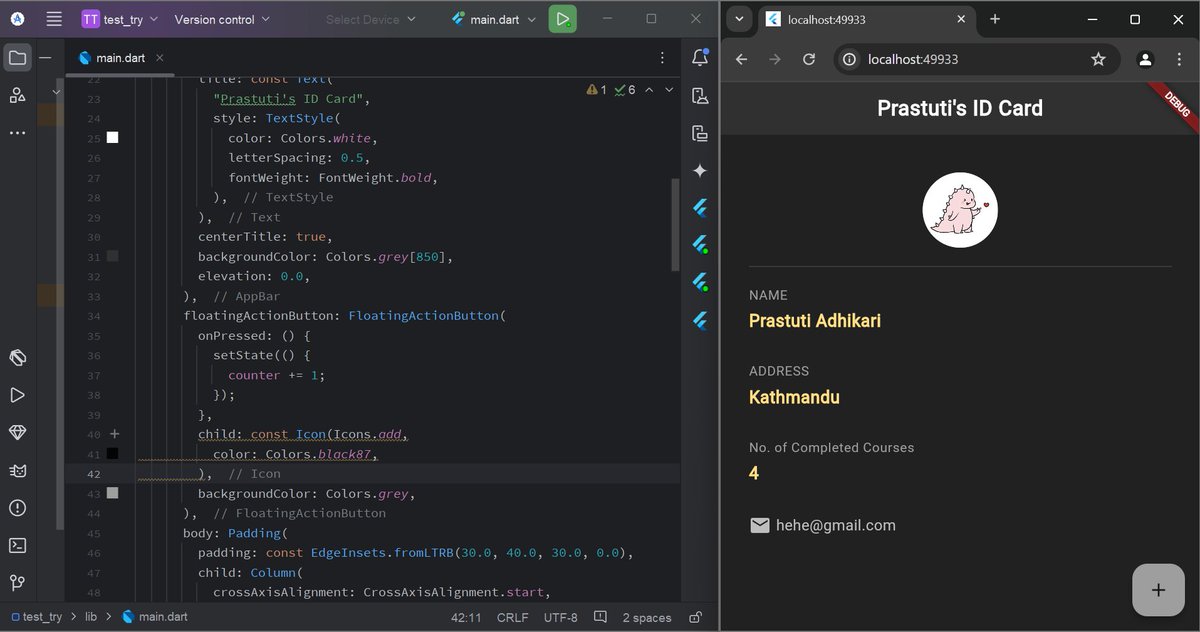
I continued working on yesterday's id card. Today I learned:
-Converting a StatelessWidget to a StatefulWidget.
-Adding a counter with a FloatingActionButton to increment it.
-Displaying counter on ID card.
#60DaysOfLearning2024 #LearningWithLeapfrog
@lftechnology
1
17
1,015

4 May 2024
🌟BottomAppBar
> actions: A series of icons that appear on the left side of the bar. These are commonly either key actions for the given screen, or navigation items.
> floatingActionButton
4
60

29 Apr 2024
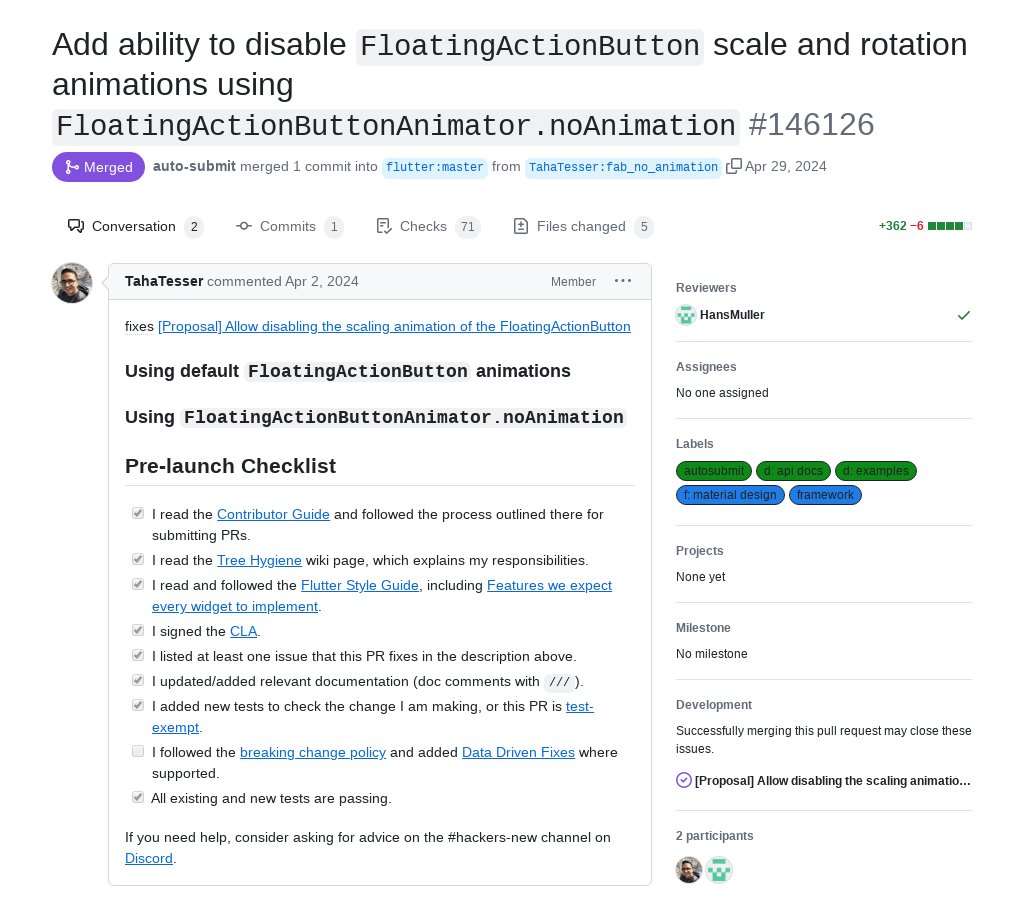
"Add ability to disable `FloatingActionButton` scale and rotation animations using `FloatingActionButtonAnimator.noAnimation`" by @tahatesser was merged into #Flutter master github.com/flutter/flutter/p…
1
6
685
13 Apr 2024
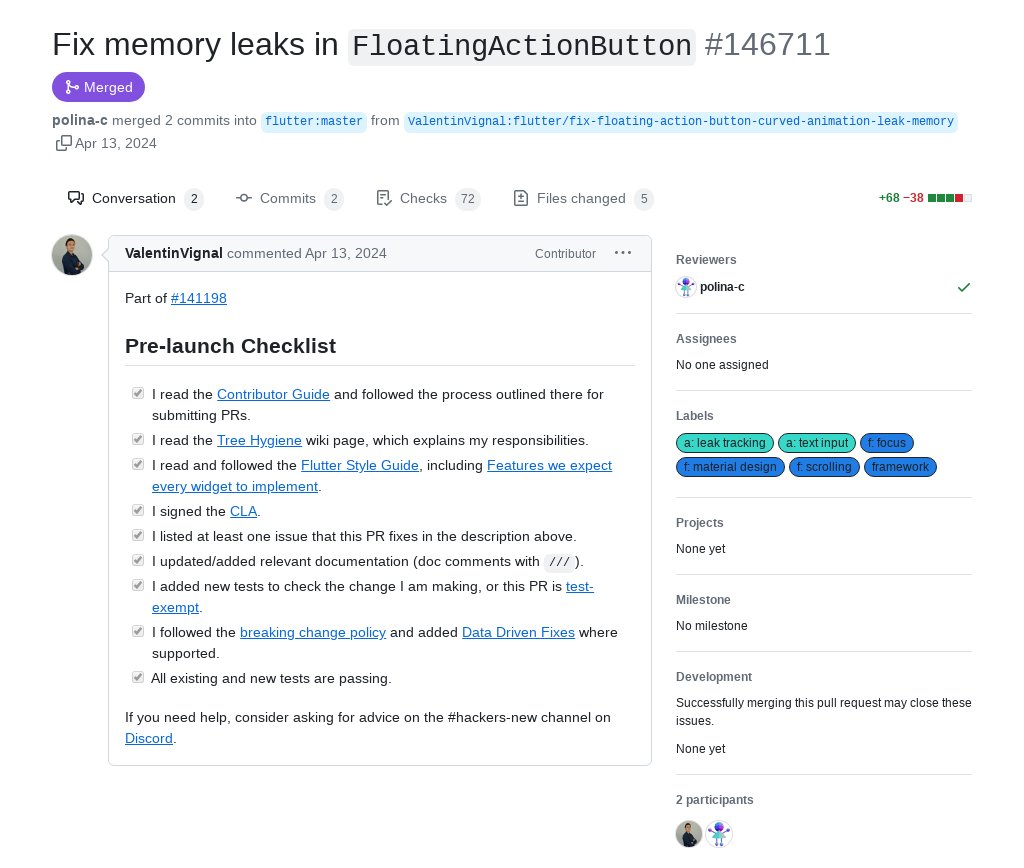
"Fix memory leaks in `FloatingActionButton`" by @VignalValentin1 was merged into #Flutter master github.com/flutter/flutter/p…
1
6
4,226
12 Feb 2024
The Scaffold composable is an essential building block when constructing UIs in Android. It serves as the foundational structure that organizes your app’s layout. With Scaffold, you gain access to several crucial components.
🌟 TopAppBar
🌊 BottomAppBar
🎈 FloatingActionButton
4
83

24 Jan 2024
Ingredients:
250g StatefulWidget
150g AnimatedContainer, diced
4 FloatingActionButton, whisked
1 cup ListView, grated
1/2 cup GestureDetector, freshly ground
2 tablespoons Stack, minced
1 clove Row, minced
CupertinoActivityIndicator (optional)
InkWell, chopped (for garnish)
⬇️
1
5
244

8 Dec 2023
アドカレ8日目!
『【Flutter】スクロールでFloatingActionButtonのアニメーションをつける!』
#flutter
#アプリ開発
kamo-it.org/blog/flutter_scr…
2
169

9 Oct 2023
Daily #Flutter Tip 🔵
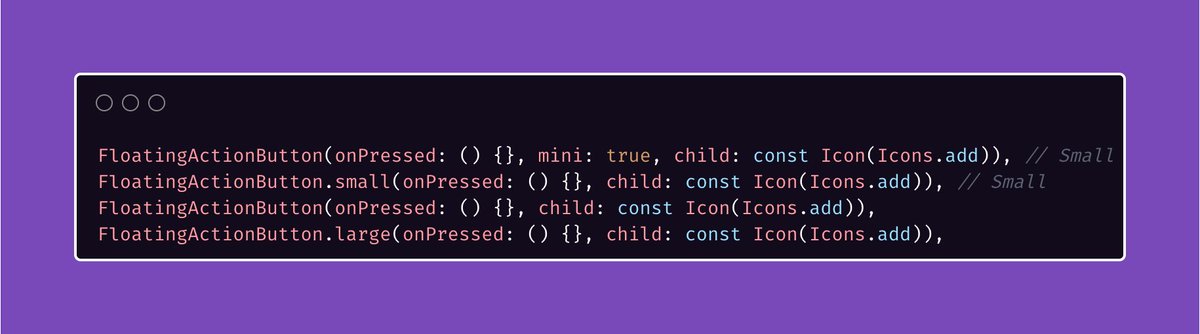
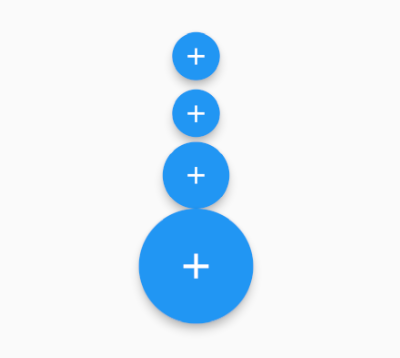
The FloatingActionButton comes in 3 sizes:
1. Small (or mini)
2. Regular degular
3. Large (do people use this?)
🪄 If you're using multiple FABs on a page, don't forget to add a heroTag.
#FlutterDev
1
6
68
7,376

10 Sep 2023
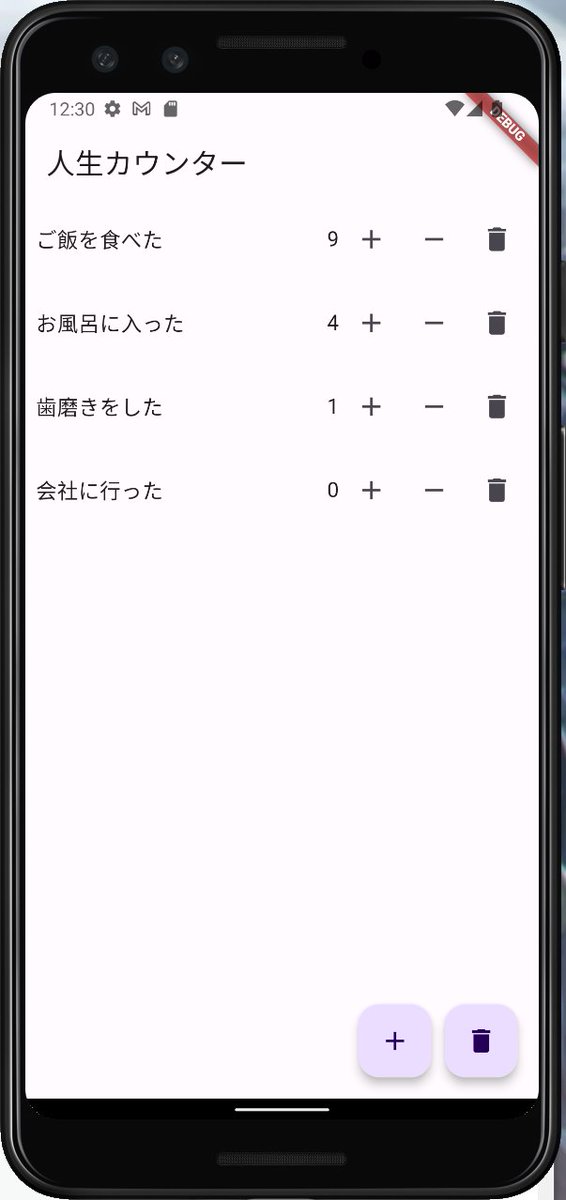
FlutterでFloatingActionButtonを2つ付けたら例外が出るんだな。推奨は1つなんだ。
追加と全削除ボタンを置いてみたかったから、2つにしたけど、こういうUIって確かに見ないか。
内容はFlutter大学の演習。
#Flutter
1
2
4
1,097

1 Aug 2023
I have seen the worst performance on raster thread when using BackdropFilter for real-time blur.
Example: Using a BackdropFilter on a FloatingActionButton to blur it with a scrollable background. Managed to reduce the work on raster thread by about 60% just by removing blur😅
1
4
397