
Jun 13
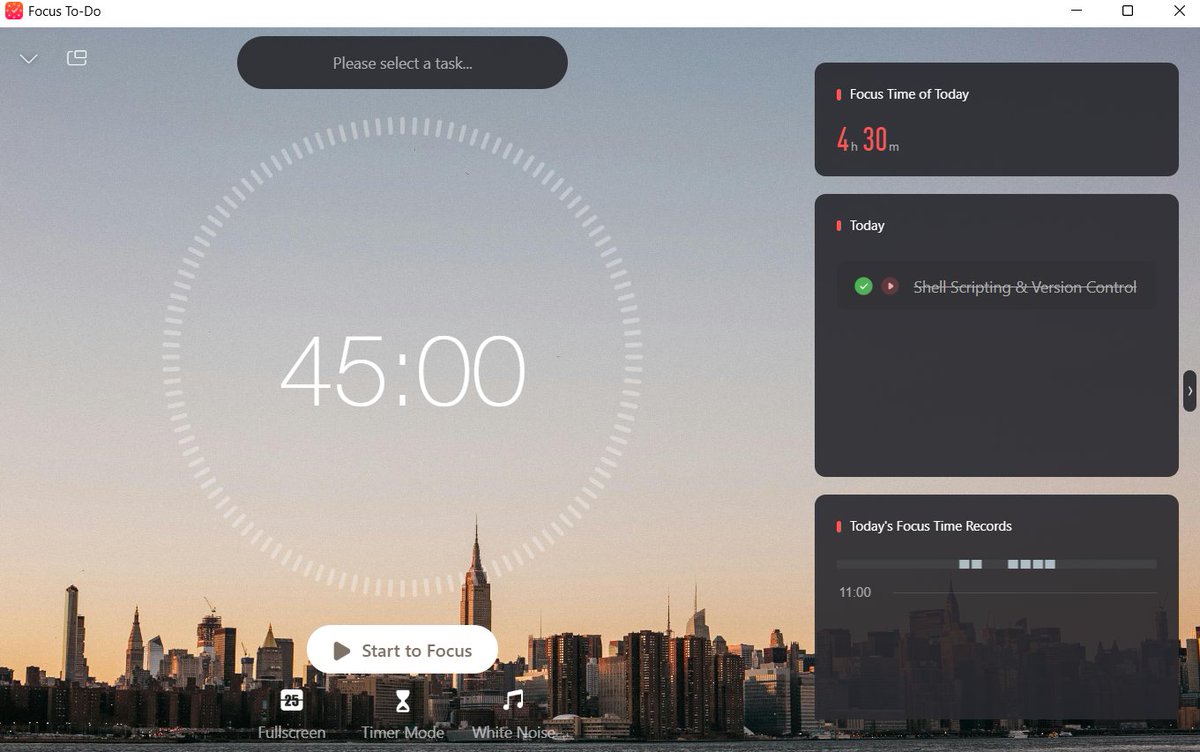
4hrs and 30 minutes of focus on mastering shell scripting and version control. I now understand better the different types of shell, how they differ, the need for Git Bash, and most of their commands.
#DataScience #DataEngineering #Git #Python #Programming #Bash #GitBash
13



Jun 2
وندوز خضع! 😍
كمطورين ما نبيك تخترع لنا أوامر جديدة ونبي نستعمل نفس الاوامر اللي متعودين عليها!
فا كنا نستعمل gitbash في الوندوز وحتى WSL كان تجربة شينة الصدق
وندوز قرروا يدعمون اوامر لينكس وهذا شيء ايجابي جدًا… مع اني حاس انه المشكلة ما انحلت بس يله احسن من ولا شيء
لأنه صار غير منطقي انك تشتري وندوز بعصر الـAI وكلنا حولنا ماك… لأن سان فرانسيسكو كلهم يبنون على الماك!
عمومًا يا وندوز توني شاري الماك والله… نراكم بعد ثلاث سنين هههههههههه
Jun 2

Coreutils for Windows - a set of Linux-like command line utilities that run natively on Windows
8
1
123
37,821

May 23
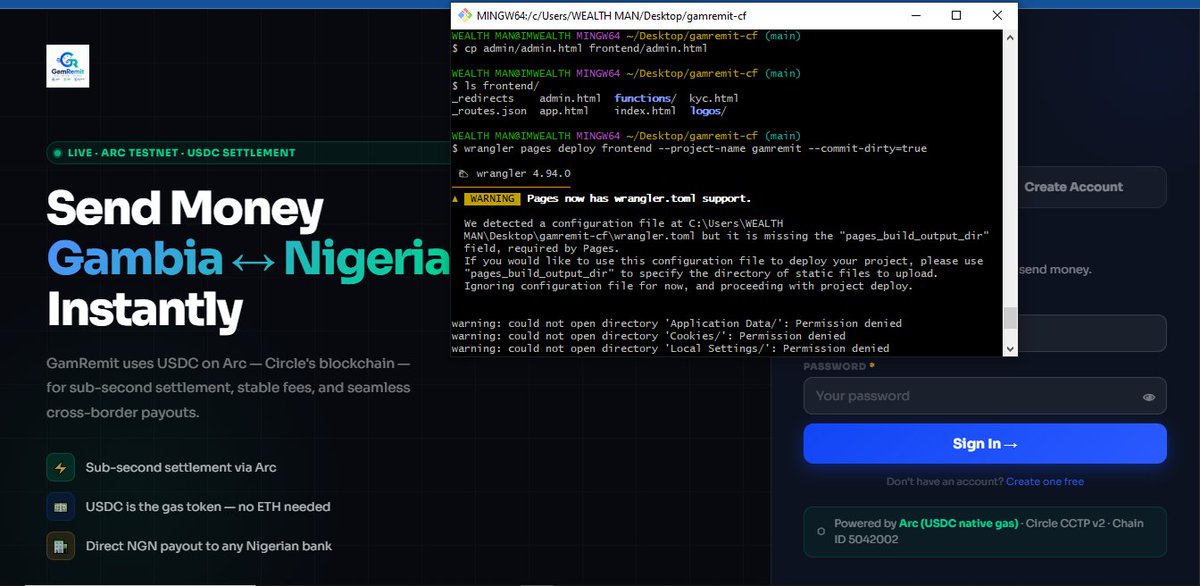
Building none stop
............................................
so use to Gitbash 🤣🤣🤣😂😂 i left VSCODE temporary
Build on @arc
6
11
195

Ayer casi no puedo rendir examen porque cambiaron el Windows de todas las computadoras de la uni a Linux, y nadie sabía cómo poner GitBash
3
254

May 21
細々と作っていたUnity内で動くターミナル、Windowsでも動くようになりました。テーマ? にOh My Posh入れてます。
(PowerShellが動いてるんですが、GitBashも動いた方が良いんですかね・・? Wiindows事情をあまり知らず)#Unity
2
4
402

会社申請するのが面倒なので苦痛に耐えながらGitBashを使っています。PowerShellのほうが軽いんだと思いますが、Claude Codeの非推奨環境だったはずです……。
1
2
291


May 16
Nueva actualización de dotfiles para Git Bash
Decidí bautizarlo y sumar configuraciones para otros usuarios. Lo más destacado: elegir arte ASCII desde un menú (o sumar el tuyo) y nuevos comandos.
Link del repo en comentarios
#buildinpublic #gitbash #windows #dotfiles
3
1
105


May 10
I have spent ample amount of time using arch linux on my old ideapad, there have been nights where i was customizing the status bar at 2AM and figuring out why my function keys are not working..
Now, I've got different machine, shifted to windows and have no plans going back
I LIKE THIS STABILITY
It was a great learning experience everyone should try it once and decide for themselves.
Pro tip: Use gitbash as primary terminal on windows. Game changer
2
50

May 2
$BILL airdrop happens on Monday, but getting the airdrop from your power points isn't the only way you can get rewards.
You can also set up the FAIAR (Skill Verification); because this is where serious users separate from casual farmers. You earn rewards with your openclaw agent.
Yeah, it takes a few minutes… but it’s copy-paste easy if you follow this guide (for windows pc users). Take it one line of code at a time:
STEP 1:
Download and Install the tools
Git: git-scm.com/install/windows
Node.js npm: nodejs.org (choose the LTS version).
After installation, open a new folder, right click on it and choose "Open Gitbash here". When it opens check that all you need is installed by pasting these in and hit enter :
```
node -v
npm -v
```
STEP 2:
Clone the repo by pasting these in:
```
git clone github.com/BillionsNetwork/v…
cd verified-agent-identity
```
STEP 3:
Install dependencies by pasting in:
```
npm install shell-quote @iden3/js-iden3-auth @0xpolygonid/js-sdk ethers uuid cross-fetch
```
STEP 4:
Create identity link agent by pasting these in:
```
cd scripts
node createNewEthereumIdentity.js
node manualLinkHumanToAgent.js --challenge '{"name":"yourname","description":"YOUR USERNAME (X: username) AI Agent"}'
```
N.B: replace "yourname" with your actual name e.g John and (X: username) with your X account for billions e.g (X: adamMeekz) so that your account can get linked to the agent.
STEP 5:
Check your private key (IMPORTANT)
```
cat ~/.openclaw/billions/kms.json
```
STEP 6:
Install activate skill
```
cd ..
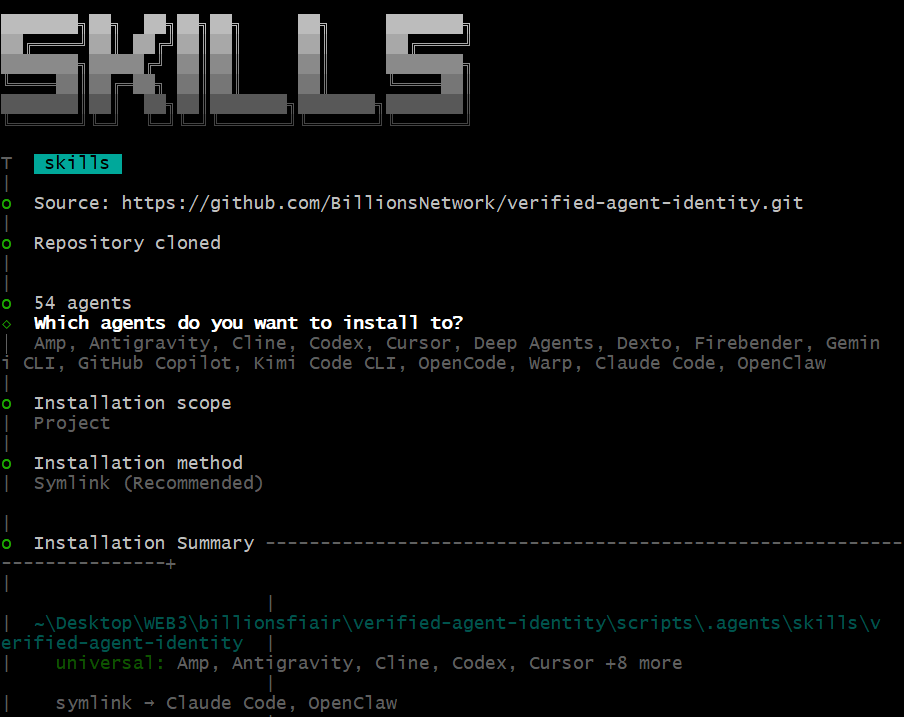
npx clawhub@latest install verified-agent-identity
npx skills add BillionsNetwork/verified-agent-identity
```
That’s it.
If done correctly; you’re now eligible for FAIAR rewards, not just relying on $BILL airdrop for power points.
Don’t mess these up:
- Don’t skip identity creation
- Don’t lose your private key
- Don’t try FAIAR without verified agent
Goodluck guys!
8
9
66
9,015

May 1
לא מעצב, אבל אתמול שבאתי סשיין כי רציתי להעתיק תוכן מ gitbash ונזכרתי, שוב ושוב, ש ctrl c עוצר את השרת.
2
63

Apr 27
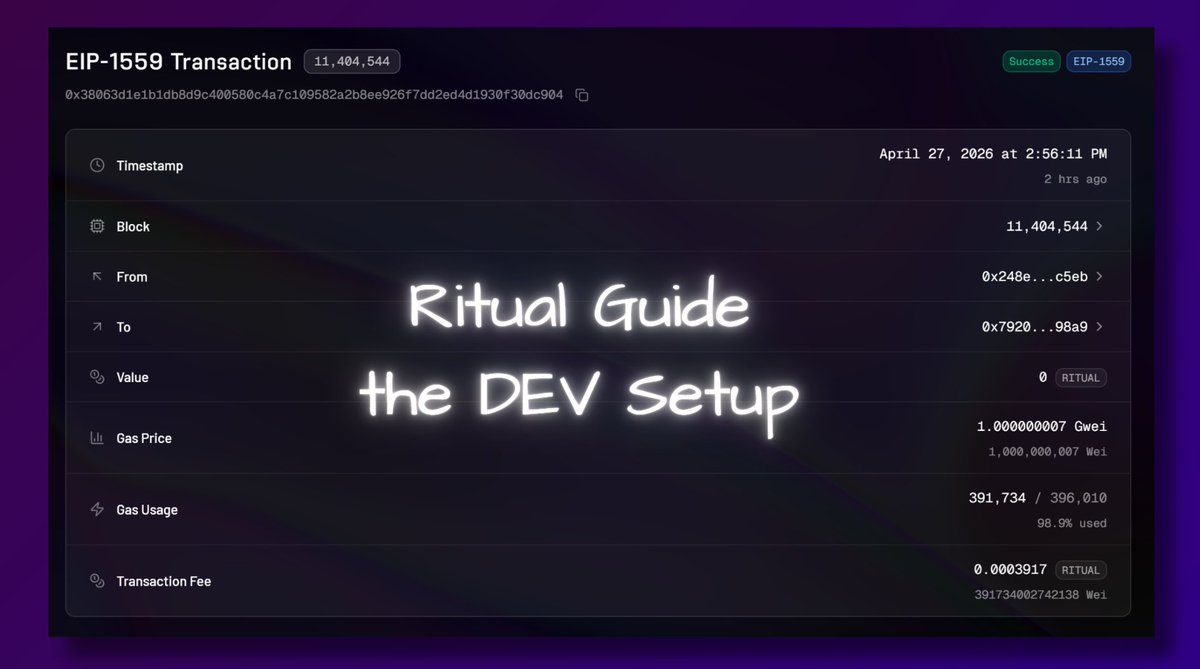
finally an actionable testnet guide for @ritualfnd
this is not a perfect oneshot guide you just copy paste in and win - but it’s a real one that actually works & explains the process
let's start with the DEV setup & how not to get stuck 👇
1/ installing Windows Terminal
- you paste commands here to run your app
- install from Microsoft Store -> Windows Terminal
- you could use default PowerShell, but it's pretty buggy
──────────
2/ install Node.js.
- it let's the computer run JavaScript apps
- download the LTS version
nodejs.org/en/download
open windows terminal
type
node -v
then type
npm -v
if you see versions, you're good
──────────
3/ install Git
- lets you download code repos from GitHub (like ritual skills)
- git-scm.com/install/windows
check in windows terminal again by typing
git --version
──────────
4/ install Codex (from ChatGpt website)
- install Codex CLI
- CLI = AI coding agent we use inside the terminal
- use this command inside terminal
npm install -g @openai/codex
then check version with
codex --version
──────────
5/ you will need to install Metamask
- since it's a testnet I recommend using a new wallet
- you'll also have to use your pivate keys to deploy contracts and that's a bit unsafe with a wallet holding real assets
add Ritual Network to MM
RPC: rpc.ritualfoundation.org
Chain ID: 1979
Currency: RITUAL
don't forget to get tokens from faucet
- you generate access codes from Ritual Discord 🫧ritdrip channel
──────────
6/ install GitBash (you should have this installed automatically after you installed Git)
- Linux-like terminal needed for Foundry install
- we'll need Foundry for smart contracts
──────────
7/ install Foundry using Git Bash NOT Terminal!
- it is the tool for compiling, testing, and deploying smart contracts
- don't use CTRL V, use right click paste
- in gitbash paste this command
curl -L foundry.paradigm.xyz | bash
source ~/.bashrc
foundryup
go back to Windows Terminal again, check Foundry
type
forge --version
if it fails use this command & replace your user
$env:PATH = ";C:\Users\YOUR_USER\.foundry\bin"
──────────
8/ quick stop - if you did everything well until now you should be able to run the following commands
node -v
npm -v
git --version
codex --version
forge --version
if all work, your setup is ready
──────────
9/ create your project folder
-go to Windows Terminal and type
mkdir ritual-app
cd ritual-app
──────────
10/ in the same terminal, install Ritual skills - type
New-Item -ItemType Directory -Force .codex\skills
git clone github.com/ritual-foundation… .codex\skills\ritual-dapp-skills
this puts skills inside your project
now start Codex (still in the same folder)
- simply type in
codex
after codex opens type in this
Read the file .codex/skills/ritual-dapp-skills/skills/ritual/SKILL.md and follow its instructions.
Wallet: 0xYOUR_FUNDED_WALLET_ADDRESS
Description:
write your app idea here
──────────
DISCLAIMER
this guide is for Windows users
we’re working on a testnet → use a separate wallet (no real funds)
you will handle private keys locally → never share them
expect some friction, that’s part of the process
this guide won’t be perfect, but it will get you in the right direction
debugging using ChatGPT is part of the process
this thread only covers setup how to get started
in the next one, I’ll show:
→ how to use Ritual skills properly
→ how to go from idea → working app
→ how to send your first on-chain tx
ONWARD!
46
15
212
10,932

Apr 27
اگه میتونید با gitbash به روز رسانیش کنید اگه فایل جدیدی گذاشت تا دوباره از اول دان نکنید.
2
20
