
Jun 12
ALT keys on a colorful background
2
410

Jun 10
Another Winning Day for KeyTips!
A good day when the algorithm fires on all cylinders and highlights the horses with those strong positive factors. Kempton Results:
7.10 Kempton – Marengo Storm ★★★★ NAP → Withdrawn / Non-Runner
7.10 Kempton – Moonshine ★★★★ 3B (e/w) → WON 15/2 (SP 11/2)
7.40 Kempton – Amazing Journey ★★★★ NB → WON 3/1 (SP 5/2)
Two winners from the main selections and some nice each-way money in the pocket. Exactly what we’re looking for.
Want daily selections like these -
Join us at patreon.com/KeyTips – your next winner could be just a click away.
14
Apr 14
MacBook Users
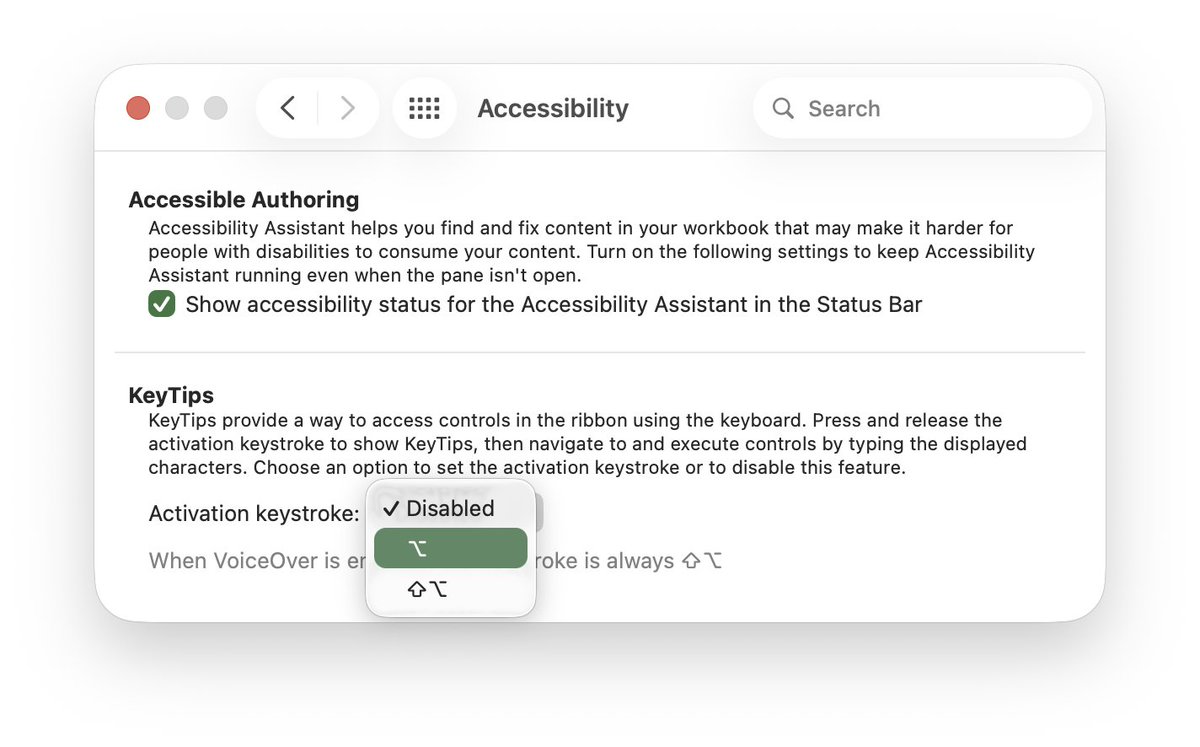
Command Comma
Opens the settings of the application you are using. Try it!
#KeyTips

1
467

Apr 3
Today is a good day to learn a keyboard shortcut!!
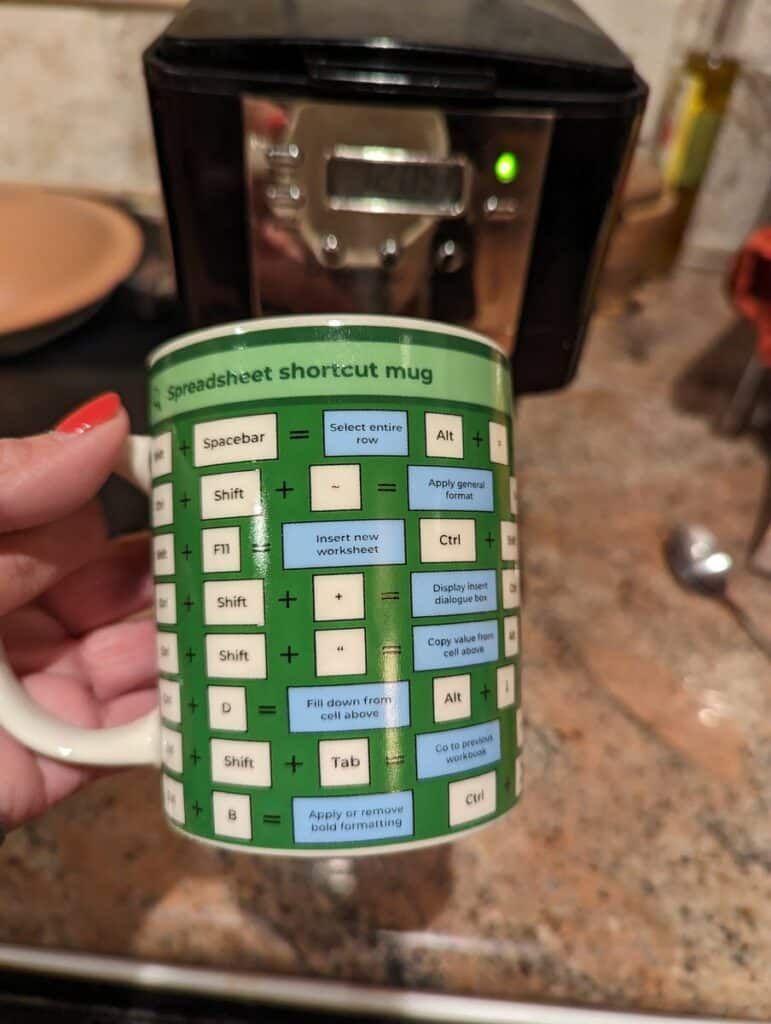
Control R fills in values to the right!!
alicekeeler.com/2023/01/08/i…
#keytips #GoogleSheets
1
8
682
Mar 31
MacBook Users
Use 3 fingers on your trackpad to PUSH the windows for the current application apart.
I have multiple Chrome windows open (and multiple Google accounts)
When I push 3 fingers up on the trackpad, they separate out to allow me to quickly switch to a different window.
3 fingers swiping down on the trackpad puts them back.
#KeyTips

1
342

Mar 18
MacBook Users
When in Finder (for example, looking at your downloads)
very slowly click and then click again (so not a double click) on a file name (not the icon)
This allows you to rename the file.
#KeyTips
1
349

Mar 11
MacBook Users
When I am in the Finder and looking at my downloads.... I can press the SPACEBAR to give me a preview of the item.
I keep trying to do this in Google Drive but alas, it doesn't work there. So handy! Try it!
Command Option Spacebar to open your Finder
Single click on a file
Press the spacebar.
Spacebar again to minimize it back.
#KeyTips

288
Mar 9
Feel unconfident at using the computer/edtech? Learn ONE Keyboard Shortcut a week. By the end of the year you'll know 52 and feel like a ninja.
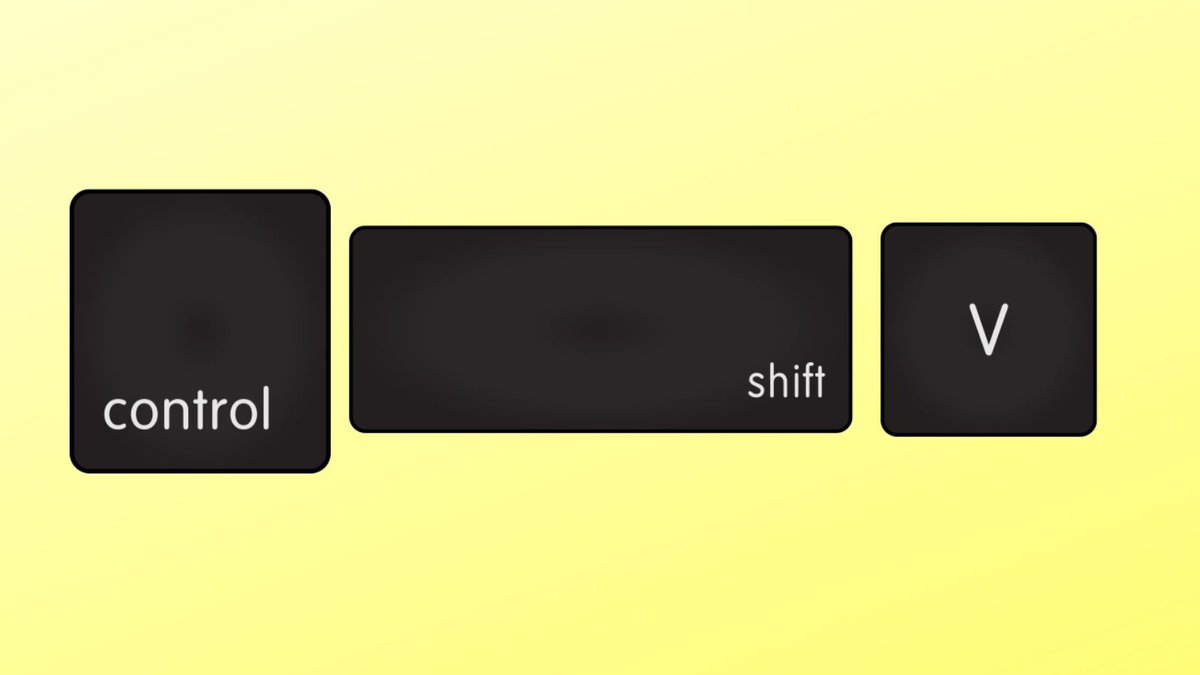
Try Control X to cut (then Control V to paste)
#googleEDU #keytips
1
3
365
Mar 2
MacBook Users
Careful when you try this...
Command H
HIDE your windows... really helpful when you have someone approaching your computer and want what you're working on to be tucked away.
I have a bunch of Google Chrome windows (different accounts) open at the same time. Command H tucks them all away fast!
Now how do I get them back??? Click on the Chrome icon in the dock to bring them back.
#KeyTips

5
883
Feb 26
Mac Users
Command Option Spacebar
Opens your Finder.
This helps you get to your downloads faster.
#KeyTips
1
378
Feb 23
🗓️ Navigate Google Calendar:
📅 Tap W for the week view
📆 Tap A for the agenda view
#GoogleEDU #keytips

323
Feb 19
Mac Users
Quickly get to the emojis 🤣 👉 🤷🏻♀️ ✅
Command Control Spacebar
I have this on muscle memory, had to really look at what I was doing to add this tip :)
#KeyTips

1
1
3
357
Feb 17
🔍Find & Replace🔧: Use "Ctrl H" to find and replace text in your doc. Time-saving trick for editing large documents📄!
#googleDocs #googleEDU #KeyTips

1
3
488

@grok
Which PCB fabrication checks in #Altium ensure accurate #Gerbers manage Design Rule Configuration, and secure #PCB_Design against shorts and yield loss? 🥒🌽🍅 Write long 10 keytips in English with lots of Vegetal & Edible vegetable emojis.
youtube.com/watch?v=0oxcejgD…
1
1
4
928
