
May 19
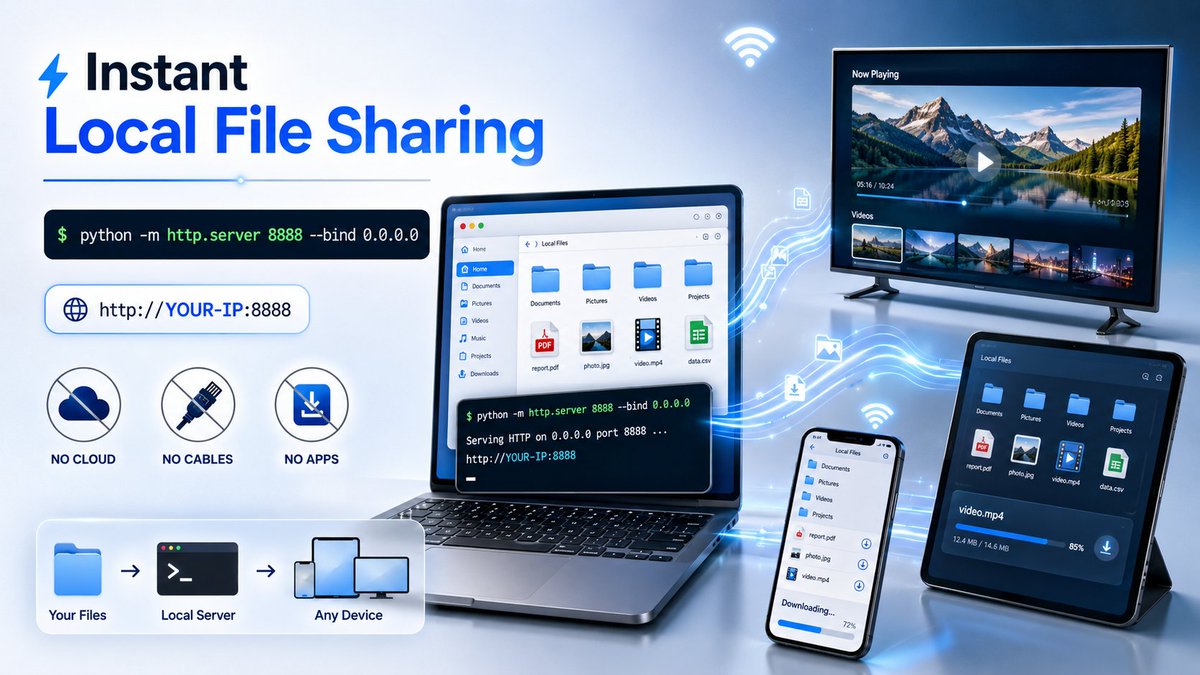
🤍 Turn Your Computer Files Into a Download Link (Instant Mode) ⚡️🖥➡️📱
No cables. No apps. No cloud.
Just ONE line of Python code and your folder becomes a live download hub 🔥 only requires installing Python. 🐍
🧠 How it works (simple & fast):
You turn a folder on your computer into a local server, then access it from your phone, tablet, or even a smart TV, like opening a website 🌐
⚙️ Quick setup (30 seconds):
1️⃣ Open the folder you want to share
2️⃣ Click the address bar → type cmd → press Enter
3️⃣ Run this magic line 👇
python -m http.server 8888 --bind 0.0.0.0
4️⃣ Run CMD Type "ipconfig"
5️⃣ Copy your IPv4 Address (Wi-Fi section)
6️⃣ On your phone browser, open:
👉 http://YOUR-IP:8888
Boom 💥 folder unlocked.
🚀 What you can do now:
📂 Browse all files in the folder
⬇️ Download instantly
🎬 Stream videos directly
📱 Transfer files phone ↔️ laptop
📺 Open files on Smart TV
⚡️ Zero uploads, zero delays
🔥 Why this trick is elite:
✔️ No file size limits
✔️ No third-party apps
✔️ Works on Windows, macOS, Linux
This is one of those “once you know it, you always use it” power moves 🧠⚡️
Local sharing, unlocked.
#Python #TechTips #LocalServer #FileSharing #DeveloperLife #CodingTricks #NoCloud
8
6
17
249


Apr 27
TRALEちゃんのdllでlmstudioのlocalserverを呼び出せるようにしてみたにゃ。ちょっと修正が必要だけどTranslateGemma(4b)でもそれなりに使えるレベルかにゅ
2
102

Jan 11
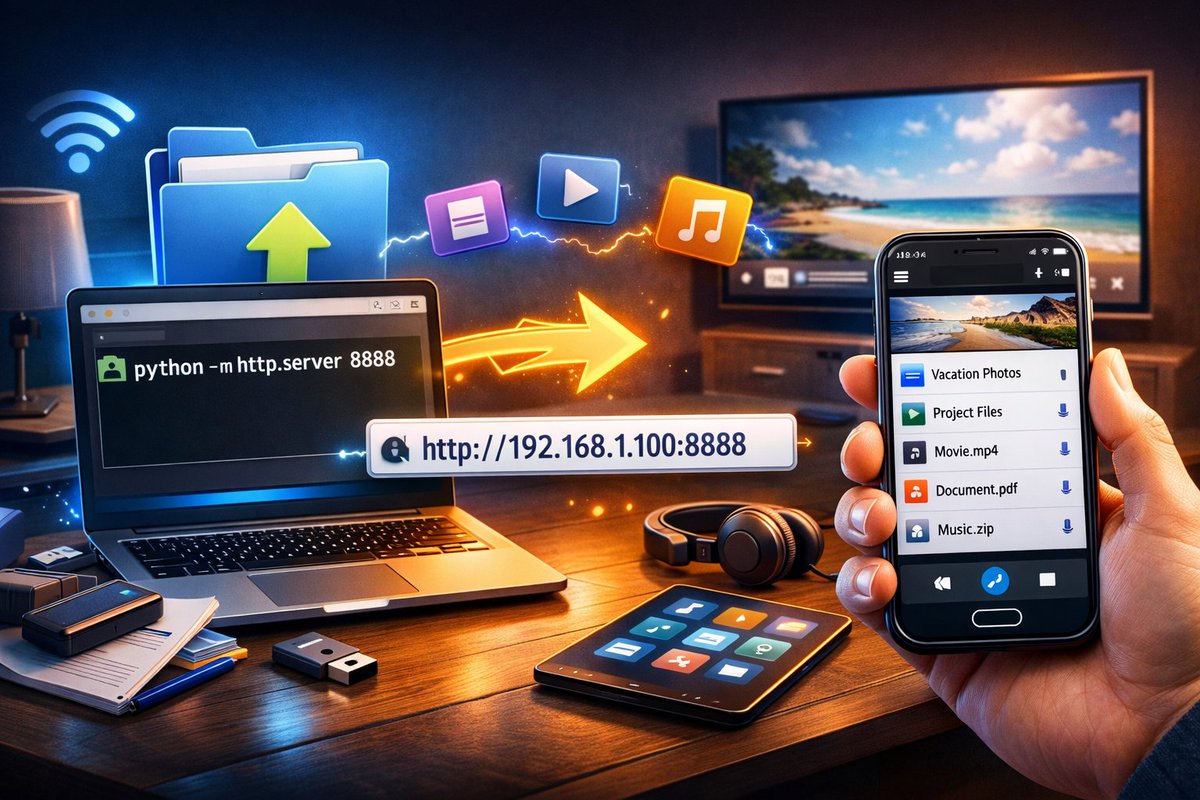
🤍 Turn Your Computer Files Into a Download Link (Instant Mode) ⚡️🖥️➡️📱
No cables. No apps. No cloud.
Just ONE line of Python code and your folder becomes a live download hub 🔥 only requires installing Python.
🧠 How it works (simple & fast):
You turn a folder on your computer into a local server, then access it from your phone, tablet, or even a smart TV, like opening a website 🌐
⚙️ Quick setup (30 seconds):
1️⃣ Open the folder you want to share
2️⃣ Click the address bar → type cmd → press Enter
3️⃣ Run this magic line 👇
python -m http.server 8888 --bind 0.0.0.0
4️⃣ Run CMD Type "ipconfig"
5️⃣ Copy your IPv4 Address (Wi-Fi section)
6️⃣ On your phone browser, open:
👉 http://YOUR-IP:8888
Boom 💥 folder unlocked.
🚀 What you can do now:
📂 Browse all files in the folder
⬇️ Download instantly
🎬 Stream videos directly
📱 Transfer files phone ↔ laptop
📺 Open files on Smart TV
⚡ Zero uploads, zero delays
🔥 Why this trick is elite:
✔️ No file size limits
✔️ No third-party apps
✔️ Works on Windows, macOS, Linux
This is one of those “once you know it, you always use it” power moves 🧠⚡️
Local sharing, unlocked.
#Python #TechTips #LocalServer #FileSharing #DeveloperLife #CodingTricks #NoCloud #LocalNetwork #ProductivityHacks #DigitalSkills #LearnToCode #PythonTools #TechEducation #SmartWorkflow #DevHacks
11
195

KadMap stands apart by staying off the web. Its offline architecture eliminates external attack surfaces and keeps enterprise data fully within your control.
#KadMap #DataSecurity #CyberSecurity #OfflineSecurity #ZeroBandwidth #ZeroIP #EnterpriseTech #ITInfrastructure #SecureCollaboration #DataPrivacy #TechArchitecture #LocalServer #DigitalSafety #InformationSecurity #SecureSystems

2
3
46


8 May 2025
Designed and coded fully responsive SaaS Landing Page. I used Nextjs and Tailwind CSS for this.
Currently it is running in localserver, i'll deploy it afterwards.
But Hydration Error don't want to leave me : (
How's it?
Kindly give some feedback friends! 😊
3
5
626

13 Dec 2024
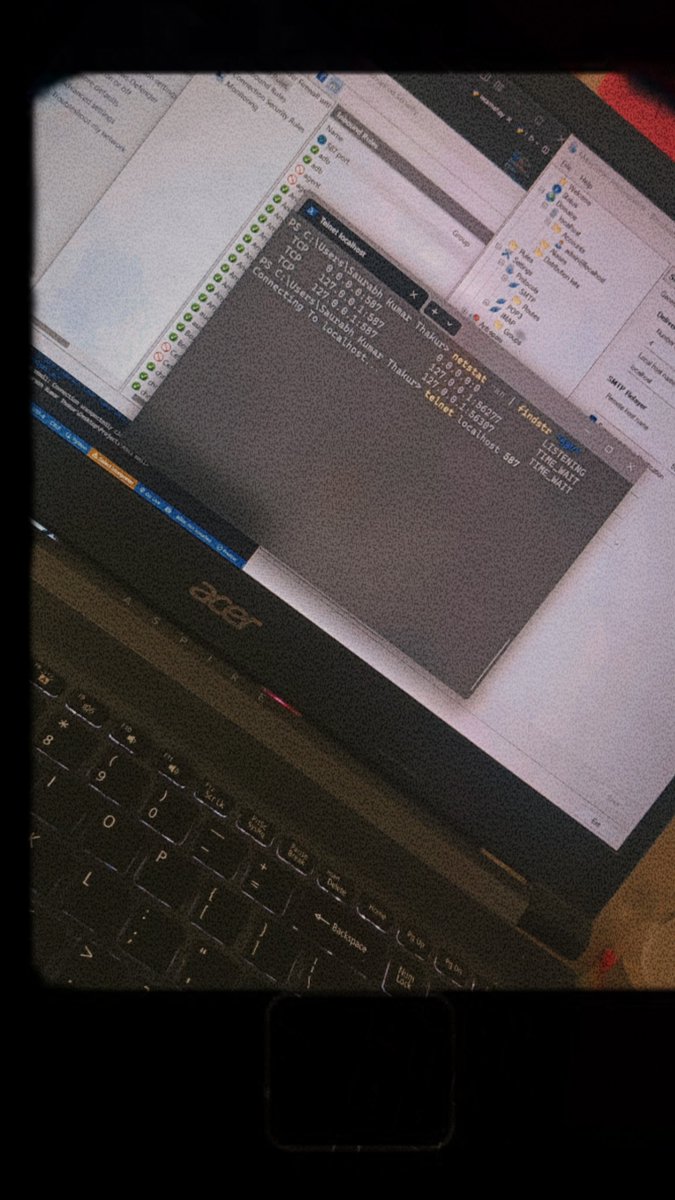
Setting up and testing a local SMTP server for email communication—exploring the world of mail transfer protocols step by step! #SMTP #LocalServer #Programming #Tech #Developer #CodingJourney #BuildInPublic
4
3
118

15 Nov 2024
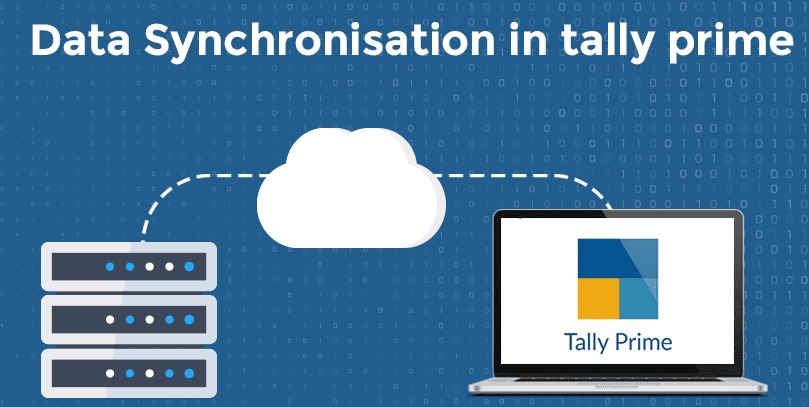
Automated the integration between Salesforce and Tally Prime,eliminating manual data entry and ensuring real-time accuracy,improving efficiency and decision-making.
Stay tuned to learn how!
#genufy #genufytechworks #salesforce #tallyprime #localserver #automation #dataintegration
1
1
3
938

2 Oct 2024
#プログラミング学習 #デイトラ
#デイトラコミュニティ
#Web制作 ✅132日目
中級最終課題がやっと終わり、上級再開
復習で最初から見直し
MAMPのlocalserverでPHPが表示できん!
エラーログ確認したら...
パスをデスクトップのPHPフォルダにしてるのに、GoogleDriveの中の開いてました
そら開かんわ
9
138

28 Sep 2024
needed to iron out that communication between both Client and LocalServer/DedicatedServer.(2/2)
8
113

14 May 2024
In addition to P*RN Blocking extension, I am also planning to add a localserver as a window service which will check the DNS part and preserve the Extension in offline removal attempt...
2
10
284

7 May 2024
Day 56 Of #100DaysOfALXSE
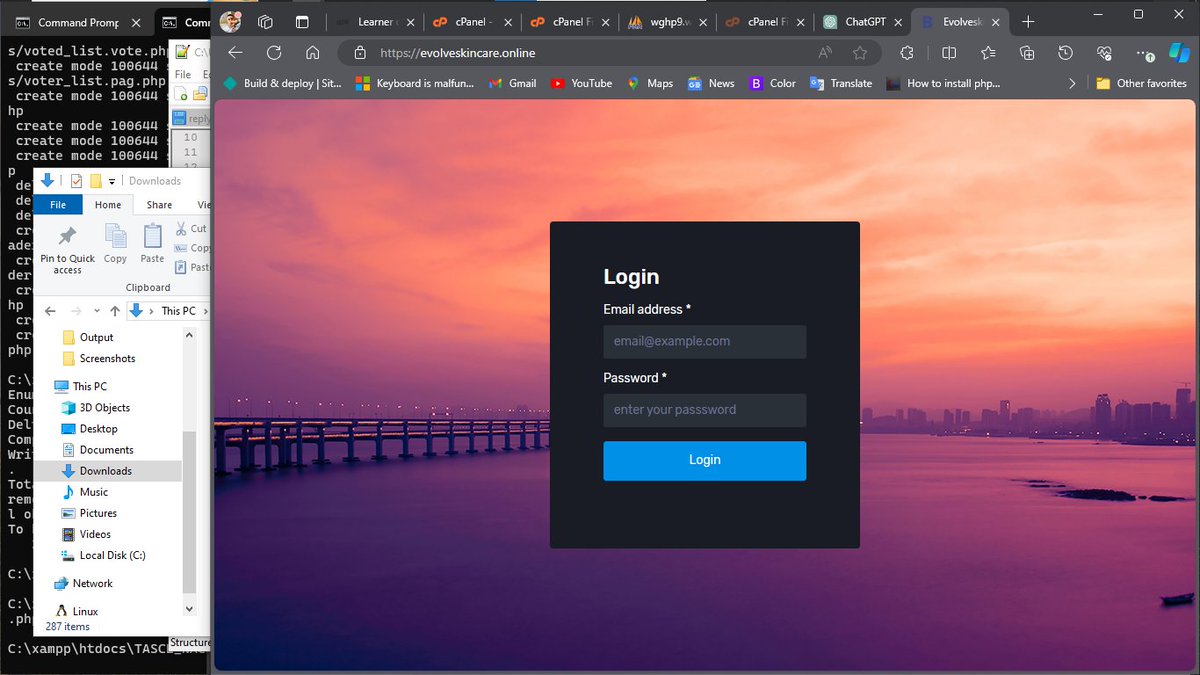
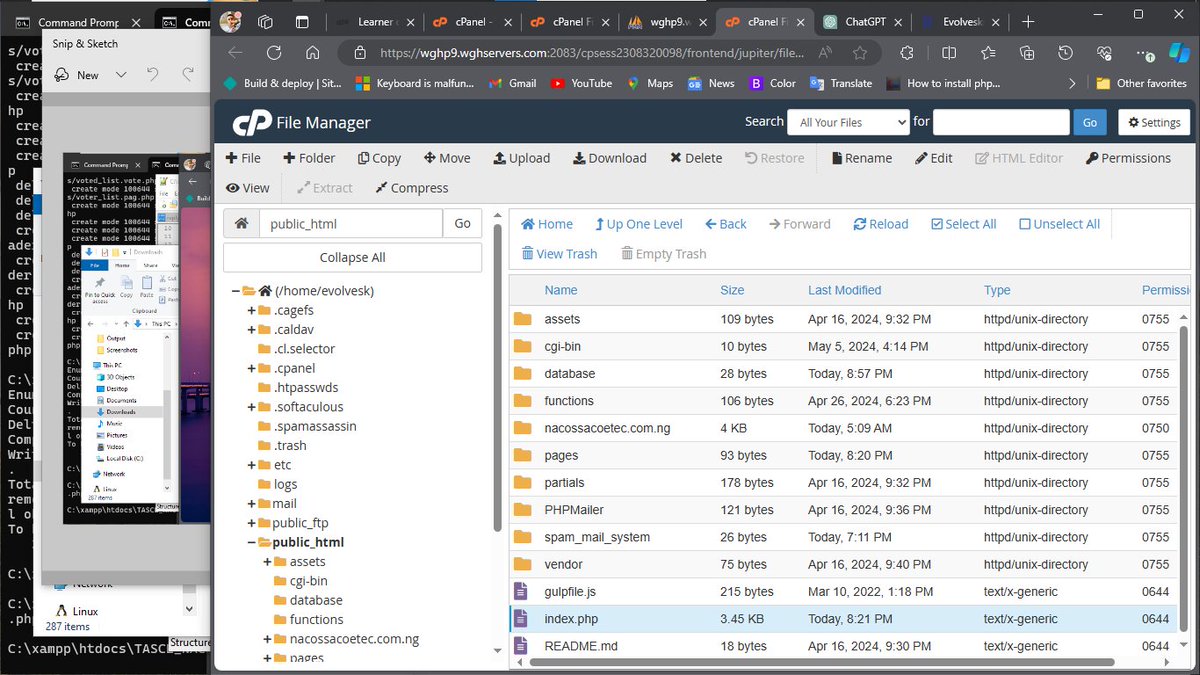
To be honest, there is much difference when working on a #localServer and on a #productionServer🤠
Like so many things to consider, especially the user experience. My hope was for them to be able to navigate easily.
So today..
6 May 2024

Day 55 Of #100DaysOfALXSE
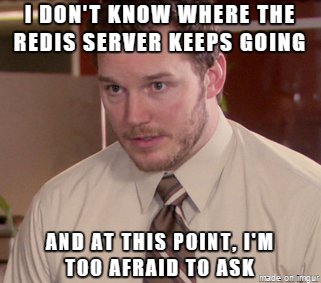
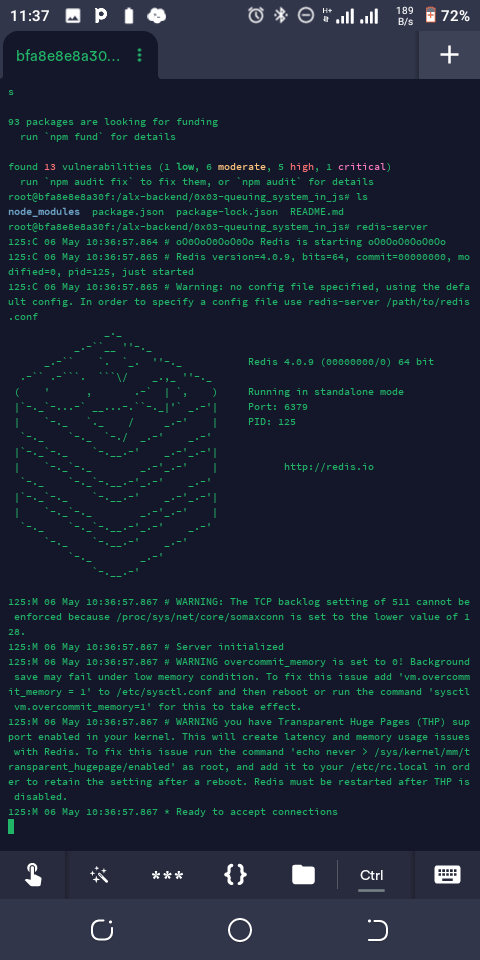
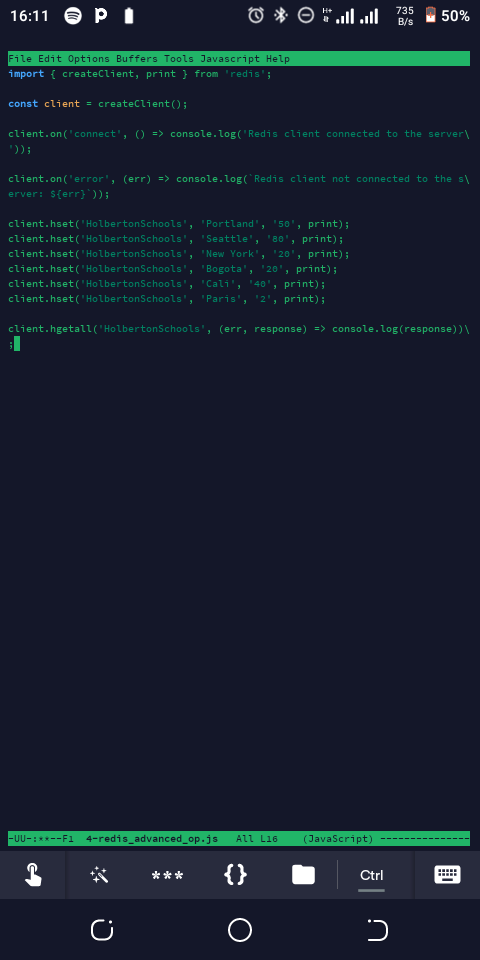
I never knew we could send data from one #redis server to another #redis server... Like wow.😄
Well, it is part of learning... So today, I integrated #redis with #nodejs as instructed in the tasks.
Looking at it, no wonder...
2
1
4
83

26 Apr 2024
这个LM Studio最奇怪的一点就是localserver只能弄成localhost,顺手监听0.0.0.0都不行。搞得局域网部署然后用chatx还得搞个nginx代理
2
310

16 Apr 2024
#HewlettPackard To Make Servers In India To Meet Local Demand
#ITIndustry #Servers #DataCentres #LocalServer #Demand
knnindia.co.in/news/newsdeta…
2
29


7 Dec 2023
🚀 Exciting News! 🚀 Our latest blog post is here to guide you through the seamless installation of XAMPP on your Ubuntu Linux Server! 🐧✨
✨ Title: "How to Install XAMPP on Ubuntu Linux Server"
👣 Step 1: Download XAMPP
Get started by grabbing the latest version of XAMPP tailored for Ubuntu. Click the link and let the magic begin! 🌐📥 [Download Now]
🔒 Step 2: Make the Installer Executable
Navigate through the terminal and make the installer executable with a simple command. Don't worry, we've got the command ready for you! 💻🔍
🚀 Step 3: Run the Installer
Execute the installer script, and watch as XAMPP sets up its home on your Ubuntu server. Fasten your seatbelt for this quick ride! 🚗💨
🌐 Step 4: Start XAMPP
It's showtime! Start up XAMPP with a straightforward command, and witness the power of this robust web development environment. 🚀💻
🔧 Step 5: Access XAMPP Dashboard
Navigate to the XAMPP dashboard with ease, giving you full control over your local server environment. Explore, experiment, and conquer! 🌐🎉
🏆 Congratulations!
You've successfully installed XAMPP on your Ubuntu server, unlocking a world of possibilities for your web development journey. 🌍🚀 This local setup empowers you to test your projects thoroughly before taking them live, ensuring a smoother development process.
Ready to elevate your web development game? Dive into the full installation guide now: amazingrdp.com/how-to-instal…
Happy coding! 🚀👩💻👨💻
.
.
.
.
#XAMPP #Ubuntu #WebDevelopment #LocalServer #AmazingRDP #TechTips #DeveloperLife #StepByStepGuide #VersionControl #Amazingrdp #LinuxLovers #TechGuides #LinuxCommunity #newblogpost #newblogs #MacTips #HiddenFiles #MacCustomization #MacOS #TechHacks #MacTricks

1
2
59

4 Nov 2023
Run server on localhost
But if the app is not on same device how to connect the localhost to access the server APIs?
Use your Local IP address if all clients are on the same network, or Public IP if not
This will help you to show your ML projects with a localserver with Flask
4
56