
2 Jul 2025
Easy radial cracks in Substance 3d Designer. You can find full tutorial on my Artstation artstation.com/blogs/oniks_a…
#SubstanceDesigner #ProceduralTexture #TechArt #GameDev #MaterialCreation #NodeBased #Substance3D #CrackedTexture #EnvironmentArt #DigitalArt #ArtStation
5
120

9 Jun 2025
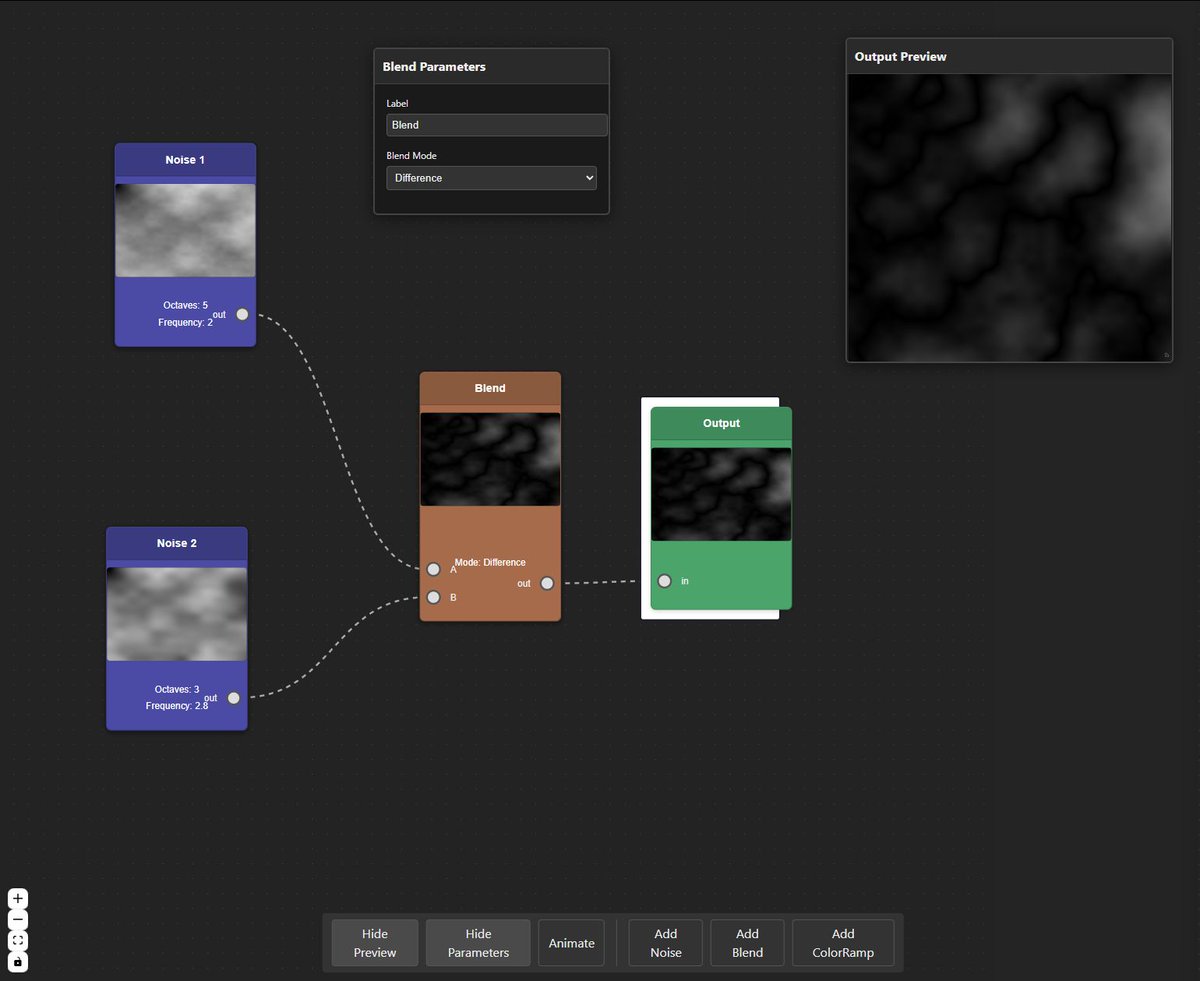
I am working on a protoype for a node based material creation app in the browser and I was wondering what are your must have features in such an app?
#gameart #procedural #materialcreation
2
8
559

10 Feb 2025
Watch the full Substance 3D Designer playlist here: youtube.com/playlist?list=PL…
#GreyMatterz #SubstanceDesigner #3DTexturing #MaterialCreation #ProceduralTextures #3DTexturing
2
49

17 Oct 2024
Back from vacation and working on my new level! 🎮 Trying to create a chocolate-colored granite material, but it’s been tricky. 🤔 Fingers crossed it turns out great! 🍫 #GameDev #IndieDev #LevelDesign #DevLife #MaterialCreation
4
77

18 May 2024
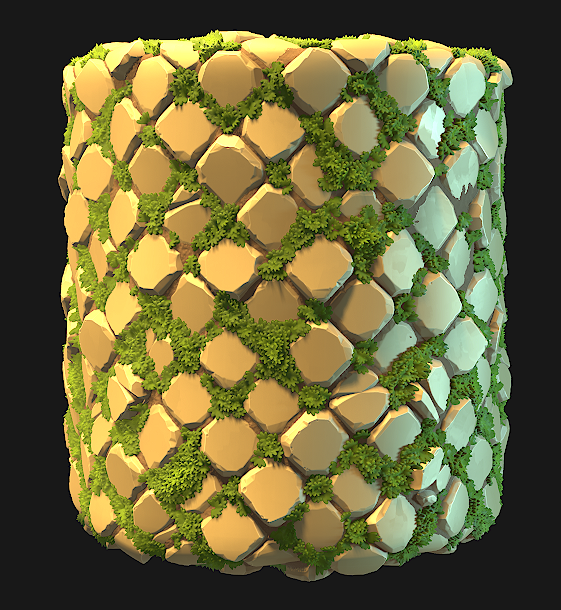
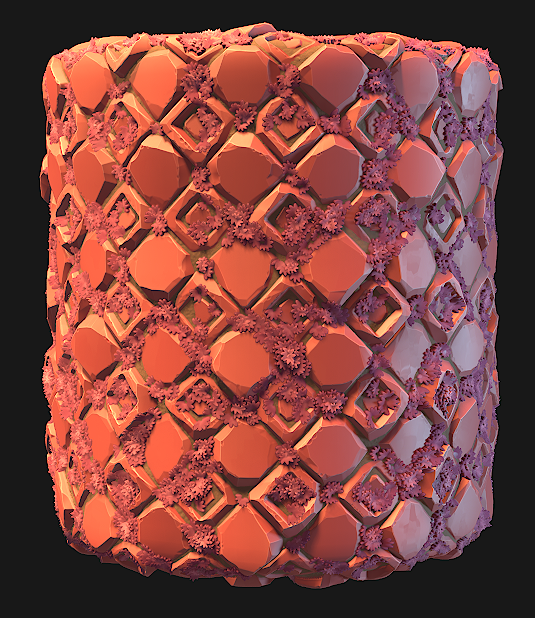
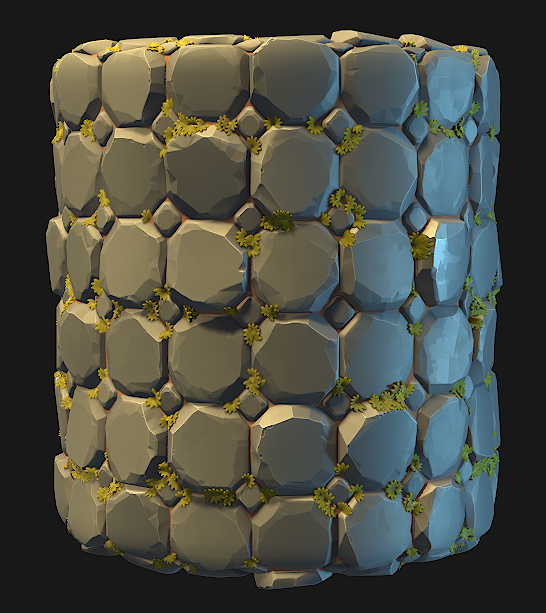
Was messing around more with my tile generator that is still a wip, experimenting with different height blend methods and foliage overlay 😄
#SubstanceDesigner #MaterialDesign #3DTextures #PBRTextures #GameArt #GameDev #DigitalArt #ProceduralArt #TextureDesign #MaterialCreation
1
7
125
4,250
11 May 2024
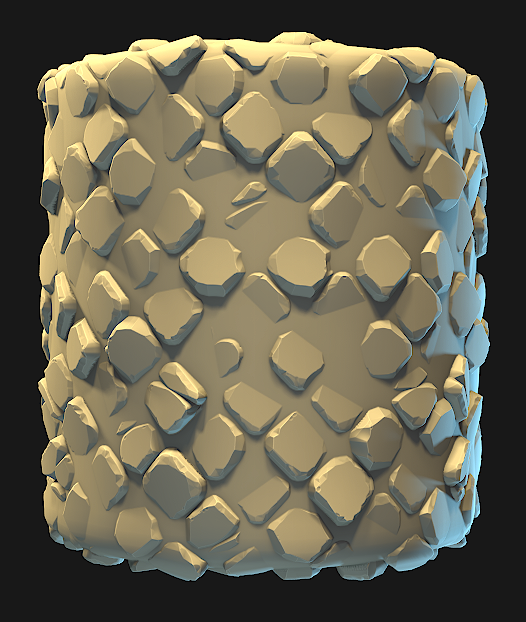
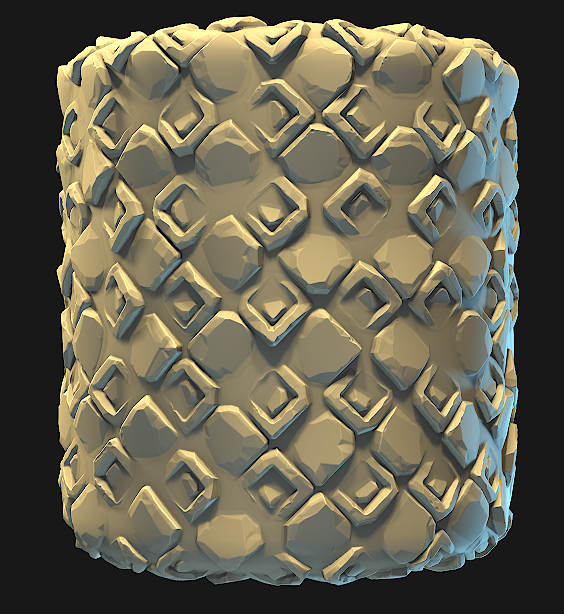
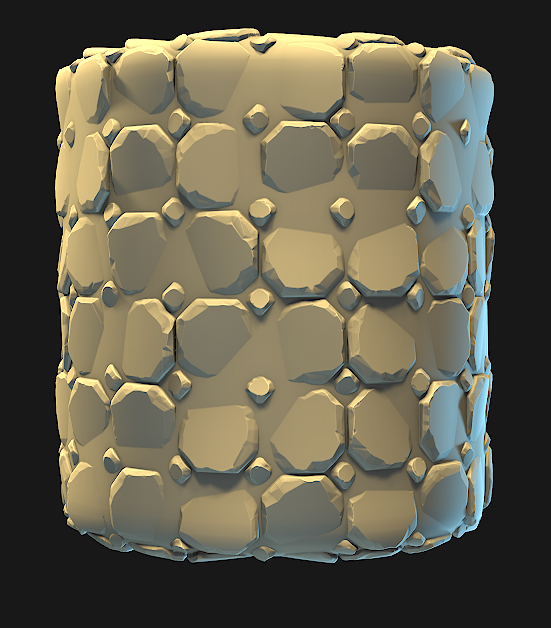
Attempting to make a stylized edge damage node, proving difficult 🥲
#SubstanceDesigner #MaterialDesign #3DTextures #PBRTextures #GameArt #GameDev #DigitalArt #ProceduralArt #TextureDesign #MaterialCreation
3
18
196
7,852

29 Mar 2024
Hey everyone, here's a tip for creating realistic plastic materials in Cinema 4D!
Creating convincing plastic materials is a great way to add depth and realism to your renders. Here's a basic guide to get you started:
* Choose your base material. Cinema 4D offers various options, but a standard or Phong material is a good starting point.
* Adjust the color. You can go for a classic white plastic or use the color picker to achieve any shade you desire.
* Set up reflection. Use the Fresnel falloff to control how light reflects off the surface, mimicking plastic's natural reflectivity.
* Add Fresnel. This creates a smooth transition between highlights and shadows, enhancing realism.
* Fine-tune with glossiness. Play with the glossiness setting to achieve the perfect balance between shine and a matte finish.
* Incorporate SSS (Subsurface Scattering) for translucent plastics. This allows light to penetrate the surface, creating a more realistic look for materials like frosted glass or thin plastics.
* Don't forget textures! Use noise or bump maps to add subtle imperfections, mimicking the microscopic texture of real plastics.
Remember, these are just the basics! With practice and experimentation, you can create a vast array of plastic materials in Cinema 4D.
#Cinema4D #3Drendering #texturing #plastics #materialcreation #3Ddesign #motiongraphics
By following these steps and exploring Cinema 4D's material options, you'll be well on your way to creating stunning plastic materials for your projects. Feel free to experiment and don't hesitate to ask if you have any questions!
Ronin Graphics
Ronin.graphics
Visualize Better
#AIArtGallery #AIArt #AIArtistCommunity #AIArtwork #TuesdayFeeling #AIイラスト #AIDesign #AIanimeart #RoninGraphics
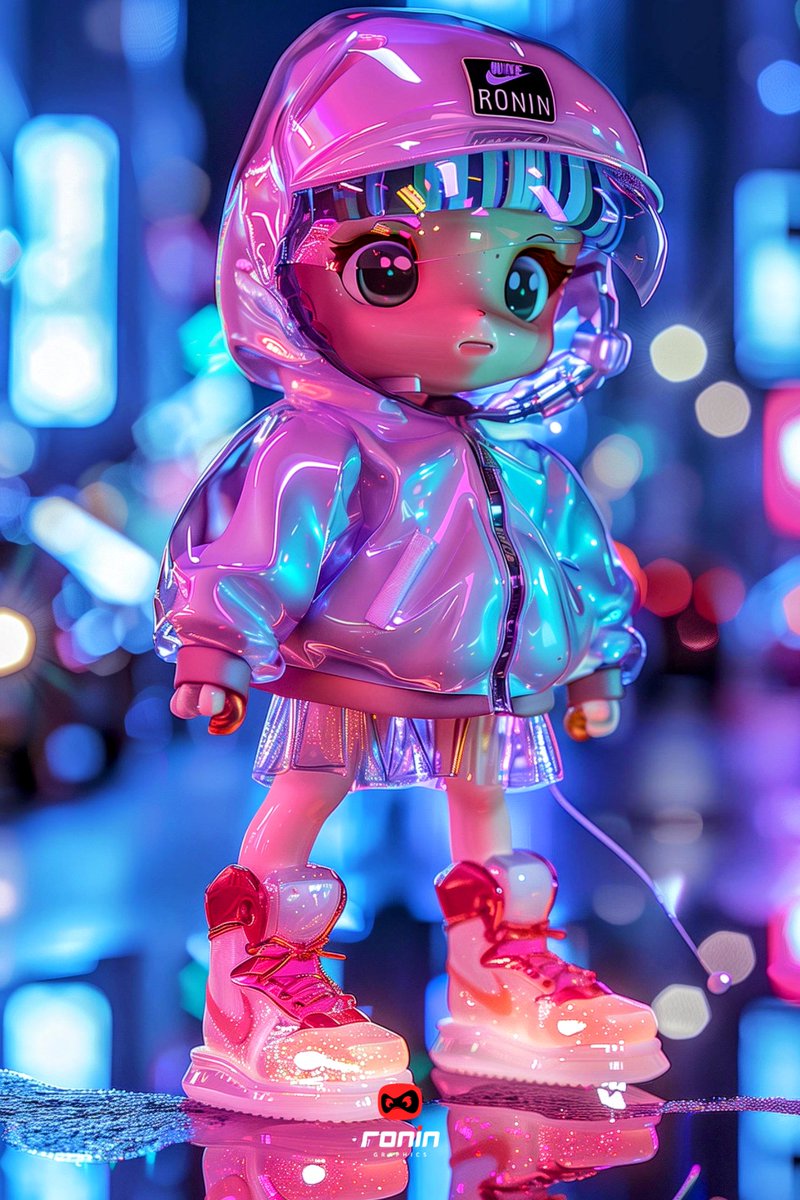
ALT Artwork by Ronin Graphics • 3d model of a girl wearing plastic jacket
9
285
9 Mar 2024
Leather Up Your Textures in Blender! #blendertips #3dtexturing #materialcreation
Tip of the Day: Achieve convincing leather textures in Blender using a combo of procedural nodes!
* Start with a Musky Base: Create a Principled BSDF node and adjust roughness for a slightly rough leather look.
* Wrinkle with Noise: Add a Noise Texture node, play with scale and contrast to create subtle leather creases. Mix this with your base color using a Mix RGB node.
* Scratches with Voronoi: Introduce a Voronoi Texture node set to "Distance to Edge" and adjust scale for a fine crack pattern. Mix this with your base color to create subtle leather imperfections.
* Bump it Up: Use a Bump node connected to your Noise and Voronoi textures to translate their patterns into surface relief.
* Refine with Color Ramp: Add a Color Ramp to tweak the contrast and color variations of your leather texture.
Pro Tip: Experiment with combining these techniques and adding image textures for logos or stitching!
Ronin Graphics
Elevating Your Vision
| #AIart | #AIArtGallery | #AIArtCommunity

ALT Artwork by Ronin Graphics • 3d model of a boy saying hello
1
1
13
727
7 Mar 2024
Hey creative minds! ✨
Level up your texturing game with Substance 3D Painter! This powerful toolset lets you create hyper-realistic and unique textures for your 3D models.
#Substance3DPainter #3DTexturing #MaterialCreation
Here's a sneak peek at what you can achieve:
* Procedural texturing: Generate endless variations of materials like grunge, wear, and scratches using customizable options.
* Smart Materials: Apply pre-built materials or tweak them to perfectly suit your project's needs.
* Non-destructive workflow: Experiment freely without permanently altering your textures.
Whether you're a seasoned 3D artist or just starting out, Substance 3D Painter can transform your texturing workflow. Dive in and explore its creative potential!
Ronin Graphics
Elevating Your Vision
| #AIart | #AIArtGallery | #AIArtCommunity

ALT Artwork by Ronin Graphics • 3d veggie creature holding tomatoes
1
2
19
2,735

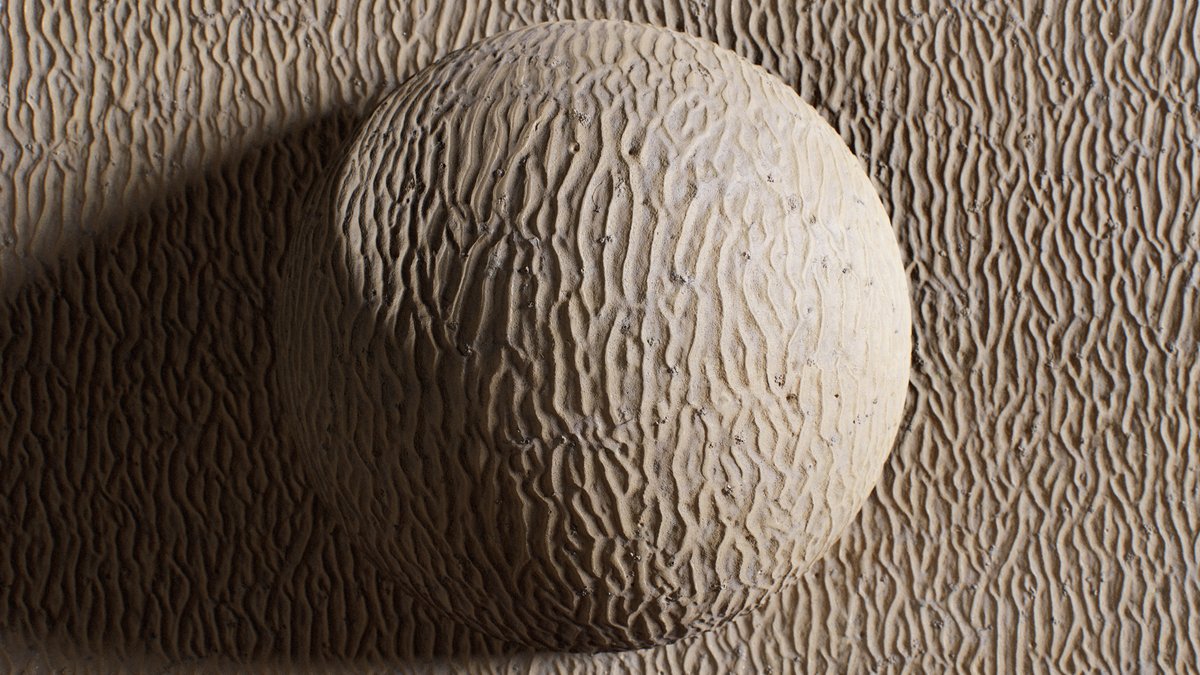
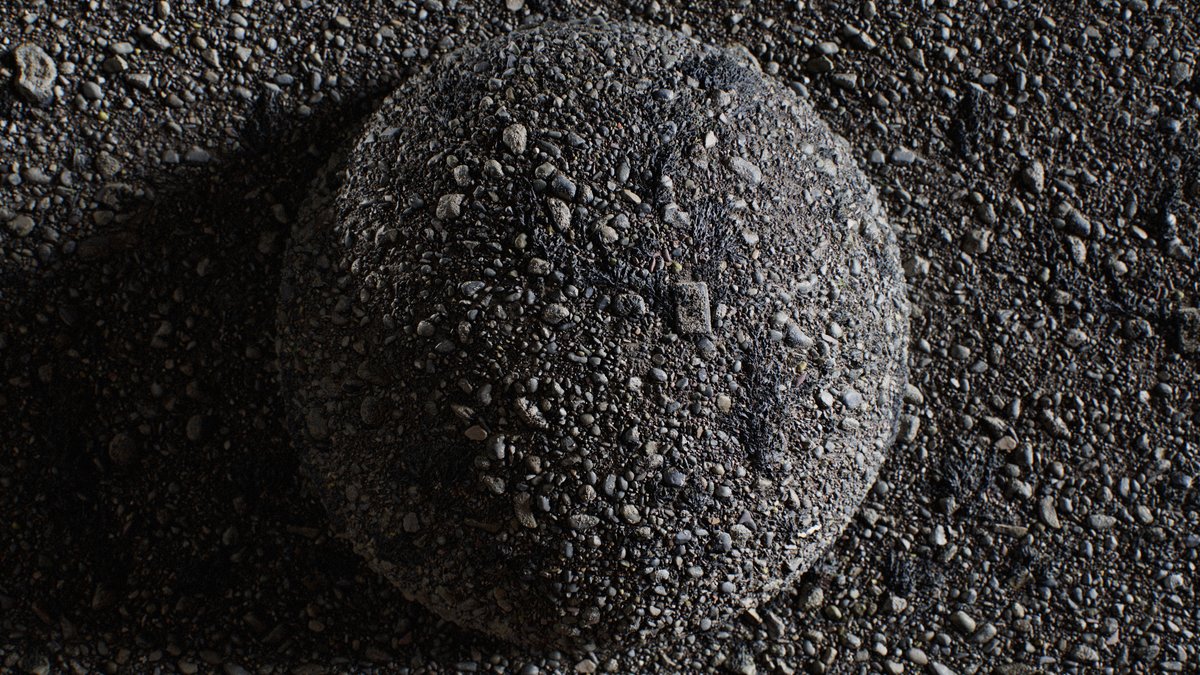
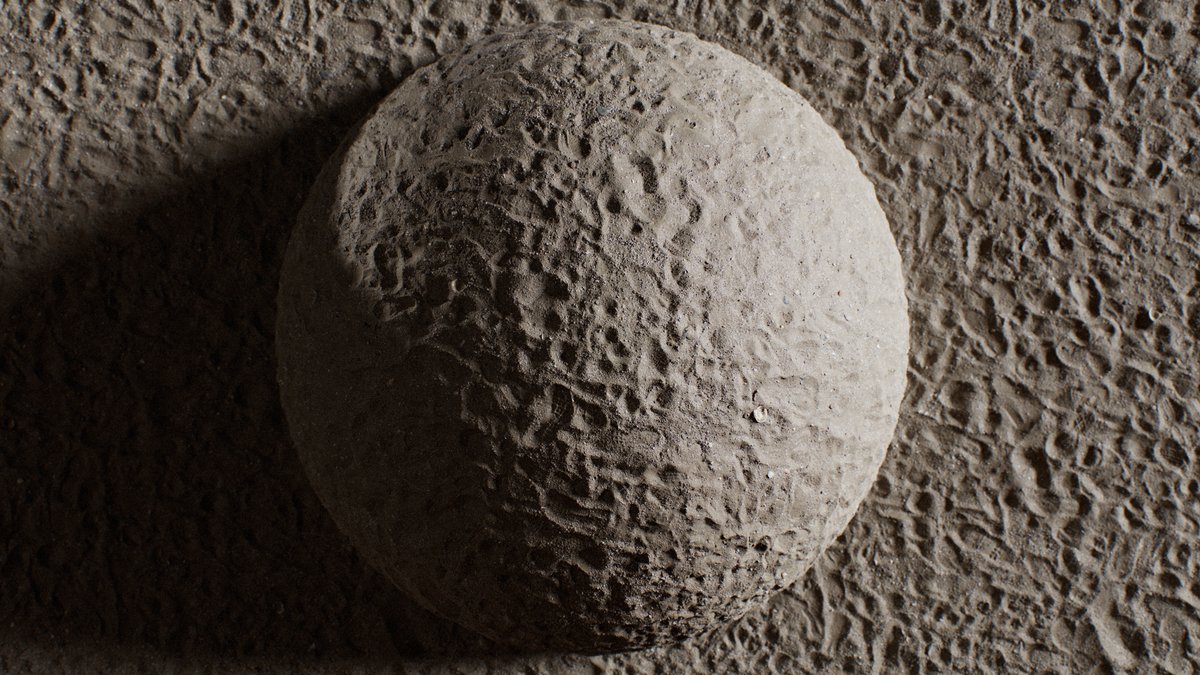
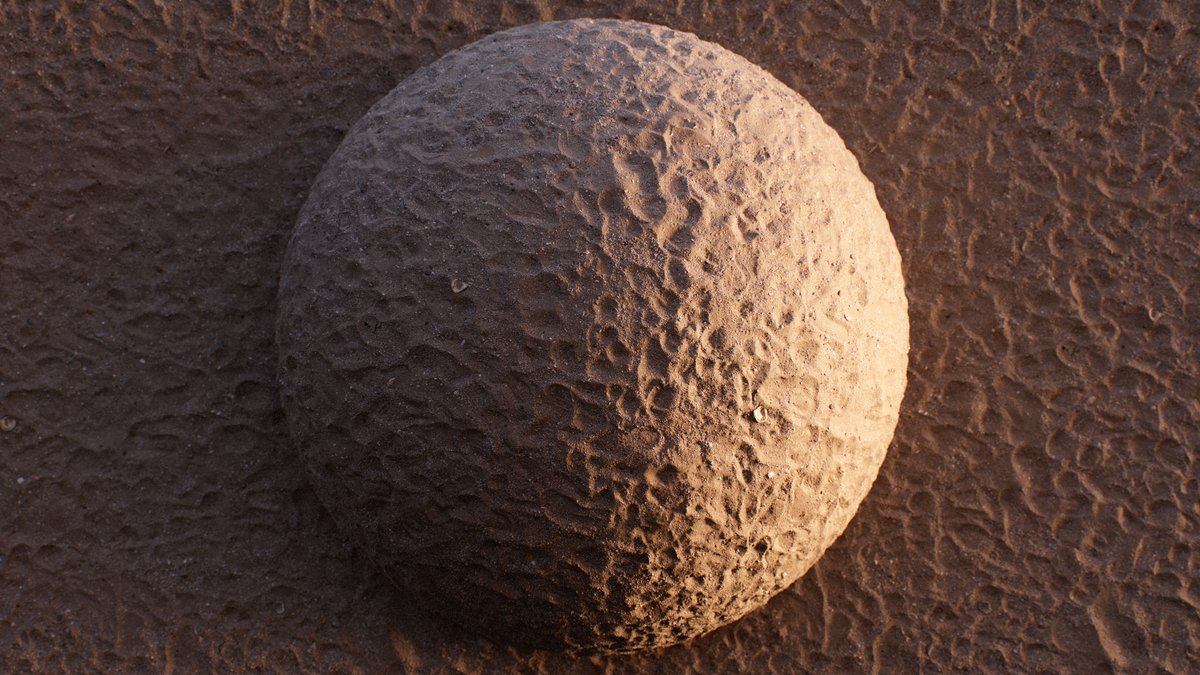
.@CB3DART talked about material creation with the photogrammetry and manual work approach, discussed its advantages, and shared some tips on capturing images:
80.lv/articles/creating-mate…
#materials #materialcreation #photogrammetry #RealityCapture @RealityCapture_
2
13
113

4 Mar 2022
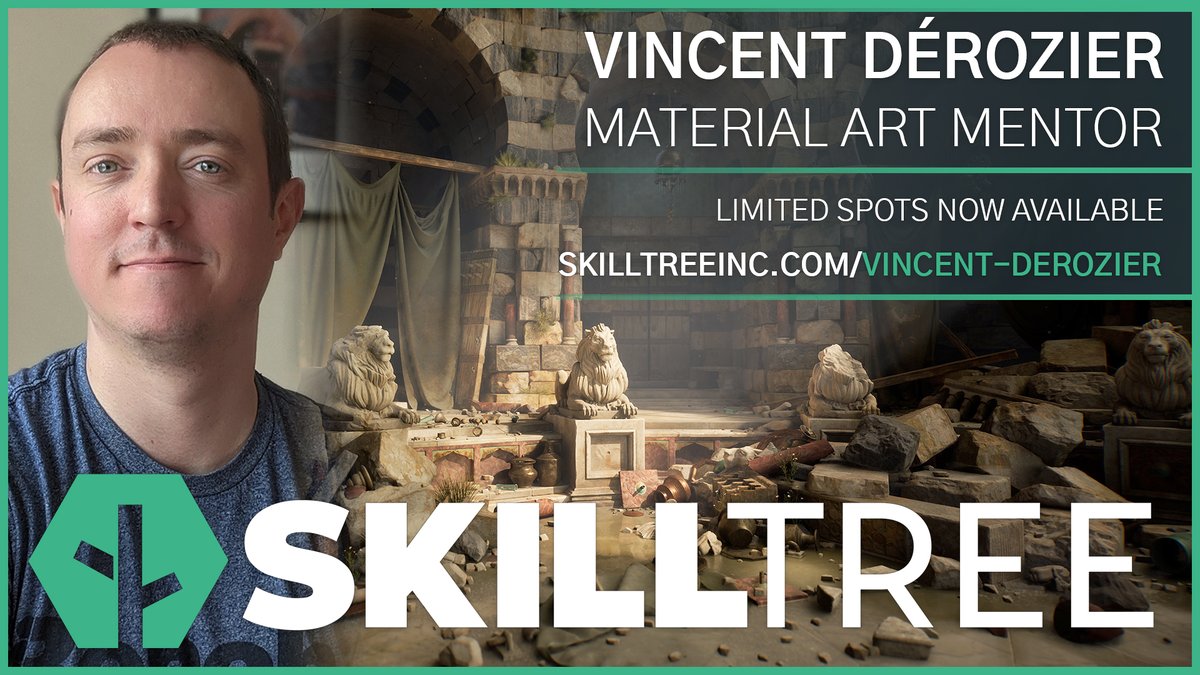
I'm more than thrilled to announce that I joined @SkillTree_inc to do mentorship on #materialcreation.
Feel free to take a look at the great mentorship they have and reach out if you have questions !
skilltreeinc.com/all-mentors…
#mentoring #material #procedural #sculpt #learning
2
7
45
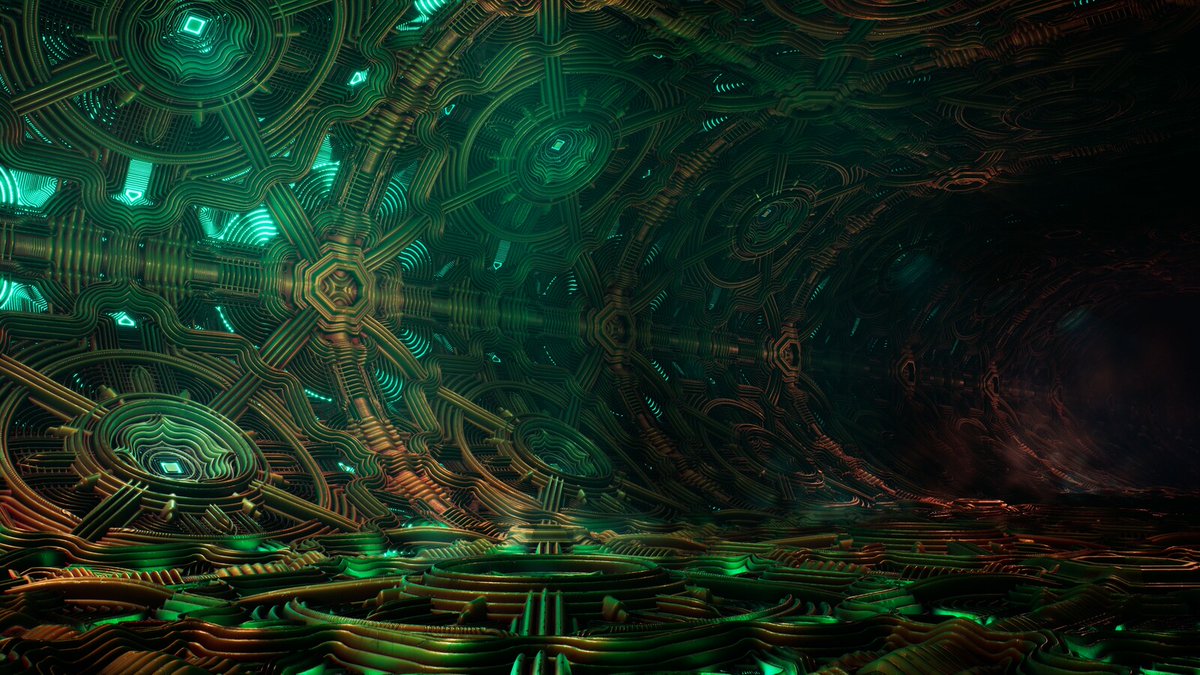
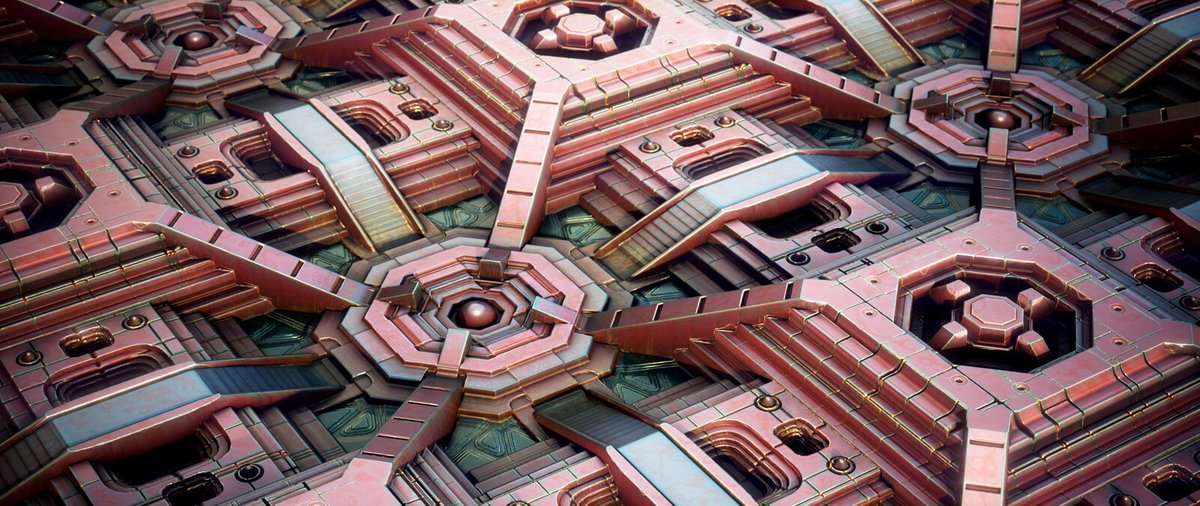
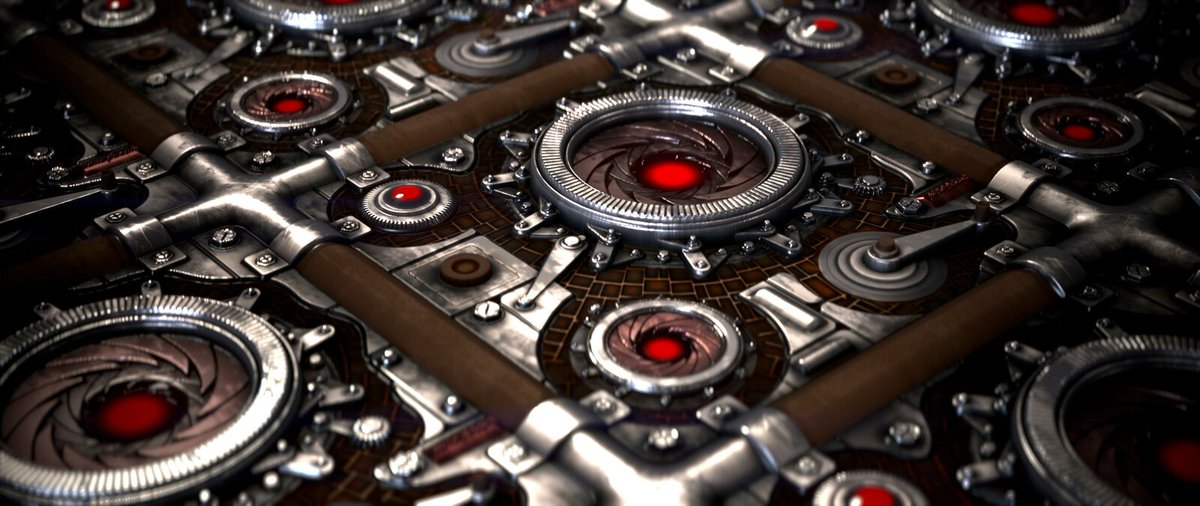
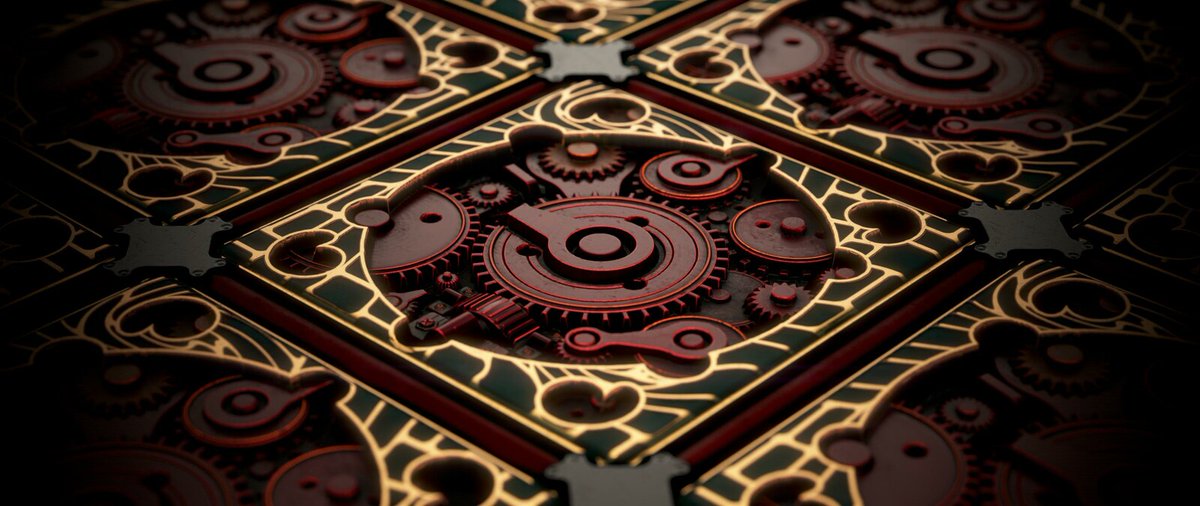
Michail Mavronas told us about designing stunning materials and explained how Unreal Engine 5 makes the workflow easier:
80.lv/articles/designing-ali…
#materials #materialcreation #SubstanceDesigner #zbrush #UnrealEngine5 #ue5 @pixologic @UnrealEngine
5
51

25 May 2021
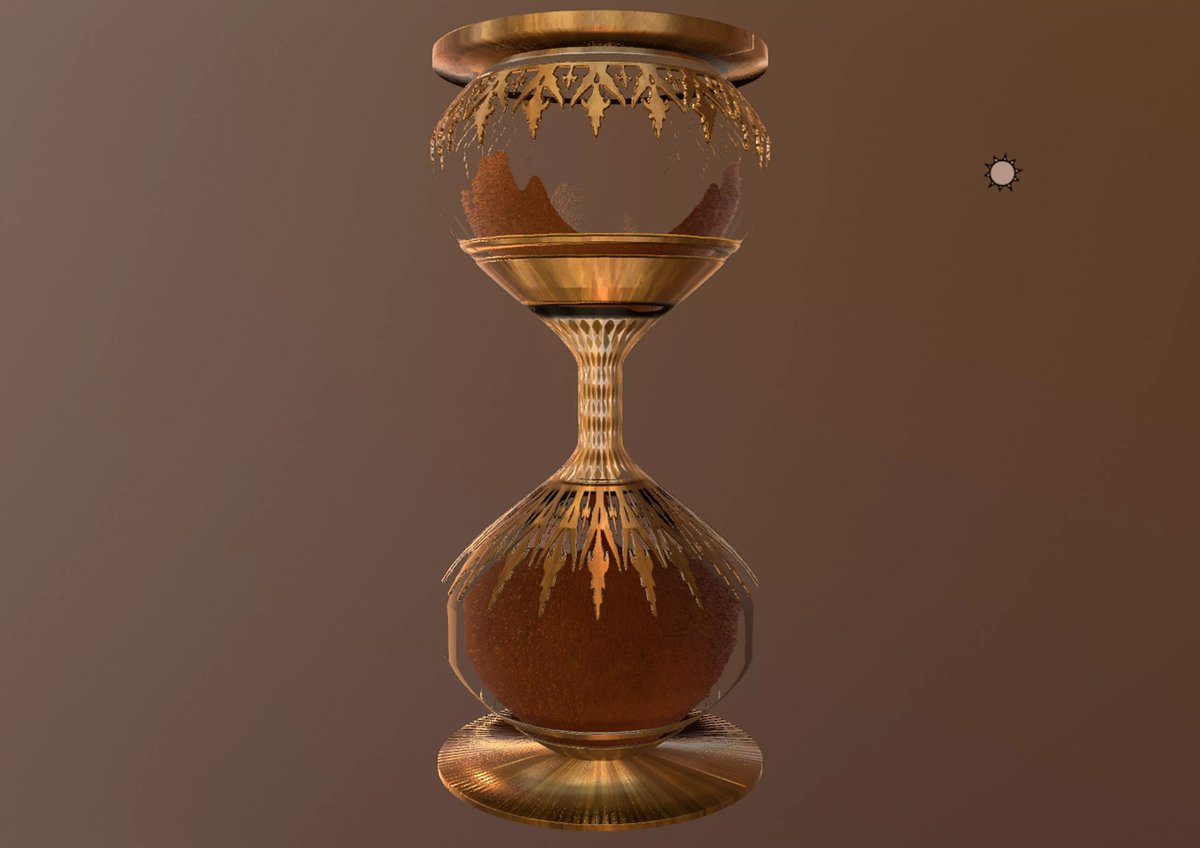
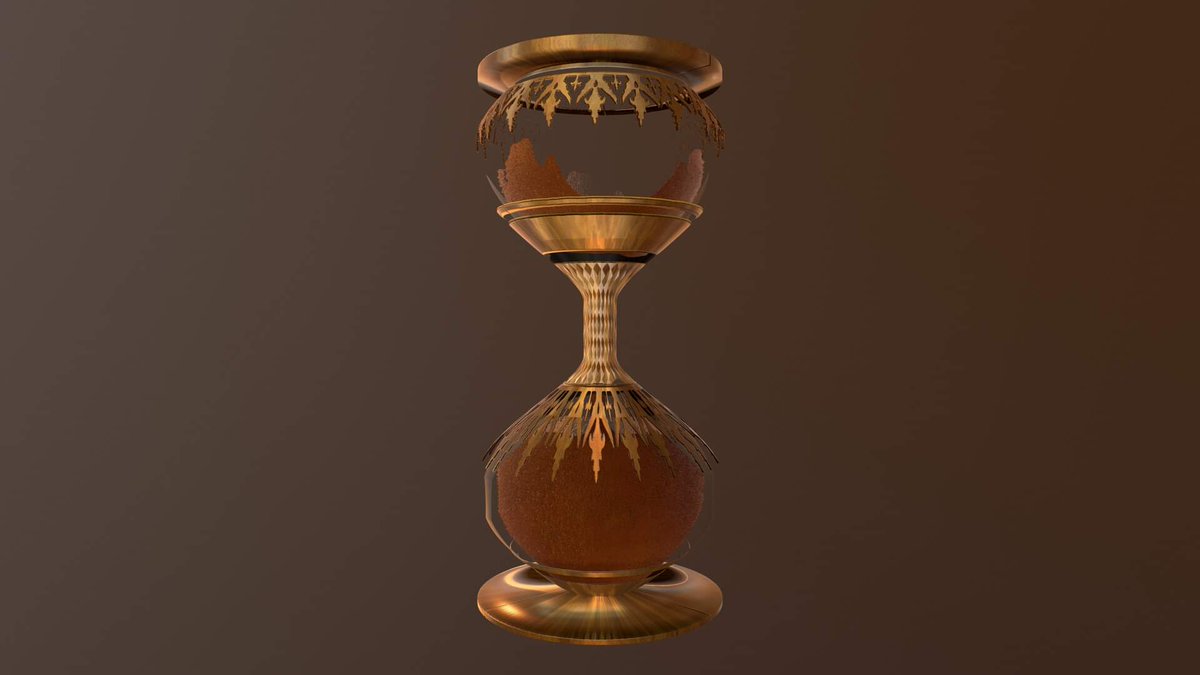
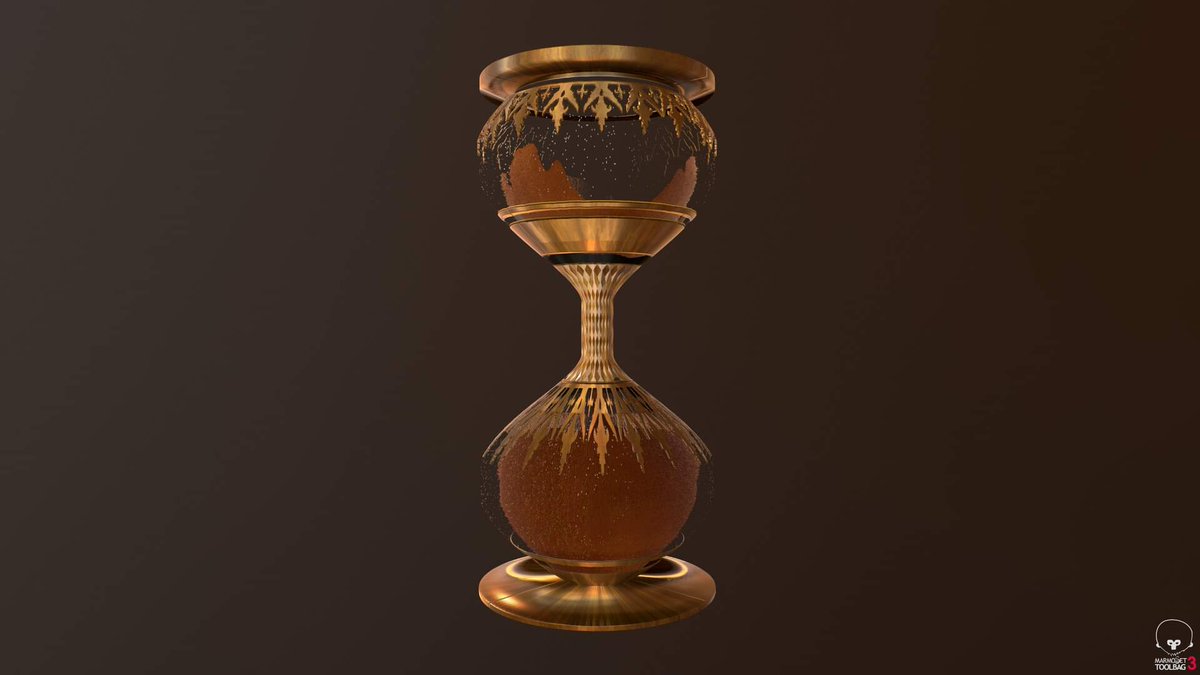
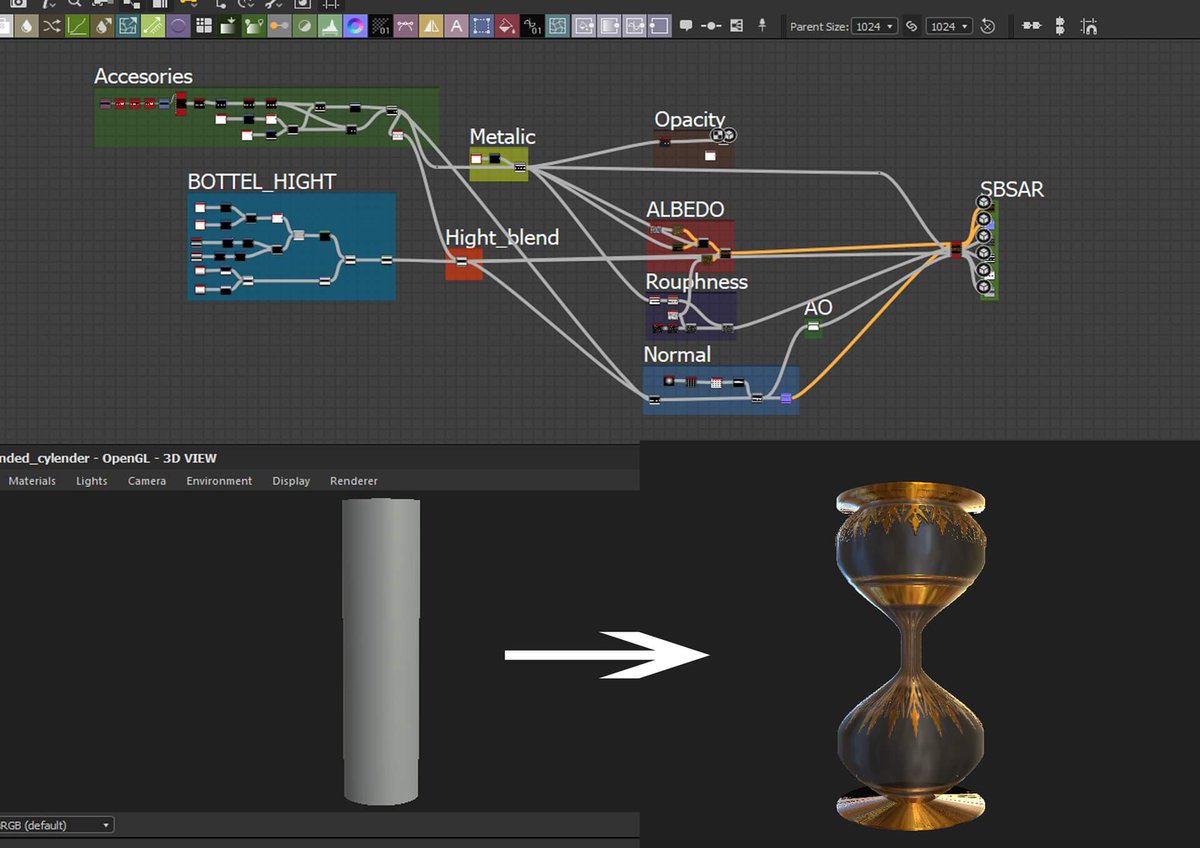
Day 3 of the #Mayterials challenge!
Prompt: #primitive
100% Substance designer
#Sand_glass @TheClubDiscord
artstation.com/artwork/ykVvP…
#SubstanceDesigner #Material #MaterialCreation #texture #procedural x.com/MorySayedk/status/1397…
3
5
25 May 2021
Day 3 of the #Mayterials challenge!
Prompt: #primitive
100% Substance designer
#Sand_glass @TheClubDiscord
artstation.com/artwork/ykVvP…
#SubstanceDesigner #Material #MaterialCreation #texture #procedural
1
19 May 2021
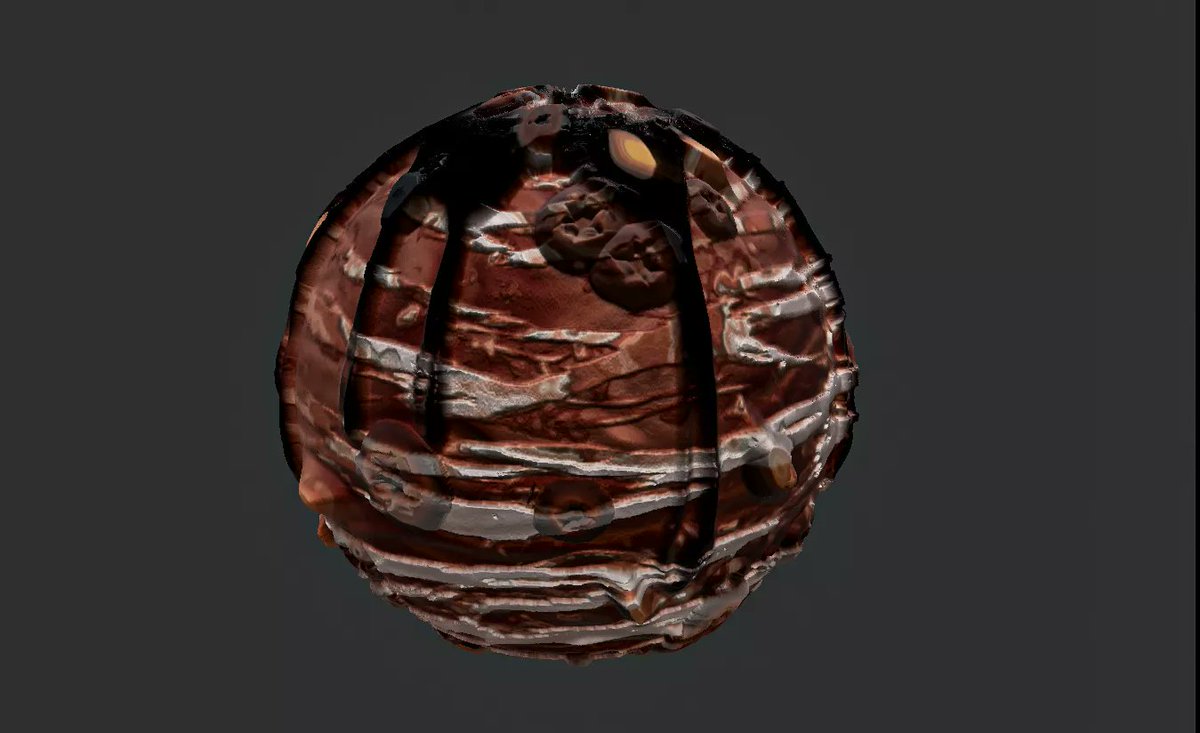
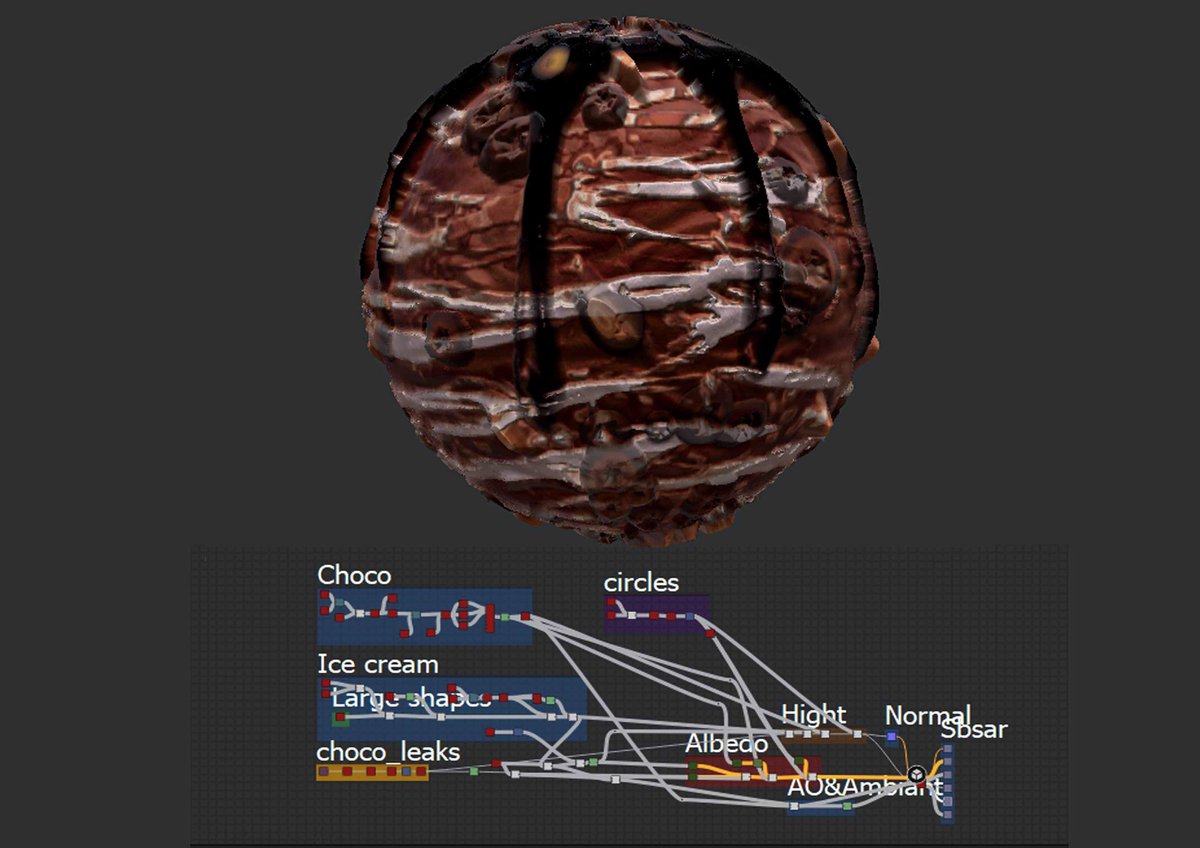
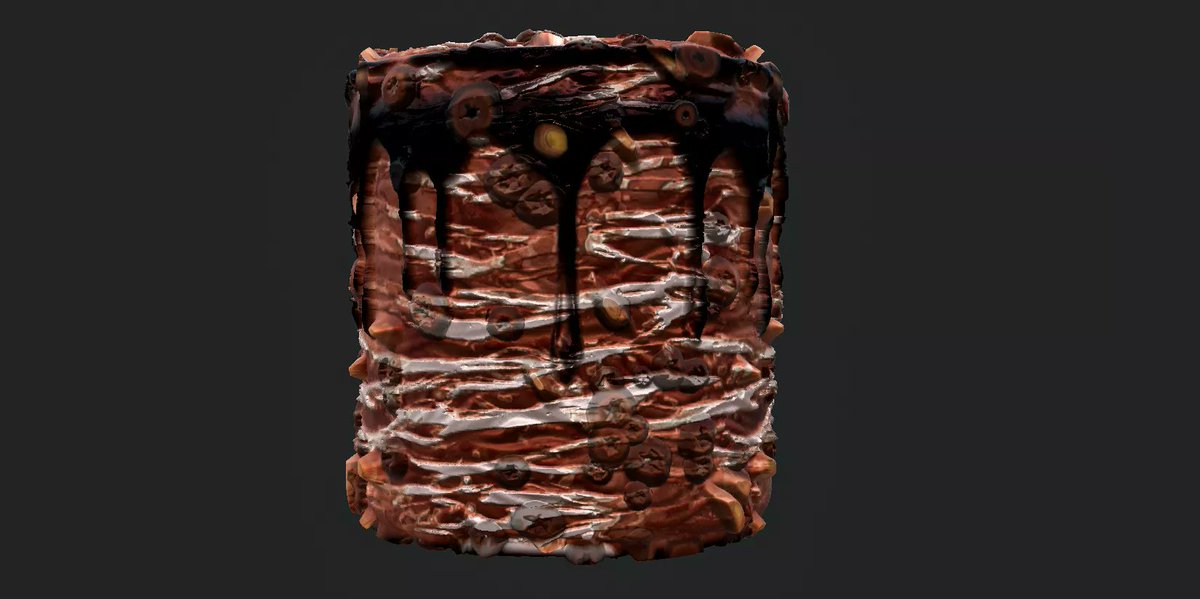
Day 2 of the #Mayterials challenge!
Prompt: #Summer
100% Substance designer
#icecream #chocolate @TheClubDiscord
#SubstanceDesigner #Material #MaterialCreation #texture #procedural x.com/MorySayedk/status/1395…
2
19 May 2021
Second material with substance designer ✌️
Day 2 of the #Mayterials challenge!
Prompt: #Summer
100% Substance designer
#icecream #chocolate @TheClubDiscord
#SubstanceDesigner #Material #MaterialCreation #texture #procedural
1
6

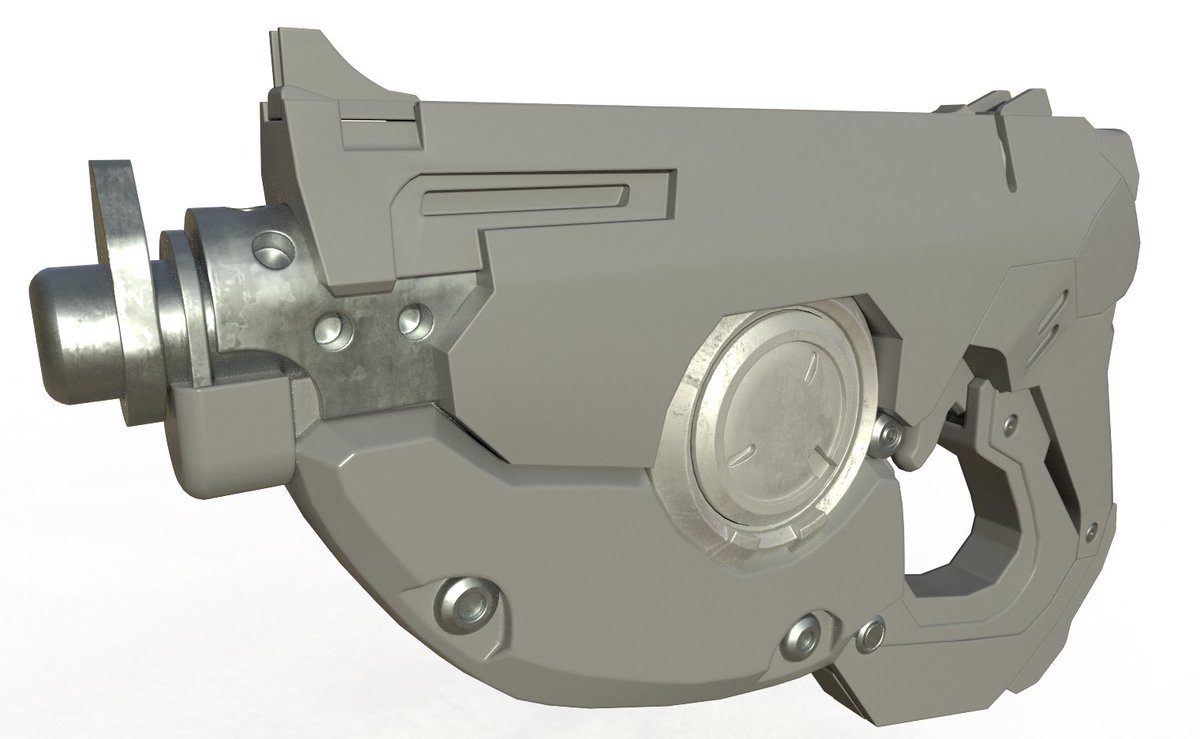
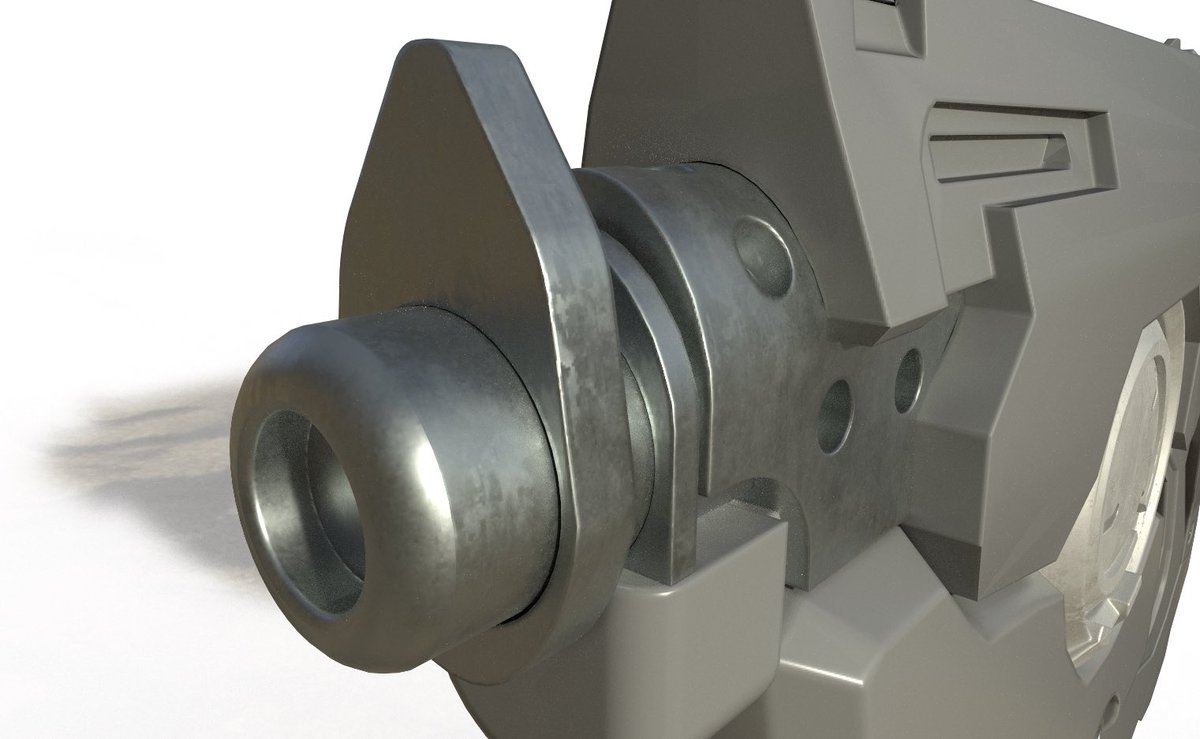
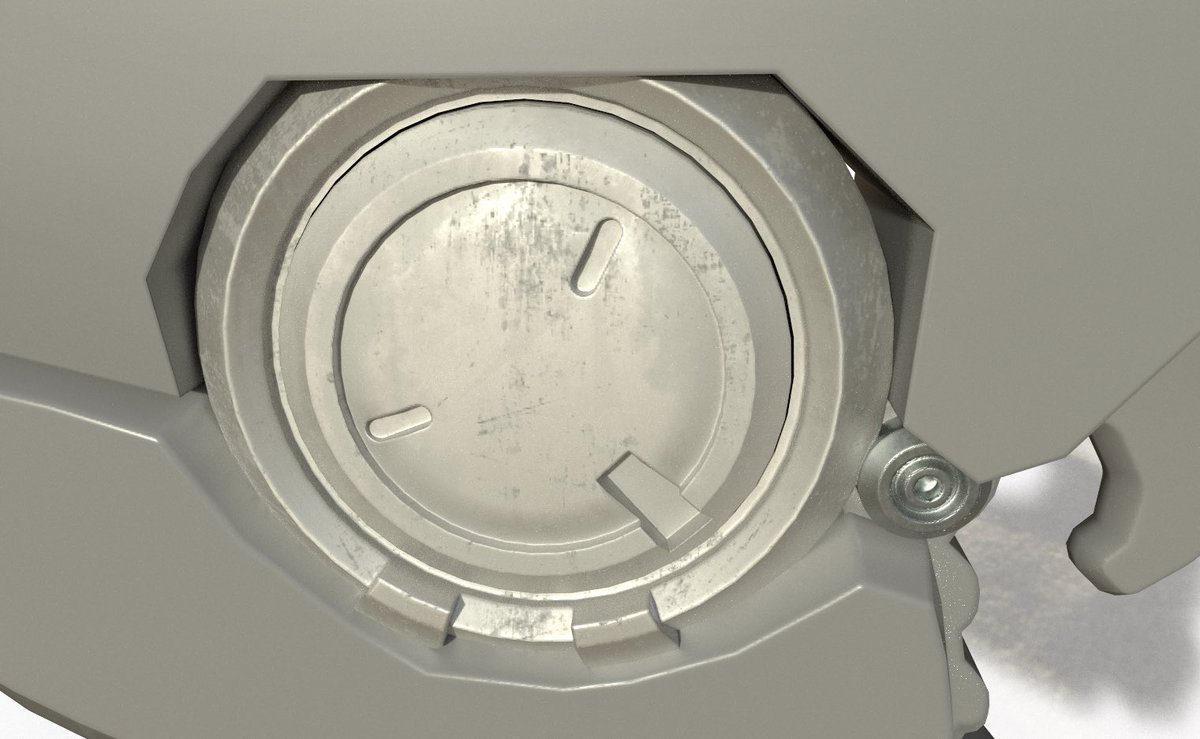
Some #WIP for an #asset I’m working on #texturing in #SubstancPainter. I didn’t create the model. #ArtistOnTwitter #3dart #3dartist #cgi #texturepainting #materialcreation #adobe #painting #asset #tracer #gameasset #Overwatch #metal #weapon #weaponart #cgart #cgartist #geared3d
1
1
3

19 Jan 2020
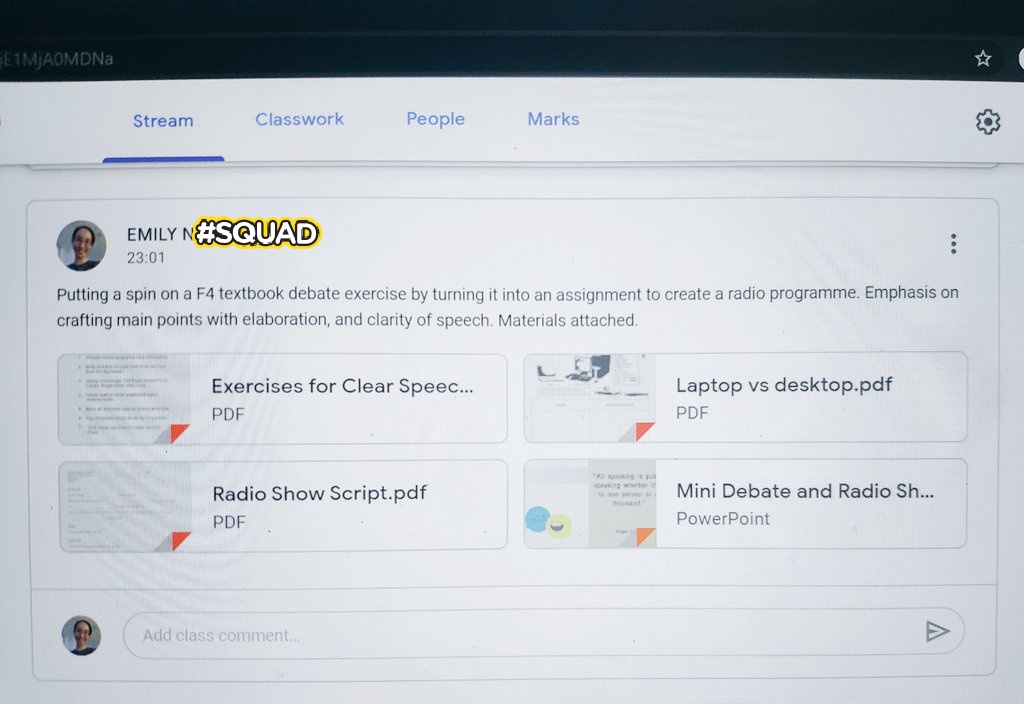
Tampaknya segala ilmu yg dicurah oleh pensyarah IPG kita tidak sia2. Malah, ia diamalkan saban hari dlm kerjaya kita sebagai guru. #materialcreation #materialadaptation #ESL
3

14 Jan 2020
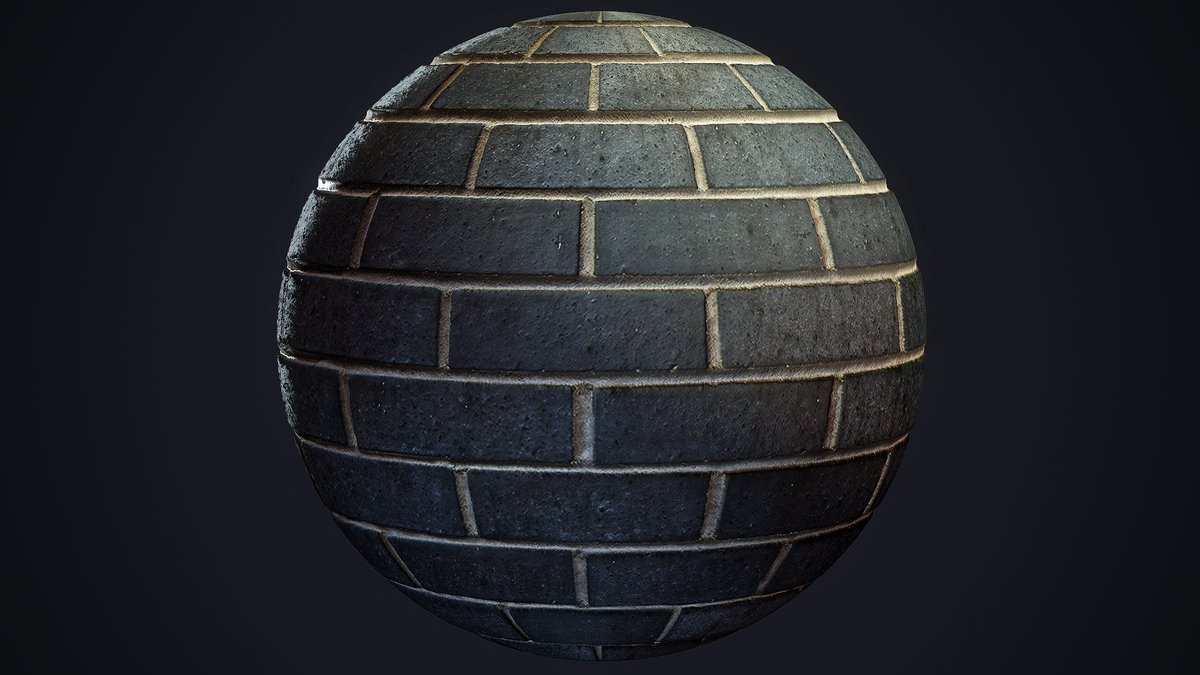
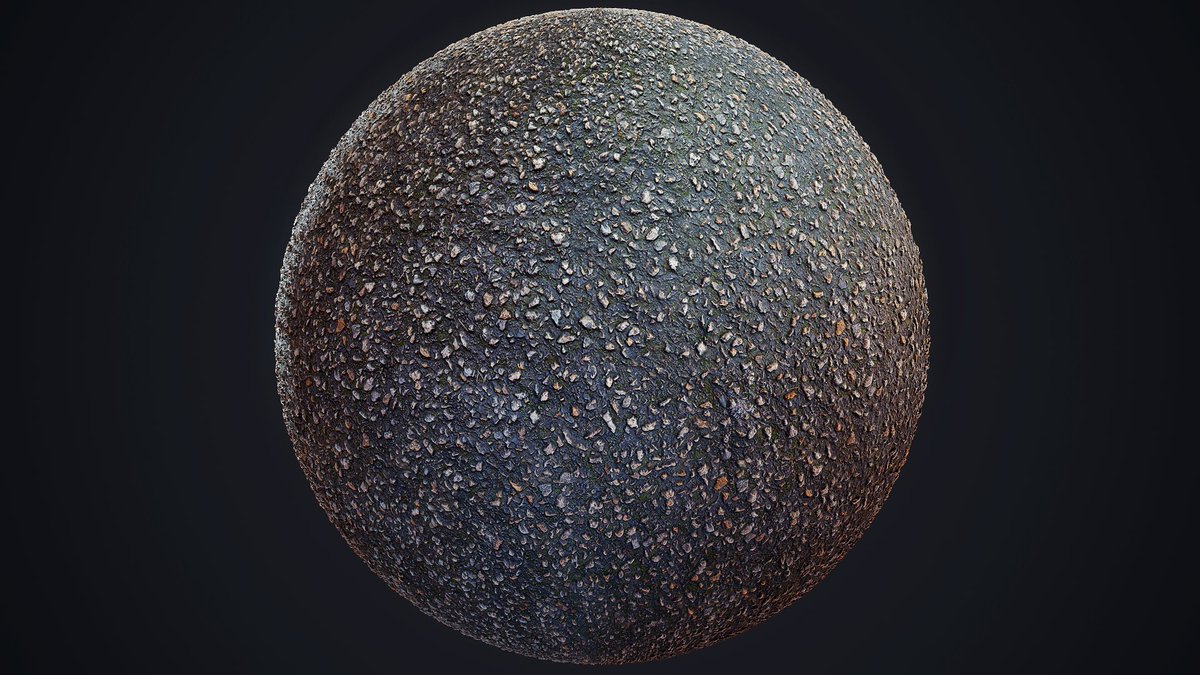
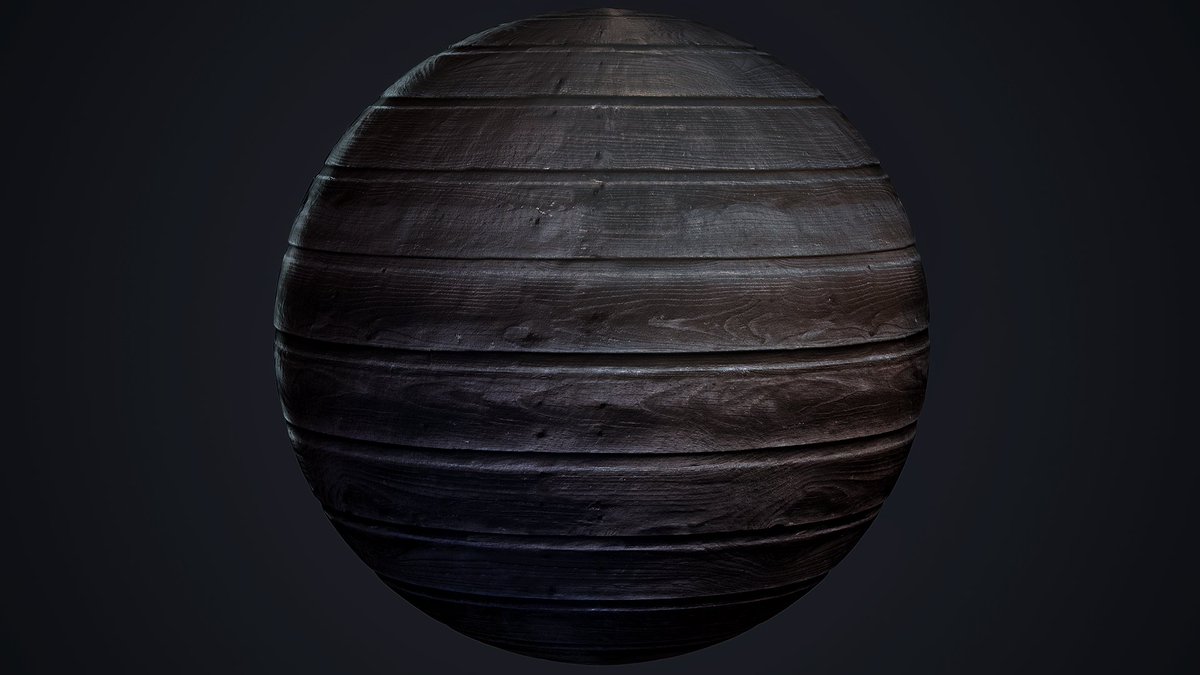
I recently finished my photogrammetry materials that were made as part of a university assignment!
Feel free to leave me some feedback!
More information and HQ images:
artstation.com/artwork/KaDGy…
#Photogrammetry #MaterialCreation #PhotoScan #Texture #Material #ScanData
6

5 Aug 2019
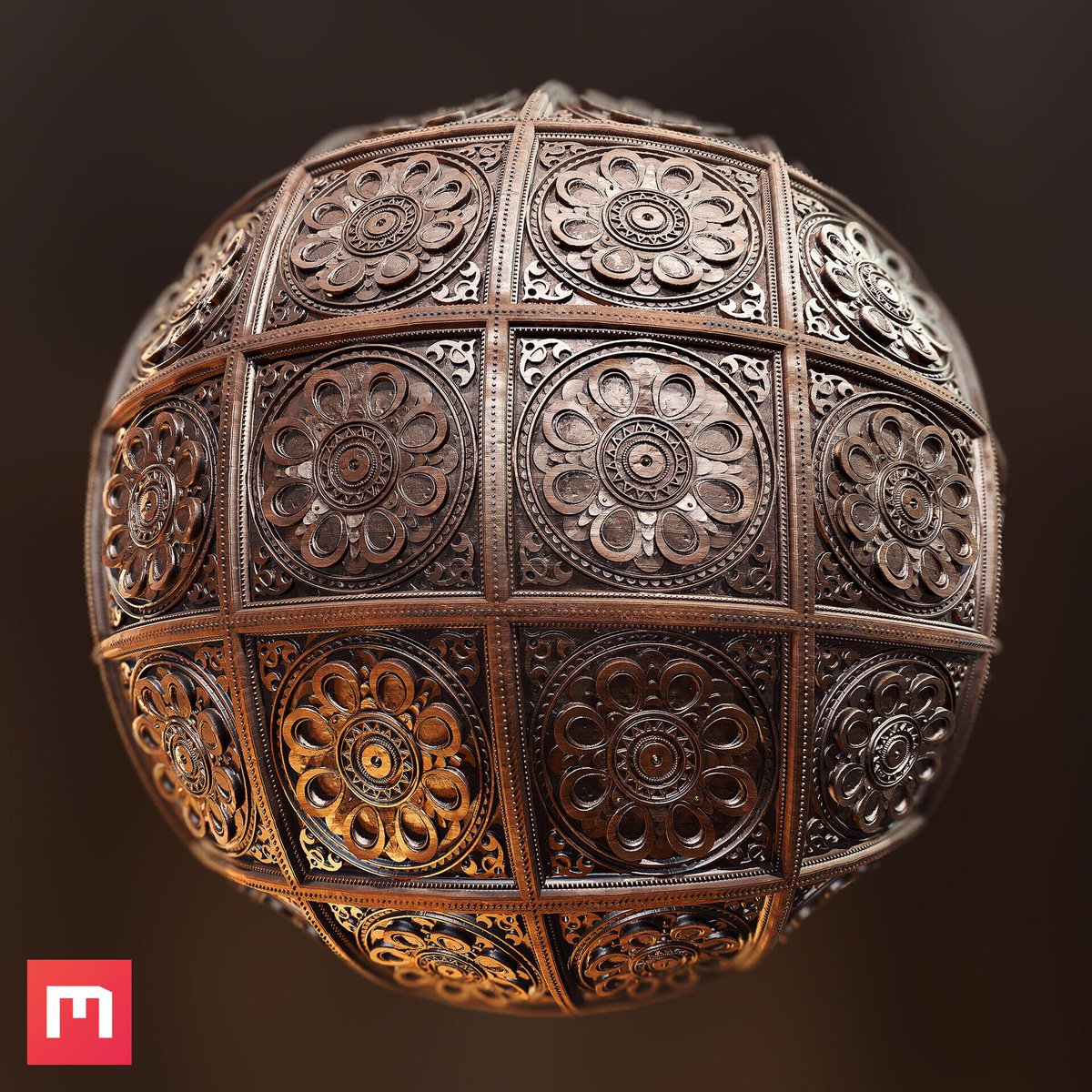
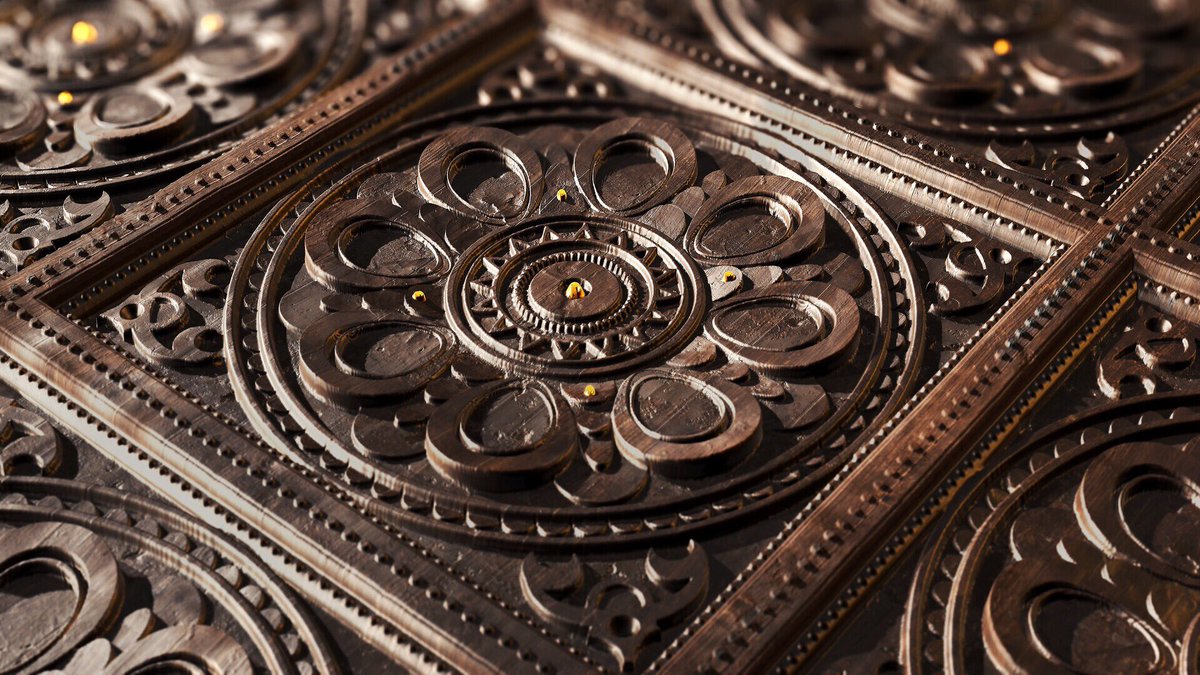
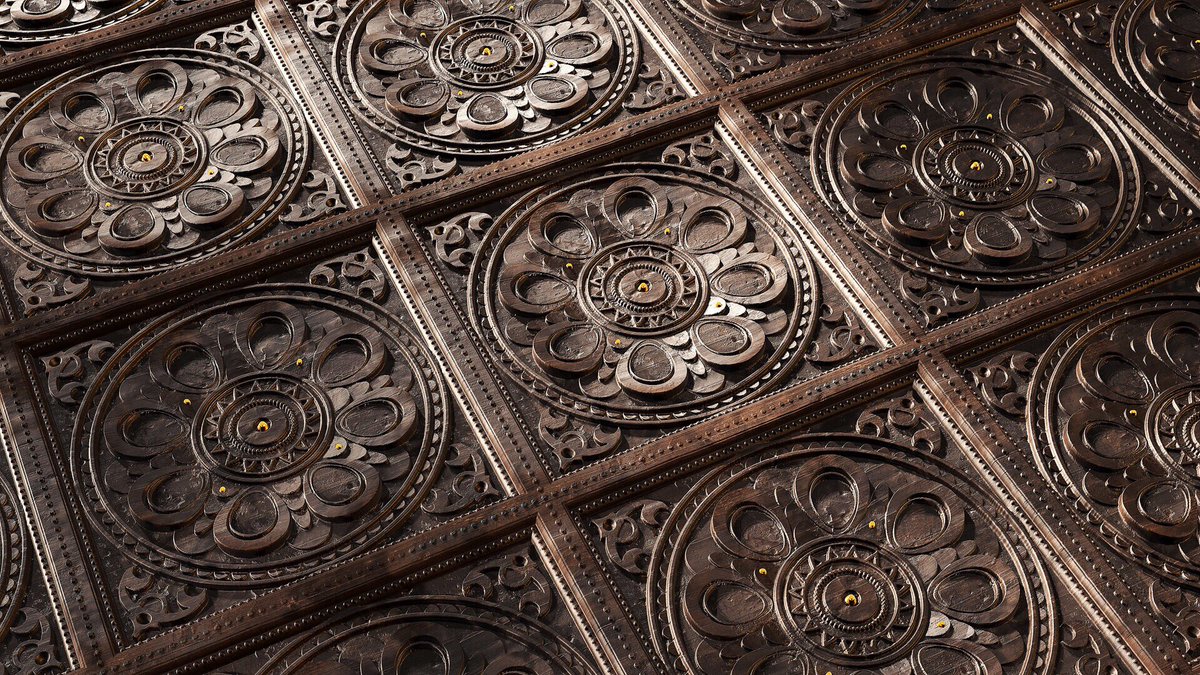
Procedural Ornate Wood by Majid Azim using the procedural tools in Mixer and detailed textures from Megascans. 👌
artstation.com/artwork/rR5XE…
#quixel #quixelmixer #megascans #marmoset #toolbag #ornate #wood #material #texture #scandata #procedural #materialcreation
8
41