
Here is a step by step framework to systematically re-wire your brain and fingers for high-speed typing. If you follow these steps in order, you can easily double your words-per-minute (WPM).
STEP 1: Fix Your Anchor Points (The Setup)
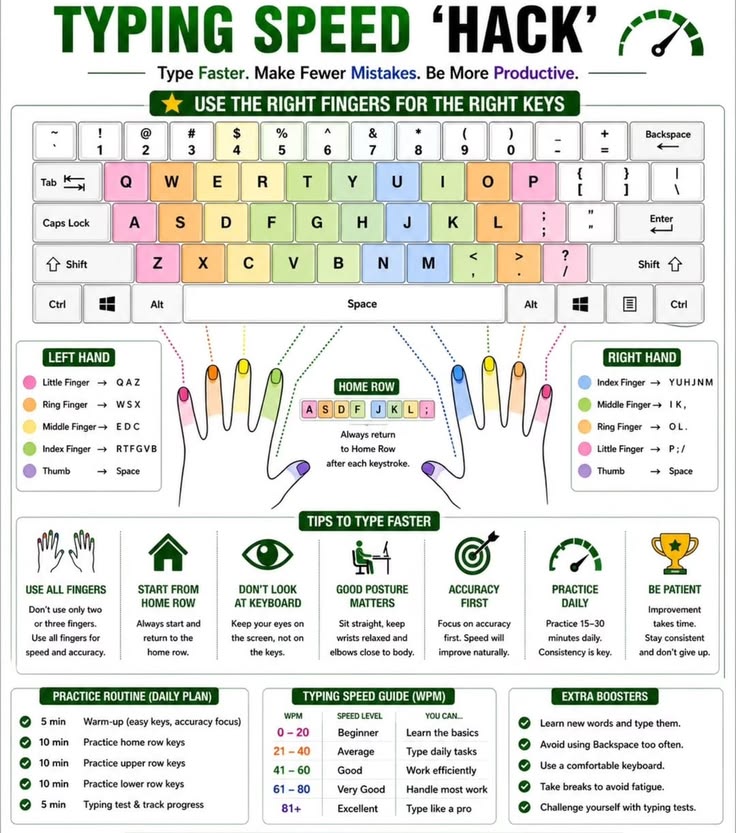
Before you type a single letter, your hands must be positioned correctly so your fingers don't have to "search" for keys.
Locate the Bumps: Look at your keyboard and find the physical, raised ridges on the F and J keys.
Place Your Index Fingers: Your left index finger goes on F, and your right index finger goes on J.
Rest on the Home Row: Let your remaining fingers rest naturally on the keys next to them ("A-S-D-F" for the left hand, and "J-K-L-;" for the right hand).
The Rule: Every time a finger moves away to hit a top or bottom key, it must immediately snap back to its home row position.
STEP 2: Assign Strict "Finger Territories"
Stop using your index fingers for everything. Each finger is responsible for a specific diagonal column of keys.
Pinkies: Responsible for the outer edges (e.g., Left pinky handles Q, A, Z, Shift; Right pinky handles P, ;, /, Enter).
Thumbs: Only used for the Spacebar. Pick one dominant thumb (usually the right) and stick to it.
The Discipline: Never cross territories. If a key belongs to your left ring finger (like W, S, X), never reach over with your middle finger to hit it.
STEP 3: Blindfold Your Eyes (The Core Hack)
Looking down at the keyboard is the #1 reason people type slowly. Your eyes can only focus on one thing at a time, the screen or your fingers.
The Hack: Force yourself to look only at the monitor. If you misspell a word, do not look down to fix it. Use your muscle memory to find the backspace key, delete it, and try again while looking at the screen.
Pro-Tip: If you can't resist looking down, throw a light hand towel over your hands while you practice.
STEP 4: Prioritize Accuracy Over Speed
Trying to type fast before mastering accuracy actually trains your brain to make mistakes faster.
The Slower-is-Faster Principle: Slow down your rhythm until you can hit 98% to 100% accuracy.
Why this works: When you don't make mistakes, you never have to hit the backspace key. Stopping to hit backspace and re-type a word destroys your writing momentum and cuts your speed in half. Speed naturally builds once the accuracy is locked in.
STEP 5: Master the Navigation Shortcuts
Stop reaching for your mouse to move the cursor or fix a word. Every time your hand leaves the keyboard, you lose precious seconds.
Delete a whole word: Press Ctrl Backspace (Windows) or Cmd Delete (Mac).
Jump over words: Hold Ctrl (or Option on Mac) and use the Left/Right Arrows to skip across text instantly instead of tapping the arrow keys repeatedly.
Highlight text instantly: Hold Shift Ctrl Arrow Keys to select whole words at a time for quick deleting or editing.
TRACK YOUR PROGRESS
Spend just 10 minutes a day on a clean, free testing site like Monkeytype or Keybr. Within two weeks, your hands will start typing your thoughts automatically without you even thinking about the keys.
1
57

If you got time, then you can check
But yeah I admire monkeytype themes
10


Jun 12
while ppl are stuck at doing monkeytype... Bro building typing racer in cli🚀🚀
1
21

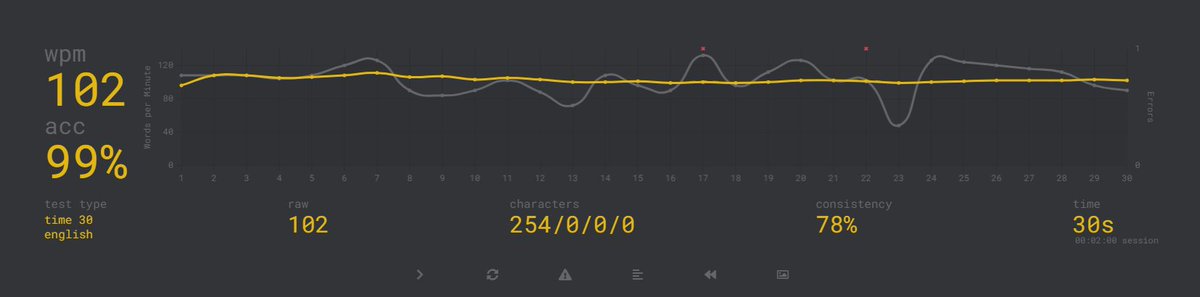
久しぶりにmonkeytypeをやってみた
結構ミス抑えればちゃんと速度出せるなまだ
ただ前よりは確実に遅い気がする
2
3
361

anyways if anyone wants to be friends on monkeytype while we wait
1
1
22

Jun 11
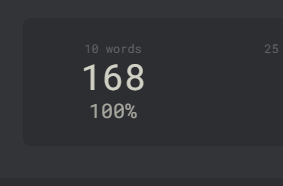
Okay we are going to start doing typing speed competitions, my record is 168wpm on monkeytype (The best typing test) so far
This will be a great indicator of mitochondrial function, finger lactate, and more
Use 10 word bursts or 15-30 second timed tests on monkeytype
8
16
2,158


Jun 10
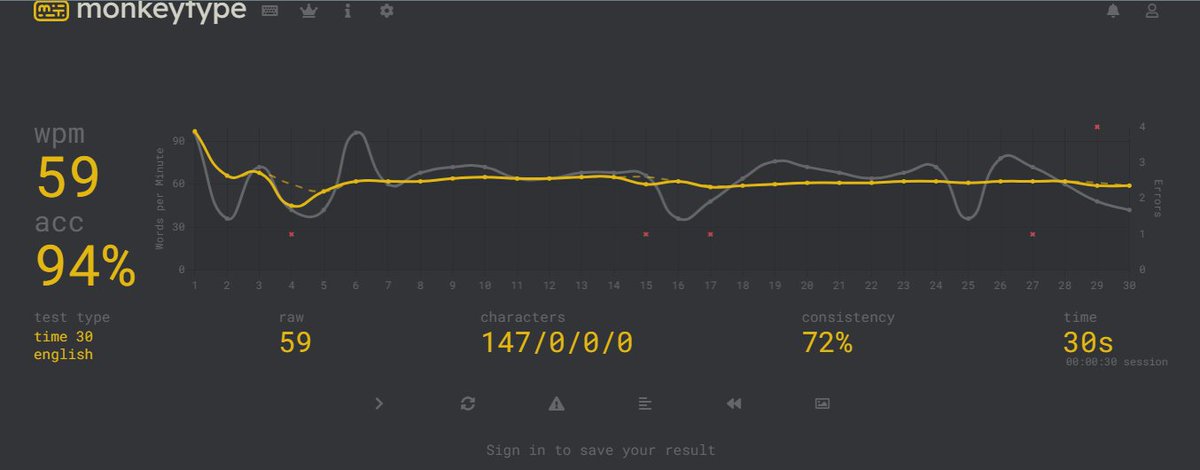
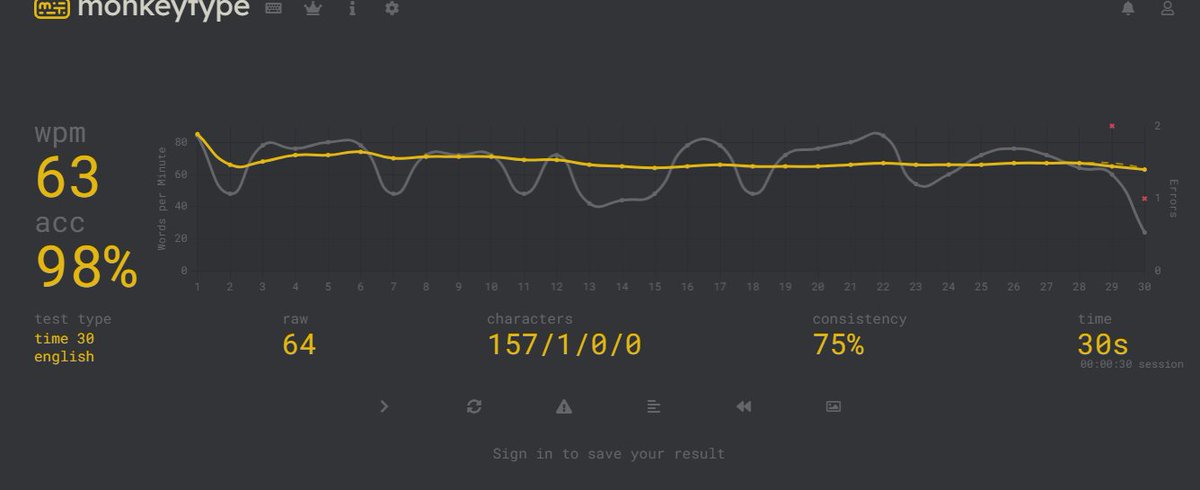
When you are a chatter, you gotta be good and fast at the keyboard, and for that, pages like MonkeyType are essential. Here are some of my typing scores and how many WPM I can do. #chatter #chatseller #writer #onlyfanschatter #adultcontent
12

Priyansh Prajapat retweeted

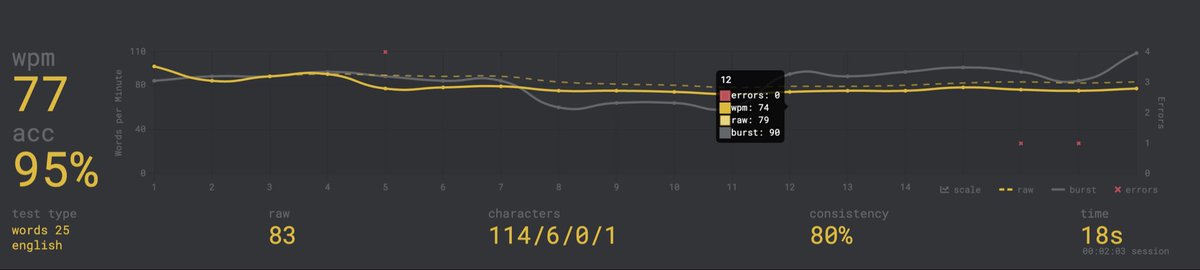
Random monkeytype Test
not smooth right?
1
1
7
337

Jun 10
There's consistent activity in r/learnprogramming, r/cscareerquestions, and r/webdev — developers and CS students asking for typing tools that use real code instead of random prose, comparing Monkeytype to alternatives, and looking for tools that track syntax-specific accuracy.
23


Jun 9
Claude Fable 5 is no joke 🎯
Prompt: "create a monkeytype-like typing test webapp. Minimalist, smooth, no AI-slop design. One HTML file."
DAMN!
3
148