
Jun 12
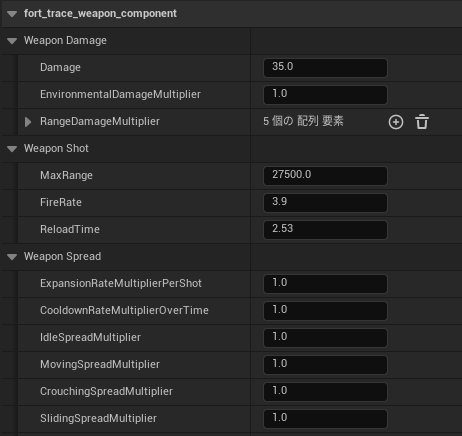
fort_trace_weapon_componentは武器性能の本体。ダメージ量や弾道エフェクトなどを管理している。
アサルトライフルのfort_trace_weapon_component構成⇩
Damage:1発あたりのダメージ
EnvironmentalDamageMultiplier:建築物やオブジェクトへのダメージ倍率
RangeDamageMultiplier:距離減衰
MaxRange:有効射程距離
FireRate:1秒間に何発うつか
ReloadTime:リロード時間
ExpansionRateMultiplierPerShot:連発するとレティクル(画面中央に表示される照準マーク)が広がる量
CooldownRateMultiplierOverTime:撃つのをやめた後、レティクルが元に戻る速度
IdleSpreadMultiplier:立ち止まり時の精度
MovingSpreadMultiplier:歩いている時の精度
CrouchingSpreadMultiplier:しゃがんでいる時の精度
SlidingSpreadMultiplier:スライディング時の精度
SprintingSpreadMultiplier:ダッシュ時の精度
AimDownSightSpreadMultiplier:照準をのぞきこんだ時の精度
RecoilMultiplier:反動倍率
AimDownSightRecoilMultiplier:照準をのぞきこんだ時の反動倍率
MagazineCapacity:マガジンサイズ
ShotAmmoCost:1回撃つと消費する弾数
MuzzleOffset:銃口の位置
MuzzleFlash:銃口の火花エフェクト
BulletTracer:弾道エフェクト
EjectionPortOffset:薬莢が飛び出す場所
BulletShells:薬莢エフェクト
WeaponFireSound:発射音
EquipSound:武器持ち替え音
AimingDownSightsStartSound:照準をのぞきこみ開始音
AimingDownSightsEndSound:照準をのぞきこみ解除音
ReloadStartSound:リロード開始音
ReloadInsertSound:弾を入れる音
ReloadEndSound:リロード完了音
OutOfAmmoSound:弾切れ音
#Fortnite #UEFN
1
626

Jun 11
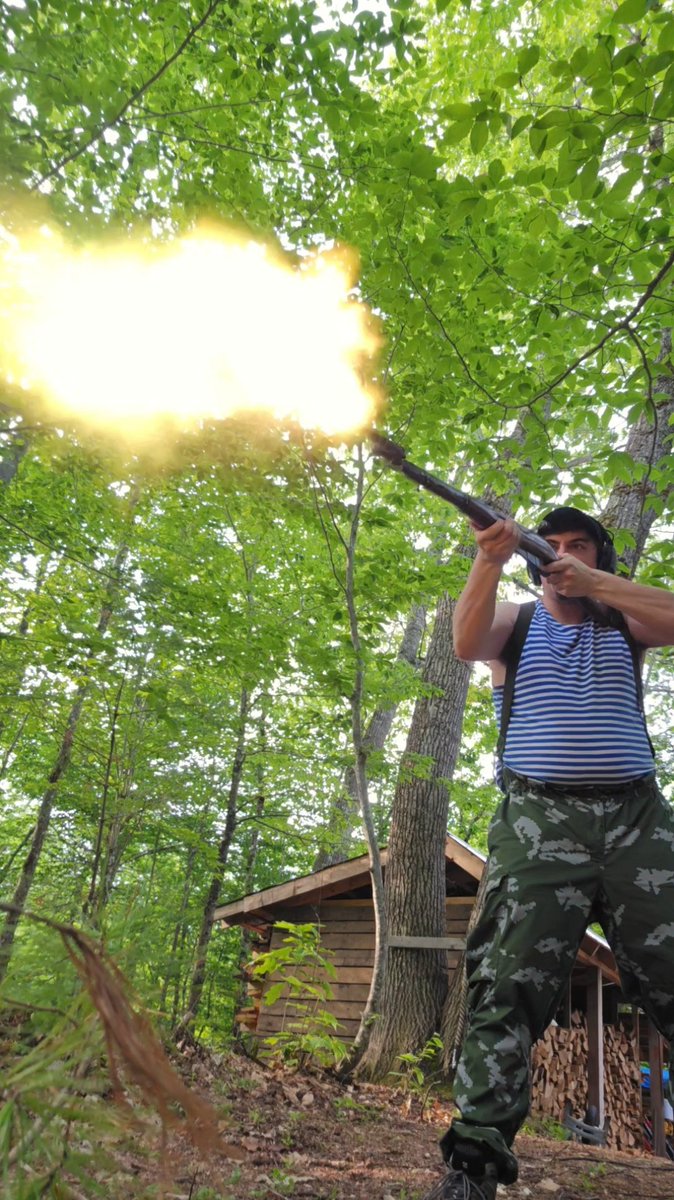
Only thing that irks me is the tiny muzzleflash. no one seems able to reproduce the booming firing noise from the OG anymore 😪
49

Moist nugget time
#rifle #boltaction #mosinnagant #m44carbine #russurp #shooting #muzzleflash #pewpewpew #2a #secondammendment
14

For you People's Can Enjoyers:
The People's Can is light. It is stronk. But it is also Ti and Ti sparks under low-light. This is a proposed solution: A Flash Cap. It replaces your regular endcap, adds ~1-5/8" to your OAL (incl a bonus baffle because the back is hollow) and its stainless so it will mitigate or eliminate muzzleflash. We will see (or we wont!)
Beta pricing exists for this one at nearly cost, as long as you will do some night shooting and send us the results.
DM for details.
7
3
25
861


Mar 12
#AfterEffects #NFPlugins AEプラグイン集。NF-MuzzleFlashとRandomMosaicを追加。
github.com/bryful/F-s-Plugin…
この際だから、当初予定していなかったChannelBlue/ChannelShift等も移植してしまおうかな?
8
109
3,754

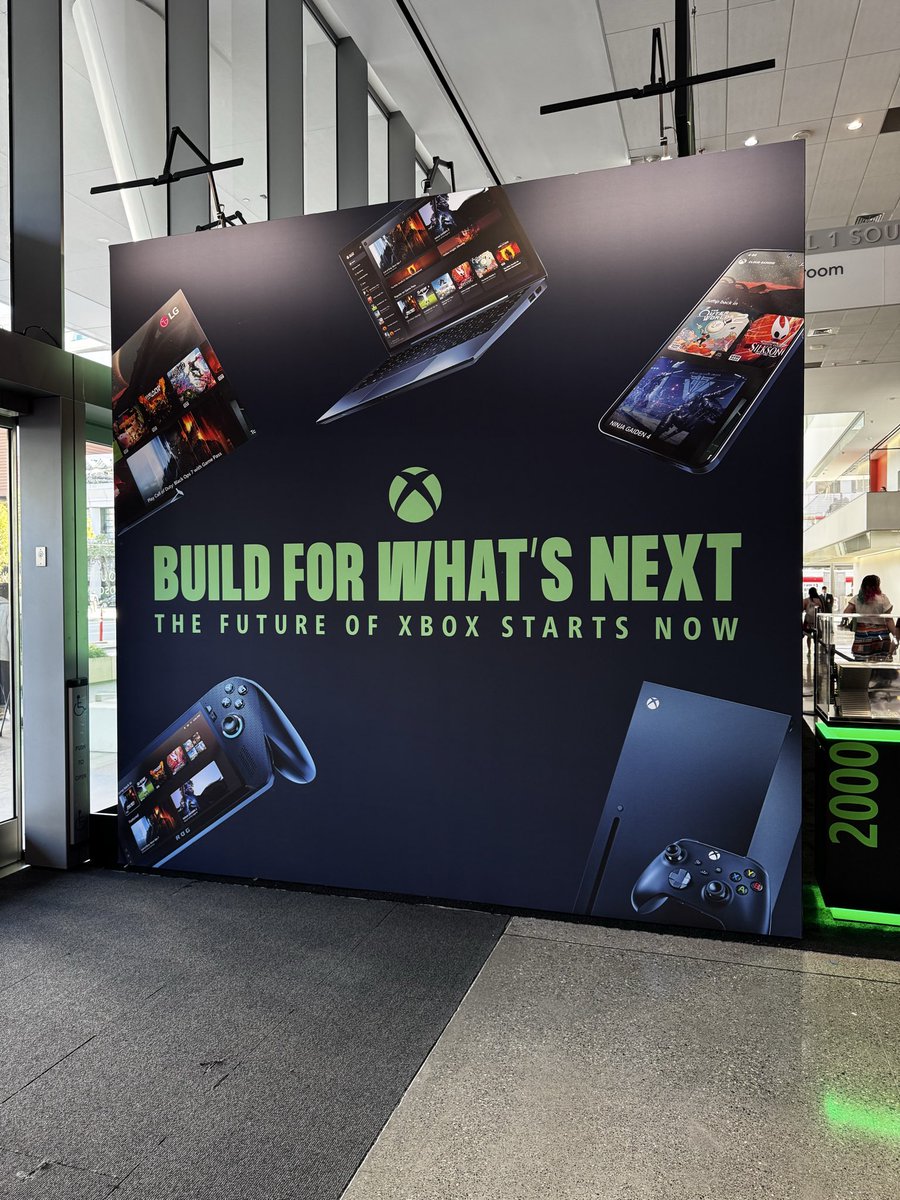
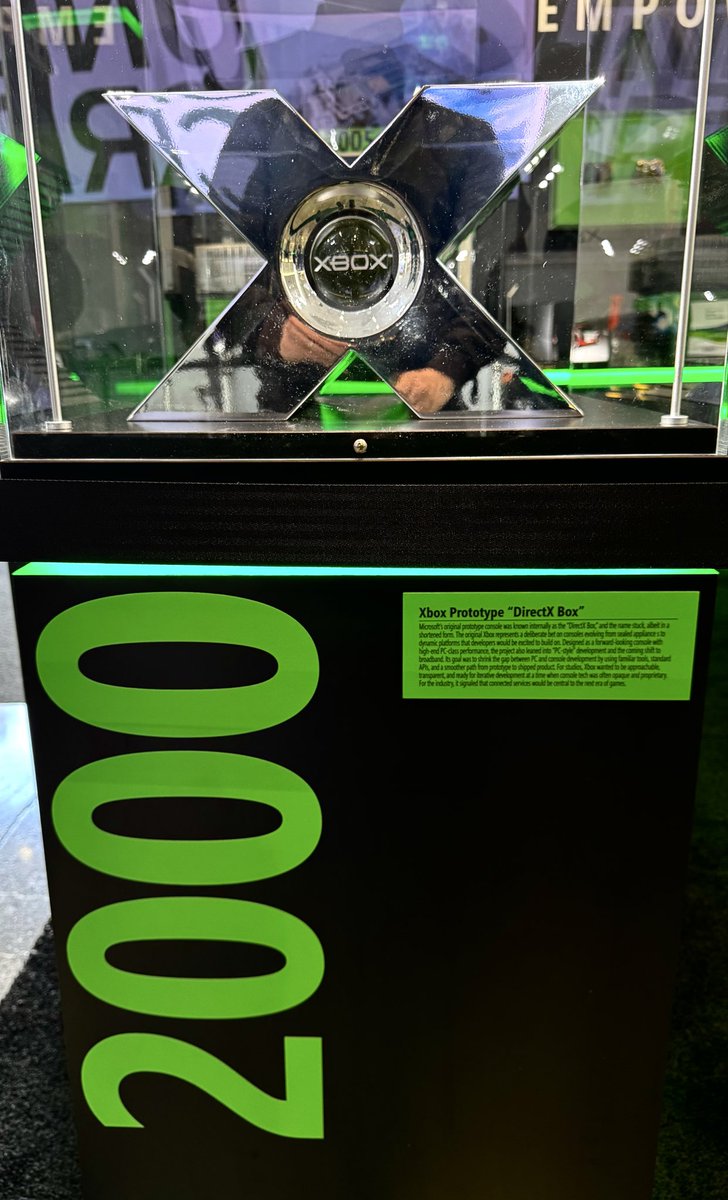
2001の開発機懐かしい!『MuzzleFlash』作ってた。

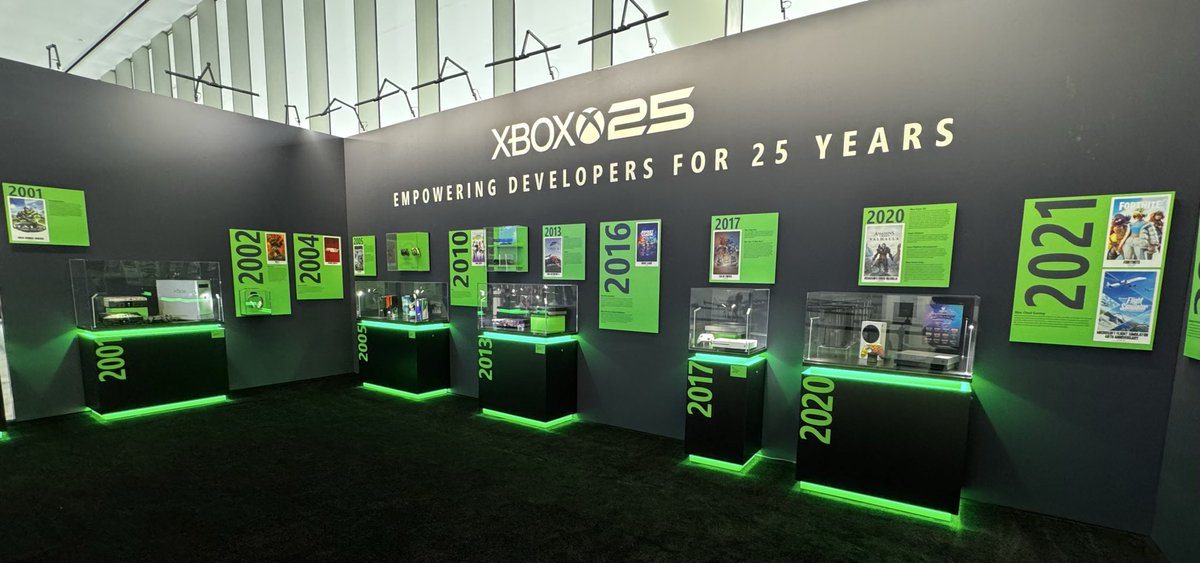
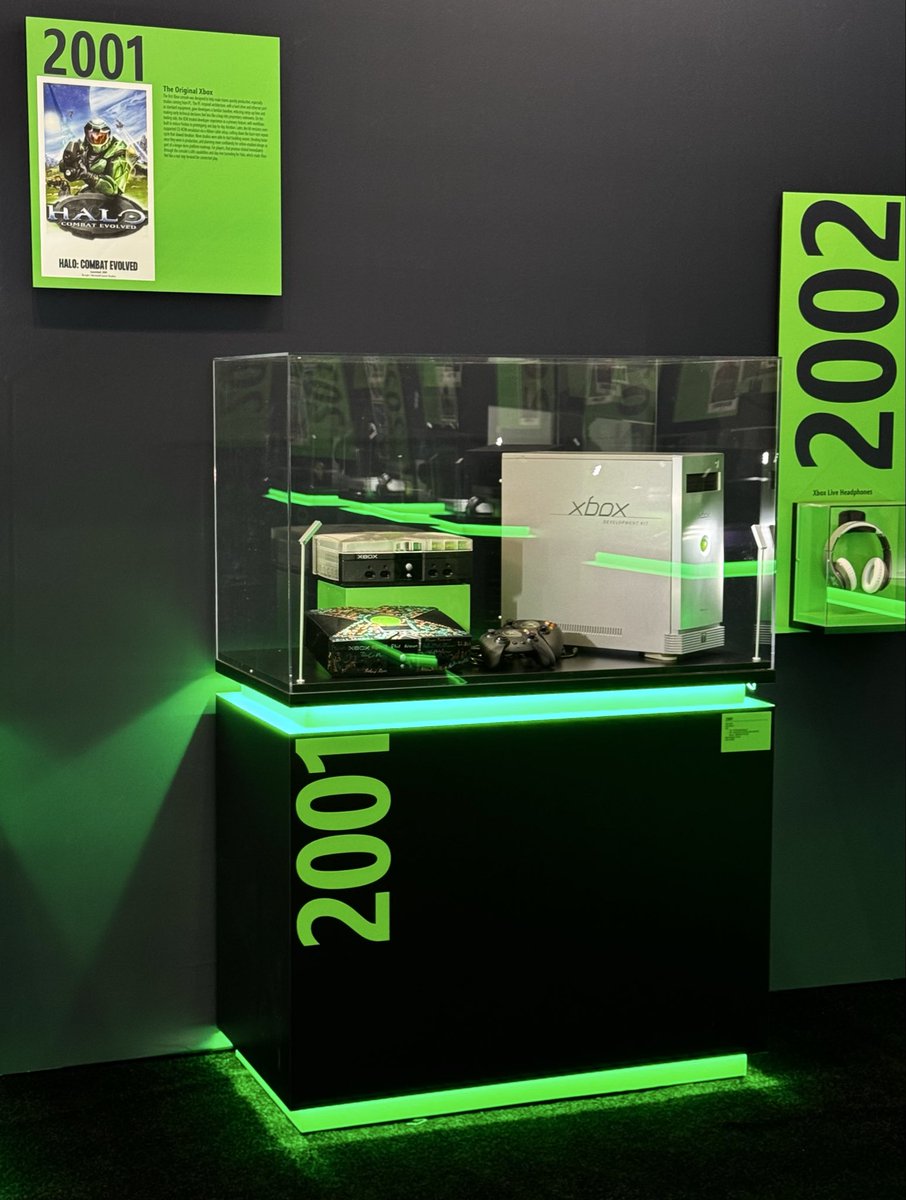
2
223

Mar 11
it all started off innocently enough. chatting with my openclaw ai agent and he just spit out the code for a retrostyle sidescroller nintendo style game. one huge program. as i started adding artwork, the program was getting bloated. i asked @grok how we coul;d improve on the impending situation as i have ton of artwork to add. grok said - 'We need to perform a modular refactoring from monolithic script to a clean OOP package structure. so that's what we did...
down the rabbit hole i have fallen-
The process — taking a single big script and breaking it into smaller, organized, reusable pieces — is commonly called refactoring (or more specifically modular refactoring / refactoring toward modularity).
In the context of what we did here, people often describe it with these terms/phrases:
Refactoring into modules
Modularizing the code
Extracting classes / moving to modular architecture
Splitting monolith into modules (or "monolith-to-modular refactoring")
Applying separation of concerns
Going from script-style to OOP / package-style structure
The most everyday way developers usually say it is:
"I refactored it into modules" "I modularized the code" "I broke the big file up into classes/modules"
So when you look back at our journey:
Started with one big main.py block → monolithic script
Ended with src/main.py src/game/player.py src/game/bullet.py src/game/muzzle_flash.py → modular / object-oriented / package-based structure
You can confidently call it any of these in your thread:
"We refactored the single-file prototype into a clean modular structure"
"Modularized the code into separate classes (Player, Bullet, MuzzleFlash)"
"Went from monolithic script to src/game package layout"
All are accurate and sound natural.
If you want the cool/fancy term to drop in the thread: "We performed a modular refactoring from monolithic script to a clean OOP package structure."
LFG — whenever you're ready for the next step (muzzle flash final lock dog companion), just say the word. 🖤🥃
more-
Johnny Qwick Runner Revival – Clean Restart Summary (March 10, 2026)
Fresh thread for the chibi John Wick side-scrolling run-and-gun on Raspberry Pi. Clean src layout, modular code, git committed, venv active, assets ready.
Current Project Structure:
text
johnny_qwick_runner/
├── assets/
│ └── sprites/
│ ├── johnny_idle_right.png
│ ├── johnny_walk_right_1.png
│ └── johnny_walk_right_2.png
├── src/
│ ├── main.py
│ └── game/
│ ├── player.py ← movement, animation, shooting, muzzle flash
│ ├── bullet.py
│ └── muzzle_flash.py
├── pyproject.toml
├── requirements.txt
├── README.md
├── .gitignore
└── .git/
What’s Working Right Now:
1152×500 window
Scaled player (180 px tall)
Smooth left/right movement (arrows or A/D)
Automatic sprite flip when changing direction
Two-frame walk animation idle when stopped
Shooting with Spacebar (bullets fly in facing direction)
Muzzle flash effect (currently spawning too high — priority #1 to fix)
Git Status:Latest commit: "Working player movement, animation, shooting muzzle flash" (12 files, everything backed up and clean)
Immediate Next Step:Nail the muzzle flash position once and for all (it’s still appearing over Johnny’s head). We’ll tune the exact pixel offsets in one command.
After that:Add the dog companion (follow AI that runs with Johnny).
LFG!!! 🖤🥃
Just paste that into your new thread and we’re off.
While you post it, here’s the muzzle flash fix (with easy-to-tune numbers):
Run this one command (copy-paste the whole block):
Bash
cat > src/game/player.py << 'EOF'
import pygame
from game.bullet import Bullet
from game.muzzle_flash import MuzzleFlash
class Player(pygame.sprite.Sprite):
def __init__(self, screen_width, screen_height):
super().__init__()
try:
self.raw_idle = pygame.image.load("assets/sprites/johnny_idle_right.png").convert_alpha()
self.raw_walk1 = pygame.image.load("assets/sprites/johnny_walk_right_1.png").convert_alpha()
self.raw_walk2 = pygame.image.load("assets/sprites/johnny_walk_right_2.png").convert_alpha()
print("All 3 Johnny sprites loaded successfully!")
except pygame.error as e:
print(f"Failed to load sprite: {e}")
raise
target_height = 180
scale = target_height / self.raw_idle.get_height()
self.idle_right = pygame.transform.smoothscale(self.raw_idle, (int(self.raw_idle.get_width() * scale), target_height))
self.walk1_right = pygame.transform.smoothscale(self.raw_walk1, (int(self.raw_walk1.get_width() * scale), target_height))
self.walk2_right = pygame.transform.smoothscale(self.raw_walk2, (int(self.raw_walk2.get_width() * scale), target_height))
self.idle_left = pygame.transform.flip(self.idle_right, True, False)
self.walk1_left = pygame.transform.flip(self.walk1_right, True, False)
self.walk2_left = pygame.transform.flip(self.walk2_right, True, False)
self.animation_right = [self.walk1_right, self.walk2_right]
self.animation_left = [self.walk1_left, self.walk2_left]
self.current_frame = 0
self.animation_speed = 8
self.frame_timer = 0
self.image = self.idle_right
self.facing_right = True
self.rect = self.image.get_rect()
self.rect.centerx = screen_width // 2
self.rect.centery = screen_height // 2
self.speed = 5
self.bullets = pygame.sprite.Group()
self.muzzle_flashes = pygame.sprite.Group()
self.shoot_cooldown = 0
def update(self):
keys = pygame.key.get_pressed()
dx = 0
moving = False
if keys[pygame.K_LEFT] or keys[pygame.K_a]:
dx = -self.speed
moving = True
if self.facing_right:
self.image = self.idle_left
self.facing_right = False
if keys[pygame.K_RIGHT] or keys[pygame.K_d]:
dx = self.speed
moving = True
if not self.facing_right:
self.image = self.idle_right
self.facing_right = True
self.rect.x = dx
# SHOOTING - TUNABLE MUZZLE FLASH POSITION
self.shoot_cooldown = max(0, self.shoot_cooldown - 1)
if (keys[pygame.K_SPACE] or keys[pygame.K_RETURN]) and self.shoot_cooldown == 0:
self.shoot_cooldown = 8
bullet_x = self.rect.right if self.facing_right else self.rect.left
bullet_y = self.rect.centery - 120 # ← CHANGE THIS NUMBER (lower = down)
bullet = Bullet(bullet_x, bullet_y, self.facing_right)
self.bullets.add(bullet)
flash_x = self.rect.right 0 if self.facing_right else self.rect.left - 20
flash = MuzzleFlash(flash_x, bullet_y)
self.muzzle_flashes.add(flash)
# Walking animation
if moving:
self.frame_timer = 1
if self.frame_timer >= self.animation_speed:
self.frame_timer = 0
self.current_frame = (self.current_frame 1) % 2
self.image = self.animation_right[self.current_frame] if self.facing_right else self.animation_left[self.current_frame]
else:
self.image = self.idle_right if self.facing_right else self.idle_left
self.current_frame = 0
self.frame_timer = 0
self.rect.clamp_ip(pygame.Rect(0, 0, 1152, 500))
def draw(self, surface):
surface.blit(self.image, self.rect)
self.bullets.draw(surface)
self.muzzle_flashes.draw(surface)
EOF
Test:
Bash
python src/main.py
Now just change the number -120 in bullet_y = self.rect.centery - 120 (and re-run the cat command again) until the flash sits exactly on the gun barrel. Try -80, -60, -40, etc. — you’ll see it move instantly.
Once it’s perfect, reply here with “Muzzle flash good” and we’ll immediately add the dog companion.
LFG!!! Drop the test result whenever you’re ready. 🖤🥃
2
8
424


Feb 25
Its safe to assume they're just using blank rounds due to the excessive muzzleflash there...

4
51
1,423

Experimenting with sprites for muzzleflash and slightly tweaked some weapon animations. :)
1
4
16
637

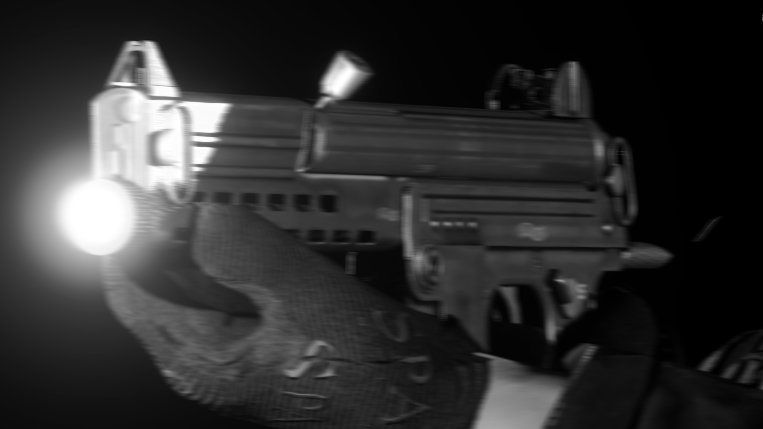

Jan 11
No. Color tempreature of the light and the fact that the light Is focused is not consistent with muzzleflash....
1
4
127

Jan 10
You're seeing the barrel illuminated by the flashlight. If it was a muzzleflash his legs would also be illuminated.
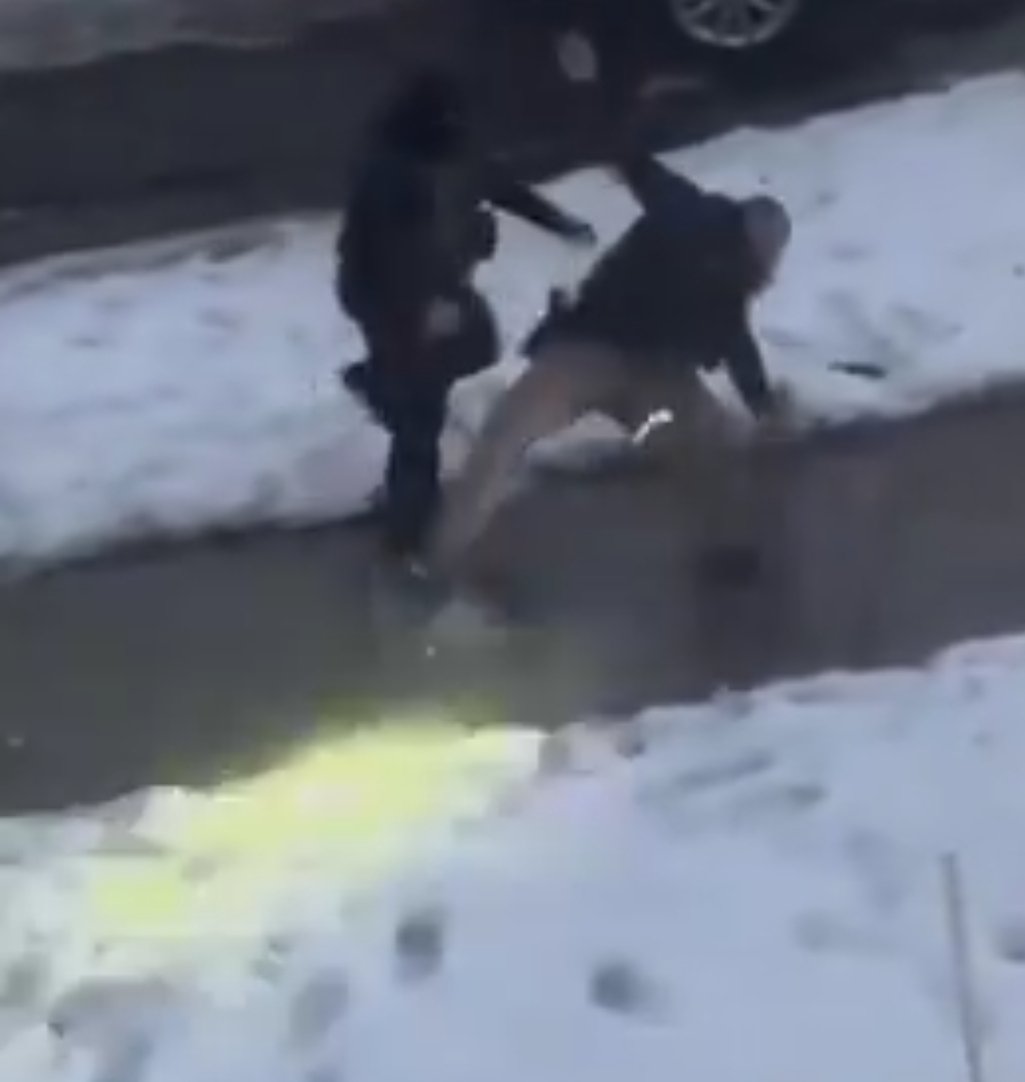
2
3
26

Jan 10
You should sit down after not telling the difference between a flashlight and muzzleflash.
4
60


Jan 8
I really like the machineguns muzzleflash being lil triangles
Looks stylish
3
76

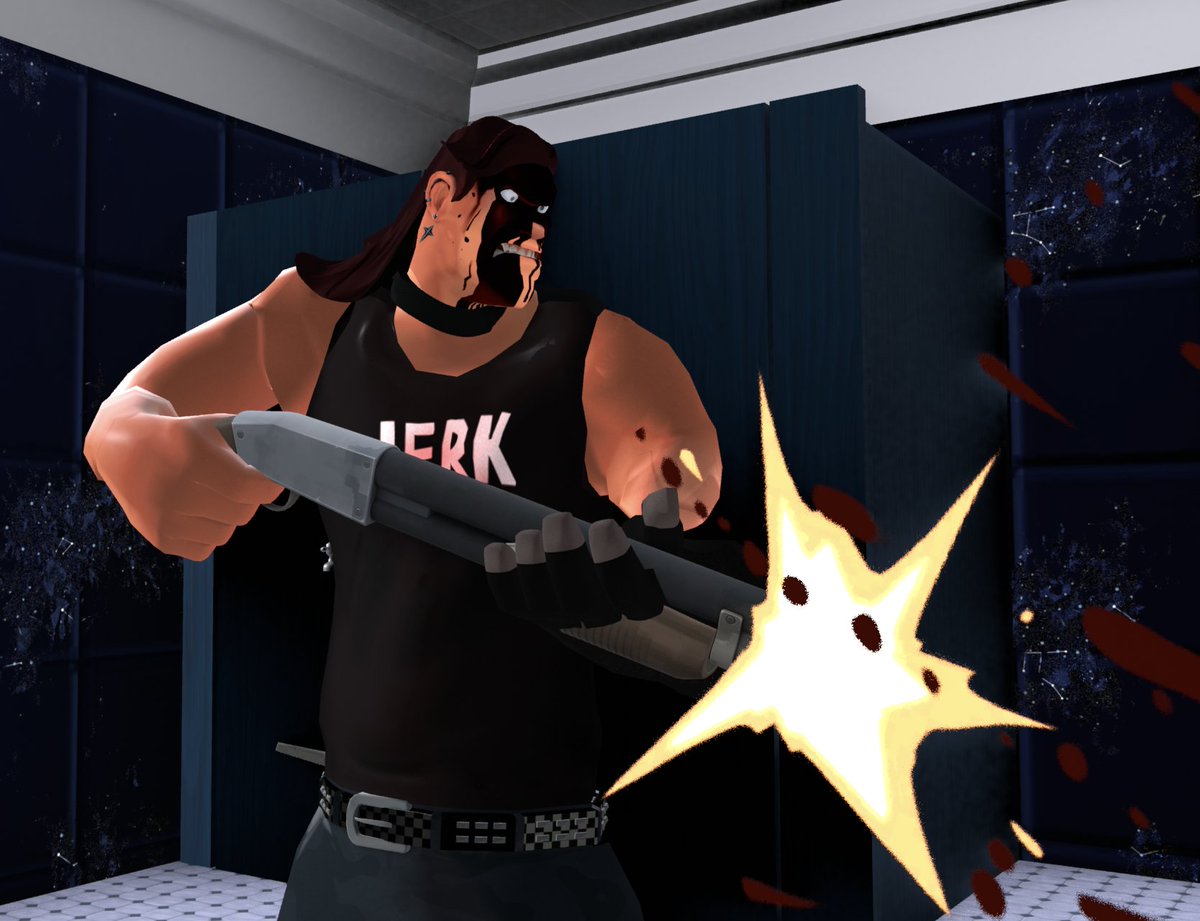
// johns left arm actually IS *roughly* posed as if she's holding the shotgun with both hands, due to muscle memory (the glove is not seen in the final render). also the muzzleflash is just a mesh plane with a toon texture's alpha plugged into the BSDF and the emission cranked up
1
4
146

10 Dec 2025
to be fair if i can see 2-3 seconds in the future i probably can hear the shot or see the muzzleflash, the shot is a straight line most of the time so its easier to dodge than say, a continuous amount of fast close-combat attacks
1
19
1,163