
Chief Investigations Officer @ncptf8 | Co-owner @myosinttrainer | LI: linkedin.com/in/griffin-g | Bsky: bsky.app/profile/hatless1der…
Joined June 2020
- Tweets 1,847
- Following 642
- Followers 12,127
- Likes 2,031
151 Photos and videos








Pinned Tweet

29 Nov 2023
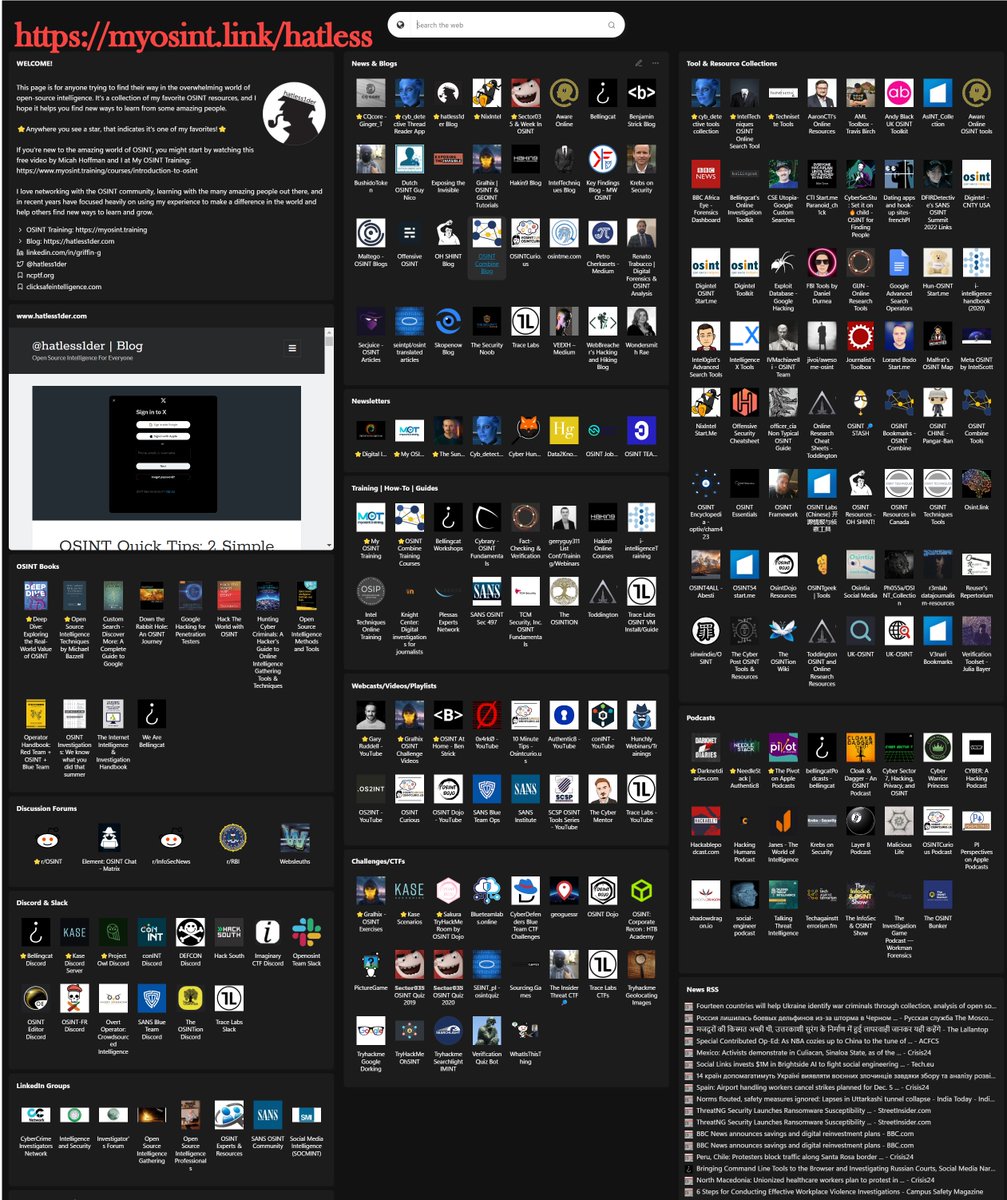
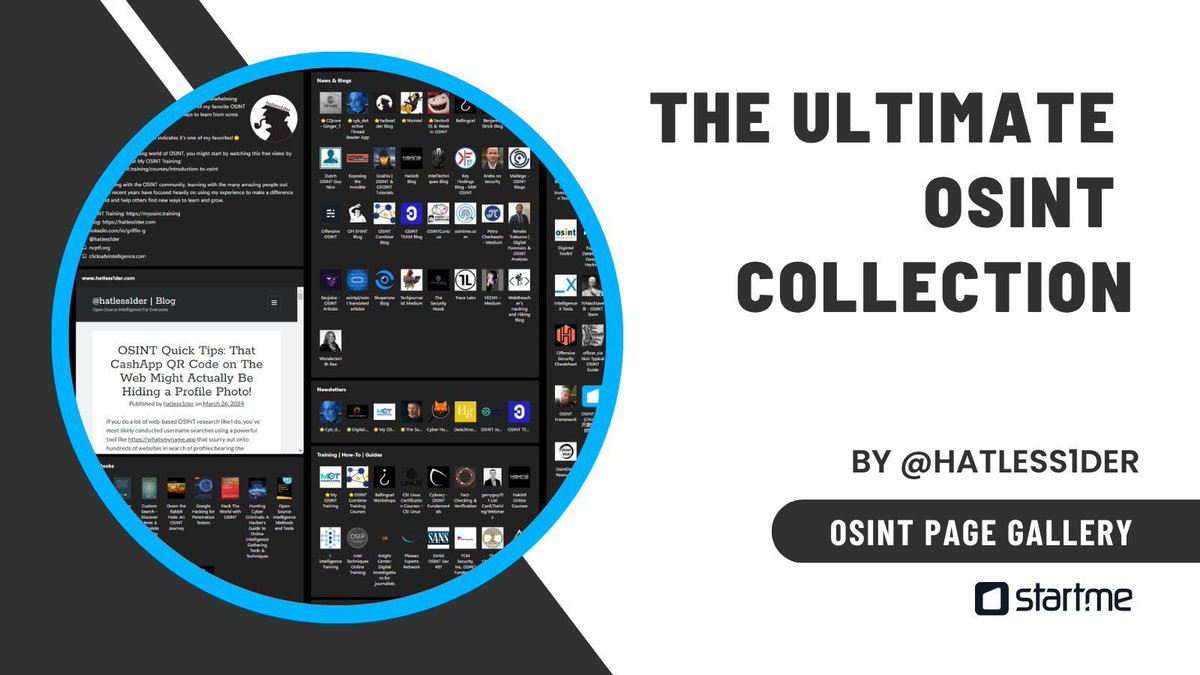
The Ultimate OSINT Collection (@startme)
⭐UPDATES!⭐
✅Added a section for OSINT Newsletters!
⭐Noted a few favorite resources for each section
➕Added some new content
🚫Removed dead links
💤Removed outdated content
Visit: start.me/p/DPYPMz/the-ultima…
5
102
389
41,395

One OSINT page. 2,915 followers. Blogs, tools, training, and newsletters all in one place. Want one dashboard instead of digging through scattered sources? start.me/p/DPYPMz/the-ultima…
#OSINT #infosec
4
45
3,557
Griffin Glynn retweeted

17 Nov 2025
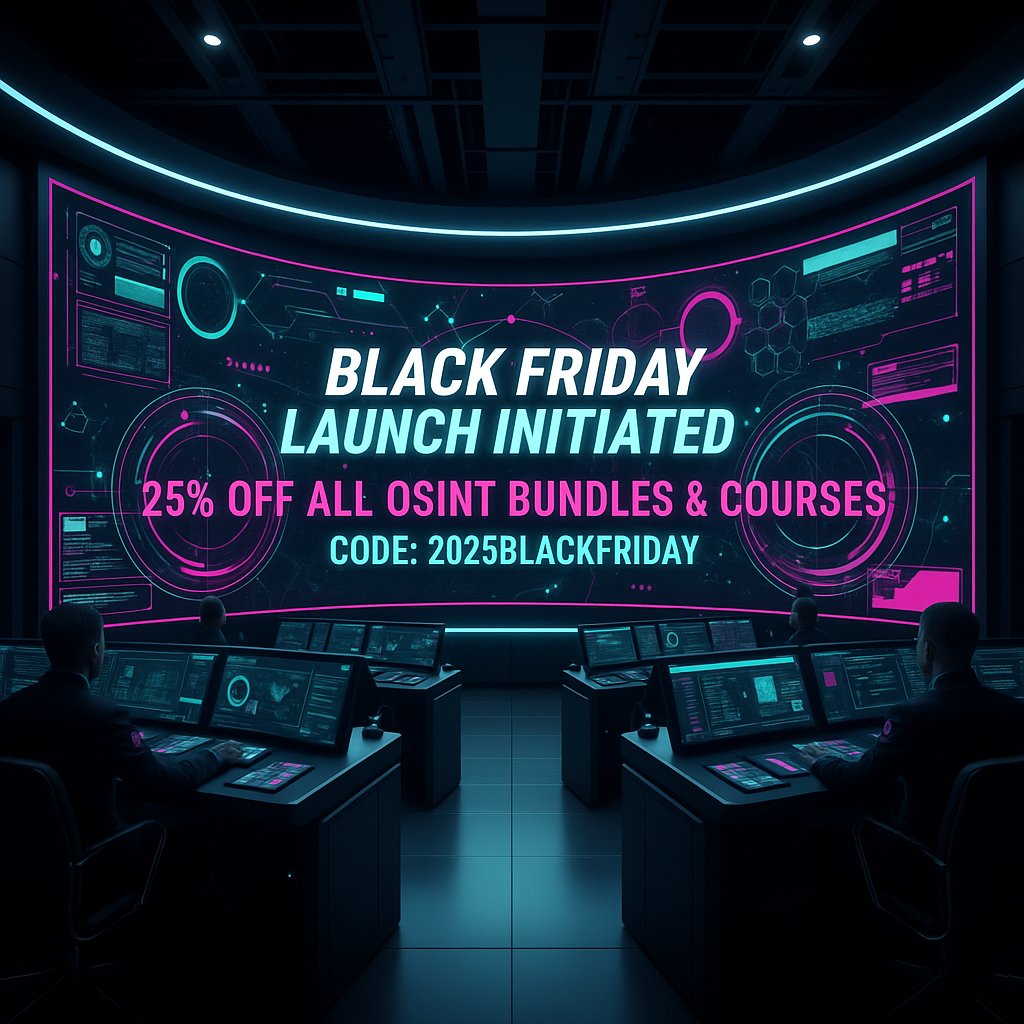
🚨My OSINT Training’s Black Friday Sale is live!🚨
This is your chance to level up your #OSINT skills at a serious discount.
Learn at your own pace from @hatless1der, @WebBreacher, and @technisette!
📆11/17–11/30
📍myosint.training
✅CODE: 2025blackfriday
💻Any product
3
4
3,637
5 Nov 2025
We only run 1 sale per year and it's almost time!
5 Nov 2025

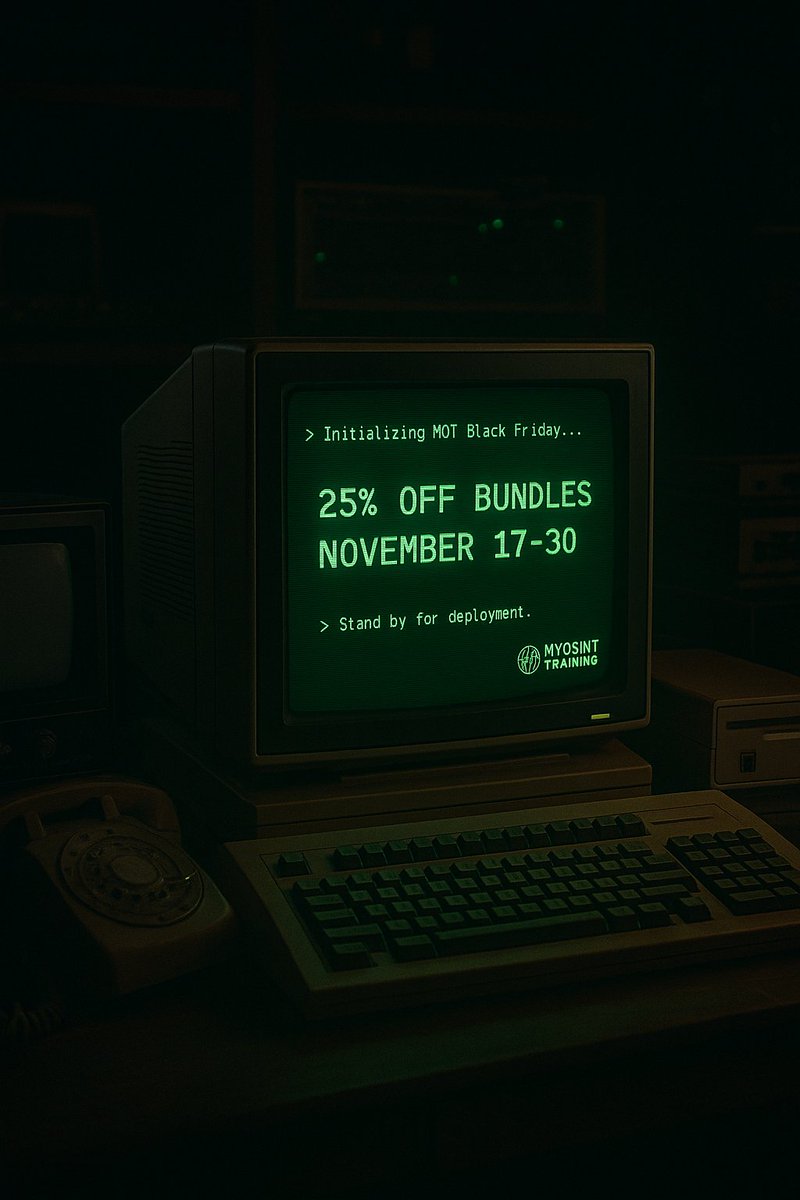
📣IT'S ALMOST TIME!
Our ONLY sale of the year runs Nov 17–30 - get 25% OFF all OSINT bundles 🎉
🧠 Immersion – 16hrs of core OSINT topics
🌐 All OSINT Courses – every single course in our library!
Learn from @hatless1der, @WebBreacher, @technisette
🔗 myosint.training/pages/bundl…
1
846
Griffin Glynn retweeted
29 Oct 2025
🚀 New Course: Using Python OSINT Tools
🛠️Learn hands-on from @WebBreacher how to install & run Python command-line tools for your OSINT work: WhatsMyName-Python, Sherlock, Time Machine & more!
Start now: myosint.training/courses/usi…
#OSINT #Python #InfoSec #investigations

1
12
2,023
20 Oct 2025
Draggable modal boxes is probably my favorite most recent update of these super useful (and FREE) OSINT tools!
20 Oct 2025
Bookmarklet Library Tune-Up 🚀
We’ve made My OSINT Training’s free Bookmarklet Library faster, cleaner, and easier to use.
✅ New navigation
✅ Updated/New tags
✅ Draggable modals
Grab the latest tools:
👉 tools.myosint.training
#OSINT #Bookmarklets #MyOSINTTraining

2
5
819
Griffin Glynn retweeted

10 Oct 2025
@hatless1der and I use AI every, single day and, if you aren't already doing so, its time you started doing that in your #OSINT work.
#AI is a tool that you can use to achieve more, faster than ever before....and this isn't just hype. Come see for yourself!
10 Oct 2025
New Course Launch: Introduction to #AI and #OSINT🚀
AI isn’t coming for your job... but it 𝘤𝘢𝘯 make your investigations faster, easier, and a lot more fun!
It’s hands-on, accessible, and grounded in real-world investigations.
🖥️ Check it out: myosint.training/courses/int…
2
3
875
Griffin Glynn retweeted
15 Sep 2025
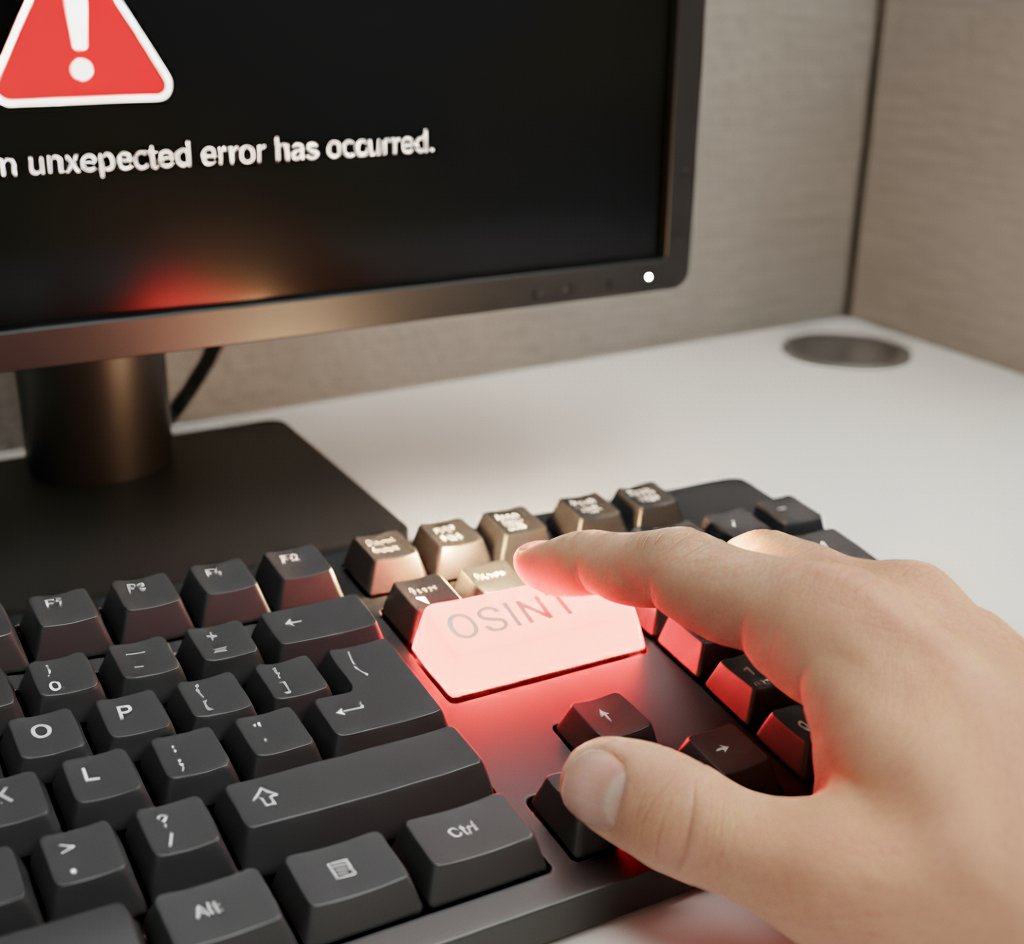
Turns out there’s no magic “OSINT” key on the keyboard. (We checked.)
Real OSINT comes from skills, tradecraft, and clear thinking - not push-button solutions.
Build real expertise with My OSINT Training 👉 myosint.training/collections…
2
4
7
2,013
Griffin Glynn retweeted
3 Sep 2025
🔧 Bookmarklet Update from My OSINT Training!
✅ CashApp profile image fix
✅ X.com user ID display fixed
📌 If you’ve saved these, re-add them for full functionality:
👉 tools.myosint.training
#OSINT #Bookmarklets #MyOSINTTraining
4
10
1,979
Griffin Glynn retweeted
25 Aug 2025
Need to start building your OSINT skills up now? No time or budget to wait for the next live, in-person training or conference?
My OSINT Training's 24/7 on demand video library has you covered!
See what makes MOT different and start making a change today: myosint.training/pages/bundl…
3
8
1,685
Griffin Glynn retweeted
15 Aug 2025
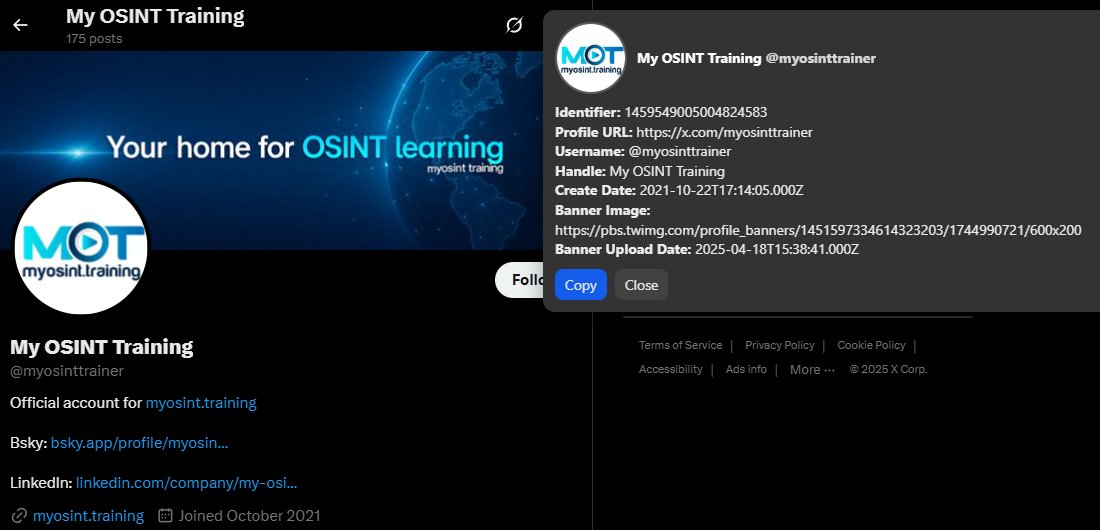
You like new free #OSINT #bookmarklets? We do too! We have a new X/Twitter USER ID extracting bookmarklet on the tools.myosint.training/ page! It extracts useful profile data from X.com profiles.
Thanks for your contribution Tony Lisek!
3
7
1,496
Griffin Glynn retweeted
9 Jul 2025
🔄 New Course: Refresh OSINT (2025)
OSINT has changed. New tools, new tactics, and old favorites that don’t work anymore.
@technisette built Refresh OSINT to help you catch up fast!
🧠 Topics: OpSec, search, archives, images, social media & more.
👉 myosint.training/courses/ref…
2
8
1,683

How do you investigate social media platforms without logging in?
Great tips from our friends @WebBreacher and @hatless1der
youtube.com/live/TeL1gDpE9QM
@myosinttrainer
#OSINT
1
5
18
2,807
Griffin Glynn retweeted
9 Apr 2025
It's time to stop doubting and start believing!
You DO have what it takes.
Experience firsthand why OSINT Immersion is the broad, solid, foundation so many people have built their success upon.
myosint.training/pages/bundl…
@hatless1der - @WebBreacher
#OSINT #opensourceintelligence
3
4
2,602
Griffin Glynn retweeted
31 Mar 2025
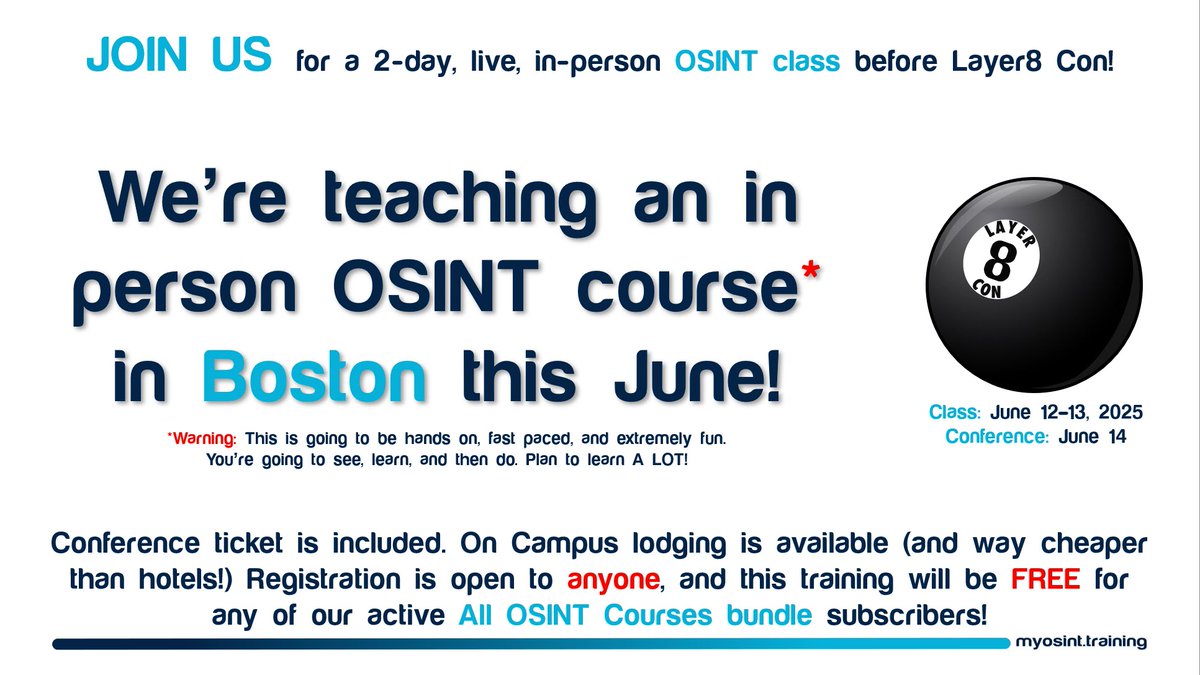
🤯NOTHING on the training market beats the experience of in-person - seeing/hearing/learning OSINT techniques hands-on!
Join @hatless1der & @WebBreacher for 2 full days before the @Layer8Con in Boston for immersive #OSINT learning.
To learn more visit: myosint.training/courses/202…
3
7
2,902
28 Mar 2025
New blog, new tip, big impact!
This is a little trick I use day in and day out and it has paid off for me many, many times. Hope it helps you too!
hatless1der.com/a-tremendous…
#OSINT #SOCMINT #Opensourceintelligence
@myosinttrainer
3
14
2,447
26 Feb 2025
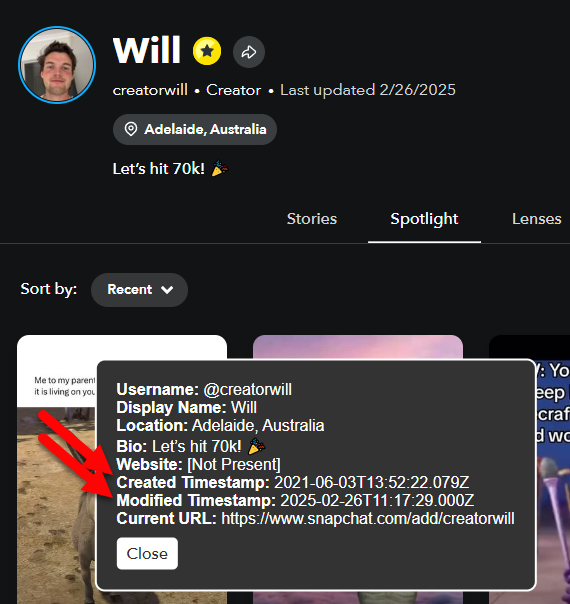
These FREE #OSINT bookmarklets are a game changer if you're doing research on social media profiles.
There can be so much interesting data hidden in the source code of a page, let us help you bring it to the surface in one click!
26 Feb 2025
🎁"Happy National #OSINT Day!" Here's a little gift for you.
❓Did you know that hidden inside public Snapchat profile pages are the exact dates and times when the accounts were created and last modified?
🛠We added our "Snapchat User ID Bookmarklet" to tools.myosint.training
1
9
1,381
Griffin Glynn retweeted
3 Feb 2025
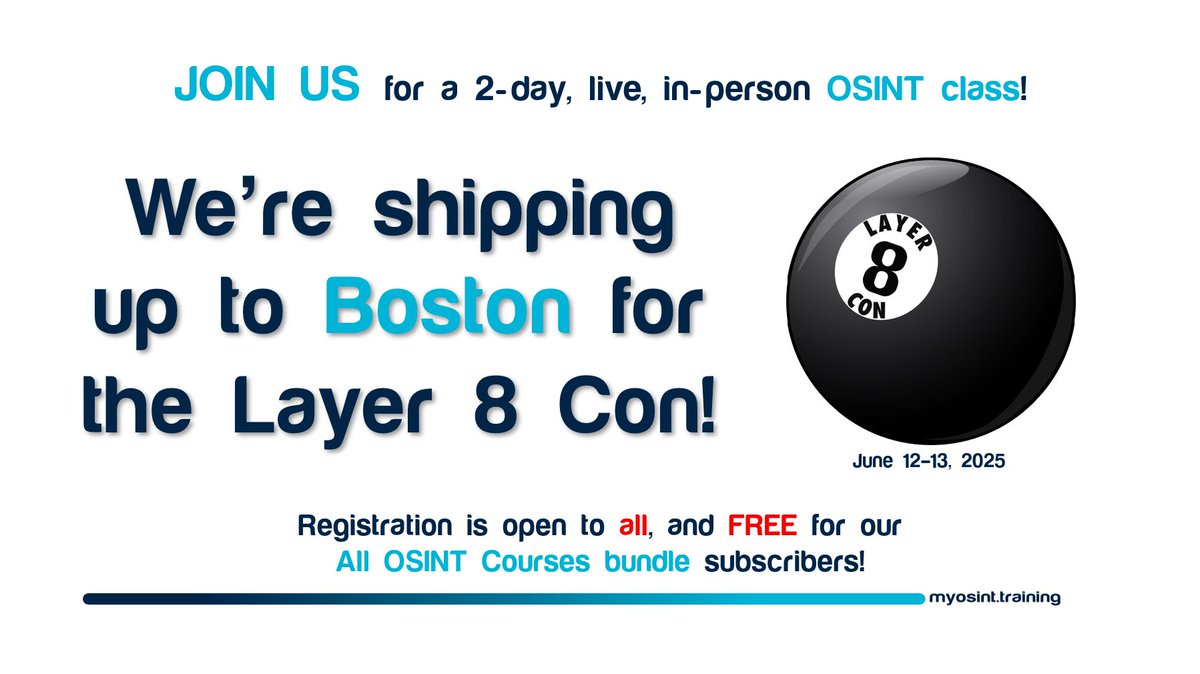
📣EXCITING NEWS: @hatless1der and @WebBreacher are teaching live this summer at @Layer8Con in beautiful Boston, and for some of you reading this, the class could be FREE!
Layer 8 Con: layer8conference.com/layer-8…
Our OSINT Course: myosint.training/courses/202…
2
6
1,653
Griffin Glynn retweeted

9 Jan 2025
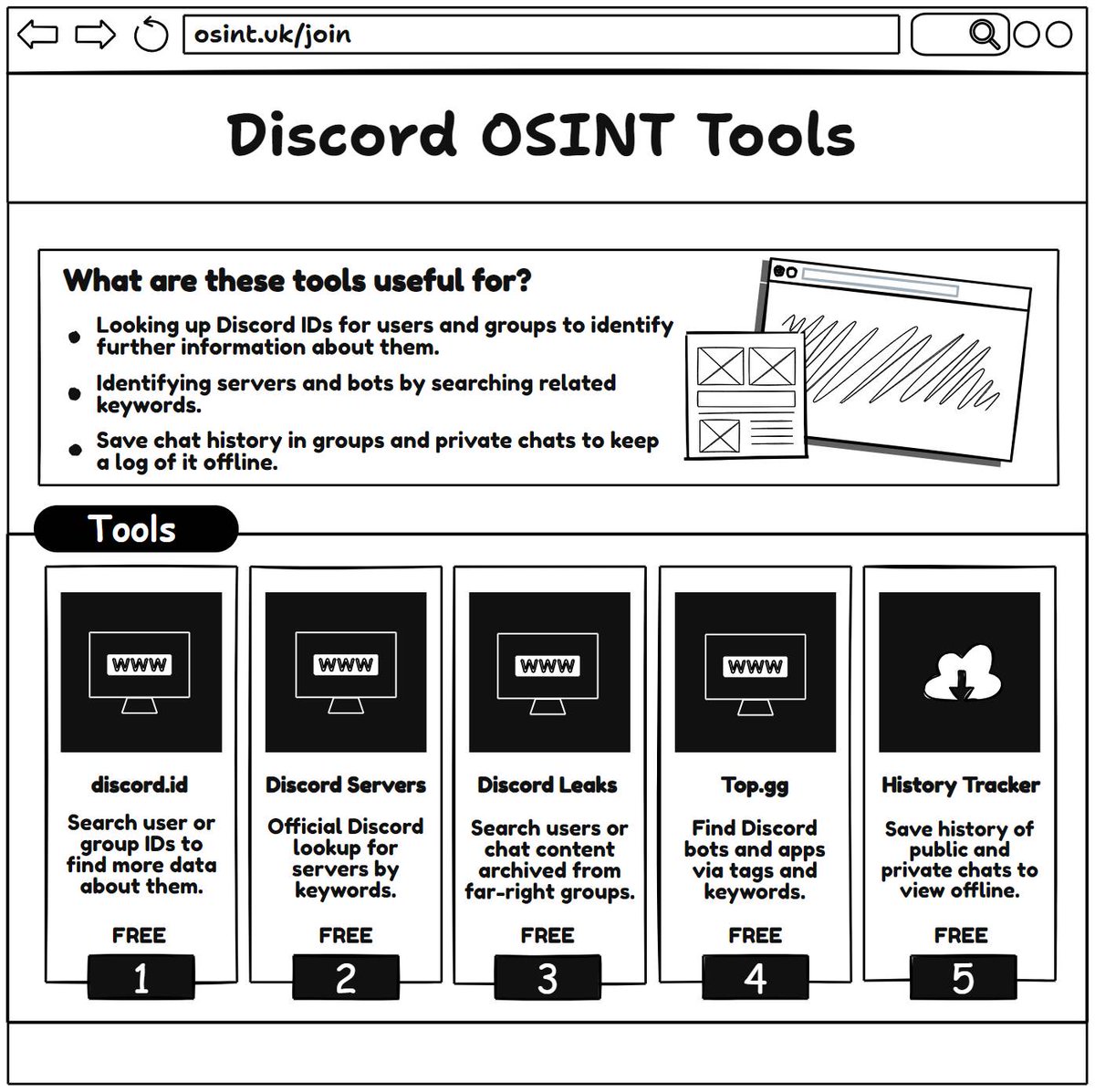
🔍 Discord OSINT Tools and Methods: #OSINT Tips
Investigating Discord activity can be a critical component in many OSINT (Open-Source Intelligence) inquiries. Just like traditional image or metadata analysis, Discord investigations require specialized tools that help you extract and verify key information. Whether you're exploring server data, archiving chat logs, or identifying user profiles, these resources can bolster your research while keeping data integrity at the forefront.
✍️ This OSINT tip was created by @AccessOSINT. Follow him for more OSINT insights.
📢 Join the UK OSINT Community for free: osint.uk/join
❓ What Do These Tools Do?
These tools range from searching user IDs to archiving entire chat histories. They can reveal usernames, creation dates, and even track far-right group communications. Always remember to respect privacy, abide by relevant policies and laws, and confirm findings with multiple sources to ensure accuracy.
🌐 Web Applications
✨ Discord.id
Search a user or group ID to find details like username, account creation date, profile picture, and more.
🔗 discord.id/
✨ @Discord Servers (Official List)
Browse or search for servers directly through Discord’s official listing to find communities and gather relevant information.
🔗 discord.com/servers
✨ Discord Leaks (@UR_Ninja)
Access archived chats from far-right groups; handy for researching extremist networks or specific user mentions.
🔗 discordleaks.unicornriot.nin…
✨ Discord Bot List
Explore various Discord bots—some may capture or log data that could be valuable in investigations.
🔗 discordbotlist.com/
✨ Discord History Tracker (DHT)
Downloadable tool to save and view chat histories offline, preserving crucial evidence even if messages are deleted.
🔗 dht.chylex.com/
✨ Top.gg (@JoinTopgg)
Locate Discord servers and bots based on keywords, user reviews, and popularity.
🔗 top.gg/
⚙️ Useful Syntax for In-Platform Searches
from: user → Shows messages sent by a specific user.
mentions: user → Displays whenever someone mentioned that user.
has: link/embed/file → Filters messages with specific media types.
before: YYYY-MM-DD → Finds messages sent prior to a certain date.
during: YYYY-MM-DD → Fetches messages sent on a particular date.
after: YYYY-MM-DD → Shows messages sent after a certain date.
in: channel → Restricts search results to a specified channel.
51
132
9,077
10 Dec 2024
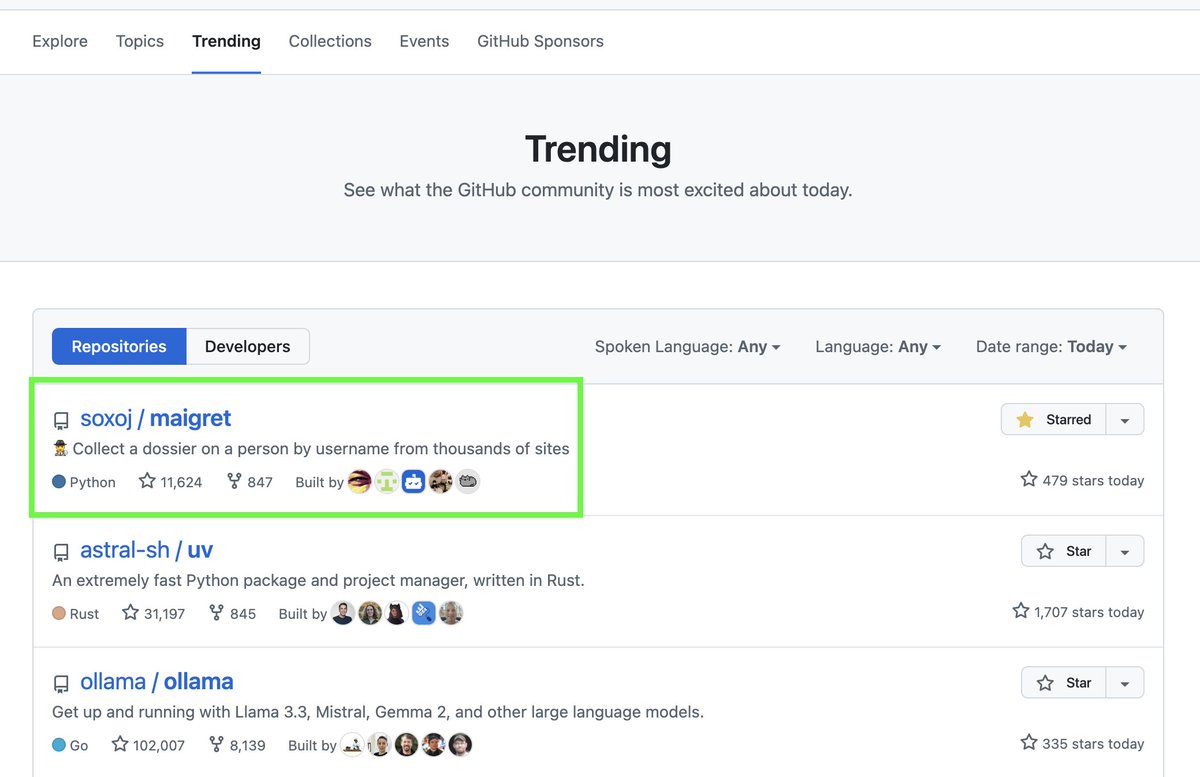
if you're doing #OSINT from the command line, Maigret is a must!

🚀😳 Maigret is at the top of GitHub trending repositories!
I guess it’s because @DarkWebInformer mentioned it in the context of the Luigi Mangione investigation and the tool's numerous recent updates.
Thank you all for the stars - Maigret is going to get even better! 🌟
#OSINT #username
1
8
1,340
25 Nov 2024
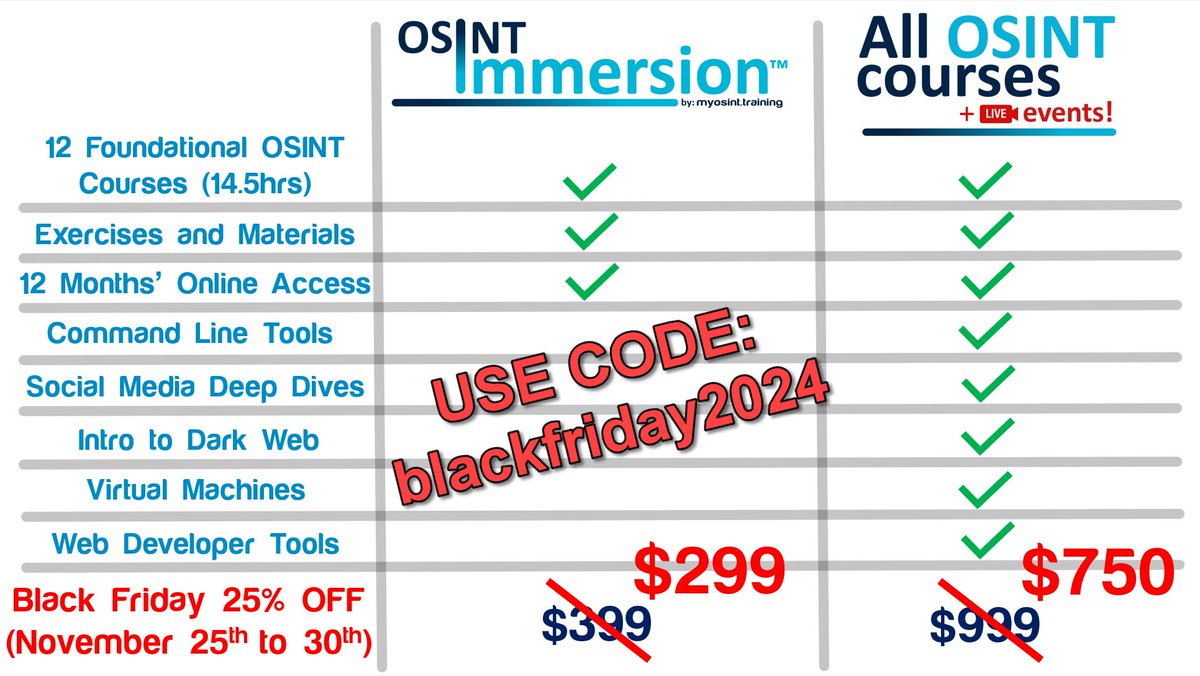
check out MOT's black friday deal, good now through November 30th. If you've been considering formal #OSINT training, this is a value that you don't want to miss!
25 Nov 2024
BLACK FRIDAY SALE IS LIVE!
Code: blackfriday2024
MOT's biggest (and only) sale of the year is now through Nov 30th. Take 25% off any course or bundle on our site!
Our most popular products are our 2 value bundles, OSINT Immersion and All OSINT Courses: myosint.training/pages/bundl…
1
2
1,121