
Designer & Maker. Elevating voices in this crowded world, by delivering two week guaranteed brand sprints. Based in BE, operating globally 🌎
Joined March 2013
- Tweets 11,558
- Following 703
- Followers 1,684
- Likes 24,499
2,475 Photos and videos







Pinned Tweet

16 Aug 2024
Change is the only constant in life.
Your brand can be a haven.
—
Had a blast putting together a little showreel kind of cinematic film 🎬
Crafting a story that invites you to connect, inspires and sparkles an idea to be brought to life ✨
5
3
24
5,437
Jonas retweeted

A fool and his freedoms are quickly parted.
For about an hour this morning I thought “isn’t it wise to protect kids on social media”.
Then I woke up.
The government just want a starting point for digital ID and more online surveillance powers. Silly me.
32
44
358
6,244
Jonas retweeted
Upon reflection, regulation should be on the social media companies not on teens.
Social media companies should face more scrutiny and responsibility for their relentless algorithmic pursuit of time on screen.
I can see that citizens are being held responsible for their relentless algorithmic actions of big tech. And this law will be a Trojan horse to police everyone.
Like wealth taxes will eventually take away property rights for everyone, these social media laws will be expanded to ring fence everyone.
I temporarily forgot you can’t trust them for a minute to actually be doing the right thing. Silly me.

I don’t agree with @Keir_Starmer on much. I also HATE the idea of the nanny state.
But…
Social media is highly addictive and messes with our brains. Especially during development.
We know it’s linked to depression, suicidal thoughts, bullying, grooming, scamming etc.
Some guardrails are clearly necessary. It’s helpful as a parent to be able to restrict social media on my kids if they know their friends aren’t on it too.
In many ways this isn’t about restricting teens from social media, it’s restricting social media from access to our kids.
Let kids discover the world one step at a time. I don’t think my teen years would have been better if I had access to social media … or more to the point, if social media had access to me.
15
8
76
6,196
8h
I applaud the UK’s push for less screen time for kids. That instinct is right.
But requiring credit cards and digital IDs to verify your age means the internet is no longer free — it’s a surveillance checkpoint.
You don’t protect children by building a privacy nightmare for everyone.

For anyone wondering, it’s only been a positive thing in Aus. No one even talks about it anymore which can only mean the kids don’t care.
The ones desperate for it will find workarounds, but the majority have found better things to do with their spare time.
Community note
Research shows 61% of Australian 12-15 year-olds who used restricted social media before the ban still have access to accounts, contradicting claims that most have stopped using it. mollyrosefoundation.org/more-than-60-o…
88
Jonas retweeted

Jun 12
Finished the latest @WorksInProgMag on my return flight.
No one talking about the full page ad for “dime?” Stainless steel headphones in a stainless steel puck.
@WIRED you had the last mainstream coverage of these.

3
10
910


Jonas retweeted

Jun 14
EU countries’ ambassadors - who steer a big part of the conversation in Brussels - met today, but the US Anthropic order was not on the agenda.
Tech is still not top of the political agenda, and as long it is not, nothing will change.
3
8
36
4,637
Jonas retweeted

Jun 13
In the morning, European citizens will wake up and find their access to Claude Mythos/ Fable gone.
Nobody asked us. Nobody had to.
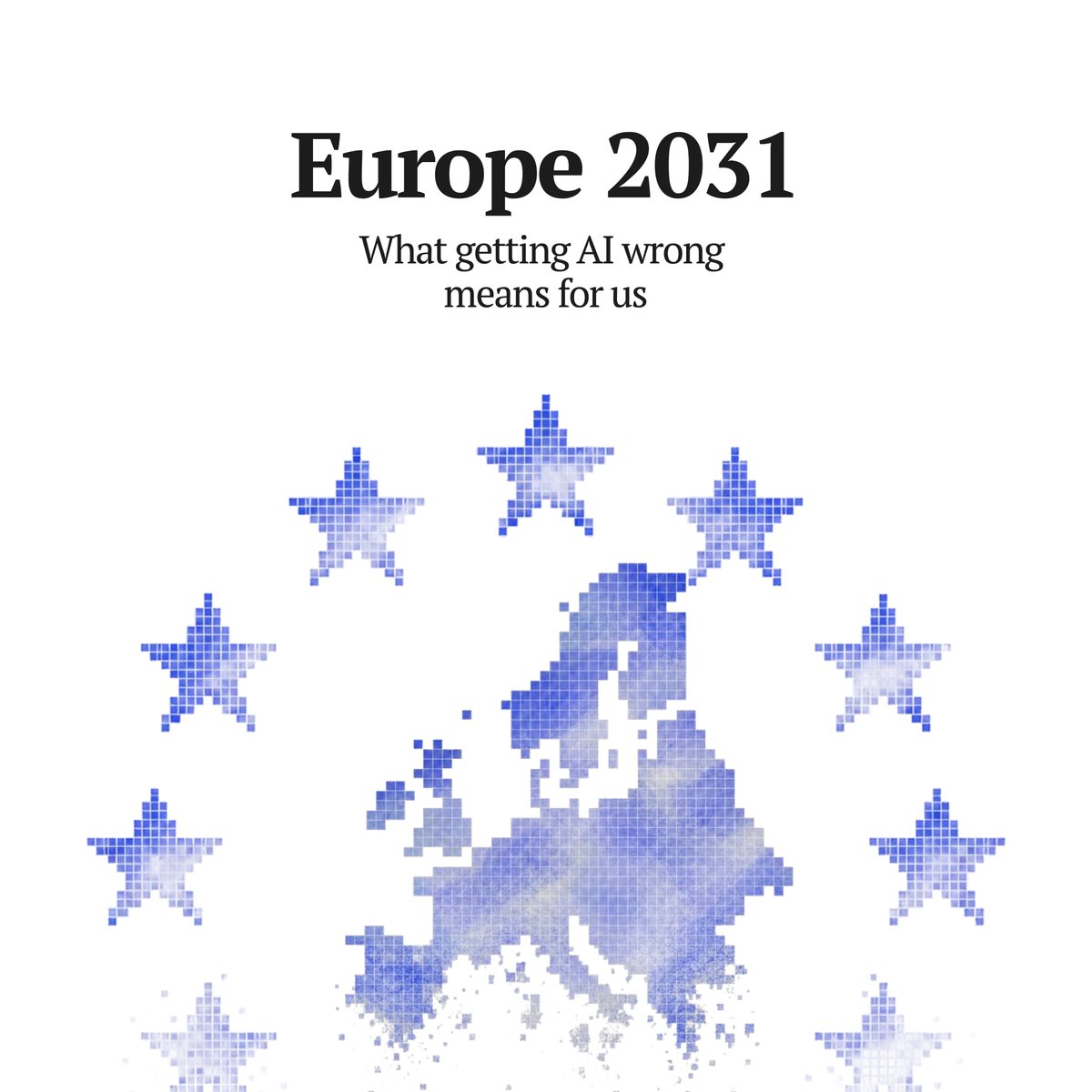
We wrote Europe 2031 precisely for this moment.
Jun 11

Most of Europe has not yet absorbed what AI is about to do to us. The few who have are not saying it loudly enough.
We wrote Europe 2031: a five-year scenario of the continent's slide into irrelevance, how AI is driving it, and what can still be done to change course.
58
109
811
80,755
Jonas retweeted

Jun 13
Unprecedented.
@BrianRoemmele warned everyone for the past two years that the government would take away our AI.
That day just arrived.
Was talking with an entrepreneur in San Francisco who was running Fable to build software and just turned it off while it was building.
Tomorrow night Anthropic is throwing a Fable builders event in San Francisco. I wonder if that event is still going to happen?
This hurts American national security. I know of several companies that were using Mythos to close all of their security holes because it is so powerful at finding weaknesses in software. That effort has not been completed, so there are many companies with many holes still open now.
This throws that effort into question. It also means that China is emboldened because, you know, can you trust an American company to keep their systems up and running if the government is willing to shut them down so abruptly and with no warning?
It also means that open source and running models on your own computers is now very attractive (if it wasn't already). Expect Apple Mac Studio sales to go up.
Jun 13

The US government, citing national security authorities, has issued an export control directive to suspend all access to Fable 5 and Mythos 5 by any foreign national, whether inside or outside the United States, including foreign national Anthropic employees.
The net effect of this order is that we must abruptly disable Fable 5 and Mythos 5 for all our customers to ensure compliance.
Access to all other Claude models is not affected.
We apologize for this disruption to our customers. We believe this is a misunderstanding and are working to restore access as soon as possible.
Read our full statement: anthropic.com/news/fable-myt…
167
135
1,021
171,263

Jonas retweeted

Jun 11
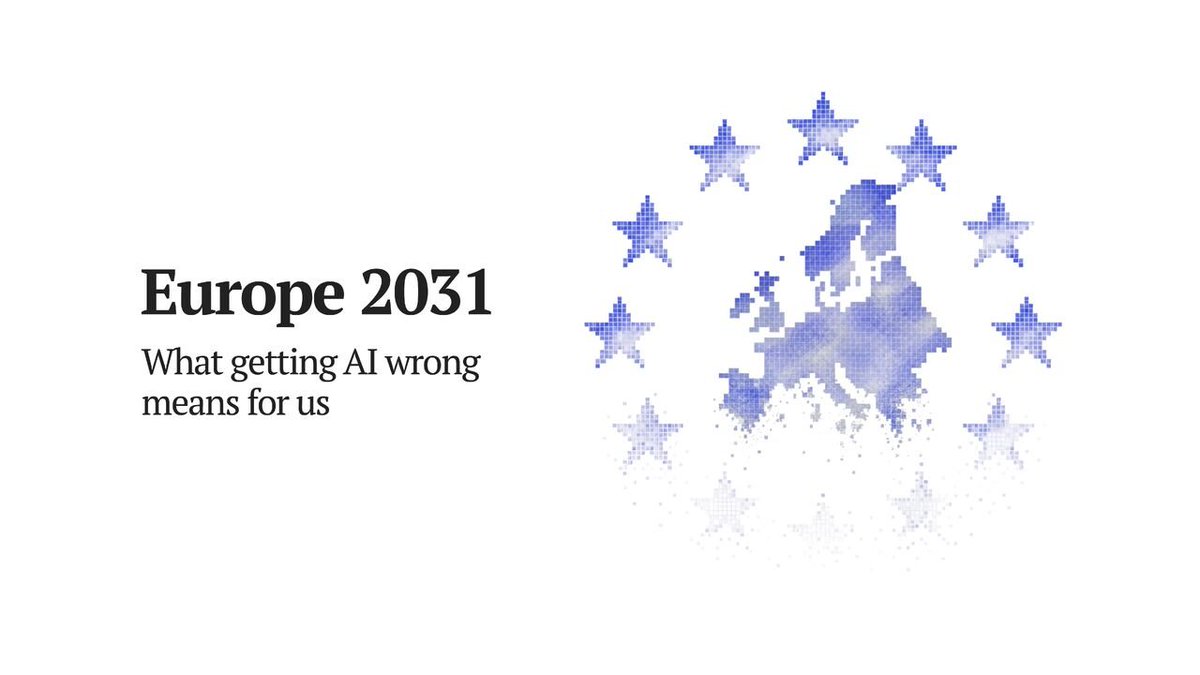
"What will happen to Europe if it keeps ignoring AI?"
Three American labs each (!!) operate more AI compute than all of Europe combined. Today we're launching Europe 2031: a story of what might happen if that doesn't change.
29
102
423
208,247
Jonas retweeted

Jun 11
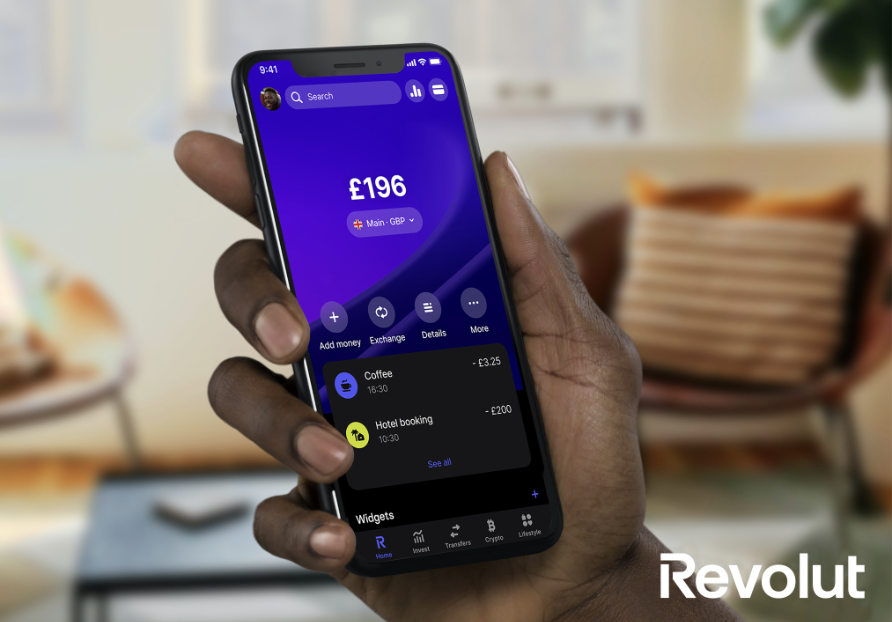
You are not shipping fast enough until a central bank asks you to slow down

🇪🇺🏦 ECB Temporarily Restricts Revolut’s New Product Launches in Europe
The ECB has temporarily restricted Revolut from launching new financial products in Europe due to concerns over the speed of its service approvals and rollouts
Source: FT
7
7
100
16,696
Jonas retweeted

Jun 10
ICYMI
There have been plenty of amazing product launches this week... Including this one, by yours truly
Jun 8

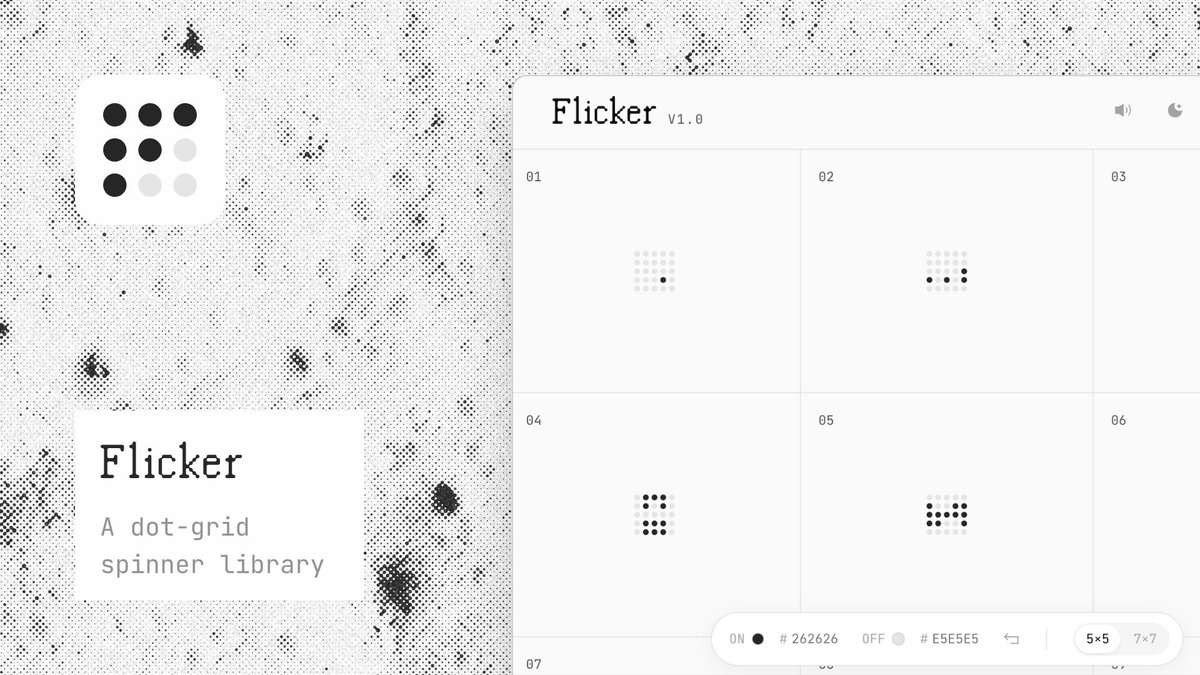
I've scrolled past a lot of spinner libraries over the years. None quite fit. So I built one.
Flicker is a dot-grid spinner library inspired by flip-dot displays. Browse, build your own, and export to SVG, React, or Flutter.
Try it at: flicker.laurie.fyi
2
2
7
1,024
Jonas retweeted
Jun 8
Here’s a searchable list of today’s #wwdc updates ↓
—
– New UI language for English (Canada) and English (Philippines)
– Faster AirPlay connections to Apple TV and HomePod
– More relevant Spotlight search suggestions
– Web audio no longer interrupts system audio
– Undo and redo Home Screen edits in iPadOS
– Faster PDF saving
– Improved Top Results in Mail
– Filter photos and videos in Shared Albums
– More document formats in Preview
– Drawing in Notes in macOS
– New keyboard layout for Slovenian and Estonian
– Control Center access in iPhone Mirroring
– Audio scrubbing in CarPlay Now Playing
– Add keywords to photos and videos in Photos
– Extra-large widgets in Today view in iPadOS
– Live Activity for Precision Finding with Friends
– Better battery efficiency on Apple Watch
– Smart downloads on Apple TV
– Else if support in Shortcuts
– Faster smart home previews in Freeform
– More accurate step tracking on Apple Watch
– Sort by completed Fitness workouts
– Faster messaging loading in Mail
– Improved connectivity for Thread-aware accessories
– Automatic punctuation when typing on external keyboards
– Faster home automation updates
– Option-click to secondary sort
– More efficient emergency alert monitoring
– AppleCare coverage details in Settings in tvOS
– More intuitive journaling streaks
– More consistent window positioning persistence across external displays
– Updated Japanese and Korean podcasts experience in macOS
– Natural language time formats for Chinese and Hindi
– Enhanced power efficiency of Safari in iOS and macOS
– Drawing app in Messages
– Faster data updates in the Health app
– Call Recording transcriptions support for Traditional Chinese, Japanese, and Brazilian Portuguese
– Improved game controller settings
– Faster reading and editing of PDFs using VoiceOver
– Improved battery insights
– Smoother scrolling in App Library
– Improved navigation in Game Overlay
– Smoother unlocking on iPhone
– Use your panoramas for Environments in visionOS
– Improved reliability of Apple Music streaming
– New AutoTab transitions
– Camera uses less power in Low Power Mode
– Extra-small widget options in visionOS
– Refreshed album views in Apple Music
– iCloud sync status for Journal entries
– Improved PlayStation Access controller support
– Faster network file browsing
– Ethernet status in menu bar in macOS
– Perimenopause and menopause symptom logging in the Health app
– Improved Wi-Fi connectivity in watchOS
– Faster multilingual text processing for handwriting in multiple languages
– Guest key in watchOS
– Expanded Get What’s On Screen capabilities in Shortcuts
– Faster HomeKit accessory pairing
– Faster Now Playing view loading in Music
– Faster start page content loading in Safari
– More accurate attachment limits in Journal
– More accurate route maps in the Fitness app after workouts
– New keyboards for Indigenous languages, including Blackfoot, Cherokee, Choctaw, Creek, Kiowa, and Tuscarora
– Switch between two iPhone devices with the same phone number
– Content-based intelligent suggestions for sharing photos and links
– Album organization improvements in Photos
– Perimenopause and menopause education in the Health app
– Improved RDMA over Thunderbolt
– Customize Liquid Glass
– Support for 4K camera recordings in the Home app
– Faster Camera launch in Low Power Mode
– Colorful sidebar icons
– Faster Voice Control response in iOS
– More accurate Visited Places in Maps
– Improved Messages syncing across devices
– Dual camera in FaceTime
– Faster browsing and transfers of files in iPadOS
– Full-resolution photos and videos in iCloud Shared Albums
– Faster Lock Screen switching
– Store data in Shortcuts
– Additional participant permissions in Shared Albums
– Guides in Maps available in more places
– New windows with curvature in visionOS
– Enhanced Flyover in Maps
– Customize slideshows in Photos
– Section links in Notes
– More power-efficient Personal Hotspot in N1 devices
1
1
1,029

Jonas retweeted

Jun 8
Apple should make the communication with the EU public. Like I have no idea if they are not trying hard enough or if the EU is acting totally out of place. In any case, the result is disappointing.
apple.com/newsroom/2026/06/d…
25
15
227
13,102
Jun 8
Here’s a searchable list of today’s #wwdc updates ↓
—
– New UI language for English (Canada) and English (Philippines)
– Faster AirPlay connections to Apple TV and HomePod
– More relevant Spotlight search suggestions
– Web audio no longer interrupts system audio
– Undo and redo Home Screen edits in iPadOS
– Faster PDF saving
– Improved Top Results in Mail
– Filter photos and videos in Shared Albums
– More document formats in Preview
– Drawing in Notes in macOS
– New keyboard layout for Slovenian and Estonian
– Control Center access in iPhone Mirroring
– Audio scrubbing in CarPlay Now Playing
– Add keywords to photos and videos in Photos
– Extra-large widgets in Today view in iPadOS
– Live Activity for Precision Finding with Friends
– Better battery efficiency on Apple Watch
– Smart downloads on Apple TV
– Else if support in Shortcuts
– Faster smart home previews in Freeform
– More accurate step tracking on Apple Watch
– Sort by completed Fitness workouts
– Faster messaging loading in Mail
– Improved connectivity for Thread-aware accessories
– Automatic punctuation when typing on external keyboards
– Faster home automation updates
– Option-click to secondary sort
– More efficient emergency alert monitoring
– AppleCare coverage details in Settings in tvOS
– More intuitive journaling streaks
– More consistent window positioning persistence across external displays
– Updated Japanese and Korean podcasts experience in macOS
– Natural language time formats for Chinese and Hindi
– Enhanced power efficiency of Safari in iOS and macOS
– Drawing app in Messages
– Faster data updates in the Health app
– Call Recording transcriptions support for Traditional Chinese, Japanese, and Brazilian Portuguese
– Improved game controller settings
– Faster reading and editing of PDFs using VoiceOver
– Improved battery insights
– Smoother scrolling in App Library
– Improved navigation in Game Overlay
– Smoother unlocking on iPhone
– Use your panoramas for Environments in visionOS
– Improved reliability of Apple Music streaming
– New AutoTab transitions
– Camera uses less power in Low Power Mode
– Extra-small widget options in visionOS
– Refreshed album views in Apple Music
– iCloud sync status for Journal entries
– Improved PlayStation Access controller support
– Faster network file browsing
– Ethernet status in menu bar in macOS
– Perimenopause and menopause symptom logging in the Health app
– Improved Wi-Fi connectivity in watchOS
– Faster multilingual text processing for handwriting in multiple languages
– Guest key in watchOS
– Expanded Get What’s On Screen capabilities in Shortcuts
– Faster HomeKit accessory pairing
– Faster Now Playing view loading in Music
– Faster start page content loading in Safari
– More accurate attachment limits in Journal
– More accurate route maps in the Fitness app after workouts
– New keyboards for Indigenous languages, including Blackfoot, Cherokee, Choctaw, Creek, Kiowa, and Tuscarora
– Switch between two iPhone devices with the same phone number
– Content-based intelligent suggestions for sharing photos and links
– Album organization improvements in Photos
– Perimenopause and menopause education in the Health app
– Improved RDMA over Thunderbolt
– Customize Liquid Glass
– Support for 4K camera recordings in the Home app
– Faster Camera launch in Low Power Mode
– Colorful sidebar icons
– Faster Voice Control response in iOS
– More accurate Visited Places in Maps
– Improved Messages syncing across devices
– Dual camera in FaceTime
– Faster browsing and transfers of files in iPadOS
– Full-resolution photos and videos in iCloud Shared Albums
– Faster Lock Screen switching
– Store data in Shortcuts
– Additional participant permissions in Shared Albums
– Guides in Maps available in more places
– New windows with curvature in visionOS
– Enhanced Flyover in Maps
– Customize slideshows in Photos
– Section links in Notes
– More power-efficient Personal Hotspot in N1 devices
1
1
1,029
Jun 8
– Improved conversion from phonetic scripts like Pinyin and Kana when typing in Simplified Chinese and Japanese
– Smoother scrolling in Control Center and Control Gallery
– Drawing in Freeform in macOS
– Faster app launches
– More high-resolution and high-refresh-rate display modes for external displays
– Easier-to-reach Camera experience
– Option to prioritize syncing to iCloud Photos
– Easier to save photos in Shared Albums
– Faster menu bar access in iPadOS
– Redesigned settings in the Apple Watch app
– Support for time zone changes in Sleep
– More accurate photo orientation
– Streamlined Assistive Access option
– Faster and more reliable NFC reading
– Faster to open full-screen view from Photos widget
– Smoother animations and app launches in tvOS
– Time stamps for Journal entries
– DRM video support in iPhone Mirroring
– Divider lines in Notes
– Faster Apple Music playback start
– Smoother scrolling in the widget gallery
– Faster to access recovery codes for Apple Accounts
– Faster search to shared content on iCloud.com
– Quick Start with a recovery contact
– News audio support in iPadOS
– Option to include collections of yourself in Photo Shuffle
– Smoother page animations in News and Stocks apps
– Live Voicemail transcription for English (Singapore) and Japanese
– Smoother animations in Mission Control and Spaces
– Visited Places in Maps available in more markets
– Faster rendering of Collections tab in Photos
– Smoother start page resizing in Safari
– Selection view in Photos
– Faster card balance in Wallet in watchOS
– Faster Rapid Return to Service
– Updated hourly and 10-day views in Weather
– Live Activities in Dynamic Island in watchOS
– Transit cards and IDs in Smart Stack in watchOS
– More easily accessible share link for iCloud collaboration
– Faster window switching in iPadOS
– More distinct active windows
– Show borders for macOS accessibility
– Widget for Mac Virtual Display in visionOS
– Streamlined setup for Touch Accommodations in iOS and iPadOS
– Pairing and handoff improvements for MFi hearing devices
– Multiple tab views in Safari in visionOS
– More seamless transitions between Wi-Fi and cellular networks
– Fitness workouts for perimenopause and menopause
– Audio MiniPlayer in CarPlay
– HDR for macOS system UI
– Identity Documents collection in Photos
– Improved unread badge accuracy in Mail
– Proactive car key setup
– Natural language search for routing in Maps
– More reliable HomeKit camera storage
– Onscreen context for more relevant typing suggestions for Chinese and Japanese
– Faster to add recent camera captures in Messages
– Real-time updates for widgets when app is open
– Wallet Order Tracking support in Australia and Canada
– Faster entry and exit from Assistive Access and Guided Access modes
– Support for media sharing from third-party apps
– Expanded language support for autocategorization in Reminders
– Faster user account creation in tvOS
– Streamlined Calendar event details
– FaceTime Live Captions for Traditional Chinese
– New Smart Stack suggestions in watchOS
– Faster to start uploading to iCloud Photos
1
554