
Software engineer & researcher of developer tools, merge conflicts, and HCI. PhD @OSUEECS. Former intern @Microsoft, @HPE, and @Intel.
- Tweets 1,070
- Following 891
- Followers 306
- Likes 1,507











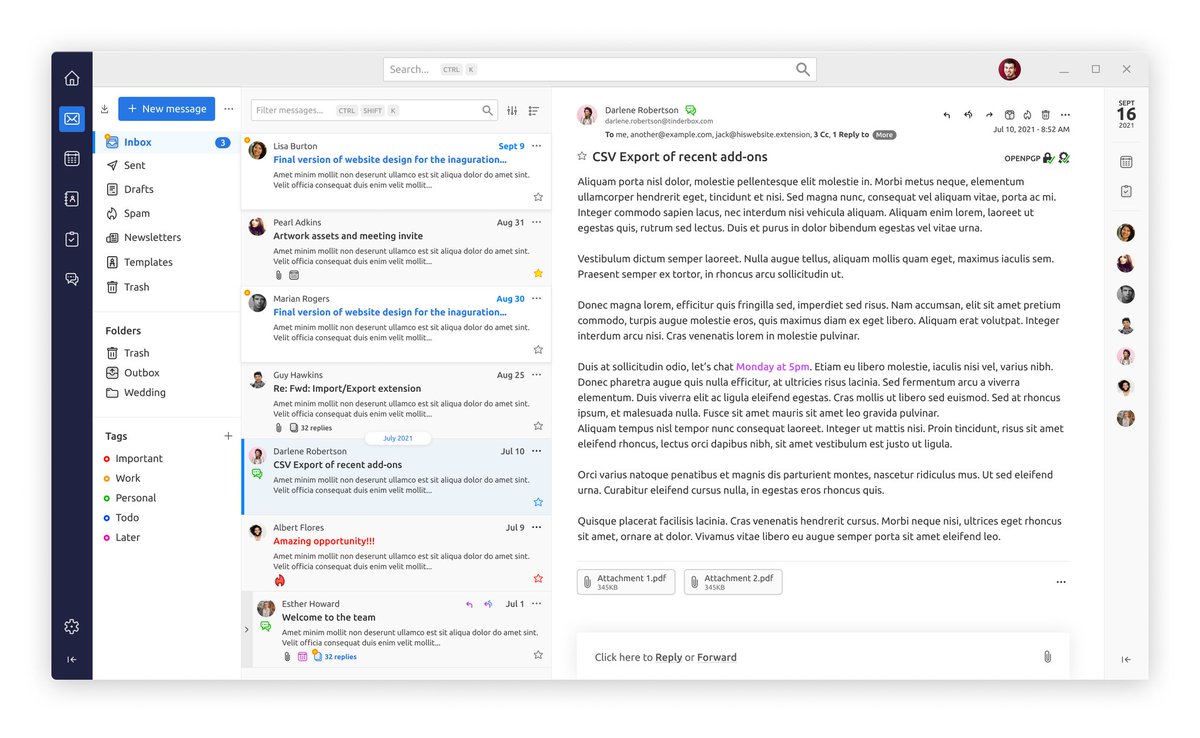




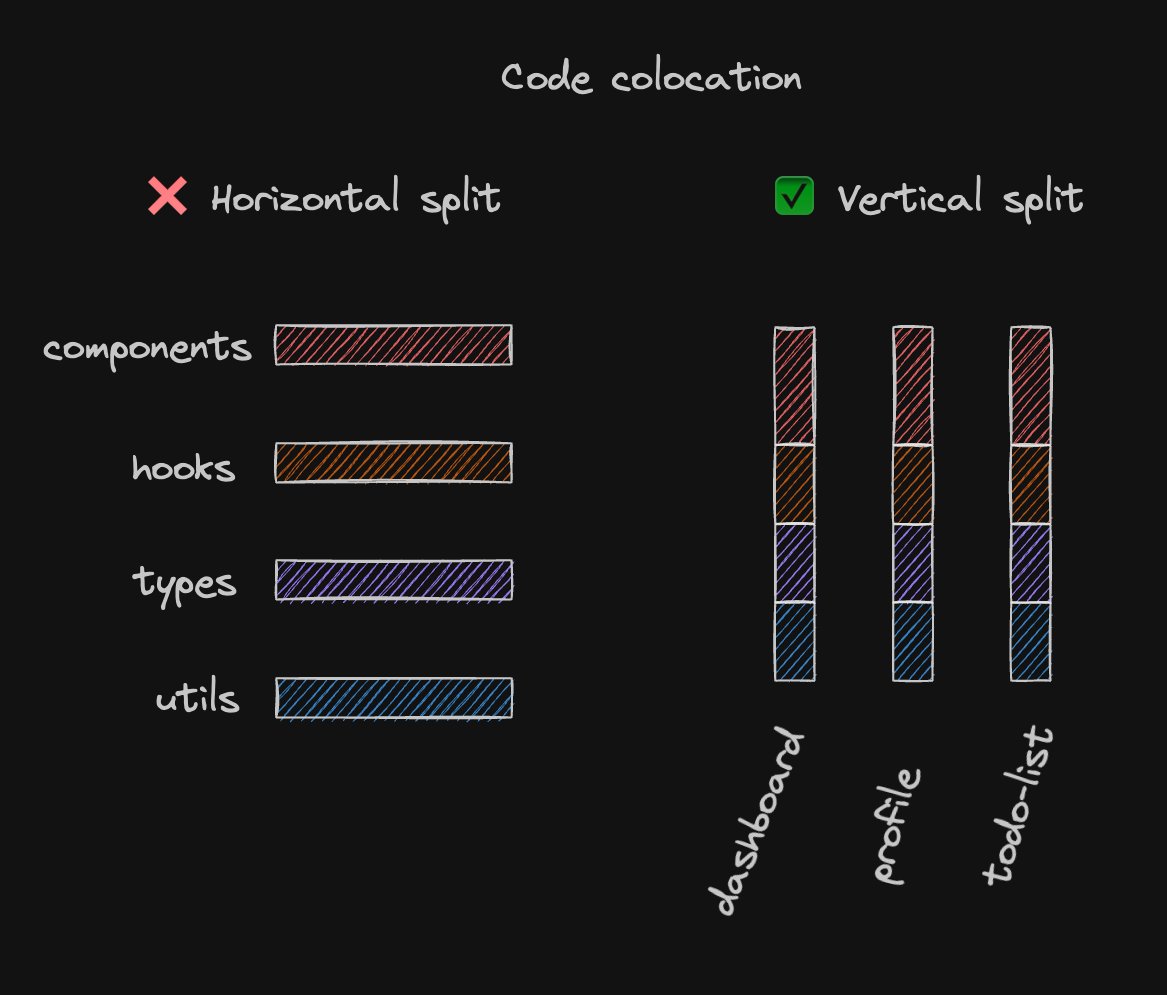
ALT Code colocation ❌ horizontal split components / hooks / types / utils ✅ dashboard profile todo-list







![{
"compilerOptions": {
/* Base Options: */
"esModuleInterop": true,
"forceConsistentCasingInFileNames": true,
"skipLibCheck": true,
"target": "es2022",
"verbatimModuleSyntax": true,
"allowJs": true,
"resolveJsonModule": true,
"moduleDetection": "force",
/* Strictness */
"strict": true,
"noUncheckedIndexedAccess": true,
/* If transpiling with TypeScript: */
"moduleResolution": "NodeNext",
"module": "NodeNext",
/* If NOT transpiling with TypeScript: */
"moduleResolution": "Bundler",
"module": "ESNext",
"noEmit": true,
/* If your code runs in the DOM: */
"lib": ["es2022", "dom"],
/* If your code doesn't run in the DOM: */
"lib": ["es2022"]
},
}](https://venexa.site/media/F51dqH7WsAAFpHe.jpg)
ALT { "compilerOptions": { /* Base Options: */ "esModuleInterop": true, "forceConsistentCasingInFileNames": true, "skipLibCheck": true, "target": "es2022", "verbatimModuleSyntax": true, "allowJs": true, "resolveJsonModule": true, "moduleDetection": "force", /* Strictness */ "strict": true, "noUncheckedIndexedAccess": true, /* If transpiling with TypeScript: */ "moduleResolution": "NodeNext", "module": "NodeNext", /* If NOT transpiling with TypeScript: */ "moduleResolution": "Bundler", "module": "ESNext", "noEmit": true, /* If your code runs in the DOM: */ "lib": ["es2022", "dom"], /* If your code doesn't run in the DOM: */ "lib": ["es2022"] }, }
