
From the makers of Oracle SQL Developer, your new Oracle Database command line interface. Click the Website link for instant download of latest version.
- Tweets 841
- Following 144
- Followers 5,044
- Likes 188
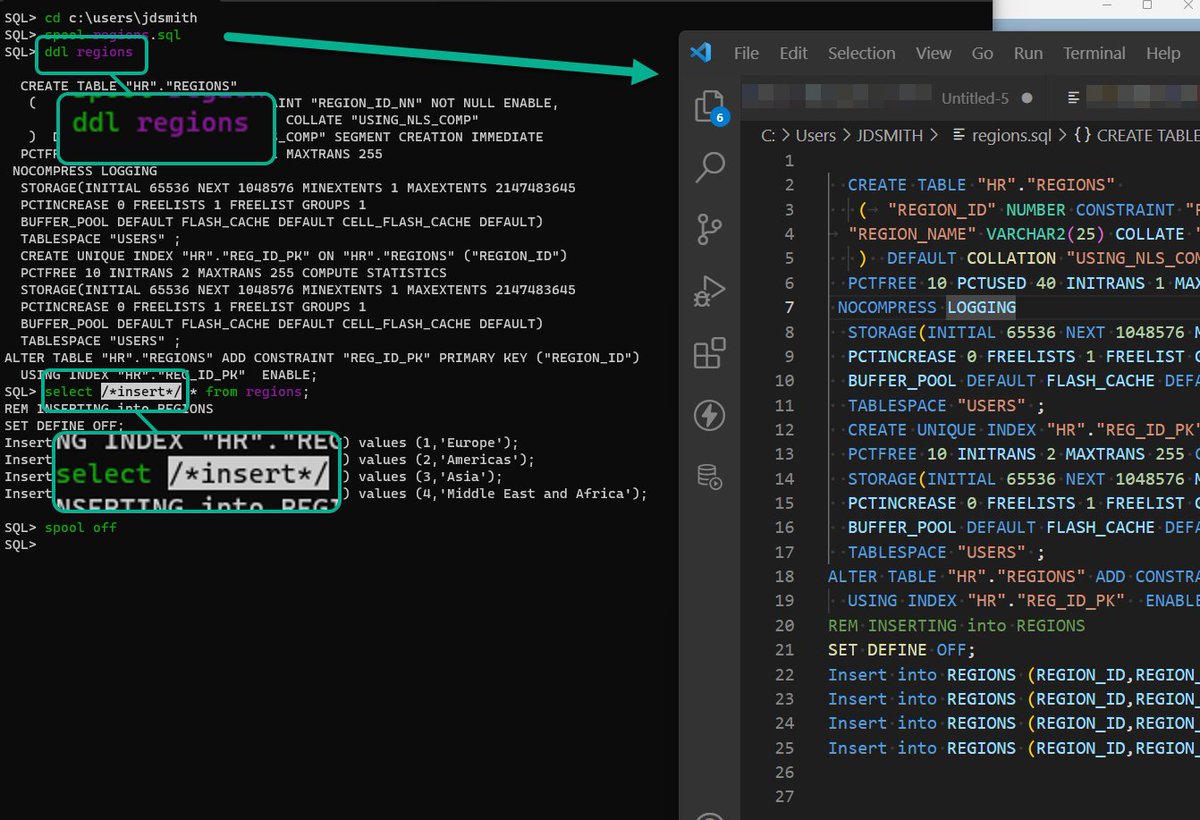

ALT SQL> cd c:\users\jdsmith SQL> spool regions.sql SQL> ddl regions CREATE TABLE "HR"."REGIONS" ( "REGION_ID" NUMBER CONSTRAINT "REGION_ID_NN" NOT NULL ENABLE, "REGION_NAME" VARCHAR2(25) COLLATE "USING_NLS_COMP" ) TABLESPACE "USERS" ; CREATE UNIQUE INDEX "HR"."REG_ID_PK" ON "HR"."REGIONS" ("REGION_ID") TABLESPACE "USERS" ; ALTER TABLE "HR"."REGIONS" ADD CONSTRAINT "REG_ID_PK" PRIMARY KEY ("REGION_ID") USING INDEX "HR"."REG_ID_PK" ENABLE; SQL> select /*insert*/ * from regions; REM INSERTING into REGIONS SET DEFINE OFF; Insert into REGIONS (REGION_ID,REGION_NAME) values (1,'Europe'); Insert into REGIONS (REGION_ID,REGION_NAME) values (2,'Americas'); Insert into REGIONS (REGION_ID,REGION_NAME) values (3,'Asia'); Insert into REGIONS (REGION_ID,REGION_NAME) values (4,'Middle East and Africa'); SQL> spool off SQL>
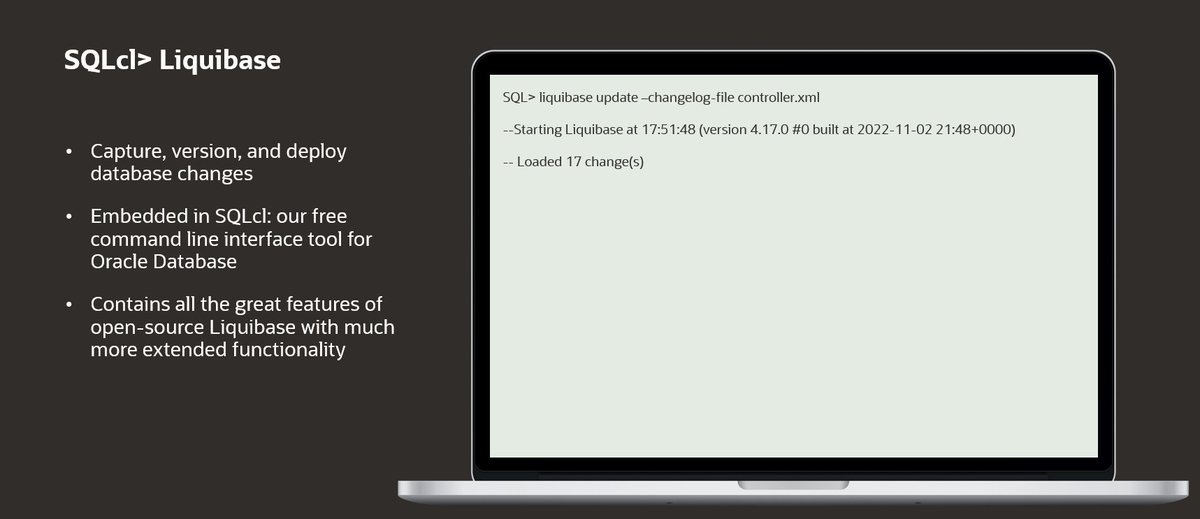
ALT SQLcl is a database change management tool that allows you to capture, version, and deploy database changes simply and in an automated fashion. This cuts back on manual work such as recreating tables, making sure database object change scripts are properly working, and rolling back unwanted alterations.
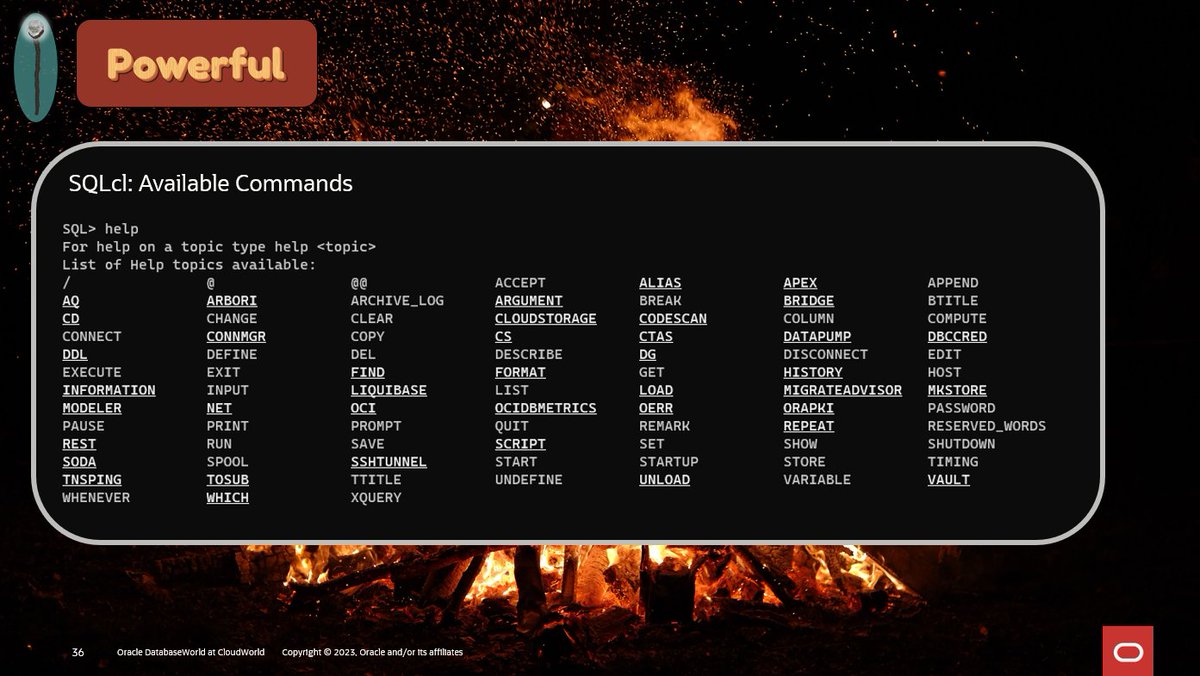
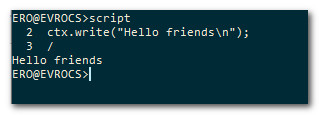
ALT Oracle SQLcl is a powerful command line interface for the Oracle Database.
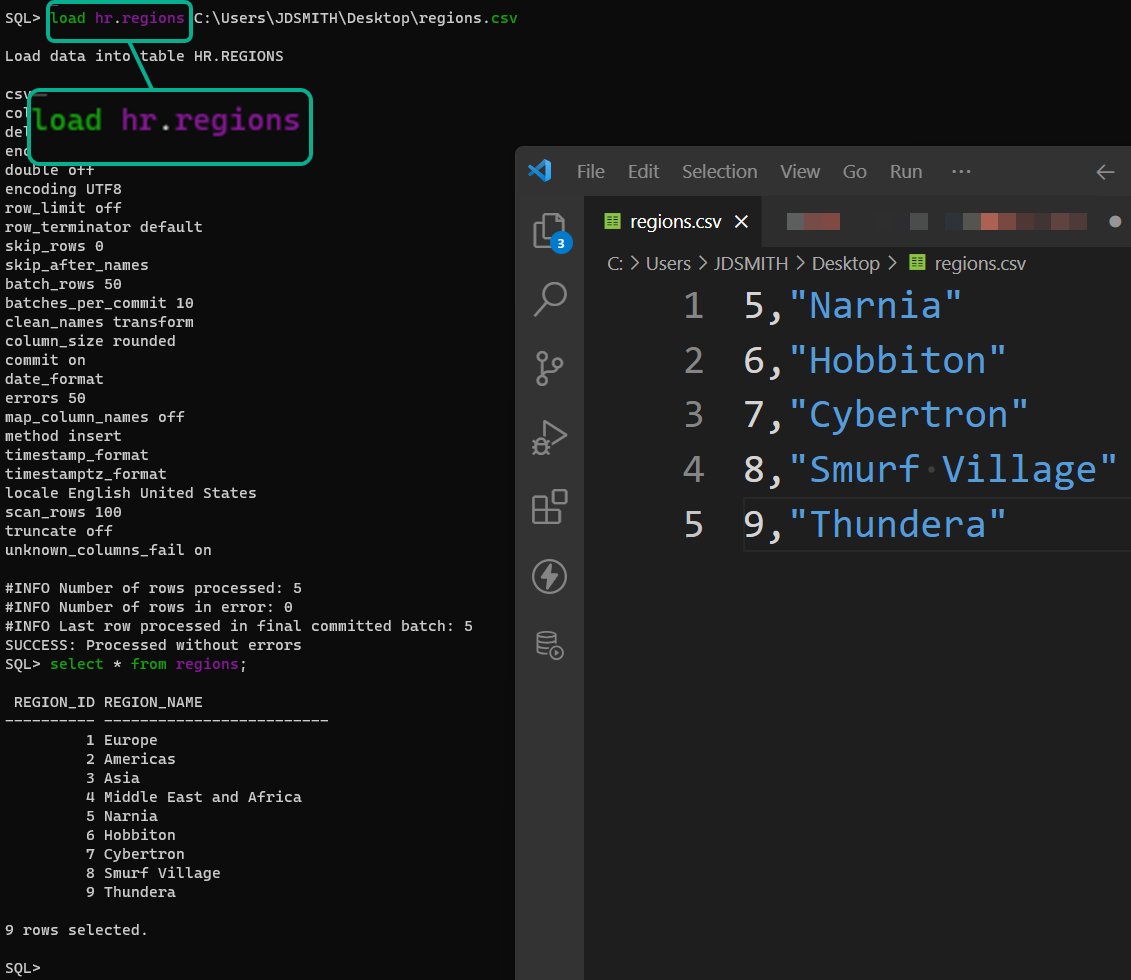
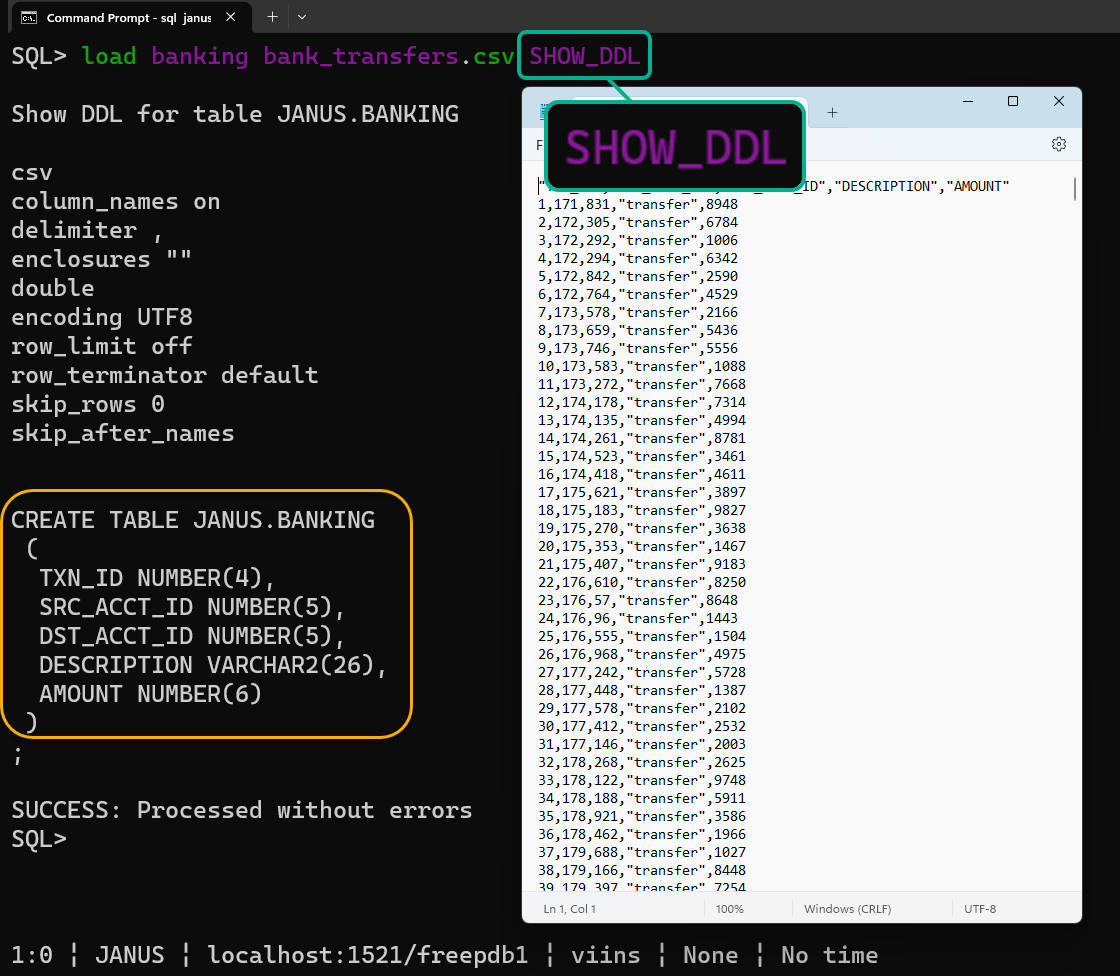
ALT Syntax: load <table_name> file.csv SHOW_DDL This will let Oracle SQLcl read the contets of your CSV file and suggest an Oracle Database CREATE TABLE command to store the data.

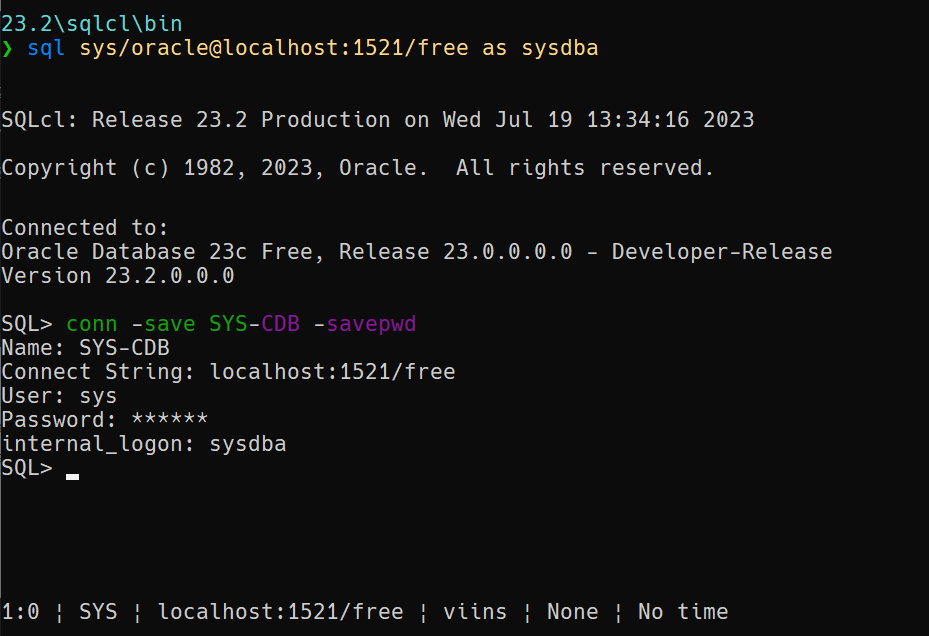
ALT Using SQLcl to connect as SYS, then saving that connection with a name, and opting in to include the password.
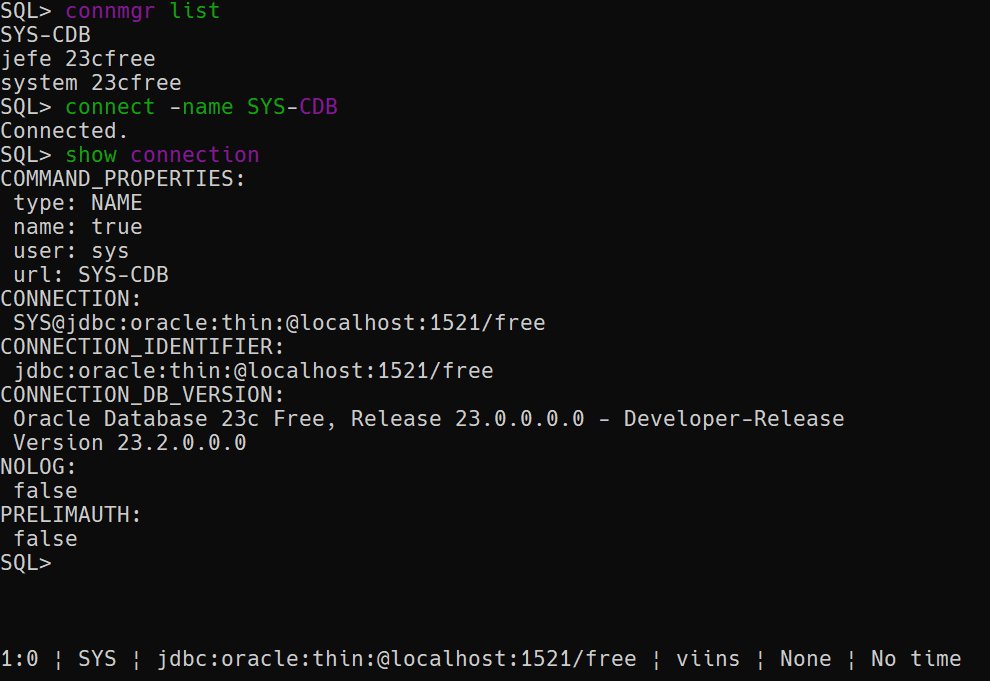
ALT Using SQLcl to list the names of saved connections, then using one to connec. Finally showing the connection details.

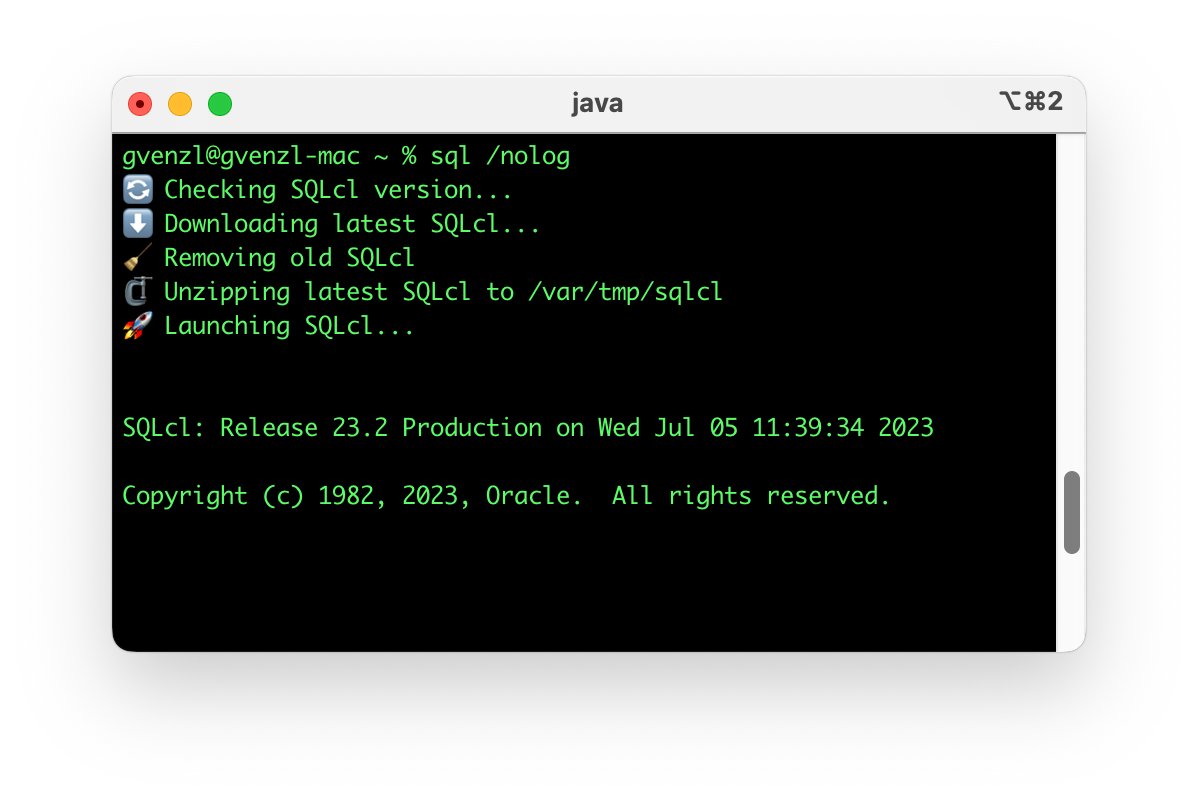
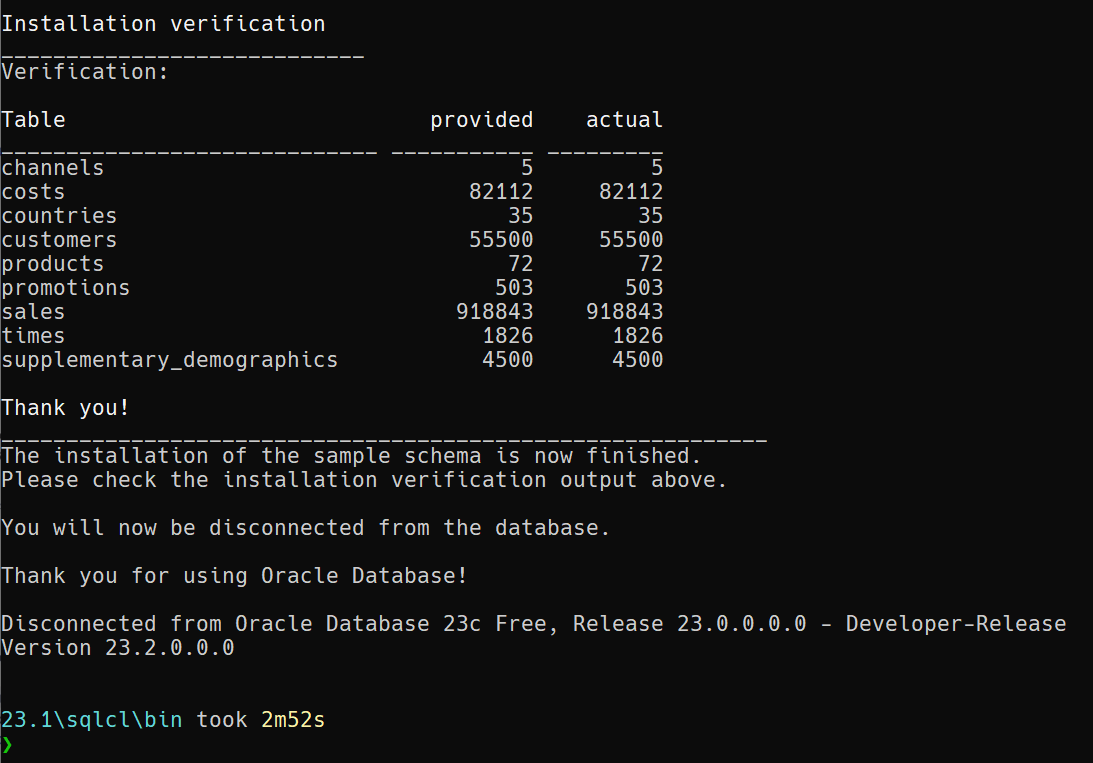
ALT Oracle SQLcl can easily install the SH sample schema now, no SQLLDR or Oracle Client required!
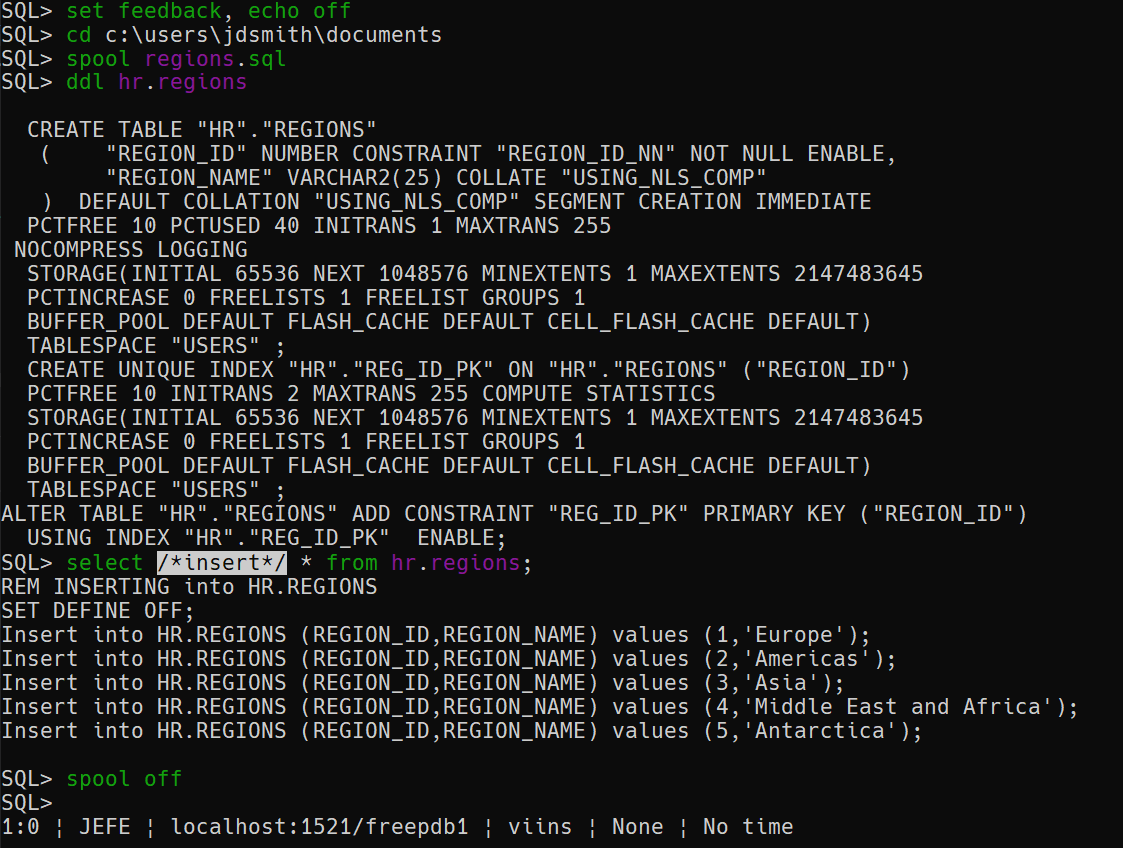
ALT set feedback, echo off spool regions.sql ddl hr.regions select /*insert*/ * from hr.regions spool off
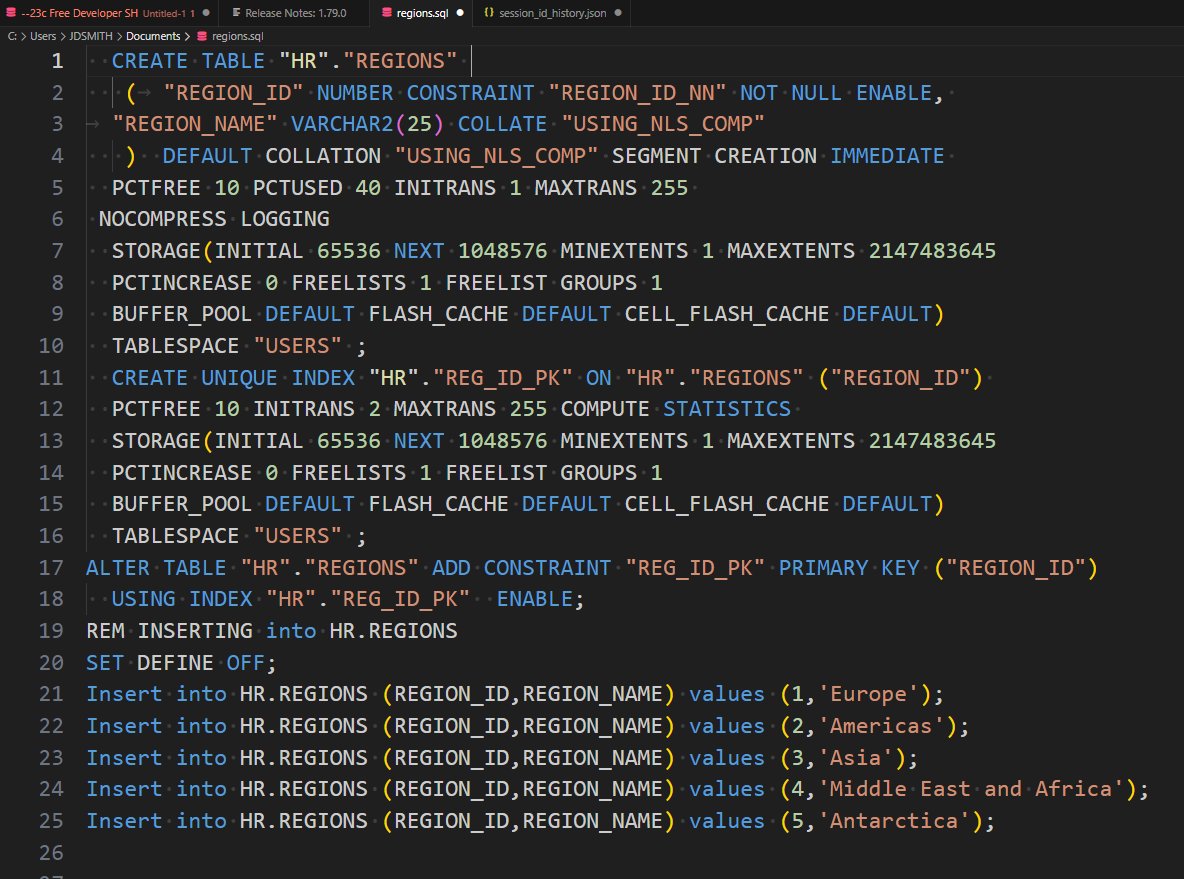
ALT the results SQL file generated from using Oracle SQLcl to spool out the DDL for a table and then the records in the table using the INSERT hint
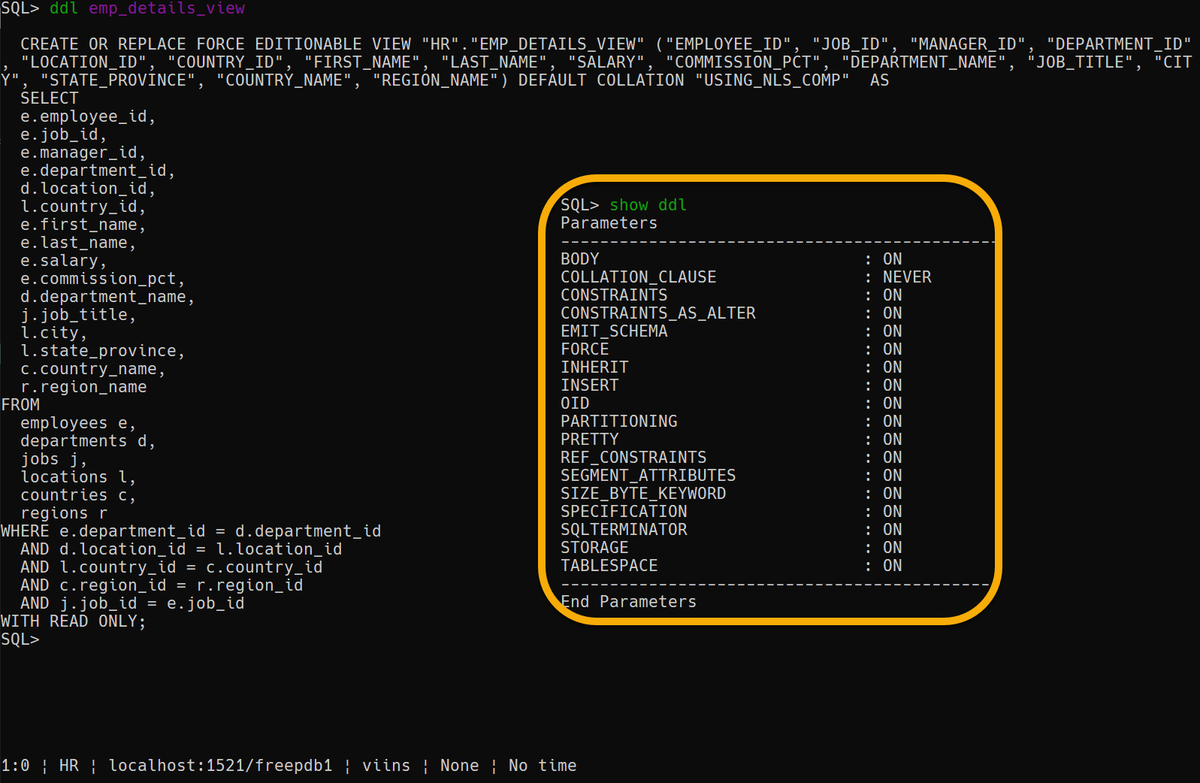
ALT The DDL command in Oracle SQLcl makes it easy to use the database package DBMS_METADATA to retrieve the code required to build your tables, views, and more. You can use 'set ddl' to configure how your DDL is generated.