Joined January 2010
- Tweets 14,293
- Following 1,927
- Followers 1,957
- Likes 20,778
95 Photos and videos









Ridwan Oloyede retweeted

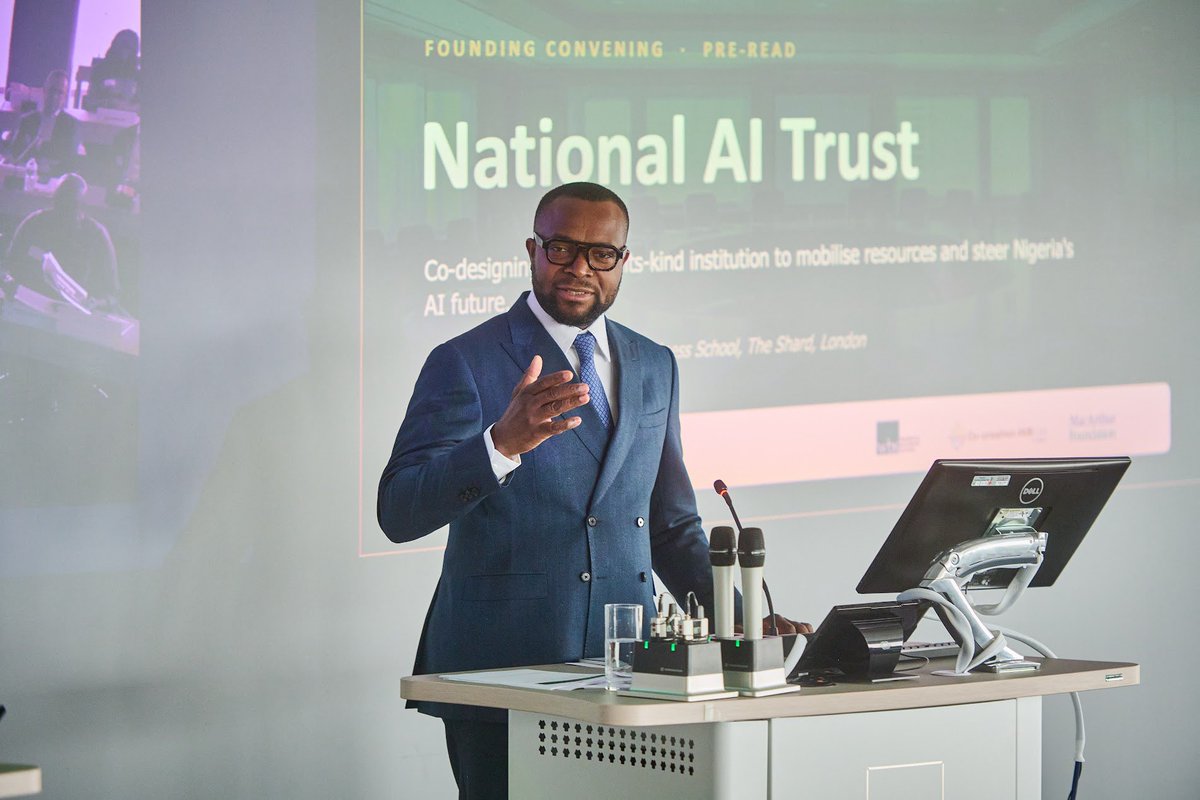
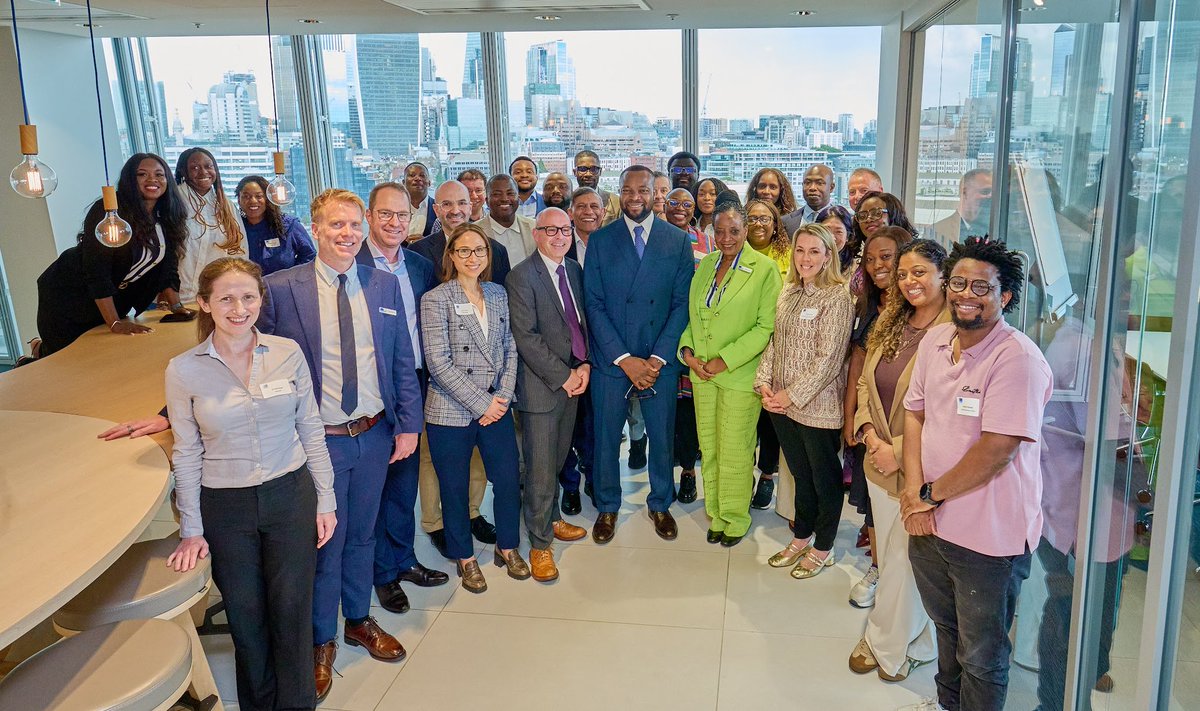
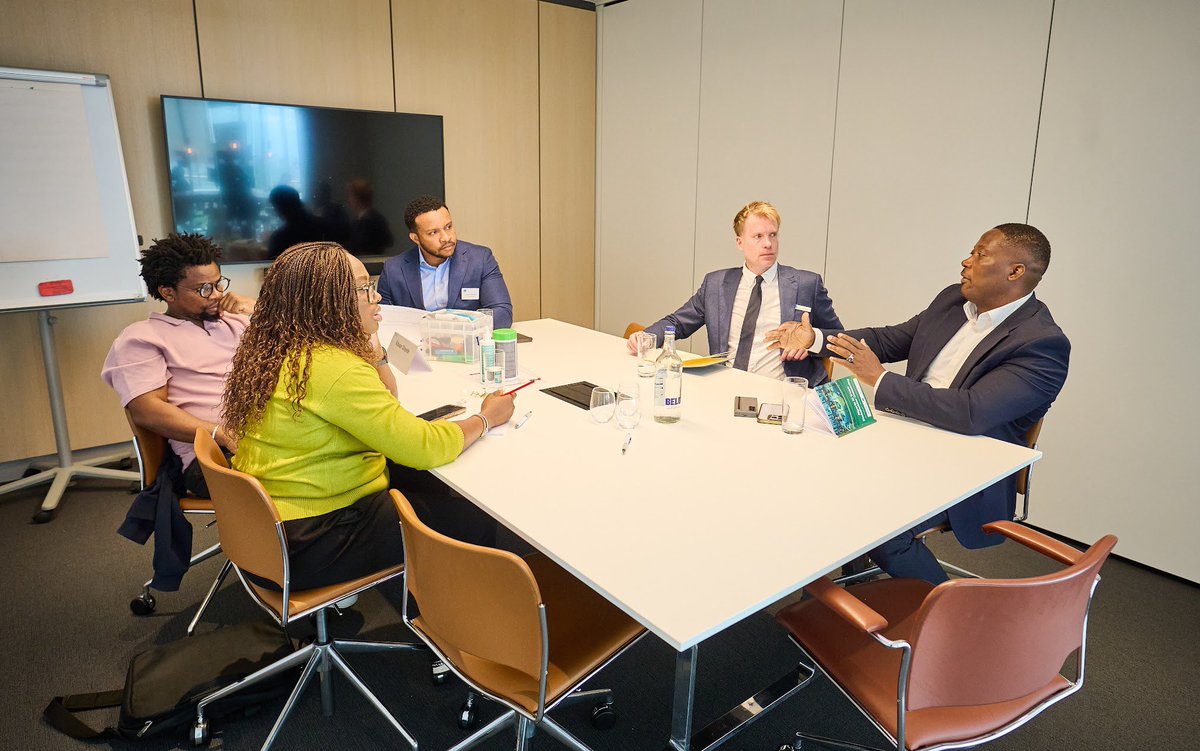
Following the FEC approval of our National AI Trust to ensure long-term leadership for Artificial Intelligence in Nigeria, we held a co-creation workshop in London on Wednesday and Thursday, bringing together leading researchers, academics, policymakers, industry experts, philanthropies, and public interest organisations as we commenced the process of establishing this first-of-its-kind AI Trust.
As Artificial Intelligence becomes an increasingly important driver of economic competitiveness, it is critical that we build not only the technology foundations, but also the institutions that can provide sustainable stewardship. The National AI Trust is envisioned as a body of trustees that will help ensure that AI development and deployment delivers broad-based economic and social value for all Nigerians.
Convening the workshop in London allowed us to tap into world-class expertise and diverse perspectives, helping to strengthen our thinking and shape the future direction of the National AI Trust.
As part of the visit, I enjoyed being hosted by my alma mater, @WarwickBSchool, for a keynote conversation on Global Perspectives: AI, Institutions, and National Competitiveness, hosted by Professor Christian Stadler. The discussion provided an opportunity to share Nigeria’s approach to building the talent, infrastructure, digital public infrastructure, and institutional capacity required to compete and thrive in an AI-driven world.
My sincere appreciation to the @macfound, @Cc_HUB, and the @WarwickBSchool, for organizing the workshop, and all participants and partners whose contributions continue to strengthen Nigeria’s AI journey.
#NigerianExcellence #AI

36
59
164
12,599
Ridwan Oloyede retweeted

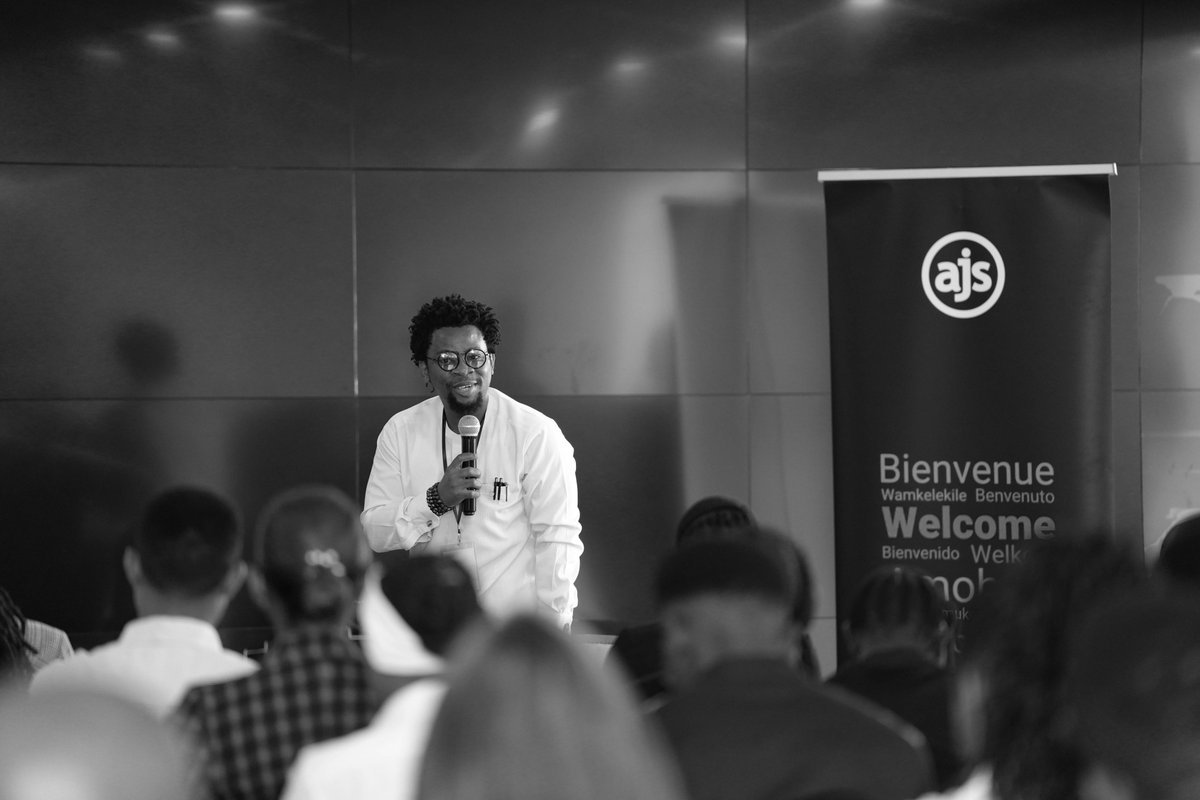
The #ALTSummit2026 is LIVE at DTC, Kigali🌍
This year's theme: "The Quantum Leap: Law, Governance & Exponential Technology for Africa's Decade" and the conversations we're about to have will shape the continent's future.
🔴Watch the livestream here: youtube.com/watch?v=KVvTTlGS…
7
10
293
Ridwan Oloyede retweeted
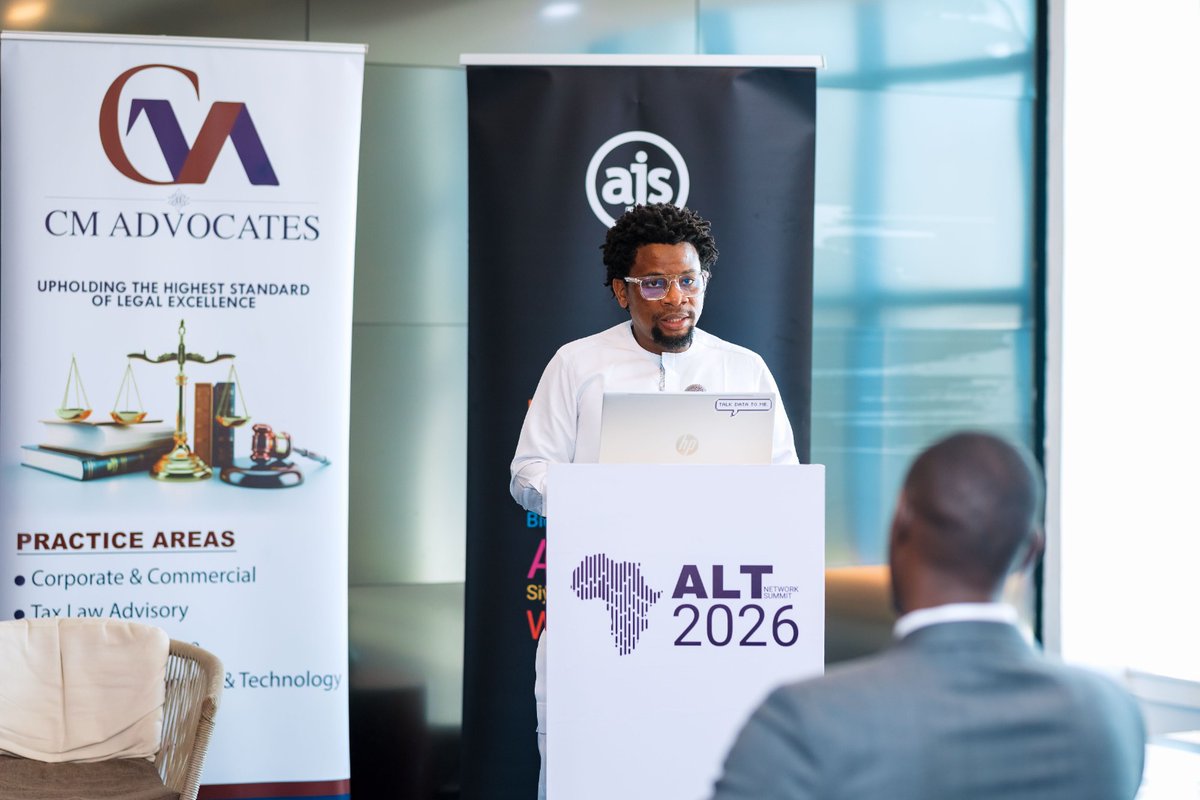
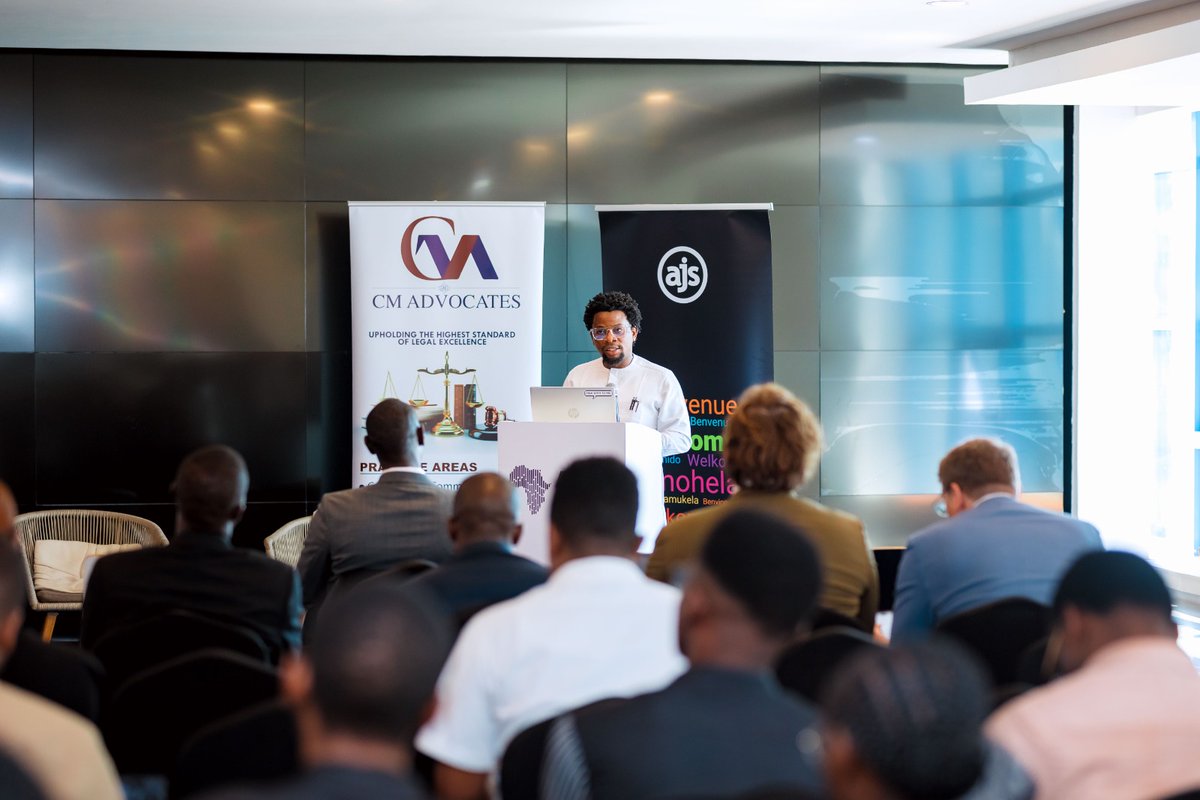
Kicking off Day 2 of #ALTSummit2026 with opening remarks from Ridwan Oloyede, Director at @law_innovation_, From recapping Day 1 highlights to setting the tone for today’s insightful workshops for Lawyers, Law Firms, Ventures & Startups. #TechForGood
2
6
172
Ridwan Oloyede retweeted

🌍Data protection laws across #Africa are evolving as policymakers respond to rapid digital transformation & emerging tech like AI. Join our discussion on the key trends shaping ongoing reforms and what they could mean for the future of data governance. linkedin.com/events/74397283…

2
2
243
Ridwan Oloyede retweeted

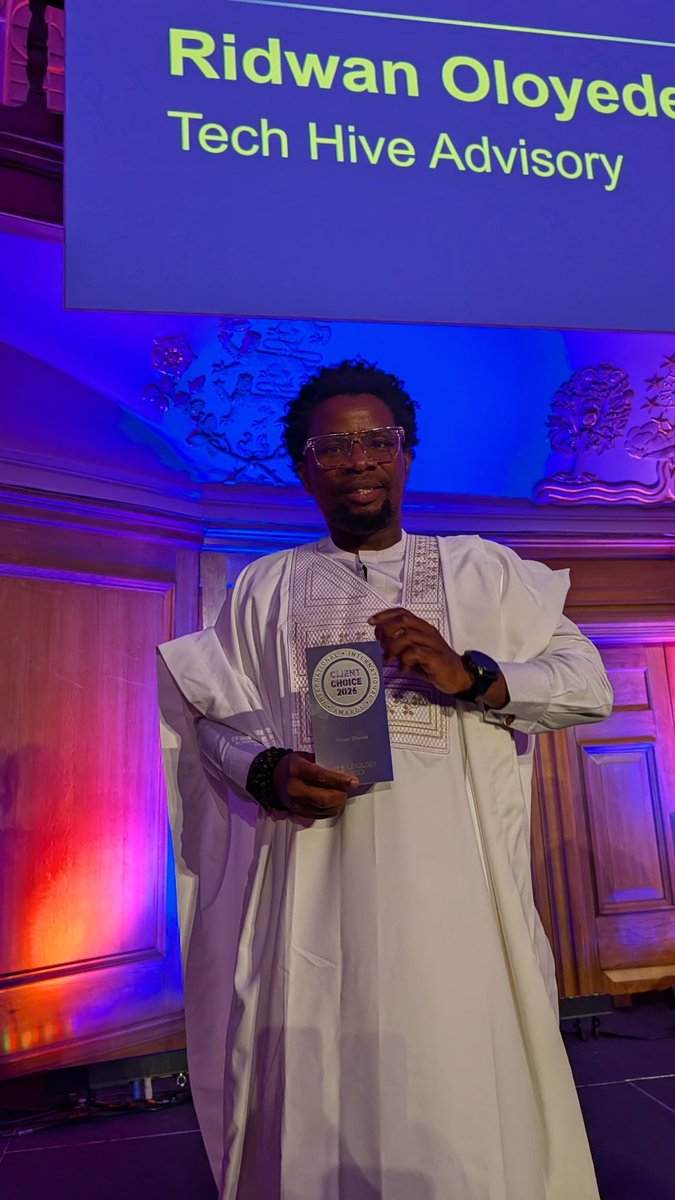
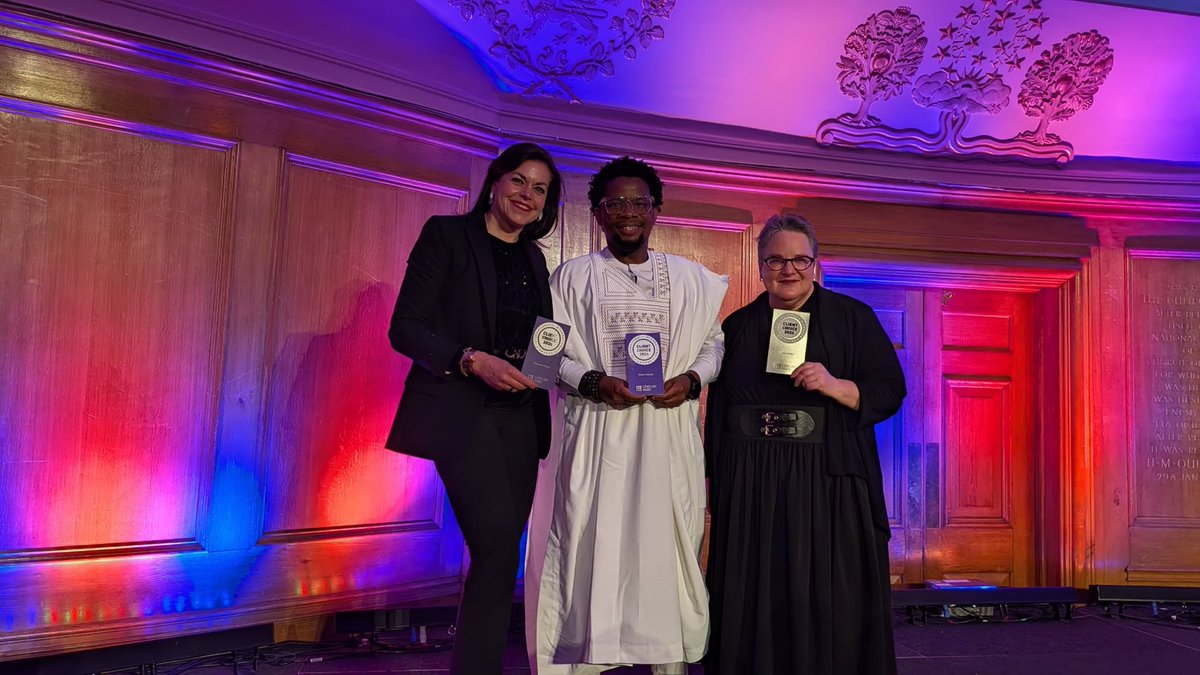
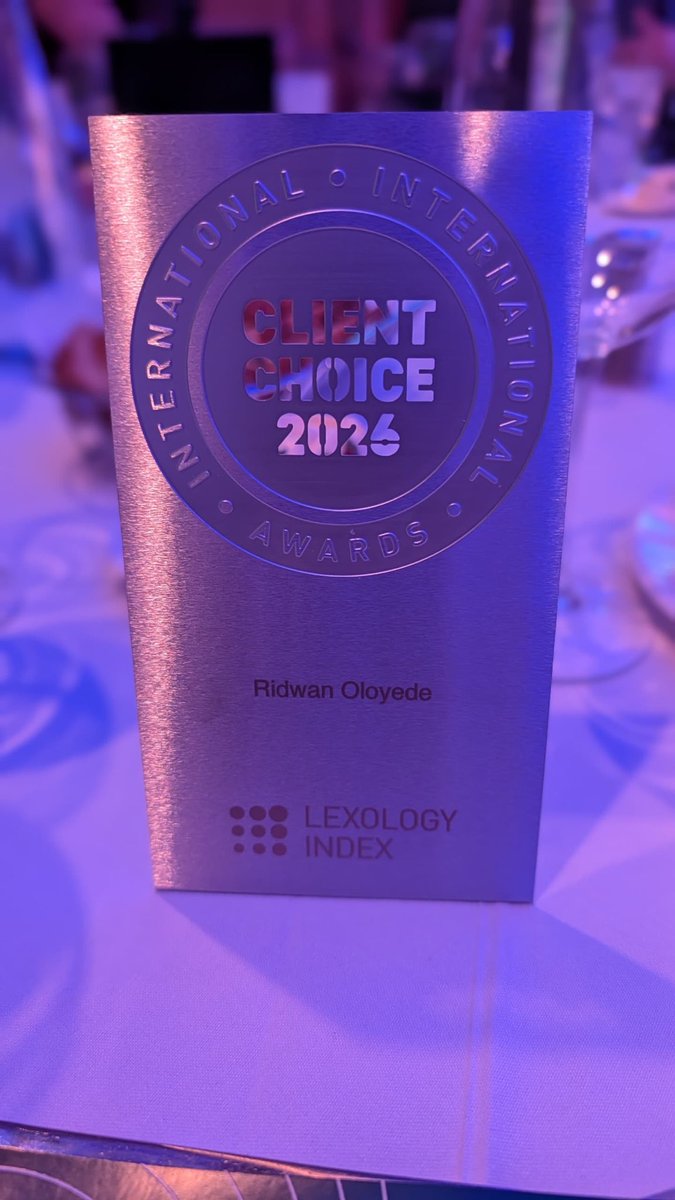
Last week in London, our Emerging Technologies and Policy Lead, Ridwan Oloyede @readeroy was recognised at the Lexology Client Choice Awards 2026, receiving the Client Choice Award in the Data category.
Congratulations on this well-deserved recognition.

1
2
101
Ridwan Oloyede retweeted

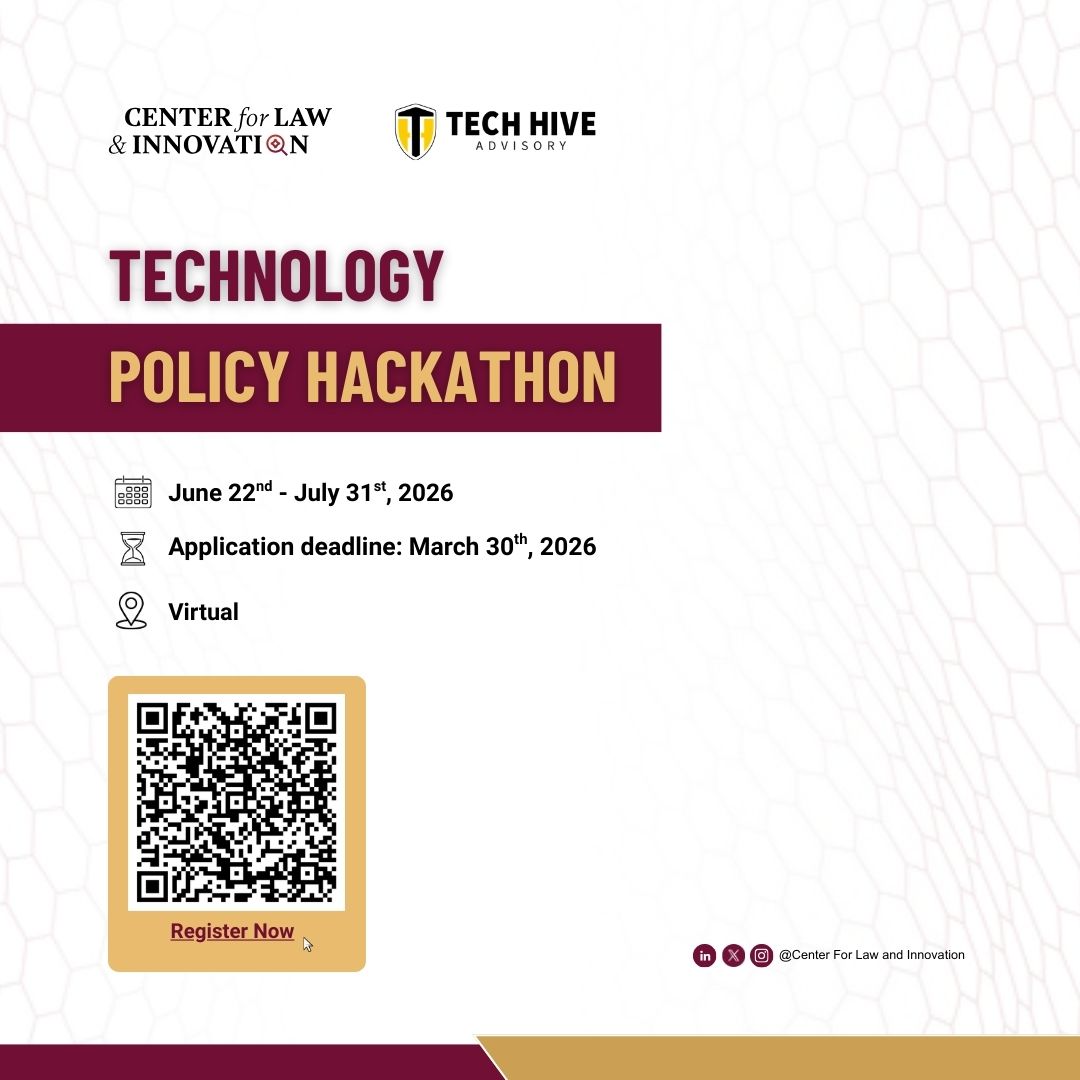
🚀 Technology Policy Hackathon 2026
3rd edition | 6-week virtual program in partnership with @HiveAdvisory bringing together participants across Africa to tackle emerging tech policy challenges.
📅 Jun 22–Jul 31
⏳ Apply by Mar 30
🔗 Register: docs.google.com/forms/d/e/1F…
1
33
72
4,467
Ridwan Oloyede retweeted

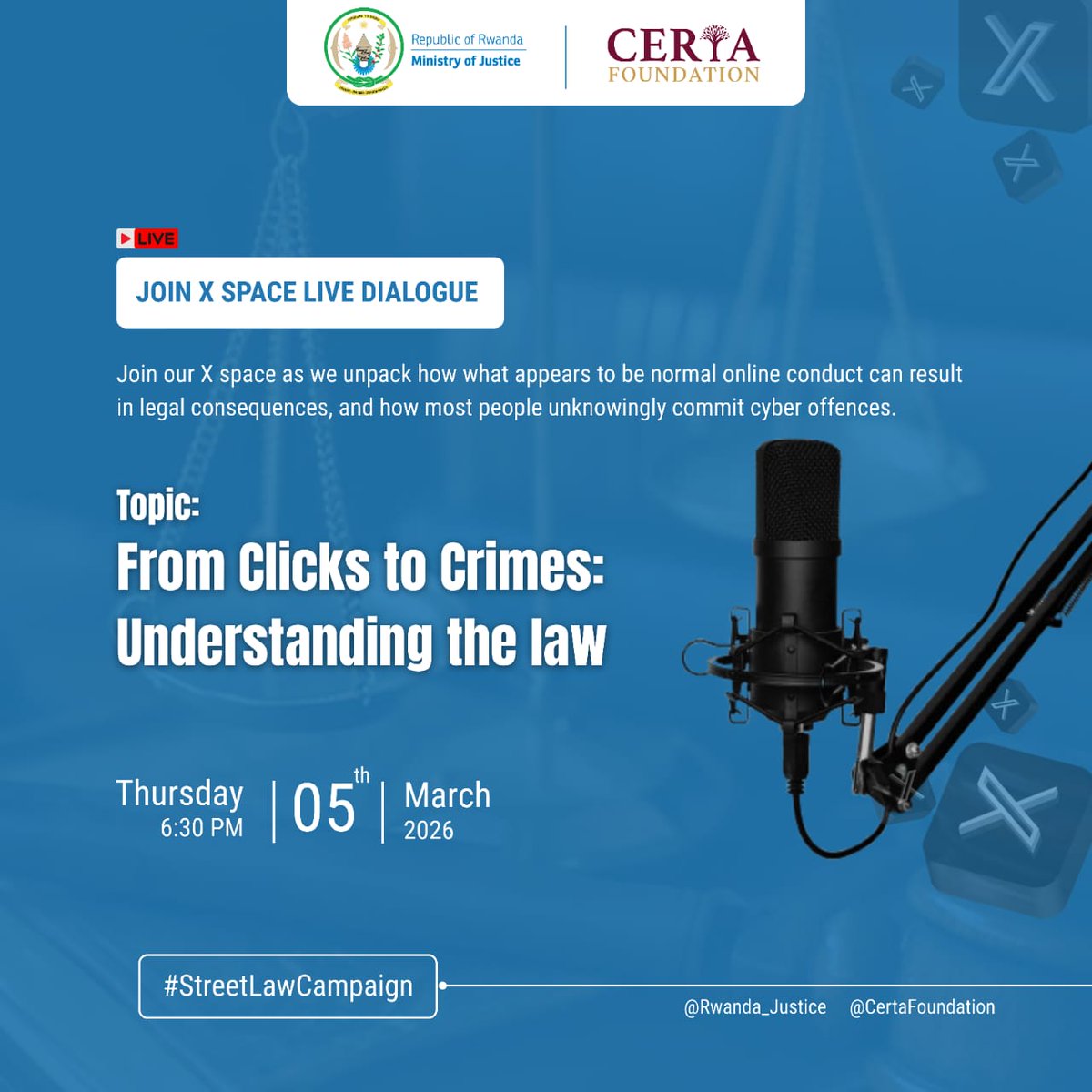
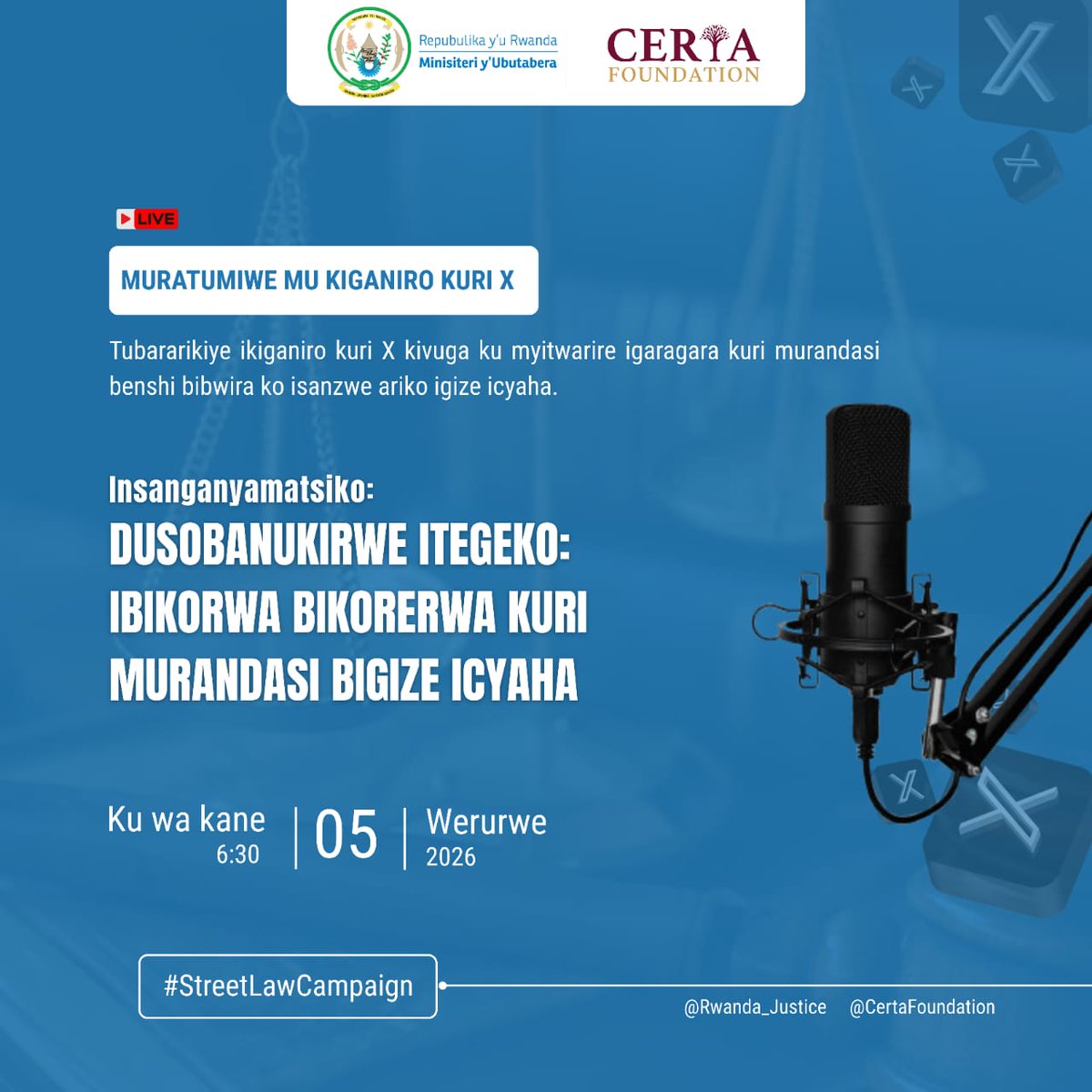
You are invited on our X space / Muratumiwe mu kiganiro kuri X.
To submit some questions and suggestions you can use this link / Mufite ibibazo cyangwa ibitekerezo mwifuza byaganirwaho mwakoresha 👉🏿 forms.gle/SrpNzmr3CVWowkqE6
1
18
54
4,909
Ridwan Oloyede retweeted

Mar 2
That Google Drive link of 200 novels in the Heinemann African Writers Series is piracy on a grand scale. Truly surreal to see someone so brazenly offer to share it, & for so many to express interest in getting the link. Gross violation of IP by 'supporters' of African writing.
122
298
897
1,035,589
Ridwan Oloyede retweeted
We’re delighted to highlight LegalTalk Africa as our co-host. They bring together legal leaders and tech partners to explore how digital transformation is reshaping law, risk & regulation across Africa.
#ALTNetwork #LawAndTech #Africa
3
9
235
Ridwan Oloyede retweeted

Feb 25
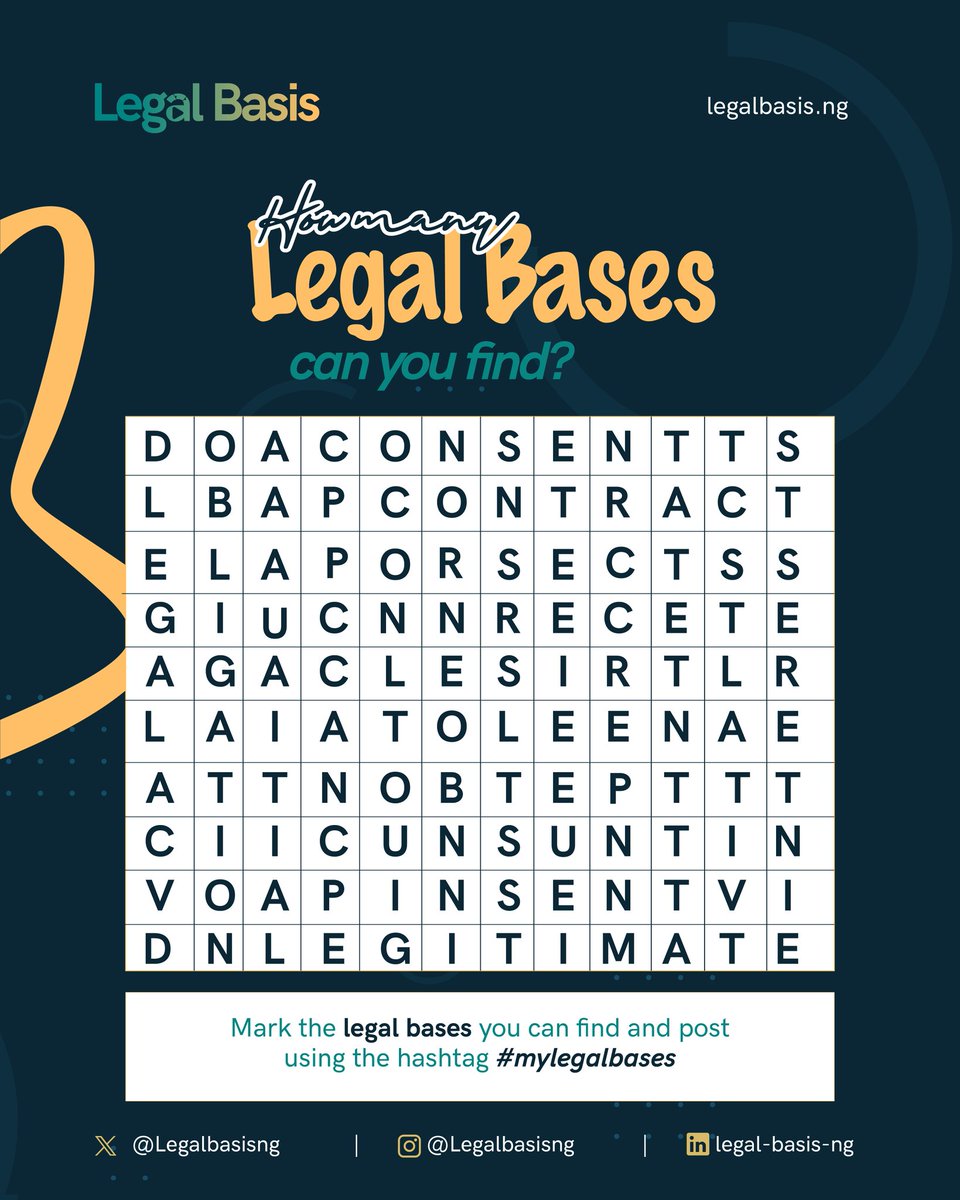
Do you know the legal bases for processing personal data?
Test your knowledge in our word search and see how many you can find!
Share your answers using the hastag #MyLegalBases. Remember to tag us too!
1
1
34
Ridwan Oloyede retweeted

Are you yet to listen to our latest episode at the bar with Yomi Ajibade?
Trust us, you don’t want to miss this one. Plus, it is approved for 1.5 CPA credits.
Listen now: open.spotify.com/episode/1MV…
Watch out for the next episode!
1
1
39
Ridwan Oloyede retweeted

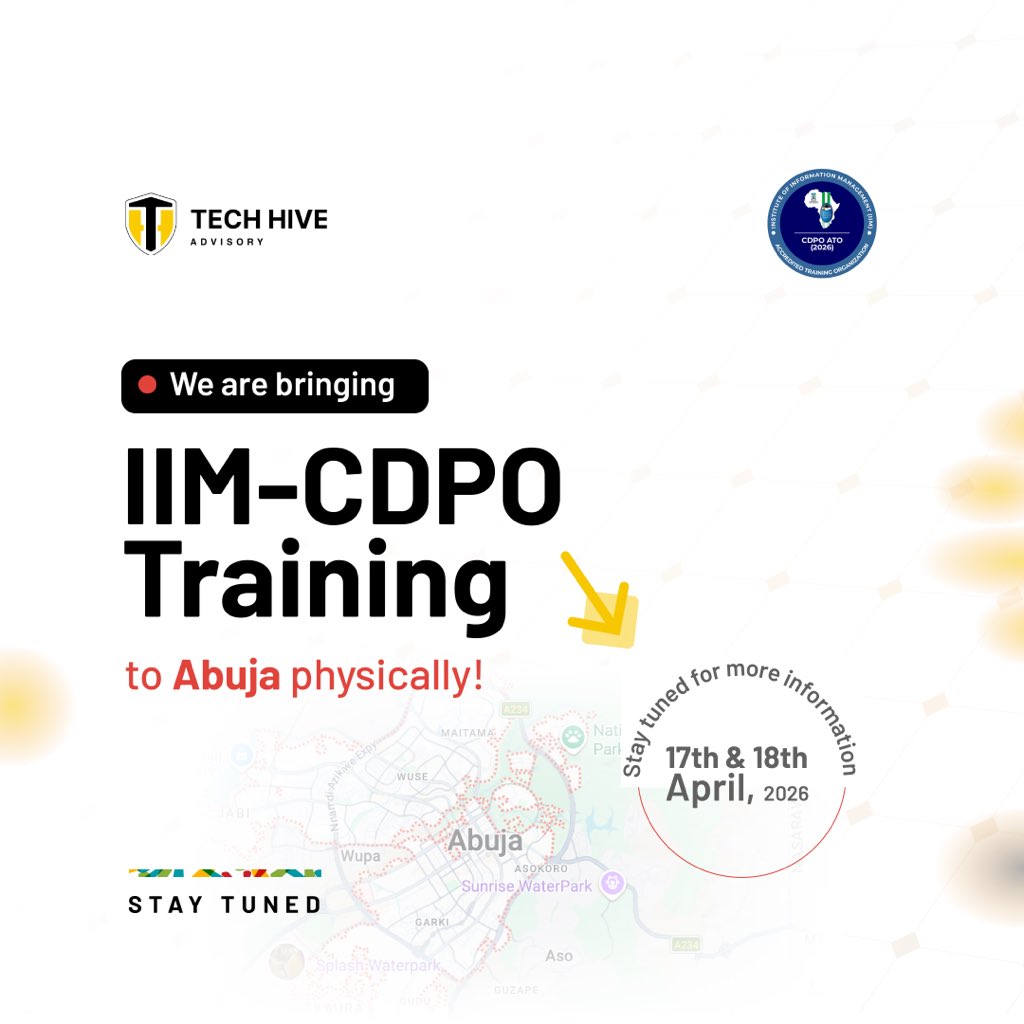
Great news !! If you’re in Abuja don’t miss out on this opportunity to partake in CDPO training led by some of the best privacy minds in the game

Big news to kick off the week!
We are bringing our IIM-CDPO Training to Abuja, in person.
Date: 17th & 18th April, 2026
More details dropping soon. Stay tuned.
You can also send a mail to training@techhiveadvisory.africa or call 08105235228 for more information.
1
1
71
Ridwan Oloyede retweeted

Feb 23
Certified Data Protection Officer Training happening physically in Abuja.
This is your one chance to get certified as a data protection officer.
Young Lawyers in Abuja, please take this opportunity serious.
Big news to kick off the week!
We are bringing our IIM-CDPO Training to Abuja, in person.
Date: 17th & 18th April, 2026
More details dropping soon. Stay tuned.
You can also send a mail to training@techhiveadvisory.africa or call 08105235228 for more information.
3
4
11
1,733
Ridwan Oloyede retweeted

“Nobody should know my name.
The fact that you’re reading this is proof of God’s grace.”
This is @victorosimhen9. theplayerstribune.com/victor…
31
848
2,069
255,178
Ridwan Oloyede retweeted
Feb 17
I’m sure that everyone who attended this Artificial Intelligence Masterclass organized by Prof. Jake Effoduh today went home with a new spark.
So many eye opening moment.
I can’t help but thank @readeroy, the entire TechHive Advisory team and the Centre for Law and Innovation.
The Tech Policy Hackathon we did last year laid the foundation for everything happening now. It exposed to me certain knowledge I didn’t know - those things came up earlier today and it never sounded strange. I built confidence.
I’d advise everyone interested in technology governance and policy to keep an eye out for this year’s hackathon. Make LinkedIn your friend.

1
3
3
268
Ridwan Oloyede retweeted
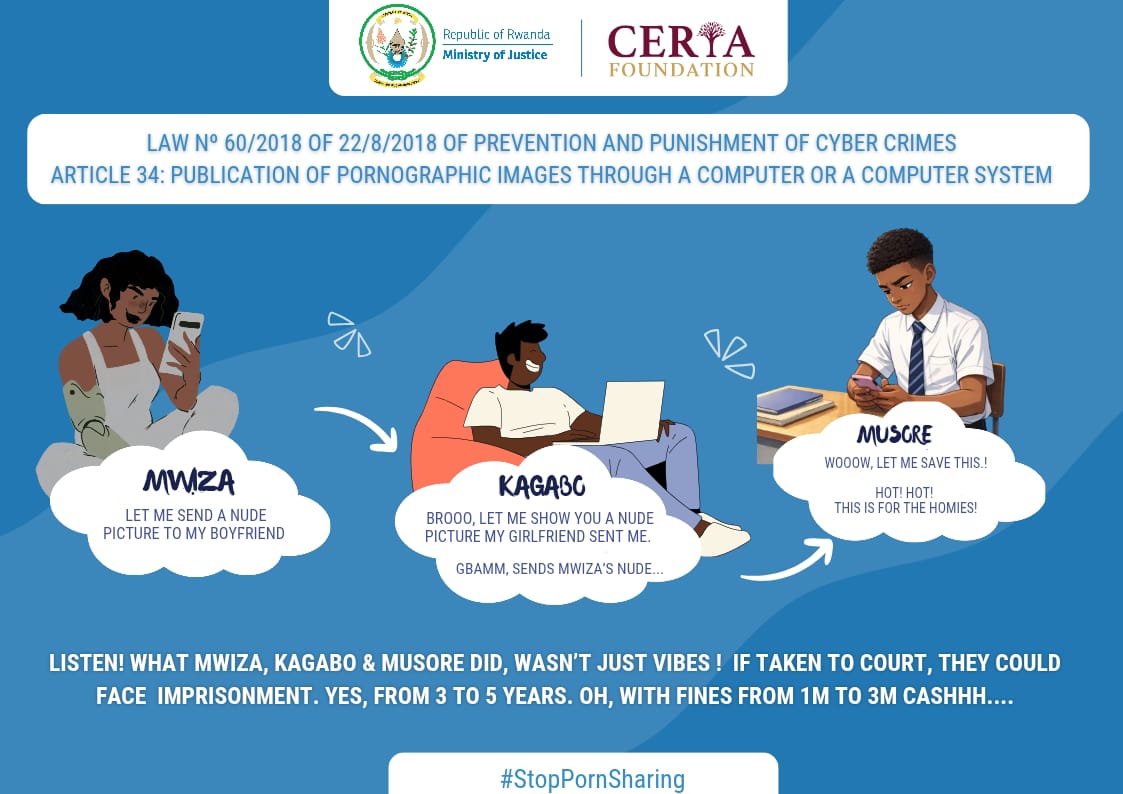
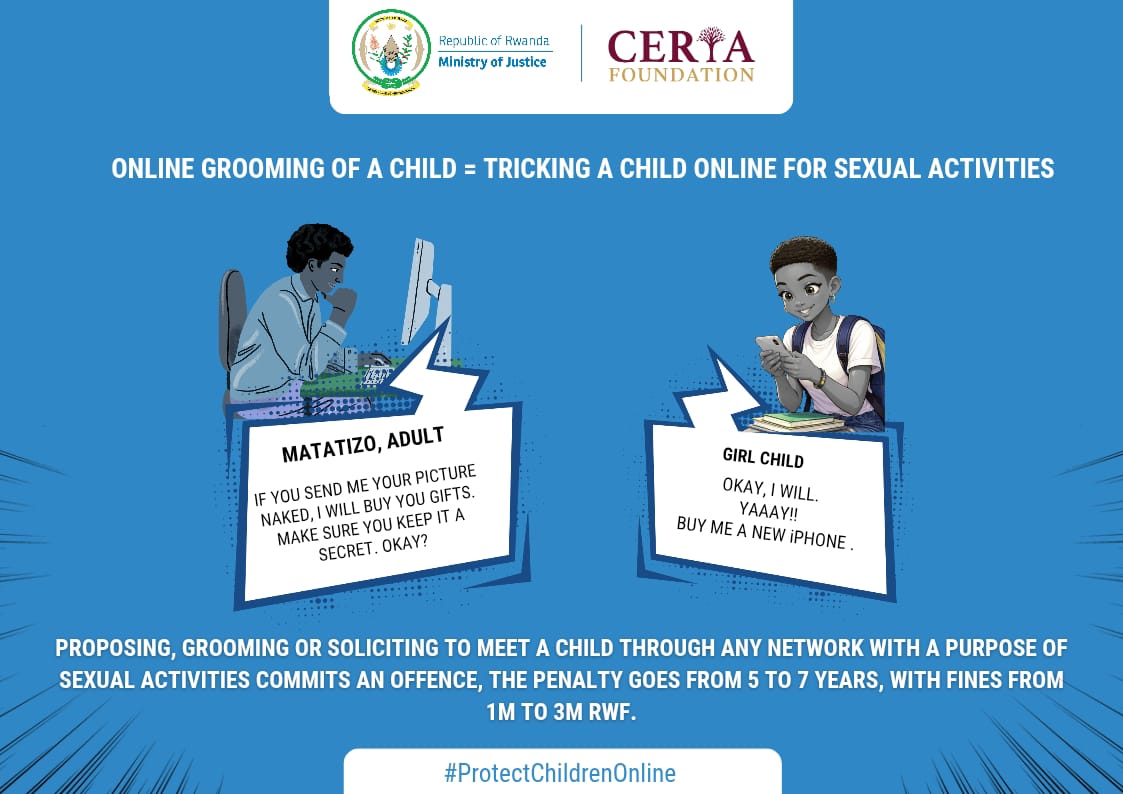
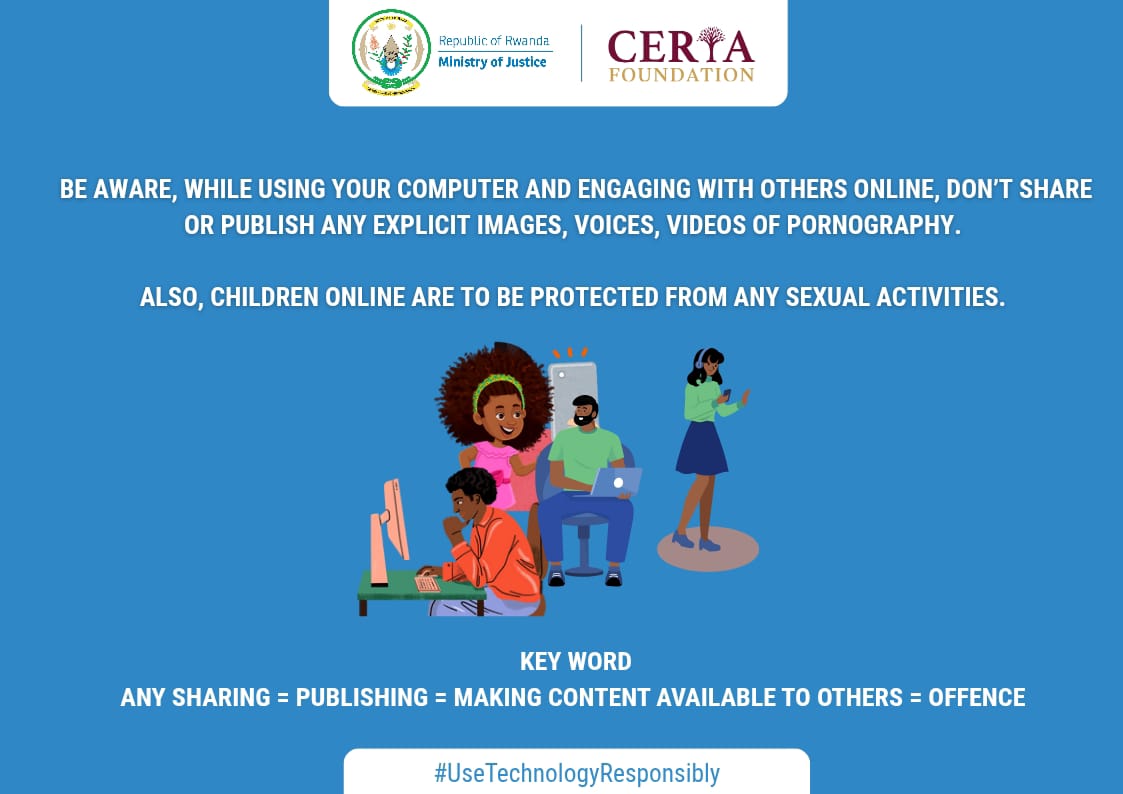
Knowing the law matters.
Understand your rights and responsibilities online.
Protect your future. Protect others.
Let’s build a safer digital community.
#StreetLaw #DigitalResponsibility #ChildProtection #ThinkBeforeYouClick
5
17
39
2,173
Ridwan Oloyede retweeted

Feb 15
Fund our work:
x.com/i/status/2022679802747…
Feb 14

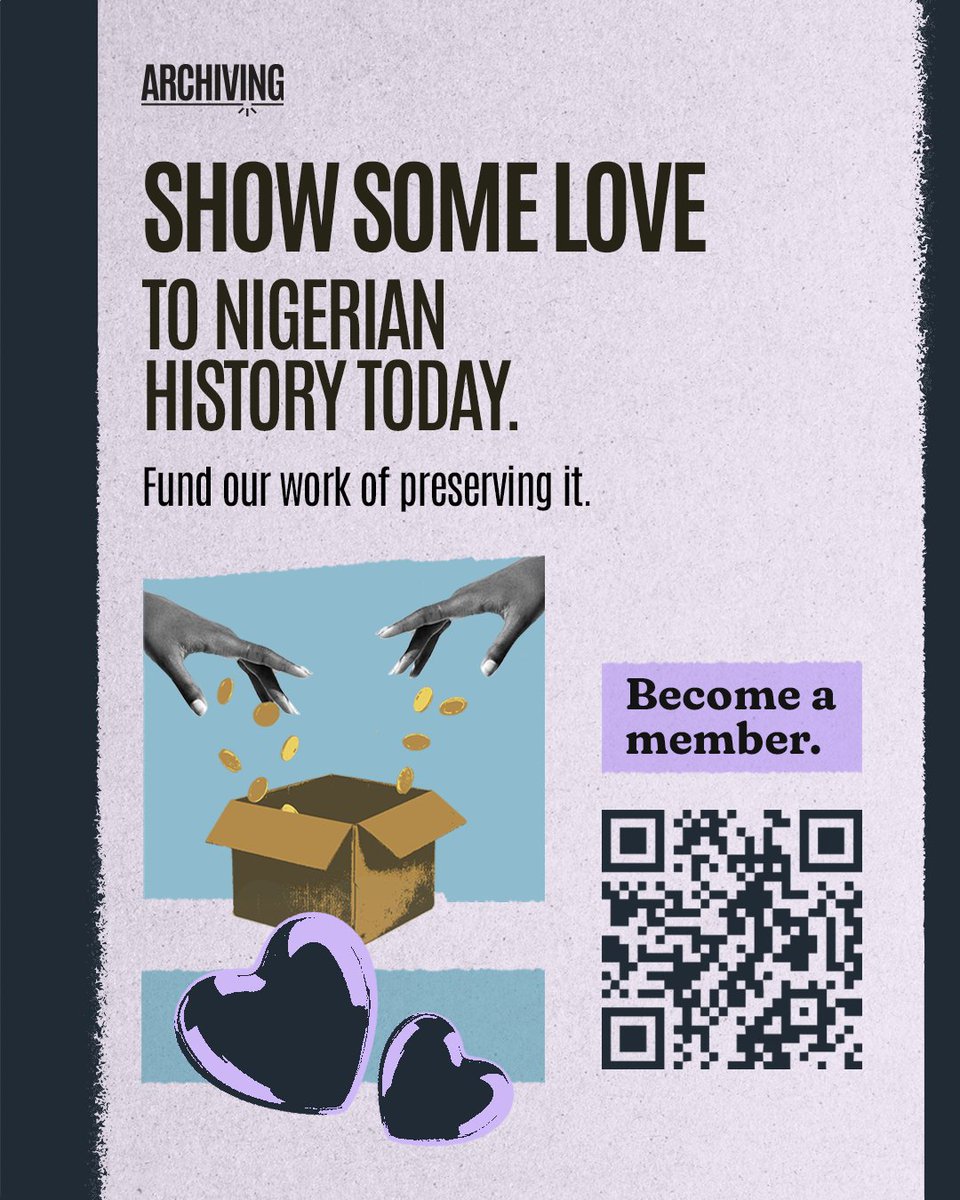
Digitising Nigerian history is slow, careful and expensive.
Scan the code or tap the link to support our work today: archivi.ng/membership
1
21
109
147,986
Ridwan Oloyede retweeted

Feb 14
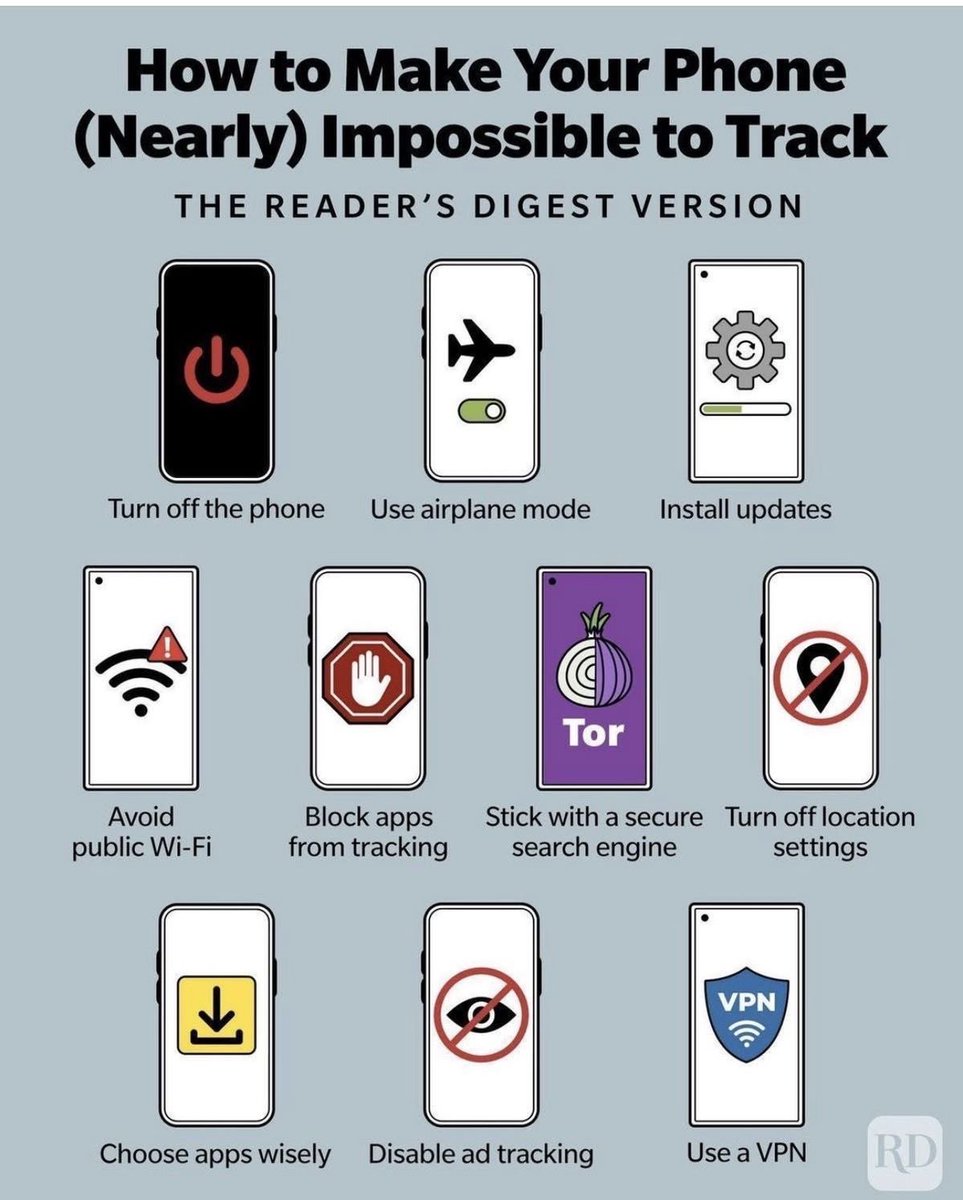
In reality, phones are trackable at three different levels: the cellular network, the operating system/apps, and the internet services you use. You can reduce tracking, but you can’t make a normal smartphone “nearly impossible to track.” Here’s what you need to know.
Turning off the phone does stop tracking but only while it’s truly powered down. That’s obvious, not a privacy strategy. The moment you turn it back on and reconnect to a mobile network, your carrier immediately knows your approximate location again because your SIM has to register with nearby towers. That’s how calls and data work.
Airplane mode isn’t magic either. It disables radios, but you’re basically just offline. As soon as you reconnect, you’re back to being visible to the carrier and apps. It’s temporary isolation, not anonymity.
Installing updates is good security advice, not tracking protection. Updates patch vulnerabilities so hackers can’t spy on you, but they don’t stop your carrier, apps, or websites from collecting normal telemetry.
Avoiding public Wi-Fi helps against local attackers sniffing traffic, but it doesn’t stop Google, Meta, your ISP, or your mobile provider from tracking you through accounts, cookies, device fingerprints, or your SIM. You’re still identifiable.
“Block apps from tracking” and “disable ad tracking” are often misunderstood. On **Apple iPhones and Google Android, these settings mostly limit third-party ad IDs. They do not stop first-party tracking. Apps you log into still know exactly who you are because you gave them your account.
Using **Tor Browser or a “secure search engine” only hides browsing activity from your ISP and adds anonymity for web traffic. It does nothing about GPS, cell tower location, Bluetooth beacons, or the apps installed on your phone. And Tor on mobile can even break many apps.
Turning off location settings doesn’t fully hide you either. Even with GPS off, your device can still be located roughly using cell towers and Wi-Fi networks. Your carrier can still triangulate you. Law enforcement can still request that data.
A Virtual Private Network (VPN) only hides your IP address from websites and moves trust to the VPN provider. It does not stop app tracking, device fingerprinting, or carrier-level location logging. If the VPN logs, you’re just shifting who sees your data.
The honest truth is simpler: a regular smartphone is designed to be connected and identifiable. That’s how calls, maps, banking, and messaging work. You can reduce tracking by limiting permissions, using fewer apps, logging out of accounts, and being mindful of what you install but you can’t make it “nearly impossible” without extreme steps like leaving the phone off, removing the SIM, or not carrying one at all.

44
882
5,070
255,254
Ridwan Oloyede retweeted

Feb 14
“First and foremost, you must be the biggest believer in your vision, whether others see it as magic or delusion.”
Ridwan Oloyede @readeroy
1
1
57
Ridwan Oloyede retweeted
Feb 13
Before you share your personal data, ask: Is this necessary?
Understanding your rights is your first line of defense.
Visit legalbasis.ng to learn more.
1
1
40