stay human
Joined August 2021
- Tweets 524
- Following 59
- Followers 83
- Likes 812
32 Photos and videos


2
3
708
S!R Lancelot retweeted

9 Apr 2024
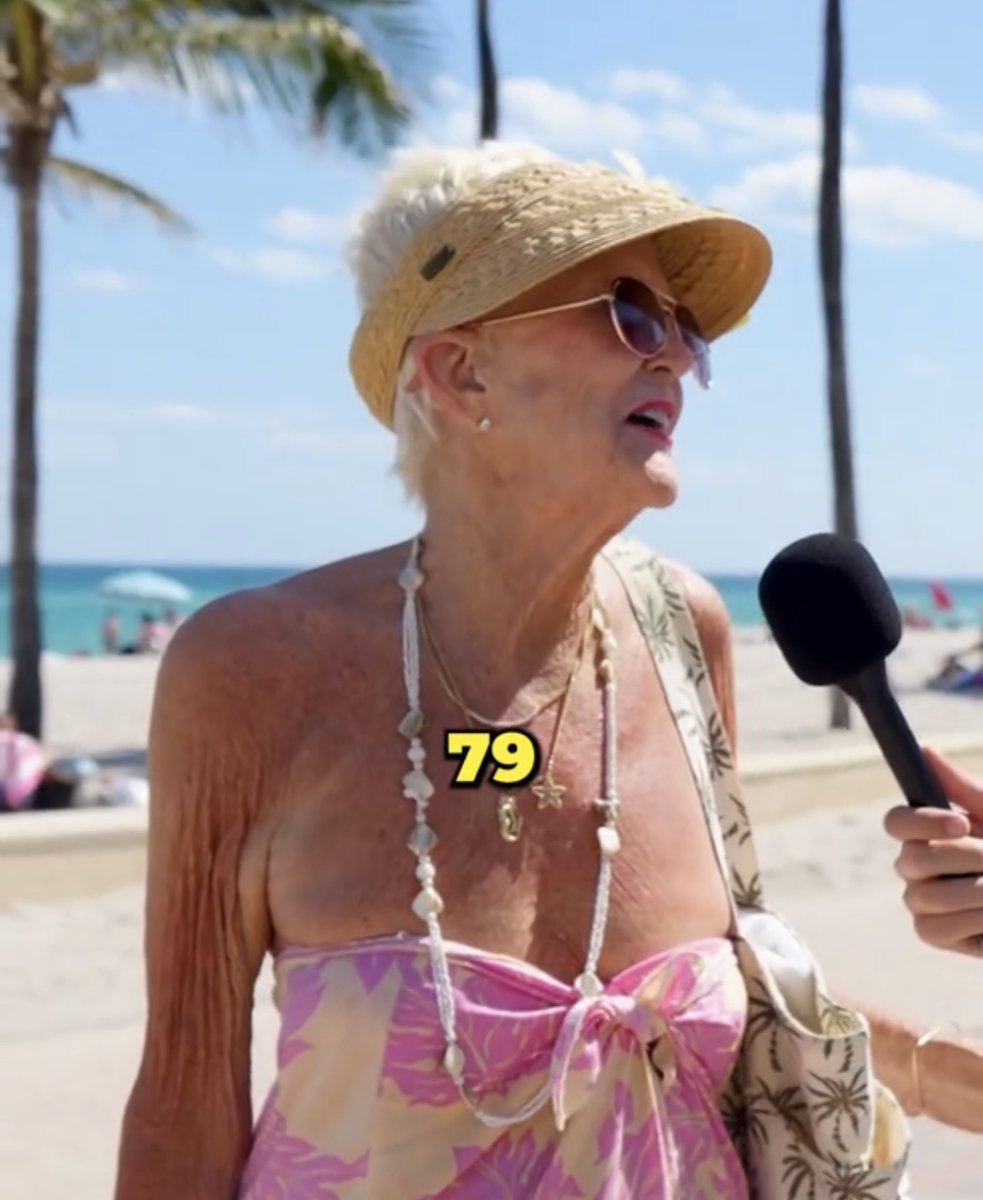
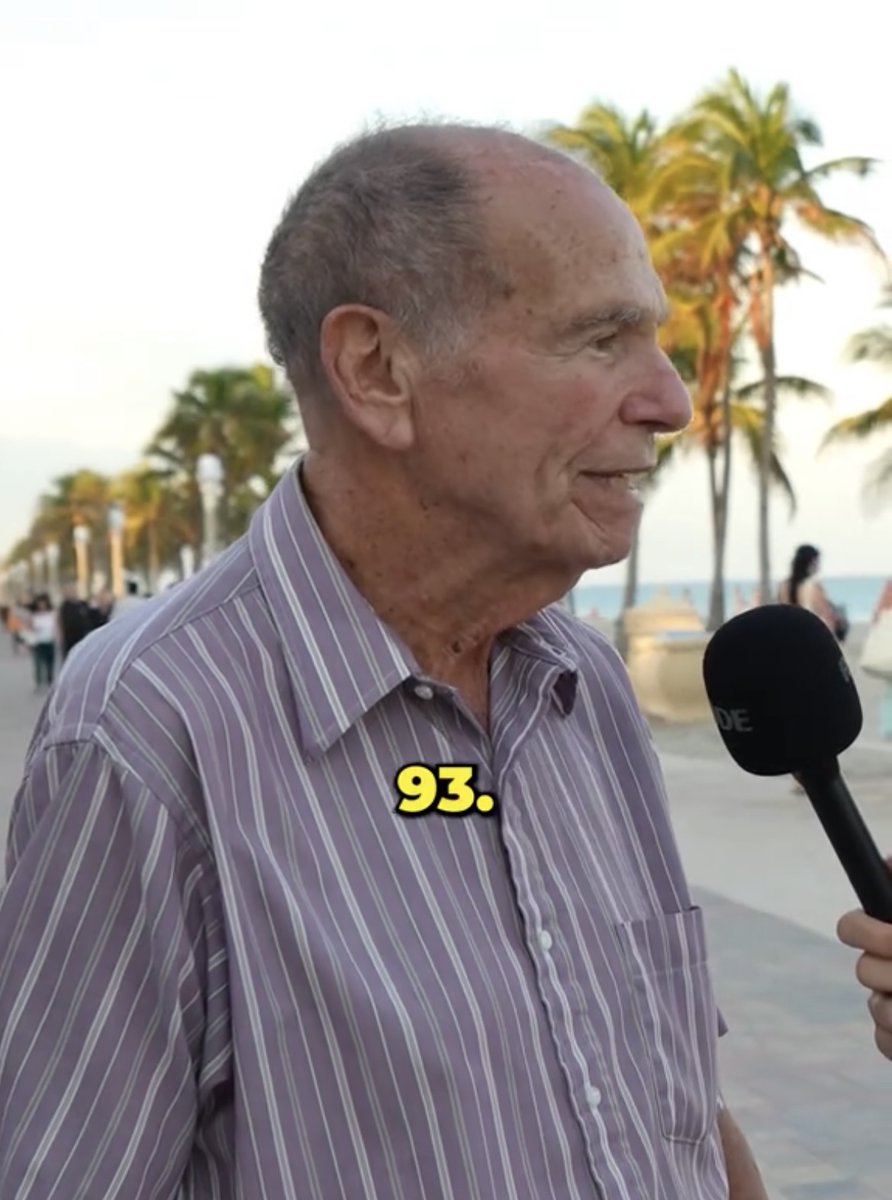
I found a guy who goes around the US asking 70 to 100-year-olds their:
• Biggest Regrets
• Biggest Lessons
• Advice to their younger self
Oddly enough, most of their answers are the same…
Here are my top 8:
2,783
54,050
294,903
73,855,148

🚀 Introducing ParaPay: Now available on the Google Play Store for Android users!
Coming soon for Apple users!
#CryptoCommunity #CryptoNews
#Crypto #Cryptocurrency #Cryptocurrencies #CryptoNewsToday
8
37
57
4,046
S!R Lancelot retweeted

2 Sep 2023
Very useful tips.
Personally i'd add that increasing --s always reduces fidelity to prompt (except for very concise prompts).
So very high --s values tend to generate pretty yet sometimes impersonal / conventional images. Which is perfectly fine for creating stock-like images, but not always desirable for other use.
I think it's a matter to find a fitting compromise between aesthetics and meaning ...
1
1
13
3,410
S!R Lancelot retweeted

2 Sep 2023
Seems like the X algorithm was weird lately, and few people saw my previous post.
It's better now, so I'm updating the post and sharing it again.
Previously I showed you guys how to make vector illustrations with Midjourney.
Prompt:
png white background, [subject], in the style of animated illustrations, [environment], full body, text-based --style raw --stylize 100
Here's a neat trick to control the detail level of the images:
Change the "stylize" value at the end of the prompt.
The default value is 100.
If you prefer flatter images with less detail, use a low value like 0.
If you like more artistic images, use a high value like 500.
It's an easy way to customize the images for your project or presentation.
Check out the examples below (prompts in ALT).
I hope you found this useful!
Tomorrow, I'll share another way to modify this prompt to make illustrations for the tech industry.
If you need tech related vector illustrations, you won't want to miss it.
Follow me at @chaseleantj to stay updated :)
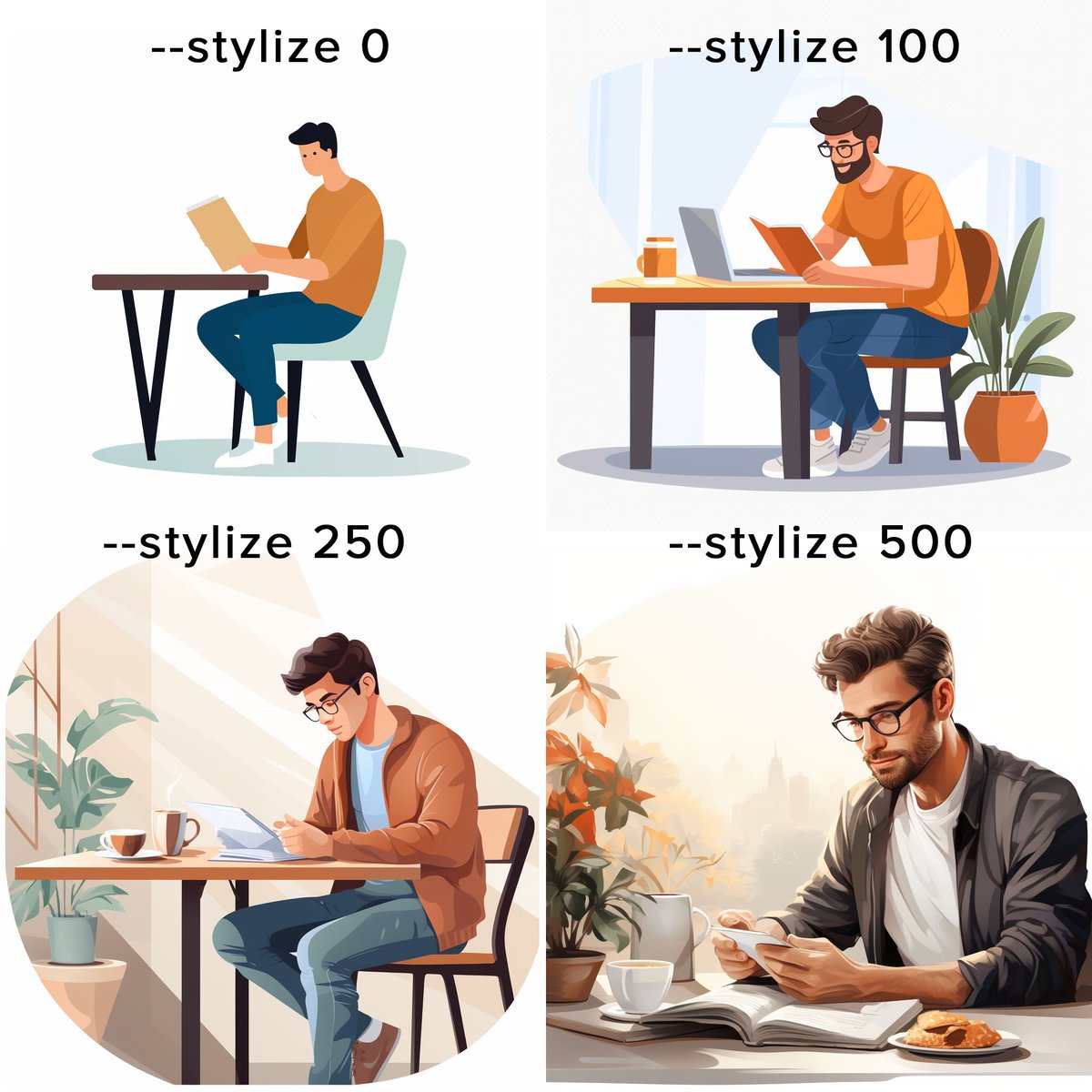
ALT Prompt: png white background, man sitting at a table reading a book, in the style of animated illustrations, studyplace, full body, text based --style raw --stylize X Change the "X" to 0, 100, 250 or 500 to get the images you want.
59
391
3,806
929,908
1
8
9
645
S!R Lancelot retweeted

31 Aug 2023
Trying out my consistent characters approach with different art styles.
Here is a sneak peak.
Seems to be working well.
Next is to see if it works with objects too
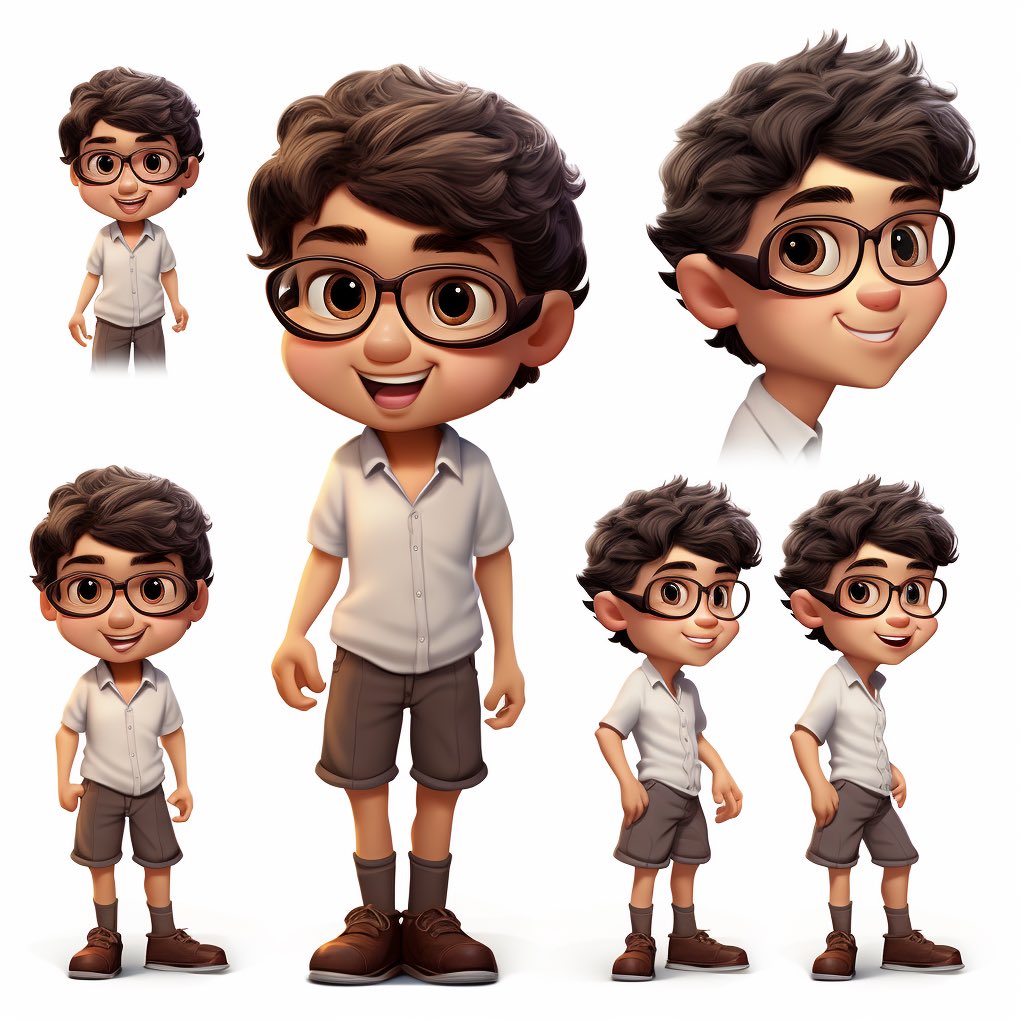
30
21
376
62,405
S!R Lancelot retweeted
14 Aug 2023
Instant Voice Cloning
3 seconds of audio is all you need.
Text-to-voice AI generated voices with <1 second latency.
🧵 A thread
69
317
1,885
576,454
S!R Lancelot retweeted

10 Aug 2023
This is Insane 🤯
No more hours of video editing.
Now You can convert 1 long video into 10 viral clips in a few minutes.
Create ready-to-publish Viral TikToks, Reels, Shorts 10x faster.
Klap is an AI tool that repurposes long videos into shorts in one click.
92
522
2,673
527,815

S!R Lancelot retweeted

29 Jul 2023
7 skills you should master if you are looking to work in cybersecurity.
(1) Security operations
(2) Cryptography
(3) Risk assessment and management
(4) Threat analysis
(5) Authentication
(6) Network security
(7) NIST Cybersecurity Framework...
4
200
662
65,282