
Frontend developer and co-founder of @justevolveit. Co-creator of the @advancedcolumns WordPress plugin.
Joined September 2008
- Tweets 1,021
- Following 603
- Followers 305
- Likes 3,319
116 Photos and videos

Pinned Tweet

31 Oct 2023
It's been a wild ride, but we finally made it! We have planned and worked on this plugin for almost a year. We encountered many roadblocks – I mean, a lot – and we are just at the beginning. The pro version of the plugin is incredibly ambitious, and I can't wait to share more!
31 Oct 2023

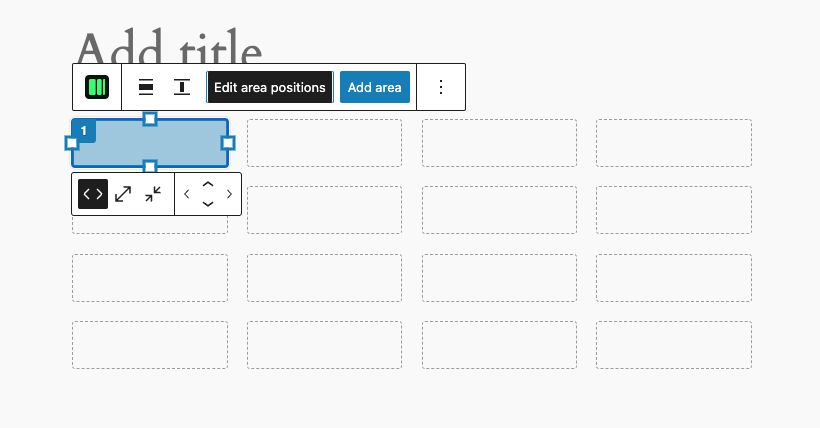
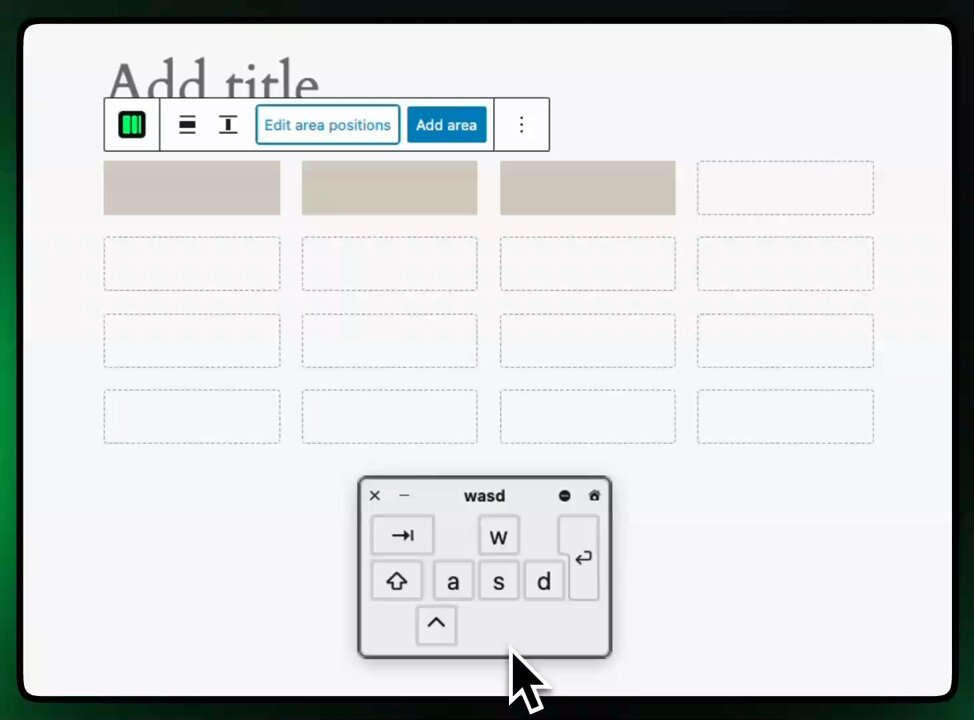
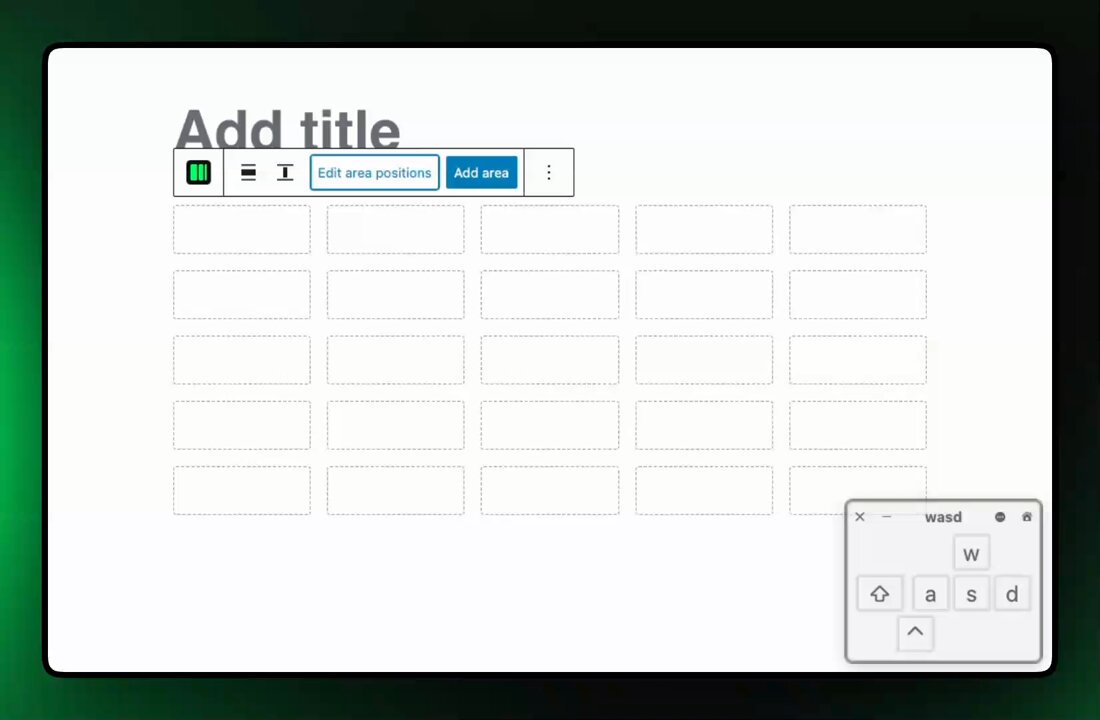
The first public release of Advanced Columns is live! Advanced Columns is a layout manager #block for #WordPress that helps you build beautiful and responsive layouts with ease. You can download it for free from the link below! Let us know if you like it! advancedcolumns.com/
2
7
2,698
Mar 18
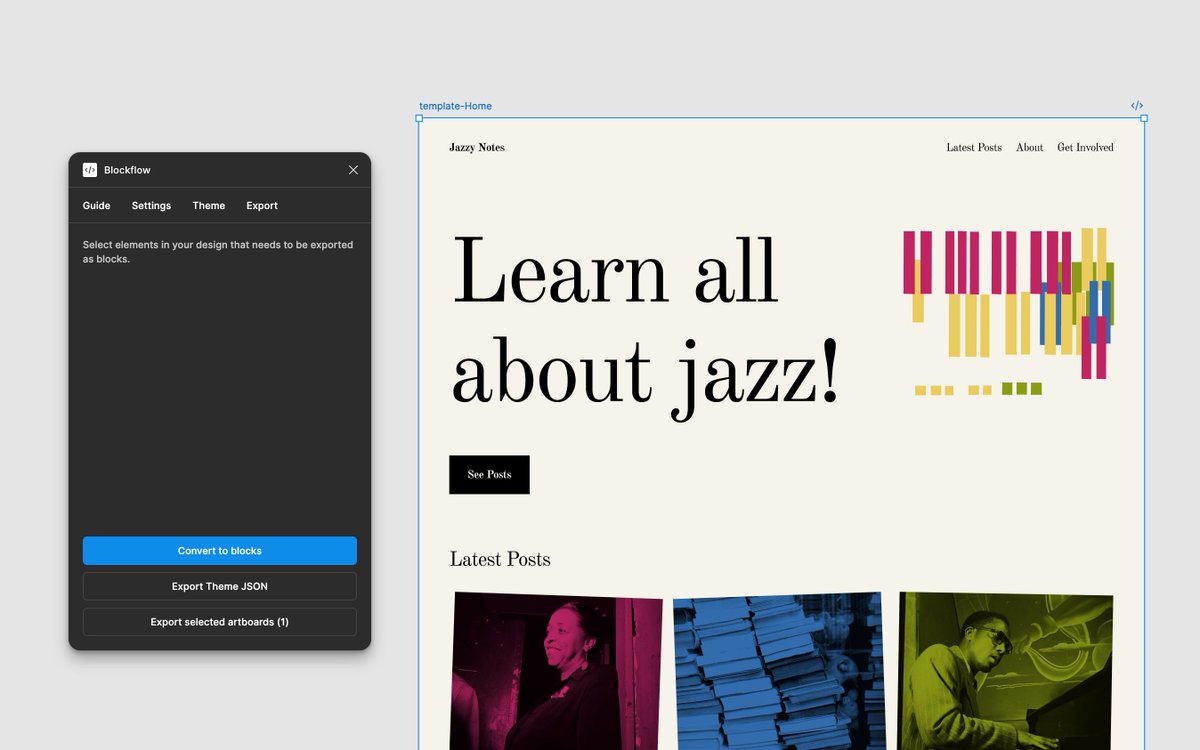
I keep wondering: does BlockFlow need to be perfect to be useful?
#Figma and #WordPress don't speak the same language. It's not a limitation I can code around. They prioritize different things, use different paradigms, sometimes lack the same tools entirely.
1
2
66
Mar 18
I can smooth some of those mismatches. Better mapping layers, smarter export logic, cleaner handling of edge cases.
But there's a floor. Some gaps are structural.
So the real question isn't "can I fix this?" It's "is a strong partial solution better than nothing?"
16
Mar 16
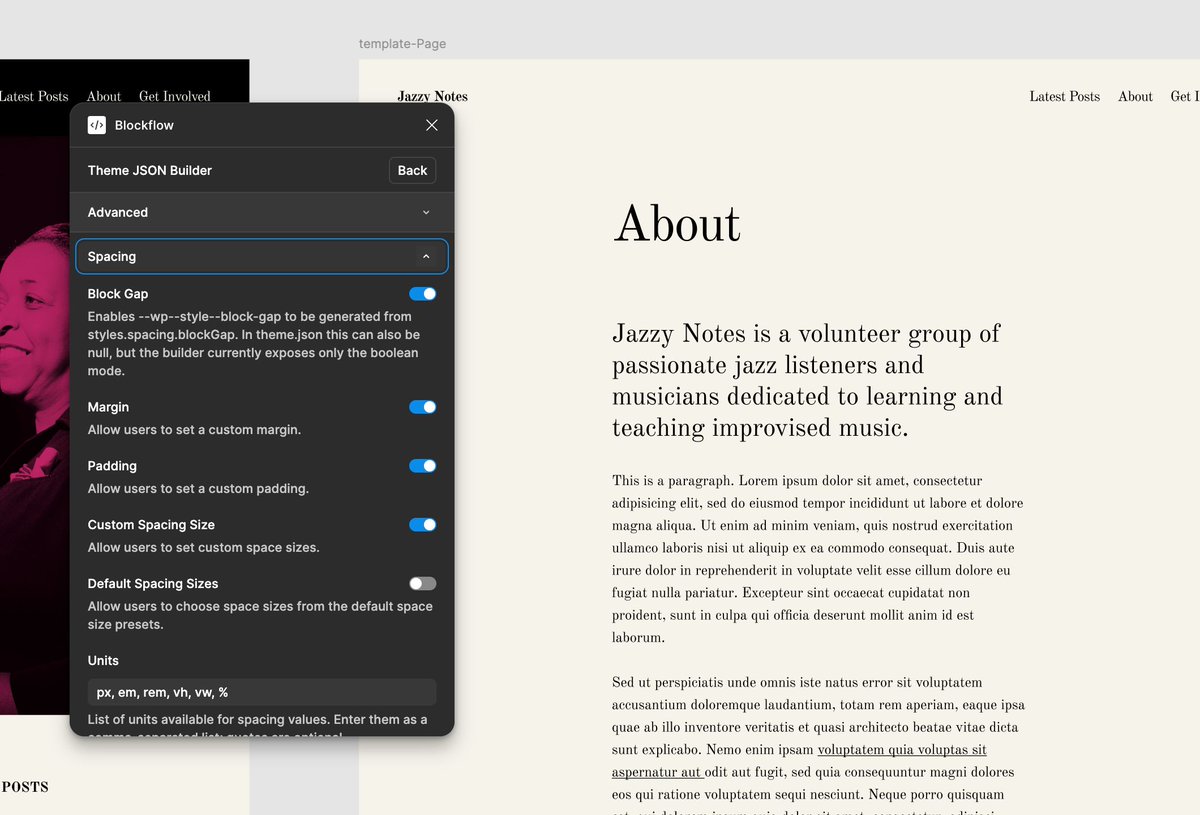
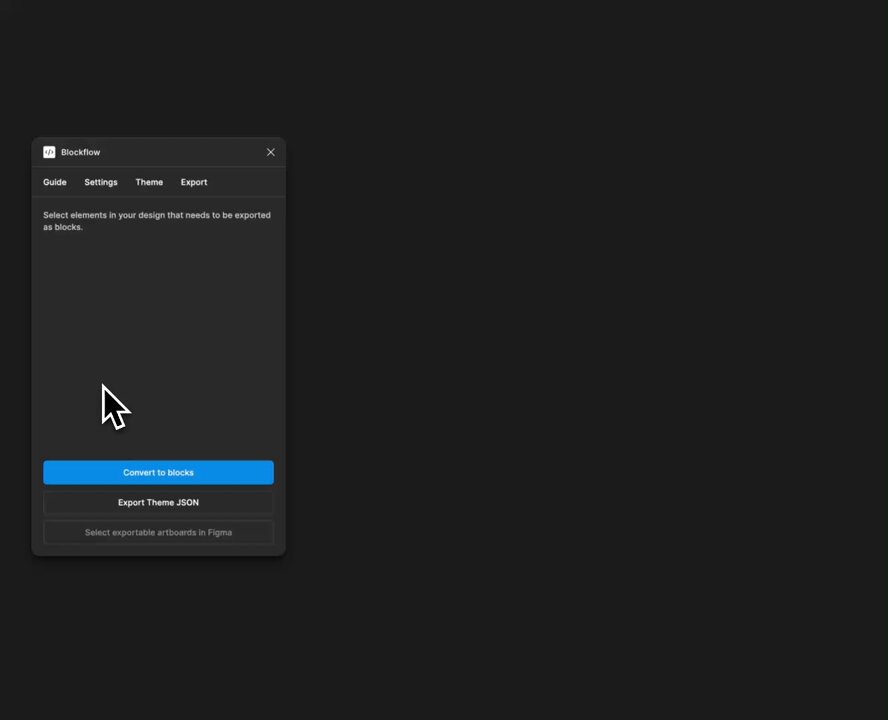
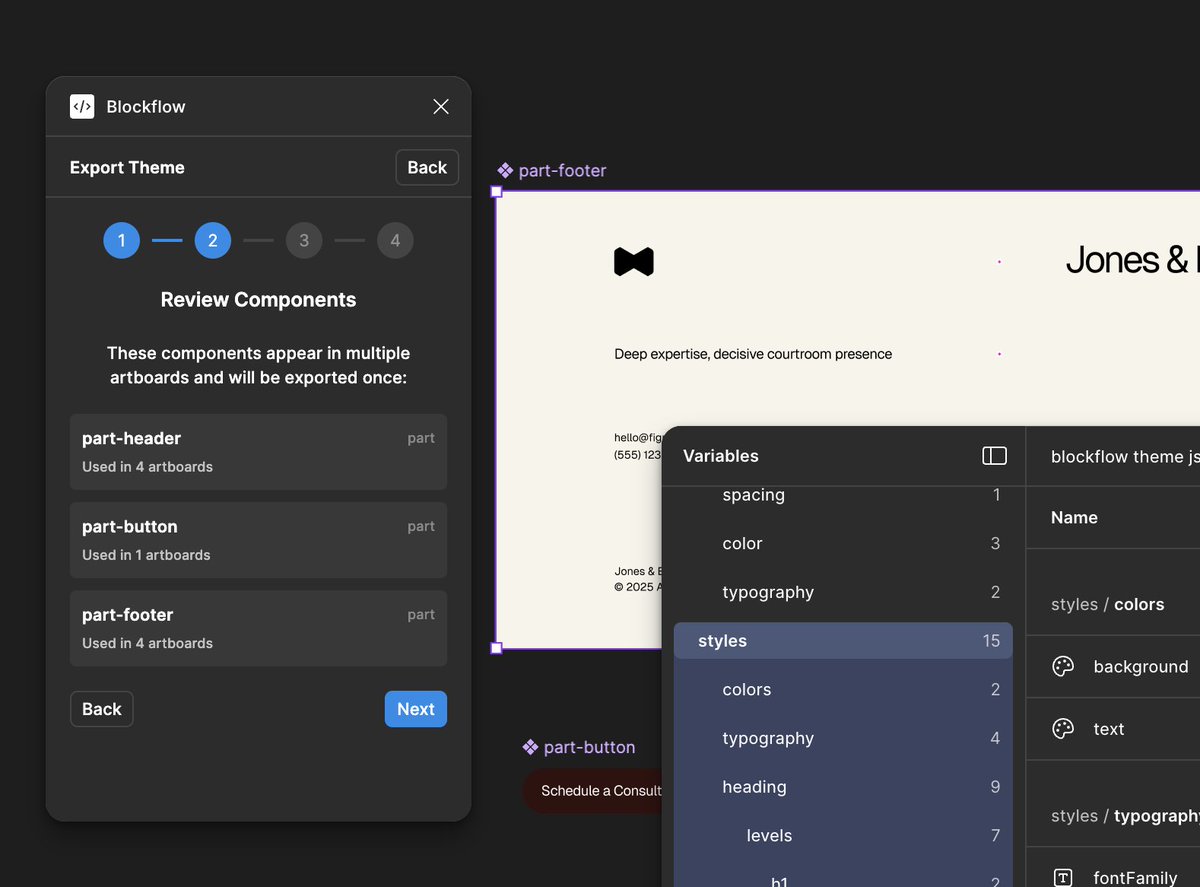
The last few weeks were mostly about workflow: BlockFlow can now read existing #WordPress configs through theme.json import, and it also supports pattern export.🧵
1
1
81
Mar 16
3/ Export is more flexible now too: you can export individual blocks, pull out theme.json, export patterns, templates and parts separately, or batch export multiple selections together.
1
32
Mar 16
4/ There are still edge cases to fix and block supports to improve, but the foundation feels right now. The workflow is starting to hold together in a much more solid way.
25
Feb 24
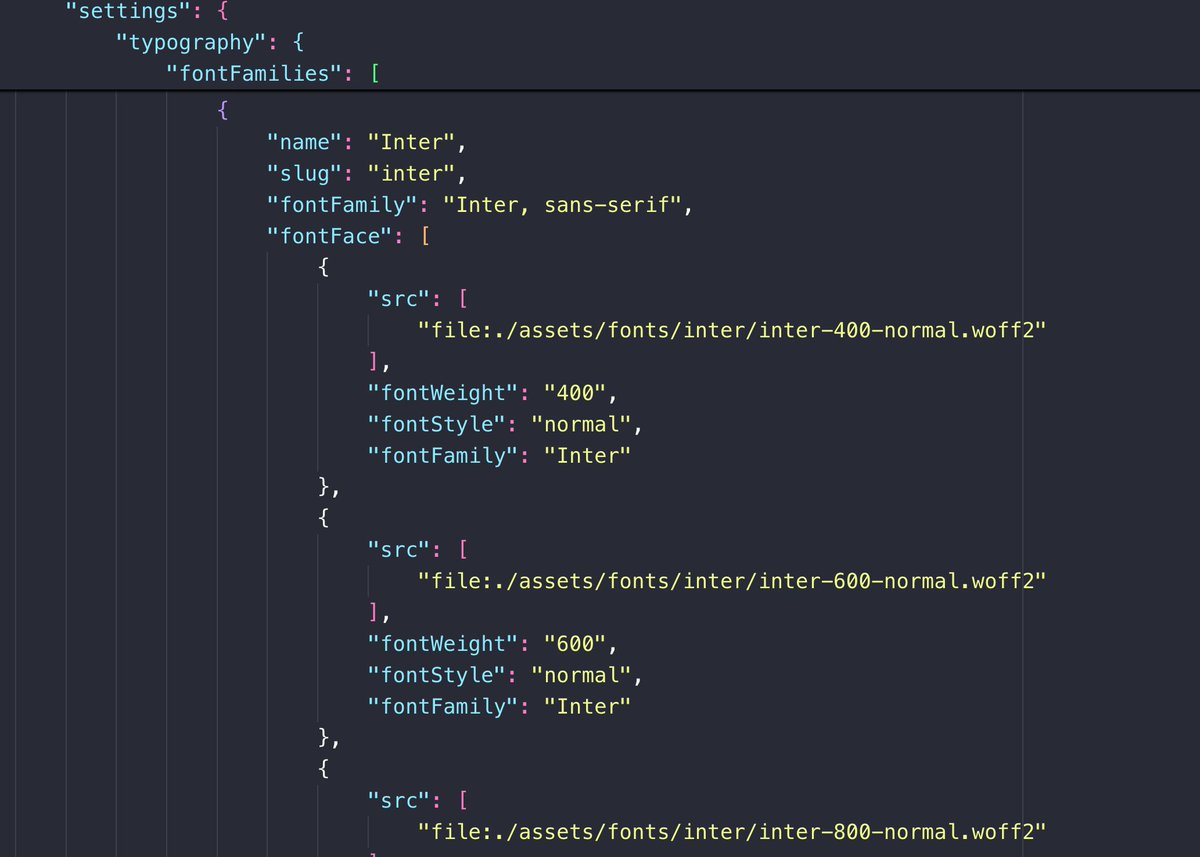
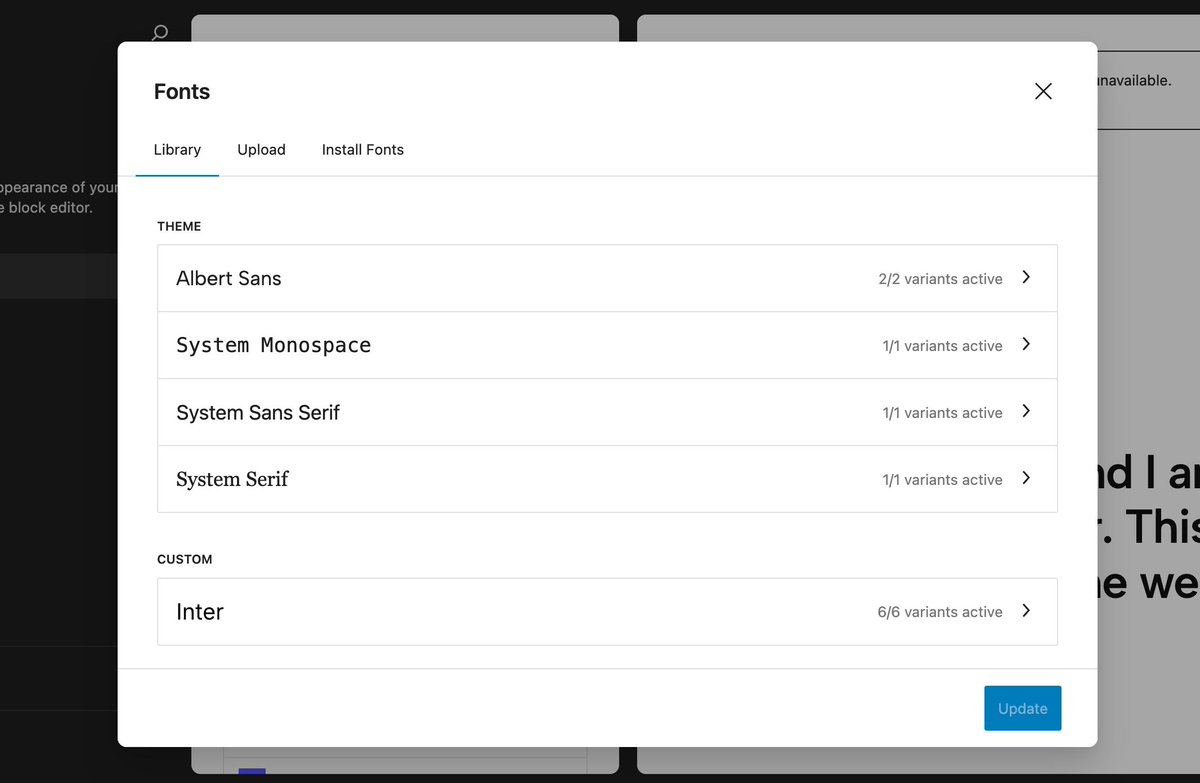
Right now BlockFlow exports themes with Google Fonts only, following WordPress's native approach to fonts.
This ensures consistency and compatibility, but inherits a design challenge: more font variants mean heavier exports.
The issue I'm dealing with right now. 🧵
ALT WordPress font library interface
1
74
Feb 24
3/ #WordPress Font Library handles this the same way. It doesn't compress multi-weight families into single files — each variant is separate.
The solutions are manual:
— Subset fonts to used characters
— Use a variable font
1
27
Feb 24
4/ For BlockFlow, I'm planning to let you upload your own font version (optimized subset, variable or custom) instead of the defaults.
More flexibility at export time, less bloat.
19
Feb 19
As I build BlockFlow, the disconnect between #Figma's design system and #WordPress blocks creates challenges.
Here are the 3 technical limitations I've encountered so far. 🧵
1
1
67
Feb 19
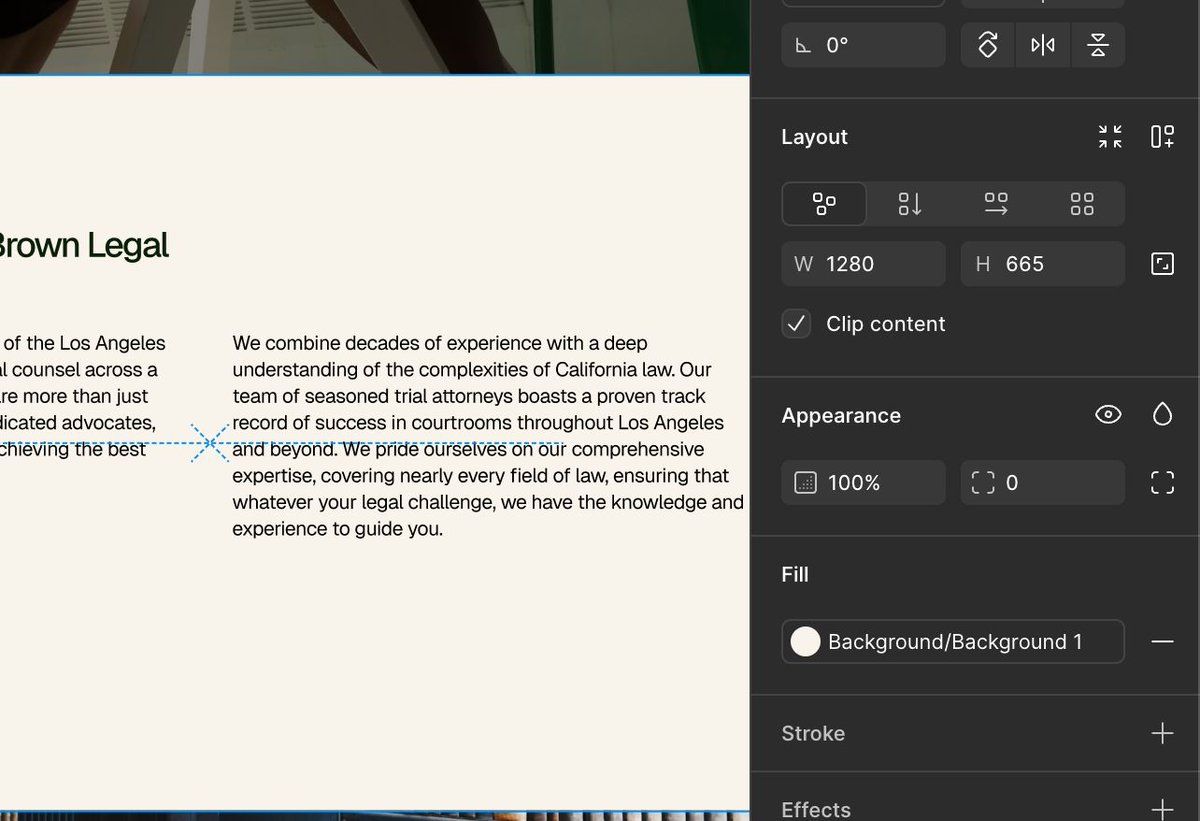
3️⃣ Responsive behavior: Both #Figma and #WordPress lack native responsive design tools.
Updates across screen sizes need custom CSS, which limits true no-code design-to-site workflows.
1
1
39
Feb 19
I'm actively working on these gaps.
The goal is bridging design and code without manual intervention, making no-code workflows truly seamless.
23
Feb 16
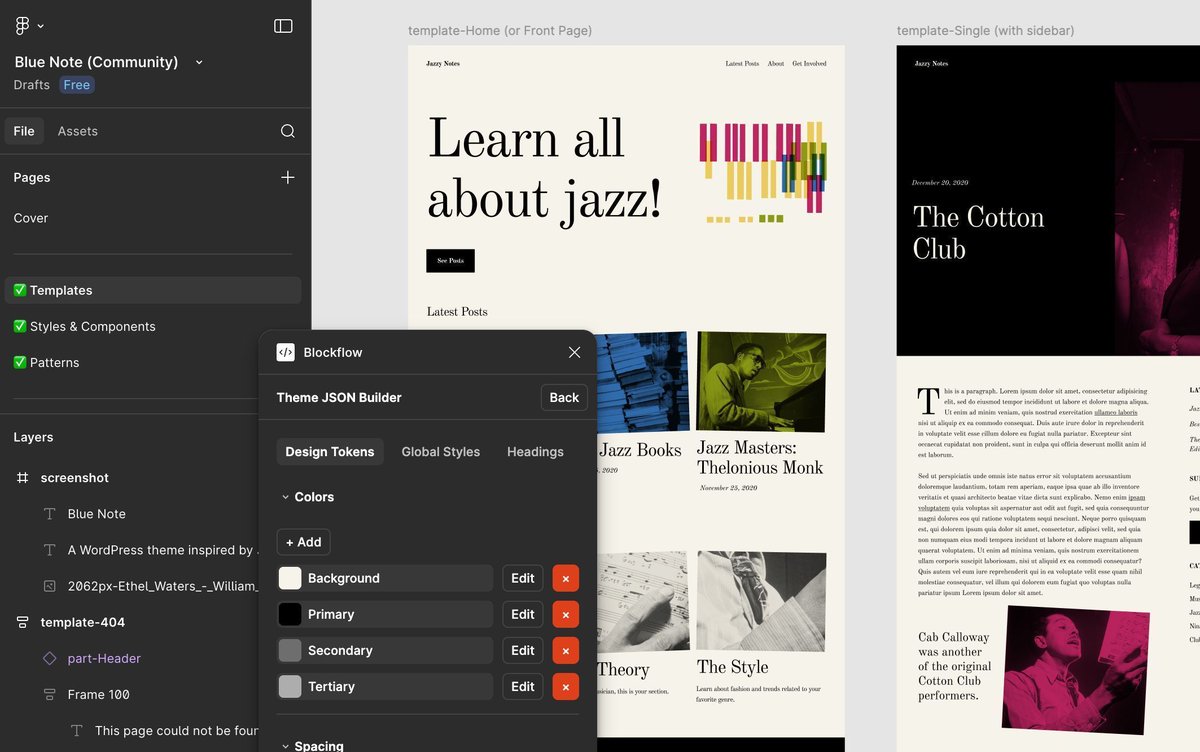
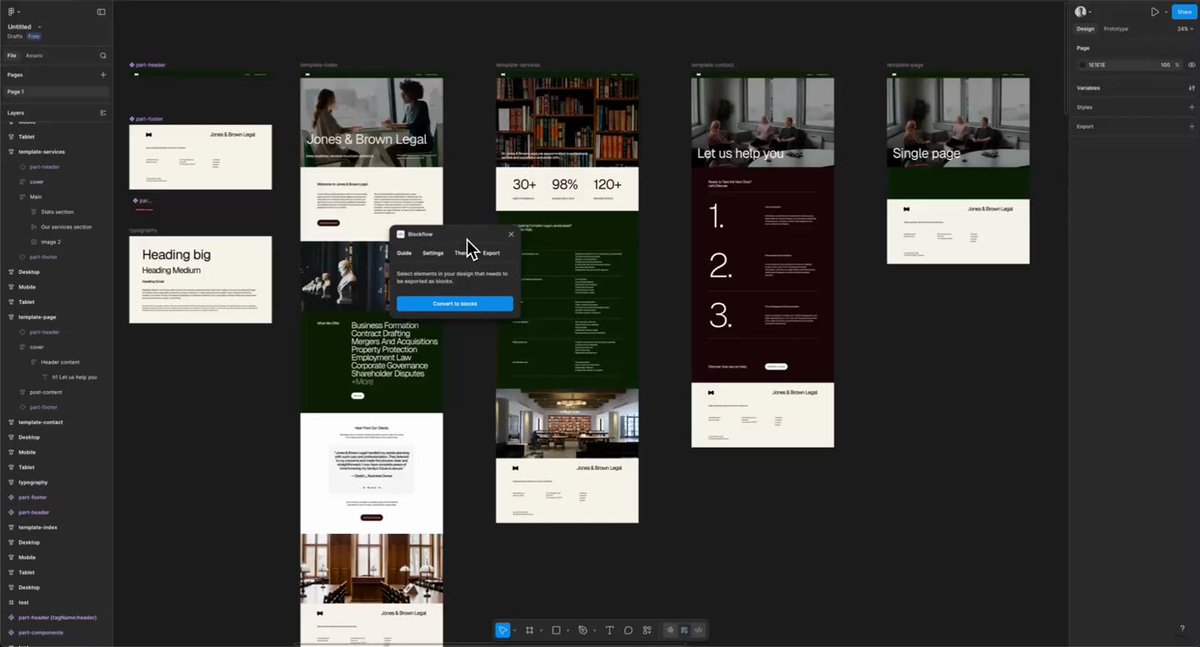
Problem: every design is different, I don't want to force a single workflow. So I've started analyzing the #WordPress Blue Note community #Figma file to understand how to adapt to common patterns. Fewer forced patterns, more real designs, so let's see where this leads.
2
51
Feb 11
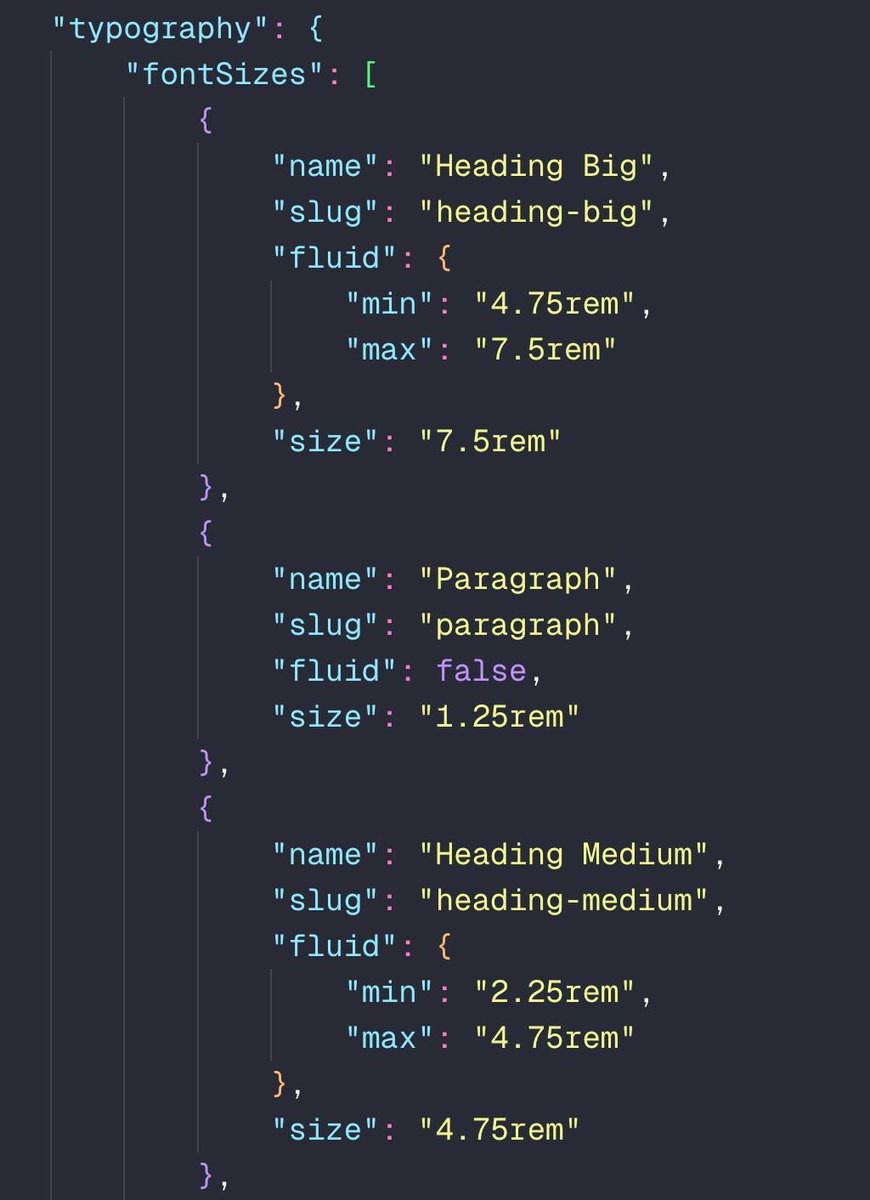
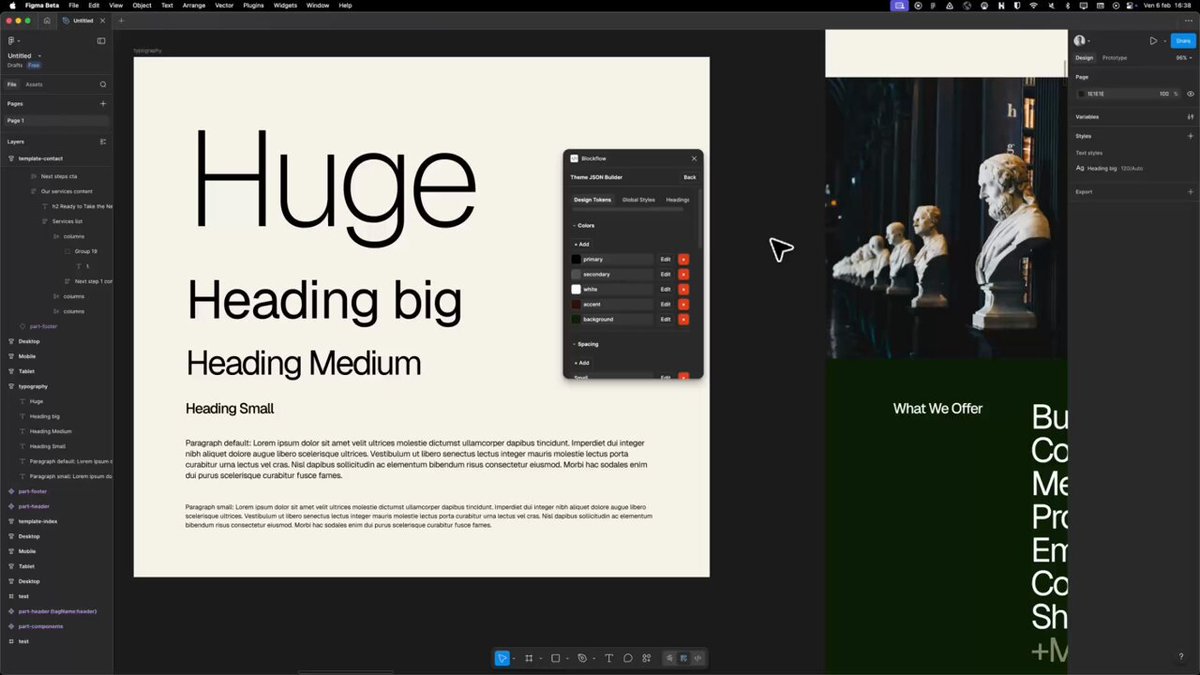
I've been experimenting with fluid typography in my BlockFlow prototype. The challenge: #Figma doesn't support fluid font sizes, but #WordPress does with clamp(). My solution: define min/max values in design tokens, let WordPress handle the rest. 🧵
1
1
1
116
Feb 11
3/ When you export the theme, the plugin generates the theme.json structure that WordPress needs for fluid fonts (automatically converting them to rem). #WordPress takes care of the clamp() function automatically.
ALT WordPress theme.json export example for font sizes
1
40
Feb 11
4/ It simplifies responsive design a lot. Still in prototype, but I'm excited about it.
30