
131 Photos and videos







13 Dec 2025

Tired of spending more time hunting for bugs than writing code? @BatsouElef offers a practical guide, sharing the mindset shifts and debugging strategies that cut her debugging time in half.
Read on: dev.to/eleftheriabatsou/how-…
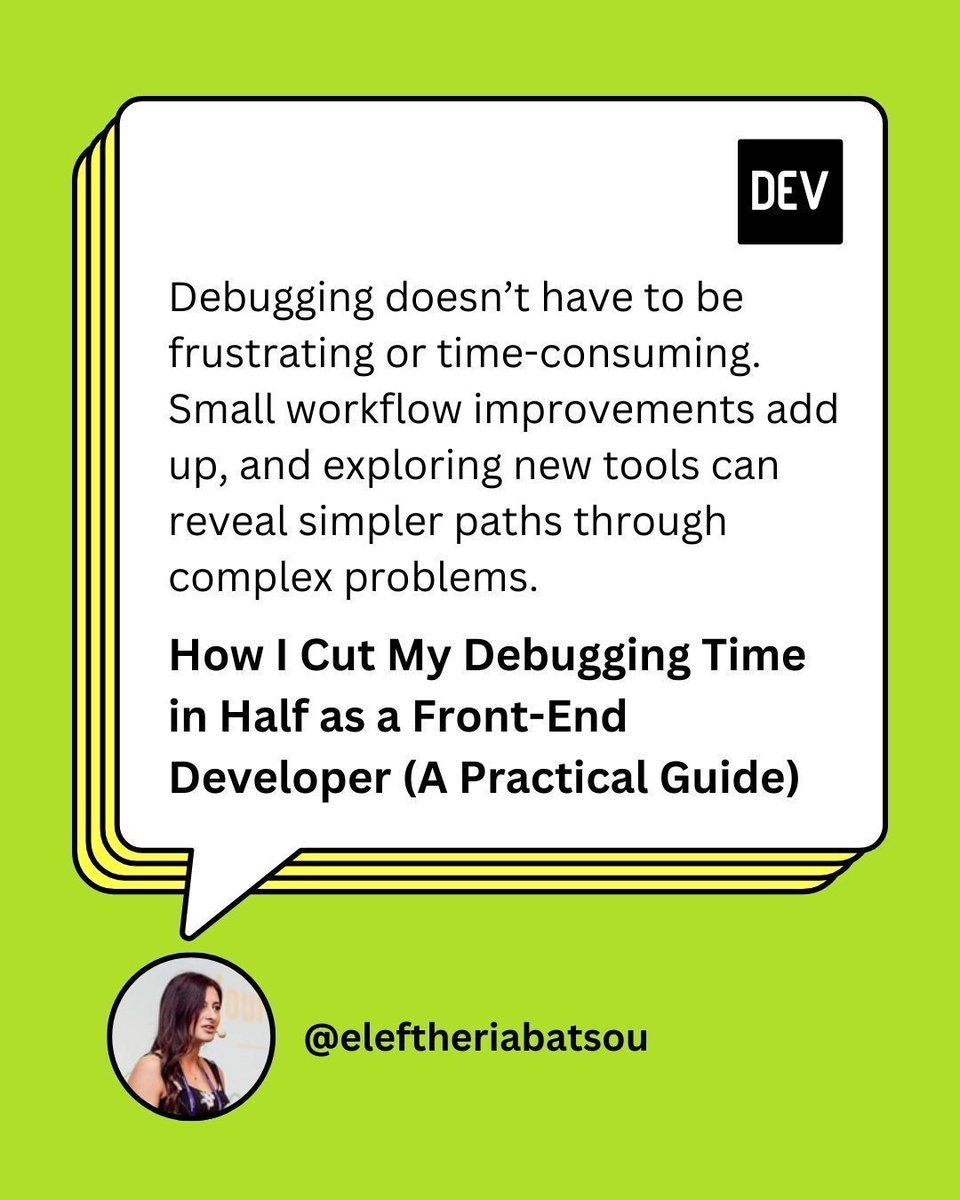
ALT A green background with the DEV profile handle “@eleftheriabatsou”. A speech bubble from their profile picture features the blog title “How I Cut My Debugging Time in Half as a Front-End Developer (A Practical Guide)” and quote: “Debugging doesn’t have to be frustrating or time-consuming. Small workflow improvements add up, and exploring new tools can reveal simpler paths through complex problems.”.
1
9
1,142
Generic AI can hallucinate fixes.
theORQL sees runtime evidence and maps UI to code instantly.
One click runs:
reproduce → fix → verify → diff
You verify the fix by re-running.
theORQL gives you a reviewable diff.
Try it! 🔗 theorql.com
#VibeCoding #FrontendDev #BuildInPublic
1
1
74
Most AI coding tools only see your code text.
@the_ORQL sees the runtime reality:
• Chrome stack traces
• DOM signals
• network events
• build failures from Vercel / Netlify
And maps it back to the exact code path in VS Code.
Still active on Product Hunt if you want to check it out 👇 producthunt.com/products/sto…
#AItools #DevExperience #ProductHunt #DevTools #Chrome
68
Runtime context > educated guesses
Here’s how theORQL compares to Cursor Debug Mode 👇
theorql.com/blog/40-theorql-…
#FrontendDebugging #AIForDevelopers 🛠️
2
35
Ever fixed a bug and then wondered if it actually fixed the issue?
With theORQL you verify the fix by re-running. theORQL gives you a reviewable diff.
Debugging you can trust.
Active on ProductHunt 🚀 producthunt.com/products/sto…
Download theORQL here 👉🏼 theorql.com
#AICoding #VibeCoding #DX #theORQL
34
theORQL retweeted

Mar 5
Most AI coding tools only see your code text.
@the_ORQL sees the runtime reality:
• Chrome stack traces
• DOM signals
• network events
• build failures from Vercel / Netlify
And maps it back to the exact code path in VS Code.
Still active on Product Hunt if you want to check it out 👇
producthunt.com/products/sto…
#AItools #DevExperience #ProductHunt #DevTools #Chrome
1
1
3
91
Some bugs only appear in real browser conditions.
@the_ORQL runs inside Chrome and captures live network requests, DOM mutations, and execution context when errors happen.
Debug with precision.
Live on ProductHunt! 🚀 producthunt.com/products/sto…
#JavaScript #ReactJS #DevTools #Engineering #ProductHunt
3
38
This is what debugging without context-switching looks like.
Mar 3

3 console errors. No copy-paste into your AI chat. No digging through DevTools. No console.logging.
@the_ORQL caught them in Chrome, read the files, found the missing await on an async call, and proposed the fix. Still haven't left my browser.
1
4
50
If you're vibecoding with AI, you already know:
You ship faster.
You experiment more.
You break things differently.
theORQL captures real runtime context inside Chrome so you're not debugging blind.
Live on Product Hunt 🚀producthunt.com/products/sto…
#AIcoding #BuildInPublic #DevTools #ProductHunt
1
1
43
Still Top 5 among yesterday’s launches on Product Hunt 🚀
Huge thanks to everyone checking out theORQL and sharing feedback.
Momentum continues 👉🏼 producthunt.com/products/sto…
#ProductHunt #DevTools

Today's the day, theORQL is live on Pruduct Hunt! 🎉
It runs in Chrome, captures real runtime context, and helps compress the reproduce → fix → verify loop.
🔗 producthunt.com/products/sto…
#Debugging #WebDev #ProductHunt
1
75
We're live on Product Hunt today 🚀
theORQL is built for AI-assisted dev workflows, when you're shipping fast, iterating constantly and bugs don't come with clean repro steps.
It runs in Chrome, captures real runtime context, and helps compress the reproduce → fix → verify loop.
Would love your thoughts 👉🏼 producthunt.com/products/sto…
#ProductHunt #BuildinPublic #DevTools
2
7
1,262
theORQL retweeted

Feb 28
.@the_ORQL, a product that I've used a lot in the previous months, is launching today on @ProductHunt! 🚀
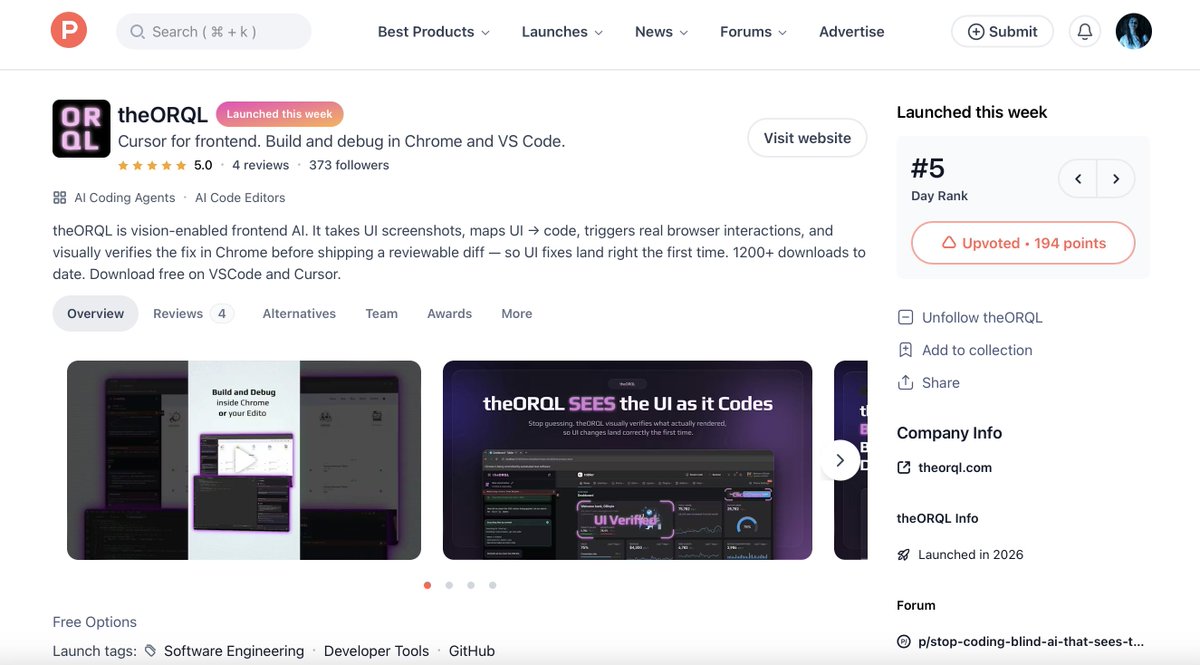
"Cursor for frontend. Build and debug in Chrome and VS Code."
Let's support it! 🔗
(More info below) 👇
2
1
13
677
Today's the day, theORQL is live on Pruduct Hunt! 🎉
It runs in Chrome, captures real runtime context, and helps compress the reproduce → fix → verify loop.
🔗 producthunt.com/products/sto…
#Debugging #WebDev #ProductHunt
1
2
118
theORQL retweeted

Feb 28
Frontend AI doesn’t fail because it’s dumb.
It fails because it’s blind.
Today theORQL is launching on Product Hunt; AI that can actually see your UI. 👇
producthunt.com/products/sto…
4
3
25
7,103
Delta Growth's team moved from fragmented logs and dashboards to unified runtime insights using @the_ORQL .
By capturing full Chrome runtime context and syncing it with their editor workflow, they reduced iteration cycles and fixed issues faster.
Check the full case study 👉🏼 theorql.com/case-studies
#WebDev #SoftwareEngineering #DX
2
20
The worst bugs aren't loud.
They're flaky.
State-dependent.
Timing-sensitive.
Logs won't reconstruct that.
theORQL works from real Chrome runtime context and executes reproduce → fix → verify → diff automatically.
More info: theorql.com
#SoftwareEngineering #Debugging
2
19
Not all AI debugging tools are built the same
This post explains the core difference between code-aware AI and runtime-aware debugging.
theORQL vs Cursor Debug Mode 👉🏼theorql.com/blog/40-theorql-…
#SoftwareEngineering #Debugging #JavaScript 🔍
20
Debug your app where it actually runs.
theORQL works directly in @googlechrome, capturing runtime errors, DOM state, network activity, and full stack traces. All in real time.
No guessing. Just context.
Try it for free! 👉🏼 theorql.com
#FrontendDev #ChromeDevTools #Debugging #WebDev
16