
@OpenAI. Previously co-founder of software.inc, manager of Shortcuts at Apple, co-founder of Workflow.
Joined February 2007
- Tweets 8,839
- Following 8,179
- Followers 23,745
- Likes 20,046
343 Photos and videos





Jun 11
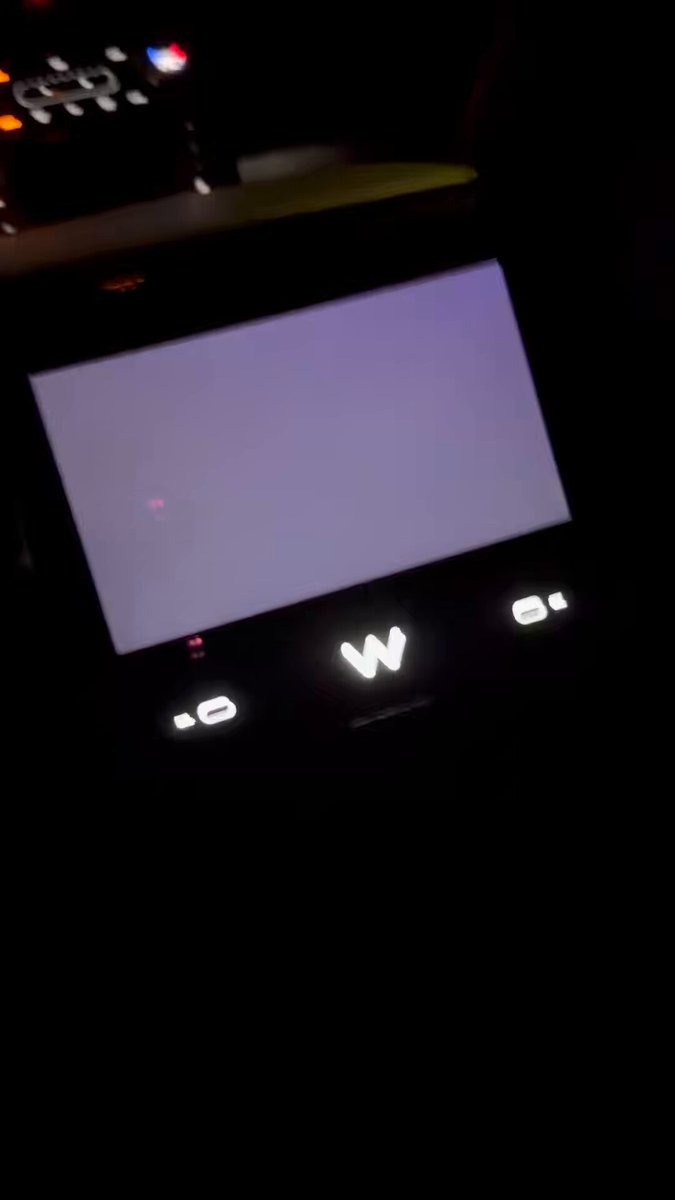
Taking a 2 hour Waymo from South Bay to SF, but I don’t think the software is ready for it.
The UI started glitching and I was able to crash the whole thing, twice, just by messing with the map.
9
102
16,154
May 31
Loved this piece.
May 21

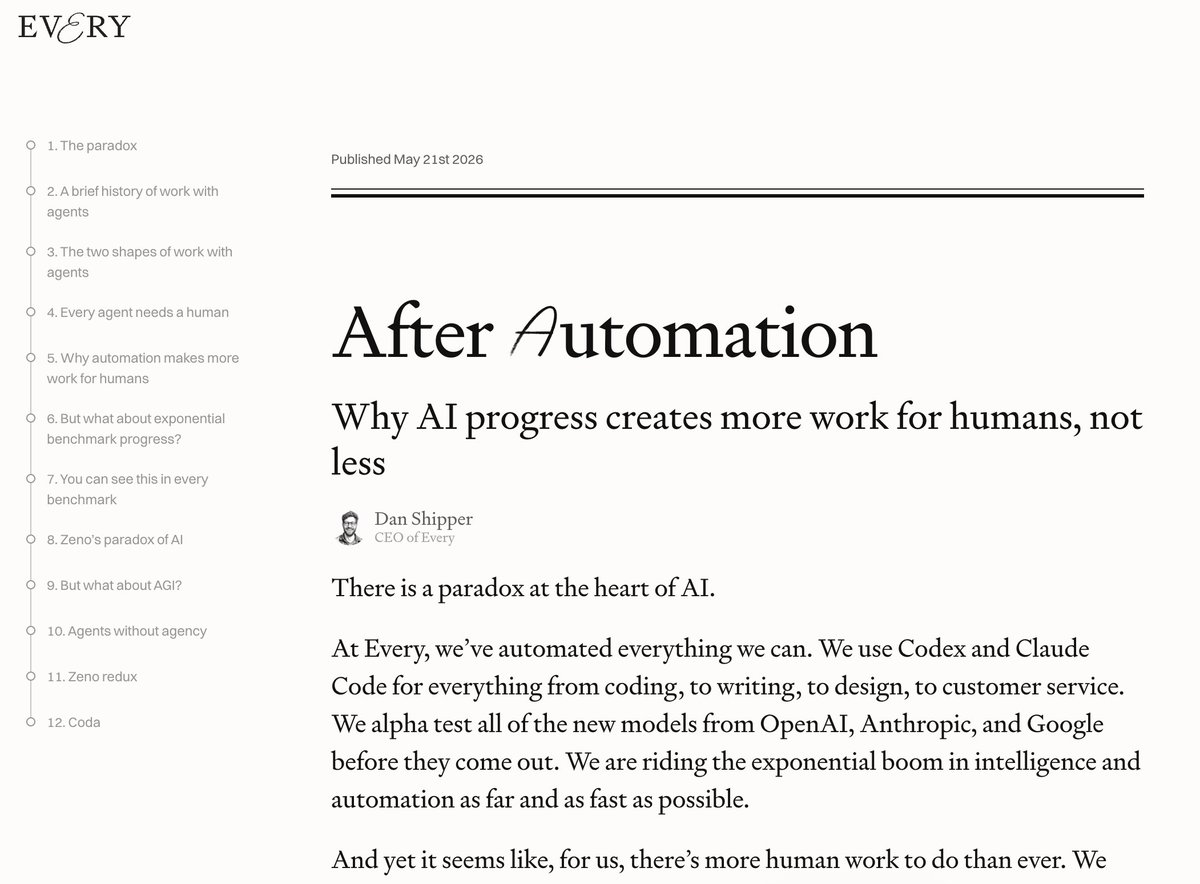
We’ve automated every single thing we can @every with AI agents.
And yet there’s way more human work to do than ever. We’ve gone from 4 -> 30 human employees since GPT-3.
I wrote a report on the structural reasons: how AI makes expert competence cheap, why that drives up demand for experts, and why the dynamic only intensifies as we approach AGI.
After Automation: every.to/p/after-automation
4
5
84
29,110
May 29
Codex Computer Use now runs on Windows!
May 29

Today, we are excited to launch the Windows Computer Use inside the Codex app!
Now Codex can see, click, and type in Windows applications to help complete tasks on your PC.
Use it for tasks like testing Windows builds, manipulating legacy apps that are not on web, or have it just draw a picture in MSPaint!
When Codex is driving your PC, you’ll be able to see every action it takes. You can stop it anytime by pressing ESC. Codex will ask before using apps, and you can set permissions to always allow certain apps.
To try it, install the Computer Use plugin from the Plugins marketplace. You can use @Computer, or Codex will use it when it’s the right tool for the job.
It's an especialy magical experience when you pair this with Windows remote control that we just launched today too!
We hope you like it. Let us know what you think.
5
1
65
7,395
May 27
Excited to play with this!
May 27

Bitrig can now build App Shortcuts and App Intents.
Make your app’s most important actions and content available in Shortcuts, Siri, and Spotlight.
2
5
61
13,260
Ari Weinstein retweeted

May 26
Using Codex Computer Use to navigate the Settings app is incredible. It knows MacOS so much better than me. Similar experience to it using the command line. Superhuman.
12
4
108
8,526
May 22
Wow - with Shortcuts Playground, Codex can build Apple shortcuts for you automatically. @viticci cooked here.
9
9
191
14,120
May 22
Having a lot of fun going down memory lane reading up on the Shortcuts serialization formats he had to reverse engineer in the skill: github.com/viticci/shortcuts…
2
1
28
4,091
May 23
Credit to our friend @drewocarr as well, who made the original shortcut creator skill that @viticci forked!
3
1,292
May 22
It's fun how arcane technical details can bring back so many memories.
Each part of the format brings to mind a story, or a person - not sleeping for 36 hours at the hackathon in 2014, the months @nickfrey spent implementing in our SoMa office implementing the "new composer" in 2015, @mertdumenci implementing HealthKit, rushing to finish Magic Variables before the acquisition in 2017, all the WWDC sprints...
1
2
28
2,504
May 22
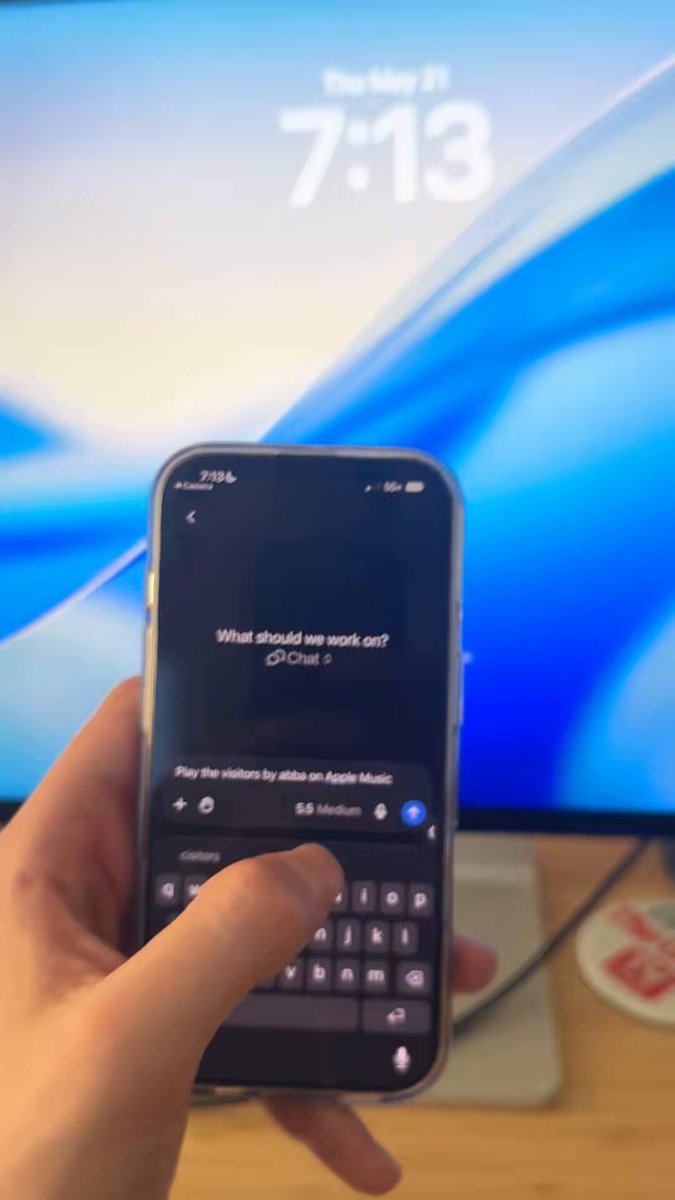
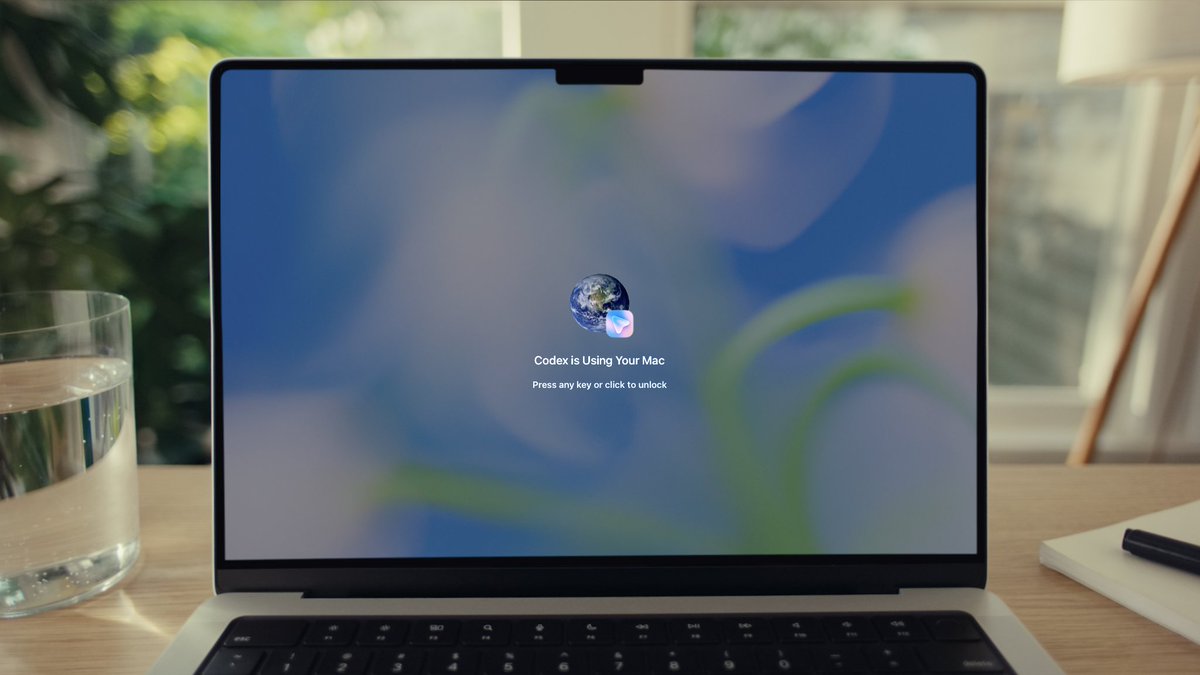
Another one: today we released Remote Computer Use in Codex!
This means you can use all the apps on your Mac from Codex Mobile, even when your computer is at home and locked.
It's kinda magic.
55
44
618
160,471
May 22
Big shout-out to @suedadam who built & shipped this feature in his first three weeks at OpenAI!
1
45
8,363
May 22
Here’s how it looks when Codex uses your Mac apps remotely:
8
1
70
16,212
May 21
Today we’re releasing Appshots in Codex.
I love this feature! It makes it so easy to integrate Codex into everything I do on my Mac.
65
60
1,081
164,735
May 21
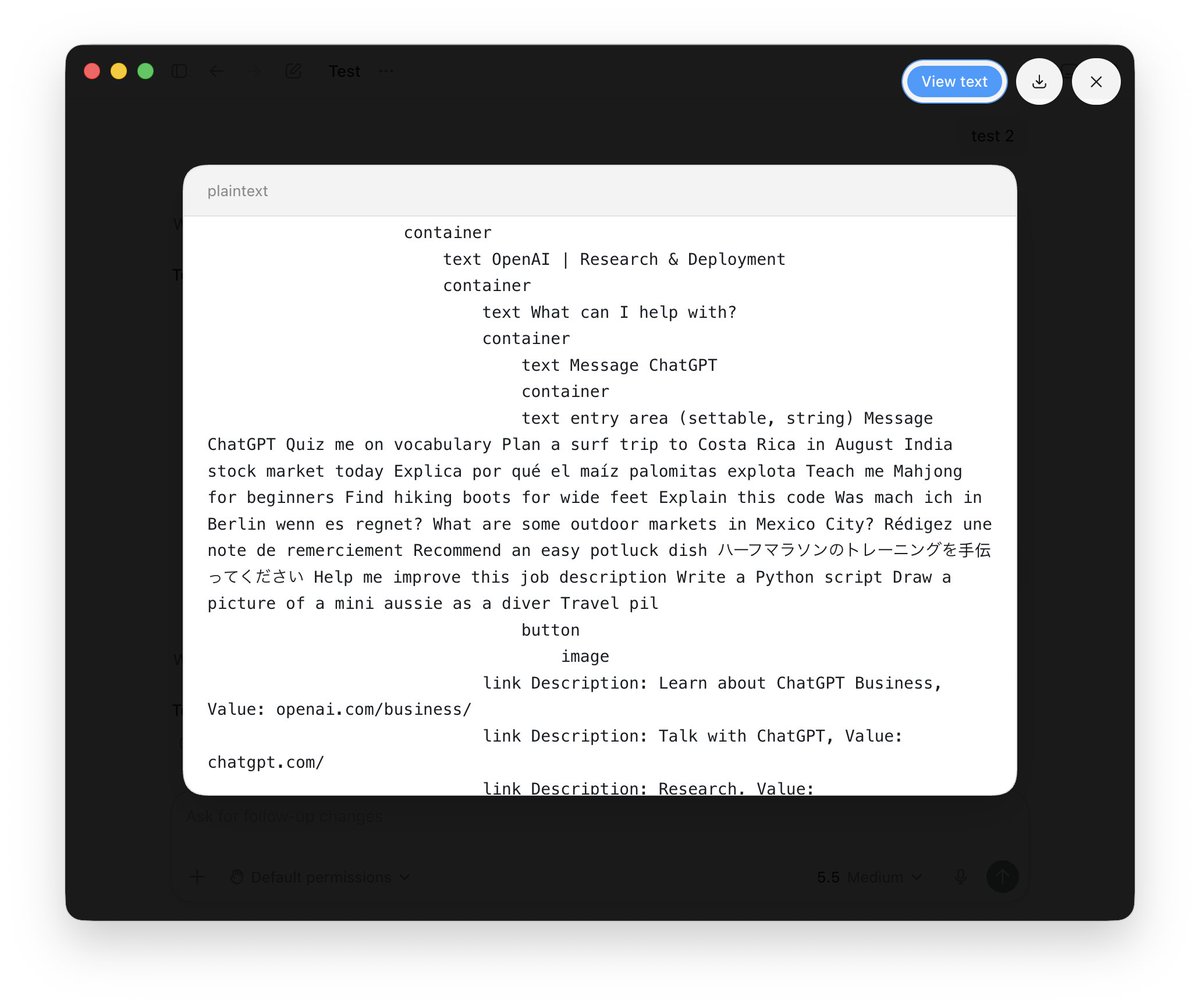
You can see exactly what text is included in an appshot by clicking on it and hitting the 'view text' button.
2
39
4,007
May 21
Major props to @malonehedges and Vasili for shipping this, @supercgeek for designing it, @philzet who built the animation engine, AX infra, and the first version of this feature, @iamkim, product extraordinaire, @conradev eng manager, @mousseau @suedadam @leoshimo and others!
4
1
57
3,743