Exchange experiences with students & expert geography educators across the world - an online, international MA programme with a whole world of ideas to explore!
- Tweets 8,341
- Following 902
- Followers 897
- Likes 1,279


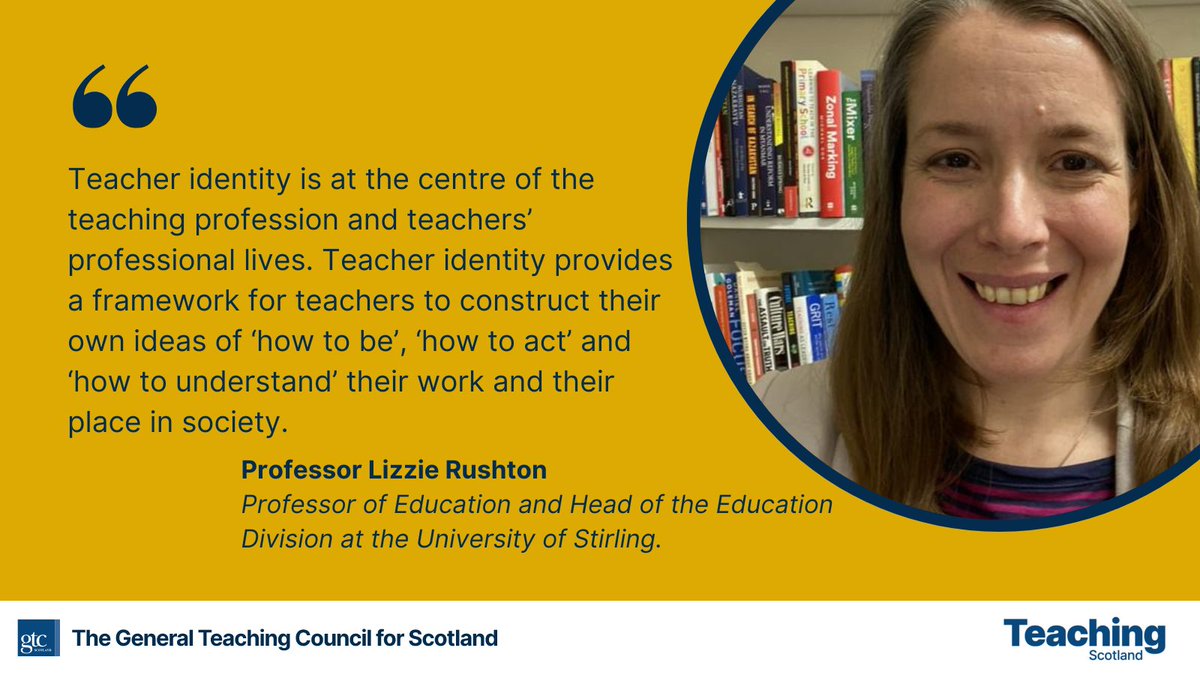
ALT Prof Lizzie Rushton is quoted: Teacher identity is at the centre of the teaching profession and teachers' professional lives. Teacher identity provides a framework for teachers to construct their own ideas of 'how to be', 'how to act' and 'how to understand' their work and their place in society.


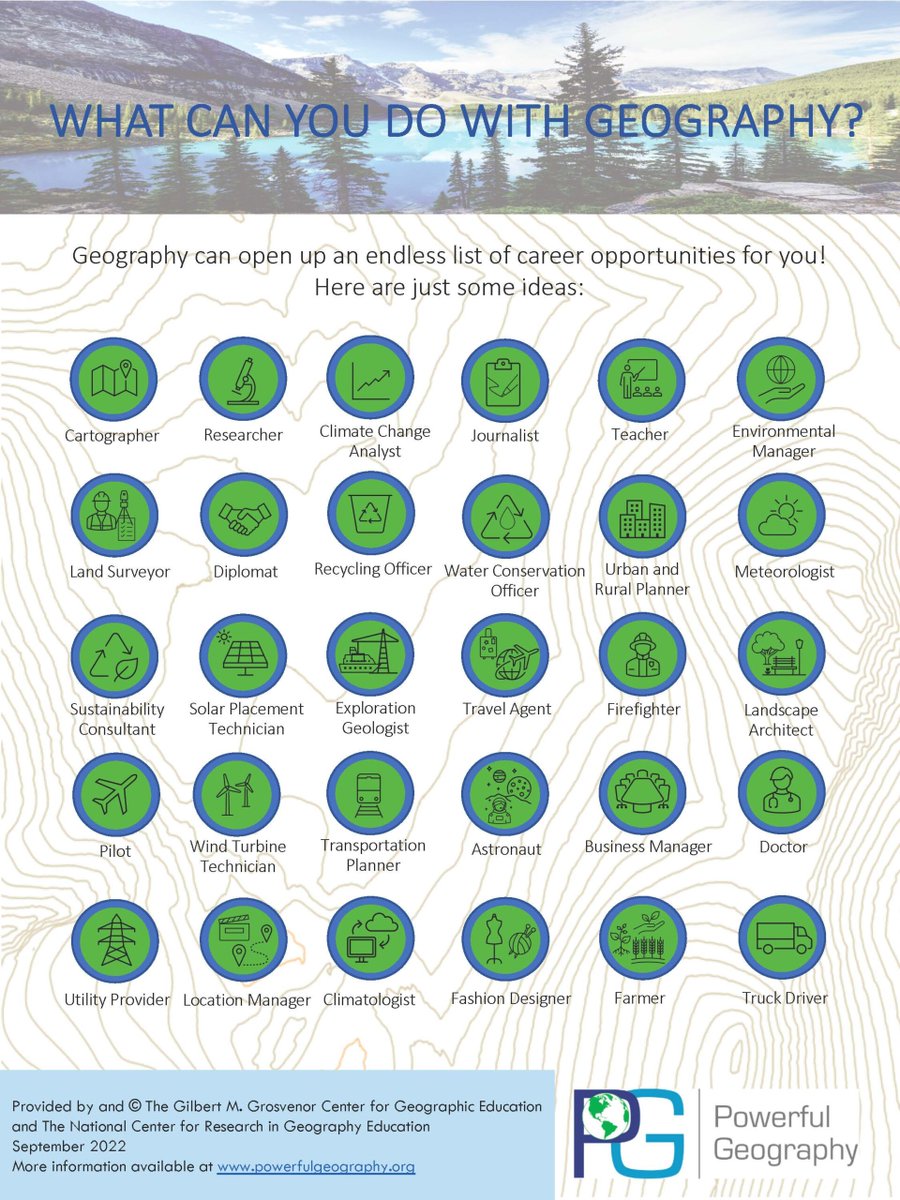


ALT The GA blogpost graphic for the latest article written by Tasnima Rahman


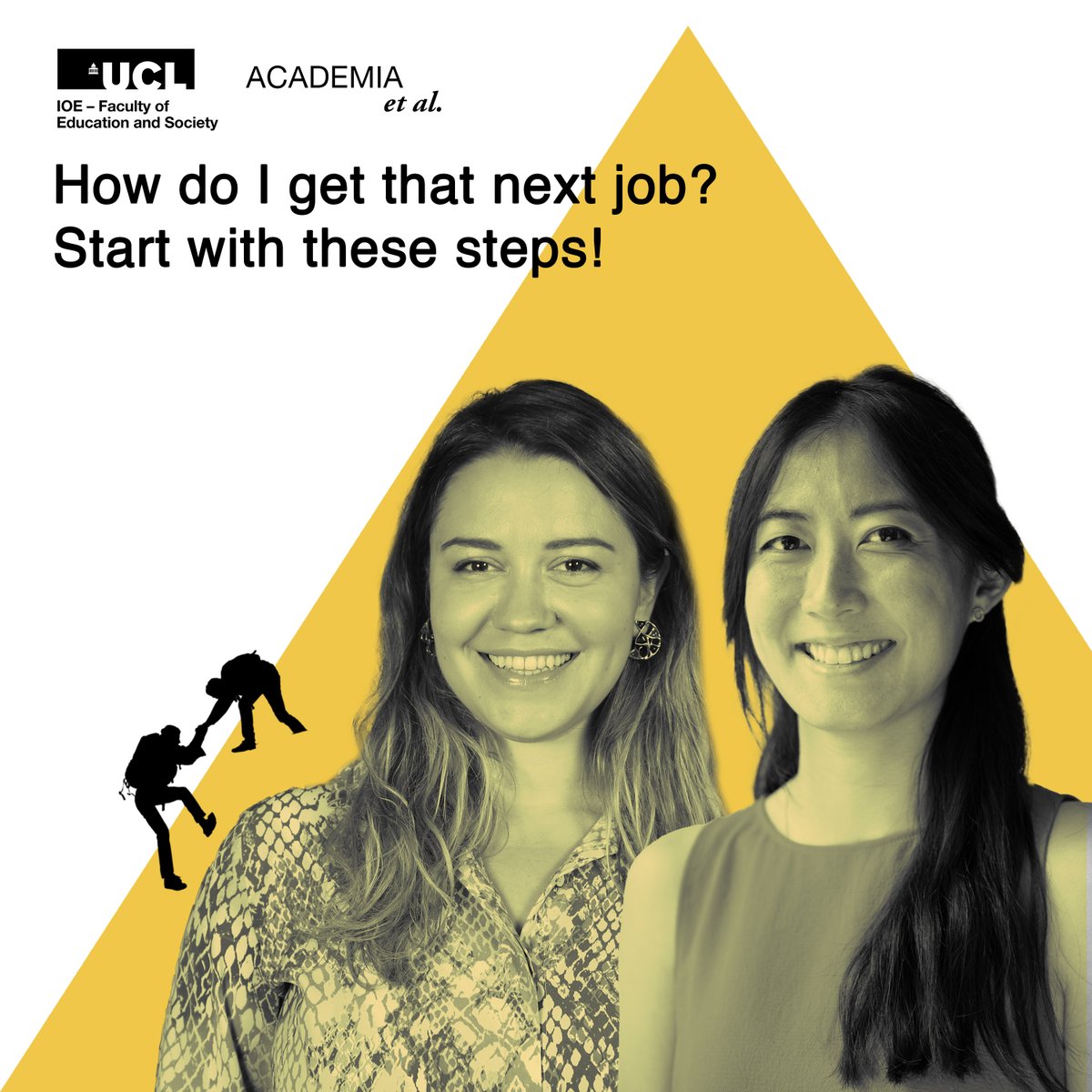
ALT Keri and Alina in front of a yellow triangle. Hikers are climbing up the yellow triangle. Text says 'How do I get that next job? Start with these steps!'
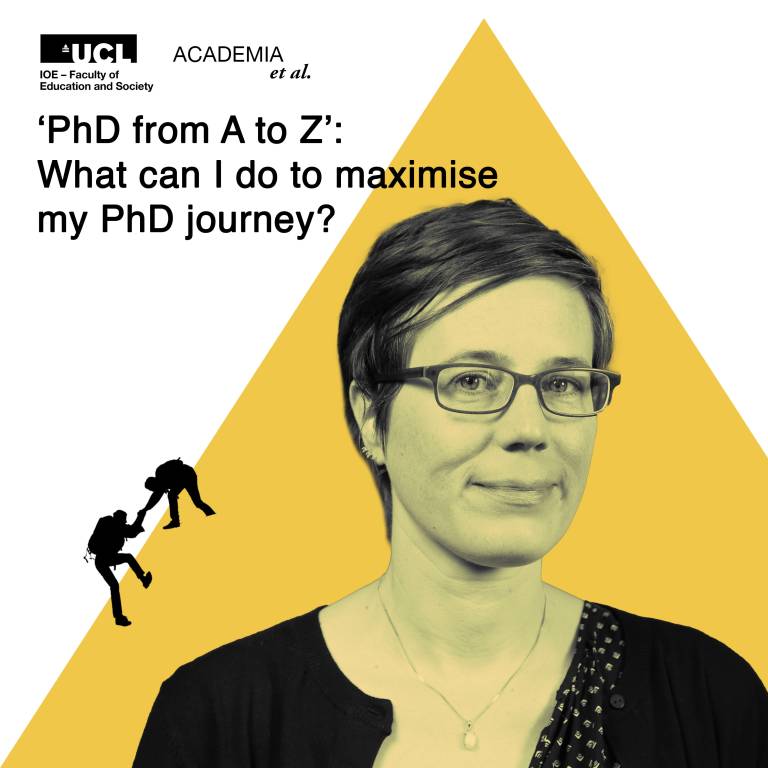
ALT Jenny in front of a yellow triangle. Hikers are climbing up the yellow triangle. Text says 'PhD from A to Z': What can I do to maximise my PhD journey?