
465 Photos and videos










May 28
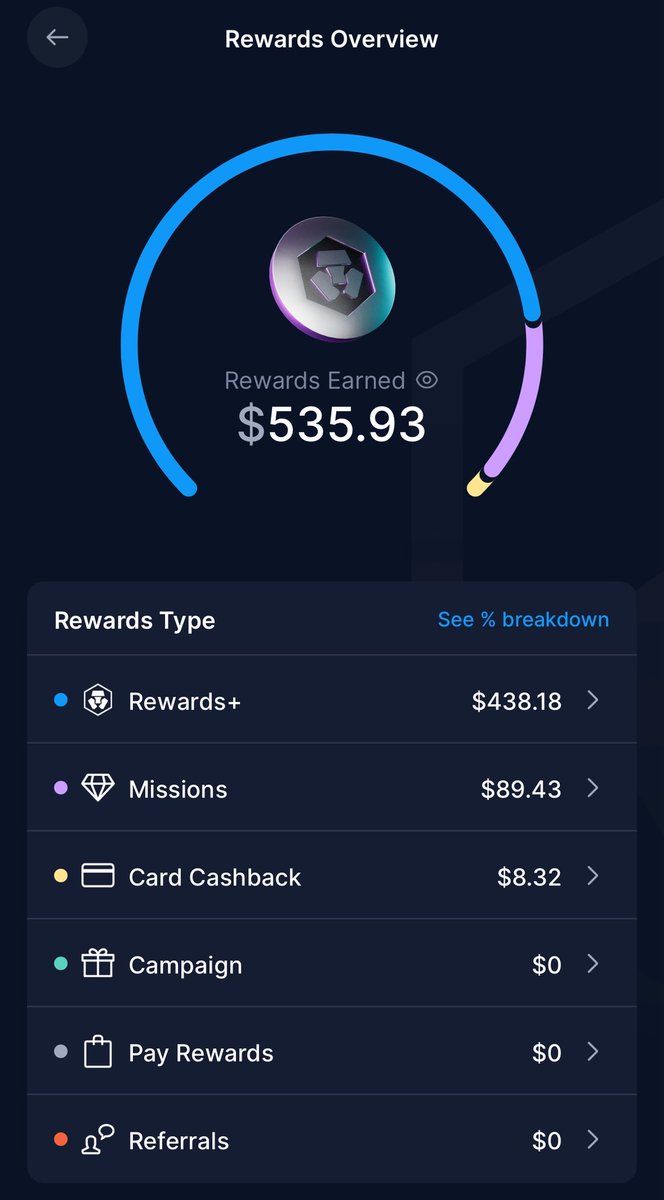
Buy something for yourself right now.
Get enjoyment from it.
Don’t regret previous decisions
Learn from them.
The eventual FLIP will be COLOSSAL but we’ve got plenty of time.
Just my 2c
12
May 28
Think of the $ZBCN price when $BTC is bouncing over the $100K range again? 👌🏻😉
teepublic.com/t-shirt/746461…
76
DreamTeam.bit retweeted
27 Nov 2025
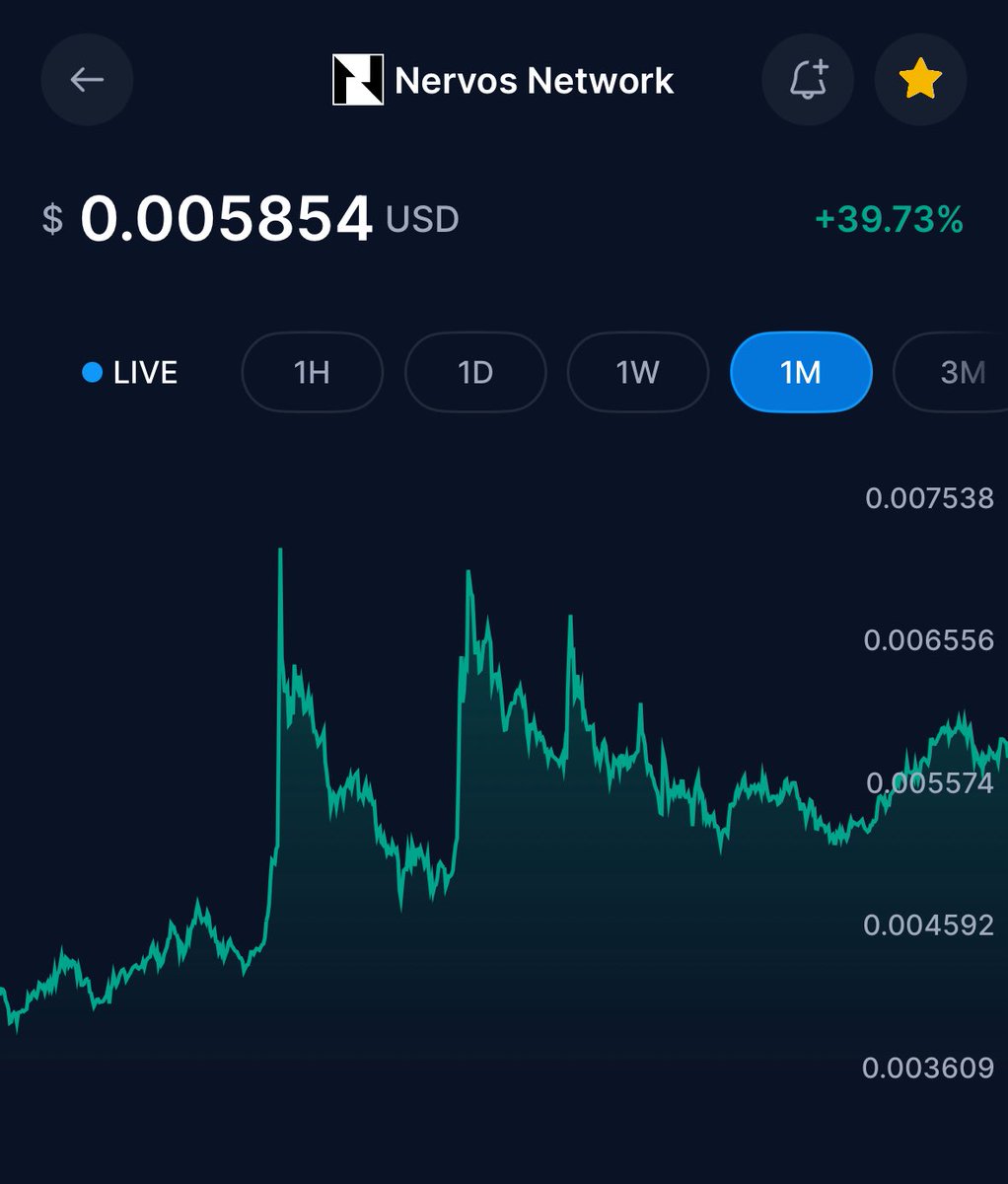
As we appear to be climbing back up 🙏🏻
You may wanna grab some additional $CKB #NervosNetwork
I made it easy BuyCKB.com 🥰❤️
3
4
121
DreamTeam.bit retweeted

24 Oct 2025
$CKB Merch Giveaway! 🧢🔥
To enter… repost this post comment why you are bullish on CKB!
@NervosNetwork
24
33
88
13,017
13 Oct 2025
Congrats if you totally ignored your crypto ‘net worth’ in the last 24hrs and just knew you held tokens in the project you believe in.
We stood with you. 👍🏻
🥰❤️🥰
1
1
13
219
6 Oct 2025
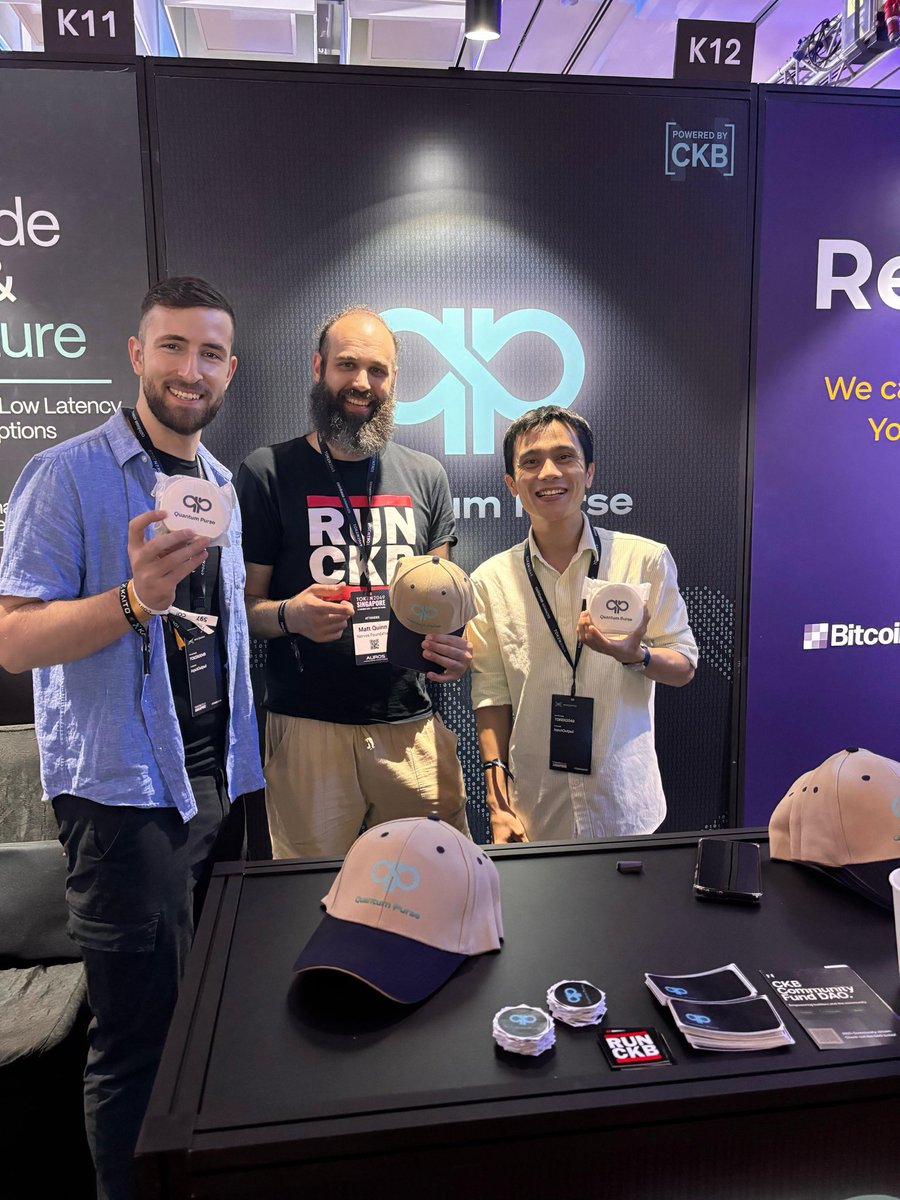
Who is ready for $CKB #NervosNetwork to ‘lose a 0’ after that decimal point? 😜😜😜😜
✅✅🥰😛
3
4
51
946
15 Sep 2025
I should have made my previous post 25x shorter and added a pic of a donut.
🍩😝
NP, I Still ❤️ my $CKB #cryptofam
13
288
13 Sep 2025
🧵~522–564M @WordPress sites are online in 2025, per #Netcraft & #W3Techs. ~100–120M use payment plugins, with @WooCommerce (104–118M sites) leading. Estimate based on 15–25% adoption, driven by e-commerce growth. #WordPress #Ecommerce
So… How easy would it be to build a simple plugin payment processor for the @joy_protocol wallet for Wordpress?
Well, Building a simple payment processor plugin for the JoyID wallet (@joy_protocol) in WordPress is feasible but requires moderate technical expertise, as there’s no pre-existing plugin for this integration based on available data. JoyID is a non-custodial, Passkey-based crypto wallet supporting multiple chains like Bitcoin, Lightning Network, Nervos CKB, and EVM-compatible networks, with developer SDKs focused on web3 frontend connections (e.g., via RainbowKit for React apps). You’d essentially create a custom WooCommerce payment gateway extension, leveraging JoyID’s JavaScript SDK for wallet connection and transaction signing on the checkout page.
Prerequisites
• WordPress site with WooCommerce installed (free).
• Basic knowledge of PHP for backend, JavaScript/React for frontend wallet interaction.
• Access to JoyID’s dev docs (docs.joyid.dev) for SDK setup.
• Testnet accounts on supported chains (e.g., BTC Testnet) for development.
• Security best practices: Use HTTPS, validate transactions server-side, and comply with crypto regs (e.g., no KYC unless needed).
High-Level Steps to Build It
1. Set Up Plugin Structure:
• Create a new WordPress plugin folder (e.g., joyid-payment-gateway).
• Define the main PHP file with plugin headers (name, version, etc.).
• Check WooCommerce is active: Use class_exists('WC_Payment_Gateway') to extend it.
2. Extend WooCommerce Gateway Class:
• Create a class like WC_Gateway_JoyID extending WC_Payment_Gateway.
• Add admin settings: Fields for API keys (if any; JoyID is client-side), enabled chains, and instructions (e.g., via init_form_fields()).
• Define payment method title/description (e.g., “Pay with JoyID Wallet”).
3. Integrate JoyID SDK on Frontend:
• Enqueue JS scripts on checkout: Include JoyID’s RainbowKit adapter (import from @joyid/rainbowkit or similar via npm/CDN).
• Use React components for the checkout form: Embed a button to “Connect JoyID Wallet”.
Code example (simplified JS):
import { JoyIdWallet } from '@joyid/rainbowkit'; // From docs
import { createConfig, WagmiProvider } from 'wagmi';
const config = createConfig({ wallets: [JoyIdWallet({ chains: [bitcoinChain] })] }); // Specify chains like BTC/Lightning
// On button click:
async function connectAndPay() {
const provider = await connect(config); // Connect wallet
const tx = await provider.signTransaction({ to: merchantAddress, amount: orderTotal }); // Sign payment tx
// Broadcast tx and poll for confirmation
await confirmTx(tx.hash); // Custom function to verify on-chain
// Redirect to thank-you page on success
}
For tutorials, search “WooCommerce custom payment gateway tutorial” – resources like rudrastyh.com or developer.woocommerce.com provide boilerplate code. If JoyID adds more backend APIs (current focus is frontend), it could simplify things. Check their X (@joy_protocol) for updates on integrations. If this is for a production site, consult a blockchain dev to avoid pitfalls like double-spending risks.
That’s just one way $CKB could x1000 with project, marketing & integration.
1
3
115
DreamTeam.bit retweeted

12 Sep 2025
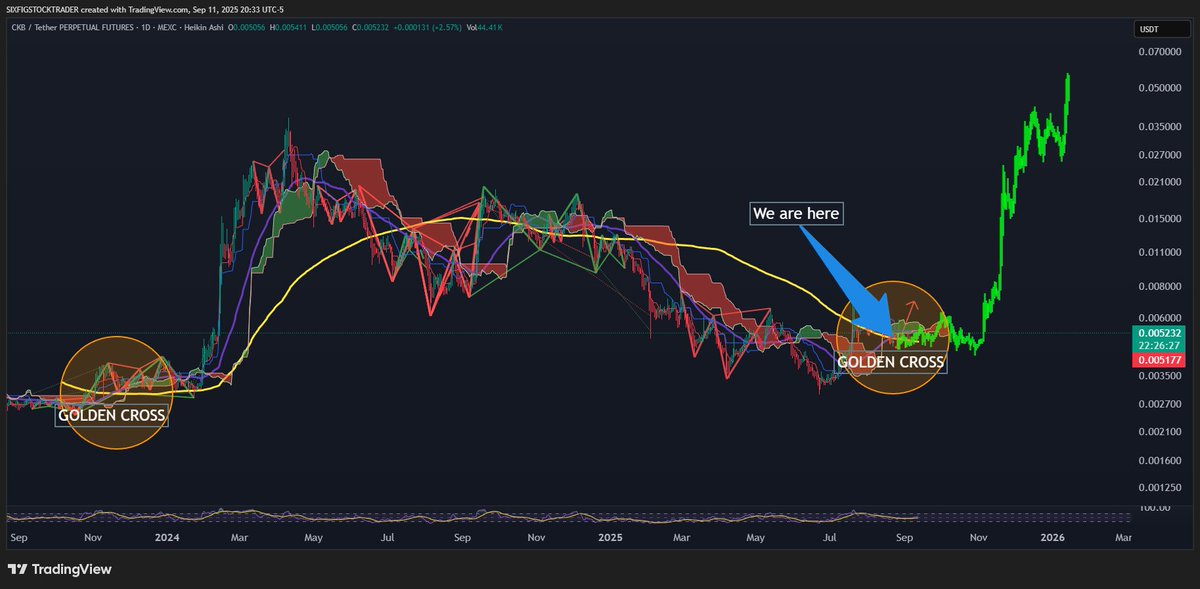
The $CKB Chart is looking simply amazing, and this fall should full send! I'm ready for a melt up!
6
25
136
7,135
11 Sep 2025
Want to understand what owning $ckb could do for your future?
#NervosNetwork
Maybe this will help?
Then / Now, (& you remember Both!) 😊
4
505
11 Sep 2025
Who has collated & published a current, proven & trustworthy list of #webdevs that can complete a project concept within projected $$ budget on the best #blockchain @NervosNetwork ?
Fu*k #meme competitions let’s get #Nervos noticed by #Crypto #hodlers & $CKB Fam that can actually make a difference!
1
10
189
11 Sep 2025
On 08/24/25 we registered JustUs.bit as an @DIDbased name
But, though it was all done on 1 iPhone Cannot login to it to move it to our main DOBs account.
Any suggestions? I as spit was in our main or secondary @joy_protocol wallet
Help GREATLY appreciated! 🙏🏻
1
2
90
5 Sep 2025
1
4
199
31 Aug 2025
We LO❤️E $CKB #tech The futuristic original #opensource build & understood the need of the forks on the #blockchain along the way…
So what’s next? We have @CKBEcoFund to review & financially assist #WebDevs
We have @NervosNation @NervosNetwork & @RunningCKB
for News.
Where the Fu*k is the list of approved & recommended Front & Backend #Developers that understand the #CKB Blockchain benefits (& build challenges) ⭐️[It’’s BETTER because it’s unique] BUT unique requires skill & learning!
Please! Between you, Create and build a resource page of contacts of who to contact for the many facets of building on #Nervos.
Even ask previous builders like KollectMe, Pokerpeeps even #DEX projects like GliaDex, UDTswap & Hadouken Finance.
Sure we’ve forked & literally progressed #IMHO from Godwoken with @rgbppfans but who do we turn to, who’s proven capable to do frontend art for landing pages, And knows how ensure @joy_protocol @imTokenOfficial & @CKBull_Wallet integration aswell as #Rust knowledge?
Hopefully including, All in one smaller startups that can ‘Run with a given concept’ that includes #whitepapers & #Tokenomics and provide a fully functional & tested App on the #NervosNetwork #testnet Only requiring the #conceptcreator to promote… ensuring Creators flourish & #CKBytes are locked guaranteeing future #CKB token scarcity & hopefully a well stocked #DOA
@KNWang & the Team created something exceptional with ability to grow & always be at the forefront. They did their part.
Now it’s time we make it easy for #App #Creative minds to @BuildOnNervos
It’s #SharkTank time!
Who do we use to build our dream App ideas on #Nervos?
Thanks for reading & sharing
#CKB #RGBPP We’re not just another #altcoin!!
💫❤️⭐️✅👌🏻
1
27
340
31 Aug 2025
Our prediction $CRO will leap again & again, when YORK is approved as @NasdaqExchange symbol MGCA
Yorkville Acquisition Corp. will apply to have its Class A ordinary shares trade on Nasdaq under the symbol “MCGA”, with such change to occur prior to the Business Combination and the new symbol to transfer to Trump Media Group CRO Strategy upon the closing of the Business Combination. Yorkville Acquisition Corp. will separately announce when that change in symbol will occur.
In support of the long-term commitment to Trump Media Group CRO Strategy, Yorkville, Trump Media and crypto.com/app/gkvqu4dw4q have agreed to a mandatory one-year initial lock-up period on their founding shareholdings, including all warrants granted, following the closing of the Business Combination. The initial lock-up period will be followed by an additional 3-year restrictive release schedule. 👌🏻
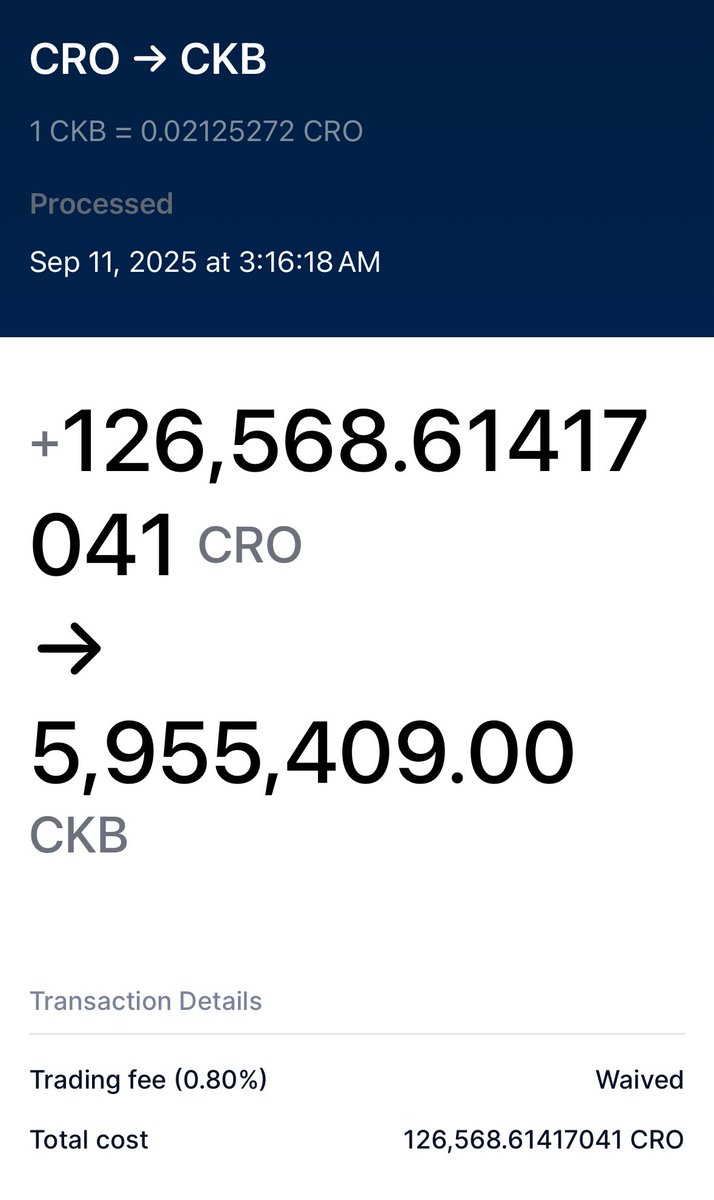
💫✅THAT LAST SENTENCE IS THE MOST IMPORTANT & WHY WE THREW IN ANOTHER $35K USD & ❤️our #crofam $CRO ⭐️💫✅✅ Always #DYOR 👌🏻🥰
2
109