
InDesign Skripte, Photoshop Skripte, AfterEffects Skripte, Illustrator & Acrobat Plug-ins, Creative Cloud Extensions, JavaScript Tools, XML Automatisierung 🎗️
Joined December 2010
- Tweets 1,892
- Following 53
- Followers 588
- Likes 1,097
391 Photos and videos






Pinned Tweet

8 Feb 2015
1
1

Stefan Rakete retweeted

Feb 11
UXP is now generally available in Adobe Premiere 25.6. Build modern plugins with updated APIs, refreshed docs, and official support for shipping to the Adobe Marketplace. adobe.ly/46gTpcp
2
3
249

📣 Adobe just released #InDesign2026 and #TypefiAutoFit, the best free InDesign auto-sizing plug-in, is now compatible! Use it to create parent-child resize relationships and set max width & height for text frames.
🔗 Download AutoFit for free: bit.ly/3WtAhmf
#InDesign
4
4
292
Stefan Rakete retweeted

2 Nov 2025
Scripting the FlexObjects and related object style options in #InDesign 2026: community.adobe.com/t5/indes…
1
5
212
Stefan Rakete retweeted

28 Oct 2025
Create. Iterate. Collaborate. #AdobeInDesign is now more precise and powerful than ever! 💫 Check out all the new features released at #AdobeMAX. adobe.ly/4qsZUBw
👉 Convert PDFs to InDesign documents
👉 Edit live with team members using InCopy on the web (beta)
👉 Create pixel-perfect layouts faster with Flex Layout
👉 Work faster on Windows with new GPU support
3
2
35
3,388
Stefan Rakete retweeted

31 Oct 2025
Hi Branislav, thanks for reaching out! It looks like a few other users are running into the same issue, and the team is currently working on a fix. You can check out more details here: adobe.ly/3Lgzqmy
In the meantime, a quick workaround is to hold the Command key while dragging your file. Could you give that a try and see if it helps?
Appreciate your patience! ^AR
1
1
65
8 Oct 2025
Show NoBreak in #InDesign 2025 (Mac)
6 Oct 2025

#InDesign users, how do you see where the no break attribute is applied?
We have a new free InDesign PlugIn that does that.
kerntiff.co.uk/products-4-in…
Currently only available for Mac 2025.
89
Stefan Rakete retweeted

25 Sep 2025
Generative Fill just got a HUGE upgrade!
Gemini 2.5 Flash (Nano Banana) and Flux Kontext Pro have arrived in the Photoshop beta! 🙌
54
62
892
179,365
Stefan Rakete retweeted

22 Sep 2025
Update MATE for InDesign
⚡️ Vision
Upload images from your disk and and let MATE transcribe the content or write captions.
⚡️Free mode
Everybody can use MATE without sign-up or credit card.
10 prompts/day for free.
Get the update: adobe.com/go/cc_plugins_disc…
2
3
432
5 Sep 2025
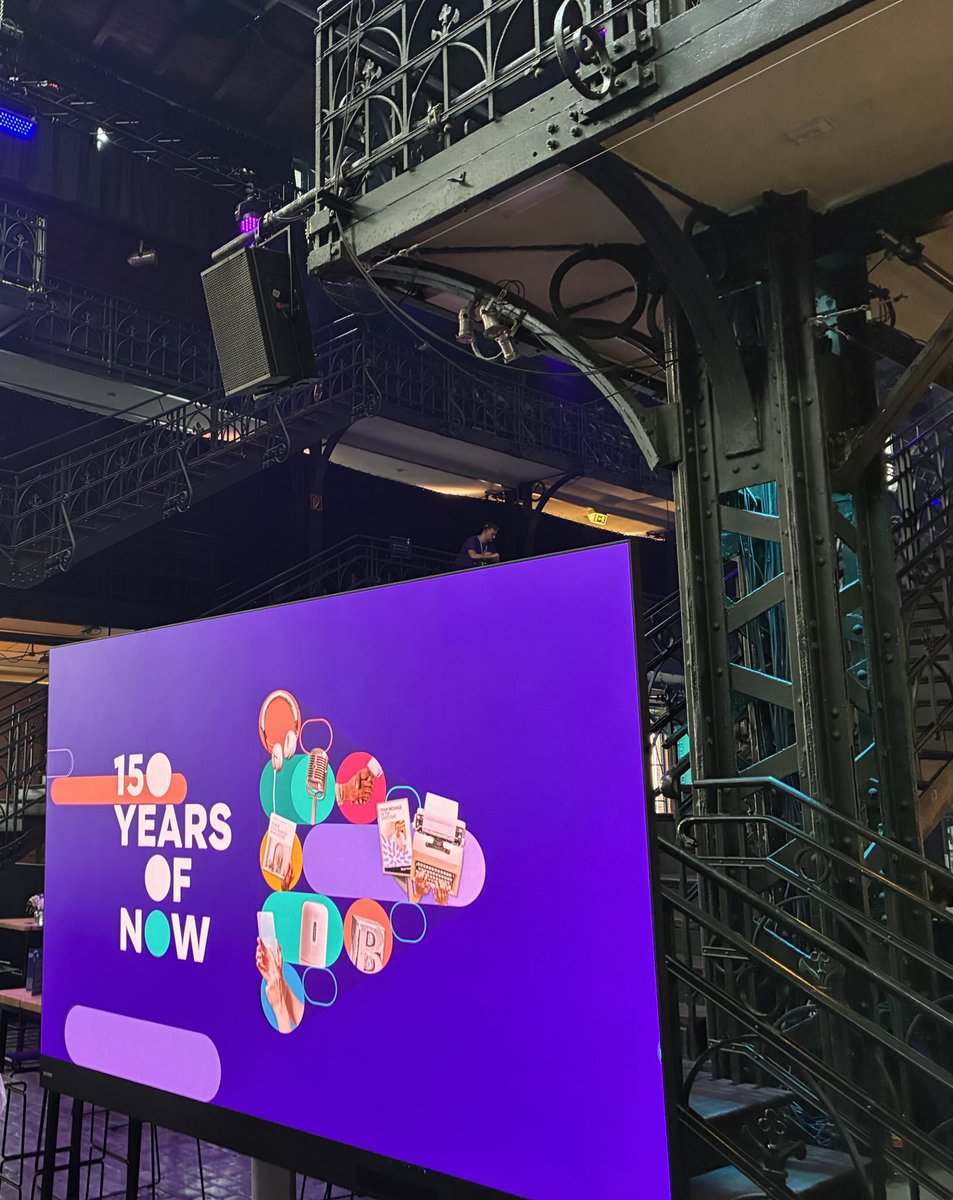
BauerMediaGroup feiert 150 jähriges Bestehen in der Fischauktionshalle in #Hamburg #150YearsOfNow
2
107
Stefan Rakete retweeted

4 Aug 2025
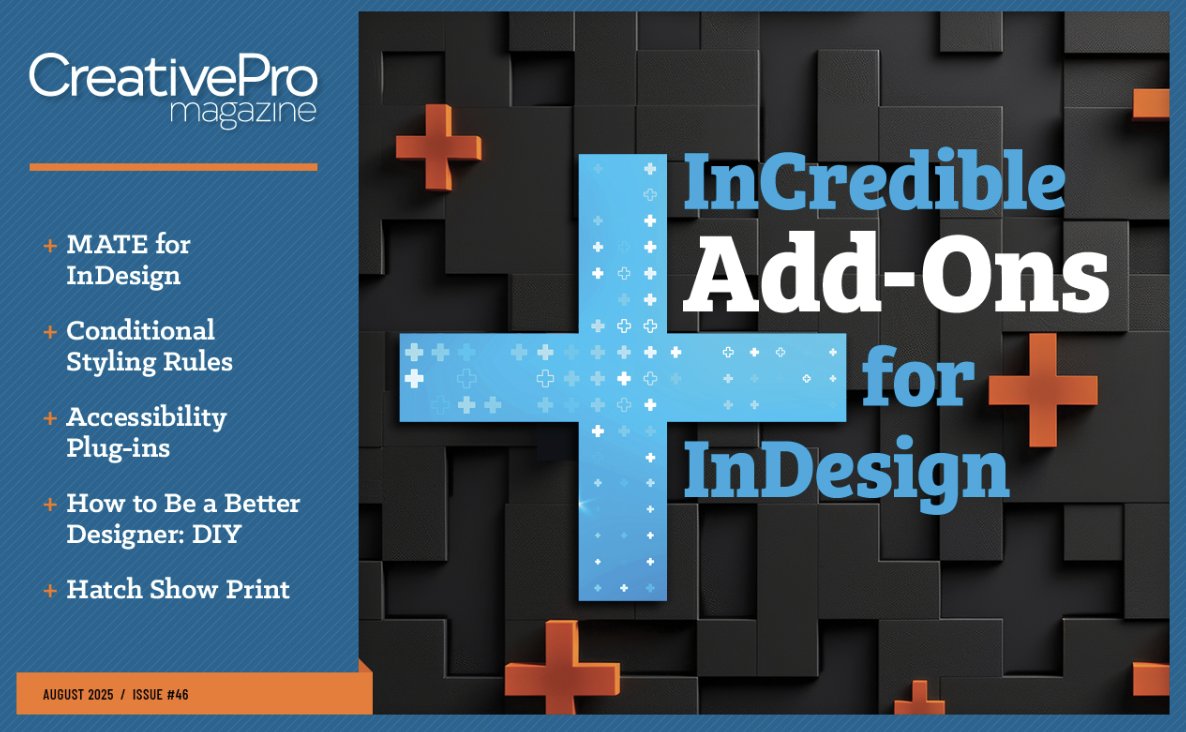
Wow! MATE just got a 7-page feature in CreativePro #46!
A proud milestone for MATE (and me).
CreativePro just gave it a full 7-page feature, exploring how it helps creatives save time with automation and custom scripts. It’s a fantastic deep dive covering features, scripts, and real-world use cases.
Thank you for Jean-Claude Tremblay, Michael Rankin, David Blatner, and CreativePro Network, Inc. for the spotlight!
creativepro.com/issues/incre…
3
11
192
Stefan Rakete retweeted
18 Jul 2025
First Look: MATE is coming to Photoshop! 🎨
Still some work to do, but it’s shaping up nicely… stay tuned!
👀
3
7
324
Stefan Rakete retweeted

14 Jul 2025
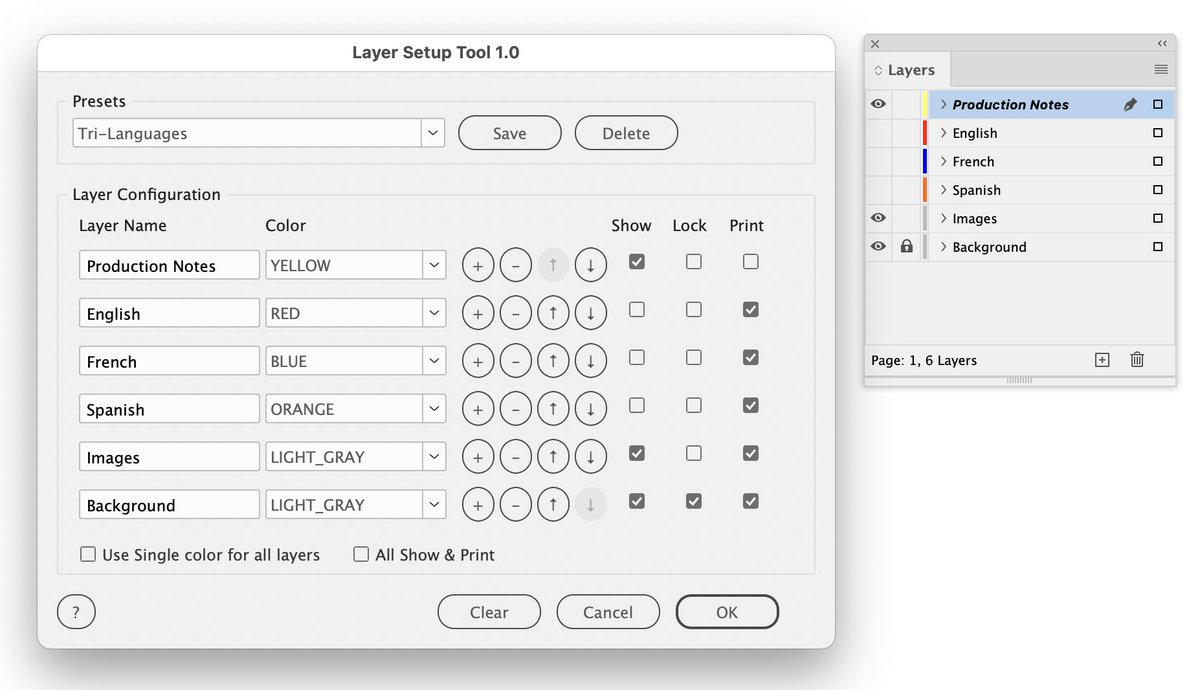
New #InDesign script alert! Layer Setup Tool 1.0 lets you create, organize & save custom layer configurations with colors, visibility & print settings. Perfect for complex layouts! Save presets, reorder layers.
payhip.com/b/7tpHu
4
7
238
Stefan Rakete retweeted

4 Jul 2025
💔Trump to log vast areas of Tongass forest in Alaska
One of world’s last largest intact temperate rainforest
It stores more carbon per acre than any other forest on Earth
Its centuries-old trees, meadows, streams are habitat for more than 400 species
nrdc.org/stories/alaskas-ton…
82
932
1,180
38,275
Stefan Rakete retweeted

27 Jun 2025
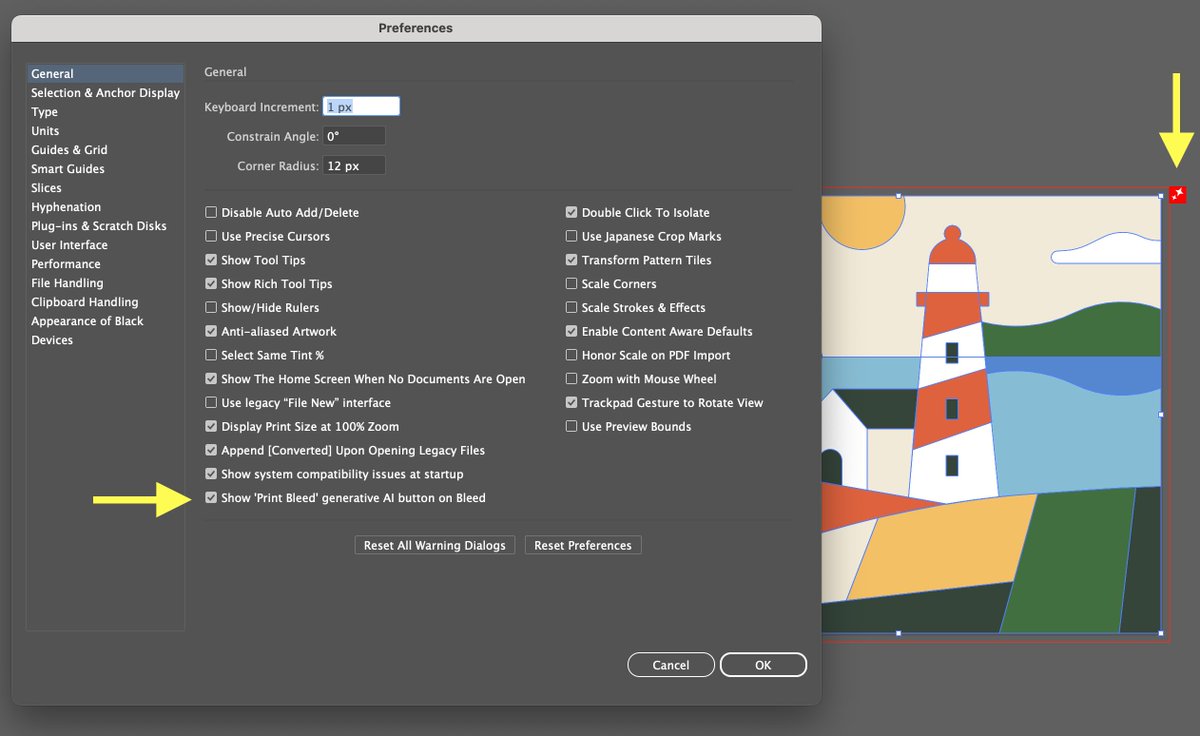
Some users in the Illustrator community have complained about the invasiveness of the new "Print Bleed" generative AI button, which appeared a few weeks ago. The team has been working to provide a quick fix, and the Generative Print Bleed now has a preference to hide the icon (29.6.1).
I find the new feature very helpful: if you set up a Bleed for your document, Illustrator can now generate vectors to fill the Bleed area, so that you don't have to cut into your artwork.
3
3
426
Stefan Rakete retweeted

19 Jun 2025
Two days. Limitless possibilities. Zero cost.
Learn. Connect. Monetize. All from wherever you are.
Registration now open – don't miss this virtual gathering of the Adobe dev community!
🔗 ringcentr.al/3H6xniY #AdobeDevelopersLive25
@adobedevs
17 Jun 2025

KEYNOTE SPEAKER: Aubrey Cattell (VP Developer Platform) shares Adobe's AI Future at #AdobeDevelopersLive
Discover upcoming technologies & platform capabilities shaping the developer ecosystem!
🗓️ June 24-25, 2025
🔗 ringcentr.al/3H7AOpr
#AdobeAI #DeveloperEcosystem

4
5
348
16 Jun 2025
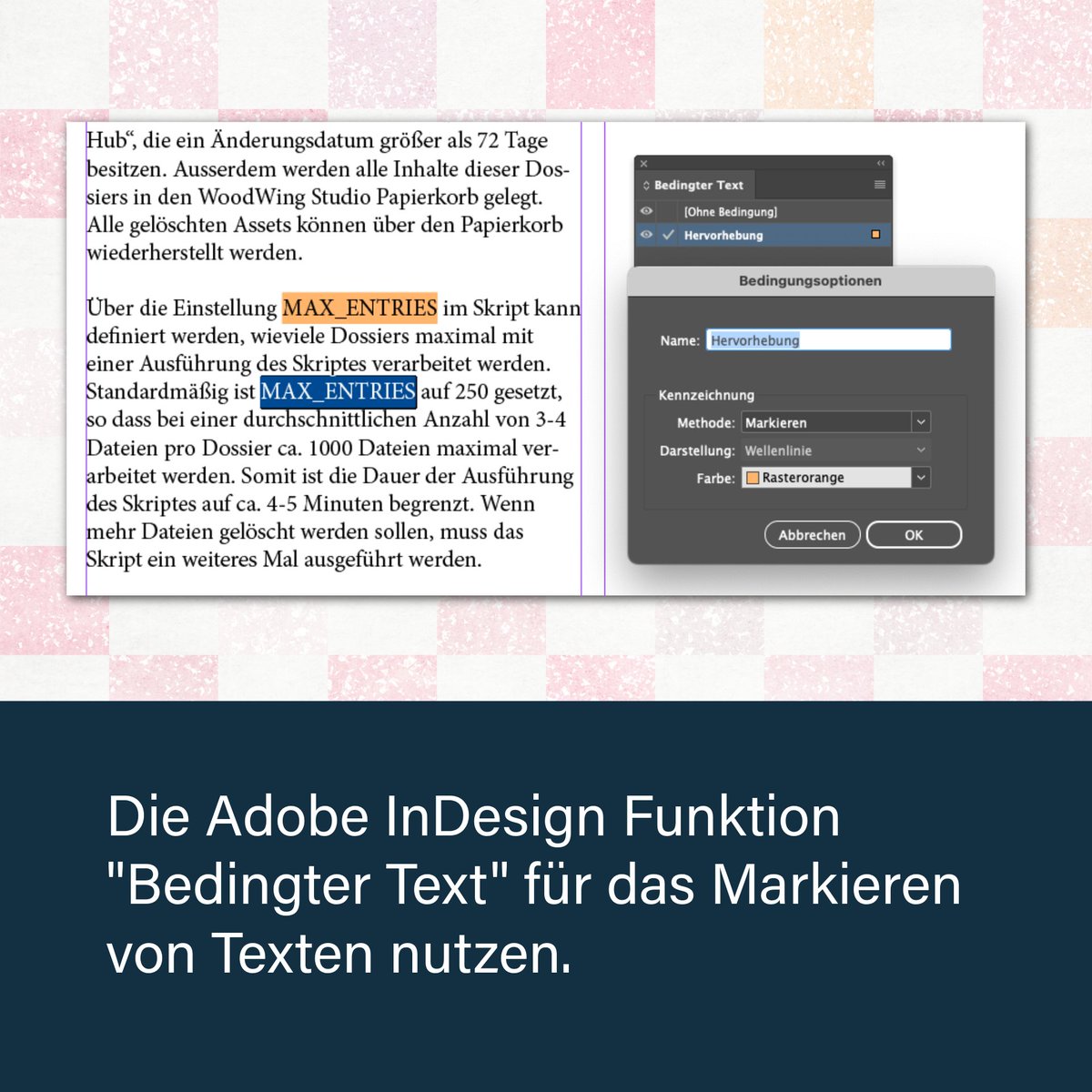
ALT Palette Bedingter Text von Adobe InDesign zum Markieren von Text
2
97
Stefan Rakete retweeted
14 Jun 2025
Use MATE for the simple things
Resetting nested items to 100% opacity, even when items are on different levels and layers.
I don’t even bother checking if there's another way.
I just ask MATE to do it.
In 5 seconds, it’s all done.
1
1
167