267 Photos and videos






May 29
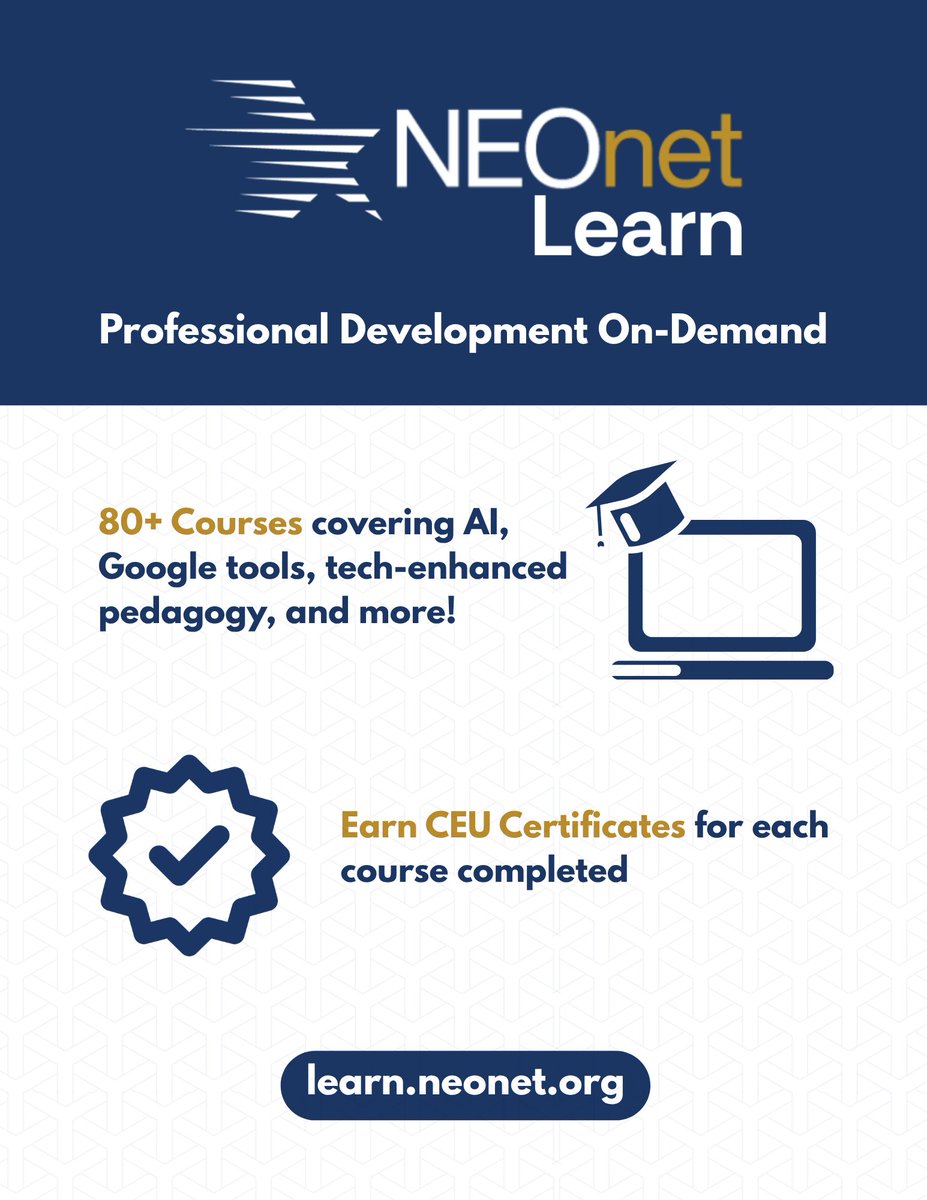
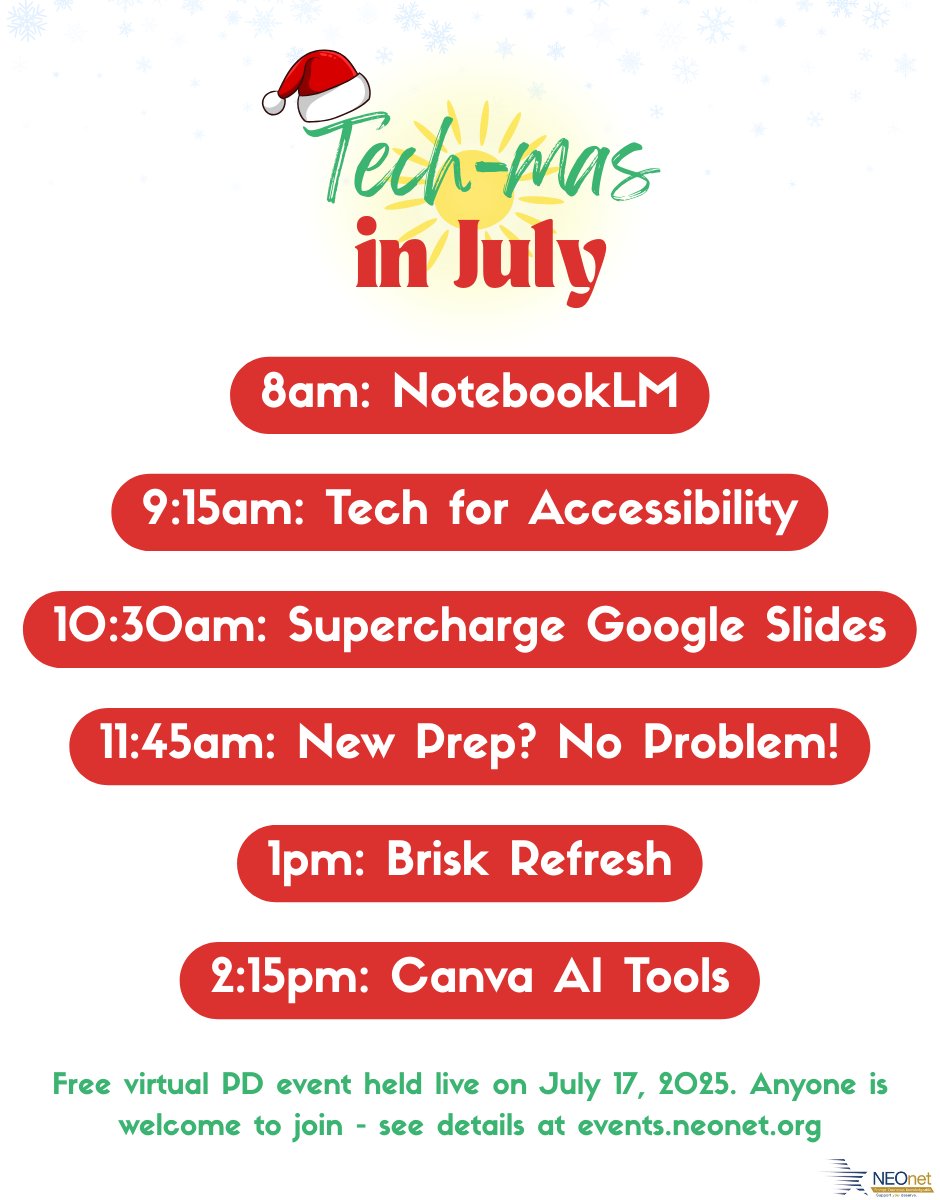
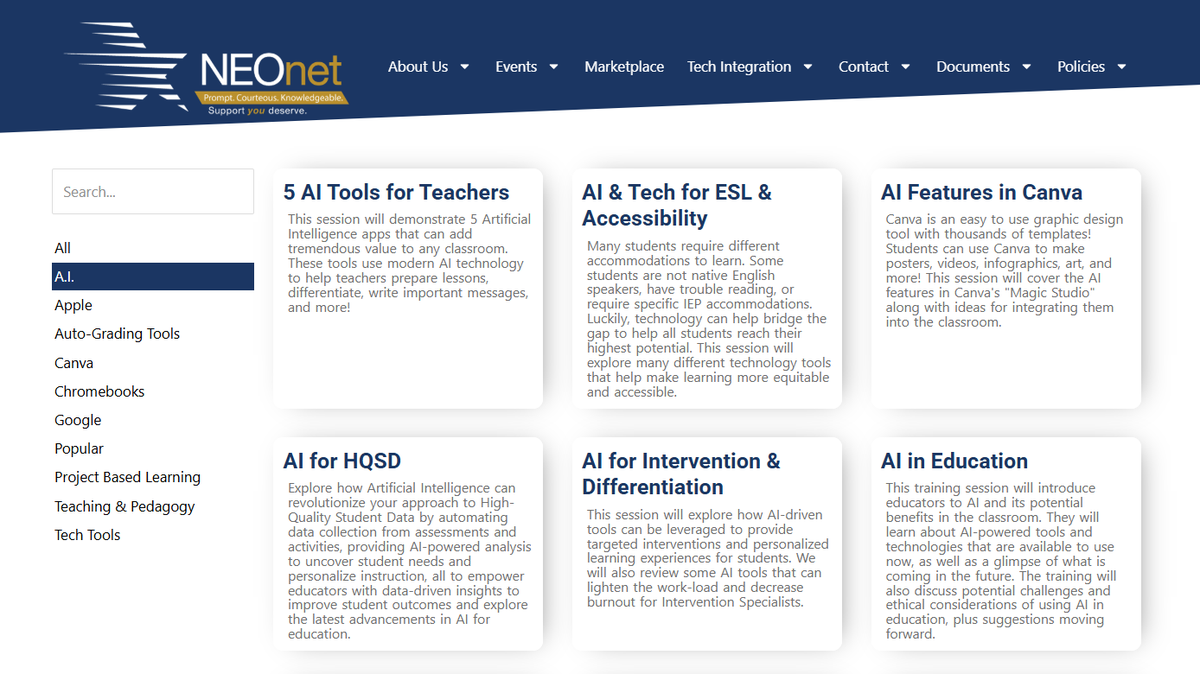
☀️ Get FREE Summer PD without leaving the hammock 🌴🕶️
Get on-demand access to 80 EdTech webinars and earn CEU certificates at your own pace! 💻📜
👉learn.neonet.org
#EdTech #PD #FreeCEUs #TeacherSummer #NEOnetLearn
16
NEOnetEdTech retweeted
So you made something really fun for your class using Canvas in the @GeminiApp… now what? 🤔
Let @JoeMarquez70 show you how two little alligators can help you host your creations on Google Sites. 🐊
4
10
36
4,469
Feb 26
Get your FREE ticket to #NEOTech2026! Join us for a day of cutting-edge edtech, networking, and innovation
📅 March 10, 2026
📍 Kent State University
Snag your spot before they’re gone! 👇
neotechconference.org/ticket…
#EdTech #KSU #OhioEdu #InnovationInTheClassroom
1
1
52
Feb 18
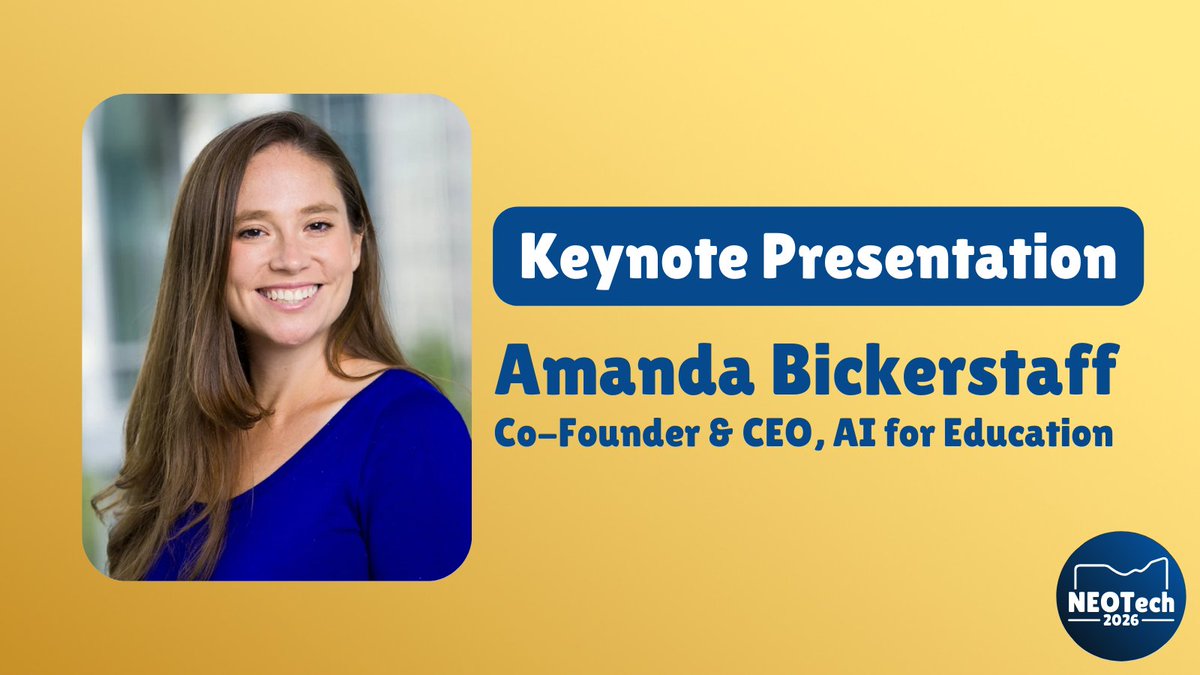
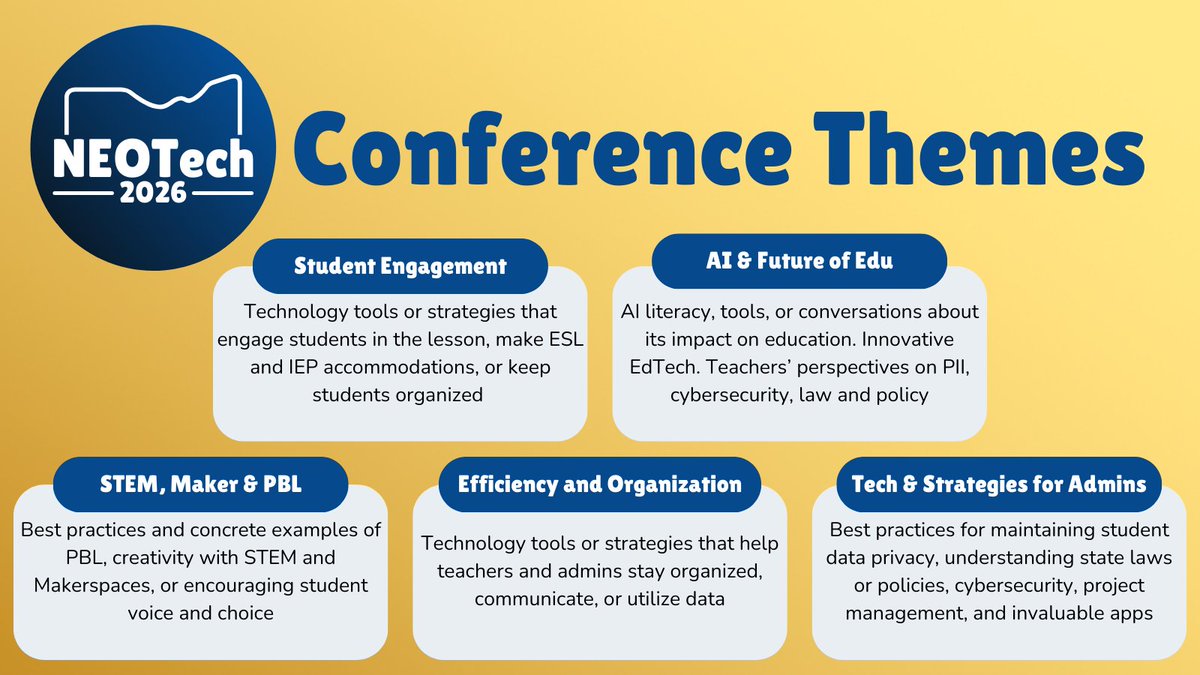
Join us for NEOTech 2026! The ultimate (and FREE!) EdTech conference for educators🎓💻
✨ A GREAT Keynote & tons of great sessions
🎟️ Get your free ticket NOW!
🔗 neotechconference.org
#NEOTech2026 #EdTech #FreePD #InnovationInEdu
1
26
Jan 30
If you have any great EdTech tips, tools, or stories to share - join us at #NEOTech2026!
The Call for Presenters CLOSES TODAY! neotechconference.org/call-f…
Visit neotechconference.org to learn more about our Keynote presentation, Robotics Competition, and much more!
1
1
50
NEOnetEdTech retweeted

Jan 26
Gemini Tip: If you connect a Google Doc to a Gem, it will reference the most current version of the Doc.
You don’t have to update the Gem when your file changes.
Just update the Doc, and the Gem automatically knows the new rules.
119
220
2,705
191,318
Jan 23
📢Have a great EdTech strategy or tool to share? We want to hear from you!
🗣️The NEOTech 2026 Call for Proposals is closing January 30th!
🔗Submit Your Proposal: neotechconference.org/call-f…
1
19
Jan 22
📢Have a great EdTech strategy or tool to share? We want to hear from you!
🗣️The NEOTech 2026 Call for Proposals is closing January 30th!
🔗Submit Your Proposal: neotechconference.org/call-f…
20
NEOnetEdTech retweeted

Jan 12

forcing myself to workout with mediapipe computer vision, threejs, and gemini 3
code and live demo available if you want to join my pain
3
3
135
16,223
Jan 12
Ready to share your classroom magic? ✨
The NEOTech 2026 Call for Presenters is officially OPEN! 🚀
💻 Submit your session today: neotechconference.org/call-f…
🗓️ Deadline: January 30th
#NEOTech2026 #EdTech #Education #Innovation
1
2
29
NEOnetEdTech retweeted
Wondering how other schools are getting creative with @GeminiApp?🤔
From totally personalized lesson plans to awesome study material, check out these case studies to see how four schools are redefining learning for every student & educator! Get inspired: goo.gle/3E1ceFN
7
35
152
10,141
NEOnetEdTech retweeted
In case you missed it 📢
Now, @NotebookLM is accessible directly from #GoogleClassroom! Instantly transform your class materials into AI learning experiences for your students, such as personalized quizzes, audio summaries, and interactive guides. goo.gle/3Y6Tvit
10
87
374
21,080
19 Dec 2025
Interested in presenting at NEOTech 2026? Sign up here: forms.gle/NQ7tW4jmiqaF8sTQ6
Deadline to submit is January 30th, 2026.
The conference is FREE and registration for attendees will open soon.
neotechconference.org/home
1
1
38
NEOnetEdTech retweeted

20 Nov 2025
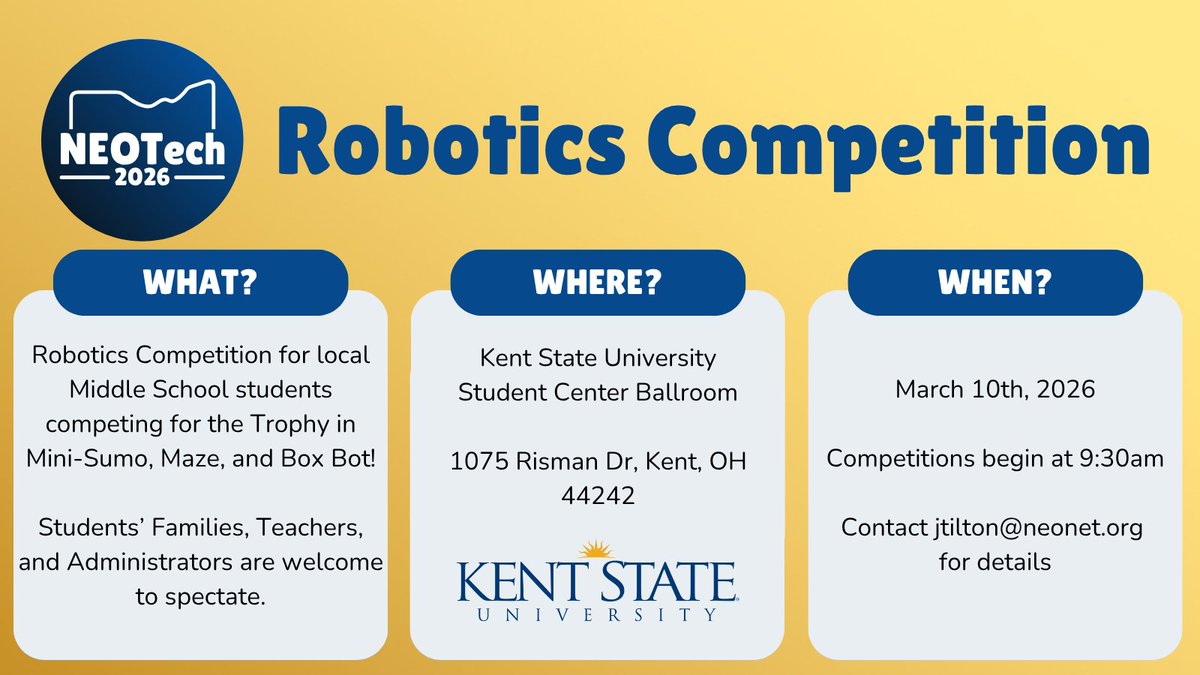
❓Are you an educator in Ohio and have a robotics team or club? 🤖
❓Do you want to participate in a low stakes competition? 🏆
❗️Reach out to me! We'd love to have more schools involved in our local tournament.
More info can be found in the attached picture.
1
3
223
NEOnetEdTech retweeted

14 Nov 2025
We spent all night wondering what you were "actually" waiting for, and we finally have it:
Images as sources!!! Whether it's a photo of handwritten notes, a screenshot of a textbook or graphs on a web page, @NotebookLM can synthesize the information and produce outputs from it.
316
598
5,842
982,635
NEOnetEdTech retweeted

28 Sep 2025
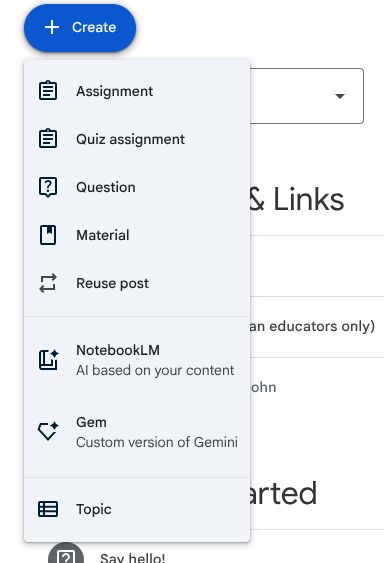
Notebook and Gem sharing is rolling out to #GoogleClassroom! I'm really excited about the potential for this new feature!
#GoogleEDU #edTech
1
11
26
24,480
NEOnetEdTech retweeted

15 Sep 2025
Want to show students how #AI can address real world challenges? Step into the world of AI Quests 🌎🎮! Explore this new gamified learning experience for students ages 11-14 from @GoogleResearch. Professor Skye, take it away! goo.gle/3K2nKmU
2
19
73
7,029
NEOnetEdTech retweeted

11 Sep 2025
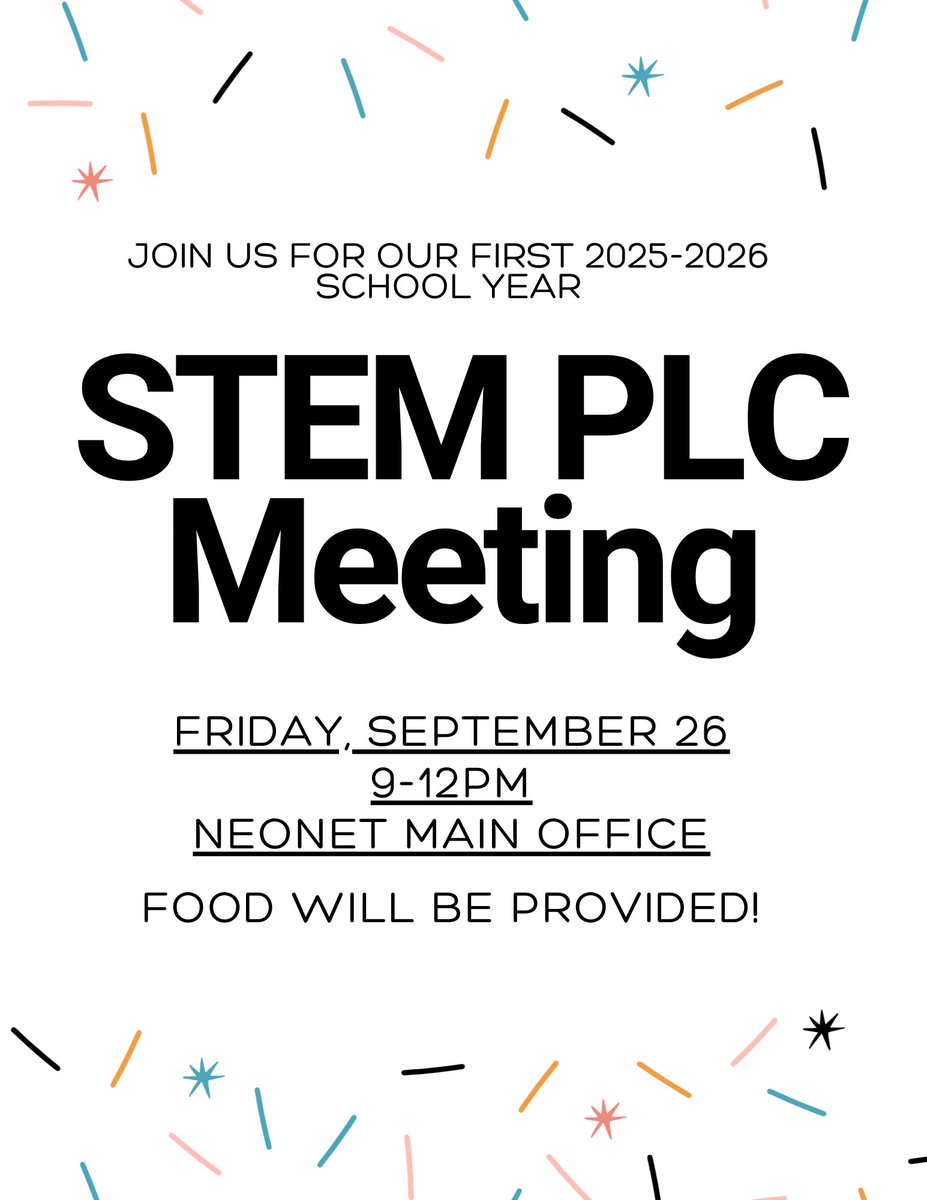
Our first STEM PLC meeting of the year is coming up! Register here: forms.gle/wktd5iRqvn3eWFJFA
3
2
147
NEOnetEdTech retweeted
9 Sep 2025
New in Gemini Canvas: Select and Ask
You can now visually edit any part of your web app just by clicking an element and describing the change. No code necessary—just click, describe, and see your updates instantly in preview mode.
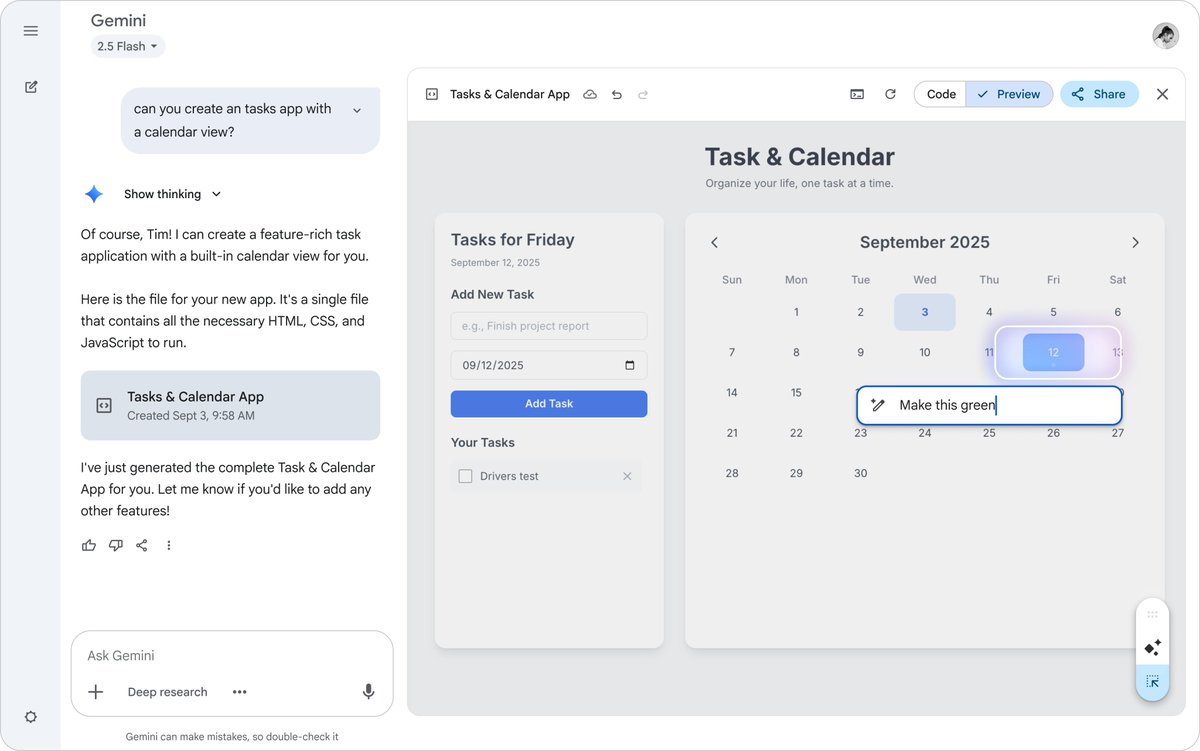
ALT An image showing Gemini's "Select and Ask" feature in action within Gemini Canvas. A user is visually editing a task and calendar app prototype by clicking an element (September 12th on the calendar) and describing a change "Make this green".
99
411
3,485
267,040