
Indie developer of all trades, '80s generation gamer, dark fantasy & sci-fi nerd, comics and (digital) art lover. This and a lot more (probably).
Joined October 2013
- Tweets 576
- Following 123
- Followers 5
- Likes 86
40 Photos and videos
Pinned Tweet

31 May 2022
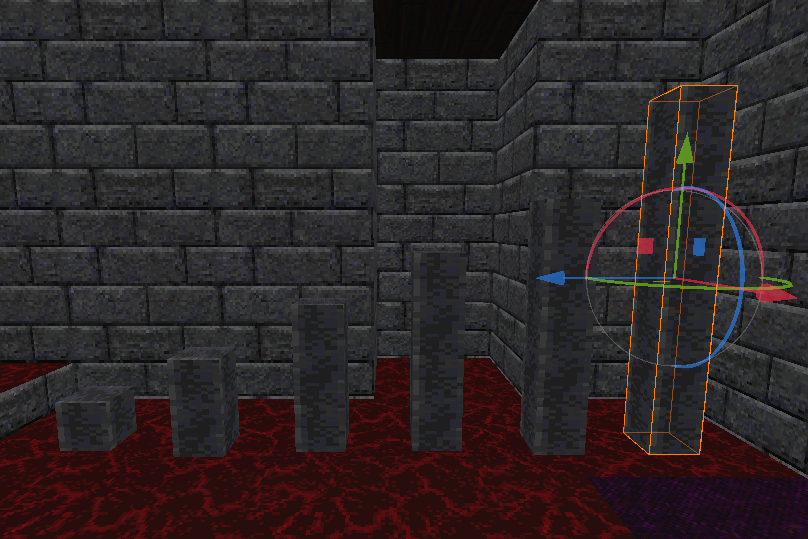
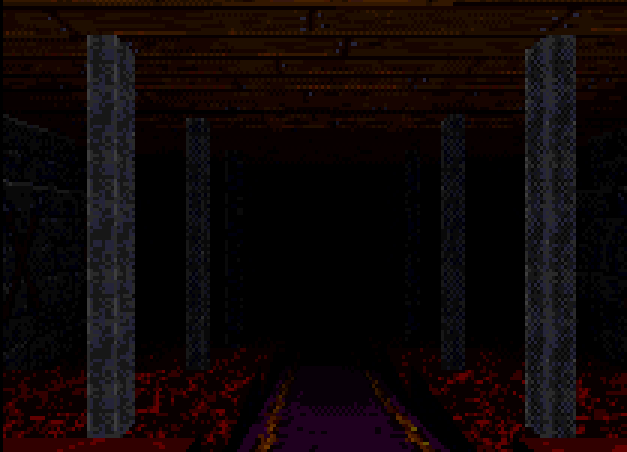
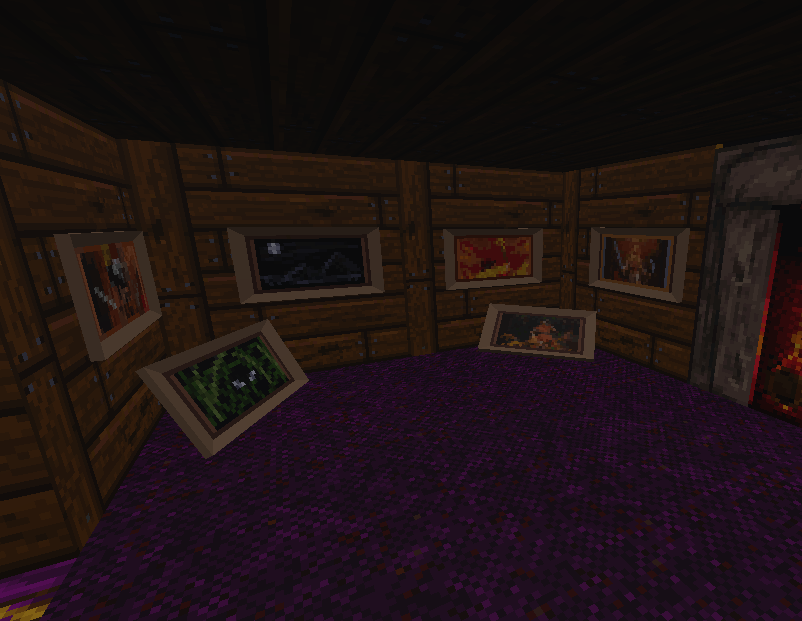
For people visiting this profile, i'm learning more about the Godot game engine features by recreating a classic game, Ultima Underworld 2. Importing the original data to adding quality of life stuff (all optional, you'll be able to play as retro as possible) #GodotEngine #Ultima
1
29 Apr 2024
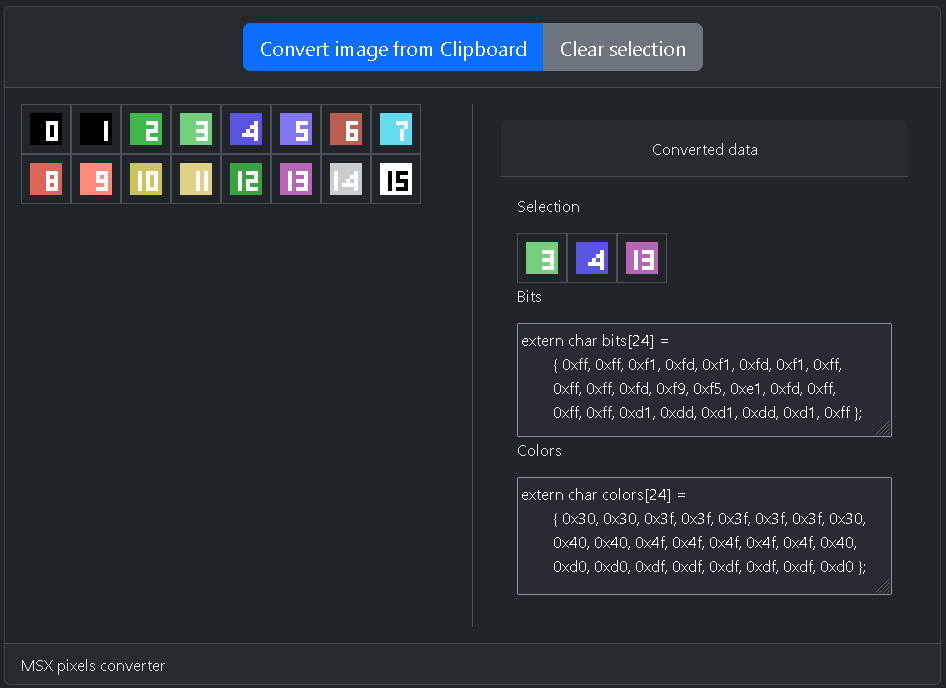
As planned now you can select the tiles in the order you want and the arrays will be filled with their data. I need to display the transparent color with a checkerboard and the tool should be good enough to continue working on the tiles for the dungeon crawler #MSX
1
66
28 Apr 2024
I made a small script in Python that read an image from the clipboard, divide it in 8x8 tiles and prepare the data for loading it into the VDP of the #MSX. The script outputs to a web page where you can select the tile and get the strings to copy into the code.
1
2
90
28 Apr 2024
I want to add that you can click the sequence of tiles you want and they are added in the arrays with that order. so i can have sets of tiles to load on a single call (es. all the border tiles, or the 3D view ones).
1
7
28 Apr 2024
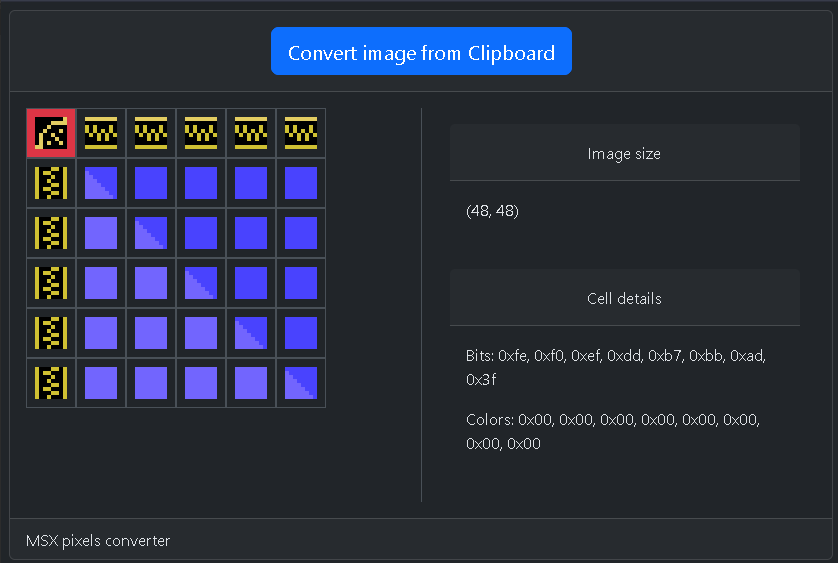
I could add also a grid with the pixels of the tiles, to show the bits and the colors used. I usually check this in the emulator and it can be useful (ex. to show errors like too much colors in a row or a color that doesn't match the palette)
8
26 Apr 2024
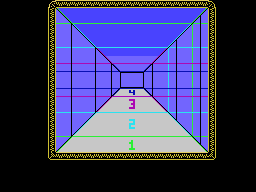
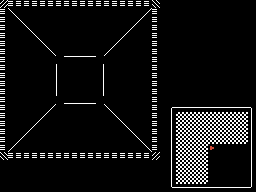
Evaluating how many map cells you'll see in the 3D view. For this ammount of tiles i guess 4 depth levels are ok. Vertical black lines on the left and right are different setups for space dedicate for each depth level. I like the left one and i'll use it (see colored lines).
1
8
26 Apr 2024
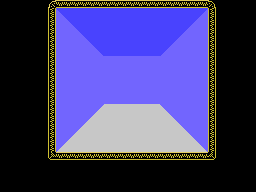
Wondering about the deepest level with only 1 tile width. I can draw a door but 2 would be better. The black rect at the end shows the size of a map block that will be repeated on the sides at depth 4. Maybe a 2x2 of 2x1 size is enough, but smaller is more stuff to update. #MSX
42
25 Apr 2024
The dungeon crawler prototype for the #MSX now uses SCREEN 2. Made a quick tileset to test colors and i made a converter that read a 8x8 image from the clipboard and prints out the data to embed in the code. I need to create a smart way to update the tiles when i move around.
75
23 Apr 2024
Small 3D dungeon crawler #MSX 1 prototype. SCREEN 1 (text), moving around a 20x20 room with working mini-map, 3D view just static test of tiles (for now). Wondering about moving to SCREEN 2 to have 3 times the VRAM for the tile patterns. Simple tileset vs more stuff to handle.
2
1
5
534
3 Feb 2023
Isometric action rpgs with platforming and puzzles, call it a very niche set of games😄
3 Feb 2023

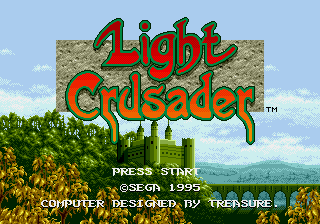
Light Crusader by Treasure (1995, Sega Genesis / Mega Drive). Fantasy action rpg with isometric perspective. #Gameplay #review #retrospective #games #videogames #sega #segagenesis #Segamegadrive
38
18 Jan 2023
Another interesting 16 bit game from the 90s
18 Jan 2023
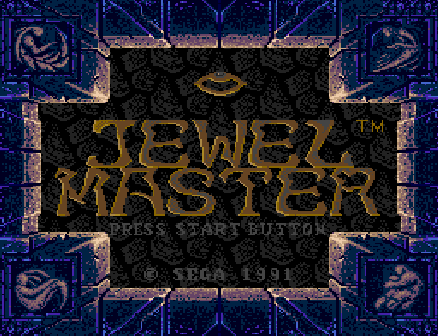
Jewel Master by SEGA (Sega Mega Drive/Genesis 1991) Fantasy sidescroller with unique magic system. #games #videogames #RETROGAMING #videogames #SEGA #SegaGenesis #SegaMegadrive #megadrive #Gameplay #Review
17
16 Jan 2023
A bit unknown but interesting blend of action rpg and dungeon crawler!
15 Jan 2023
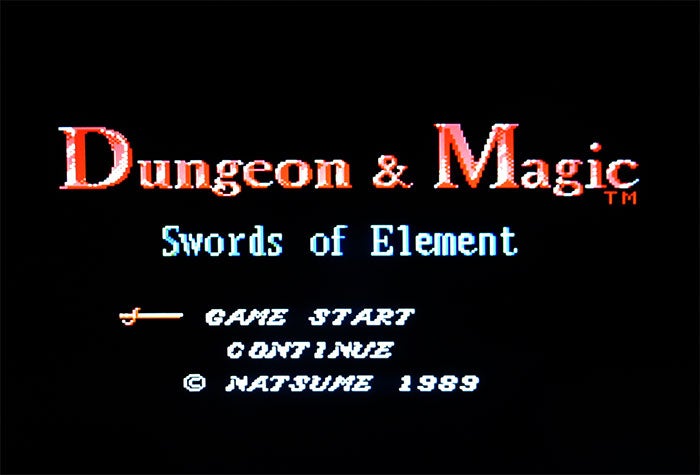
Dungeon & Magic: Swords of Element by Natsume (1989, Famicom). A first person real-time dungeon crawler (DRPG) with openworld design.
#games #videogames #RETROGAMING #videogames #DRPG #nes #Famicom #rpg #Gameplay #Review #DungeonCrawler
24
14 Jan 2023
I had to talk about this game as soon as possible😄
14 Jan 2023
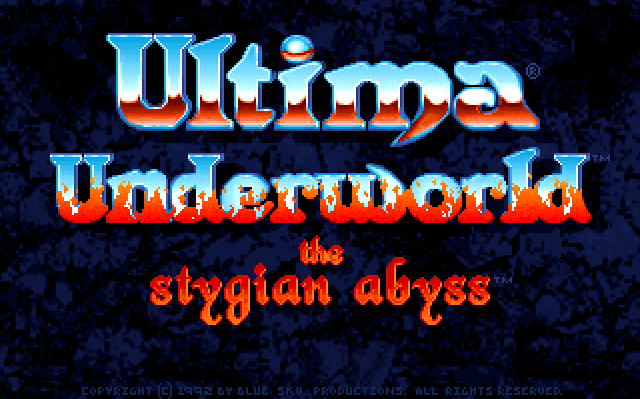
Ultima Underworld: The Stygian Abyss by Blue Sky Productions (1992, PC). Fantasy immersive sim spinoff of Ultima games. Japanese ports on various platforms of the time exist too. #games #videogames #RETROGAMING #videogames #Ultima #Gameplay #Review #rpg
15
14 Jan 2023
Remembering this game from the past, not the most niche one but still an interesting one design wise.
14 Jan 2023
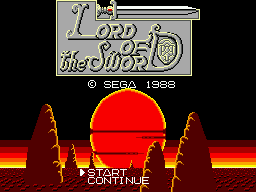
Lord of The Sword by SEGA (Master System, 1988)
Fantasy sidescroller with RPG elements and openworld like design.
#games #videogames #RETROGAMING #videogames #SEGA #MasterSystem #SegaMasterSystem #Gameplay #Review
1
14
13 Jan 2023
Started a new project, talking about niche games and niche gameplay features from past and present. Seems fun😉 This is the first game i choose to overview:
13 Jan 2023
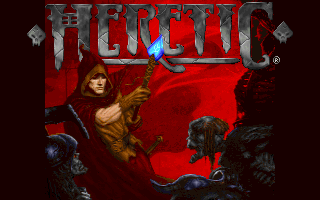
Heretic by Raven Software (PC, 1994)
A first person shooter with fantasy theme and additional features compared to Doom games using the same tech.
#games #RETROGAMING #videogames #FPS #fpsgame #Gameplay #pcgaming #Review
14
14 Jun 2022
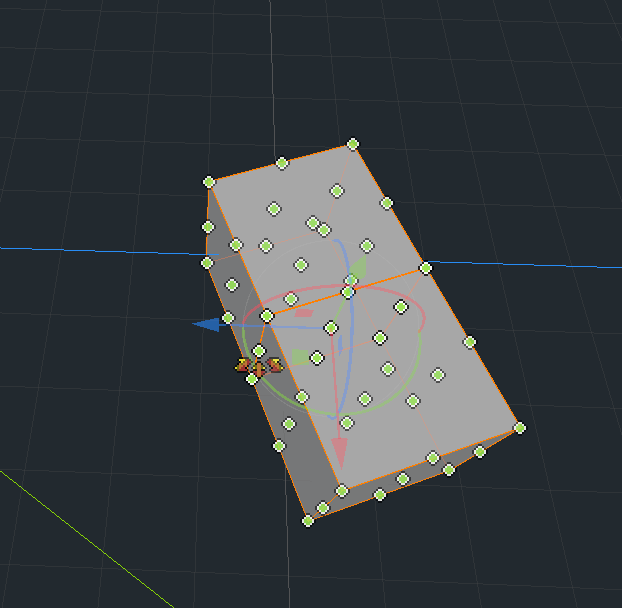
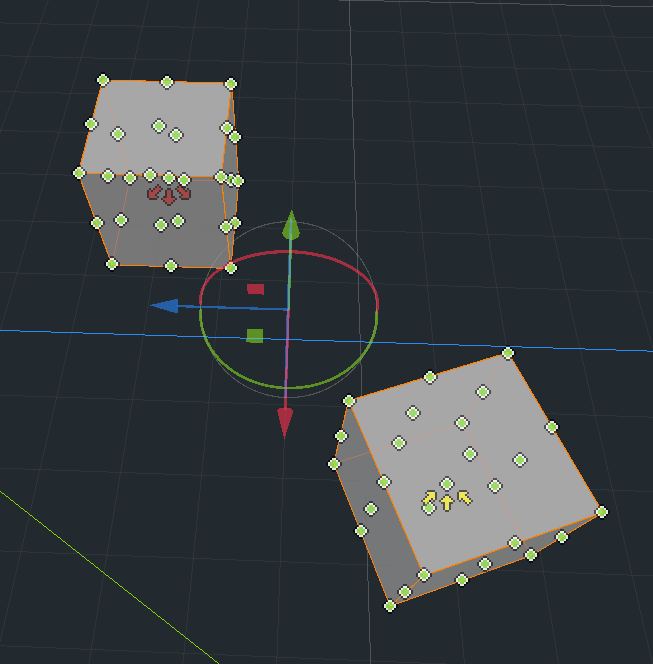
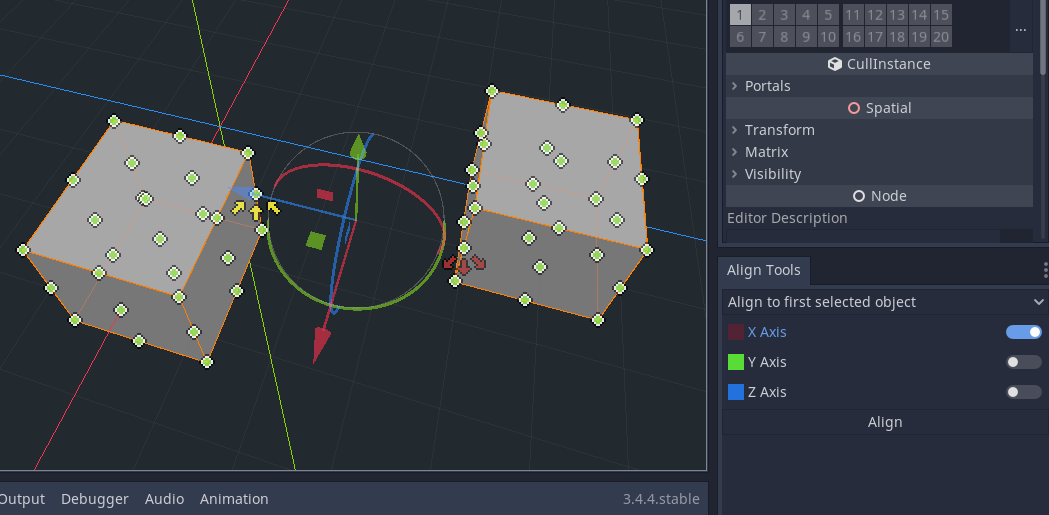
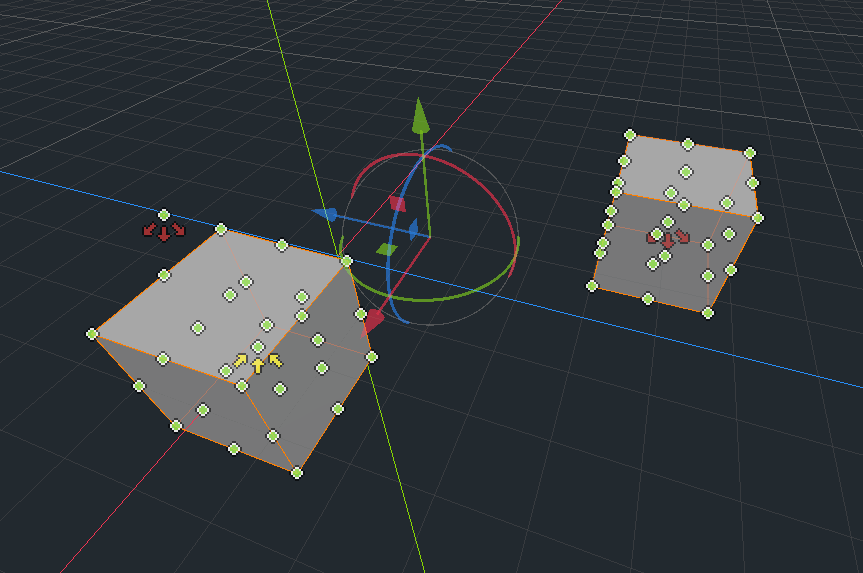
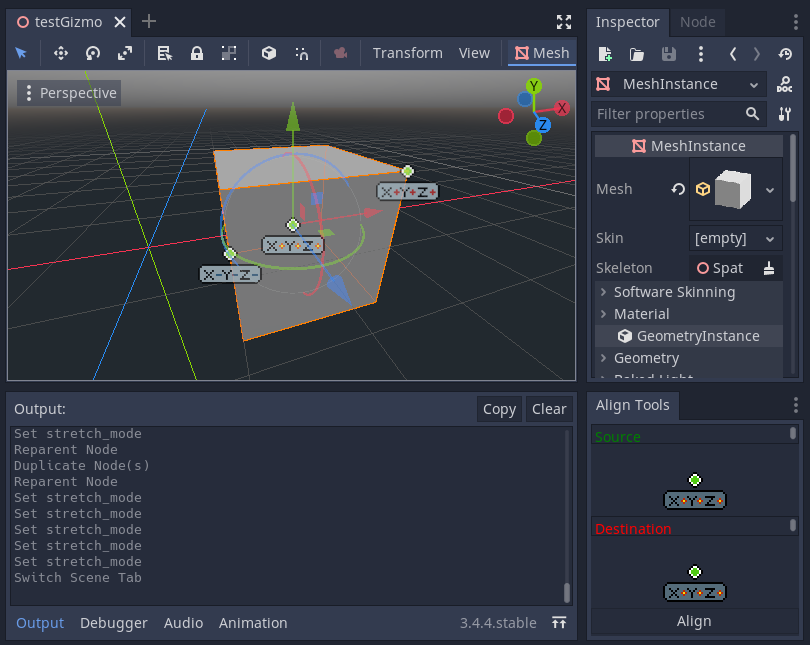
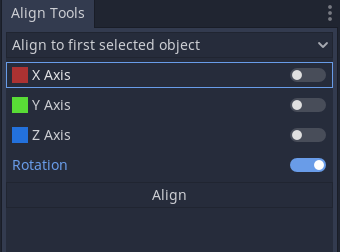
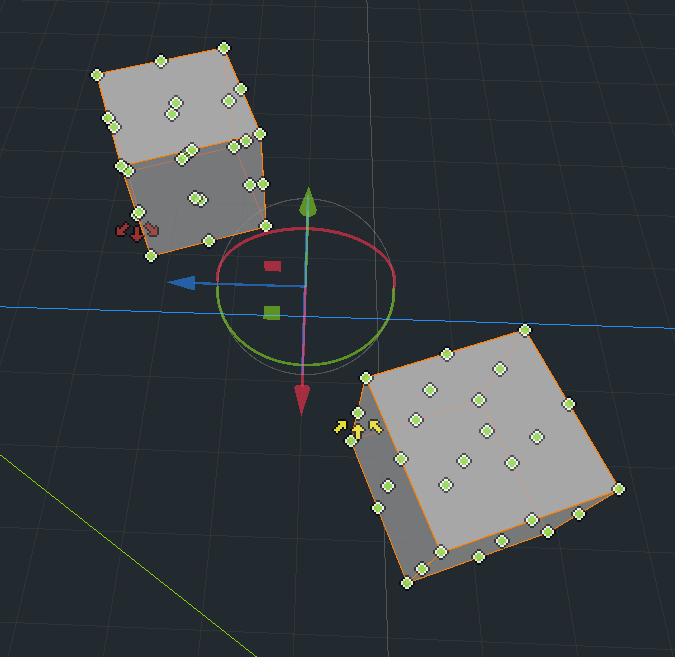
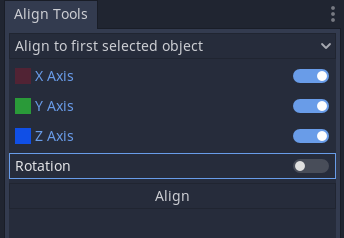
You want to rotate an object the same as another, then put it next to it. Align the orientations, select a point the will match the other object, align again, done! See reply tweet for the result😅 #GodotEngine #gamedev
1
14 Jun 2022
Not perfect but good enough for quick editing. Also, i cannot refresh the gizmo using undo/redo, maybe an issue with the editor itself. You need to move the cursor over the gizmo icons to force an update.
1
14 Jun 2022
I've stressed enough the editor for now (would crash opening any projects, had to reboot the PC). I want to use the plugin for some time to see if any errors/warnings show up (updating its code causes strange behaviours).
14 Jun 2022
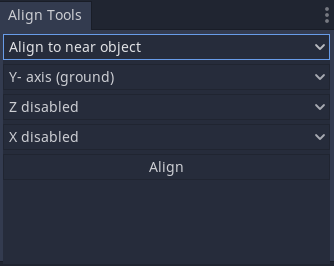
About the second align mode, you select one or multiple objects, from the ref point it queries the scene finding the first surface along the selected axis directions. Default it checks negative Y for a ground. Collision point and align there. Hopefully😅#GodotEngine #gamedev
14 Jun 2022
The first align mode is basically done now. Options are simple enough. Need to implement undo/redo and an issue with selection events. I'll add a "set same rotation" option, could be useful. Simple translation stuff, no nested nodes for now, maybe later. #GodotEngine #gamedev
12 Jun 2022
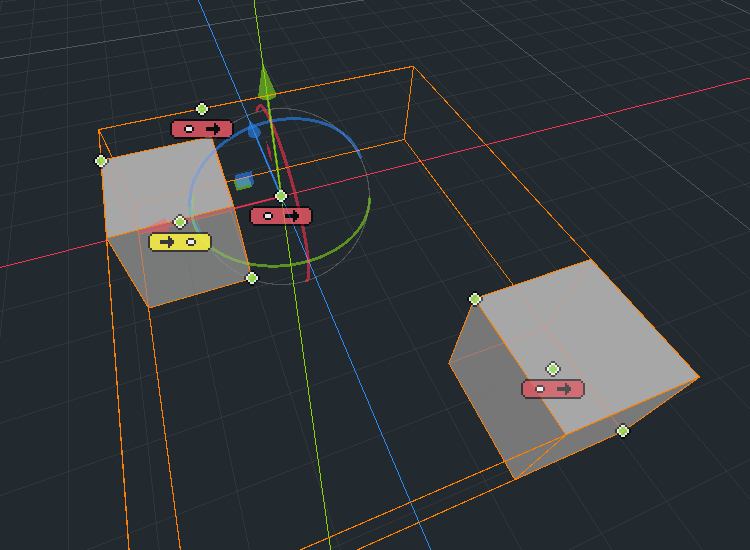
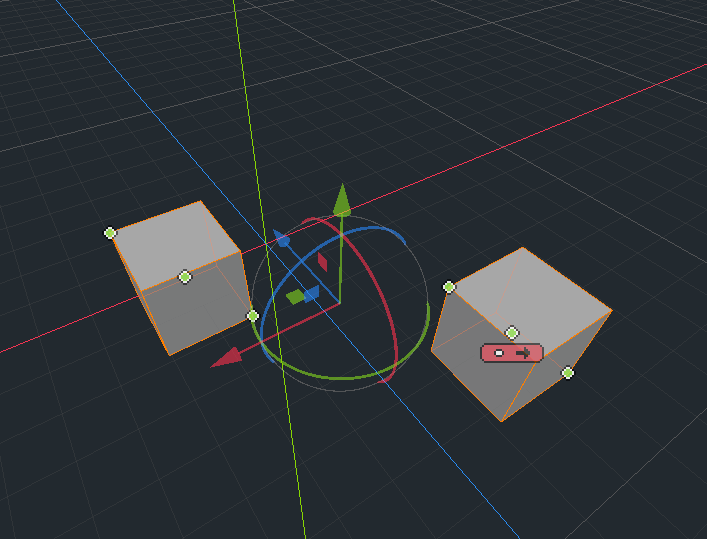
I guess these new icons are a bit better. Added all possible locations on the bounding box, but kinda cluttered. For places not matching vertices i'd use something different or optionally disable them. You can add a custom class for new types of ref points. #GodotEngine #gamedev
2