
The code is the design.
Joined November 2011
- Tweets 2,019
- Following 115
- Followers 360
- Likes 1,518
46 Photos and videos




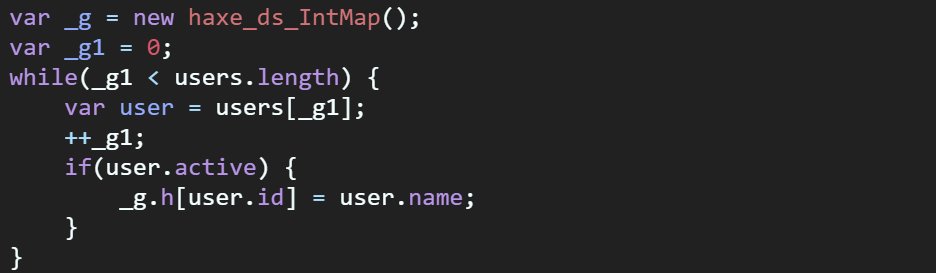

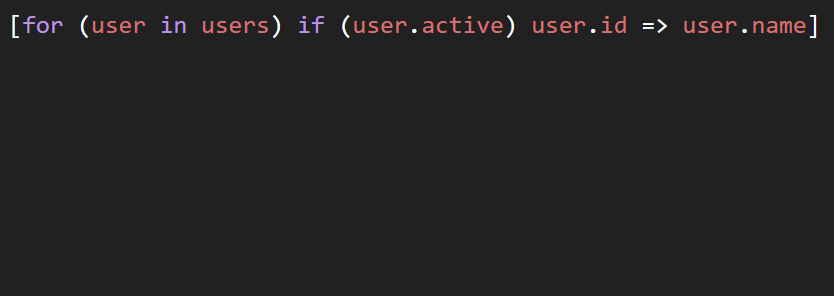
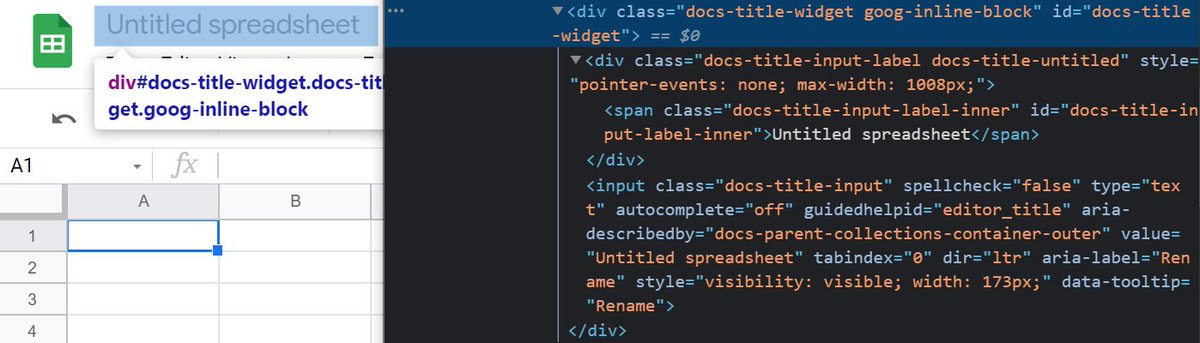
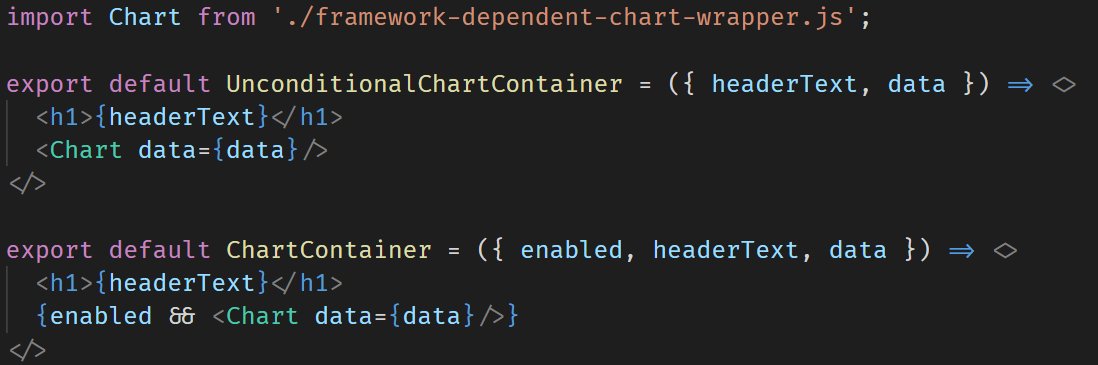
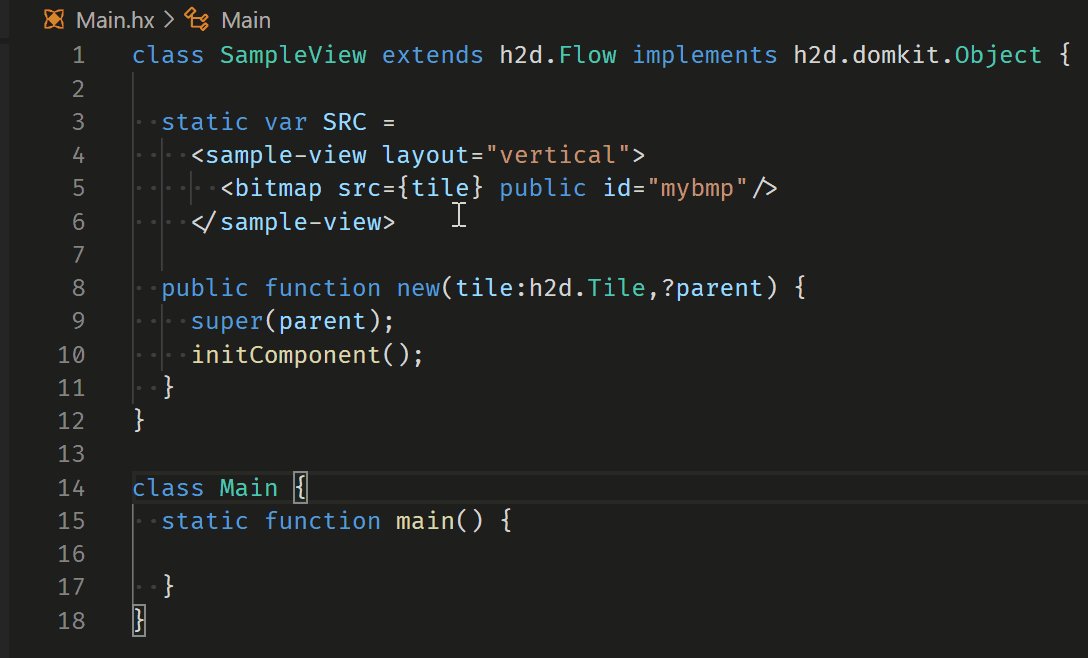


Excited to launch Pencil
INFINITE DESIGN CANVAS for Claude Code
> Superfast WebGL canvas, fully editable, running parallel design agents
> Runs locally with Claude Code → turn designs into code
> Design files live in your git repo → Open json-based .pen format
594
934
8,631
1,494,415
Juraj Kirchheim retweeted

3 Nov 2025
this is the end of web devs
86
101
1,556
140,716
Juraj Kirchheim retweeted

19 May 2025
the perfect github repo doesn’t exi…

50
664
12,156
437,740
Juraj Kirchheim retweeted

17 May 2025
I'm exploring my physics engine. Searching for that game feeling, that makes every second of playing feel good. Here's all I tried.
90
127
2,793
185,649
Juraj Kirchheim retweeted
15 May 2025
you can’t make this stuff up.

174
6,118
67,375
991,069
Juraj Kirchheim retweeted

11 Aug 2024
"When the project guidelines are as clear as mud and the deadlines are as flexible as a brick, you know you've truly entered the magical realm of software development."
2
14
79
14,970

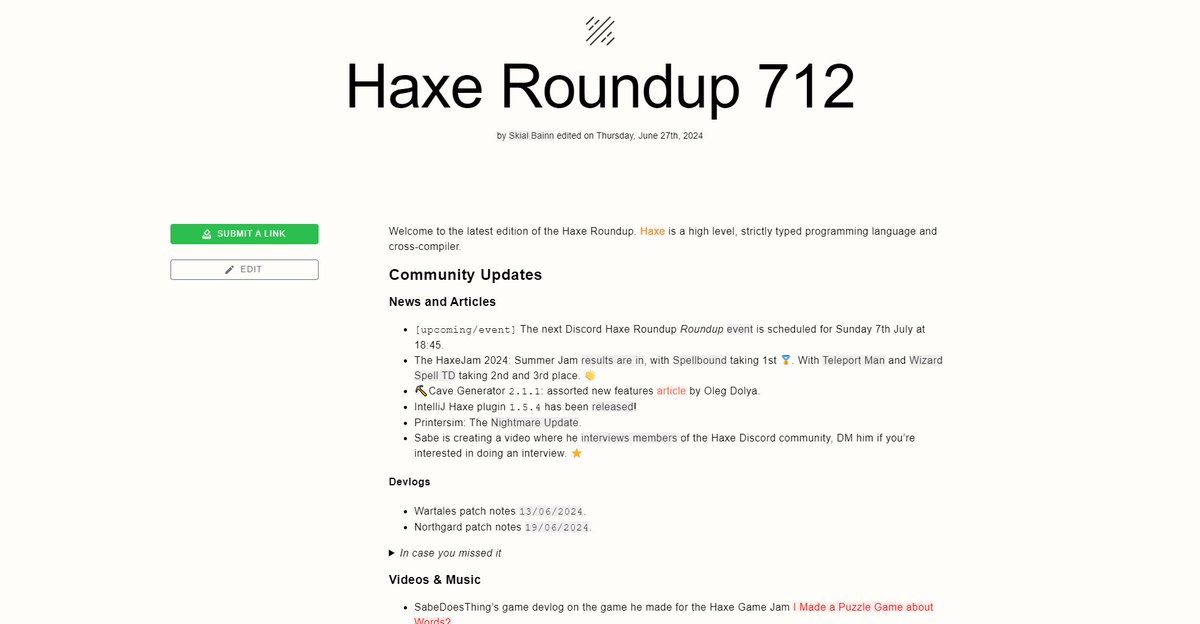
#Haxe Roundup 712 haxe.io/roundups/712/ is out! 🔥
The HaxeJam Summer Jam results are in! 🎮
The latest articles, announcements, trailers and more! 📰
And lots more from the community over the last two weeks!
6
6
474
Juraj Kirchheim retweeted

5 Jun 2024
My theory: burnout has nothing to do with how many hours or how hard you work. It's caused by working for people you don't like, towards goals you don't believe in, in systems that grant you no agency.
823
28,165
139,523
5,541,335
Juraj Kirchheim retweeted

28 May 2024
Time for a new mind-bending project!
#QLOCK — A JavaScript Quine Clock
aem1k.com/qlock
It displays the current time in a seven-segment style, embedded within its own JavaScript source code.
🕔 🕝 🕢 🕤 🕑 🕜
(321 bytes)
57
406
2,868
338,629
Juraj Kirchheim retweeted

29 May 2024
Ready for "Super CSS Mario II"? This time it's more challenging because you have to avoid some enemies 😬
0% JavaScript, 100% CSS magic & 100% addictive!
Demo: codepen.io/t_afif/full/JjqEd… via @CodePen
Show me your best attempt 👇
27 May 2024

🎮 New CSS Game!
What about a CSS game that you can play with your keyboard? No, it's not a joke but a reality!
Play "Super CSS Mario", the first CSS-Only game playable using your keyboard. @CodePen demo in the next tweet 👇
0% JavaScript - 100% CSS Magic! Have fun🤩
3
11
32
5,348
Juraj Kirchheim retweeted

I turn 12 on @CodePen in less than a month, so here are my most hearted demos ever:
1⃣ 955 ❤️ Pure CSS gravity button codepen.io/thebabydino/pen/b…
My only demo to ever pass 850 ❤️ - a bit mixed about it, it was just an exercise in getting a certain result - don't use it in the wild!
4
15
78
18,969
Juraj Kirchheim retweeted

7 Apr 2024
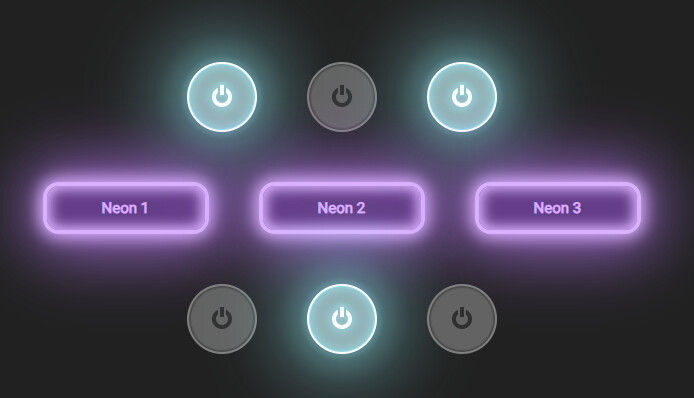
#haxeui 1.7.0 released! You can read more about it here! community.haxeui.org/t/haxeu…
9
25
1,726
Juraj Kirchheim retweeted

27 Feb 2024
one man, ffmpeg, 5 minutes, and a dream

148
2,693
66,642
3,513,809
Juraj Kirchheim retweeted

25 Feb 2024
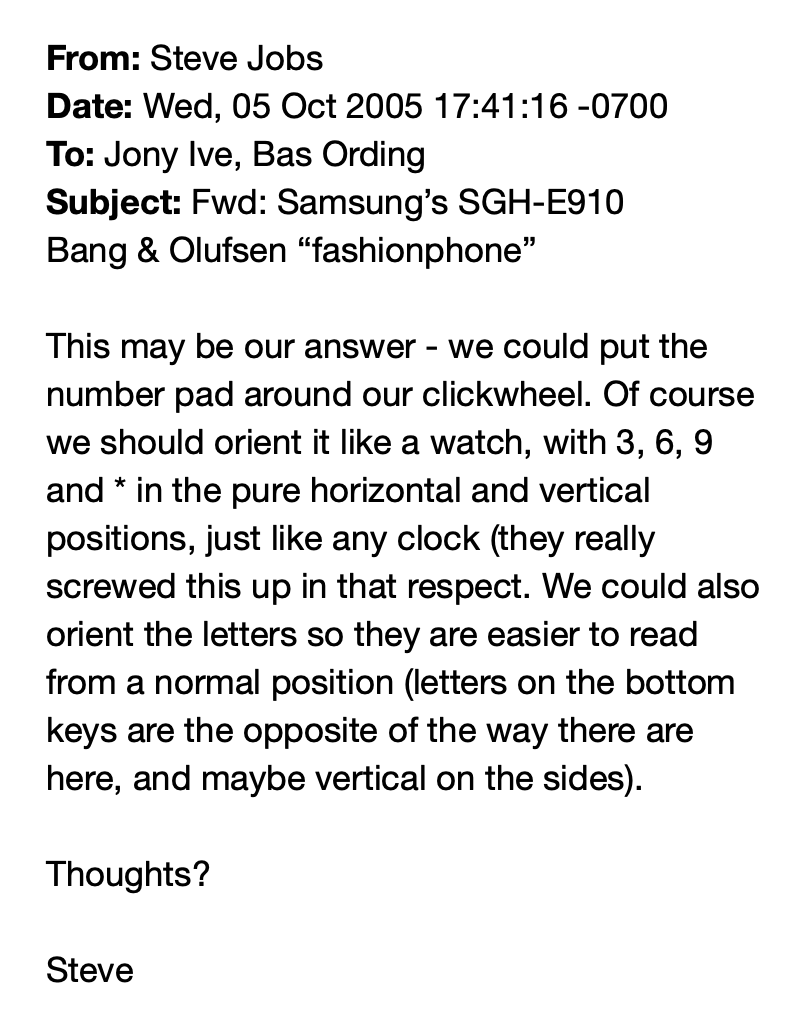
Steve Jobs on iPhone design
October 5, 2005

31
183
4,517
1,198,348
Juraj Kirchheim retweeted

19 Feb 2024
using a <div> as a <button>
177
2,104
25,081
3,414,618

20 Feb 2024
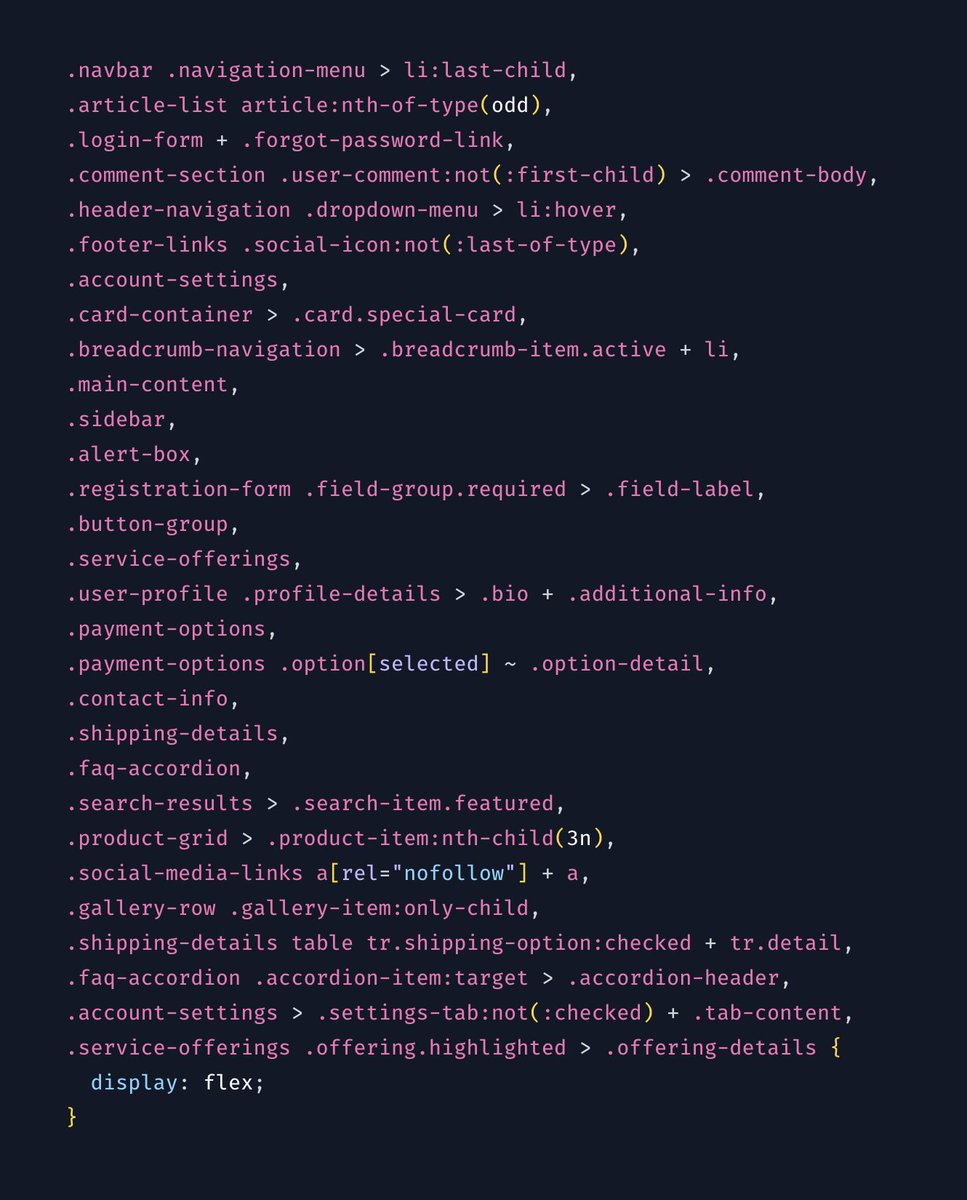
I've finally figured out who the target audience for tailwind is. People who previously wrote CSS like this:
18 Feb 2024

It's more like writing *one* function for adding two numbers together instead of dozens:
3
170
Juraj Kirchheim retweeted

19 Jan 2024
CSS Tip! ✨
You can create these parallax effects and image cross-fades with scroll-driven animations 🤙
img {
animation: fade;
animation-timeline: view();
mix-blend-mode: plus-lighter
}
img:last-of-type { animation-direction: reverse; }
@keyframes fade { to { opacity: 0; }}
This one's fun! 😁
The trick with the cross-fading image is to make use of one animation that runs at the same time on two images inside a container.
You use the same animation, animation-timeline, and animation-range. But, you use animation-direction: reverse on one of the images so they go in the opposite direction 🫶
The use of mix-blend-mode: plus-lighter; produces a better cross-fade result 💯
A viewTimeline (view()) works because you know that both images are the same height. The range you can use is
img {
animation-timeline: view();
animation-range: cover 45% cover 55%;
}
That means when the image has covered 45% of the scrollport (In this case, the window), start the animation. And finish when it has covered 55% 🎬
How about the slight parallax? This is a trick with calc(). You know the top of the small image and the big image line up. And you can do this by absolutely placing the caption outside of the small image.
The trick is to translate the small image by a distance so it lines up with the bottom of the big image. You can do that like this
:root {
--catch-up: calc(
var(--big-height) - var(--small-height)
);
}
@keyframes move { to { translate: 0 var(--catch-up); }}
Then drive that animation with a scroll-driven animation using the container of both images as the driver 🤙
/* section contains both images */
section { view-timeline: --container; }
.img-fader {
animation: catch-up both linear;
animation-timeline: --container;
animation-range:
50vh
calc(100vh (var(--big-height) * 0.25));
}
That's it! Scroll-driven image cross-fading and parallax effects without any JavaScript. This demo will work in all browsers as there is some JavaScript in place where the API isn't supported 🤙 To do that, it uses GSAP ScrollTrigger 🏆
As always, any questions, requests, etc. hit me up! 🤙
@CodePen link below 👇
11 Jan 2024

Had this tab open since building this demo 😅
Might be time to build the rest of the demo for you 🤙
Combos of position: sticky and some JavaScript fun to dial in the scroll animation parts ✨
No filling up the words with background-position like the other demo either 😁
14
188
1,731
242,034
Juraj Kirchheim retweeted

13 Jan 2024
People with fewer responsibilities and a lot of slack time are uniquely positioned to become influencers. To some degree, this is bad. We need more of the opposite type to influence the world.
2
7
54
8,642
Juraj Kirchheim retweeted

29 Dec 2023
Does anyone ever see this screen and basically decide "you know what, I don't need to use github today"?

81
21
526
56,176