
It's not as good as it can be. Plus you can literarily do better in Figma using Cursor with Figma MCP in seconds. Use the composer model as it's basically "free" and you can iterate on UI directly in Cursor until you like what it does, plus it is easy then to implement the autolayout as you'd also tell it to look at Figma how it did it.
1
109
Khlaseek designer retweeted

Once again I've impressed myself 😄🫰🏾💯
Responsiveness is one thing a website developer must master. As for Autolayout & components, if you can master it on figma, understanding it on framer would not be difficult.
Mobile interaction done ✅

Day 7 almost wrapped🚀🔥
Wrapping up the mobile view interaction.
I said it previously, once you master interactive components in framer a big part of your interaction design stress would be sorted. It's not easy regardless but it's worth it 😂
1
1
15
413

el autolayout de Figma es esas incognitas de la vida que tenes que resolver si o si entre lagrimas y estres... aun no lo resolvi, te detesto autolayout
12


Jun 10
i've been working with adobe for too long and now im adding rulers and frames without autolayout and it feels a little bit ilegal
7

it also has a thing that is a bit like autolayout except it works within mortal timescales
115


Jun 8
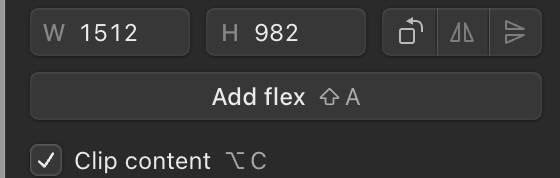
finally using @paper and happy to see it using native terms. i never understood why figma chooses to use autolayout instead of flex/grid, unless it exists to try and cement the idea that design work and dev work should be distinct. which they aren't.
3
209

if you’re using autolayout and have a proper iPad UI already i expect it will be easy enough to adapt
150

Jun 8
昔からアプリ課金には興味があったが、
Swiftを覚える
Xcodeを覚える
Storyboardを覚える
AutoLayoutを覚える
Apple独自の仕様や審査対応を覚える
このあたりの学習コストが重すぎて放置していた。
でも最近はCodexなどのAIで開発効率が大幅に上がっているらしい。
今ならアプリ内課金+広告収益モデルも十分狙えるかもしれない。
「プログラムを書く」より「何を作るか考える」時代になってきた気がする。
2
245

Time to improve your UI knowledge!
👀 Implementing dark mode: avanderlee.com/swift/dark-mo…
📝 Autolayout in code: avanderlee.com/swift/auto-la…
🚀 SF Symbols in detail: avanderlee.com/swift/sf-symb…
🤑 Rich notifications: avanderlee.com/swift/rich-no…
#swiftlang #iosdev #swiftlee
1
27
2,286

May 27
Yeah. My biggest nightmares with UIKit were autolayout constraints. Now with agents, it should be easily solved.
2
225

“Great design is not just about how it looks — it's about creating experiences that adapt, scale, and work seamlessly.”
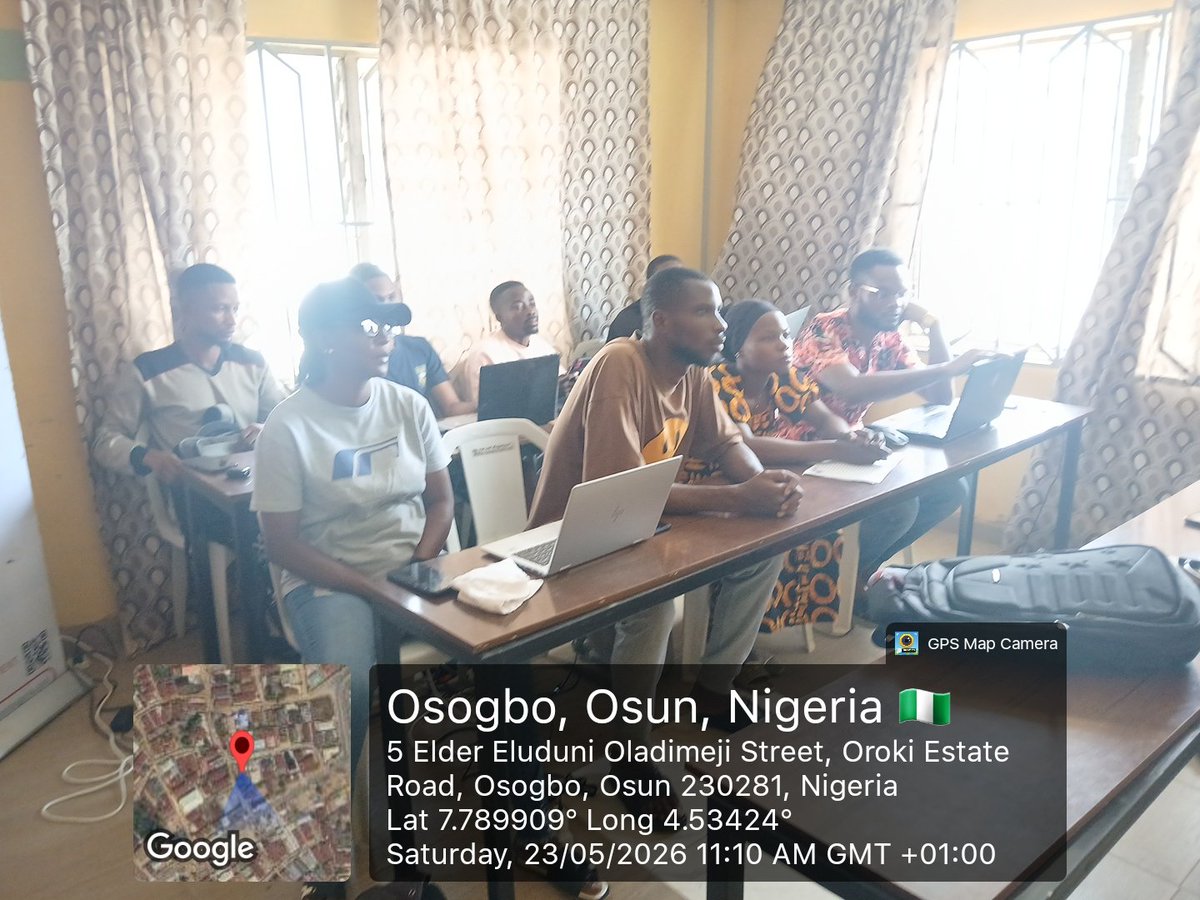
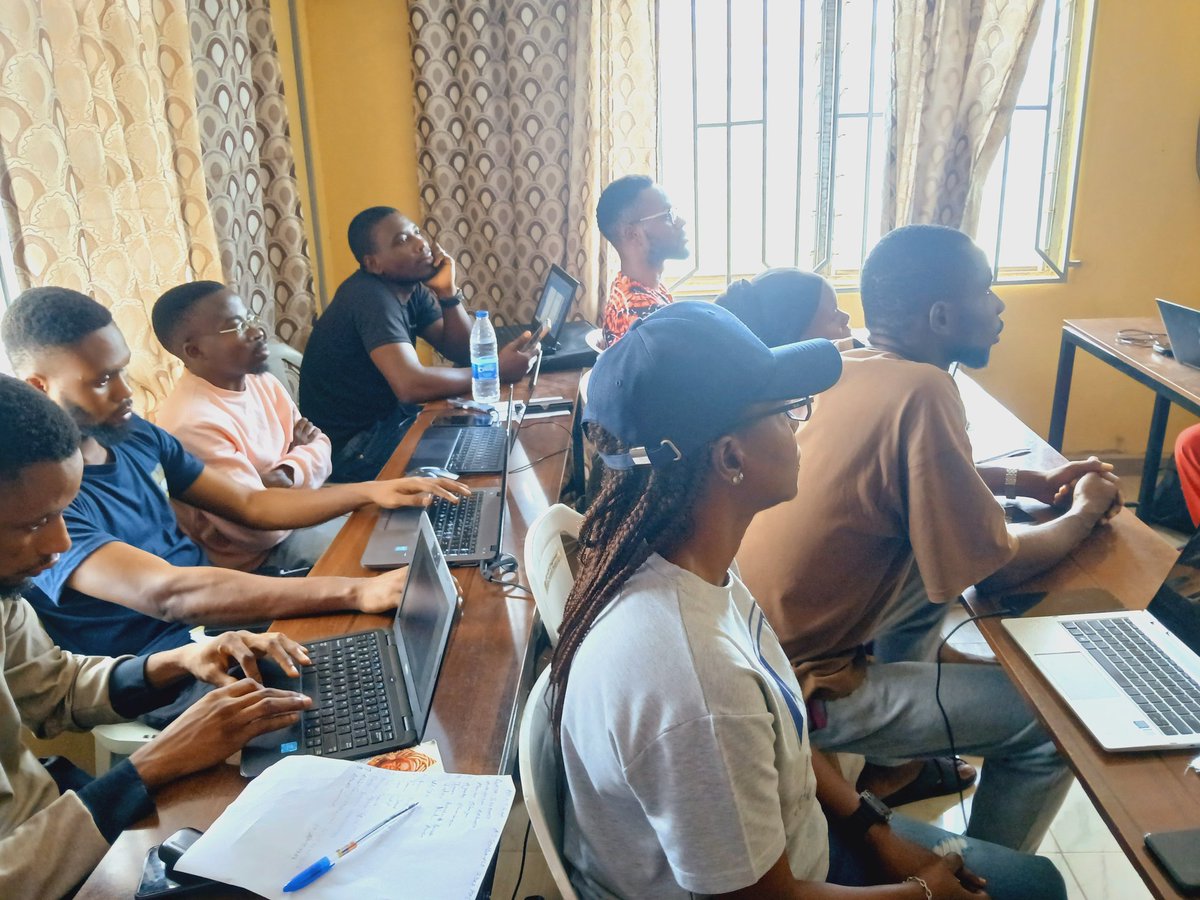
Last week in the NextGen UI/UX Program, fellows explored UI Design with Auto Layout, gaining practical experience in building structured and responsive interfaces.
Participants learned the fundamentals of Auto Layout, including layout direction, spacing, padding, alignment, and resizing behaviors like Hug Contents and Fill Container. Through hands-on Figma exercises and UI cleanup challenges, they strengthened their understanding of how modern interfaces are designed.
The session also focused on creating reusable and developer-friendly components such as buttons, cards, and navigation menus, helping learners apply industry best practices while building scalable designs.
To reinforce learning, fellows completed both individual and collaborative assignments, turning concepts into practical design solutions.
#NextGen #UIUX #Figma #AutoLayout #ProductDesign #DesignThinking #TechSkills
1
2
30


May 22
idk maybe i'm crazy but I literally never use features like this.
The design canvas is meant to be free and exploratory, I don't want to mess with adjusting side panels, autolayout, etc.
If I wanted to do that I would just code.
1
3
370


May 21
Shouldn't it be "fit-content" by that metric? Also the behavior of the two are different - autolayout works closer to `display: flex` with a `width: auto` than a fit-content declaration.
That's not even to mention that declarations like these are different on ios/android, and that CSS has tons of inconsistencies that likely shouldn't be followed (wiki.csswg.org/ideas/mistake…).
Having dealt with this naming (I got a lot of blowback for naming them `variables` instead of `tokens`), what I found in that experience is there is no "correct" answer. You can choose one of 8 different standards to align to, or you can attempt to name it something human - there's no way to solve for all scenarios.
6
241

May 12
Figma MakeにAI修正を重ねていたら、Components内のVariablesバインドが気づかないうちに外れていました。autolayoutが入れ子になっている構成で発生しやすい模様。回避は生成後のapply前にバインド状態を確認する習慣をつけるのが結局速そうです。同じ症状出た方は確認してみてください。
2
49

May 10
Different frames for each
Each frame is a component
All component are stacked in an autolayout vertically
Then I edit the components
But it’s a little demanding as per performance on your machine

do you design your landing page in sections (with different frames for each) or all at once?
2
14
619