
Paused your #GoogleWorkspace billing setup and not sure how to jump back in? 🛠
You can easily restart the process from your Admin console to get everything back up and running. Here is how. 👉 goo.gle/4uE3IBJ #BillingTips
ALT Illustration of a work set up with the Google Admin console logo on the desktop.
5
1
1
641
Getting a billing error in your #GoogleWorkspace Admin console? 💳 From internal processing hiccups to bank authorization blocks.
Here's a quick breakdown of common error messages and how to resolve them: goo.gle/3S4iWRO #BillingTips
4
1
1
1,143

The 3-Day Denial Rule
Work ALL denials within 3 business days.
Why:
✅ Stays in resubmission windows
✅ Stops timely filing stacking
✅ Creates real accountability
Most practices wait 7–14 days.
By then, easy money is gone
#BillingTips #MedicalCoding #RCM #HealthcarePractice

14

May 6
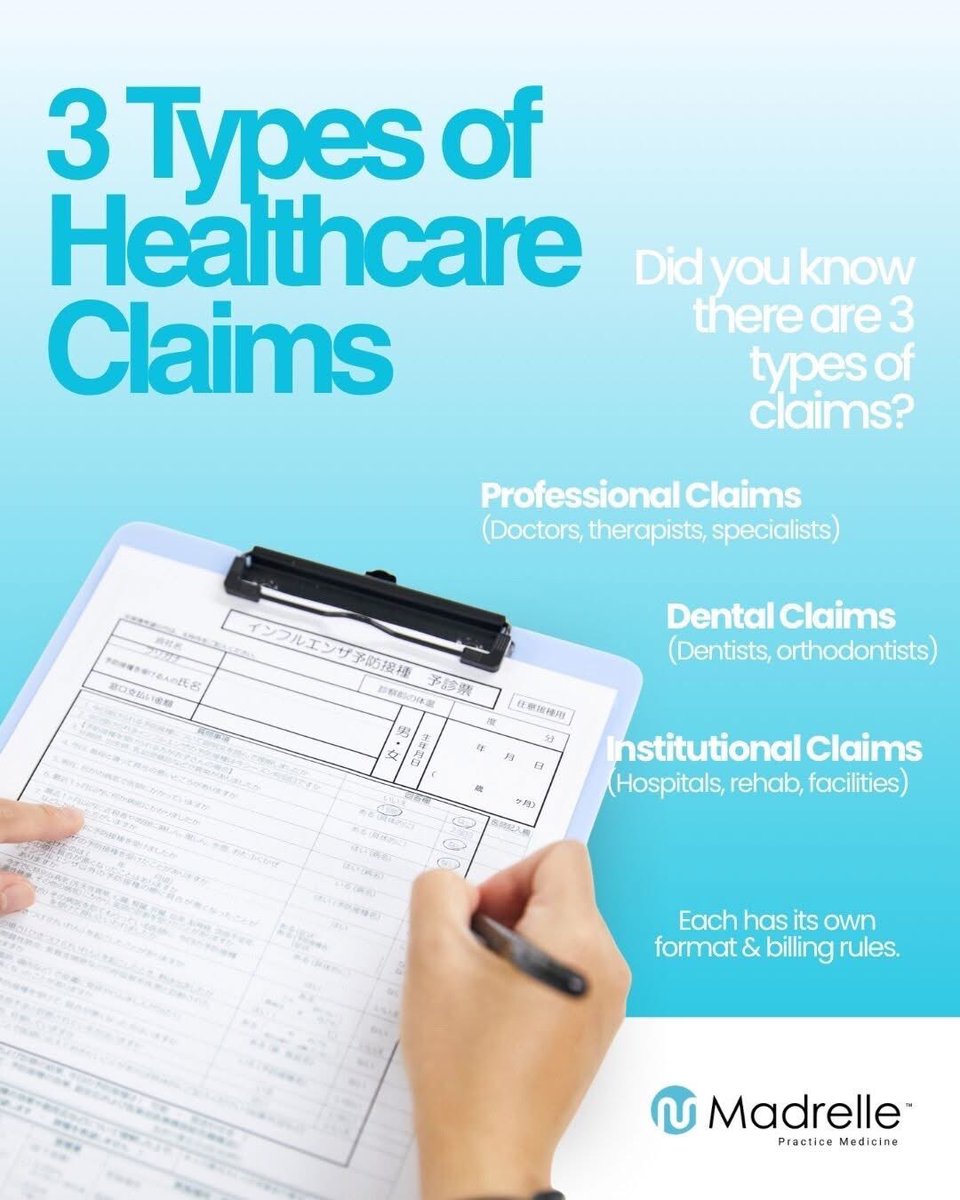
Not all claims are created equal.
Professional. Dental. Institutional.
Each one has its own rules—and getting them right matters.
Know the difference. Bill with confidence.
#HealthcareClaims #MedicalBilling #InstitutionalClaims #RevenueCycle #BillingTips #Madrelle
2
Having trouble with your #GoogleWorkspace payments? 💳 Here are quick tips to fix it:
✅ Verify your payment method
✅ Check for alerts or error messages
✅ Verify your Google Account
Need more help? Check out these detailed steps at goo.gle/42cLKtp #BillingTips
ALT Illustration showing a credit card with a clipboard of checklists and gears in the foreground.
5
1
2
957
Is your #GoogleWorkspace subscription suspended? 🚫 Here are common reasons why:
👉🏻 Failed payments
👉🏻 Expired trials or contracts
👉🏻 Domain or storage issues
Learn how to fix it and get your service back online with this guide: goo.gle/4uv64SX #BillingTips
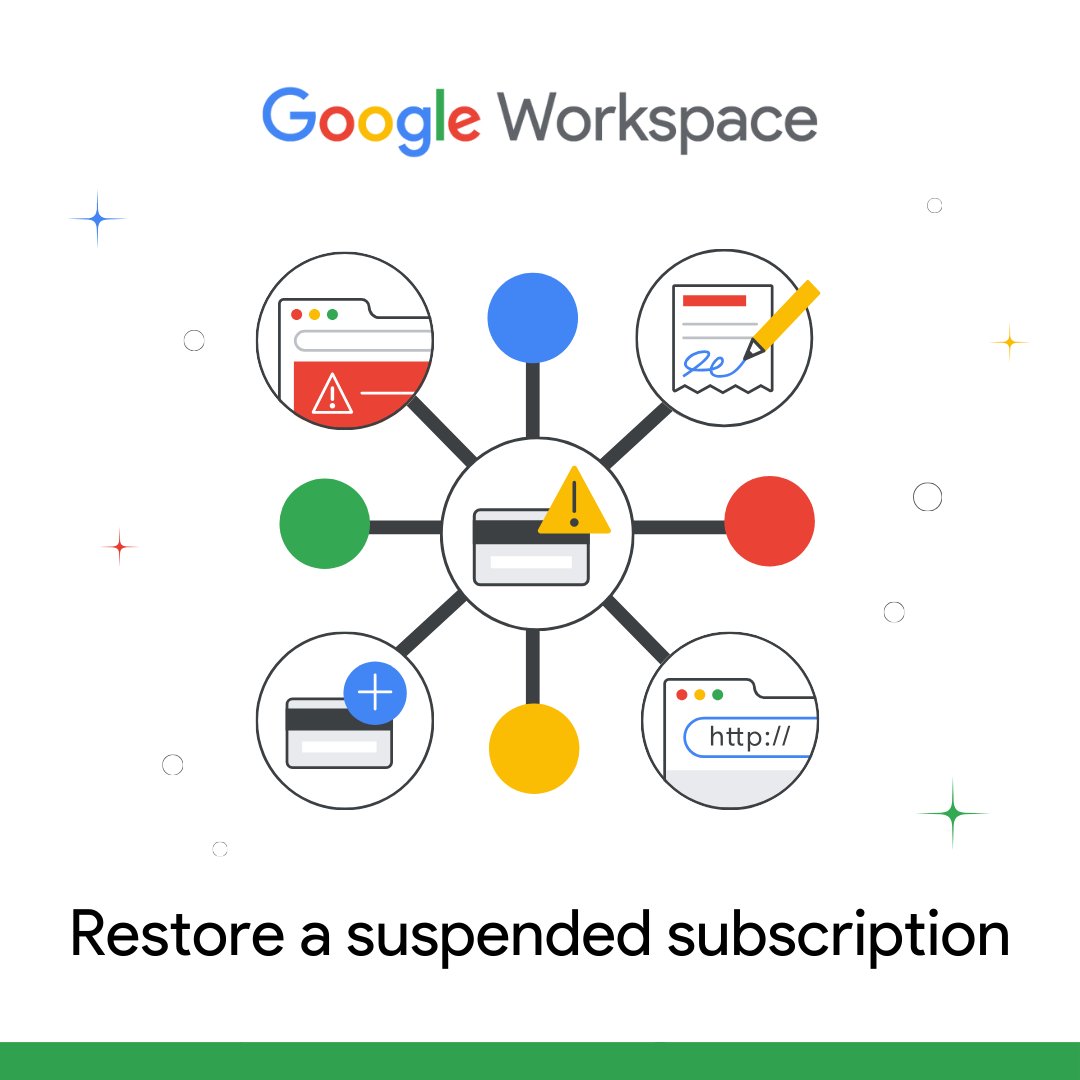
ALT Illustration showing icons of issues with domain, contracts, card payments, and storage.
21
2
1
953

Apr 28
Top Invoicing Tips for Freelancers
If you’re freelancing, your invoice is more than a bill – it’s your brand, your workflow, and your cash flow. This guide breaks down how to create clear, professional invoices, set payment terms that actually get you paid on time, and avoid awkward money conversations with clients.
Read the full article:
#freelancing #freelancerlife #invoicing #smallbusiness #solopreneur #clientmanagement #cashflow #billingtips #selfemployed #creativebusiness #remote work #businessgrowth rfr.bz/ta92749
118

Understanding #ICD10 code G40.89 (Other Seizures) is key to accurate #MedicalBilling and clean #claim submission.
Read More: allzonems.com/blogs/icd10-g4…
#Allzonems #SeizureCoding #Healthcare #MedicalCoding #Revenue #CodingAccuracy #ClaimDenials #BillingTips #MondayMotivation
1
11
Precision in vascular surgery billing isn’t optional—it’s essential.
Check out now: allzonems.com/expertise/medi…
#Allzonems #MedicalBilling #VascularSurgery #Healthcare #MedicalCoding #DenialManagement #BillingTips

1
1
11
N130 denials can delay reimbursements and impact cash flow. Learn what they mean and how to fix them fast.
Read More: allzonems.com/blogs/understa…
#Allzonems #MedicalBilling #DenialManagement #N130 #RCM #RevenueCycle #MedicalCoding #ClaimDenials #BillingTips #HealthcareCompliance
1
8

Apr 8
Top 5 coding mistakes costing your practice money right now
#MedicalCoding
#ICDcodes
#CPTcodes
#billingtips
#MedicalBillingSolutions
#medcurers
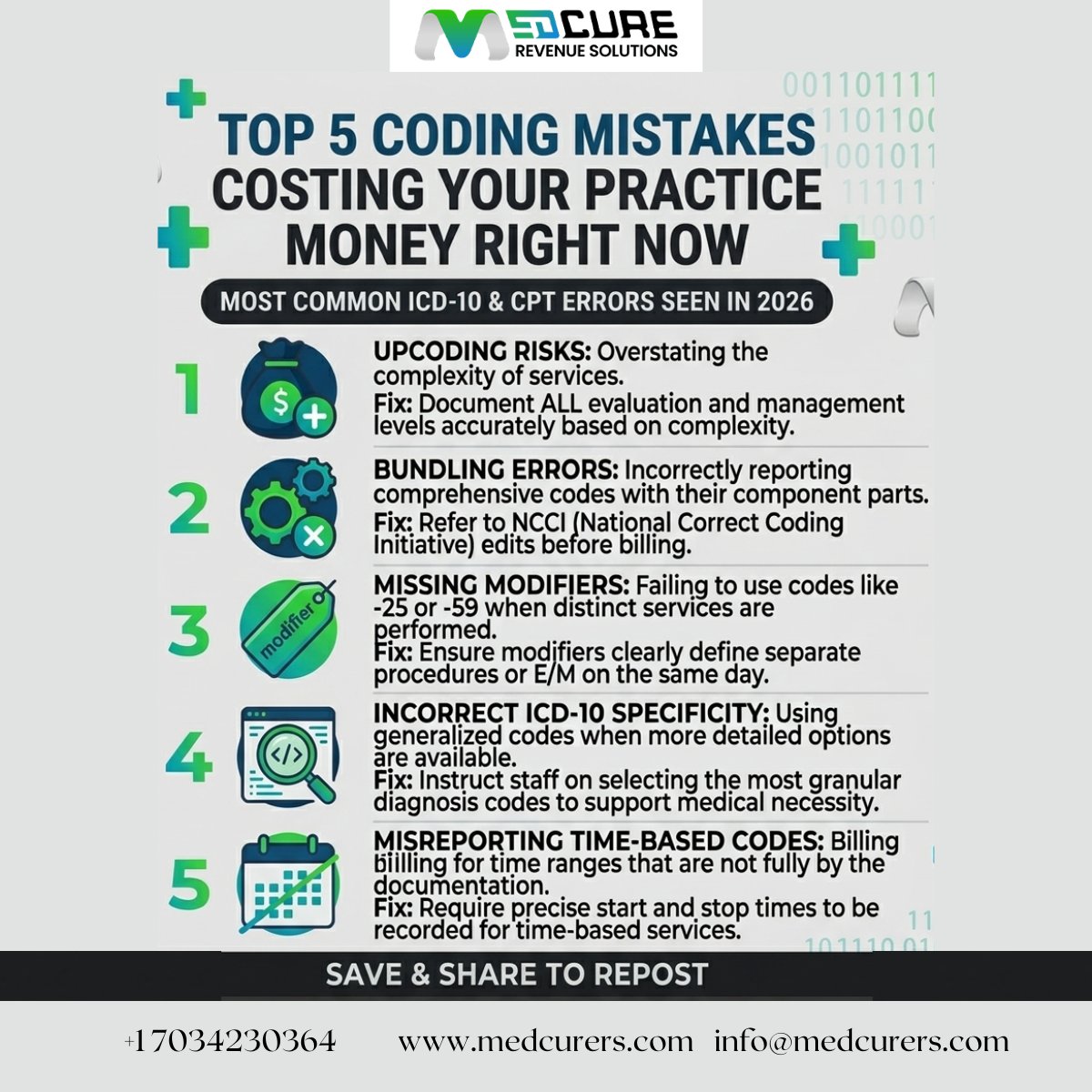
ALT Top 5 coding mistakes costing your practice money right now #MedicalCoding #ICDcodes #CPTcodes #billingtips #MedicalBillingSolutions #medcurers
19

Apr 6
Billing statements are full of hidden fees disguised as “service charges,” “processing fees,” or “regulatory recovery.”
Here are 5 common red flags to watch for — and simple questions that often get them removed.
Full article: tinyurl.com/558bsfvs
#ConsumerRights #BillingTips
19
Seeing an automatic charge after making a manual payment? No need to worry! Read through the explanations in the Manual payment FAQ for a clearer understanding: goo.gle/3PUn5Xu #BillingTips
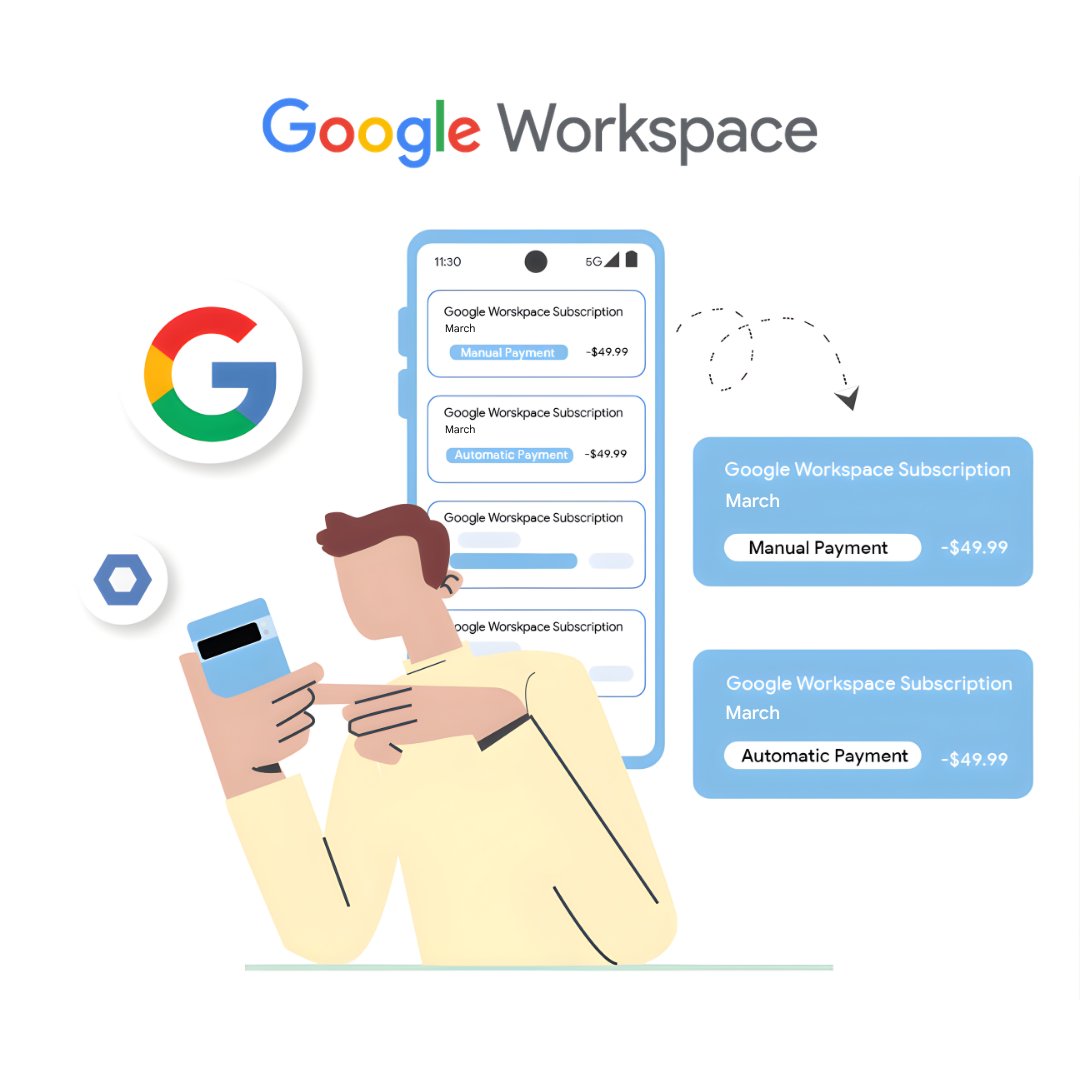
ALT An illustration of a man holding a smartphone with a background showing Google Workspace charges.
6
1
4
1,231
Apr 3
On hold forever and getting frustrated?
Those long waits don’t have to ruin your call.
5 simple ways to stay calm and actually improve your chances of a good outcome.
Full article here: tinyurl.com/2hwfzksh
#CustomerService #BillingTips
27
Important tip: For a smooth payment method update, make sure you have a primary payment method assigned for automatic payments in your #GoogleWorkspace billing account. Follow these steps to remove and make changes:
goo.gle/4sJwhMN #BillingTips
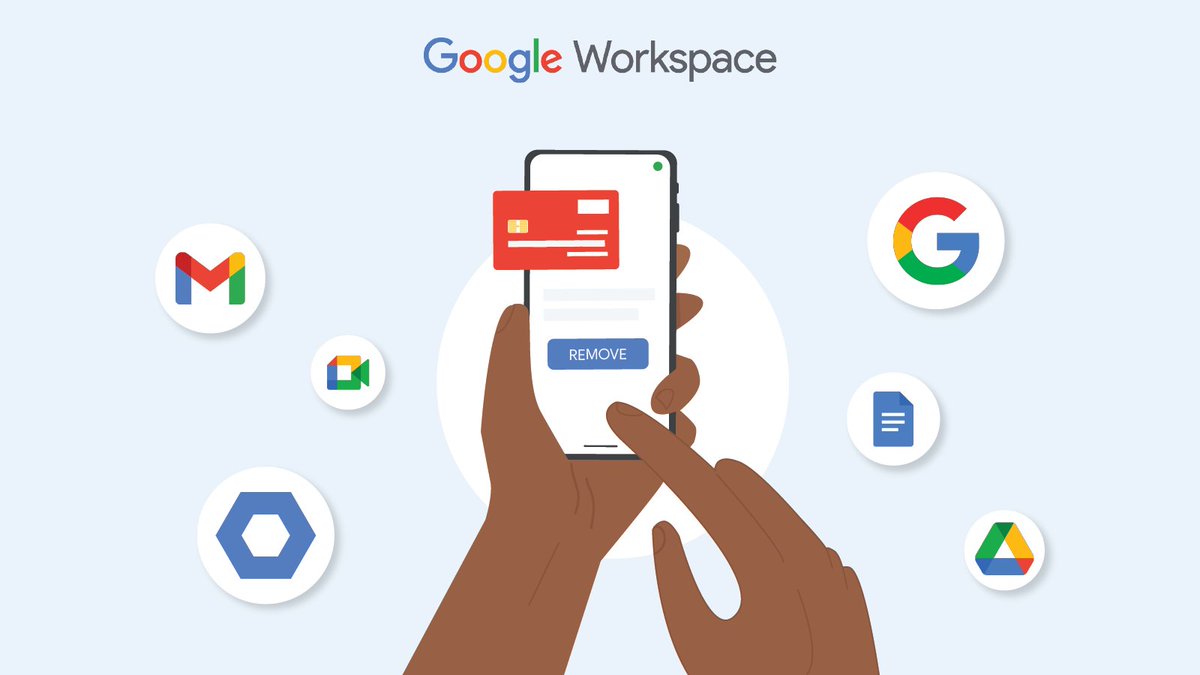
ALT A visual representation demonstrating the process of removing a payment method.
18
1
4
1,624

More clients won’t fix broken billing.
Massage practices often lose revenue quietly through simple mistakes.
Optimize your backend → maximize your income.
Click the link to know more!
#fyp
#MassageTherapy
#WellnessBusiness
#BillingTips
#PassiveLeaks
@Everyone
37
Mar 30
Asking for a manager sounds like the power move… but it usually doesn’t help.
Here’s why it often fails and what works better when dealing with billing or service issues.
Read the full breakdown: tinyurl.com/ywmu77c6 #ConsumerRights #BillingTips
21
Navigating your #GoogleWorkspace subscription? From the 14-day free trial to choosing between Flexible and Annual plans, here is everything you need to know about how billing, prorated charges, and licensing work. 📊
You full guide here: goo.gle/4thgCEj #BillingTips
6
2
3
1,008

Ready to bill like a pro? Eurobillr.com simplifies invoicing & expense tracking! What's your biggest billing pain point? #invoicingmadeeasy #eurobillr #billingtips
11

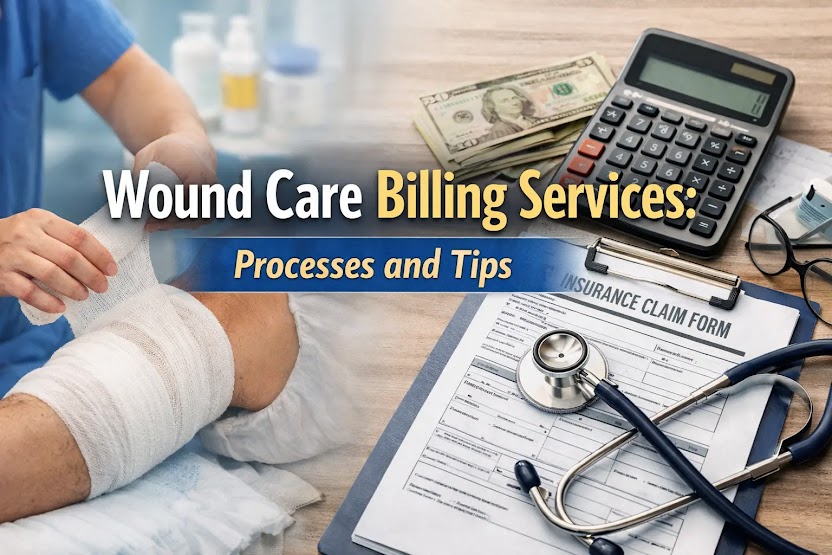
Wound Care Billing Services: Processes and Tips
medbillingtipswithdrdana.blo…
Enhance your wound care billing with expert processes and tips for accurate claims, faster payments, and smoother revenue cycles. #WoundCareBilling #MedicalBilling #RCM #HealthcareRevenue #BillingTips
3