
النسخة العربية
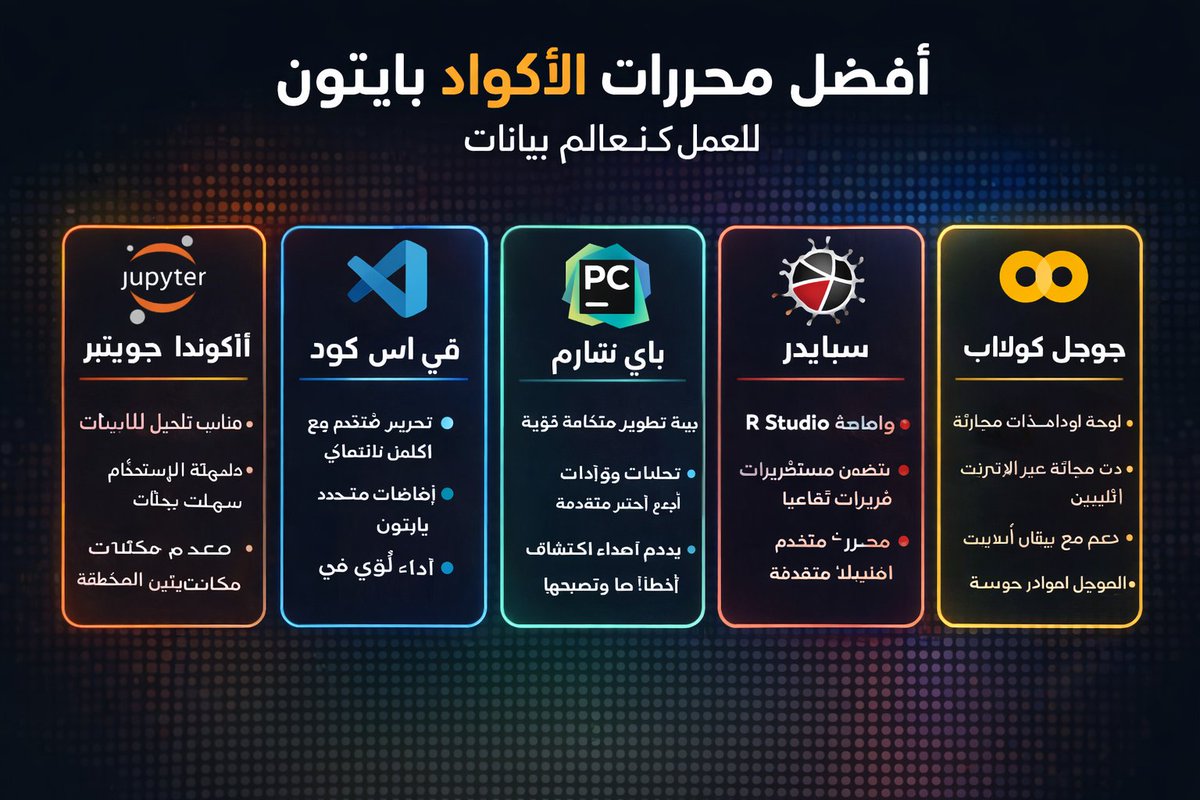
أفضل ٥ محررات كود للبايثون
اختيار المحرر المناسب يغير طريقة عملك بالكامل. هذه هي أفضل الخيارات:
Jupyter Notebook
✅ مثالي للتجارب والتصورات.
❌ غير مناسب للمشاريع الإنتاجية الكبيرة.
VS Code
✅ خفيف وقابل للتوسعة.
❌ يحتاج إعدادات إضافية للبيانات الضخمة.
PyCharm
✅ قوي في التصحيح وإدارة المشاريع.
❌ يستهلك موارد كثيرة.
Google Colab
✅ وصول مجاني لـ GPU/TPU ومشاركة سهلة.
❌ يعتمد على الإنترنت.
Spyder
✅ موجه للحوسبة العلمية بواجهة تشبه MATLAB.
❌ مجتمع أصغر وقلة الإضافات.
#Python#DataScience#MachineLearning#DeepLearning#AICommunity#CodeEditors#Jupyter#VSCode#PyCharm#Colab#Spyder#ذكاءاصطناعي#تعلمعميق#بايثون#علم_البيانات
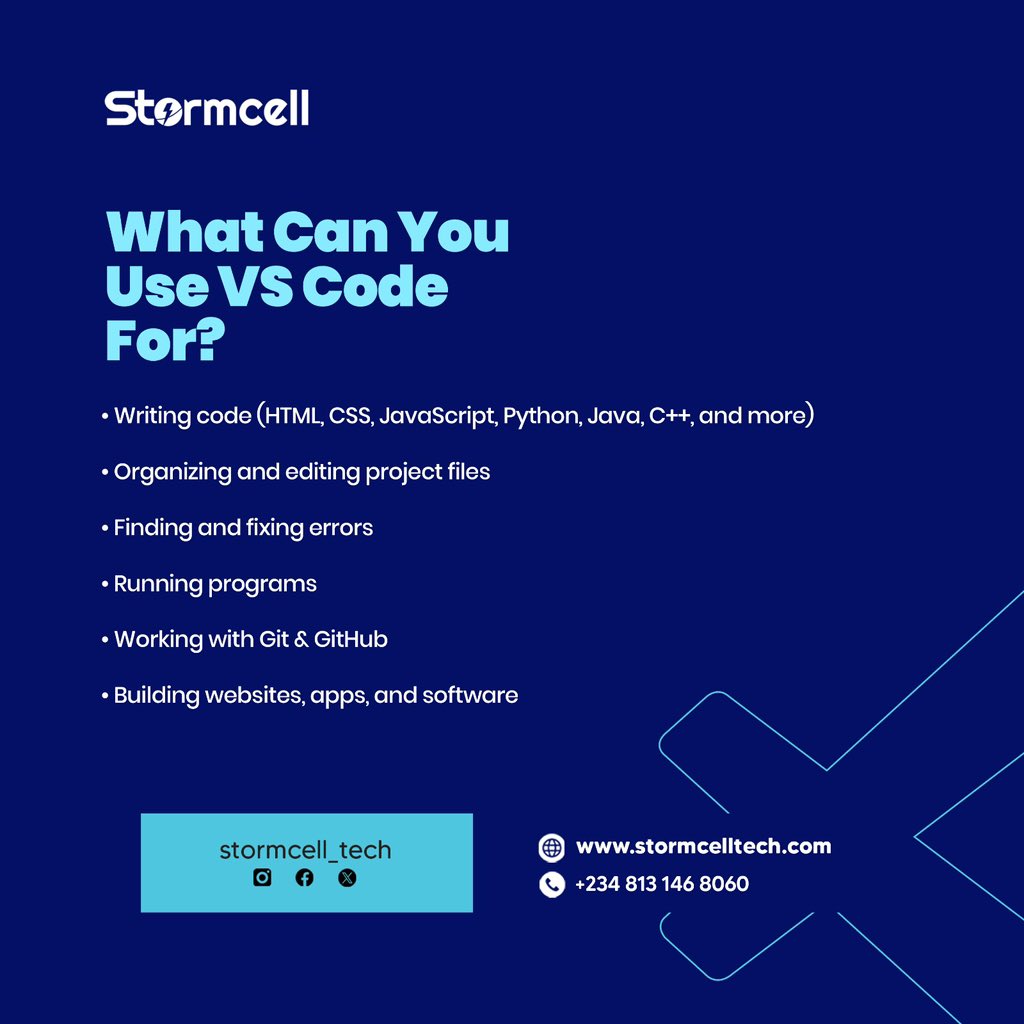
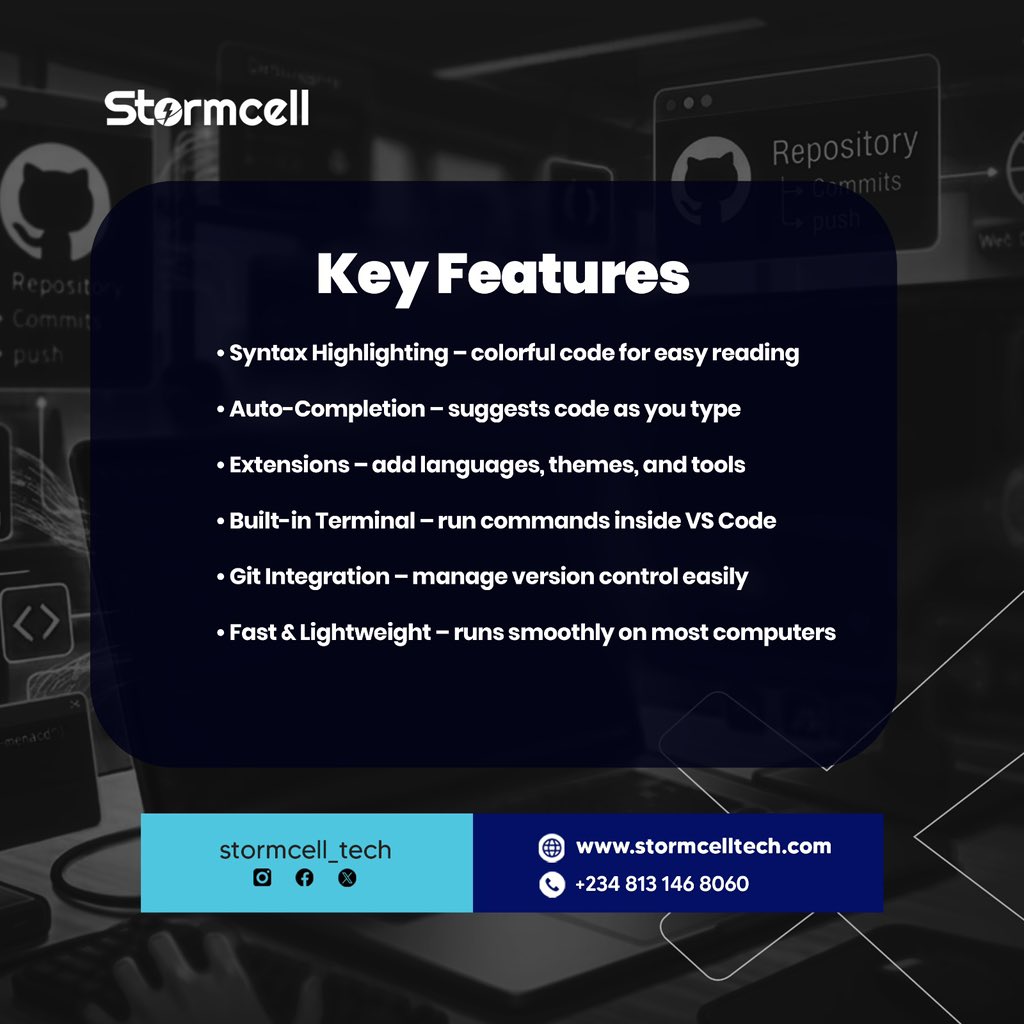
VSCode explained in these slides, slide through to learn more about Visual Studio Code editor ..
#codeeditors#tech#vscode
Let us know in the comment section, what other code editors do you know about or you want us to explain …
OK, been playing with #zed and #vscodium. Both are very useful, but different. Which is your favorite? #codeeditors even finally learning #vim beyond :q!
ALT In modern tech companies, branding extends beyond public-facing websites and marketing materials. Internal tools like code editors, dashboards, and terminals are essential touchpoints, especially for developer-first organizations. Including these elements in brand guidelines ensures consistency in user experience, aesthetics, and usability across all internal environments.
𝐏𝐥𝐞𝐚𝐬𝐞 𝐅𝐨𝐥𝐥𝐨𝐰 & 𝐒𝐡𝐚𝐫𝐞 -𝗛𝗜𝗧 𝐓𝐨𝐮𝐫 𝐨𝐧 𝐒𝐨𝐜𝐢𝐚𝐥 𝐌𝐞𝐝𝐢𝐚 𝐏𝐚𝐠𝐞𝐬:
📞 𝗖𝗮𝗹𝗹 𝘂𝘀 𝘁𝗼𝗱𝗮𝘆: 94 45 48 48 48
🌐 𝗪𝗲𝗯𝘀𝗶𝘁𝗲: https://hellointech.com/i-news/
📧𝗘𝗺𝗮𝗶𝗹 𝗜𝗗: hellointech.com@gmail.com
👉 𝗙𝗮𝗰𝗲𝗯𝗼𝗼𝗸: https://www.facebook.com/HelloInTech/
👉 𝗜𝗻𝘀𝘁𝗮𝗴𝗿𝗮𝗺: www.instagram.com/Hello_intech
👉 𝗟𝗶𝗻𝗸𝗲𝗱𝗜𝗻: https://www.linkedin.com/in/hello-intech-19ba10220/
👉 𝗧𝘄𝗶𝘁𝘁𝗲𝗿/𝗫: https://x.com/HelloIntec13514
👉 𝗧𝗲𝗹𝗲𝗴𝗿𝗮𝗺: https://t.me/HelloInTech
👉 𝗪𝗵𝗮𝘁𝘀𝗔𝗽𝗽: https://wa.me/9445484848
At Final Web Design, our Coding Editor Setup & Management services give you (or your dev team) premium, professional environments built for results.
🔧 Whether you’re working in Visual Studio Code (VS Code), Adobe Dreamweaver, Notepad or diving deep with Chrome Developer Tools — we set them up, integrate best-practices, customise for your stack (WordPress, Shopify, Vue JS, React, Magento … and more) and get you working faster.
📌 From syntax highlighting and extensions to debugging, performance monitoring and seamless deployment — we’ve got your back. 
Why this matters for you:
• Clean, maintainable code = fewer bugs & faster launches
• Choosing and configuring the right editor means fewer distractions
• A polished dev environment lets your creative energy flow instead of fighting configuration
• We support advance tools — so you can build for mobile, tablet, desktop and everything in between. 
Ready to take your code-editor setup from “meh” to “masterclass”?
📞 Call (305) 812-5999 or ☎️ (888) 674-7779
✉️ Email us or get a Free Quote today.
🚀 Visit our website and learn more at finalwebdesign.com/coding/co…#WebDevelopment#CodeEditors#VSCode#Dreamweaver#NotepadPlusPlus#ChromeDevTools#FinalWebDesign#DevTools#ProgrammingLife#CleanCode#CodingServices
At Final Web Design, our Coding Editor Setup & Management services give you (or your dev team) premium, professional environments built for results.
🔧 Whether you’re working in Visual Studio Code (VS Code), Adobe Dreamweaver, Notepad or diving deep with Chrome Developer Tools — we set them up, integrate best-practices, customise for your stack (WordPress, Shopify, Vue JS, React, Magento … and more) and get you working faster.
📌 From syntax highlighting and extensions to debugging, performance monitoring and seamless deployment — we’ve got your back. 
Why this matters for you:
• Clean, maintainable code = fewer bugs & faster launches
• Choosing and configuring the right editor means fewer distractions
• A polished dev environment lets your creative energy flow instead of fighting configuration
• We support advance tools — so you can build for mobile, tablet, desktop and everything in between. 
Ready to take your code-editor setup from “meh” to “masterclass”?
📞 Call (305) 812-5999 or ☎️ (888) 674-7779
✉️ Email us or get a Free Quote today.
🚀 Visit our website and learn more at finalwebdesign.com/coding/co…#WebDevelopment#CodeEditors#VSCode#Dreamweaver#NotepadPlusPlus#ChromeDevTools#FinalWebDesign#DevTools#ProgrammingLife#CleanCode#CodingServices
IDEs and code editors are the foundation of efficiency and productivity in the complex software development ecosystem. pstaff.social/jxc#Java#IDEs#CodeEditors
🚀 Hey Devs! 🌟 What’s your favorite code editor and why? VS Code’s features, Sublime Text’s simplicity, or something else? Share your thoughts and tag a friend to join! 💬🔥 #CodeEditors#DeveloperCommunity#TechTalk
✅ Meet the AI Code Editors of 2025 – Smarter, Faster, Developer-Friendly!
Wondering how AI is reshaping the developer experience? From smart suggestions to auto-refactoring, AI editors are evolving fast, making coding faster, smarter, and more intuitive.
Key Highlights:
⚡ Predictive Autocomplete – Code before you think
🧠 AI-Assisted Refactoring – Clean, optimized logic
🔍 Deep Code Understanding – Smarter than syntax highlighting
🛠️ Seamless Testing & Debugging – Built right into your flow
👉 Peek into the future of your IDE in our latest blog:
🔗 syncfusion.com/blogs/post/ai…#AI#CodeEditors#DeveloperTools#AIInProgramming#Coding2025
5/10 Why is it important to configure your code editors and IDEs?
Install a code editor or IDE and configure it to use the correct JavaScript or TypeScript settings. This ensures efficiency and productivity. #CodeEditors#idesofmarch