
Mallow has been recognized by Mobile App Daily as one of the leading Python and Django development companies!
Looking to build reliable and future-ready web or mobile applications? Let’s connect: rb.gy/v7o10d
#Djangodevelopment #mobileappdaily #mallowtechnologies
1
2
37

4 Apr 2025
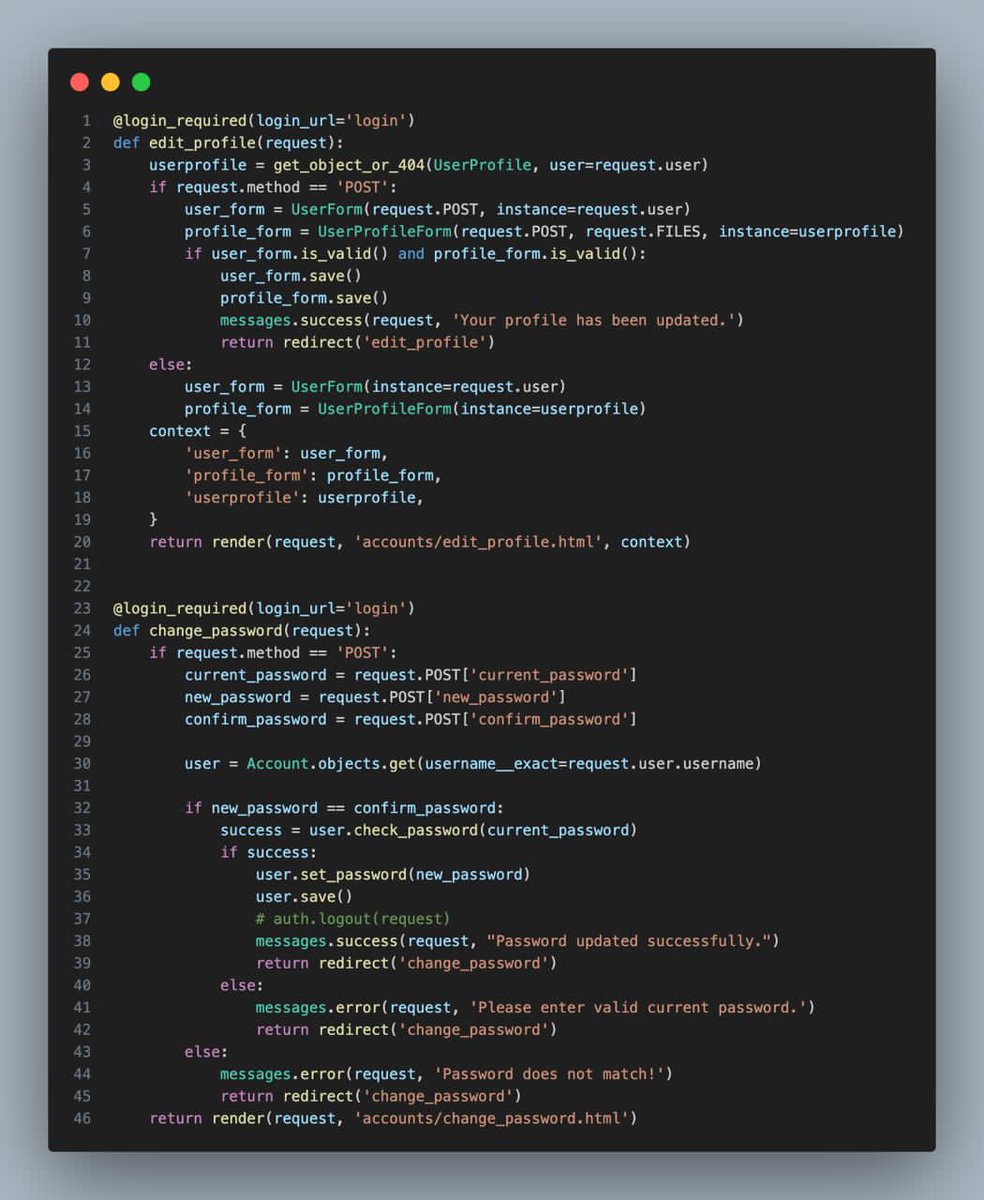
Day 94 of My 100 Days of Coding Challenge:
Today, I implemented two essential user account features in my Ayubuy e-commerce project.
#100DaysOfCode #DjangoDevelopment #UserExperience #CodingJourney #WebDev
1
3
307

24 Sep 2024
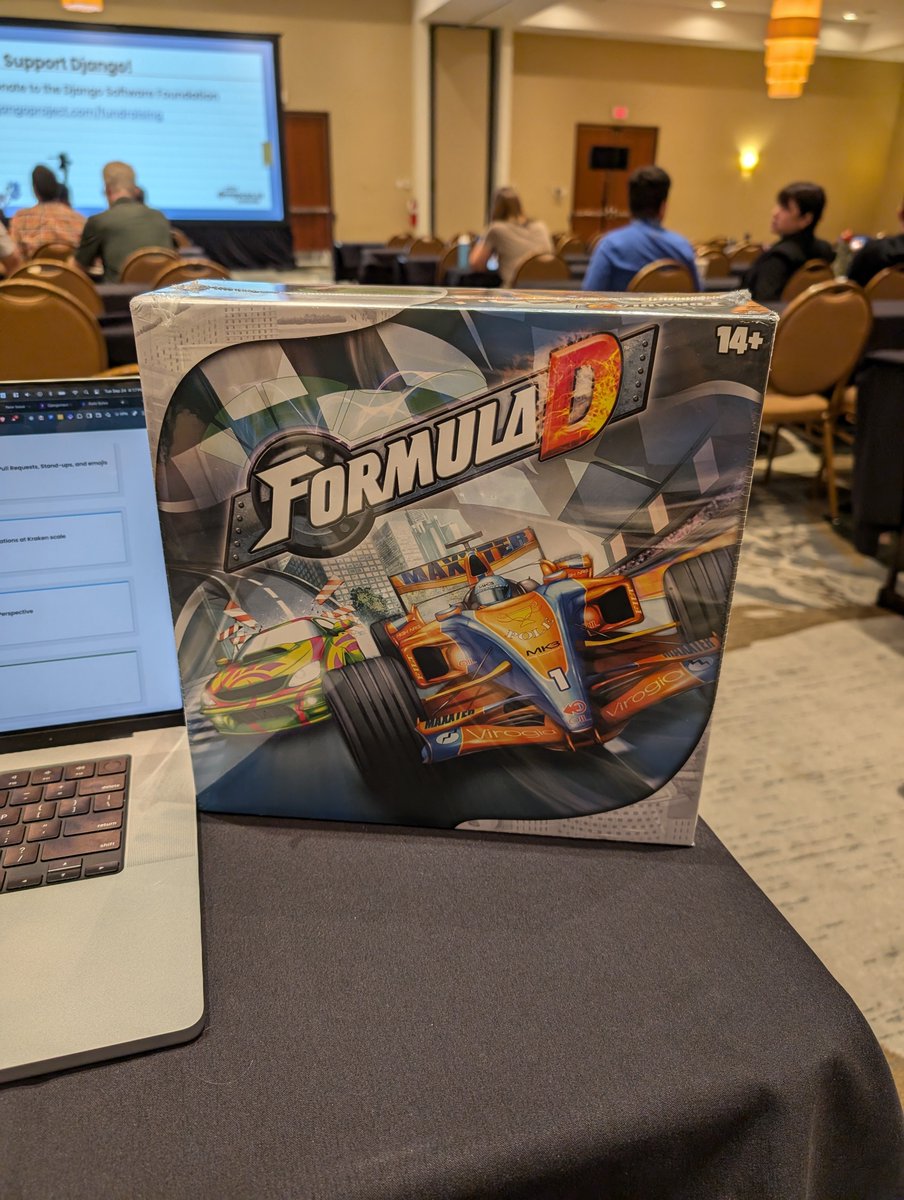
A huge #ThankYou to the team @sixfeetup for selecting me as one of winners of the #ScafChallenge and the extremely fun and enjoy board game FormulaD.
@djangocon 🐂 #djangodevelopment
1
1
3
196

30 Jul 2024
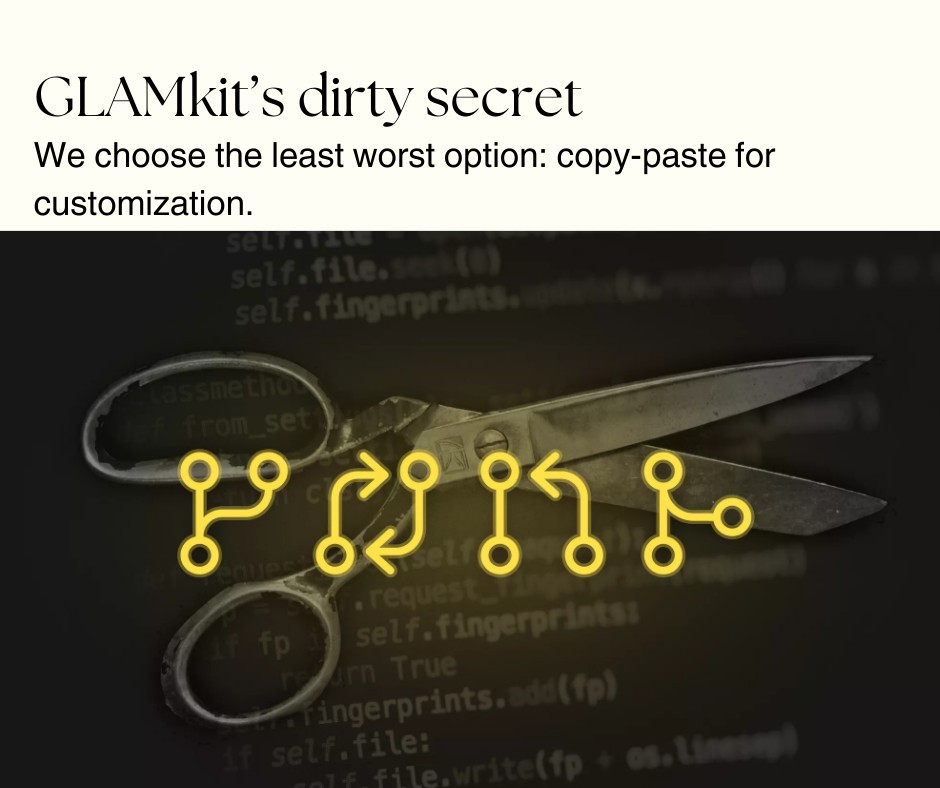
GLAMkit isn't a library; it's our customized CMS solution.
Read more 👉 lttr.ai/AUar0
#GLAMkit #MuseumTech #DigitalCollections #ContentManagement #DjangoDevelopment #TechInnovation
1
25

12 Jul 2024
Have you considered asking a psychic to count rows in postgresql?
Source: devhubby.com/thread/how-to-c…
#programming #datascience #djangodevelopment #sqlquery #database #row
4
5
30 Jun 2024
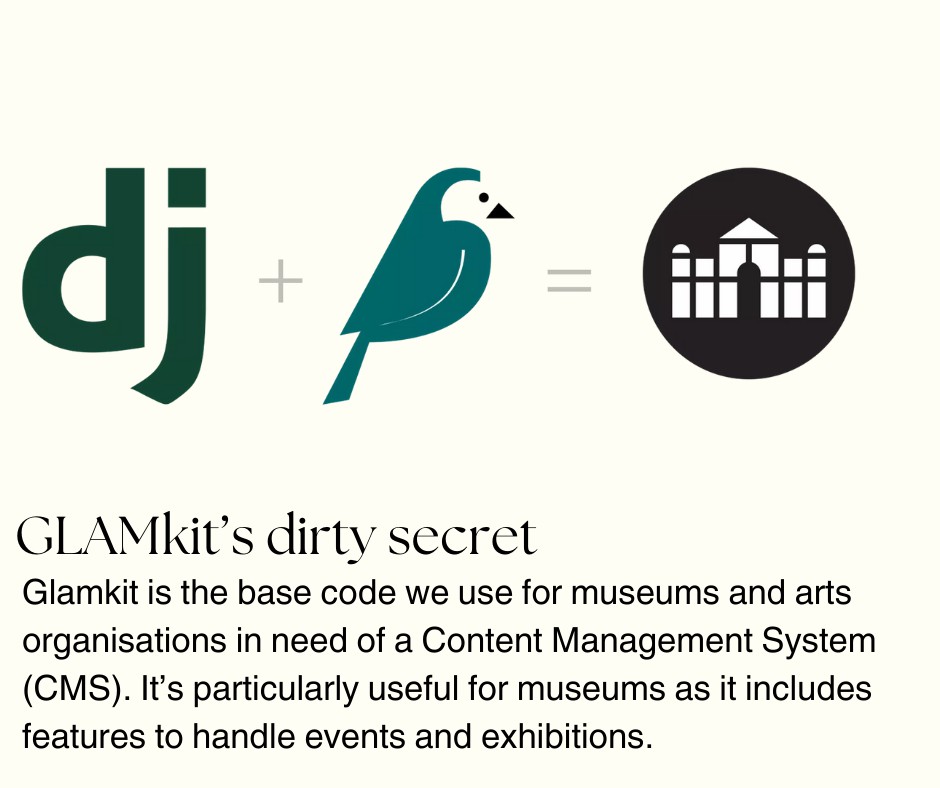
GLAMkit isn't a library; it's our customized CMS solution.
Read more 👉 lttr.ai/AUQOJ
#GLAMkit #MuseumTech #DigitalCollections #ContentManagement #DjangoDevelopment #TechInnovation
1
26

25 Jun 2024
Discover the best practices and essential tools for deploying Django applications with confidence. From using virtual environments to leveraging powerful tools like Docker and Ansible, we’ve got you covered. moweb.com/django-development
sales@moweb.com
#Django #DjangoDevelopment
1
2
80

13 Jun 2024
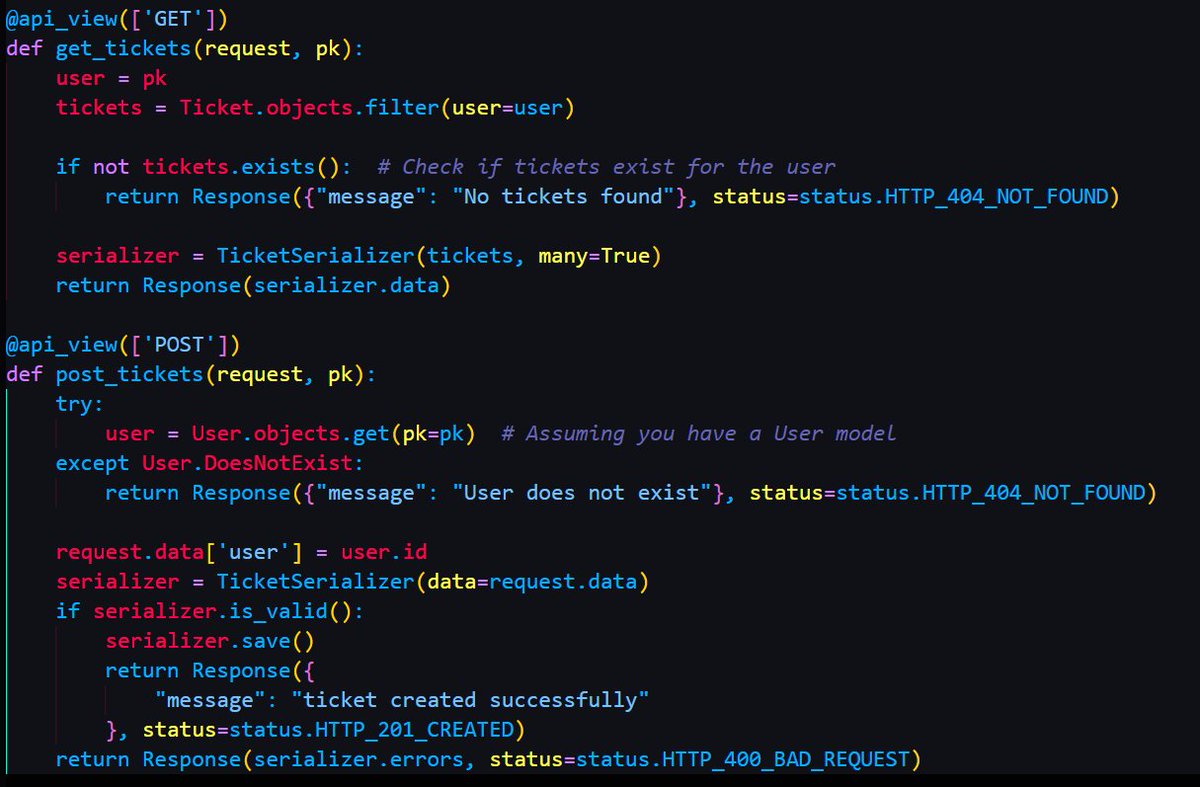
Day 57 of #100DaysOfCode:
- Added create & get functions for events & tickets 🎟️
- Included category field for events 📅
- Integrated ticket types for smoother management 🎫
Django app progress on point! 💻 #CodeLife #DjangoDevelopment #Progress
4
38

25 Apr 2024
Seeking accolades with Python but skipping rabbitMQ is like Django without models: incomplete. Integrate, iterate, and elevate your code. #PythonPower #DjangoDevelopment #GrowWithCode
25 Apr 2024

Achievements without rabbitMQ? It's like leveling up in a game without facing any bosses. Embrace the challenge, grow your skills. #LevelUpLife
3
90

9 Apr 2024
Are you looking to hire Django developers? Look no further! Our team of skilled Django developers is ready to bring your web projects to life.
Learn More: adwaretech.com/developers/hi…
#adwaretechnologies #django #djangodeveloper #djangodevelopment #djangodevelopmentservices

2
29

23 Mar 2024
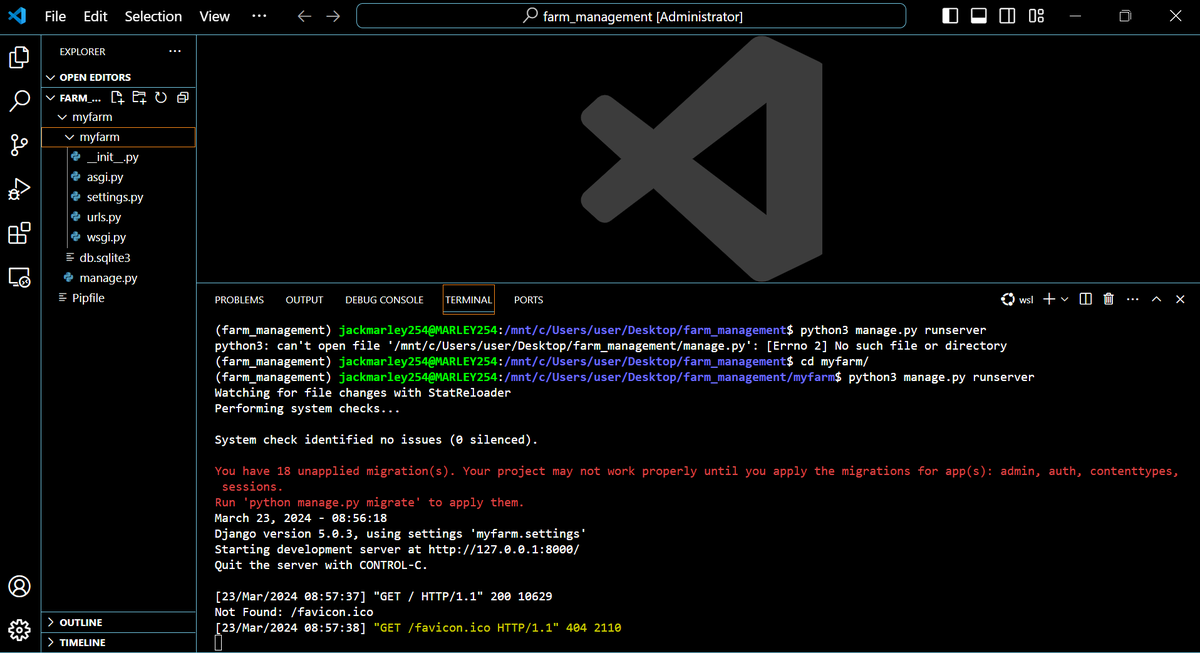
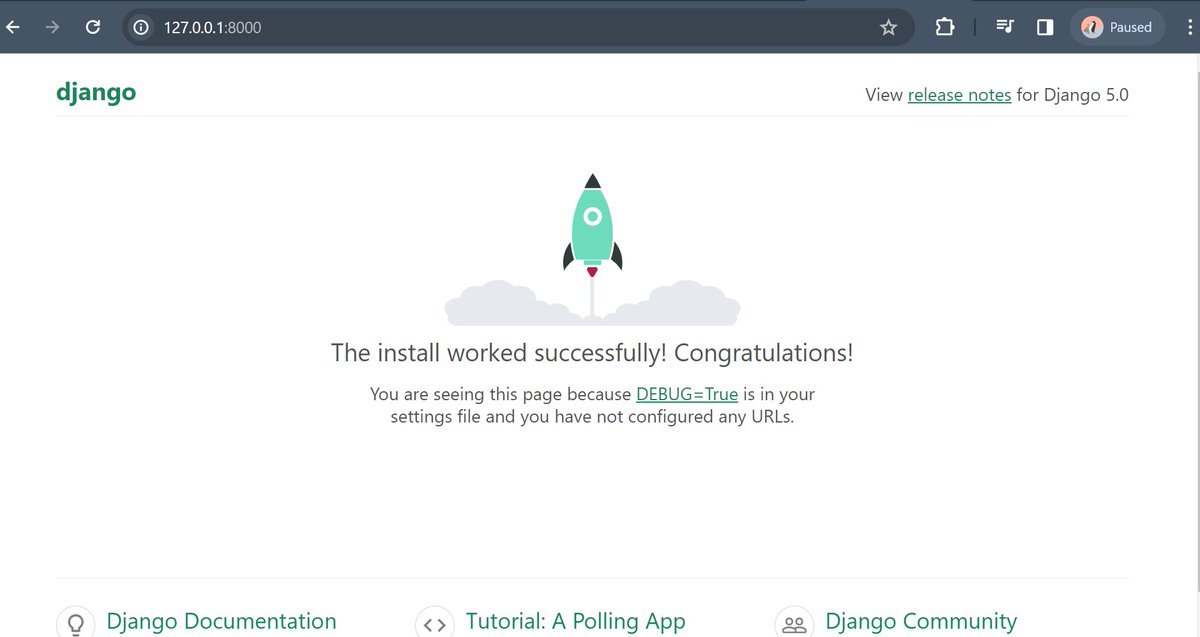
Day 9 of #100DaysOfALXSE:
Progress feels rewarding! 🚀
Successfully launched my Django server and set up my environment. 💻
Excited about diving deeper into web development with Django.
#ALX_SE
#DoHardThings
#DjangoDevelopment
@alx_africa
5
30

12 Mar 2024
#Django's #API Elegance: Crafting Powerful and Secure REST Framework! @ bit.ly/3TxQg1V
#Django #DjangoDevelopment #DjangoWebDeveloment #DjangoWebDevelopmentCompany
#DjangoWebDevelopmentConsultants #DjangoWebDevelopmentCompanyIndia #DjangoWebDevelopmentSolutions

2
3
29
22 Feb 2024
Looking to hire Django developers Look no further! Our team of skilled Django developers is ready to bring your web projects to life.
Learn More: adwaretech.com/developers/hi…
#adwaretechnologies #django #djangodeveloper #djangodevelopment #djangodevelopmentservices #hiredeveloper
2
45

30 Jan 2024
#Django interesting packages - Day 170
📱 Boosting user verification in Django with django-phone-verify!
Streamlines the process of phone number verification, adding an extra layer of security to Django apps.
#Python #WebSecurity #DjangoDevelopment
github.com/CuriousLearner/dj…
2
25

"Exciting day! 🚀 Just kicked off my journey into learning Django! 🐍 Planning to document every step of this adventure on my platform. 📖 Join me in the world of #DjangoDevelopment and follow my progress! 🌐 #CodingJourney #WebDevelopment #LearningInProgress
1
29

12 Jan 2024
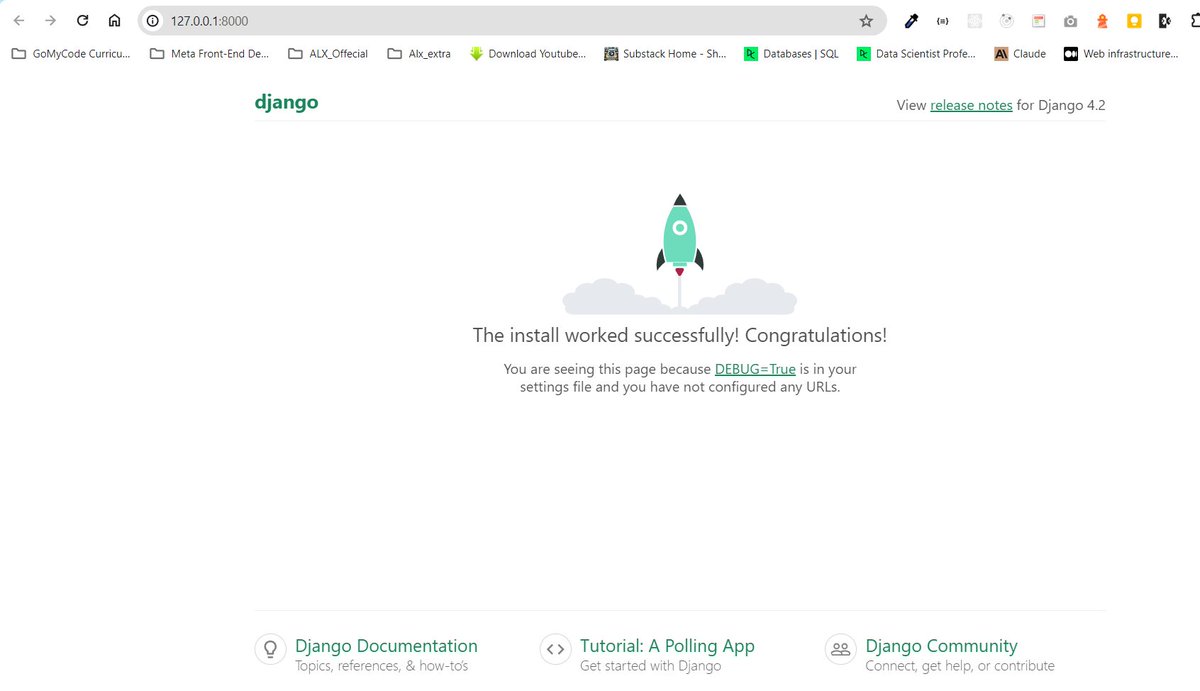
Just watched @ehoneahobed's record on YouTube, and I'm pumped to dive into Django! Learning about web frameworks, project structure, virtual environments, and more has got me hooked. Time to start my first project! #DjangoDevelopment #CodingBeginner #alxse
3
6
66
3,140

15 Nov 2023
Mastering complex lookups in Django with 'Q' objects for dynamic and intricate queries. 🔄💡 Dive into the world of conditional expressions, combining filters, and creating dynamic queries that go beyond the basics.
#DjangoDevelopment #CodingMagic
1
2
126

4 Sep 2023
How to create a custom management command in #Django? 🛠️
1️⃣ Organize your Django app directories and files as follows:
myapp/
│
├── __init__.py
├── models.py
├── views.py
└── management/
└── commands/
├── __init__.py
└── my_command.py
2️⃣ Add your command class to management/commands/my_command.py:
Example code my_command.py in image below ...
-> This class defines what the command does, how it should be called, and how it handles its arguments.
3️⃣ Run the custom management command:
$ python manage.py my_command --option=value
-> Now you can run your custom command just like you would run built-in Django management commands (like runserver, migrate, etc.).
These reusable Django command line scripts are very useful for database maintenance, system monitoring/ reporting, data importing/exporting, and other maintenance tasks. 👩💻🚀
#python #webdevelopment #djangodevelopment #djangotips #pybobtips
![from django.core.management.base import BaseCommand
class Command(BaseCommand):
help = 'Description of the command'
def add_arguments(self, parser):
# Optional argument
parser.add_argument('--option', type=str, help='An optional argument')
def handle(self, *args, **kwargs):
option = kwargs['option']
self.stdout.write(self.style.SUCCESS('Starting command...'))
# Your command logic here
...
self.stdout.write(self.style.SUCCESS('Command completed successfully!'))](https://venexa.site/media/F5MK81NWsAAloBq.jpg)
ALT from django.core.management.base import BaseCommand class Command(BaseCommand): help = 'Description of the command' def add_arguments(self, parser): # Optional argument parser.add_argument('--option', type=str, help='An optional argument') def handle(self, *args, **kwargs): option = kwargs['option'] self.stdout.write(self.style.SUCCESS('Starting command...')) # Your command logic here ... self.stdout.write(self.style.SUCCESS('Command completed successfully!'))
4
6
35
8,080

25 Aug 2023
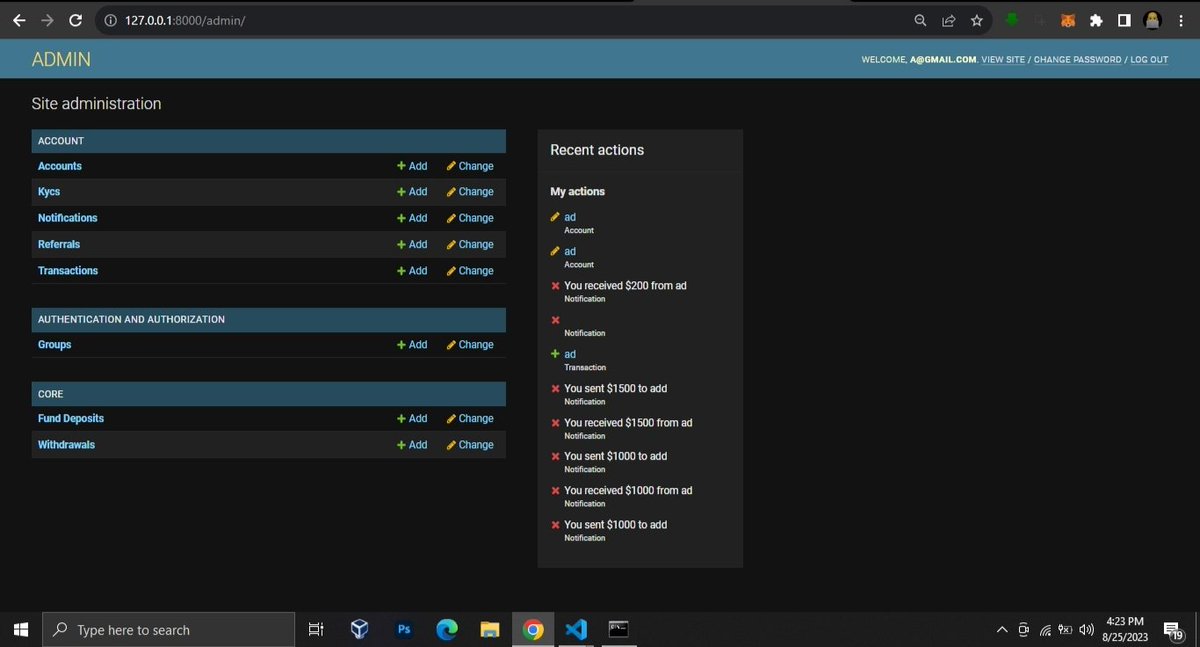
Implemented referral system, notifications, transaction management and account funding
#DjangoDevelopment #django #Coding
1
8
193

7 Aug 2023
Are you looking to hire the best Django development agency in the market but unable to do it? Here is a quick guide to help you.
Know More:
addwebsolution.com/blog/9-wa…
#DjangoDevelopment #TopDjangoAgency #TechExperts #SoftwareDevelopment #ExpertDevelopers #HiringTips

35