
Apr 23
Programming with an AI as a Partner — What I Learned While Building PharoWiki
April 2026
Over the past few days, I’ve been working on a project called PharoWiki—a navigable wiki automatically generated from the Pharo Smalltalk source code. What makes this project different isn’t just what we’re building, but how we’re building it.
I’m using Claude as a programming partner. Not as an assistant. As a partner.
And the difference matters.
The idea (for any reader)
Pharo Smalltalk is a living language—literally. You run an “image” that contains the entire system running in memory, with all classes, methods, and change history available for inspection at any time.
The inspiration came from Andrej Karpathy, who plugged Claude Code into an Obsidian vault to create a knowledge base that evolves over time. I thought: what if we did that with Pharo’s source code?
The result is PharoWiki—a generator that uses reflection on the Pharo image itself to produce Markdown files per class, with navigable links between classes, methods, and implementers. I open it in Obsidian and have a Pharo wiki that I can browse, search, and take notes on.
How we work (for any reader)
The work session has its own rhythm that has naturally established itself.
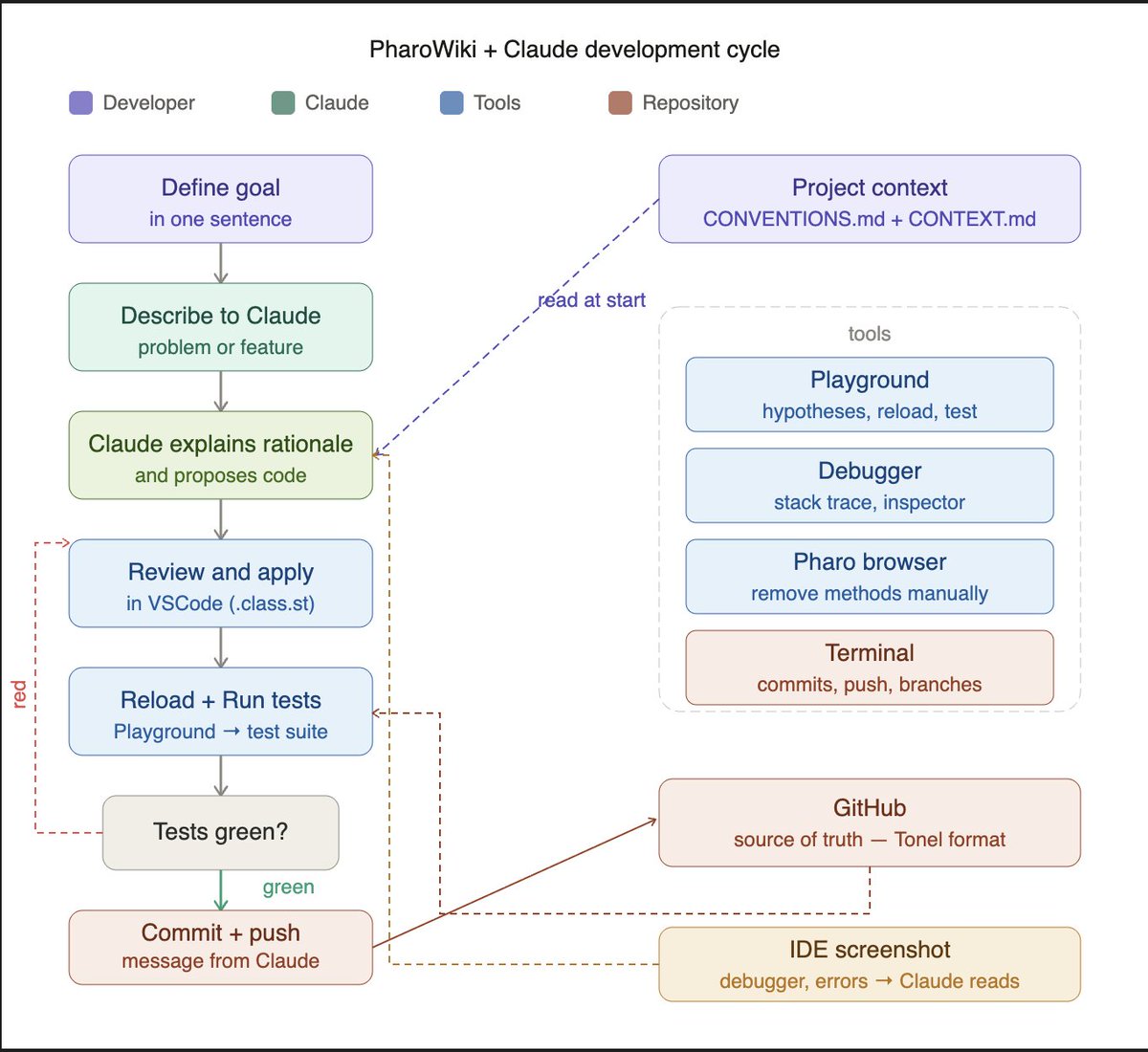
I work within a Project on Claude.ai — I don’t use Claude Code. The project has context files (CONVENTIONS.md, PHAROWIKI_CONTEXT.md) that Claude automatically reads at the start of each session. It’s a deliberate choice: I prefer explicit control over the workflow to a tool that acts more autonomously in the repository.
I propose a direction. Claude thinks out loud—explaining what it’s going to do before doing it. I correct, question, suggest. Claude adjusts. We code in short cycles with tests after every change.
There’s a file called CONVENTIONS.md that we’re constantly updating together. It contains things like:
"Short messages should be complete—no ellipses."
"Explain before implementing."
"Metacello doesn't remove methods—remove them manually in the browser before reloading."
Claude reads this file at the start of each session. It's our shared memory.
What surprised me: Claude remembers the design decisions from the previous session. Not because it has persistent memory—but because we’ve built a context rich enough that past decisions are visible in the code and project files.
The technical workflow (for programmers)
The project uses Pharo 13 on a Mac M4. The code lives in a GitHub repository in Tonel format—Pharo’s native format for versioning. The workflow is:
Edit the .class.st file in VSCode (with Smalltalk highlighting via the Pharo extension)
Reload in the image via Metacello in Playground
Run the tests
Commit via Terminal — the message comes from Claude
We never edit directly in the Pharo browser. The repository is the source of truth.
When something goes wrong—an error in the debugger, an unexpected stack trace, a strange state in the Inspector—a screenshot of the Pharo IDE pasted into the conversation is worth more than a long text description. Claude reads and interprets screenshots directly, as long as they aren’t too cropped or cluttered.
The tests are BDD-style, using Pharo’s standard TestCase. We have 54 passing tests covering all classes:
PWikiClassPage — introspection of a class via reflection
PWikiMethodSection — encapsulates a compiled method and its AST
PWikiMicrodownConverter — converts Microdown links to Obsidian format
PWikiSelectorPage — generates implementer notes by selector
PWikiGenerator — orchestrates everything with nested Jobs for visual progress
PWikiFileWriter — writes the .md files to the file system
What the wiki generates (for programmers)
For each Pharo class, the wiki generates an .md file containing:
Inheritance and subclasses as Obsidian links ([[Object]])
Class comments converted from Microdown to Markdown
Methods organized by protocol
For each method, the list of messages sent — each as a link to an implementer note
That last part is what excited me the most. When I click on [[_plus_ implementors| ]] in the method of Point, a note opens showing all 35 implementors of the selector in the image—Integer, Float, Point, Duration, and more. Clicking on any of them takes me directly to the method in that class.
It’s semantic code navigation, in Obsidian.
What I learned about working with AI (for any reader)
Some things that worked well:
Establishing explicit conventions. The CONVENTIONS.md file was one of the best decisions. It enforces clarity about how we want to work—and Claude applies these conventions consistently.
One thing at a time. Every time I tried to solve two problems at once, things got confusing. Short cycles work best.
The Playground as an ally. In Pharo, the Playground is the REPL—it lets you test hypotheses quickly without writing formal tests. When there was doubt about a method’s behavior, we’d go to the Playground before modifying anything.
AI makes mistakes—and interesting ones at that. Sometimes Claude proposed a solution that seemed reasonable but had a subtle bug. The process of diagnosing it together was valuable.
Context is everything. Claude reads the project context at the start of each session. The richer that context, the better the collaboration. Investing time in documenting design decisions pays dividends in subsequent sessions. In the future, PharoWiki will be part of that context.
What’s Next
We’re building the Senders feature—the natural complement to Implementors. In addition to seeing who implements a selector, we’ll be able to navigate to who sends it.
Next: generating the complete Pharo image. Over 3,000 classes. Let’s see what emerges when the entire hierarchy is navigable in Obsidian.
The project is on GitHub: github.com/chicoary/PharoWik…
This article was written with Claude as a collaborator—not as a ghostwriter. The ideas, choices, and mistakes are mine.
Development Session Checklist (for anyone who wants to replicate it)
This is the workflow we use. It can be adapted for any Pharo project with Claude.
Before you begin
Open Pharo 13 with the project image
Open VSCode with the local repository
Open the Terminal in the repository folder
Check the current branch (git status)
Read CONVENTIONS.md and CONTEXT.md (or make sure Claude has read them)
Run the Run all tests script — confirm that everything is green before starting
Define the session’s objective in one sentence
During the session
Standard change cycle:
Describe the problem or feature in natural language
Ask Claude to explain the rationale before generating code
When you need to show a class to Claude, use the Generate class code script
Review the proposed code before applying it
Edit the .class.st file in VSCode
Run the Reload package script in Playground
Run the Run all tests script
If red: diagnose with Playground or a debugger before modifying
If green: commit
When to use each tool:
Playground — test quick hypotheses, inspect state, check unknown APIs
Debugger — understand test failures or runtime errors
Pharo Browser — remove methods that Metacello does not automatically remove
Terminal — commits, pushes, branch management
IDE Screenshot — when something goes wrong, a screenshot of the debugger or stack trace pasted into the conversation is more efficient than describing the error in text
Rules during the session:
One thing at a time — don’t mix bug fixes with new features
Never commit with failing tests
Create a branch for changes that affect many classes
When renaming or removing a method: delete it in the Pharo browser before reloading
Upon completion
All tests passing
Commit with a descriptive message
Push to GitHub
Update CONVENTIONS.md if any new conventions have emerged
Update CONTEXT.md if the project’s status has changed significantly
Record next steps (this can be a comment at the end of the chat session)
Essential scripts (for programmers)
Adapt the paths to your environment. These scripts are stored in a scripts.md file in the repository and are referenced by name during the session.
Reload package
| gitPath |
gitPath := '/YOUR/PATH/TO/GIT/ROOT'.
Transcript
clear;
show: '[', DateAndTime now printString, '] Reloading...'; cr.
Metacello new
baseline: 'ProjectName'; "corresponds to the class BaselineOfProjectName"
repository: 'tonel://', gitPath, '/src';
load.
self inform: 'Ok'
Run all tests
| result suite |
Transcript
clear;
show: '[', DateAndTime now printString, '] Rodando testes...'; cr.
suite := TestSuite new.
"Adicione aqui um addTest: para cada TestCase do seu projeto"
suite addTest: SuaClasseDeTesteTest suite.
result := suite run.
Transcript
show: result passed size printString, ' passaram'; cr;
show: result failures size printString, ' falharam'; cr;
show: result errors size printString, ' erros'; cr.
self inform: 'Ok'
Generate code for a class (to share with the AI)
TonelWriter sourceCodeOf: ClassName
This script generates the complete class code in Tonel format—including category, protocol, and structure—ready to be pasted into a conversation with the AI. In the future, PharoWiki will address this need differently: instead of copying code, we’ll link to the class’s .md page in the vault, which will already contain all the necessary context.
Apr 23

Programando com uma IA como par — o que aprendi construindo o PharoWiki
Abril de 2026
Nos últimos dias venho trabalhando num projeto chamado PharoWiki — uma wiki navegável gerada automaticamente a partir do código-fonte do Pharo Smalltalk. O que torna esse projeto diferente não é só o que estamos construindo, mas como estamos construindo.
Estou usando o Claude como par de programação. Não como assistente. Como par.
E a diferença importa.
A ideia (para qualquer leitor)
O Pharo Smalltalk é uma linguagem viva — literalmente. Você roda uma "imagem" que contém todo o sistema operando em memória, com todas as classes, métodos e histórico de mudanças disponíveis para inspeção a qualquer momento.
A inspiração veio de Andrej Karpathy, que plugou o Claude Code num cofre do Obsidian para criar uma base de conhecimento que evolui com o tempo. Pensei: e se fizéssemos isso com o código-fonte do Pharo?
O resultado é o PharoWiki — um gerador que usa reflexão da própria imagem Pharo para produzir arquivos Markdown por classe, com links navegáveis entre classes, métodos e implementadores. Abro no Obsidian e tenho uma wiki do Pharo que posso navegar, buscar e anotar.
Como trabalhamos (para qualquer leitor)
A sessão de trabalho tem um ritmo próprio que foi se estabelecendo naturalmente.
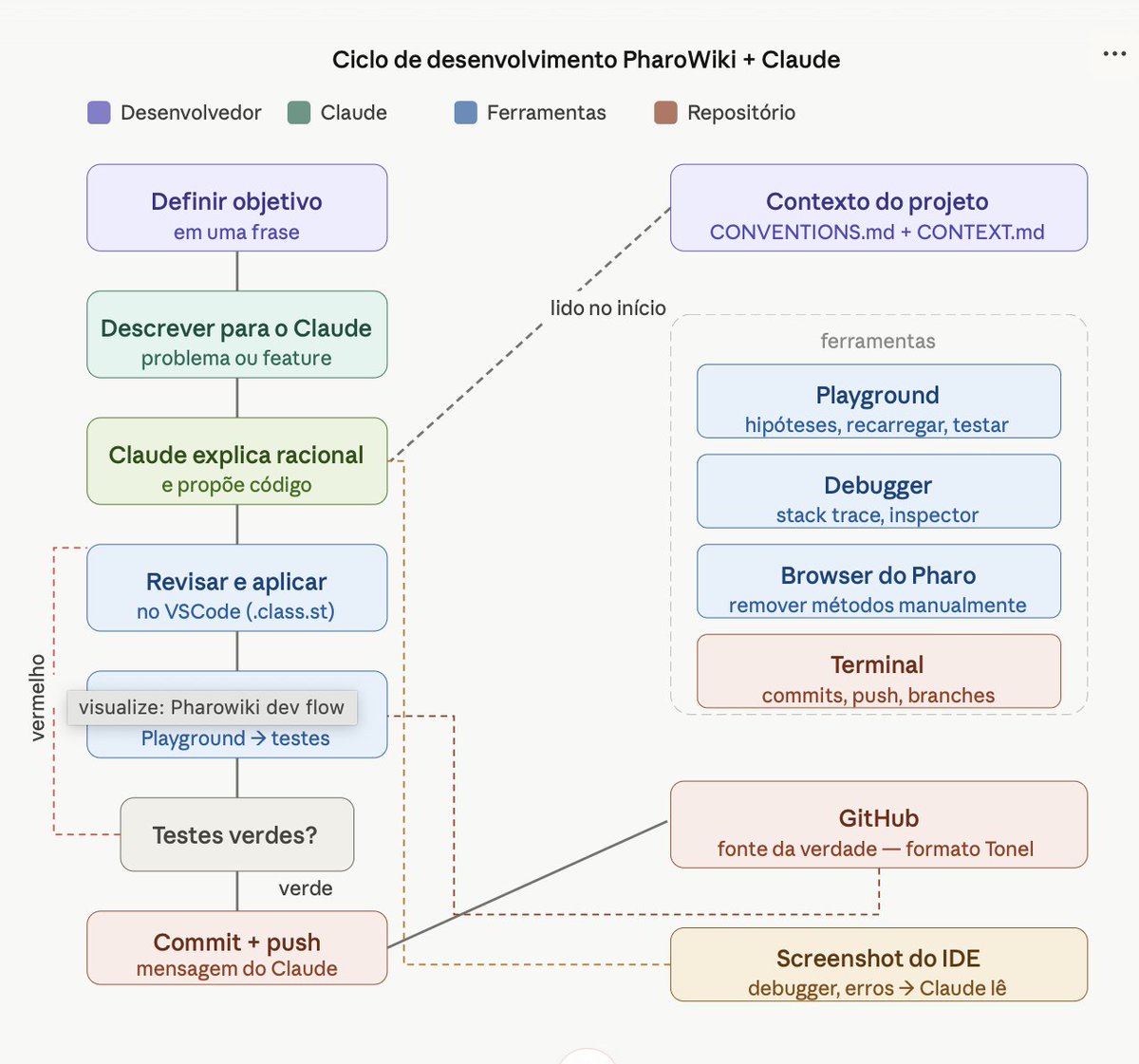
Trabalho dentro de um Projeto no Claude.ai — não uso o Claude Code. O projeto tem arquivos de contexto (CONVENTIONS.md, PHAROWIKI_CONTEXT.md) que o Claude lê automaticamente no início de cada sessão. É uma escolha deliberada: prefiro o controle explícito do fluxo a uma ferramenta que age de forma mais autônoma no repositório.
Eu proponho uma direção. O Claude pensa em voz alta — explica o que vai fazer antes de fazer. Eu corrijo, questiono, sugiro. O Claude ajusta. Codificamos em ciclos curtos com testes depois de cada mudança.
Há um arquivo chamado CONVENTIONS.md que vivemos atualizando juntos. Nele estão coisas como:
"Mensagens curtas devem ser completas — sem elipses."
"Explicar antes de implementar."
"Metacello não remove métodos — remover manualmente no browser antes de recarregar."
Esse arquivo é lido pelo Claude no início de cada sessão. É a nossa memória compartilhada.
O que me surpreendeu: o Claude lembra das decisões de design da sessão anterior. Não porque tem memória persistente — mas porque construímos um contexto rico o suficiente para que as decisões passadas sejam visíveis no código e nos arquivos do projeto.
O fluxo técnico (para programadores)
O projeto usa Pharo 13 num Mac M4. O código vive num repositório GitHub em formato Tonel — o formato nativo do Pharo para versionamento. O fluxo é:
Editar o .class.st no VSCode (com highlight Smalltalk via extensão do Pharo)
Recarregar na imagem via Metacello no Playground
Rodar os testes
Commit via Terminal — a mensagem vem do Claude
Nunca editamos direto no browser do Pharo. O repositório é a fonte da verdade.
Quando algo dá errado — um erro no debugger, uma stack trace inesperada, um estado estranho no Inspector — uma imagem do IDE do Pharo colada na conversa vale mais que uma longa descrição em texto. O Claude lê e interpreta capturas de tela diretamente, desde que não estejam muito recortadas ou confusas.
Os testes são BDD-style, com TestCase padrão do Pharo. Temos 54 testes verdes cobrindo todas as classes:
PWikiClassPage — introspecção de uma classe via reflexão
PWikiMethodSection — encapsula um método compilado e sua AST
PWikiMicrodownConverter — converte links Microdown para formato Obsidian
PWikiSelectorPage — gera notas de implementadores por seletor
PWikiGenerator — orquestra tudo com Jobs aninhados para progresso visual
PWikiFileWriter — escreve os .md no sistema de arquivos
O que o wiki gera (para programadores)
Para cada classe Pharo, o wiki gera um arquivo .md com:
Herança e subclasses como links Obsidian ([[Object]])
Comentário da classe convertido de Microdown para Markdown
Métodos organizados por protocolo
Para cada método, a lista de mensagens enviadas — cada uma como link para uma nota de implementadores
Essa última parte é o que mais me animou. Ao clicar em [[_plus_ implementors| ]] no método de Point, abro uma nota com todos os 35 implementadores do seletor na imagem — Integer, Float, Point, Duration, e mais. Clicar em qualquer um vai direto para o método naquela classe.
É navegação semântica do código, no Obsidian.
O que aprendi sobre trabalhar com IA (para qualquer leitor)
Algumas coisas que funcionaram bem:
Construir convenções explícitas. O CONVENTIONS.md foi uma das melhores decisões. Força clareza sobre como queremos trabalhar — e o Claude aplica essas convenções consistentemente.
Uma coisa de cada vez. Toda vez que tentei resolver dois problemas ao mesmo tempo, ficou confuso. Ciclos curtos funcionam melhor.
O Playground como aliado. No Pharo, o Playground é o REPL — permite testar hipóteses rapidamente sem escrever testes formais. Quando havia dúvida sobre o comportamento de um método, íamos ao Playground antes de modificar qualquer coisa.
A IA erra — e erra de forma interessante. Algumas vezes o Claude propôs uma solução que parecia razoável mas tinha um bug sutil. O processo de diagnosticar juntos foi valioso.
Contexto é tudo. O Claude lê o contexto do projeto no início de cada sessão. Quanto mais rico esse contexto, melhor a colaboração. Investir tempo em documentar decisões de design paga dividendos nas sessões seguintes. No futuro o PharoWiki fará parte desse contexto.
O que vem a seguir
Estamos construindo a feature de Senders — o complemento natural dos Implementors. Além de ver quem implementa um seletor, poderemos navegar para quem o envia.
Depois: gerar a imagem completa do Pharo. Mais de 3000 classes. Vamos ver o que emerge quando toda a hierarquia está navegável no Obsidian.
O projeto está no GitHub: github.com/chicoary/PharoWik…
Este artigo foi escrito com o Claude como interlocutor — não como ghostwriter. As ideias, as escolhas e os erros são meus.
Checklist de uma sessão de desenvolvimento (para quem quiser replicar)
Este é o fluxo que usamos. Pode ser adaptado para qualquer projeto Pharo com Claude.
Antes de começar
Abrir o Pharo 13 com a imagem do projeto
Abrir o VSCode com o repositório local
Abrir o Terminal na pasta do repositório
Verificar o branch atual (git status)
Ler o CONVENTIONS.md e o CONTEXT.md (ou garantir que o Claude os leu)
Executar o script Rodar todos os testes — confirmar que está tudo verde antes de começar
Definir o objetivo da sessão em uma frase
Durante a sessão
Ciclo padrão de mudança:
Descrever o problema ou feature em linguagem natural
Pedir ao Claude que explique o racional antes de gerar código
Quando precisar mostrar uma classe ao Claude, usar o script Gerar código da classe
Revisar o código proposto antes de aplicar
Editar o .class.st no VSCode
Executar o script Recarregar pacote no Playground
Executar o script Rodar todos os testes
Se vermelho: diagnosticar com Playground ou debugger antes de modificar
Se verde: commit
Quando usar cada ferramenta:
Playground — testar hipóteses rápidas, inspecionar estado, verificar APIs desconhecidas
Debugger — entender falhas em testes ou erros em tempo de execução
Browser do Pharo — remover métodos que o Metacello não remove automaticamente
Terminal — commits, push, gerenciamento de branches
Screenshot do IDE — quando algo dá errado, uma imagem do debugger ou da stack trace colada na conversa é mais eficiente que descrever o erro em texto
Regras durante a sessão:
Uma coisa de cada vez — não misturar correção de bug com nova feature
Nunca commitar com testes falhando
Criar um branch para mudanças que afetam muitas classes
Ao renomear ou remover um método: apagar no browser do Pharo antes de recarregar
Ao finalizar
Todos os testes verdes
Commit com mensagem descritiva
Push para o GitHub
Atualizar CONVENTIONS.md se alguma nova convenção emergiu
Atualizar CONTEXT.md se o estado do projeto mudou significativamente
Registrar próximos passos (pode ser um comentário no final da sessão de chat)
Scripts essenciais (para programadores)
Adapte os caminhos para o seu ambiente. Estes scripts ficam num arquivo scripts.md no repositório e são referenciados por nome durante a sessão.
Recarregar pacote
| gitPath |
gitPath := '/SEU/CAMINHO/PARA/RAIZ/DO/GIT'.
Transcript
clear;
show: '[', DateAndTime now printString, '] Recarregando...'; cr.
Metacello new
baseline: 'NomeDoProjeto'; "corresponde à classe BaselineOfNomeDoProjeto"
repository: 'tonel://', gitPath, '/src';
load.
self inform: 'Ok'
Rodar todos os testes
| result suite |
Transcript
clear;
show: '[', DateAndTime now printString, '] Rodando testes...'; cr.
suite := TestSuite new.
"Adicione aqui um addTest: para cada TestCase do seu projeto"
suite addTest: SuaClasseDeTesteTest suite.
result := suite run.
Transcript
show: result passed size printString, ' passaram'; cr;
show: result failures size printString, ' falharam'; cr;
show: result errors size printString, ' erros'; cr.
self inform: 'Ok'
Gerar código de uma classe (para compartilhar com a IA)
TonelWriter sourceCodeOf: NomeDaClasse
Este script gera o código completo da classe no formato Tonel — com categoria, protocolo e estrutura — pronto para ser colado numa conversa com a IA. No futuro, o PharoWiki vai suprir essa necessidade de outra forma: em vez de copiar código, apontaremos para a página .md da classe no vault, que já terá todo o contexto necessário.
2
4
382

27 Jul 2025
7
5
33
3,175

16 Oct 2024
🔬Diagnosis & Comparative Table | Previous case!
➤ CROHN'S DISEASE
🧾A 34 yr 👨
● Abd. Pain & Diarrhea➺ 3 Months
● Right hemicolectomy specimen
#PathX #Pathresidents #PathTwitter #GITpath @Pathologists #path2path
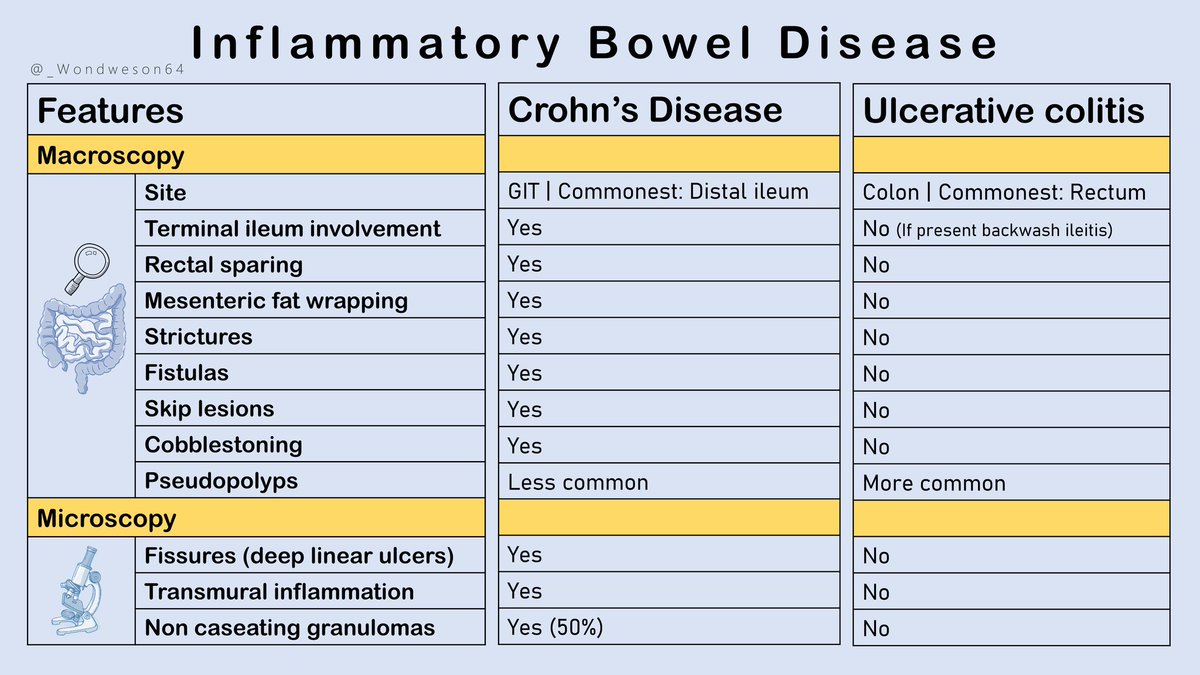
ALT IBD, Crohn's disease, ulcerative colitis, table
1
6
19
1,532
15 Oct 2024
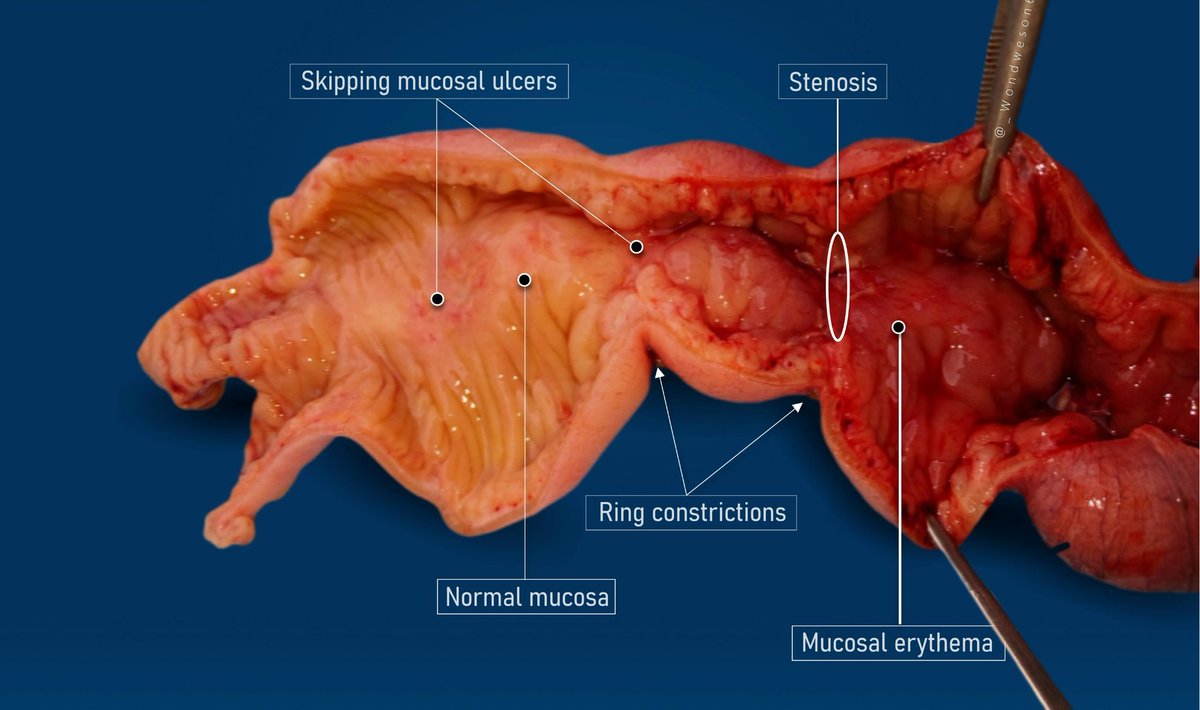
A 34 yr 👨
🧾Hx: Abdominal Pain & Diarrhea➺ 3 Months
● Right hemicolectomy specimen
➤DIAGNOSIS?
#PathX #Pathresidents #PathTwitter #GITpath @Pathologists #path2path
6
11
43
4,312

12 Jul 2024
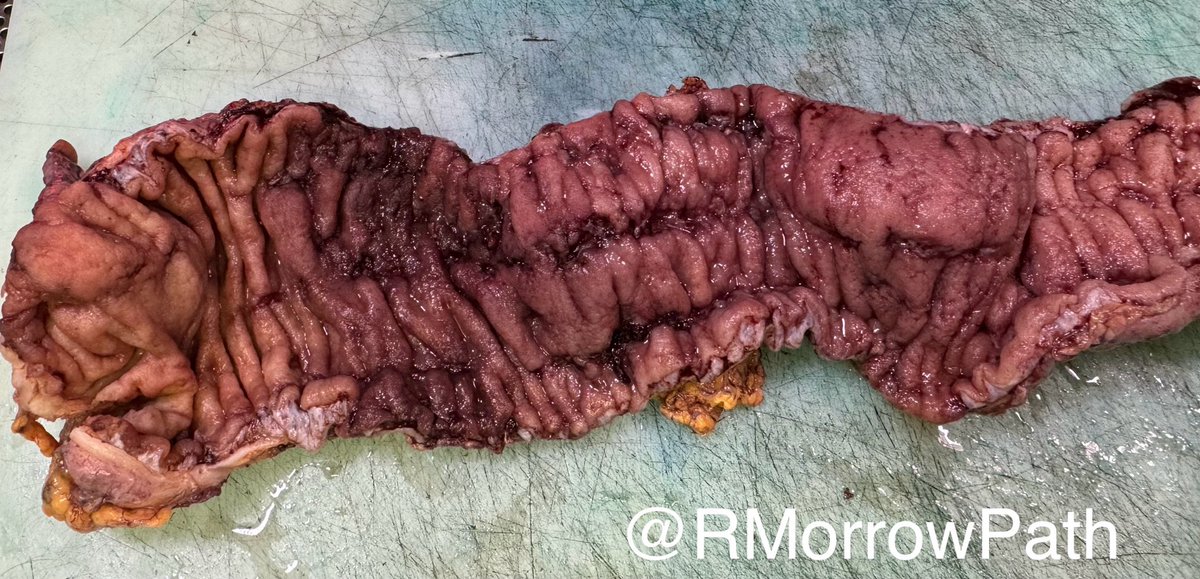
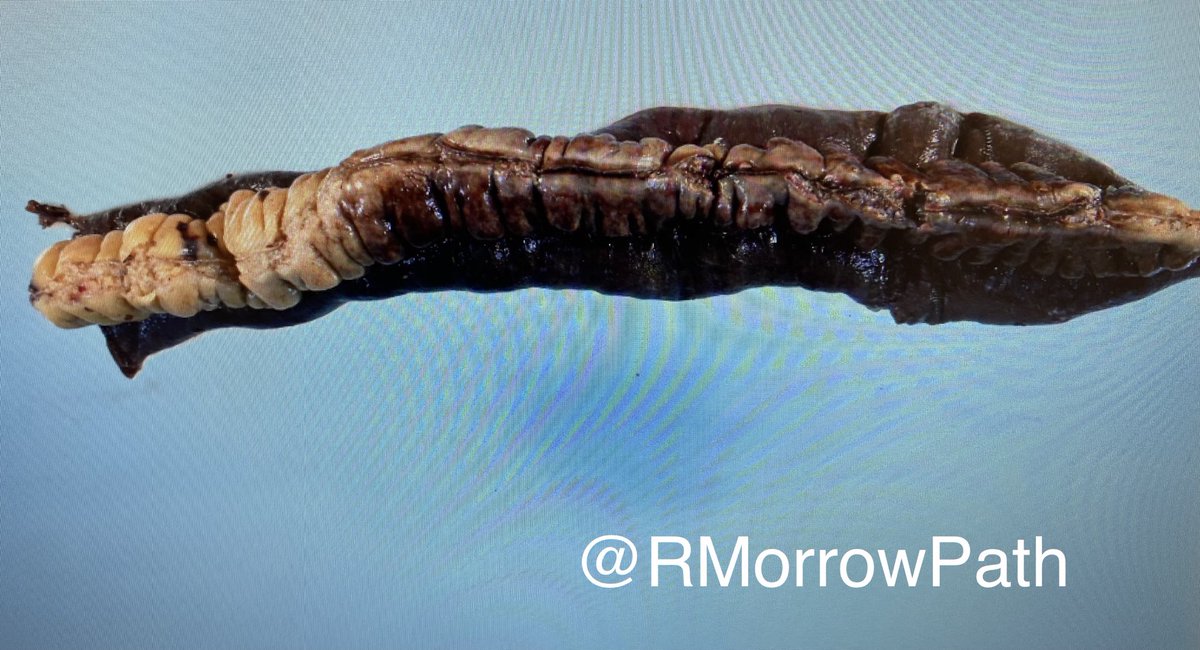
📕what’s going on in this colon?
📗what buzz terms are used to describe the mucosal changes?
📘how would you sample it?
#qualitypathology starts with quality macros #grosspath
#pathtwitter #gitpath
3
9
22
2,050
8 Jul 2024
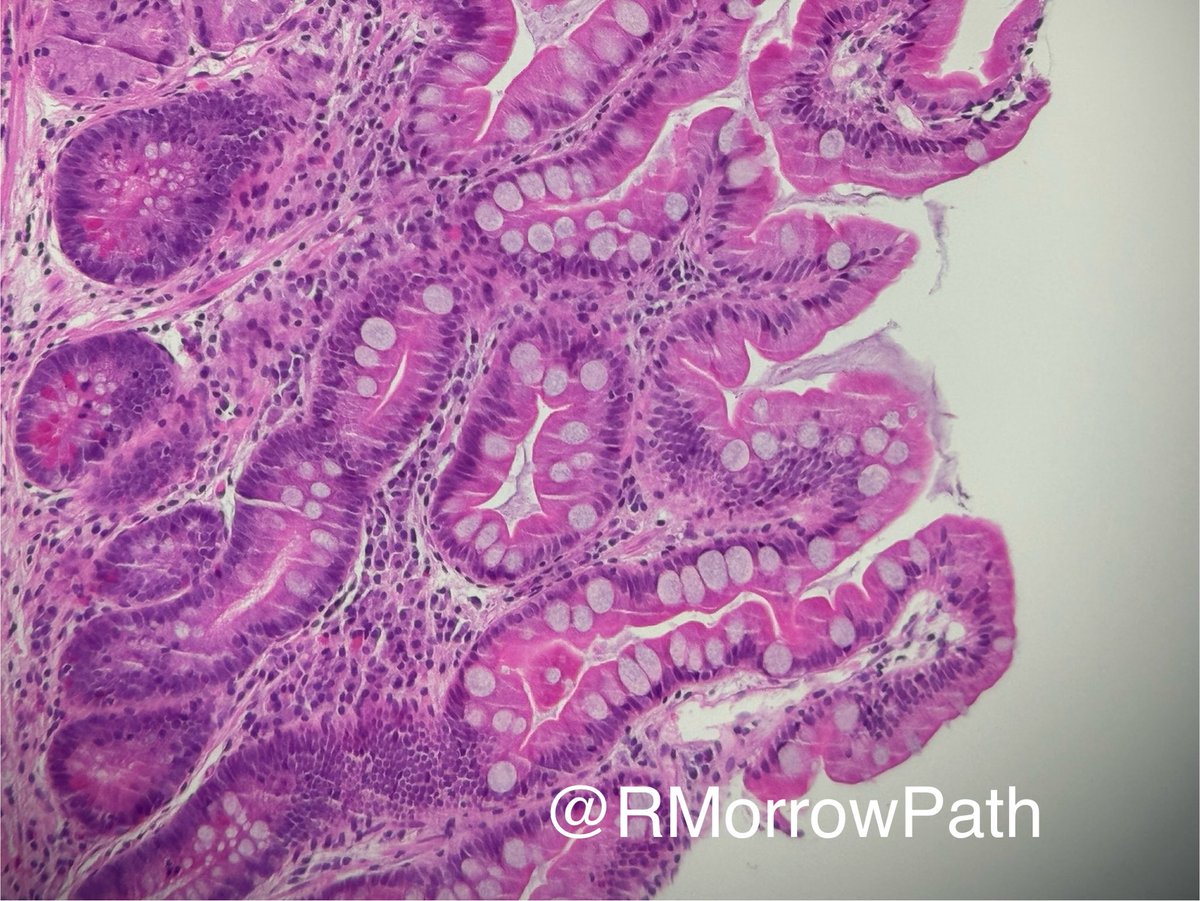
When a gastric bx reminds you of colon, which diagnosis comes to mind? #gitpath #pathology
3
4
21
2,920
4 Oct 2023
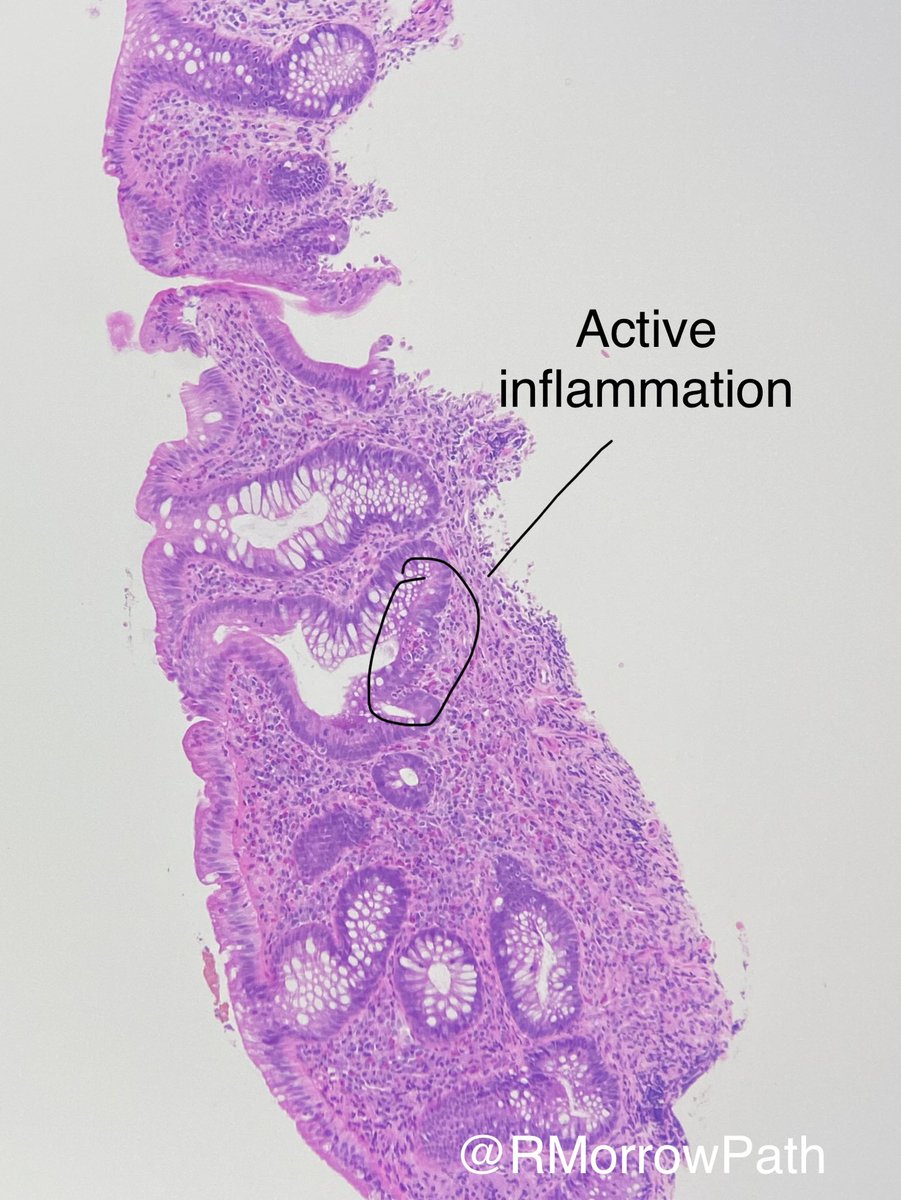
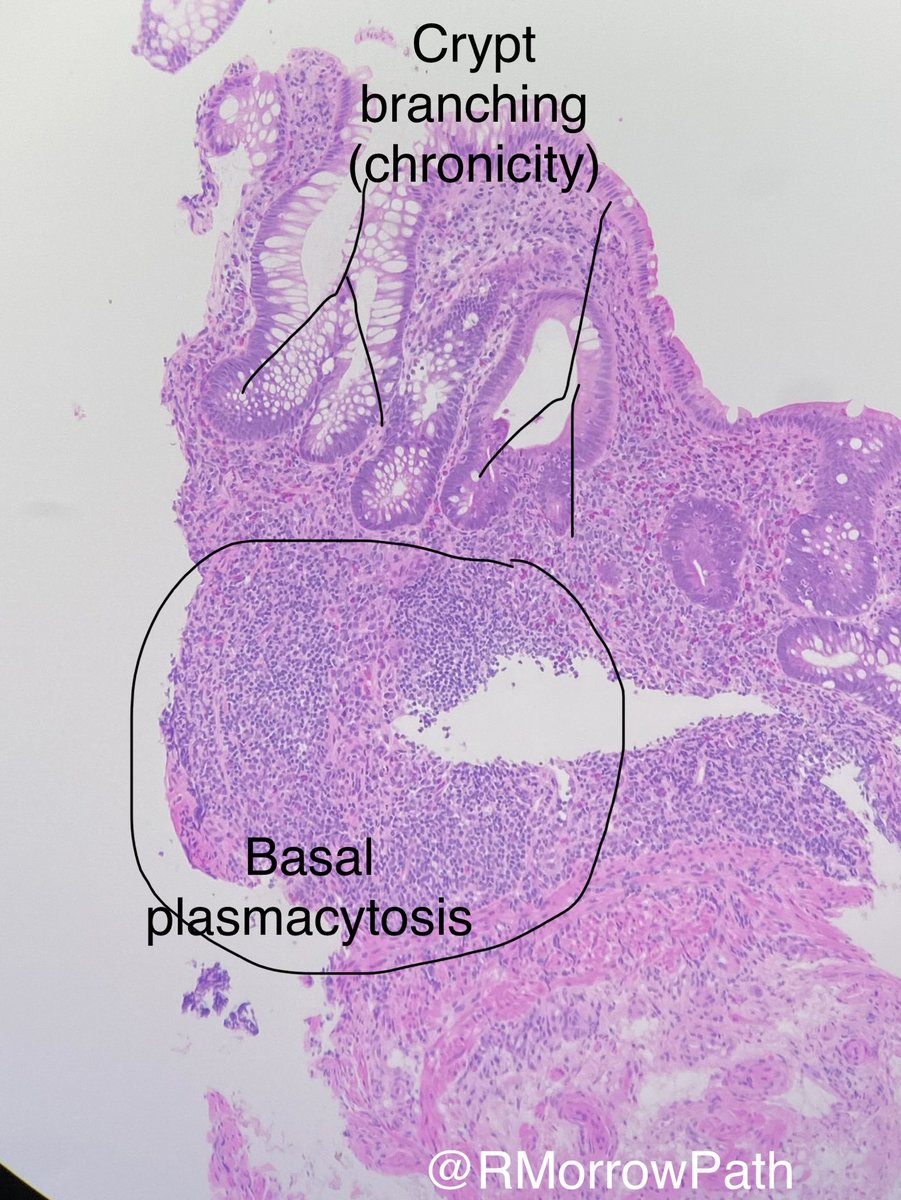
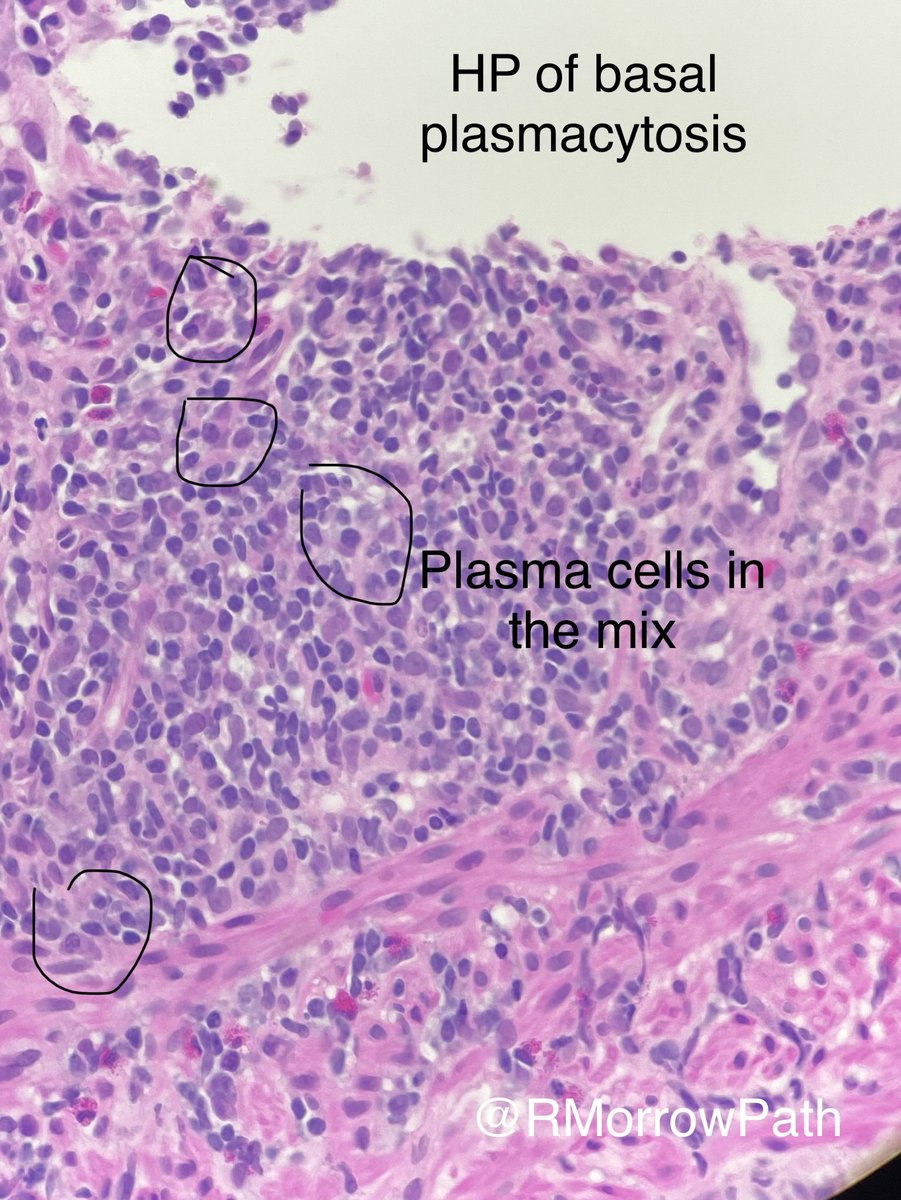
20 something rectal biopsy.
Beautiful example of active chronic colitis.
🪂what relative negatives should we report?
#pathology #gitpath #pathtwitter
3
8
38
1,976
26 Sep 2023
1
2
9
1,999
18 Sep 2023
6
5
27
3,726

13 Jun 2023
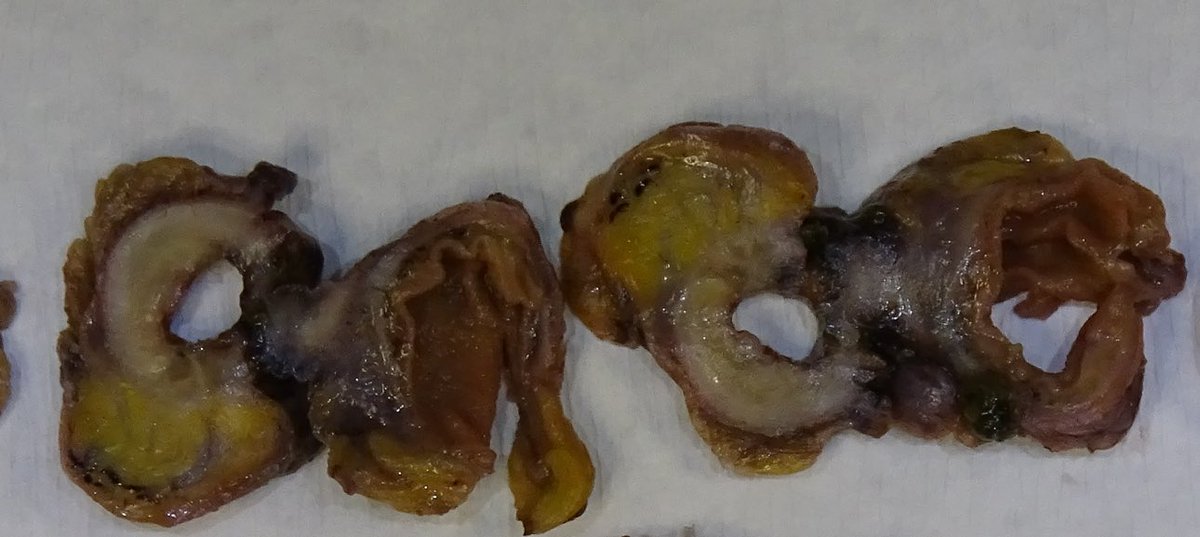
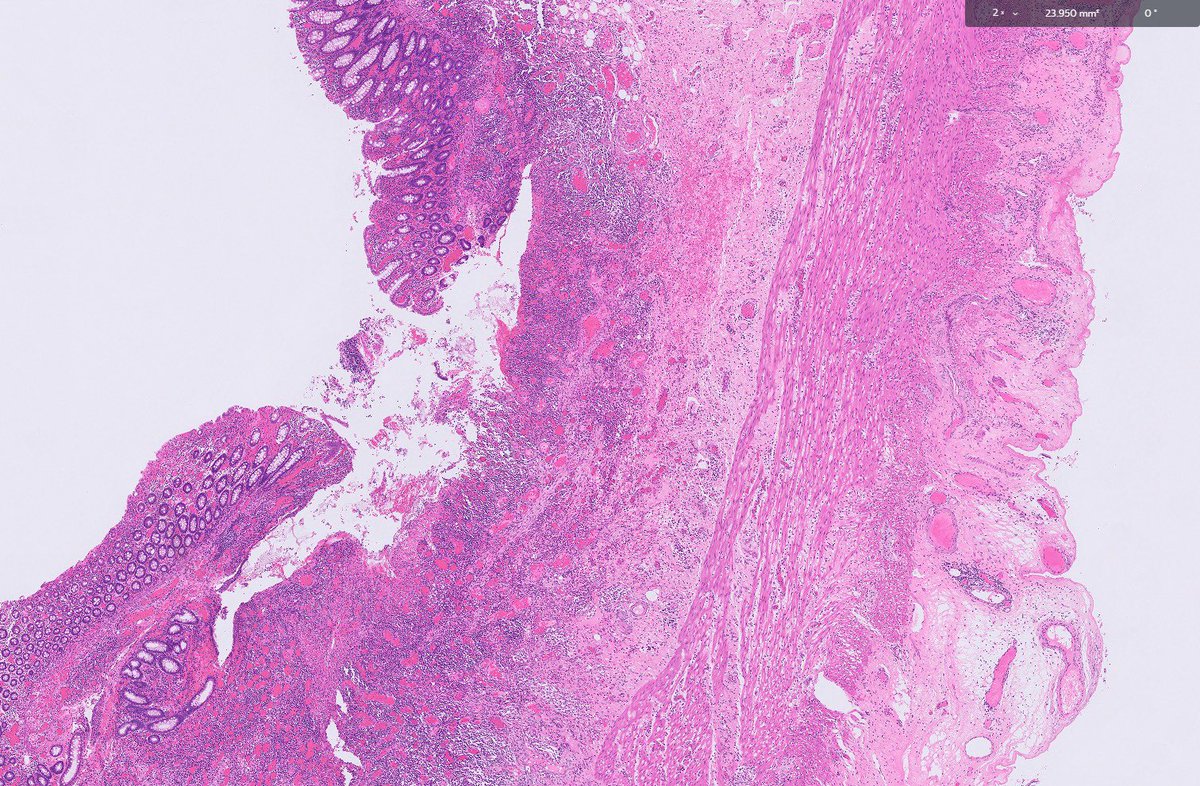
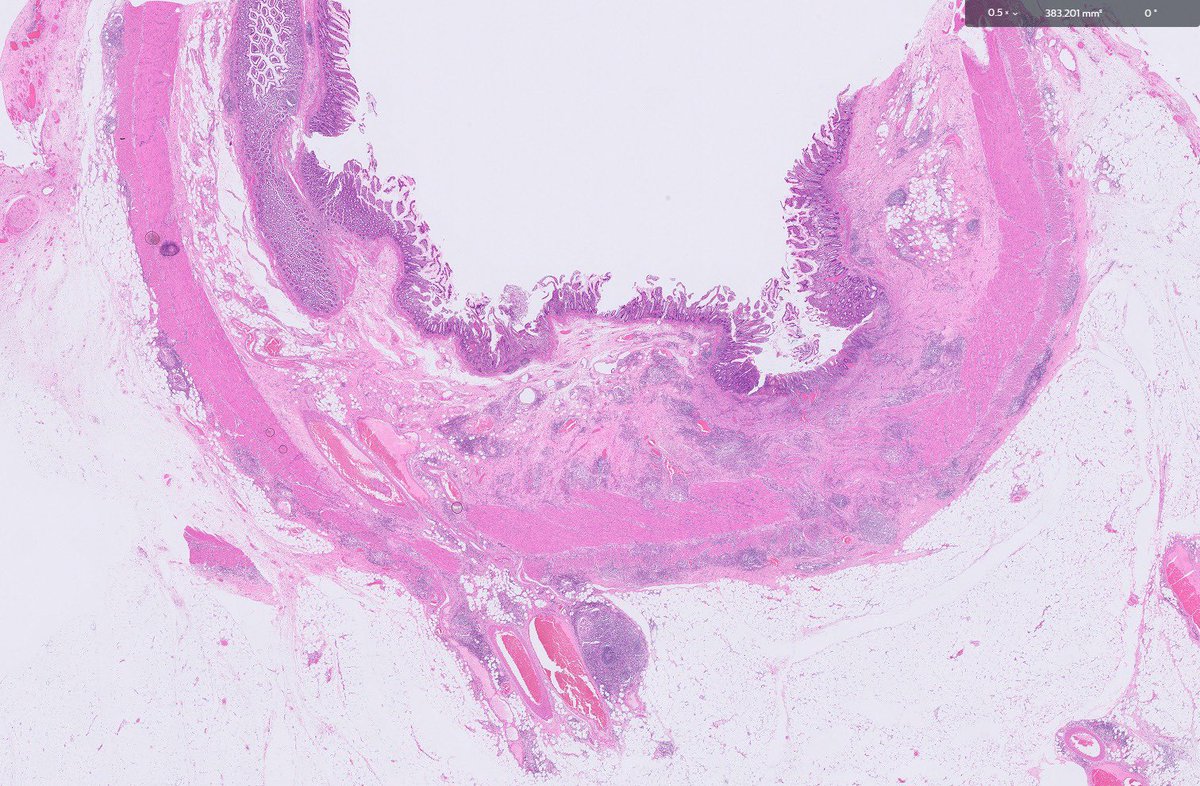
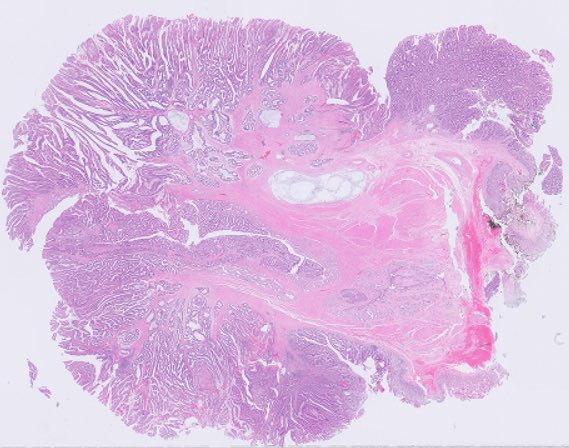
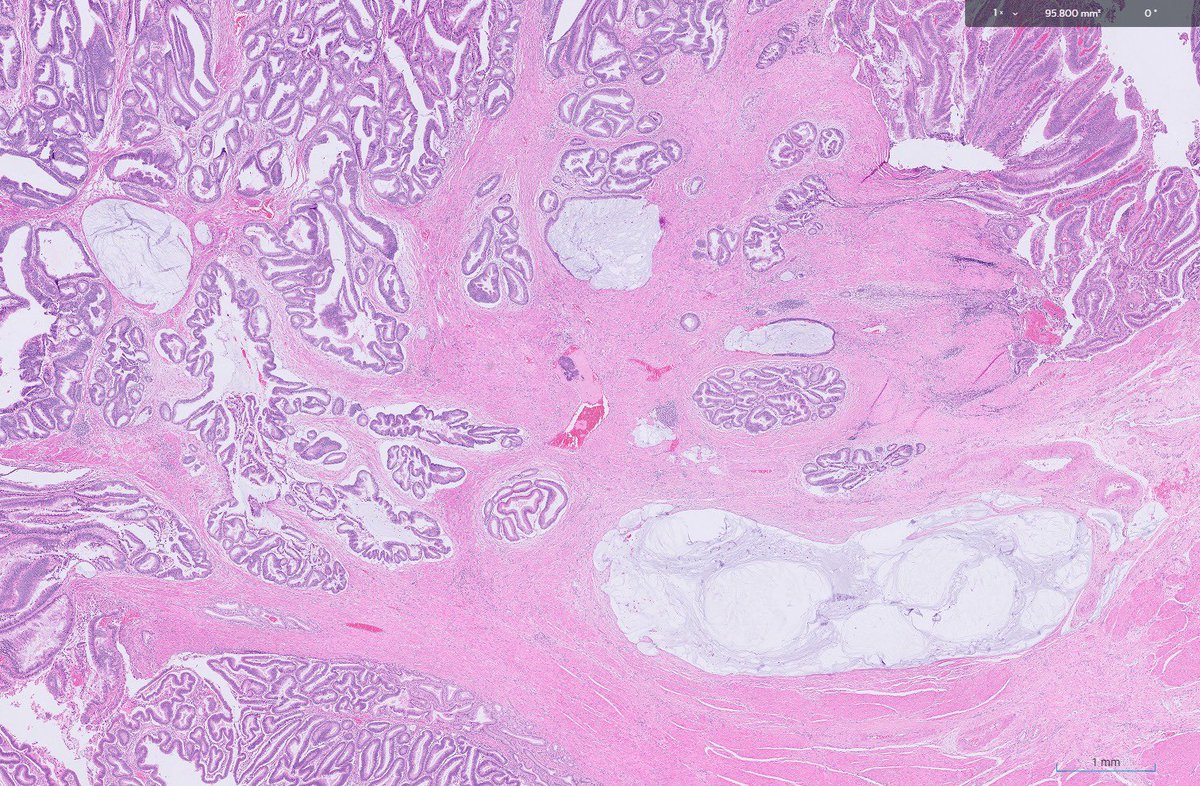
Adhesions! What’s is the cause
Can you tell from low power ?
#GIpath #gitpath #PathTwitter #pathology #pathologyfamily
1
14
1,846
5 Jun 2023
6
5
20
2,946

17 Feb 2023
17 Feb 2023

47

9 Feb 2023
Duodenal lymphangiectasia-out of the box finding @GitPath @padmapathology1 @Swathiprabhu5 @Pathoutlines @Pathologists @FlyFan7 @DrGeeONE @Chucktowndoc @smlungpathguy @Path_Matt @vi_monappa
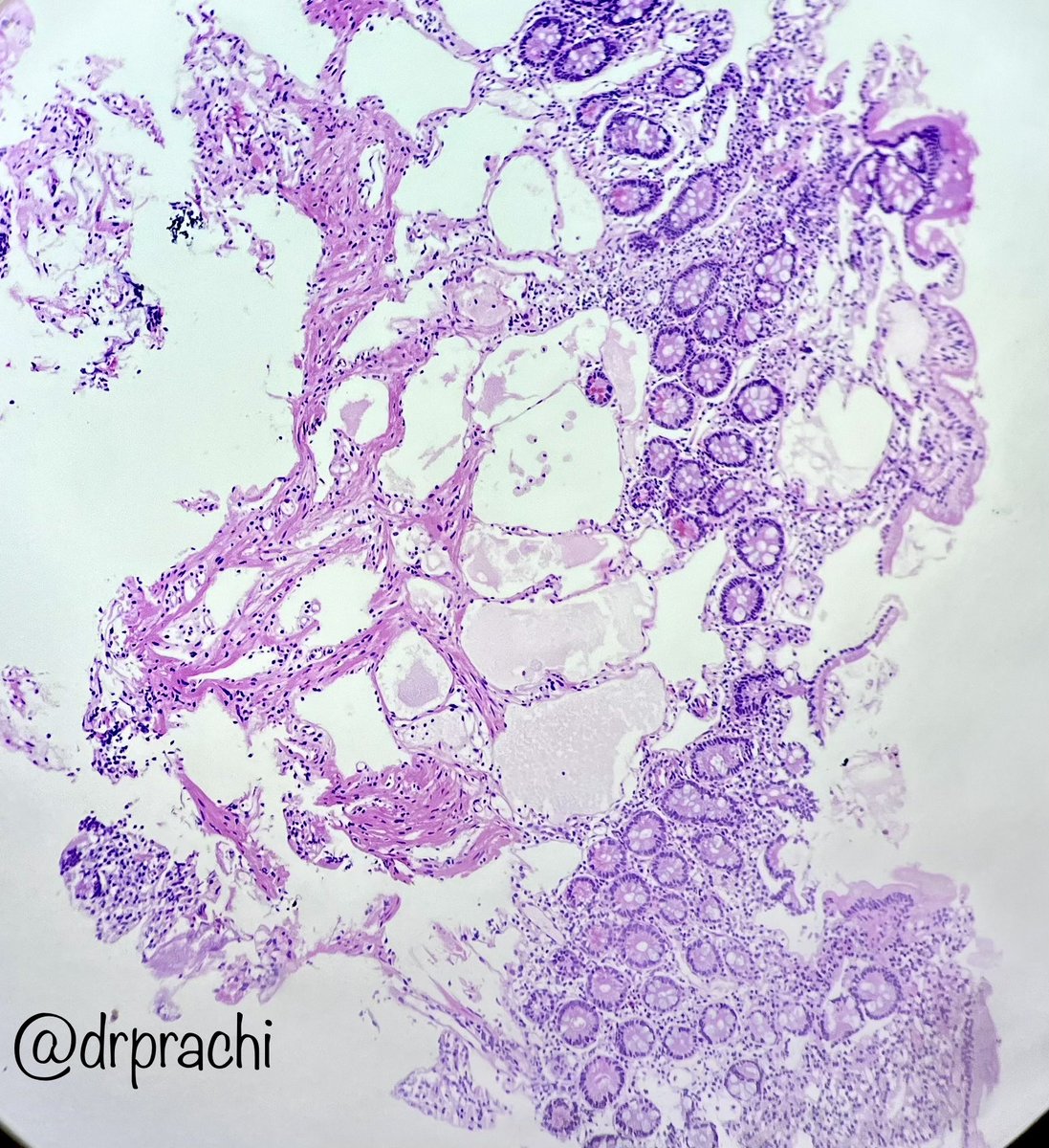
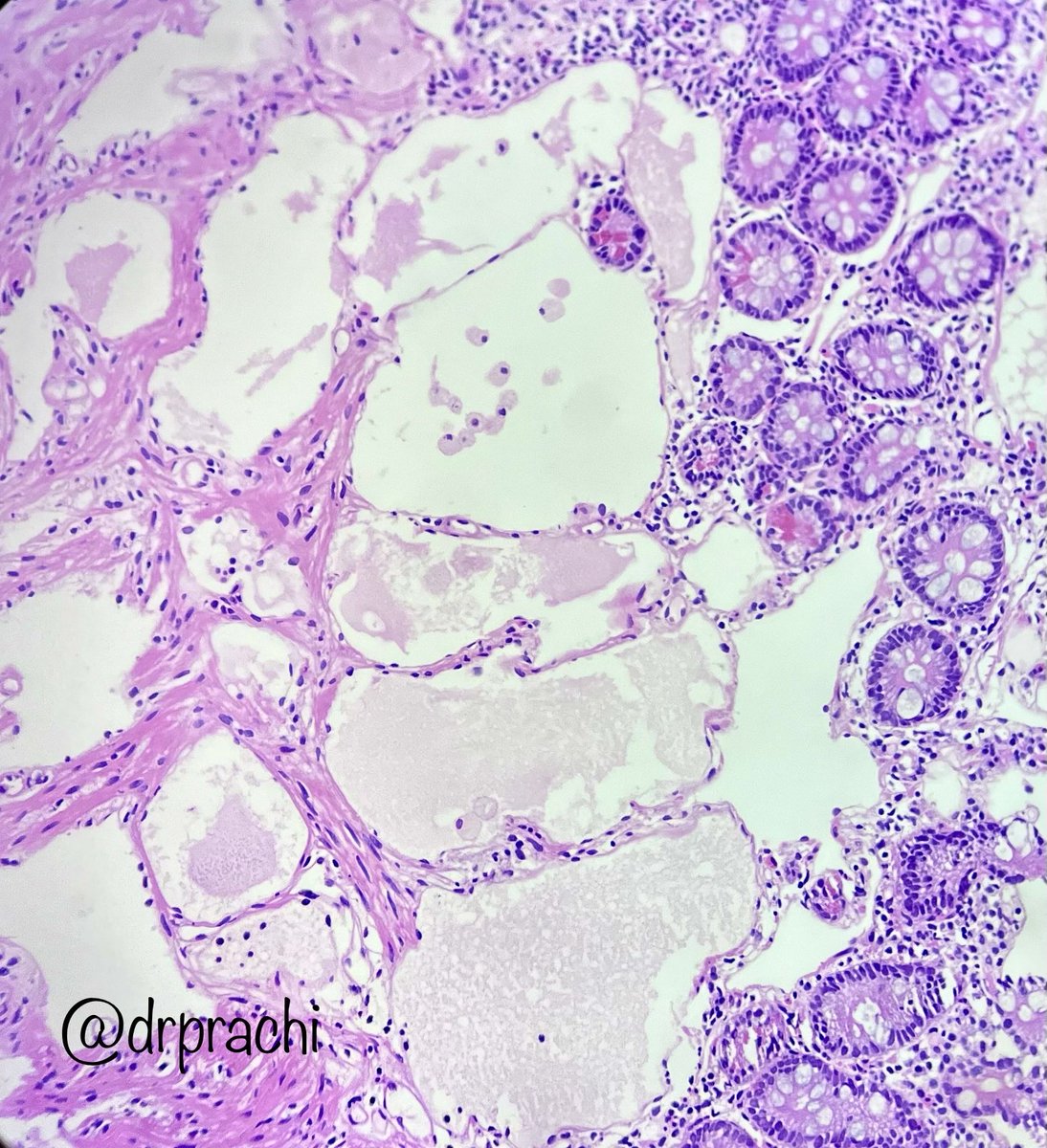
10
35
1,993

31 Jan 2023
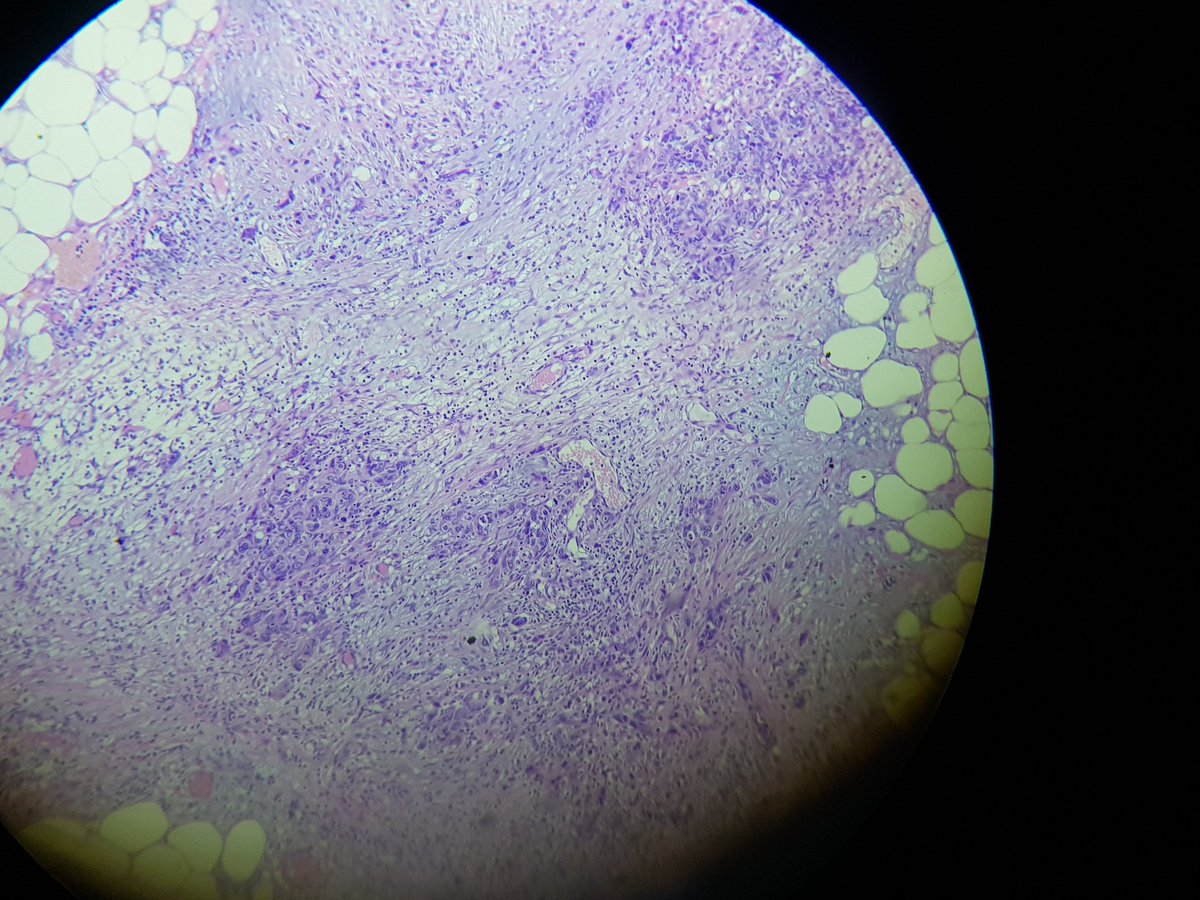
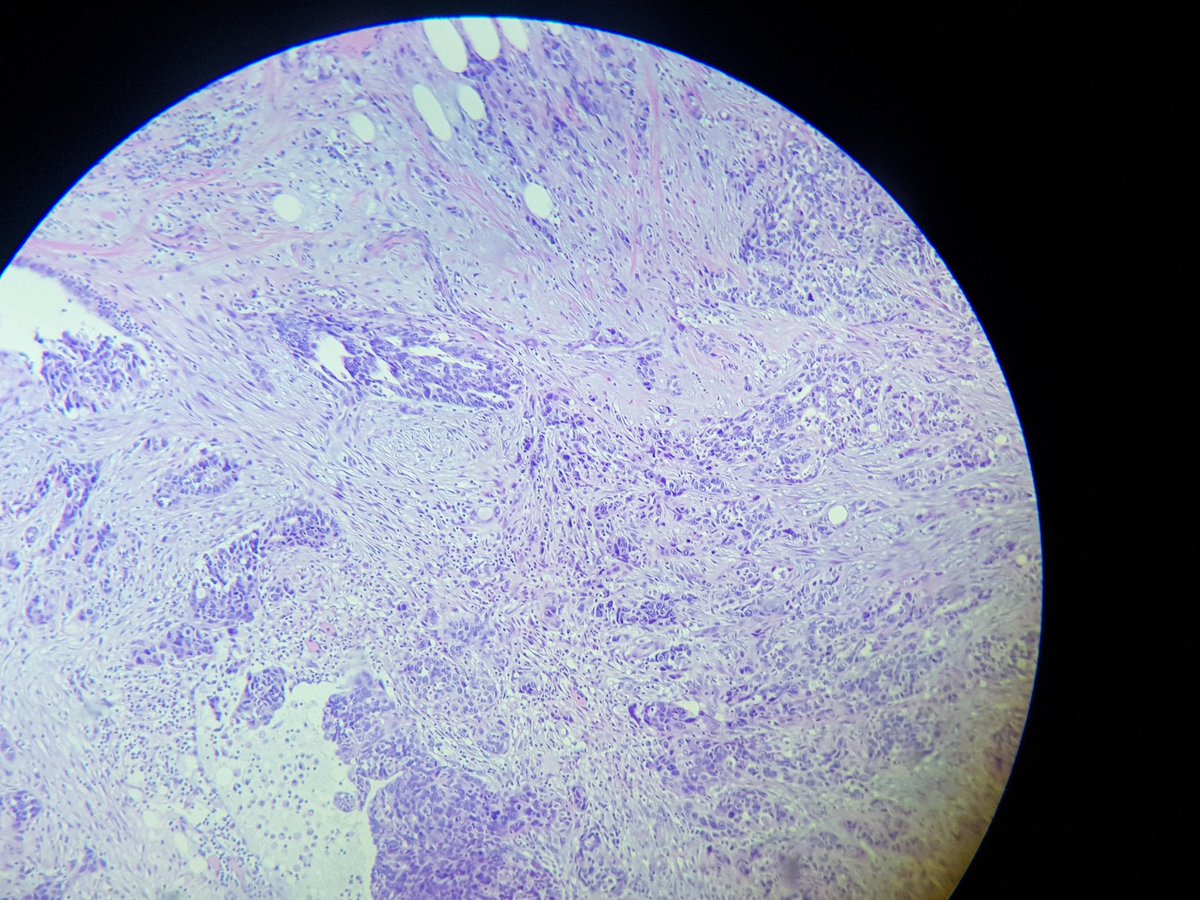
5
5
21
4,954

26 Dec 2022
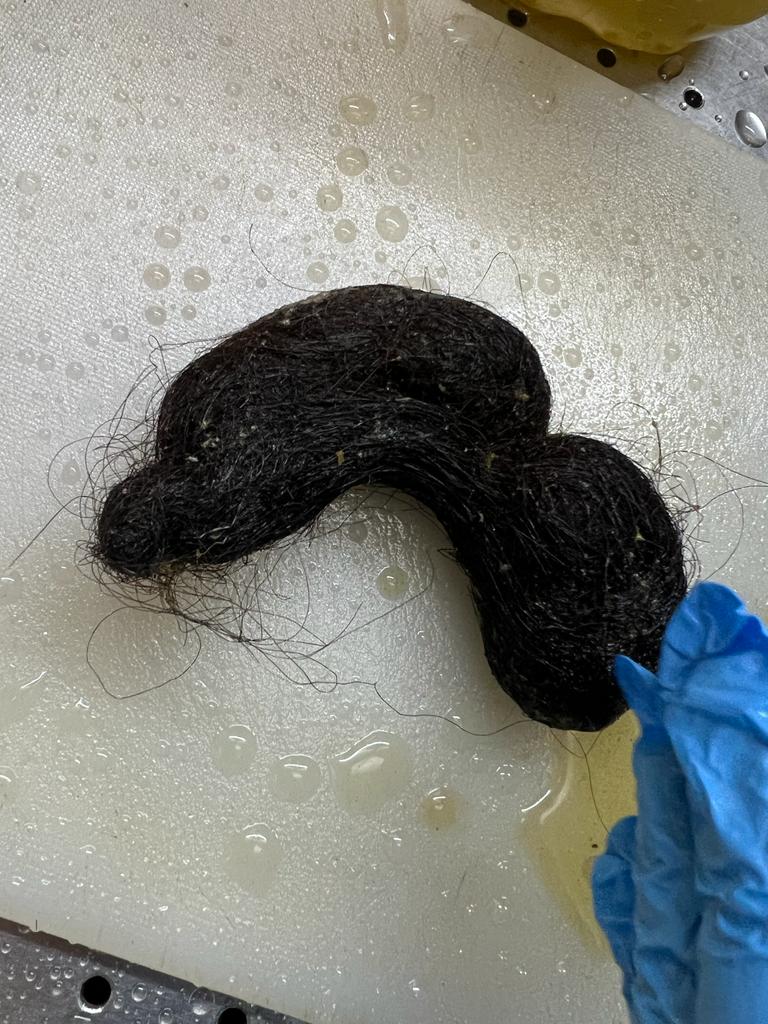
11
2
26
3,891

25 Aug 2022
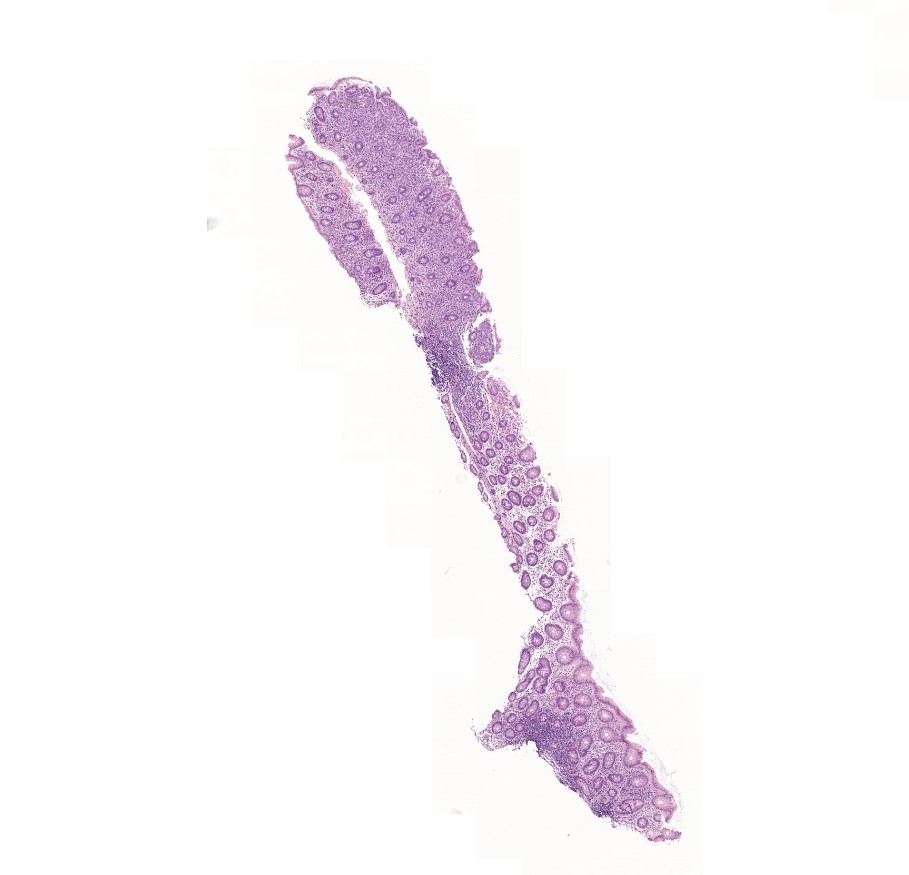
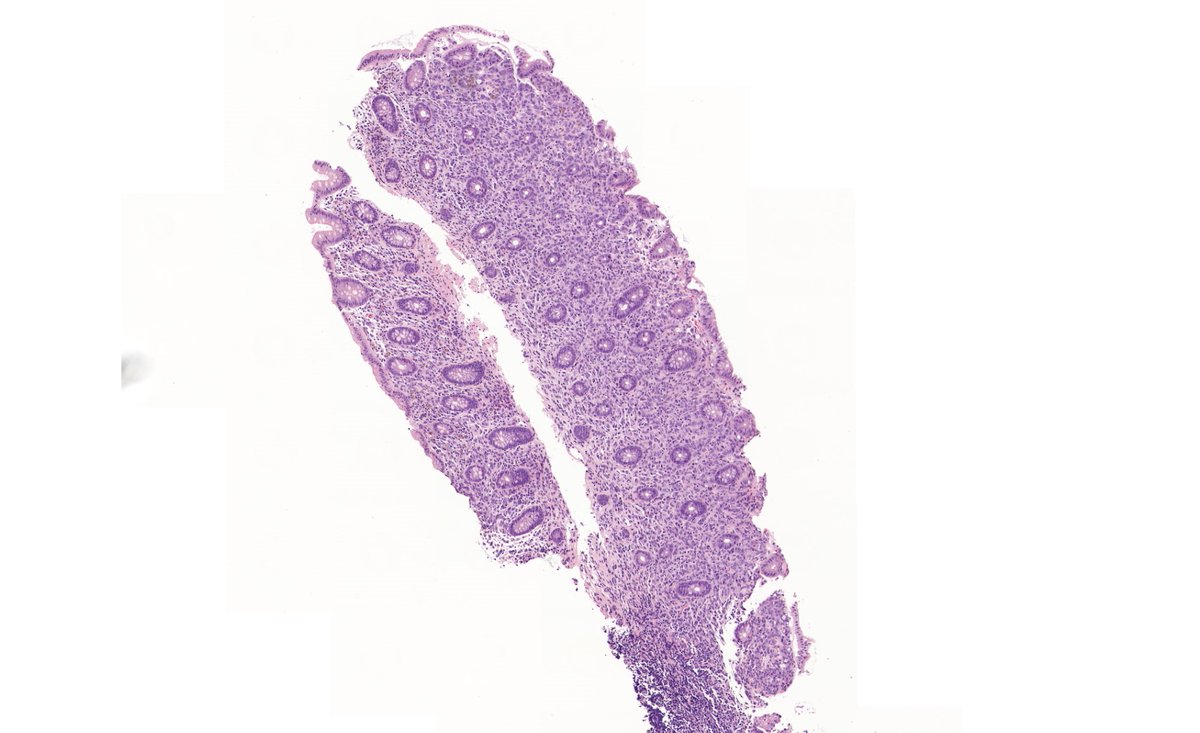
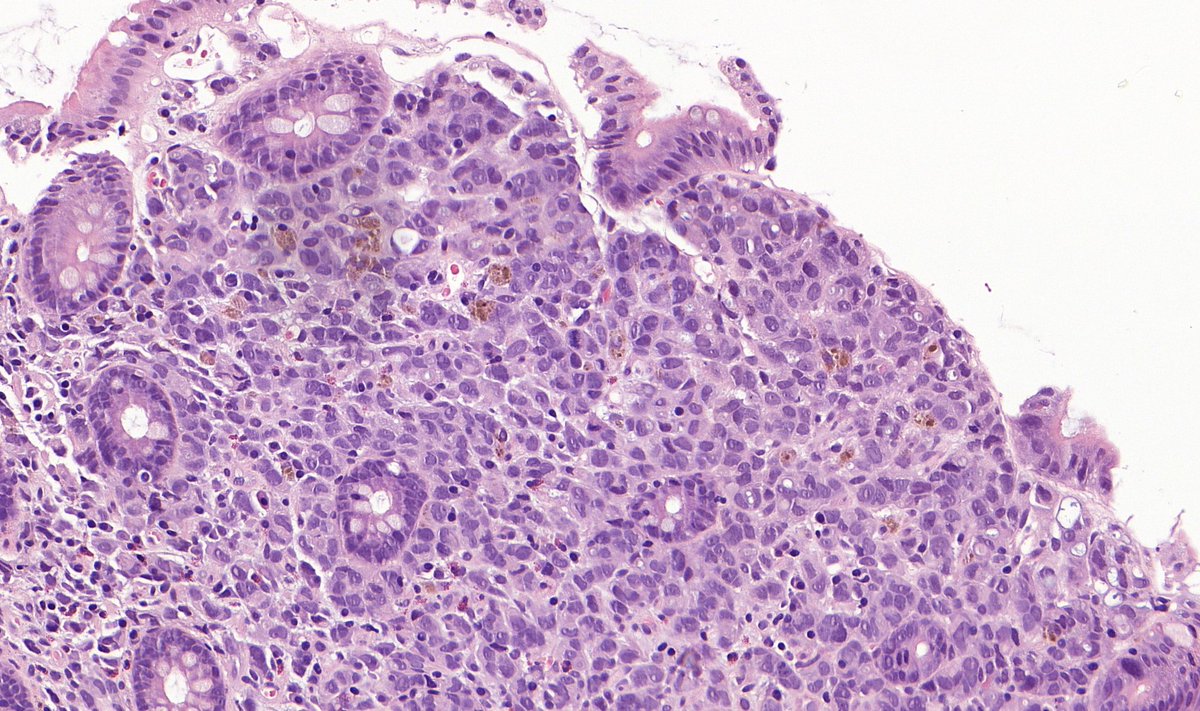
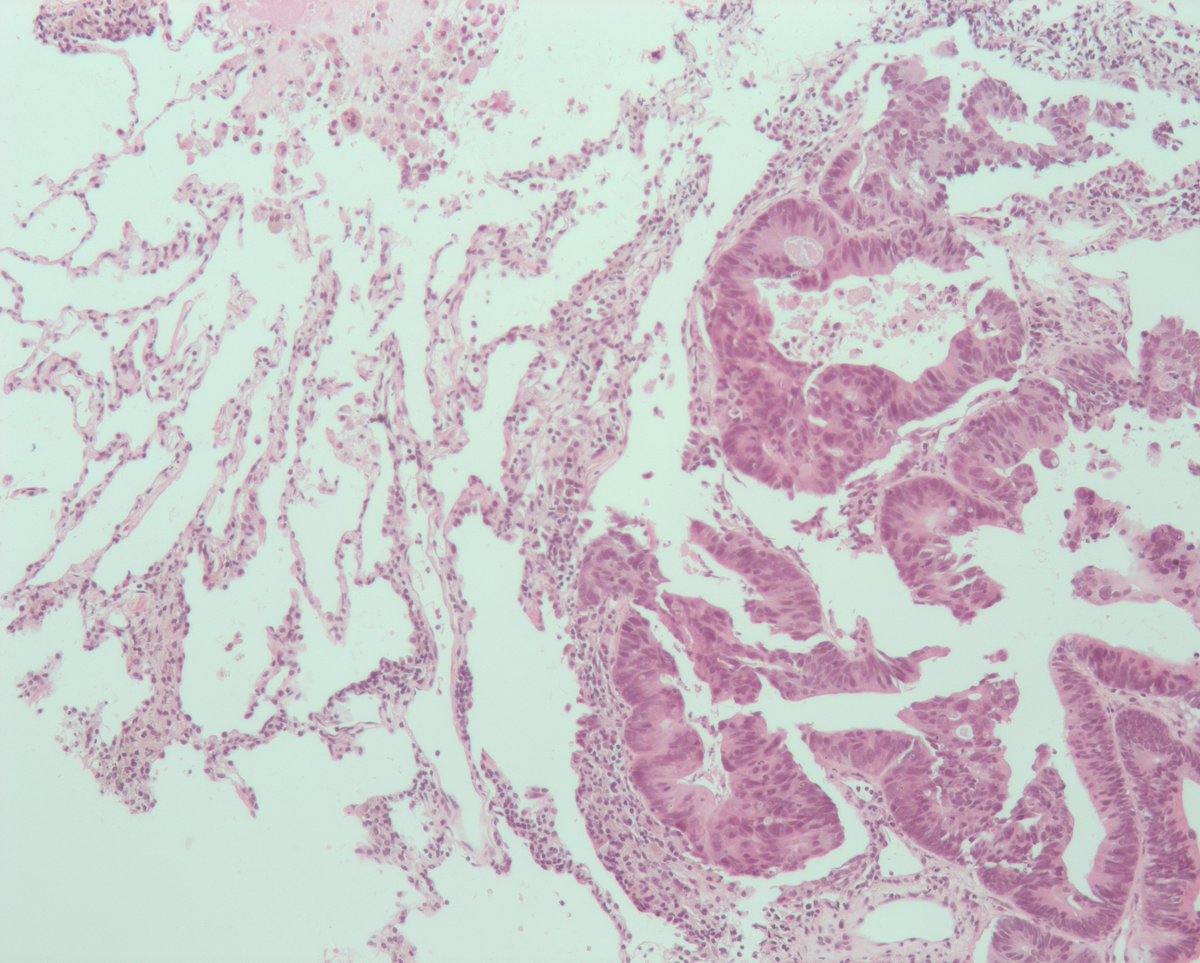
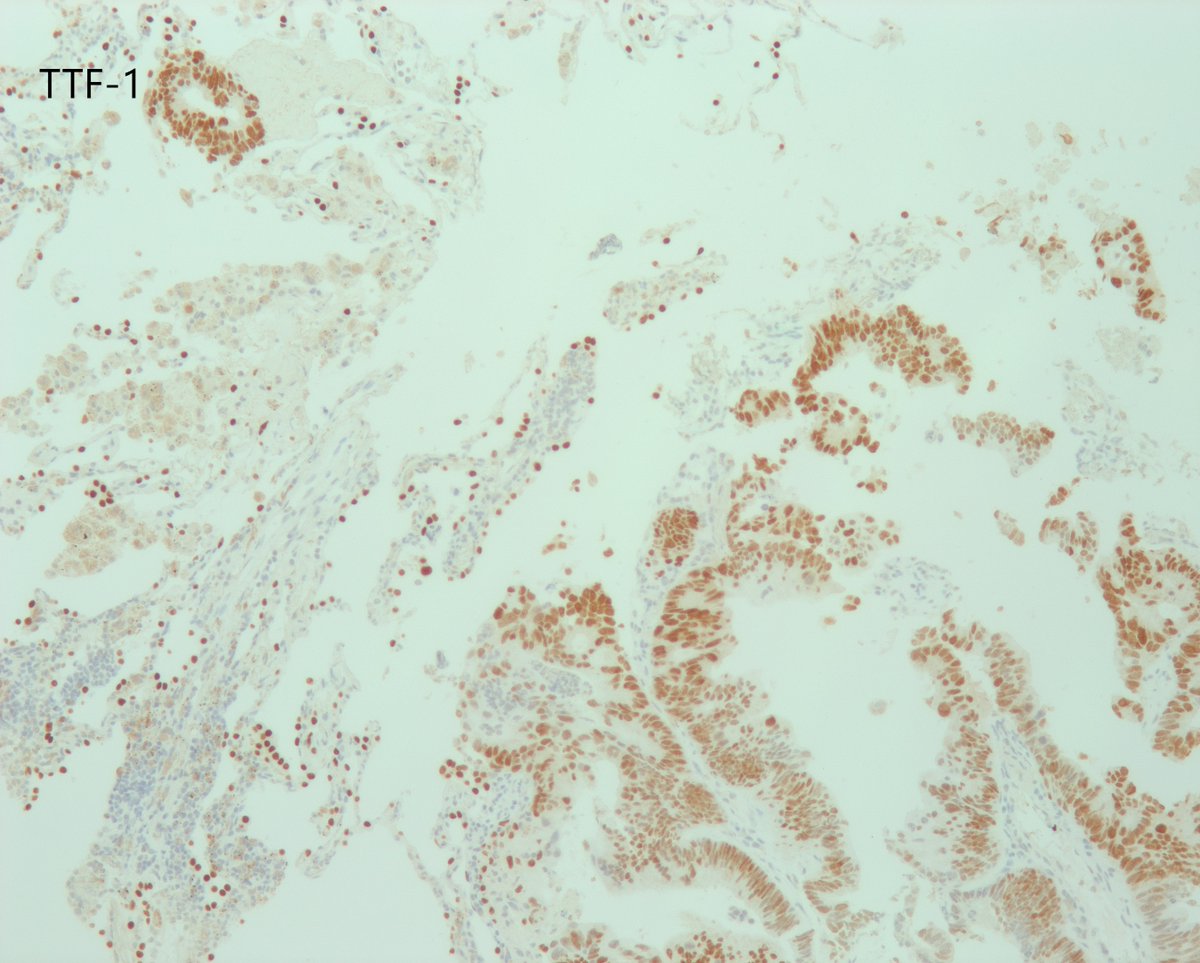
⚕️Caecal polyp, older patient
✏️Request form:
➡️Dysuria
➡️Previous appendicectomy and hysterectomy.
#GITpath #pathresidents #Pathtwitter
10
59
131


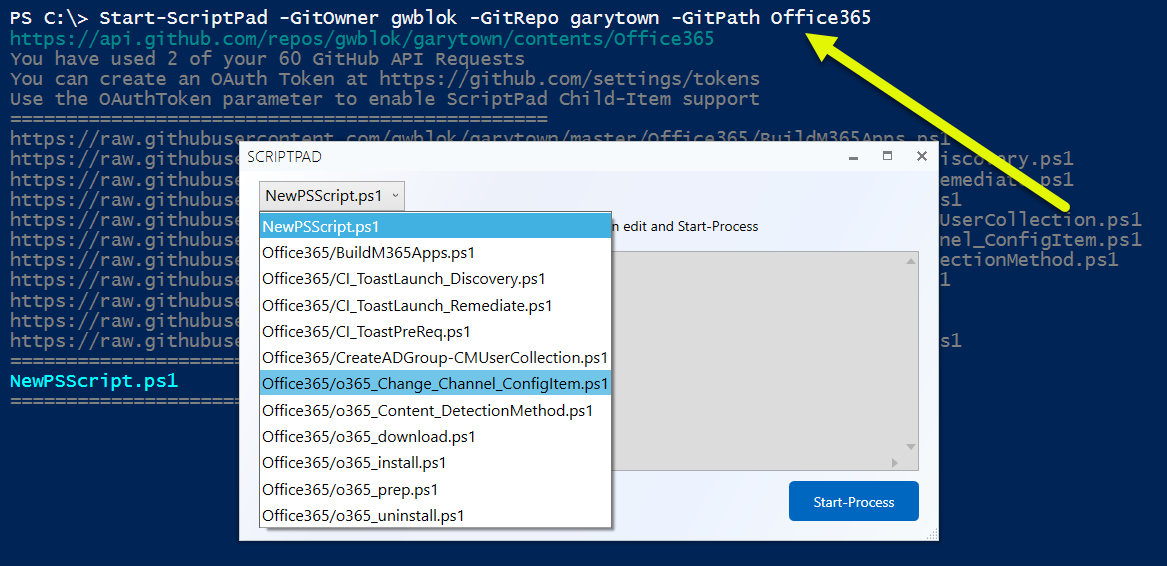
Or use the -GitPath to use just a specific directory in a Repo
1
1
5