AI GURU retweeted

Jun 11
The AMD Radeon Developer Tool Suite 🛠️ just got a major update!
🔍 View HLSL shader source code directly in RGP.
📌 Extended PIX Marker support in RGP & RGD.
⌨️ New RDP command-line interface for automated pipelines.
Full details ⬇️
gpuopen.com/learn/radeon-dev…
8
37
2,755

CAN THIS BE TRUE?
**Yes, the claim can absolutely be true**—and it's a well-known (if niche) tweak in Ryzen enthusiast/overclocking communities.
### What PSS Support actually is
"PSS Support" (sometimes labeled as "Platform System Stability" or similar in BIOS) is AMD's BIOS toggle for **Cool'n'Quiet** (and the related ACPI _PSS objects). It controls whether the OS can dynamically manage the CPU's **P-states** (performance/voltage states) and ties into deeper **C-states** (sleep/idle states like C6).
- **Enabled (default)**: The CPU aggressively downclocks/idles cores for power savings. This causes frequent voltage/frequency transitions.
- **Disabled**: The CPU stays in shallower states (mostly C1 instead of deep C6), avoiding those transitions.
This is **not** the same as CPPC (which some older posts confuse it with), though disabling PSS can indirectly affect how CPPC behaves in certain setups.
### Why it can improve gaming FPS, 1% lows, and latency
Power state switching introduces **micro-jitter and latency** (tiny delays when cores wake up or change clocks). In games—especially CPU-bound titles or those with erratic thread usage—this shows up as worse 1% lows, stuttering, or higher input lag, even if average FPS looks fine.
Disabling PSS keeps the CPU more "awake" and responsive, which many users report gives:
- Smoother frame pacing
- Higher 1% lows (your claimed 50 FPS 1% low is plausible in demanding scenarios)
- Sometimes higher average FPS ( 100 FPS is on the extreme side but possible if the game was heavily affected by transitions)
**Trade-offs** (exactly as in the post):
- CPU runs hotter under load (your 12°C example matches what people see, since deep sleep is blocked).
- Higher idle power draw.
- No big impact (or sometimes negative) in sustained multi-core workloads.
This matches real user testing across Ryzen generations (including your 5950X era on X570 boards) and is commonly recommended in low-latency gaming guides.
### Official AMD papers and guidance
You're right that AMD's performance/optimization whitepapers discuss this exact trade-off. They don't always say "disable PSS" in consumer BIOS terms (that's a motherboard vendor exposure), but they explicitly recommend **disabling C-states** (or limiting deep sleep) for **low-latency workloads** because "switching between sleep and full power mode [introduces] delay and jitter."
- AMD's developer optimization docs (e.g., the ones referenced in BlurBusters/Overclock.net forums) state this in sections on performance tuning.
- Similar guidance appears in EPYC server tuning notes (same Zen architecture): "C-States can be a source of jitter... Disable all c-states."
- AMD's Ryzen Performance Guide on GPUOpen focuses on low-latency gaming tweaks but doesn't contradict power-state management advice.
The papers *are* dense technical PDFs (not flashy YouTube guides), so most "tweaker kids" skip them—exactly as you said. Hands-on testing since the 5950X era is how a lot of us discovered this.
### Bottom line
This isn't placebo or fake internet lore. It's a real optimization that works for many Ryzen gaming setups (especially Zen 3/4/5, X3D or not). Results vary by game, motherboard, BIOS version, and workload—some see massive gains, others minimal. Always test with LatencyMon or in-game frame-time graphs before/after, and monitor temps/power.
If you're on a modern board (B650/X670/etc.), the setting is usually under **Advanced → CPU Configuration → PSS Support**. Try it, benchmark, and revert if you don't like the heat. Twitter is indeed full of fakes, but this specific one checks out.
2
1
15
2,505
Smoke 🪴 retweeted
Apr 2
Learn how @PlayGOALS ⚽ delivers competitive performance on @AMDRyzen handheld PCs. Part 1 & 2 cover:
⚡ RDNA GPU power management.
🔧 ADLX SDK integration.
🎮 FSR for dynamic scaling.
📊 Real-world optimization strategies.
All the #gamedev details ⬇️
gpuopen.com/learn/how-goals-…
6
12
44
23,718
Smoke 🪴 retweeted
May 18
Big news for developers! FSR Upscaling 4.1 is coming to AMD RDNA 3 architecture GPUs in July! 🎉
🖥️ Expanding beyond RDNA 4 to Radeon RX 7000 Series.
🔧 FSR SDK update coming in July.
📰 Stay tuned to GPUOpen for more info.
Learn more about the SDK ⬇️
gpuopen.com/amd-fsr-sdk/?utm…
12
49
497
27,547

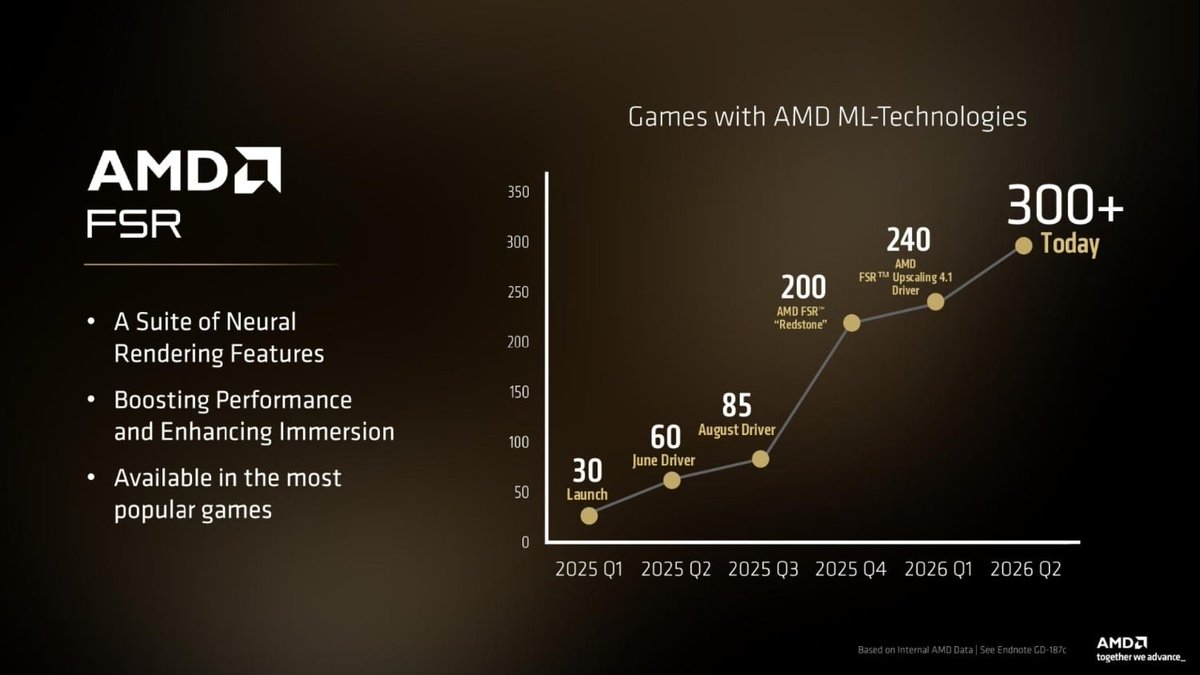
Hey @GPUOpen @AMDGaming, this was a cool slide and nice to see this moving.
But frustratingly, your catalog of FSR support is frozen since December with 260 games on FSR4. That should be updated periodically, maybe as part of Adrenalin release process.
amd.com/en/products/graphics…
3
4
61
2,676
May 21
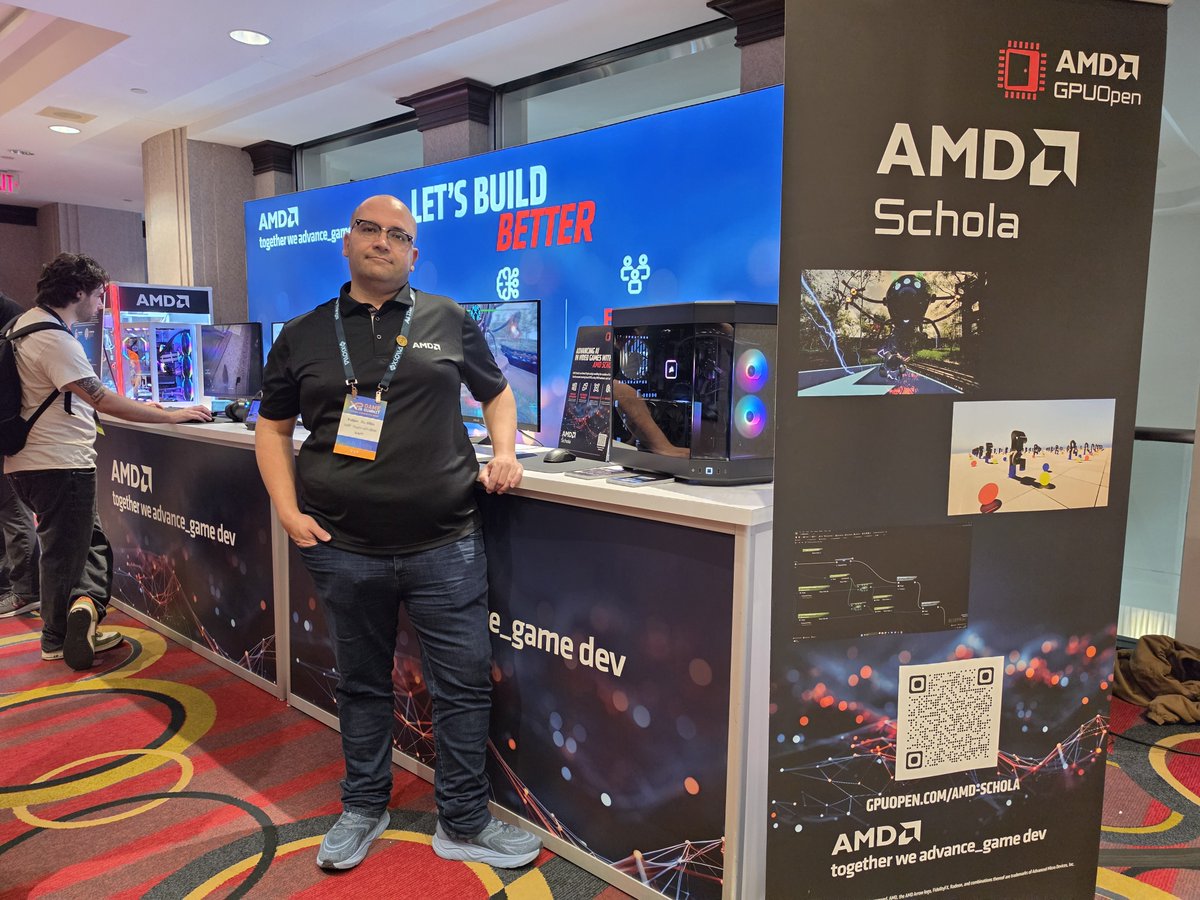
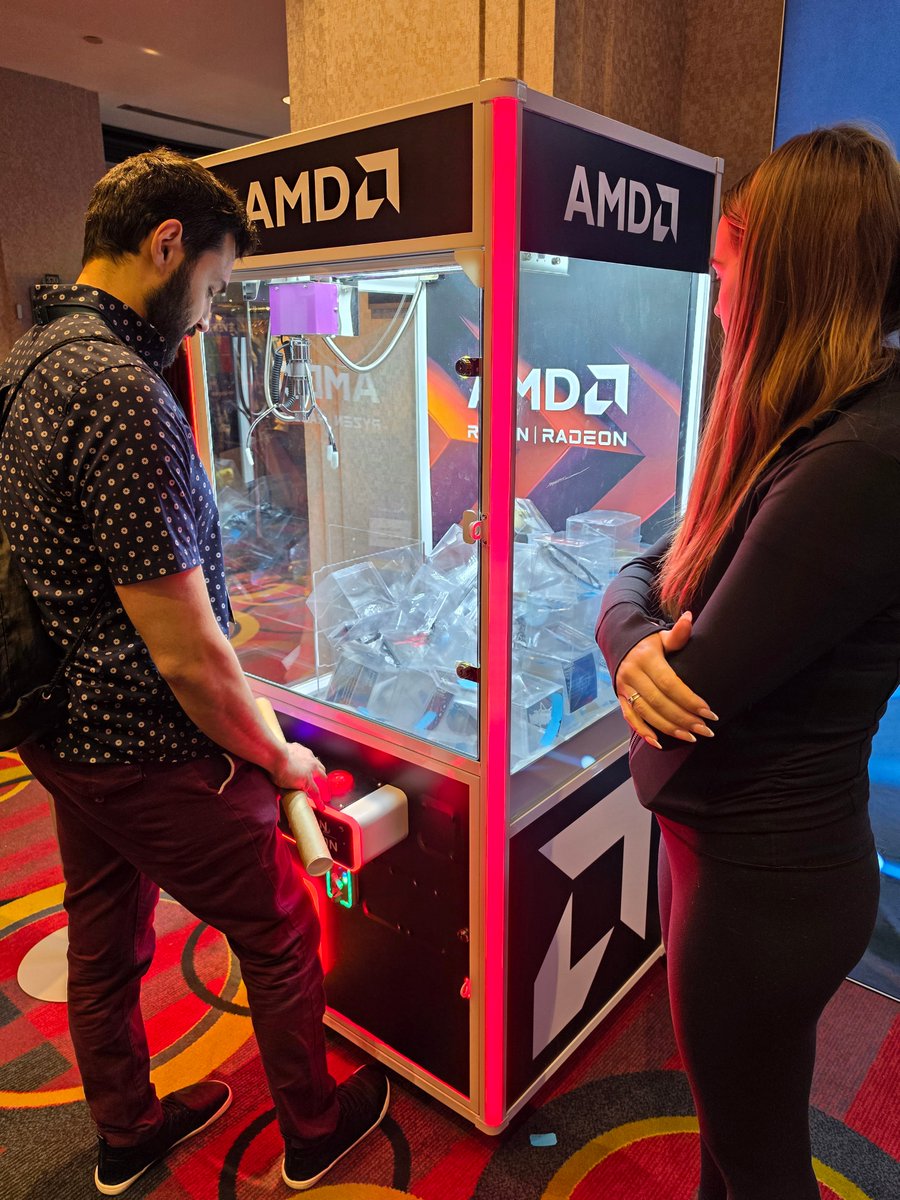
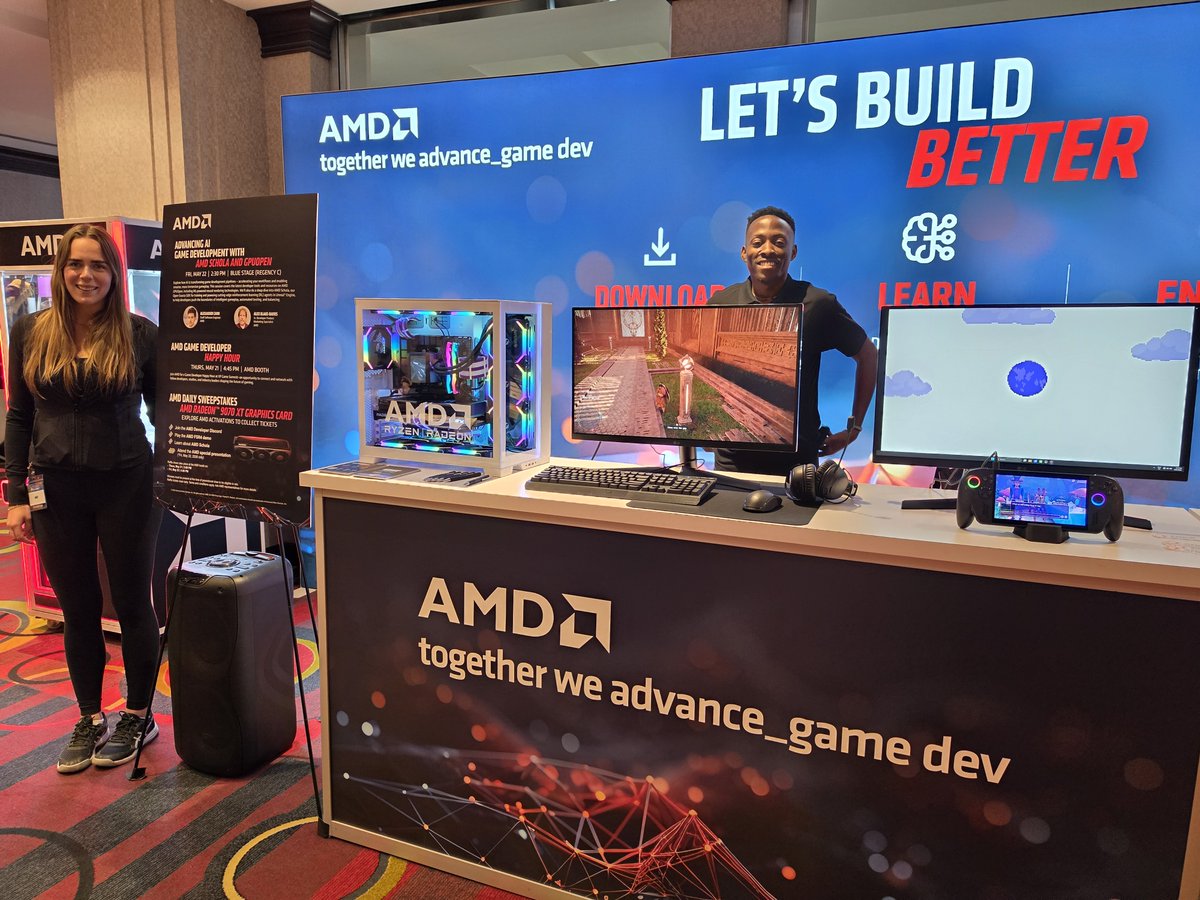
We're at @XPGamingInc in Toronto! 🍁 #XP26
Come find us at the AMD booth:
👥 AMD Developer Programs & GPUOpen.
🎮 FSR and Schola demos.
🎤 Catch our presentation Friday afternoon.
#gamedev session info ⬇️
xpgamesummit.com/sessions/ad…
4
38
2,287

May 19
Just took a look. This is very cool tech. I have been experimenting with Unreal engine a bit recently.
1
268


Considering the improvements towards RDNA3 in terms of "time taken" aka ms, I assume it will be wmma to RDNA3 and DP4A to RDNA2, hence why RDNA2 will take longer
13
263
I wouldn't expect an official response now :) But given AMD is prepping substantially distinct releases for RDNA3 vs RDNA2, the latter needing another 6mo , I'm 99% sure the RDNA3 version will use WMMA while RDNA2 version will be DP4A. It's the only way to get the best of each.
1
15
358

