
Experimenting with the pretext library... saw a brick breaker demo and had to try making it in PixiJS.
Wanted to see what happens when you add WebGL/WebGPU shaders to the mix.
Using bloom, glow, rgb split filters from pixi-filters.
plus gsaps physics plugin for the text effect.
3
13
182
18,547

Yesterday we signed an academic and student exchange agreement with @waseda_univ Graduate School of Asia-Pacific Studies (GSAPS).
Strengthening our shared commitment to expanding high‑quality education and research 🤝
Learn more: buff.ly/6yTBQzU



1
2
157

Jan 5
Stats animation on the TGE site.
The numbers gets scrambled in with GSAPs ScrambleTextPlugin. Also to not have the same count up like you see everywhere, we used here different symbols for the scramble effects.
On the right side the circles with the gradient border was a bit tricky.
We have on the element a transparent border: .0625rem solid #0000 and using a mask here to show the gradient only on the border.
background: linear-gradient(90deg, #595959, #222) border-box;
mask: linear-gradient(#000 0 0) padding-box, linear-gradient(#000 0 0);
mask-composite: exclude;
border-box on the background makes the gradient fill also the border.
The mask got two gradients, first it has a mask for the inside expect the border, that’s why we are using padding-box. The second goes over the full circle.
With mask-composite: exclude we just exclude the padding-box one of the full one. Just like we do in Figma sometimes.
And with GSAP we can animate the circles one after another.
On the left part we got this progress ring which visually shows the 100%. I’m using here two SVGs. One shows the same circle we see at the end just with an opacity: 0.2. The second one lays above it and has the same circle only with a mask inside the SVG.
With GSAPs DrawSVGPlugin we can easily animate the mask to fill the circle.
gsap.from(leftSvgCircle, {
duration: 1.65,
drawSVG: 0,
ease: "expoScale(10,2.5,power1.inOut)",
delay: 0.1,
});
In CSS we can rotate the Circle transform: rotate(-90deg), so it starts at the point where we want it to start.
Made in @webflow with @greensock
Design & Dev: Jason Harvey from Somefolk®
Web Animation: Eduard Bodak
1
2
25
1,362
22 Dec 2025
Swap through words on the TGE site.
That one was way more complex than I first thought. We got here the looping text and based on the width of the word the text on the right side should also move accordingly.
Depending on the text or the browser size it can happen that a word will jump to the next line when it doesn’t got enough place. Somehow I needed to get the width of the visible word, so the text on the right can move.
I grab all elements via data-swap, then loop through every single word (data-swap-item). On init I measure the width of every word once with getBoundingClientRect() and store all widths in an array.
const widths = Array.from(words, (el) => el.getBoundingClientRect().width);
The active word index controls a CSS variable --width which is updated on every swap. So the text on the right always reacts to the currently visible word.
In CSS I’m using this to animate the width.
transition: width 0.35s 0.05s ease-out;
width: var(--width);
will-change: width;
As animating the width can be performance heavy I use will-change to basically tell the browser something bigger will happen here.
The animation itself is a repeating GSAP timeline. Every word moves from y: 100% → 0 → -100%, while opacity fades in and out. As soon as the next word comes in, I update the width variable to the new measured value.
There I can use the onStart() from GSAPs timeline.
It also recalculates everything on resize, so no broken layouts on breakpoint changes.
As we are animating the width here which can get quite performance heavy, I play the animations only when you see them in the viewport. Everywhere else it is paused through GSAPs ScrollTrigger.
Made in @webflow with @greensock
Design & Dev: Jason Harvey from Somefolk®
Web Animation: Eduard Bodak
1
17
1,024
20 Nov 2025
Building a VanMoof Lookbook page as a concept project.
Making something responsive means it should work on every device, on every size and on different system settings, like reduced motion. At least the most used ones.
A lot of sites or small parts breaks when you resize them in the window, so you need to reload it to get it working again. I don’t think thats bad, but it would be cooler if this is not happening. Also sometimes you add certain breakpoints where the page just reloads to avoid this stuff.
In best case, it just works and it doesn’t matter how much you resize your window. Especially with scroll animation it can be sometimes difficult in those cases.
Want to try it here on that project to pay more attention to it and maybe build a system that I can use on future projects again.
That’s where GSAPs matchMedia() handles all the hard stuff for the animations on different sizes and for reduced motion.
When you look closely you see also that the height of the section changes depending on the window size and aspect ratio. For that I’m using custom CSS with orientation breakpoints to change the 100vh height accordingly.
(at) → @
(at)media (orientation: portrait) {
aspect-ratio: 3 / 4;
height: 100%;
}
(at)media (orientation: portrait) and (width >= 991px) {
aspect-ratio: 4 / 3;
height: 100%;
}
Using the orientation breakpoints in combination with the width helps a bit more on getting the image size right. On Mobile I don’t want to have 100vh on the height, so with orientation: portrait below 991px I have an aspect-ratio of 3:4 and above 991px it will have 4:3, but only in portrait mode. It’s important for example on a tablet, there it happens quite often that you rotate it.
A project without any custom code doesn’t work for me in Webflow.
You can also see in the video when I activate reduced motion the animation stops to work directly. And it worked again when I disabled it. That’s build with GSAPs matchMedia().
Basically it doesn’t matter how I resize the window, it will always work without reloading the site. With a fluid sizing it looks also always nice.
Media content belongs to VanMoof.
1
49
3,270


20 Oct 2025
تحديث السحور
GSAPS/UM

2
5
19
8,986
7 Aug 2025
That's actually a bad advice I gave here with how custom events from the new Webflow Interaction with GSAP can be used in custom code to add for example breakpoints.
You can get the animation through the event emitter but it won't get properly cleaned up inside GSAPs matchMedia(), so this can lead to bugs. Sorry! I need to test a bit more with that on what you can achieve else 😅
7 Aug 2025

A closer look on the GSAP powered animations in Webflow. Just from my perspective.
In short, it’s way more powerful than I first thought.
The more I use it, the more I like it.
Of course, there are some parts missing. But it's the first version. There's still a lot to come. For example, custom ease would already make a huge difference. Breakpoints. Maybe a way to add custom functions as sometimes you need to calculate stuff in JavaScript to get complex animations.
The biggest part for me is that you can just build the animation inside a timeline. This makes it so much easier than writing it as code. You can fine tune it so much more. When there would be a way to export the tween as code to add some more functionality would be awesome.
You can also add custom classes with the timeline, which can then be used in custom CSS to add more functionality.
With a bit of custom code you can also use breakpoints for your animations.
By using the custom event the animation can be used in custom code which can also be pretty powerful. Didn’t test it so much yet, but would be cool if you could just take the event and use for example the onComplete() from GSAP or other stuff.
For example.
let mm = gsap.matchMedia();
const module = Webflow.require("ix3");
module.ready().then(() => {
mm.add(
{
isMobile: "(max-width: 992px)",
},
(context) => {
let { isMobile } = context.conditions;
if (isMobile) {
module.emit("Mobile Animation");
}
}
);
});
"Mobile Animation" is the name of your custom event.
I hope that part will get more powerful.
Something I miss on the timeline is that when you select more actions you can just drag all actions. It would be cool if you could move it frame by frame with the arrow keys, like in Jitter for example. Or just write a specific point like when you have one selected.
For now I would further write the code myself, but I’m excited to see where it’s going. Maybe there will be a time where you could animate most parts inside Webflow 🙂 Can’t wait for the next GSAP update!
16
1,631

24 Jun 2025
We’ve all heard about @PlaySapien
Let’s take a look at some keynotes of this Platform
1. Gamified AI Training: PlaySapien allows users to contribute to AI development through engaging, game-like tasks, making data labeling fun and accessible without requiring specialized skills.
2. Earn Rewards: Users earn SNAPS by completing tasks and posting quality content on the Cookie platform, which can boost visibility and unlock future rewards within the ecosystem.
3. Web3 integration: PlaySapien blends blockchain and DeFi, enabling players to own in-game assets as NFTs, trade them, and earn through staking, fostering financial empowerment.
gSaps guys.

1
1
1
43


3 Jun 2025
Moodboard 3/3.
It’s about Motion. I want also to show motion stuff outside of a website. It’s more about animation style, transition, timing & feeling.
I search on
YouTube
brandsinmotion
Games Animation
showreelz
Pentagram
60fps design
And stuff I just know because I’m looking it. It can be a Netflix series, a movie in the cinema, a documentation or something else you have seen in your live.
There can be so many little details which can spark ideas.
In my case it’s for example One Piece, combination of anime & cartoon, love the style of it, it’s fun, it’s different, it could be something that helps me on this library.
I want to find stuff which represents the brand attributes I defined before.
Something that I try nowadays not to do, is to search especially for Website Animations. Webinteractions Gallery is a great site for it btw. I see Website Animations every day on Social Media, on Awwwards, on GSAPs showcase, Muzli and so on.
I’m already influenced by those things, I got also Websites already in the moodboard, but searching especially in the moodboard phase for it could result in making the same as I seen everywhere. And I want my brain to come up with something different.
It could help to look outside from a website.
Got only a few videos added to the moodboard. This is also something which can evolve over time.
Everything’s in the Figma file, link in the comments.
I’ll keep adding more there as the project grows.
2
23
925
21 May 2025
Added more accessibility adjustments on my site.
Made in @webflow with custom CSS & @greensock
You can see in the video the difference between reduced motion on and off. All big animations are turned off. Subtle animations like the ones on the button stays. Many things changes to fade in/fade out. It says reduced motion, not turn off motion, therefore in best case it should be reduced.
This shows how much animation can effect the feeling of a website. Many things that gives the site a personal touch are reduced, or turned off.
But there are always people that can't handle too much animation on a website. It can trigger. You can get dizzy. And some people just don't like it.
Therefore animations should respect user preference. And with reduced motion you can easily adjust it with CSS & GSAP. But it takes more time.
I did also not handled it right or nice on my site. It would have been the best to just use a global callback with GSAPs matchMedia(). But I used a new one for every Animation. I also used where no GSAP was included just a normal matchMedia().matches which only fires when the page is loaded.
That's why some animations directly turned off when I reduced it, and some only when I reload the site.
So, I added a EventListener that looks if reduced motion is getting changed and when it's changes, the site gets reloaded. So everything will show the reduced version, or the not reduced version.
I used in JS this:
const reducedMotion = (() => {
const match = window.matchMedia('(prefers-reduced-motion)');
match.addEventListener('change', () => window.location.reload());
return match.matches;
})();
You can test it on my site. Just turn your reduced motion on in your settings. Or use the DEV Tools in Chrome, more tools > Rendering > emulate CSS media feature prefers-reduced-motion.
Link is in the comments.
7
3
91
2,722
14 Apr 2025
And we got the final version for desktop & mobile.
Added also a floating effect on the card in mobile view, so it feels not that much static. Thanks @TheFlatking for this feedback! 🙂
Used GSAPs yoyo propertie in the timeline for the floating effect. With the sine.inOut ease, it creates this floating effect.
y: -6,
duration: 1.75,
ease: "sine.inOut",
repeat: -1,
yoyo: true
1
2
356
25 Mar 2025
For the enter/leave animation of the minimap on the right I'm using a div as a boundary.
While I'm using Locomotive Scroll v5 I got data-attributes for the trigger offset of the element within the viewport. With that I can easily specify at which point my minimap will show and leave.
Only problem with that, I'm putting a value in a data attribute, which stays also the same on mobile. Took a bit to figure this out.
With GSAPs ScrollTrigger I could just define with GSAPs matchMedia a breakpoint and change the trigger offset based on that.
Like you can see in the video, I just used a div as a boundary. I give the div the data attributes and there's an event that get's called which I can use in JavaScript to set some classes. I could also use in CSS has() to check if that boundary get's any specific class.
I placed the div inside the section and grid pile it. With that, I can just define a new height on tablet, mobile or any other size.
So, now I can just define in CSS the height and change based on that the time where the minimap on the right is entering or leaving.
I don't know if it's best practice inside GSAPs ScrollTrigger to just use the matchMedia() in JS to change the trigger offset or if there should be used the same method with that div boundary 🤔
You can also see in the video that every element has visible borders. This can be activated with the DEV Tools.
Go on the three dots on the top right > More tools > Rendering. And there activate the "Layer borders". This is also pretty helpful to find issues when you have a horizontal scrollbar.
1
8
578

27 Feb 2025
所属大学院(GSAPS)が、素敵な動画を作ってくれました。GSAPSの職員さんと撮影編集してくださったun-T factoryさんに感謝です。ってか早口…。
早稲田大学アジア太平洋研究科【Faculty Spotlights】Vol.4-3 瀬田 真教授/Waseda University GSAPS... youtu.be/NXYsZ1hIbiE?si=yoeY… @YouTubeより
3
18
15,781

22 Jun 2024
हिजो हतारमा निस्कदा यसलाई यतै विर्सिएछ.. आज उहि अवस्थामा पाइयो । सबैको यस्तै सच्चरित्रको समग्रता हो ..विकास !
#🇯🇵 #Tokyo #WasedaUniversity #GSAPS @commonroom
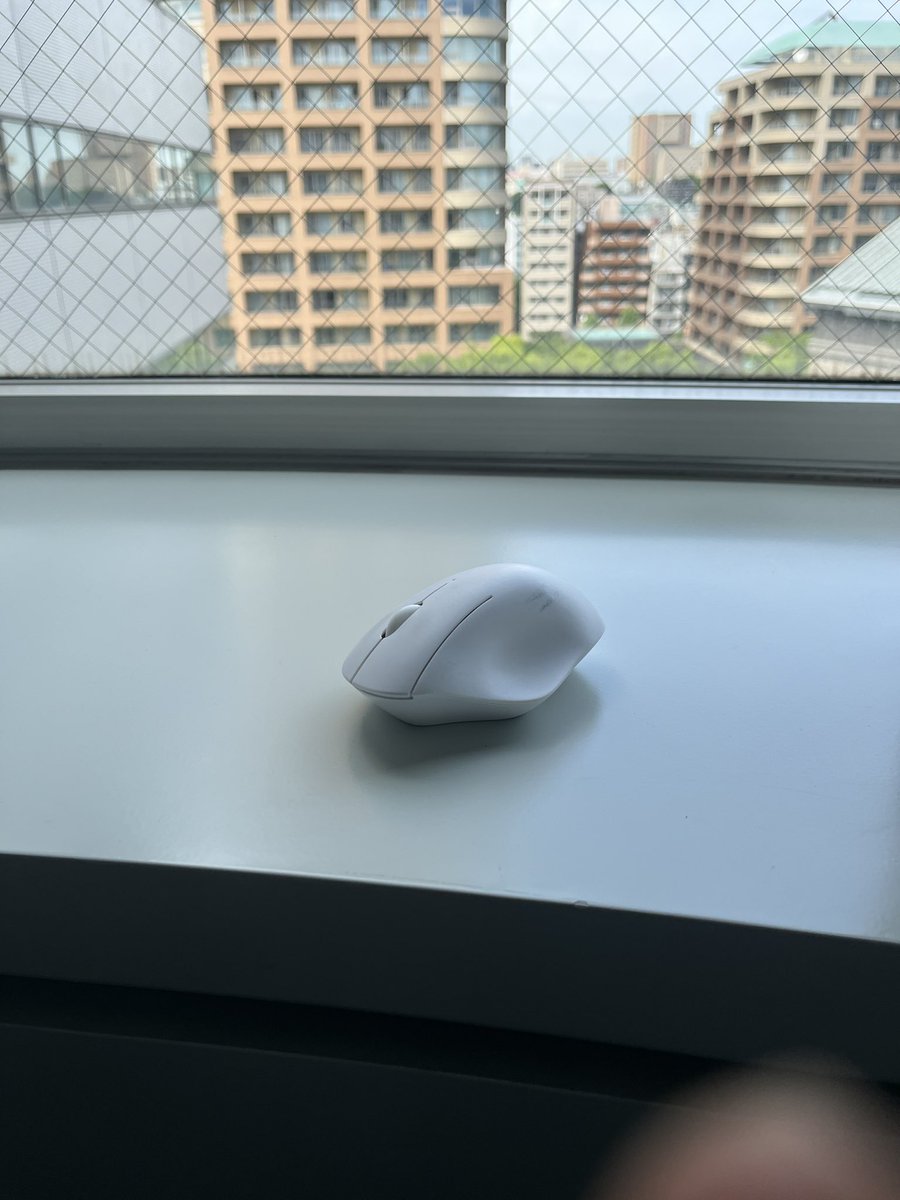
7
331


The Graduate School of Asia-pacific Studies (GSAPS) at @waseda_univ has launched its new Scholarship Programme for MA and PhD applicants and will shortly be accepting applications for Sept 2024 entry.
PDF Flyer➡️waseda.box.com/s/b0u2js2itl3…
More info➡️shorturl.at/aeQ19

4
366

21 Nov 2023
Frontend masters was instrumental in helping me learn JS but if you've got the background already it gets a lot easier. I can't say I've used any courses for motion explicitly. Motion is more by "feel" so I mostly used trial and error. GSAPs tutorials and docs are UNMATCHED tho!
2
3
120