
Azure Maps Gen2 × Claude Codeで、天気アプリ「HokkaidoSky」を一気に構築。
地図、天気、レーダー、ルート案内、検索までをAzure中心でまとめると、かなり気持ちよく組めます。
#AzureMaps #ClaudeCode #GitHubCodespaces #Azure
powerdaaps.hatenablog.com/en…
1
7
48
12,936

Feb 22
> SUDO ./STOP_LOCAL_DEV.SH
Use cloud environments, containers, and remote development. Your local machine should just be a "terminal" to connect to powerful remote systems.
I use GitHub Codespaces. wbu?
#GitHubCodespaces #CloudCoding #DevTools
2
3
162

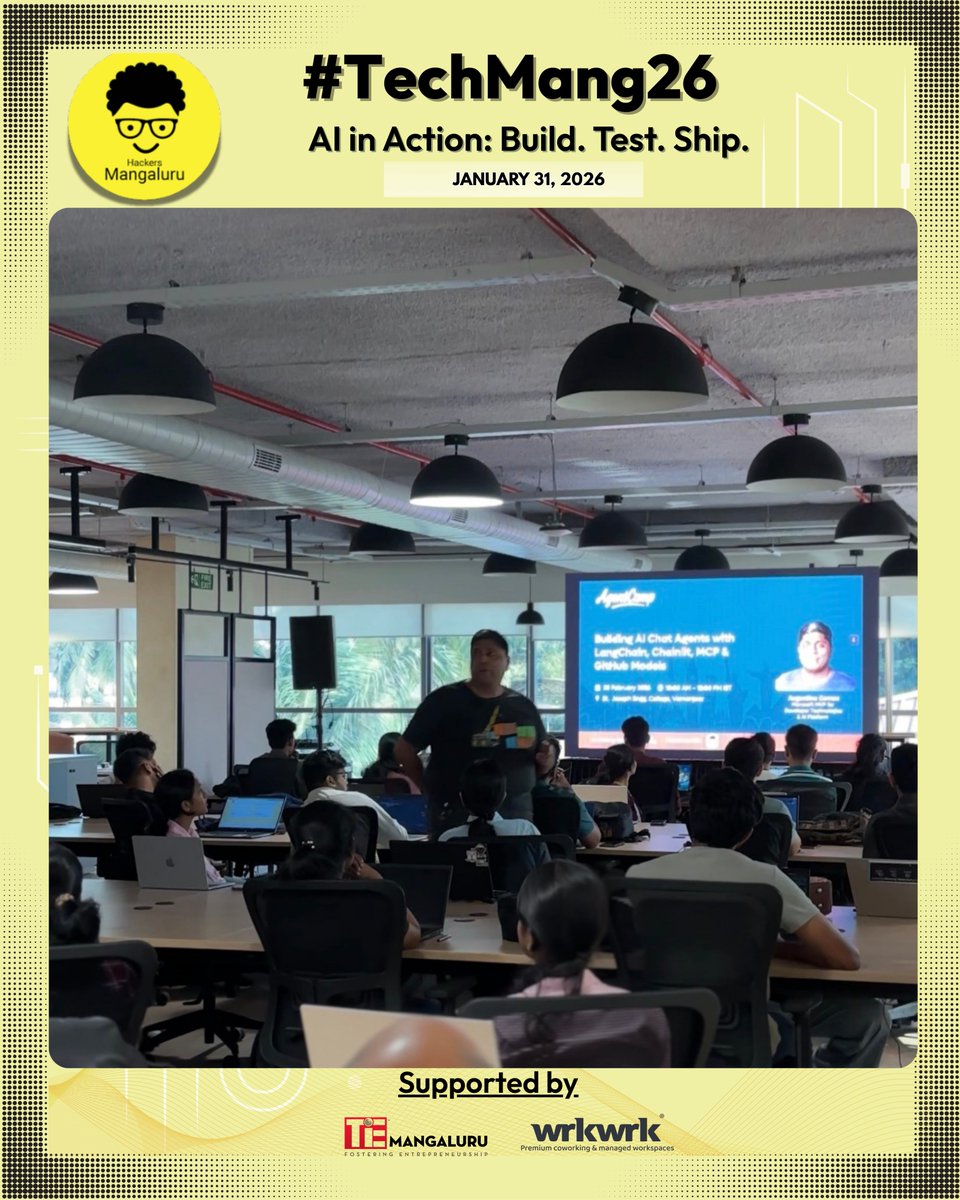
It was a pleasure to host @augvcor for a hands-on workshop focused on building and evolving real-world AI agents. The session offered a practical, end-to-end walkthrough—from core concepts to a fully functional, tool-enabled AI assistant.
Key takeaways from the workshop:
➡ Understanding how AI agents and large language models work in real-world scenarios
➡ How agents maintain context, reason over inputs, and decide between direct responses and tool usage
➡ Introduction to GitHub Codespaces as a fully cloud-based development environment
➡ Exploring multiple ways to create and launch a Codespace
➡ Forking the provided GitHub repository to experiment freely with agent code
➡ Navigating the project structure using the repository’s step-by-step guide
➡ Creating and configuring GitHub access tokens for secure resource access
➡ Setting up a dedicated Python virtual environment for dependency isolation
➡ Installing required frameworks, including Chainlit for chat UI and LangChain for agent logic
➡ Building a working chatbot using Chainlit with a web-based chat interface
➡ Enhancing the chatbot by integrating an external weather API
➡ Understanding the agent’s decision-making flow between API calls and language model responses
➡ Customizing chatbot behavior to create a more natural, conversational assistant
➡ Gaining hands-on experience in evolving a basic LLM chatbot into a capable, tool-using AI agent
Thank you, Augustine Correa, for an engaging and practical workshop that enabled participants to build, experiment, and truly understand AI agents in action.
📍 Live moments from our tech event #TechMang26 at @itswrkwrk ✨
#Workshop #AIAgents #LLM #Chainlit #LangChain #GitHubCodespaces #HandsOnLearning #AIDevelopment #TechCommunity #KnowledgeSharing
2
27

Safeguarding VS Code against prompt injections - github.blog/security/vulnera… by @artsploit at @GHSecurityLab
The Copilot Chat extension for VS Code has been evolving rapidly over the past few months, adding a wide range of new features. Its new agent mode lets you use multiple large language models (LLMs), built-in tools, and MCP servers to write code, make commit requests, and integrate with external systems. It’s highly customizable, allowing users to choose which tools and MCP servers to use to speed up development.
From a security standpoint, we have to consider scenarios where external data is brought into the chat session and included in the prompt. For example, a user might ask the model about a specific GitHub issue or public pull request that contains malicious instructions. In such cases, the model could be tricked into not only giving an incorrect answer but also secretly performing sensitive actions through tool calls.
In this blog post, I’ll share several exploits I discovered during my security assessment of the Copilot Chat extension, specifically regarding agent mode, and that we’ve addressed together with the VS Code team. These vulnerabilities could have allowed attackers to leak local GitHub tokens, access sensitive files, or even execute arbitrary code without any user confirmation. I’ll also discuss some unique features in VS Code that help mitigate these risks and keep you safe. Finally, I’ll explore a few additional patterns you can use to further increase security around reading and editing code with VS Code.
#PromptInjection #IndirectPromptInjection #LLMSecurity #AIAgents #AgentMode #VSCodeSecurity #GitHubCopilot #MCPServers #ToolSecurity #CredentialLeak #DataExfiltration #RCE #WorkspaceTrust #DevContainers #GitHubCodespaces
2
11
278

21 Jul 2025
Just delivered a $3K data science time series project in 7 days using GitHub Codespaces AI Client is thrilled with the results. Leading a top notch team of data scientists, ready to tackle your complex problems. DM us #DataScience #AI #GitHubCodespaces
#freelance #DataAnalytics
3
156

27 Jun 2025
【やり方】
①作業したいGitHubリポジトリをブラウザで開く(PCからが楽)
②github .com/~~ をgithub .dev/~~に変える→VSCodeがWeb上で起動
③ターミナルを開いてGithubCodeSpacesで作業を有効化
④Claude Codeのインストールと認証
⑤URLをコピーしてスマホで開く
2
3
19
1,631


23 Mar 2025
iPad Github Codespaces GitHub Copilot Agent mode! Great combo! 👌🏻
Adding some small features to make my life easier doing pull requests on Azure DevOps.
#GitHub #GitHubCopilot #GitHubCodespaces #MVPBuzz
4
2
30
2,557

13 Mar 2025
New Course Alert!
Enhance your #React skills with micro-frontend architecture. Learn how to break complex apps into manageable pieces, using webpack Module Federation.
Check it out now on #LinkedInLearning
linkedin.com/learning/micro-…
#MicroFrontend #Webpack #GitHubCodespaces
5
10
960

8 Mar 2025
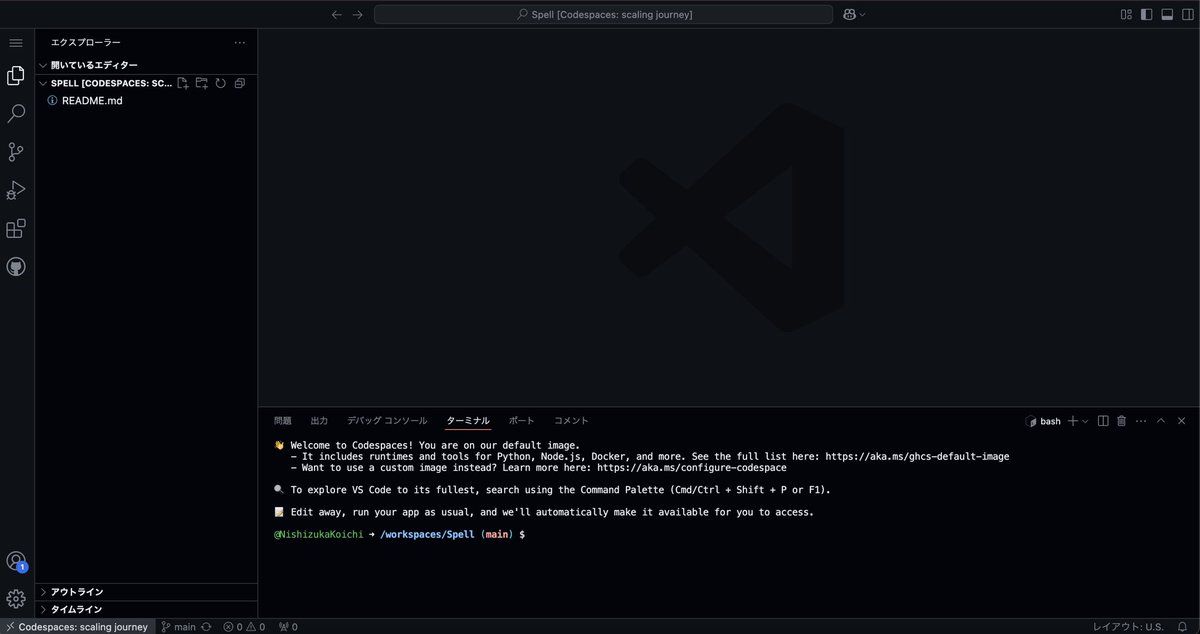
もし、GitHub CodeSpacesにデフォルトでClaude CodeとMCPサーバー連携したら、大変なことになりそうじゃな…🧐
#Anthropic #Claude #MCP #GitHubCodeSpaces
3 Mar 2025

ChatGPTのDeep ResearchでMCP連携可能なプロダクトと具体的なユースケースに関する詳細をレポートしてみてもらった✨:
MCP連携可能なプロダクトと具体的なユースケースに関する詳細レポート
はじめに
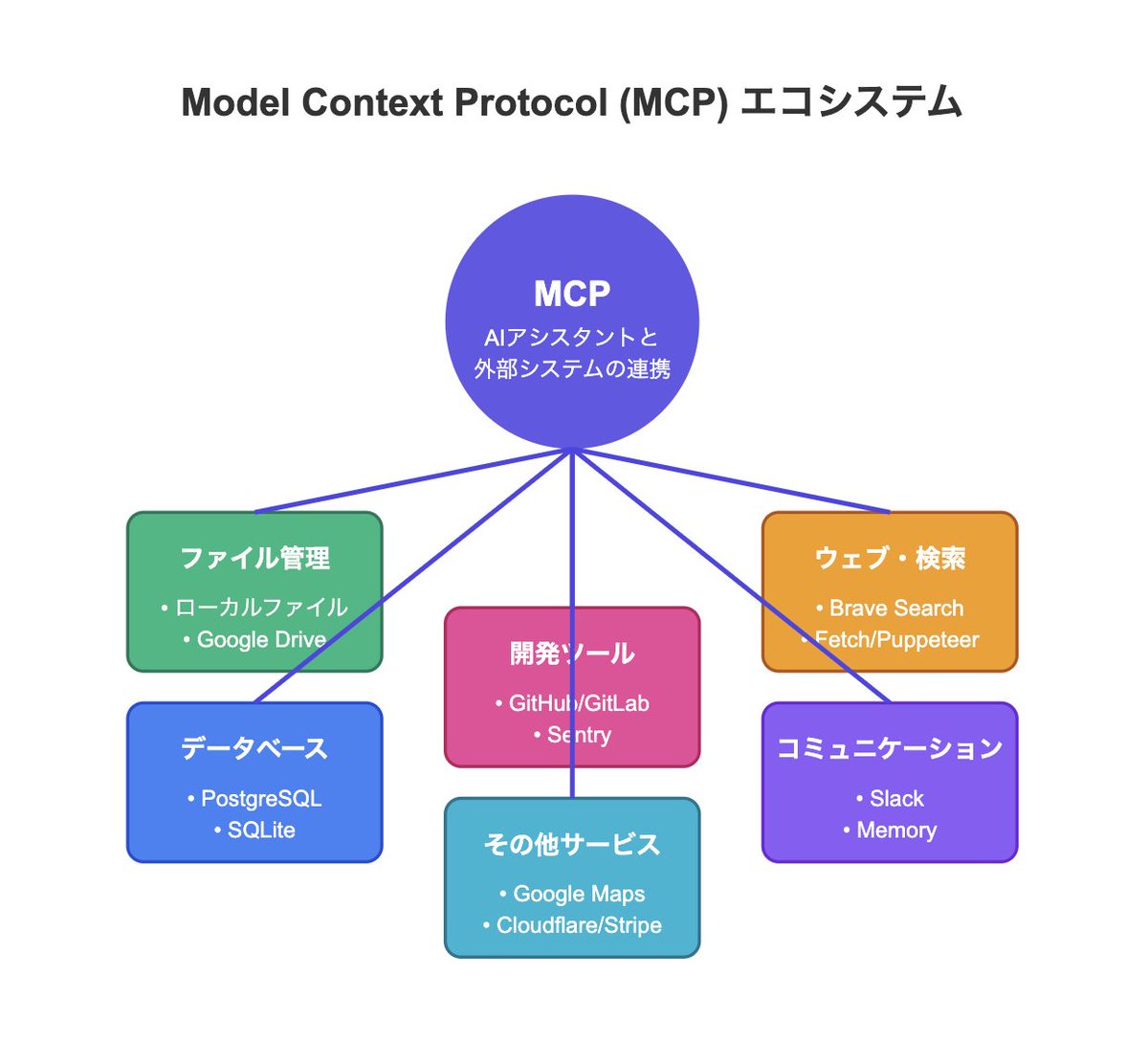
近年、AI技術の急速な発展に伴い、AIアシスタントと外部システムの連携が求められています。Anthropic社が提唱するModel Context Protocol (MCP)は、AIシステムと多様なデータソースやサービスを統合するためのオープン標準プロトコルとして注目されています。本記事では、MCPが連携可能なプロダクトの一覧と、それぞれの機能、そして実際に活用される具体的なユースケースについて詳しく解説します。
MCPとは
MCPは、AIアシスタント(大規模言語モデル: LLM)と外部システム間の通信を標準化するプロトコルです。これにより、ユーザーは自然言語で指示するだけで、各種システムのデータや機能にアクセスできるようになります。MCPは、各プロダクトごとに専用の「MCPサーバー」を介して連携を実現し、必要な認証情報やAPIキーを利用して安全に接続されます。
MCPが連携可能なプロダクト一覧
MCPは多岐にわたるプロダクトと連携可能です。以下に主な連携先とその機能を示します。
1. ローカルファイルシステム
機能: PC上の特定フォルダやファイルの検索、読み書きが可能。
用途: 文書管理やファイル操作の自動化。
2. データベース
PostgreSQL: データの読み取りや自然言語によるSQLクエリの実行をサポート。
SQLite: 軽量なデータベースへのクエリ実行やデータ集計が可能。
用途: ビジネスデータの迅速な抽出、意思決定支援、分析作業の効率化。
3. クラウドストレージ
Google Drive: クラウド上のファイル検索や閲覧が可能。
用途: 資料管理、チーム内での情報共有、必要なドキュメントの迅速な抽出。
4. コードリポジトリ
Git/GitHub/GitLab: コードの検索、変更、Issue登録、Pull Request作成など、リポジトリ管理全般を支援。
用途: ソフトウェア開発の効率化、コードレビュー自動化、バグ追跡の改善。
5. エラートラッキング
Sentry: エラーログの取得と原因分析、Issue管理をAIがサポート。
用途: システム障害の早期検知、迅速な問題解決のための自動化対応。
6. ウェブ検索・スクレイピング
Brave Search: 自然言語での検索クエリに応じた最新情報の取得。
Fetch / Puppeteer: 指定URLのWebページ内容の取得やヘッドレスブラウザを用いた高度なウェブ操作。
用途: リサーチ、情報収集、レポート作成のための自動データ抽出。
7. チームコミュニケーション
Slack: チャンネル管理、メッセージ送受信、会話の要約などを自動化。
用途: 会議の議事録作成、チーム間の迅速な情報共有、コミュニケーション効率の向上。
8. 地図・位置情報
Googleマップ: 地図検索、経路案内、場所の詳細情報取得が可能。
用途: 近隣施設の検索、最適な移動経路の提案など。
9. 記憶管理
Memory: 知識グラフベースの記憶システムにより、対話履歴やナレッジを保持。
用途: 長期的なコンテキスト保持、ユーザーの過去のやり取りを踏まえた情報提供。
10. その他公式連携
Cloudflare, Stripe: 各社が提供する公式MCPコネクタを利用し、クラウド基盤の管理や決済システムの操作を可能に。
用途: クラウドインフラの管理自動化、決済処理の効率化。
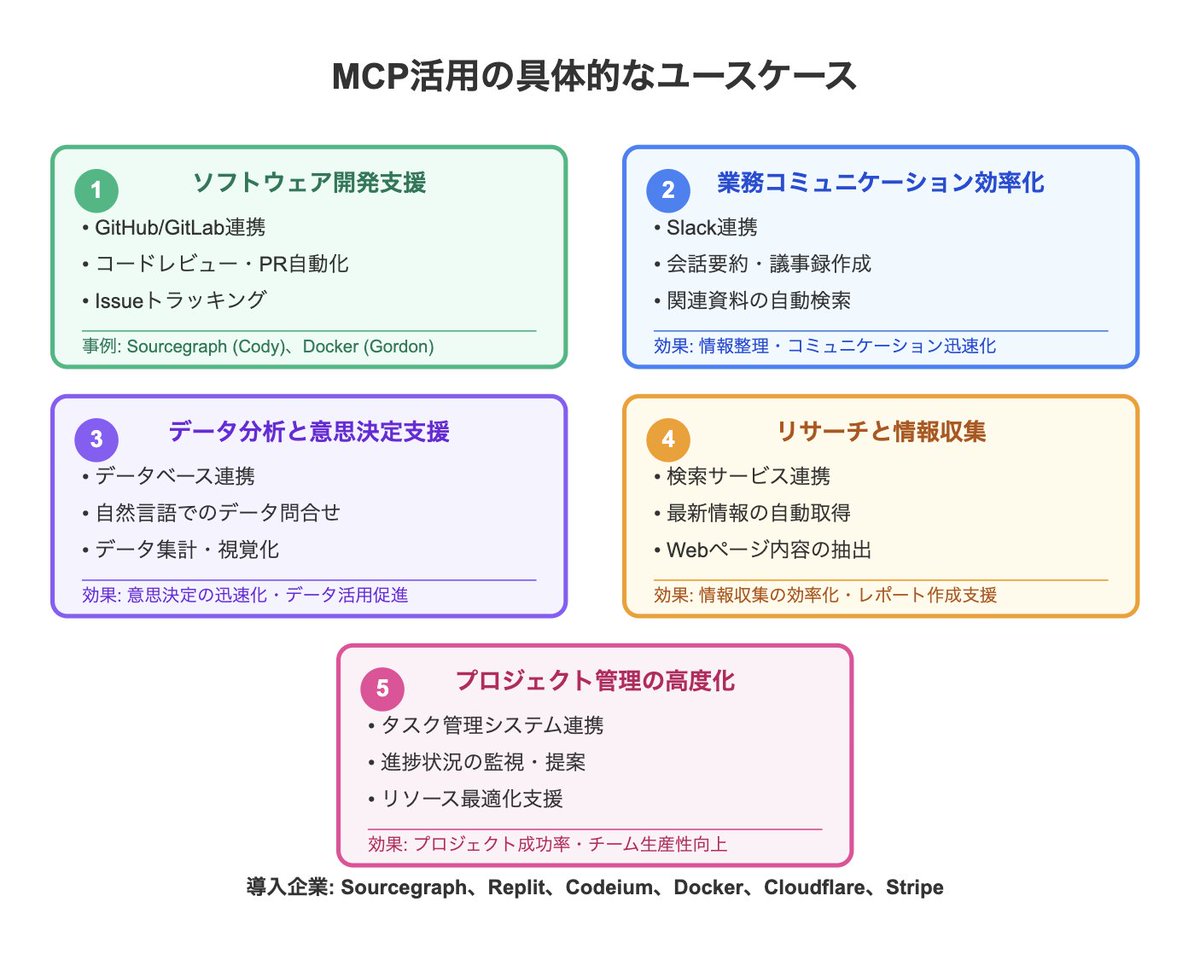
MCPを活用した具体的なユースケース
MCPの導入により、様々な業務プロセスが自動化され、効率化が図られています。以下に、具体的なユースケースをいくつか紹介します。
1. ソフトウェア開発支援
概要: コードリポジトリ(GitHub、GitLab)やチケット管理システムと連携し、AIがコードレビュー、プルリクエスト作成、Issue登録を自動化。
事例:SourcegraphのCody: 開発者がIDEを離れることなく、AIがコードの修正提案やレビューを実行。
DockerのAIアシスタント(「Gordon」): コンテナ操作や新規リポジトリの作成、Dockerfileの最適化を自動で支援。
2. 業務コミュニケーションの効率化
概要: SlackやGoogle Driveと連携し、AIが会話内容の要約や関連資料の自動検索を実行。
効果: 会議の議事録作成、情報整理、社内コミュニケーションの迅速化により、業務効率が大幅に向上。
3. データ分析と意思決定支援
概要: PostgreSQLやSQLiteへのアクセスを通じて、自然言語によるデータ問い合わせや集計を実現。
効果: 専門知識がなくても必要なビジネスデータを迅速に抽出でき、意思決定のスピードアップに寄与。
4. リサーチと情報収集
概要: Brave SearchやFetch、Puppeteerを利用し、最新情報やWebページの内容を自動で取得。
効果: 膨大な情報の中から必要なデータを瞬時に抽出し、レポートや調査資料の作成を効率化。
5. プロジェクト管理の高度化
概要: タスク管理システムと連携し、AIが進捗状況の監視、遅延タスクへの対応策の提案、リソース配分の最適化を支援。
効果: プロジェクトの成功率向上、チーム全体の生産性改善に大きく貢献。
導入企業と今後の展望
2024年末以降、MCPは先進的な開発プラットフォーム企業での採用が進んでいます。Sourcegraph、Replit、Codeium、Dockerなどが既にMCPを活用し、AIと各種ツールをシームレスに統合する環境を構築中です。また、CloudflareやStripeが公式MCPコネクタを公開していることから、クラウド基盤や決済システムの分野でも今後の導入が期待されます。これにより、ユーザーはAIが自動で必要な文脈情報を取得・加工してくれる環境で、より創造的な業務に専念できるようになります。
まとめ
MCPは、AIと多様なプロダクトを統合するための強力なツールとして、開発支援、業務自動化、データ分析、情報収集など幅広いユースケースに対応しています。各種システムとの連携により、ユーザーは自然言語で複雑な操作を実行できる環境が整いつつあり、今後ますます多くの企業での導入が進むと予想されます。この記事を参考に、MCPの活用方法や導入の可能性をぜひ検討してみてください。
1
14
852

6 Feb 2025
Dive into the world of #GitHubCodespaces and .NET development. In this #dotNETConf Student Zone hands-on workshop, we learn to create, customize, and deploy your own portfolio website. 🎥 msft.it/6011UVJyf
1
6
299

GitHubCodespaces内で動作した。メモリ不足でLLMでの生成がかなり厳しいけど。aituber-kit+VoicevoxEngine+Ollama(Gemma2-2b-jpn)この感じ、GPUありのローカルPCであればもっといい感じで動作しそう。#AITuberKit
note.com/nike_cha_n/n/ne98ac…

1
3
329

13 Jan 2025
GitHub Codespaces: Cloud-Powered Coding
Imagine spinning up a dev environment in seconds—no local setup required! 💨
With GitHub Codespaces, you get a pre-built, customizable cloud workspace that works seamlessly with your repos. ☁️
#GitHubCodespaces
1
3
23

2025-01-03 夜:LocalStackとGitHub Codespacesを触ってみる
「LocalStack 実践入門」chapter3まで。AWSサーバレス開発環境としてLocalStackを試用。GitHub Codespacesとの連携もスムーズ。最低限使えるように学習継続! #LocalStack #GitHubCodespaces #AWS #サーバレス
zenn.dev/kakakakakku/books/a…
1
2
1,173


30 Oct 2024
🔍 Which environment is right for building on #ICP?
🌐 Cloud-based options like #Gitpod & #GitHubCodespaces offer convenience with pre-installed tools. perfect for smaller, agile projects.
💻 For complex ICP projects, native #DFX installation provides more power and scalability for developers ready to take on ambitious builds.
Choose your setup wisely! 💪
#Web3 #BlockchainDev #InternetComputer #ICPDev #CodingCommunity #RwOT #GitHub #tenhag @RISARwanda @RwandaICT @ICPHUBS
1
9
279


2 Oct 2024
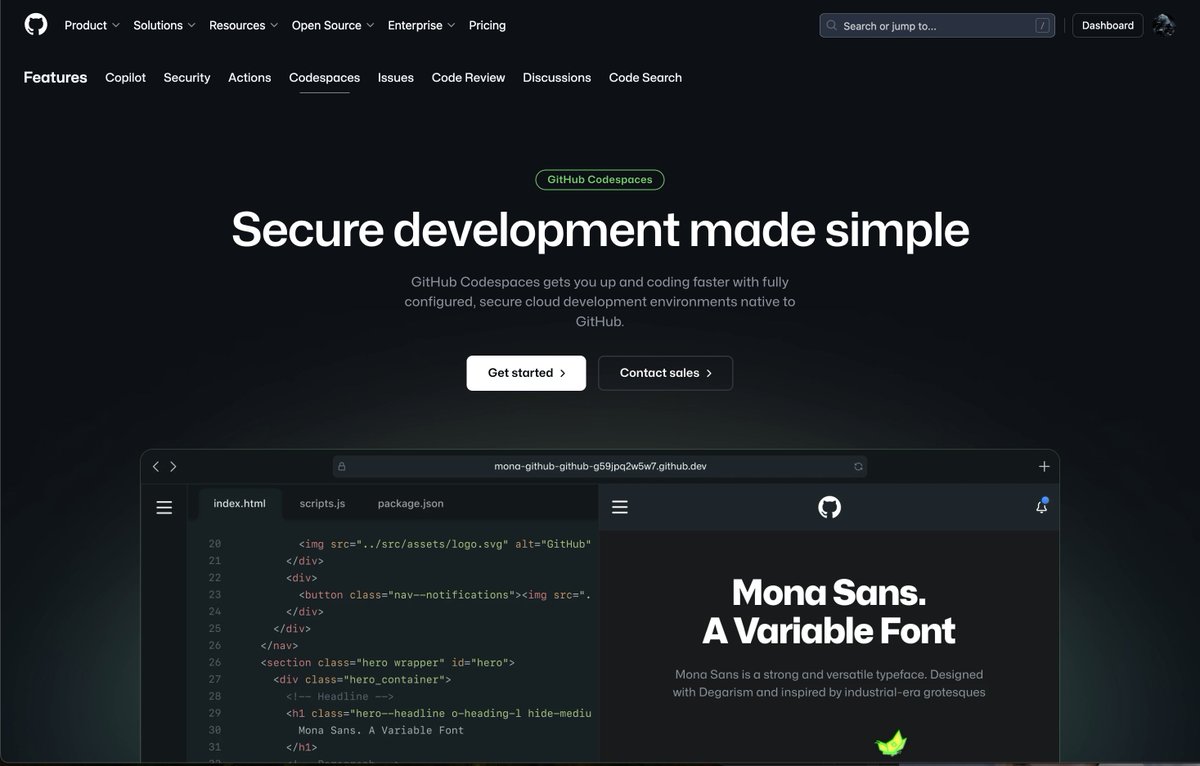
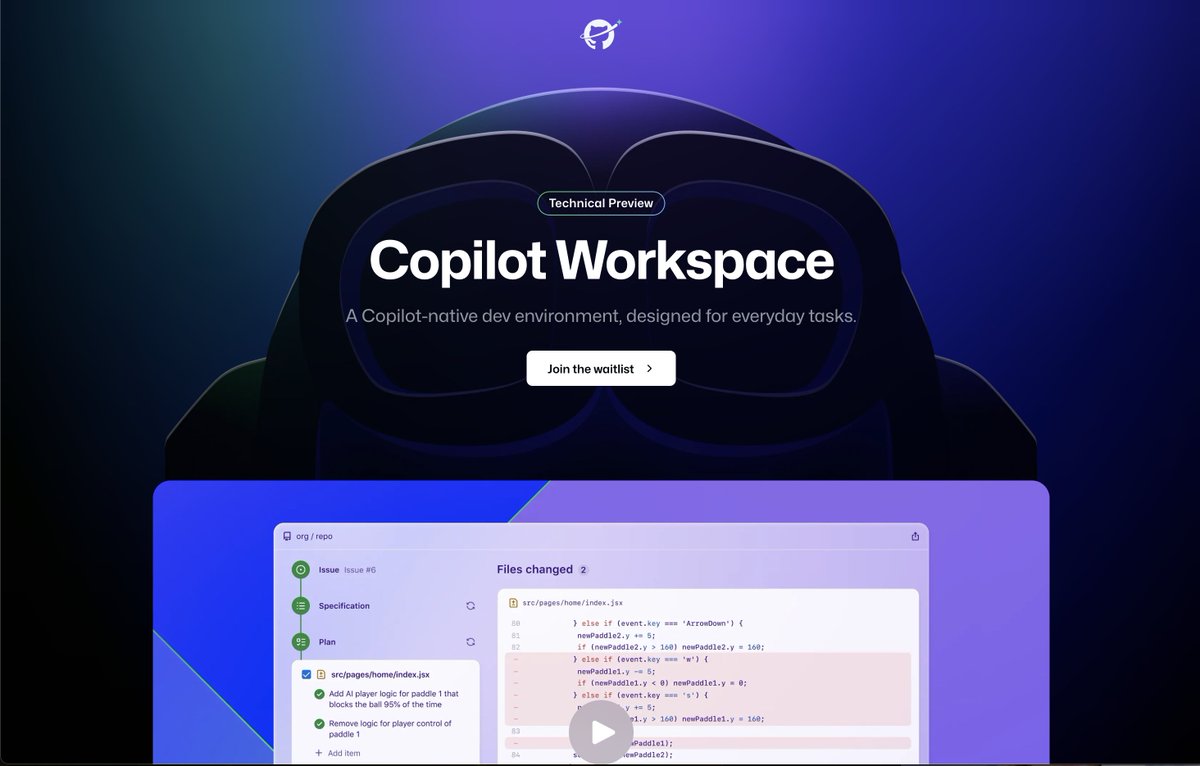
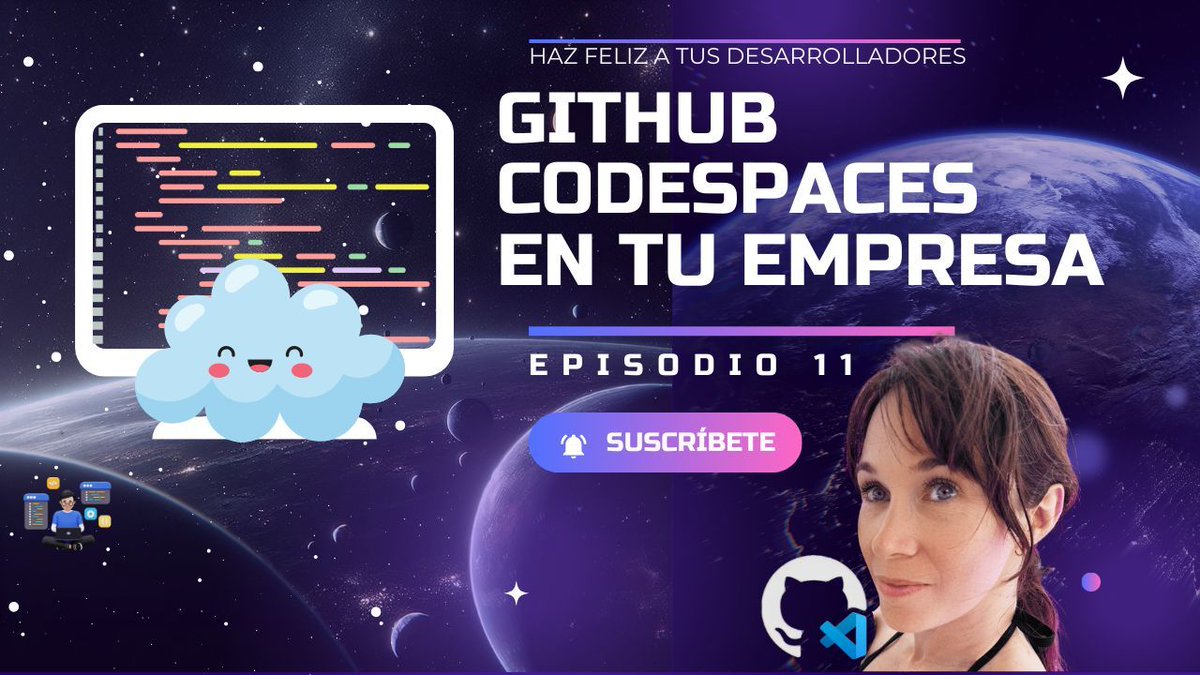
¡Hola developer 👋🏻! En este vídeo, de mi serie sobre Platform Engineering, te voy a contar cómo podemos adaptar GitHub Codespaces a las necesidades de un entorno empresarial. buff.ly/3TNZtmD #platformengineering #github #githubcodespaces #devcontainers #docker
6
14
707

21 Sep 2024
🚀 Découvrez #GitHubCodespaces et révolutionnez votre développement ! 🌟 Démarrez instantanément, codez de n’importe où et collaborez facilement.💻✨
lark.hashnode.dev/a-la-decou…
#Développement #Productivité #Technologie
5
34

3 Sep 2024
When Technology Fails, #GitHub Codespaces Saves the Day - A story from Copenhagen Developer Festival - @NDC_Conferences chris-ayers.com/2024/08/09/g… via @chris_l_ayers #Conference #GitHubCodeSpaces #SpeakerLife #storytime
2
111