
30 Jun 2023
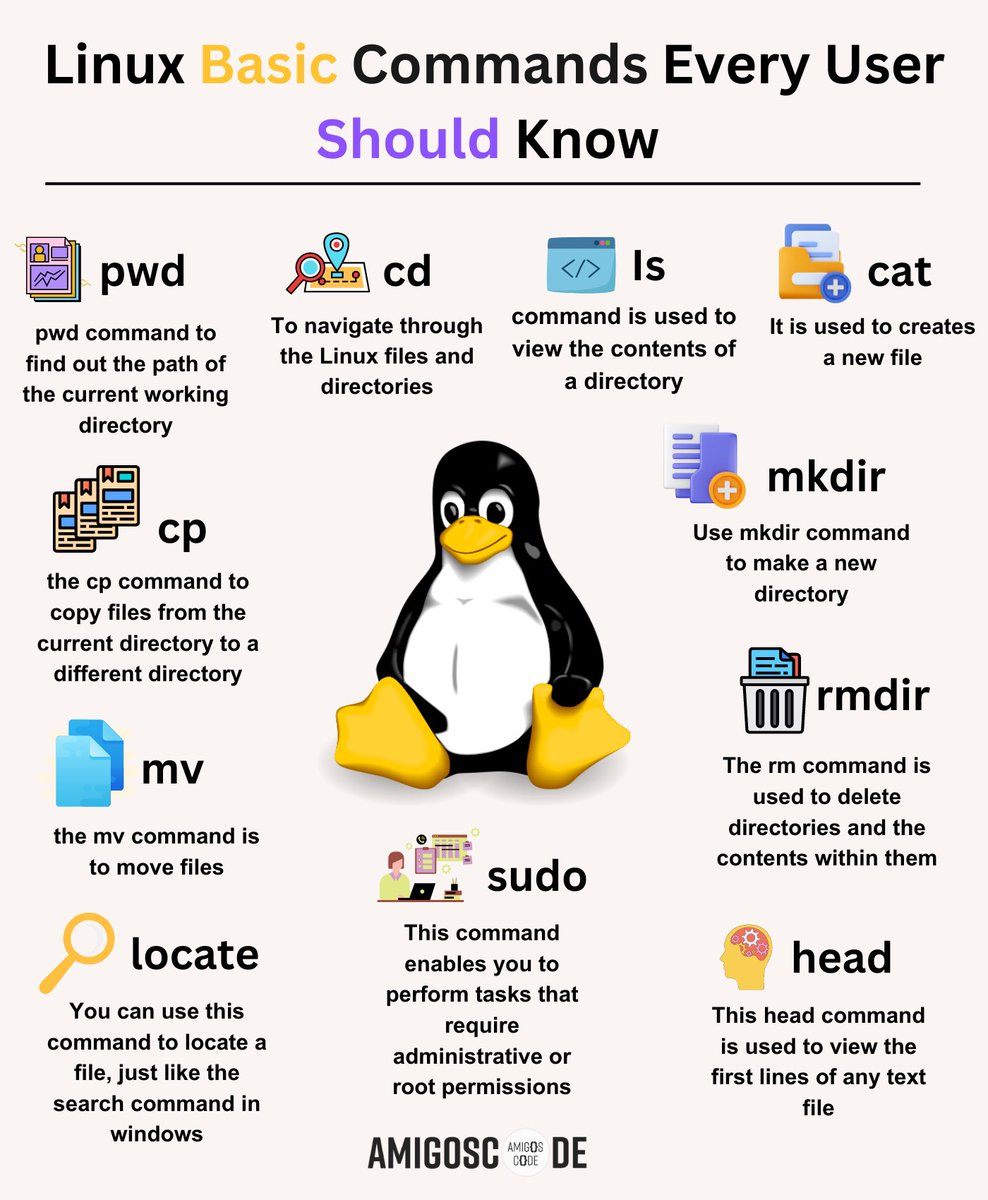
🐧✨ Essential Linux Commands Every User Should Know! ✨🐧
1️⃣ ls: This nifty command lets you list the contents of a directory. Want to explore what's inside? Just type "ls" and hit Enter! 📂👀
2️⃣ cd: The "cd" command allows you to navigate through directories. Move forward, backward, or jump to a specific location effortlessly! 🚶♀️🌍
3️⃣ mkdir: Need to create a new directory? The "mkdir" command is your go-to! Give it a name, and voila! Your new directory is born! 📁🎉
4️⃣ rm: When it's time to bid farewell to files or directories, "rm" comes to the rescue. But remember, use it with caution as there's no turning back! 🗑️💔
5️⃣ cp: The trusty "cp" command lets you make copies of files and directories. Duplicate your favorite cat picture or create backups with ease! 🐱📷✨
6️⃣ mv: The versatile "mv" command moves files or directories from one place to another. Think of it as a Linux teleportation device! 🚀📂🔀
7️⃣ grep: Searching for specific words or patterns within files? "grep" is your secret weapon! Uncover hidden treasures of information effortlessly. 🔍💡
8️⃣ chmod: With "chmod," you can change the permissions of files and directories. Gain control over who can read, write, and execute your files! 🔒🔑
9️⃣ man: Feeling lost or in need of guidance? The "man" command is your helpful companion. It reveals the secrets of other commands, providing you with all the information you need. 📚🤓
🔟 sudo: When you need administrative powers, "sudo" is your best friend! It grants you the ability to execute commands with superuser privileges.
Explore these fundamental Linux commands, and you'll be well on your way to mastering the command line! Embrace the power, flexibility, and awesomeness that Linux offers. Happy command-lining! 💻✨
✅ Join Amigoscode today for premium programming courses - bit.ly/40ujtvS
#LinuxCommands101 #MasteringLinux #CommandLineBasics #LinuxTips #LinuxForEveryone #TechKnowhow #LinuxLove #OpenSourcePower #CommandLineMagic #LinuxEssentials #TechSkills #LinuxCommunity #GeekLife #LinuxLearning #LinuxGuru #TechTutorials #LinuxBeginner
5
206
714
82,691