
The 50 Linux Commands Writings:
50 End User Linux Commands -> amazon.com/dp/B09J49L1BK/
50 Basic Linux Commands -> amazon.com/dp/B0968Z39W6/
50 Key Linux System and Network Administrative Commands -> amazon.com/dp/B08GSN8VY4/
#Linux #LinuxAddiction #LinuxLearning #LinuxWritings
3

Jun 1
🎉 Happy New Month!
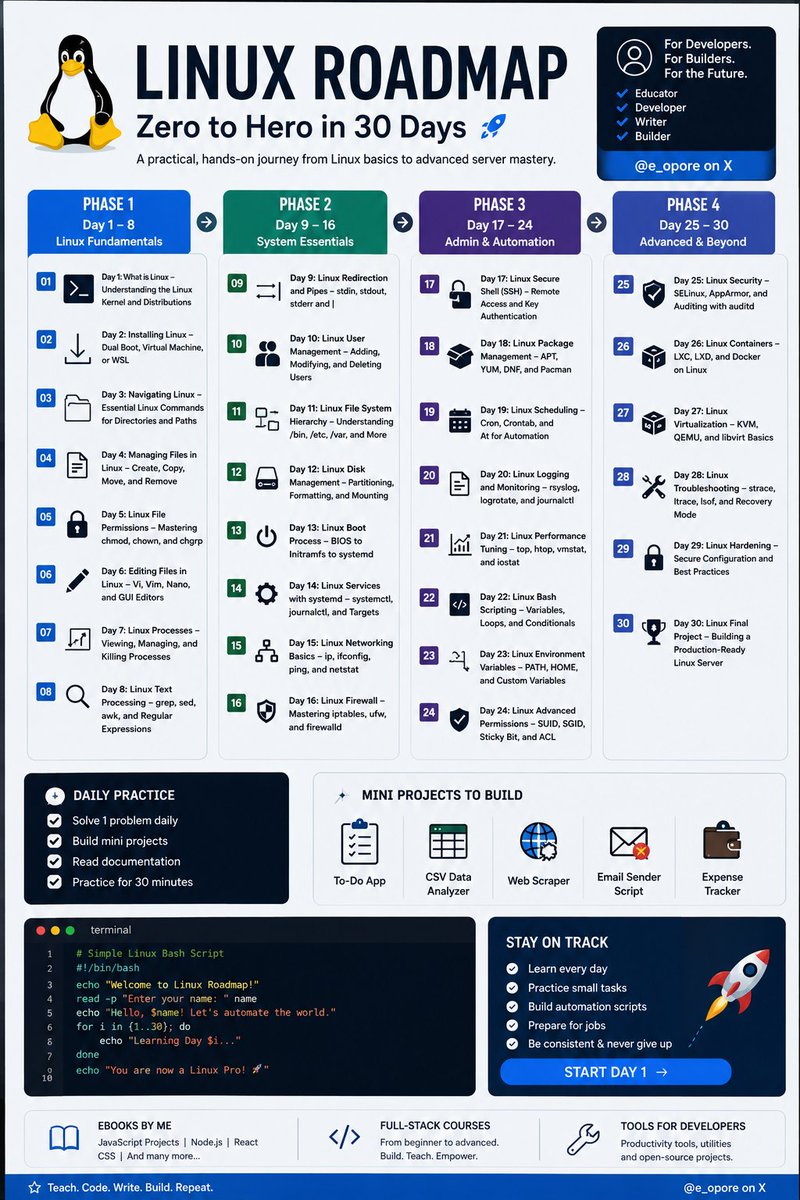
Linux tutorial series, structured as Day 1 through Day 30:
1. Day 1: What is Linux – Understanding the Linux Kernel and Distributions
2. Day 2: Installing Linux – Dual Boot, Virtual Machine, or WSL
3. Day 3: Navigating Linux – Essential Linux Commands for Directories and Paths
4. Day 4: Managing Files in Linux – Create, Copy, Move, and Remove
5. Day 5: Linux File Permissions – Mastering chmod, chown, and chgrp
6. Day 6: Editing Files in Linux – Vi, Vim, Nano, and GUI Editors
7. Day 7: Linux Processes – Viewing, Managing, and Killing Processes
8. Day 8: Linux Text Processing – grep, sed, awk, and Regular Expressions
9. Day 9: Linux Redirection and Pipes – stdin, stdout, stderr and |
10. Day 10: Linux User Management – Adding, Modifying, and Deleting Users
11. Day 11: Linux File System Hierarchy – Understanding /bin, /etc, /var, and More
12. Day 12: Linux Disk Management – Partitioning, Formatting, and Mounting
13. Day 13: Linux Boot Process – BIOS to Initramfs to systemd
14. Day 14: Linux Services with systemd – systemctl, journalctl, and Targets
15. Day 15: Linux Networking Basics – ip, ifconfig, ping, and netstat
16. Day 16: Linux Firewall – Mastering iptables, ufw, and firewalld
17. Day 17: Linux Secure Shell (SSH) – Remote Access and Key Authentication
18. Day 18: Linux Package Management – APT, YUM, DNF, and Pacman
19. Day 19: Linux Scheduling – Cron, Crontab, and At for Automation
20. Day 20: Linux Logging and Monitoring – rsyslog, logrotate, and journalctl
21. Day 21: Linux Performance Tuning – top, htop, vmstat, and iostat
22. Day 22: Linux Bash Scripting – Variables, Loops, and Conditionals
23. Day 23: Linux Environment Variables – PATH, HOME, and Custom Variables
24. Day 24: Linux Advanced Permissions – SUID, SGID, Sticky Bit, and ACL
25. Day 25: Linux Security – SELinux, AppArmor, and Auditing with auditd
26. Day 26: Linux Containers – LXC, LXD, and Docker on Linux
27. Day 27: Linux Virtualization – KVM, QEMU, and libvirt Basics
28. Day 28: Linux Troubleshooting – strace, ltrace, lsof, and Recovery Mode
29. Day 29: Linux Hardening – Secure Configuration and Best Practices
30. Day 30: Linux Final Project – Building a Production-Ready Linux Server
Grab the Linux Ebook: codewithdhanian.gumroad.com/…
#Linux #LinuxTutorial #DevOps #SystemAdministration #OpenSource #Programming #Developer #CodeNewbie #100DaysOfCode #LinuxLearning #TechEducation #SoftwareEngineering #CloudComputing #CyberSecurity #BashScripting
Follow @e_opore on X to learn more.
29
70
398
20,214

Mar 29
#LearningInPublic
#Day14WithLinux
#LinuxLearning
Applied Linux fundamentals while working through the OverTheWire Bandit challenge.
Started seeing how navigation and file handling come together in real scenarios.
58

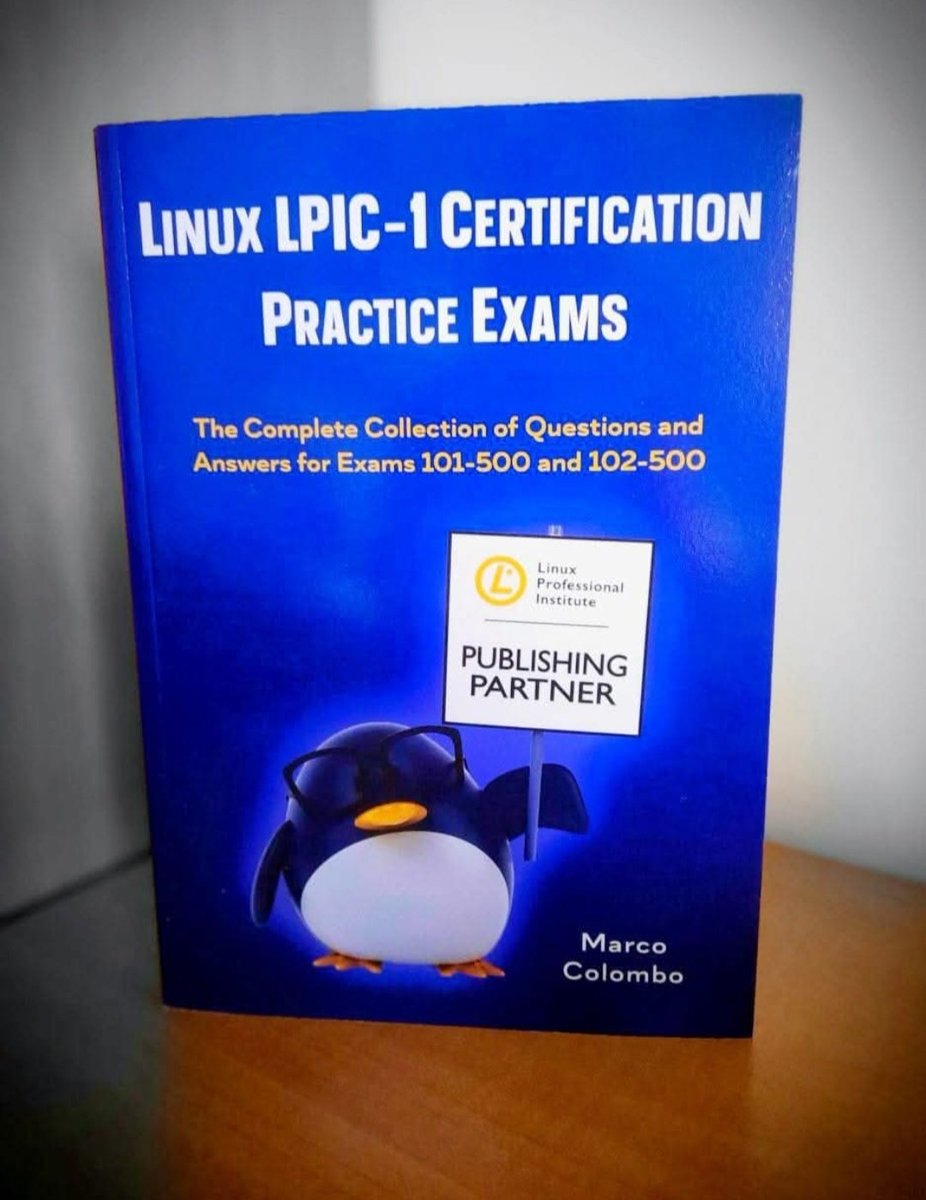
🐧 Learn Linux having fun!!! 🐧
👉🏻 More than 500 Q&A
👉🏻 8 practice exams
👉🏻 2 assessment test
👉🏻 1 final test
Useful to pass
Lpic-1 🎉🎉🎉
Linux Essentials 🎉🎉🎉
Compia Linux
#LPI #LPIC #LPIC1 #LinuxAdministrator #linux #LinuxAdmin #LinuxEssentials #LinuxLearning
1
2
50

Linux is multi-user 👥
Linux is multi-tasking ⚙️
Many users.
Many tasks.
One system.
Now I get why servers love Linux 🌍
#LinuxLearning #DevOpsJourney #NewToLinux
2
5

6 Nov 2025
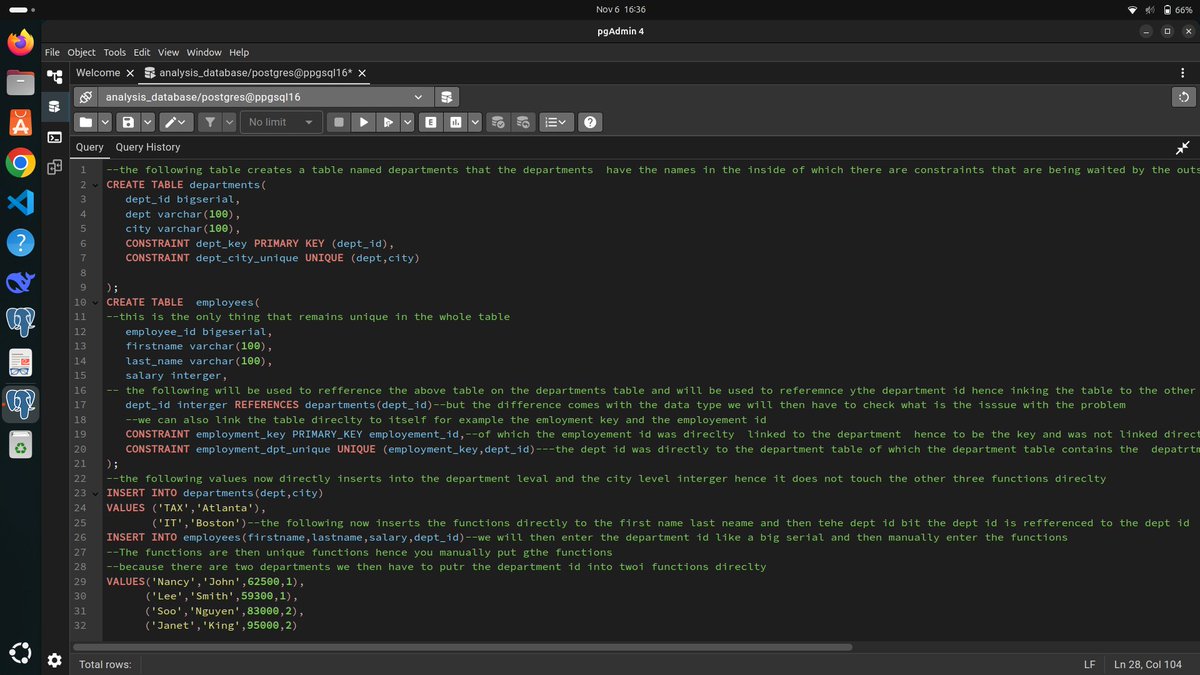
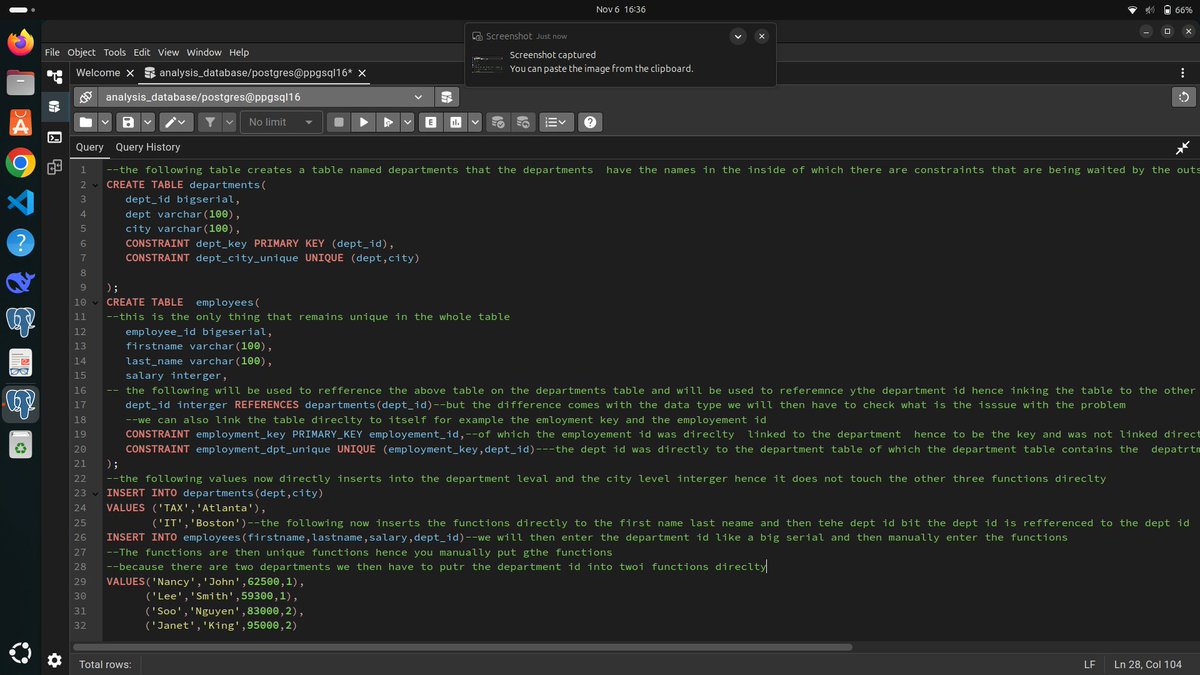
🧠 Today’s tech wins:
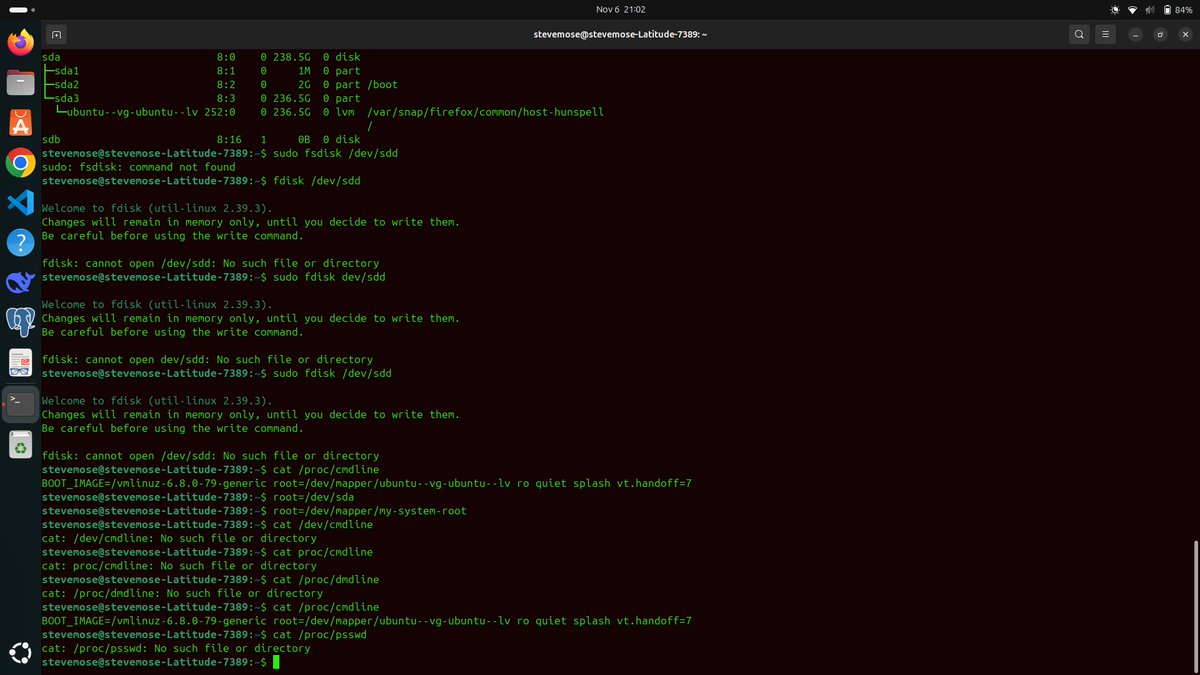
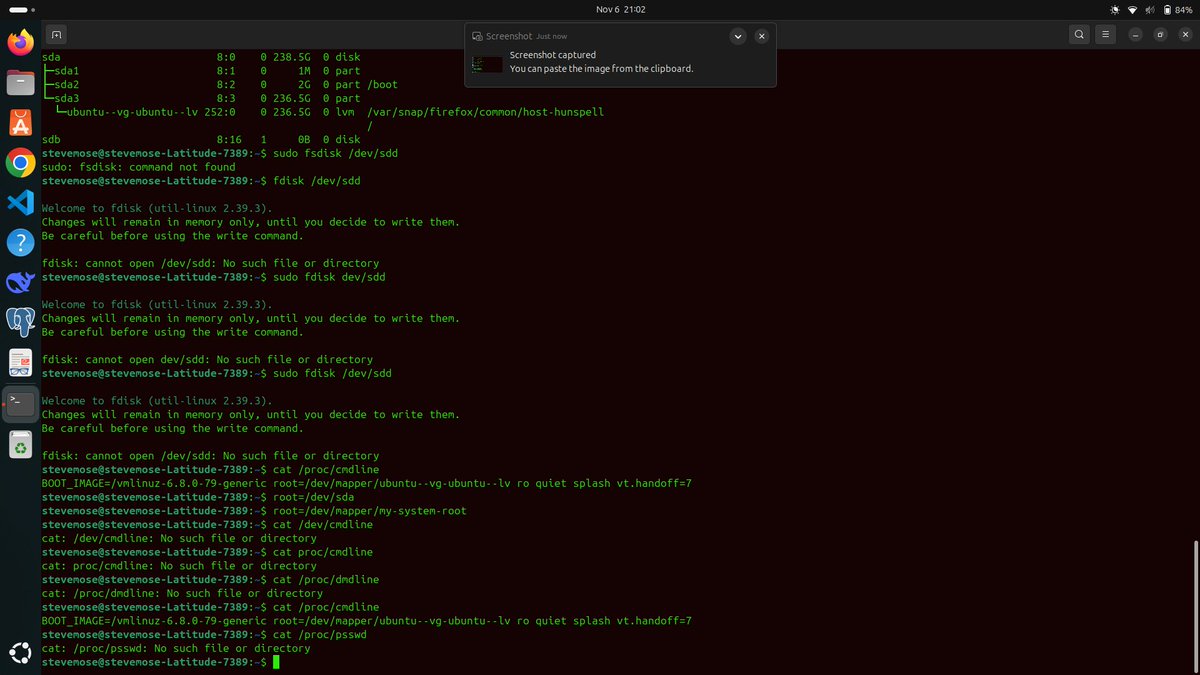
Learnt to relate rows in a table using keys. Hownow talk to each other .Explored devices and disks in Linux—from /dev/sda to lsblk,
#LinuxLearning #SQLTips #DevLife #TechTwitter #100DaysOfCode #DataEngineering #LinuxCommands #DatabaseDesign #CodingJourney
1
52

31 Oct 2025
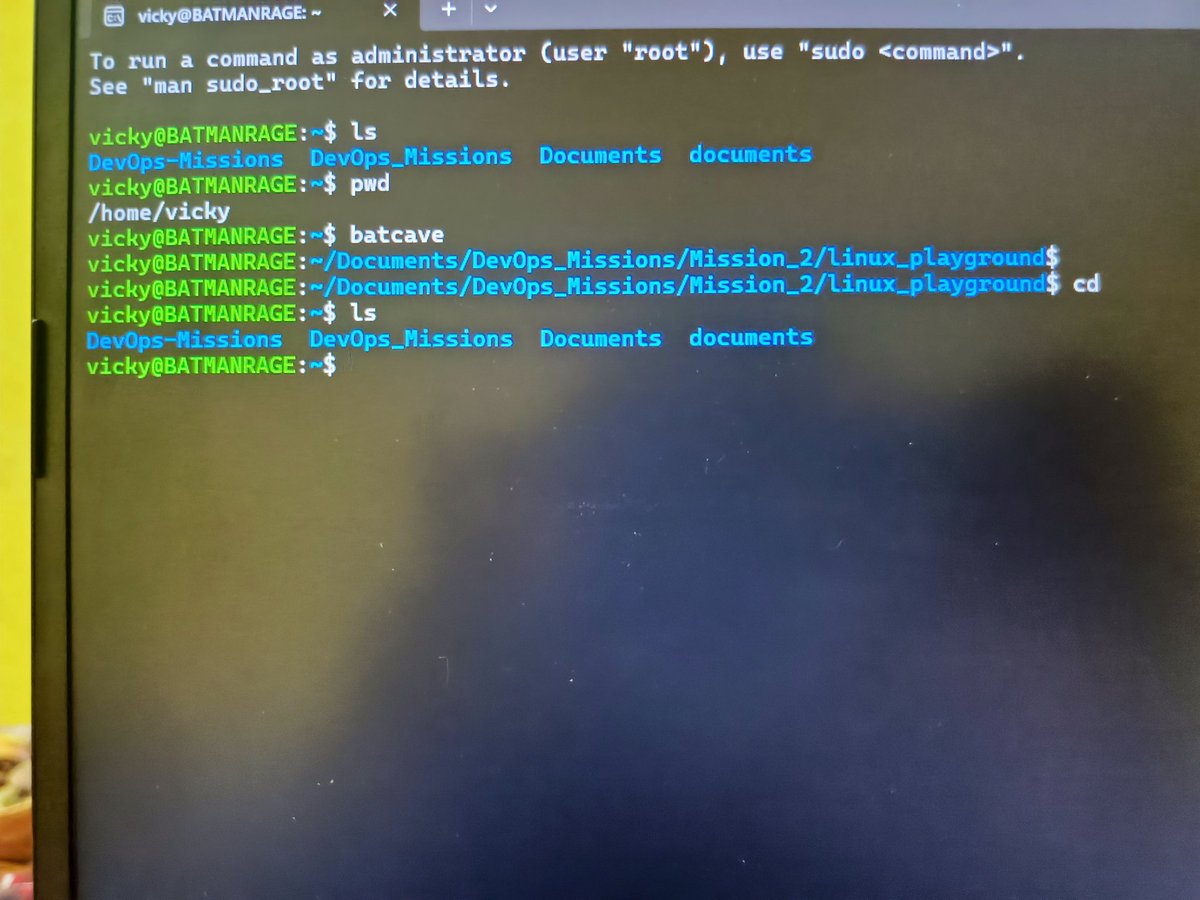
🦇 Day 2 of 180 — Mission 2: Bash Basics & Navigation
Completed the foundation of Linux — mastered file navigation, directory control, and essential commands.
Created shortcut Batcave for linux playground
#DevOpsJourney #LinuxLearning #BashCommands #Mission2 #BatmanMode 🦇🗿💀
1
2
60

20 Aug 2025
26%
Amir
43%
$name
30%
Error
23 votes • Final results
2
5
841

Need some help with your #Linux skills? 🖥️ From installation tips to mastering key features, the tutorial videos from @TheUrbanPenguin are a goldmine for enthusiasts and professionals alike. 🐧
#RockyLinux #Community #OpenSource #LinuxLearning
12 Jun 2025

Rocky Linux 10 is out and so is my video: youtu.be/PrYVOoUVuAg Quick install of the Server - color coded ip addr command!!! and Kernel 6.12 @CtrlIQ #RockyLinux
1
7
414

23 May 2025
“grep” and “find” are both used for searching things but their use cases are different
“grep” searches for contents in a file (like when searching for text inside a file)
“find” searches for files or folders(like when searching if a file exists)
#LinuxLearning
3
3
33
875

21 May 2025
3
153
20 May 2025
The Linux commands “cd ..” and “cd -“
are similar but not the same
“cd ..” takes you up one level in the current directory
While “cd -“ takes you to the previous working directory you were on, it’s like a back button
#LinuxLearning
6
17
211
7,821

28 Apr 2025
Tired of messy Linux output? 🛠️
In just 2 minutes, Sandra Henry-Stocker shows how the column command can clean up and format your data FAST.
Read more from Sandra 👉 trib.al/XBcu8Uz
#LinuxTips #CommandLineTools #LinuxLearning
421

18 Jan 2025
🐧 Linux Learning Journey for Beginners
Ready to dive into the world of Linux? Here's your roadmap to mastering this powerful operating system:
Getting Started
- Choose a beginner-friendly distribution like Ubuntu or Fedora
- Install via virtual machine or dual-boot system
- Learn essential commands: `ls`, `cd`, `pwd`, `mkdir`
Key Skills to Master
- File System Navigation: Understand directory structures
- Command Line Basics: Terminal is your new best friend
- File Permissions: Learn `chmod` for security
- Package Management: Get comfortable with `apt` or `yum`
Pro Tips
- Practice daily
- Explore shell scripting
- Use online tutorials and community resources
- Don't fear the terminal - embrace it!
Linux isn't just an OS, it's a powerful skill that can supercharge your tech career. Start your journey today! 💻🚀
#LinuxLearning #TechSkills #opensource
1
7
736

10 Jan 2025
Jetzt online: "AppImages einfach verwalten und installieren - Tutorial"
youtu.be/4ypSqNiEABY
#Linux #linuxmint #freesoftware #opensource #AppImage #linuxlearning #linuxguides

1
6
189

5 Dec 2024
Diving into Linux as I prep for the Red Hat Certified System Administrator (RHCSA) exam! 🎯 Sharing my journey with weekly blogs & posts—learning in public to stay accountable and (hopefully) help others too. Let’s do this! 🚀 #RHCSA #LinuxLearning
2
197

21 Sep 2024
Day 13/14 of learning #Linux
Today, I’m diving into networking commands. Commands like ifconfig and ip help display and manipulate network interfaces. traceroute and tracepath are invaluable for troubleshooting network paths. #LinuxLearning (1/8)
1
6
53
19 Sep 2024
Diving into system logging today! Unix's syslog centralizes logs from various programs, categorizing entries by 'Facility' (like auth, mail) and 'Priority' (like emerg, alert). This structured logging ensures efficient tracking of system events. #LinuxLearning (1/8)
1
6
90
18 Sep 2024
Day 10/14 of Learning #Linux
A Unix/Linux file system is a logical collection of files organized in partitions.
The root directory / is at the top, with all other directories branching off, making file management efficient. #LinuxLearning (1/8)
1
6
49
16 Sep 2024
Day 9/10 of learning #Linux
Diving into standard I/O streams: stdin (input), stdout (output), and stderr (error). Each has a file descriptor (FD): 0, 1, and 2 respectively. Everything in Linux, even devices, is treated as a file! #LinuxLearning (1/10)
1
5
51